
Fantasy Crystal Cave Adventure
A structured prompt for a cinematic adventure sequence following a character through a giant crystal cave environment.
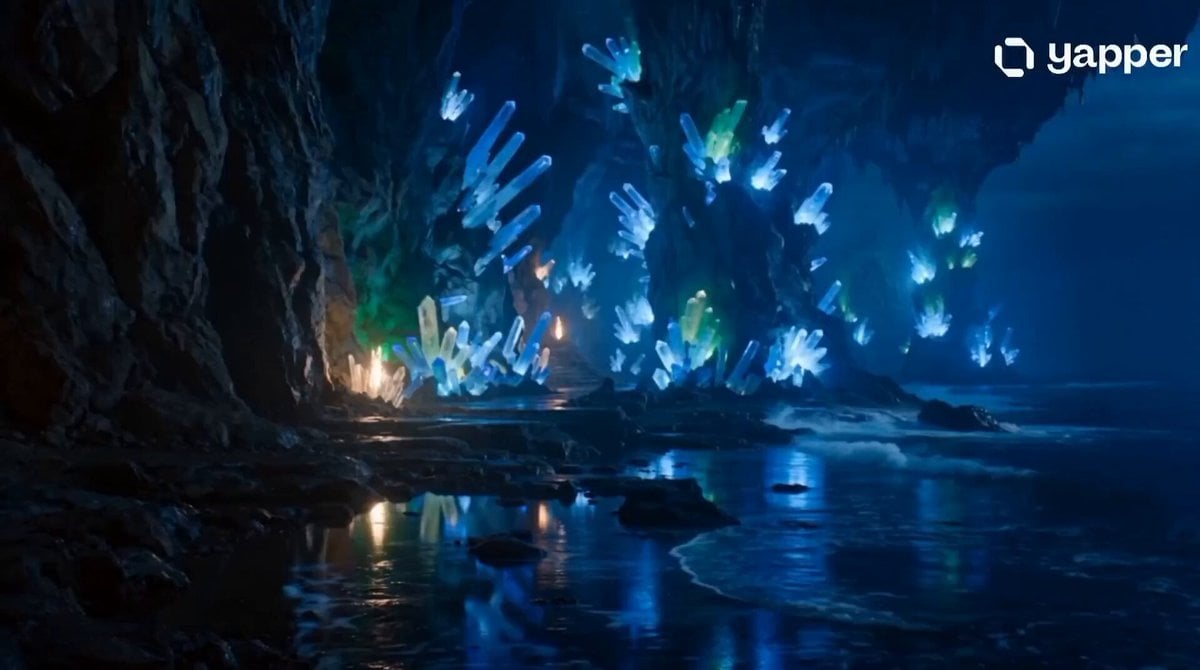
- Prompt included
- Model and format preset
- Free template
The prompt behind this video
Copy the exact prompt behind Fantasy Crystal Cave Adventure, or open it in the studio and make it yours.
[character]Young woman with shoulder-length black hair, bright green eyes, stylish streetwear, confident walk, natural smile, realistic facial details, same face as reference image, photorealistic, ultra detailed, realistic motion, 4K. [place]Giant crystal cave with glowing blue crystals, reflective water pools, mysterious light beams, epic fantasy environment, ultra realistic, 4K. [camera]Smooth tracking shot from behind, slow orbit around the character, cinematic depth of field, professional cinematography, smooth camera movement, realistic motion blur, movie-quality visuals, ultra realistic, 4K. [story]A young woman sails across a stormy ocean chasing rumors of a lost island. After surviving giant waves and dangerous currents, she discovers a hidden paradise surrounded by towering cliffs. Exploring ancient ruins covered in vines, she finds clues leading to a legendary artifact hidden beneath the island. As the island begins to collapse, she races through secret tunnels and escapes just as the treasure chamber rises from the sea. Cinematic adventure, realistic action, ultra realistic, 4K. [rule]No text, no subtitles, no captions, no watermark, no logo, no signature, no username, no UI elements, no extra fingers, no deformed hands, no duplicate character, no blurry face, no low quality, no bad anatomy, no cropped body, no flickering, no camera glitches, no distorted features, no unrealistic motion, no oversaturated colors, no artifacts, consistent character appearance, cinematic lighting, smooth animation, natural facial expressions, realistic body movement, high detail, movie-quality visuals, 4K.
How to use Fantasy Crystal Cave Adventure in 3 steps
- 1Upload ImagePNG, JPG or paste
Add your photo
Upload the photo the template builds on. The prompt, model and format are already set.
- 2…a portrait of your subject in softgolden-hour light, 85mm…
Personalize
Edit the subject and creative details for your destination.
- 3Generate
Generate
Press Generate — your video is created in PicX Studio, so you can compare it with the original and refine one variable at a time.
More like this
Templates with the same subject, style or setup. Open one to see its prompt.
Chibi Cave Adventure — He Doesn't Know What's Coming
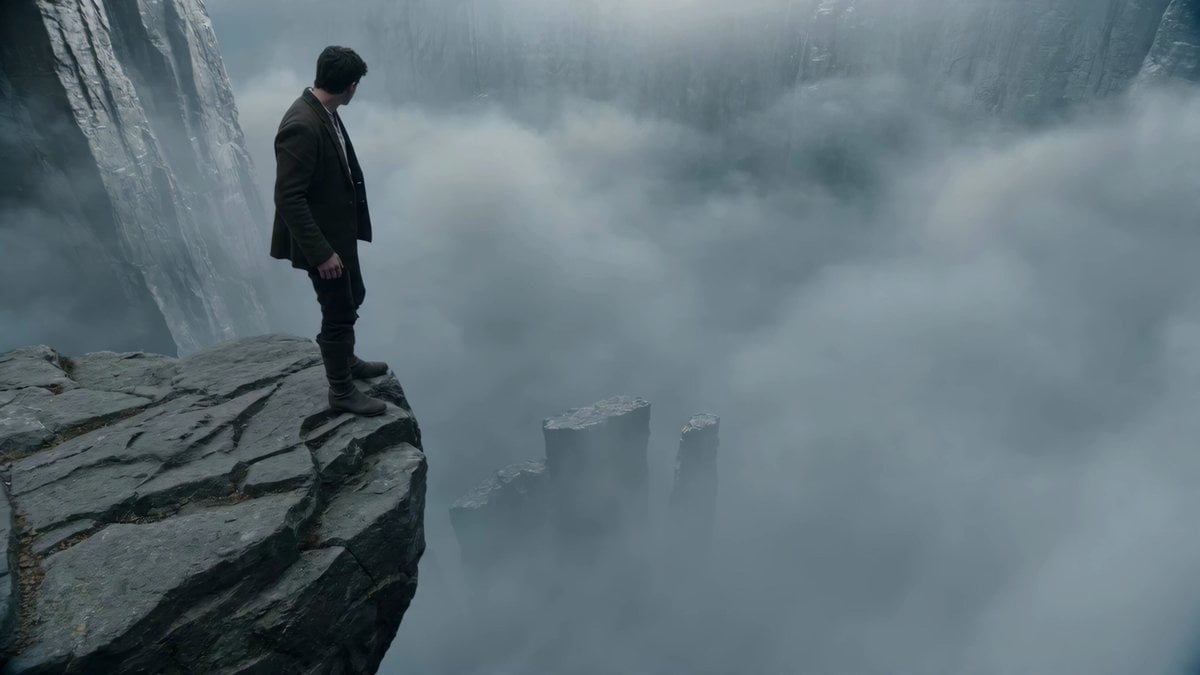
Adventurer Path Creator - Seedance 2
Crystal Cavern Mag-Lev Race — Seedance 2.0

Dragon Rider Cinematic Flight — Seedance 2.5

Crystal Ball Match-Cut Brand Film

Forest Fantasy Girl Short Film

Necromancer Battlefield Orbit
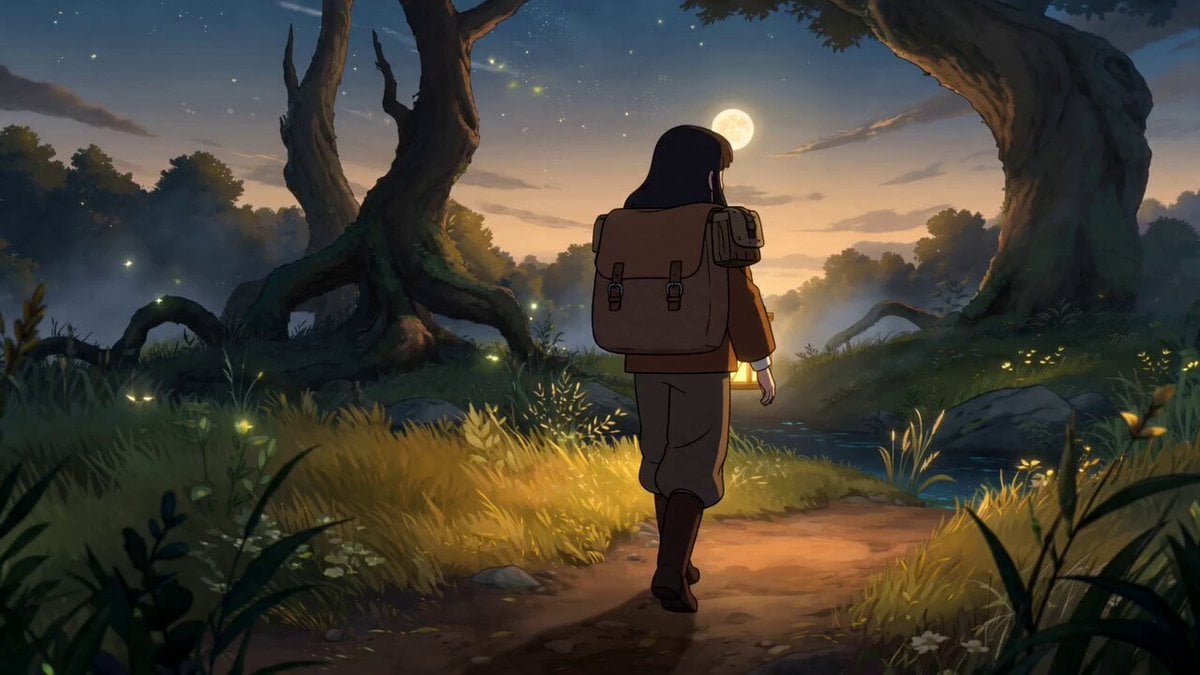
Fantasy Anime Forest Adventure Sequence
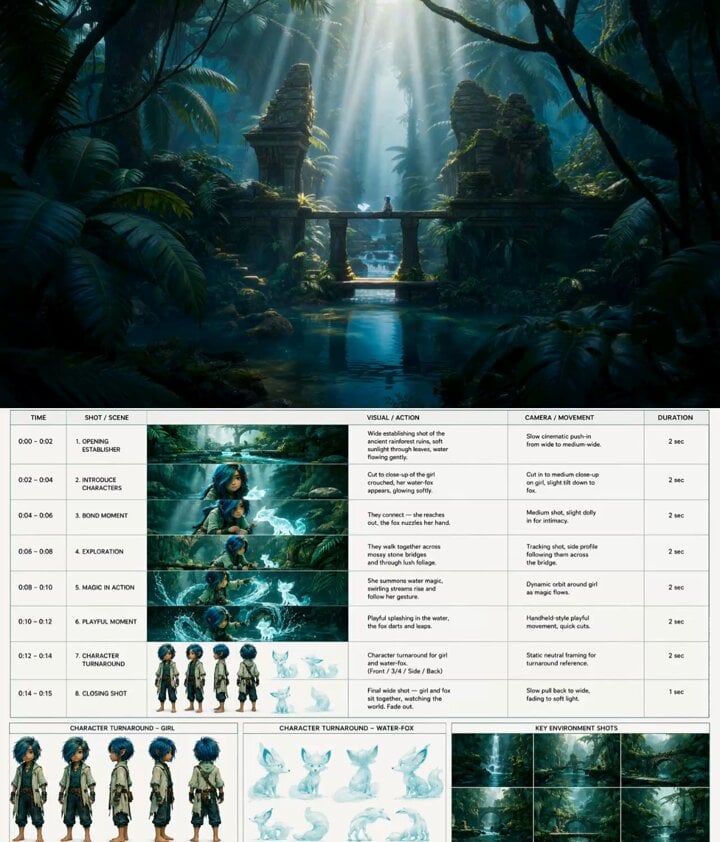
Fantasy Animation Jungle Adventure
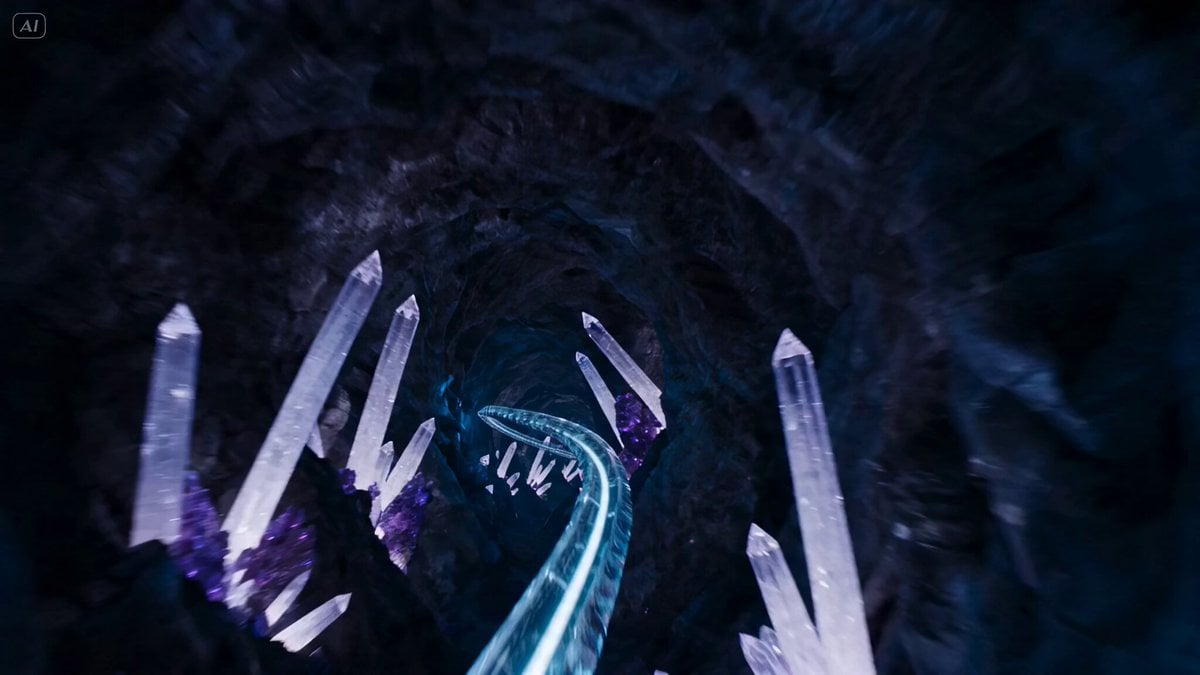
Underground Crystal Cavern Mag-Lev Racing
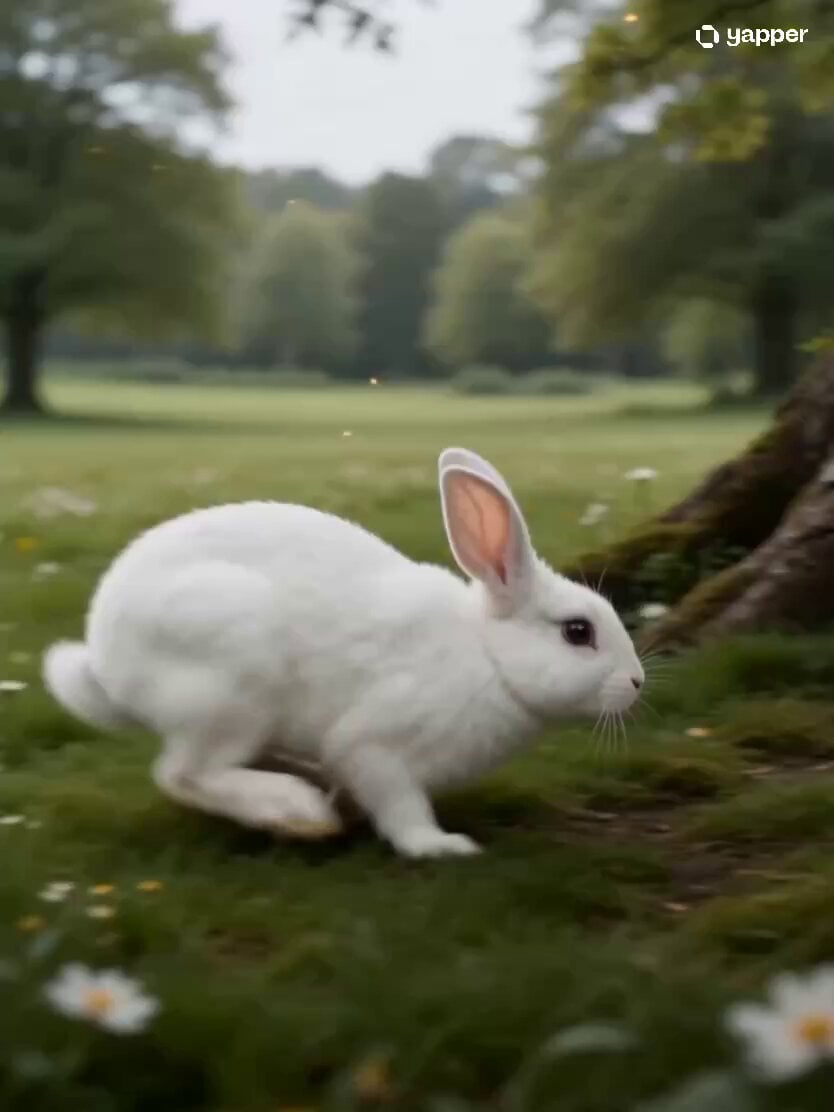
Fantasy Rabbit Hole Adventure Sequence
Underground Temple Escape — Seedance 2.0
Make it yours
Fantasy Crystal Cave Adventure works as-is. These are the safest ways to change it without losing the look.
Change one field
Copy a single group, rewrite it, and generate again so you can see what that field is doing.
Keep the frame, change the subject
Hold the composition and light of Fantasy Crystal Cave Adventure, then swap wardrobe, props or the person for a new take.
| If the result… | Why | Fix |
|---|---|---|
| The result drifts from the preview | Too many fields changed at once. | Reuse Fantasy Crystal Cave Adventure as-is first, then change one group — subject, light, or setting. |
| The model over-stylizes the scene | The prose prompt leaves finish and camera underspecified. | Add one camera or lighting sentence and stay on Seedance 2.0. |
More Seedance 2.0 templates
Other prompts made for Seedance 2.0.

Comical Martial Arts Punch Scene

Maglev Train Action Sequence

Martial Arts Fight Sequence

Wuxia Protection and Trust Script

Vintage Korean Arcade MiniDV Vlog

Mercedes 190 SL Luxury Ad

Rainy Night Supernatural Reverse Comedy Video Script

Amazon Civilization Discovery

Futuristic South Asian City Transformation

Cozy Luxury Cafe Commercial
More video prompts
Fresh picks from across the catalog.
Kinetic Typography Watch Commercial
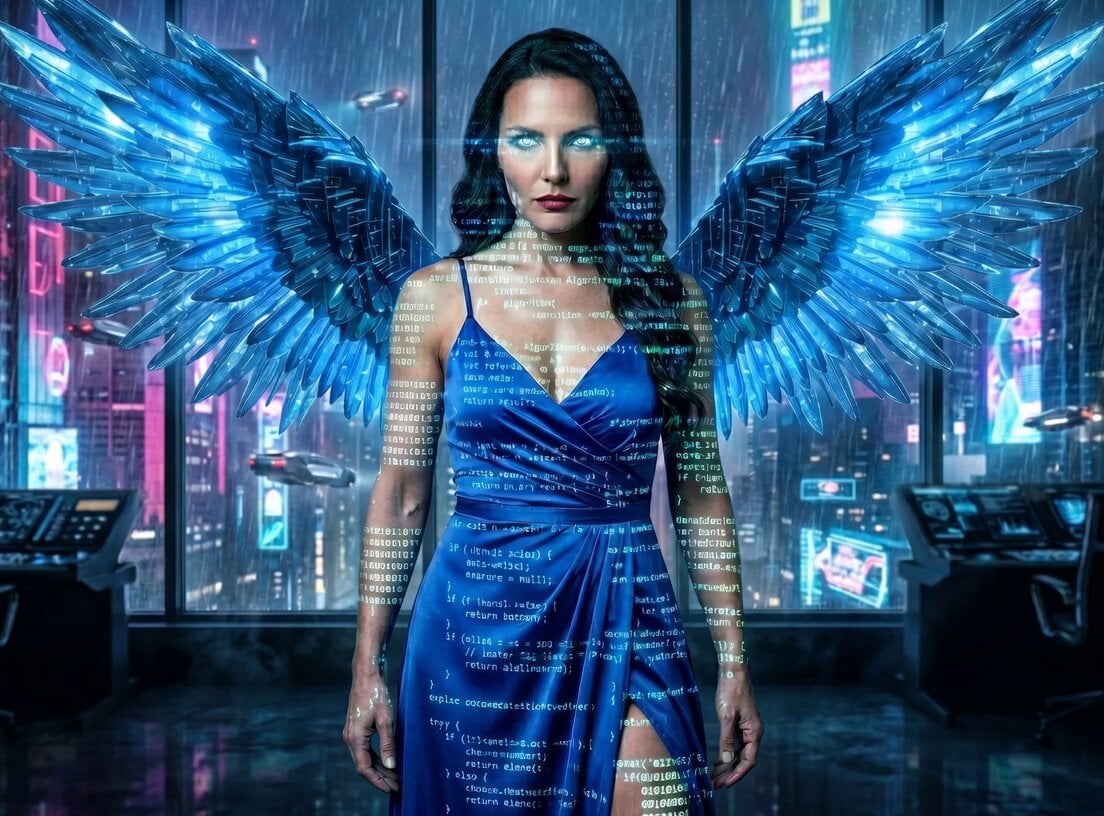
Angelic Hover Over City
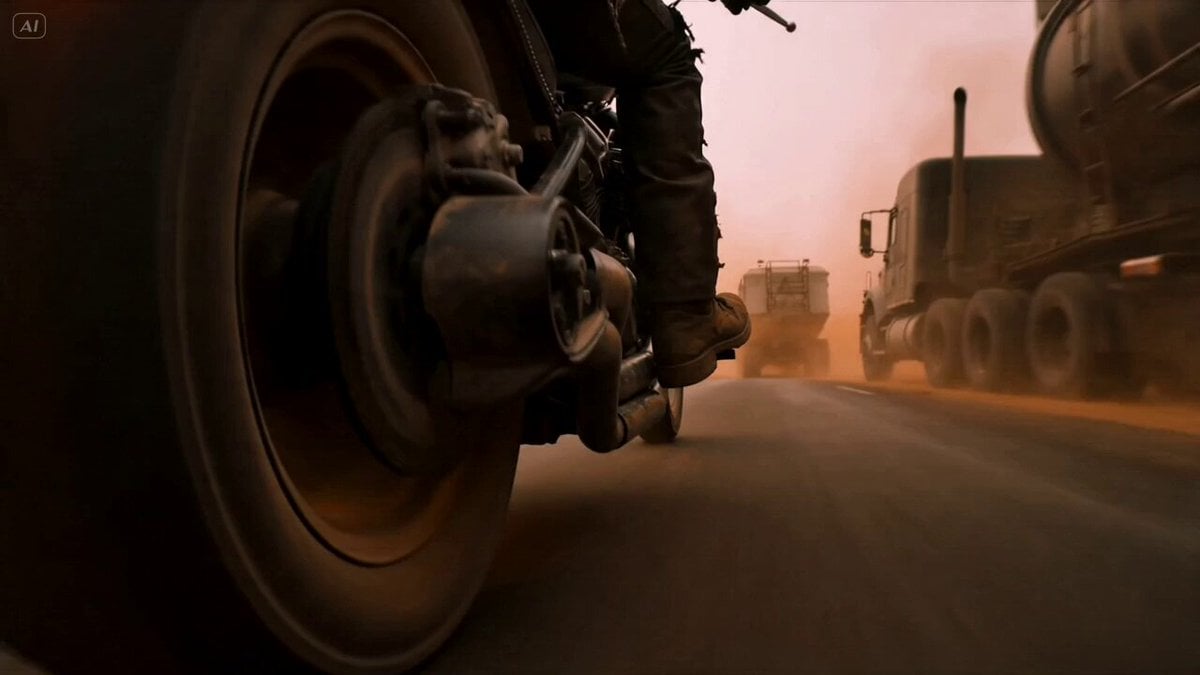
Mad Max Cybernetic Biker Action Sequence
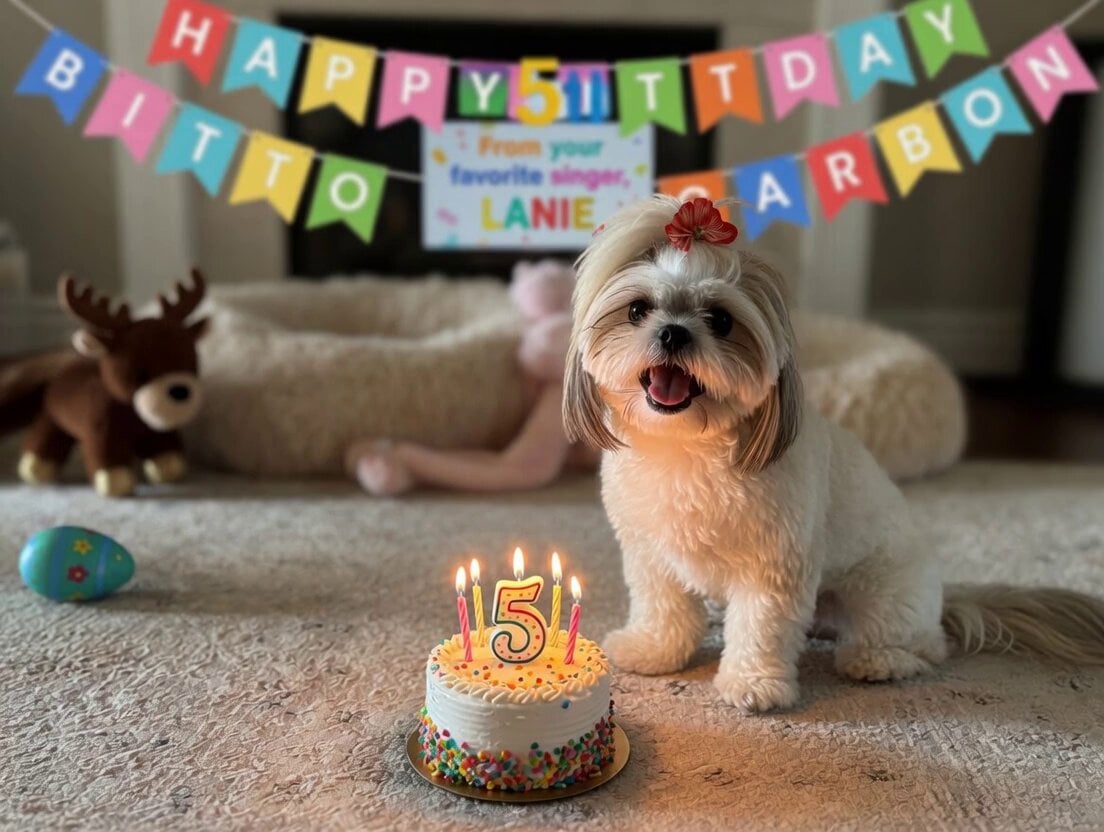
Singing Dog Birthday Video
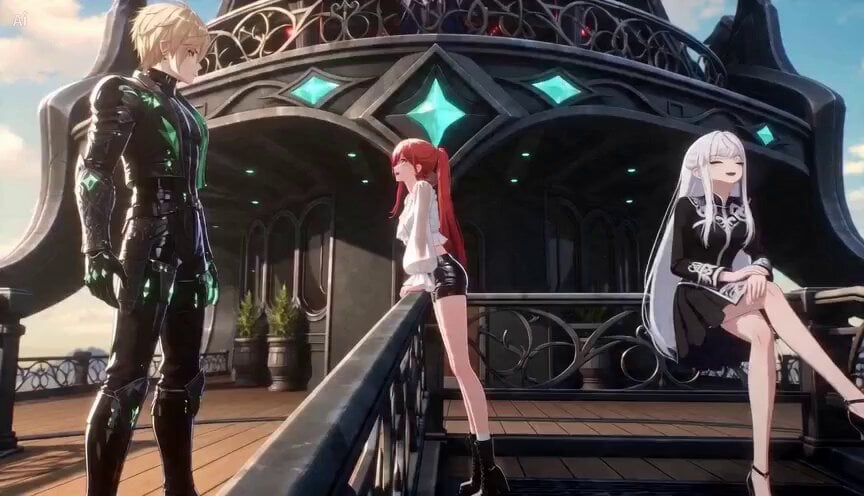
Complex Action Sequence with Transformations
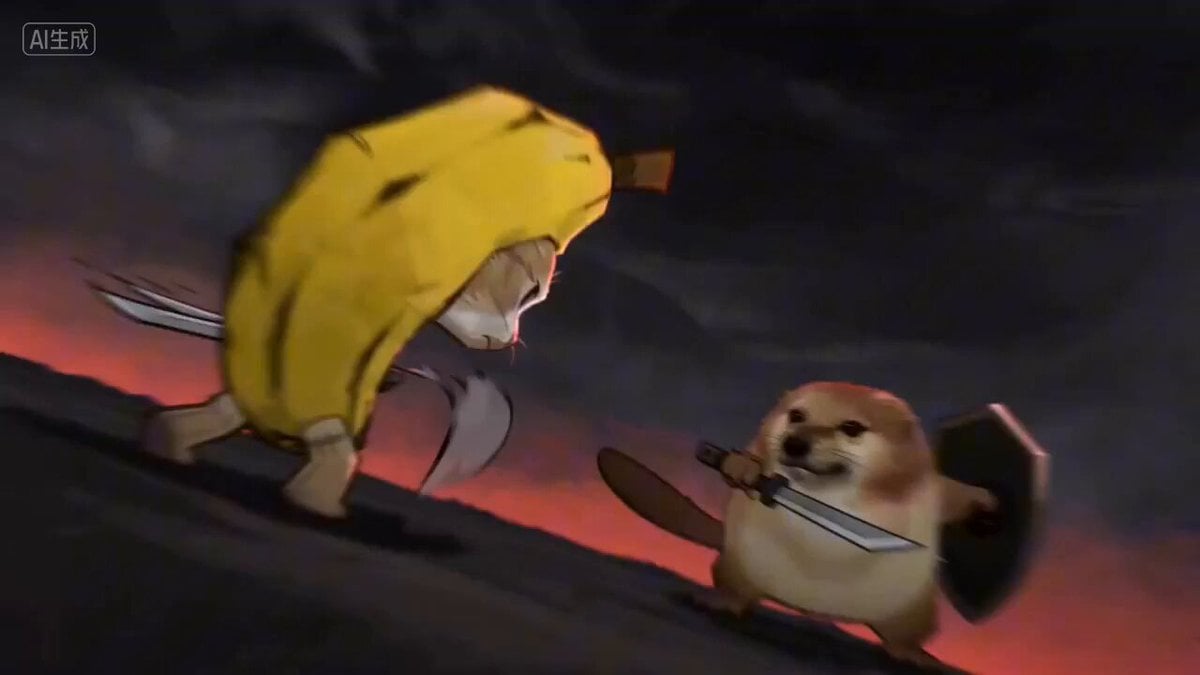
Cinematic Fight Scene Generation in Guoman Style (Seedance 2.0)
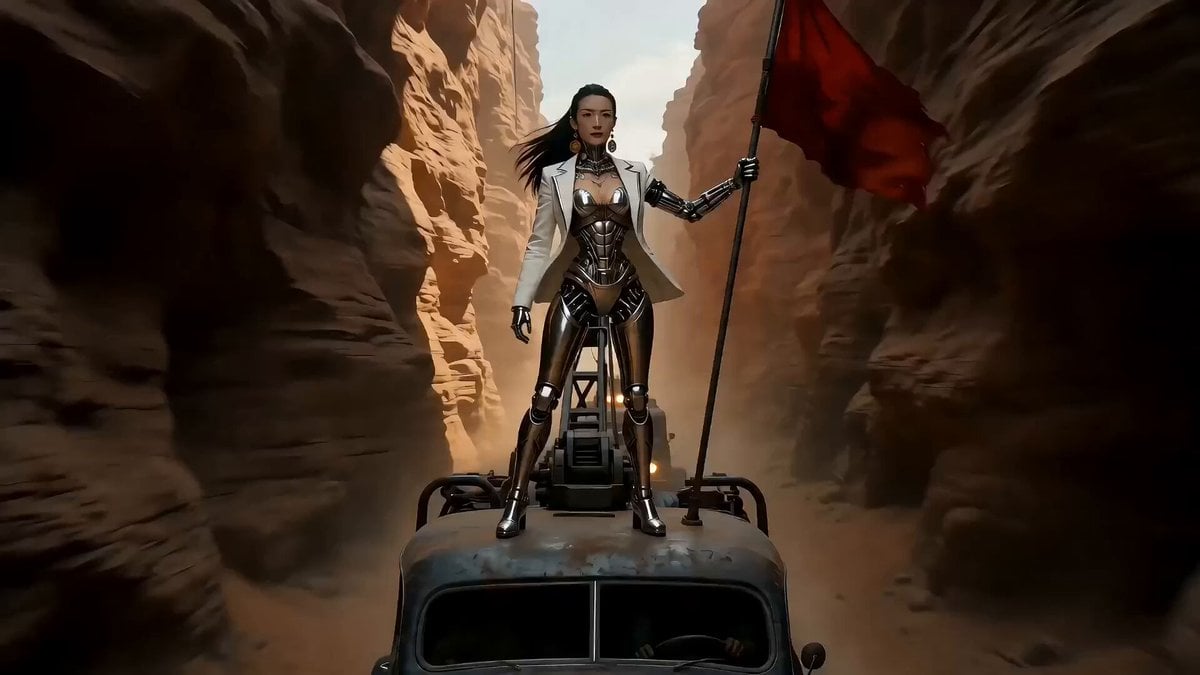
Epic Sci-Fi Action Sequence Prompt for Seedance 2.0
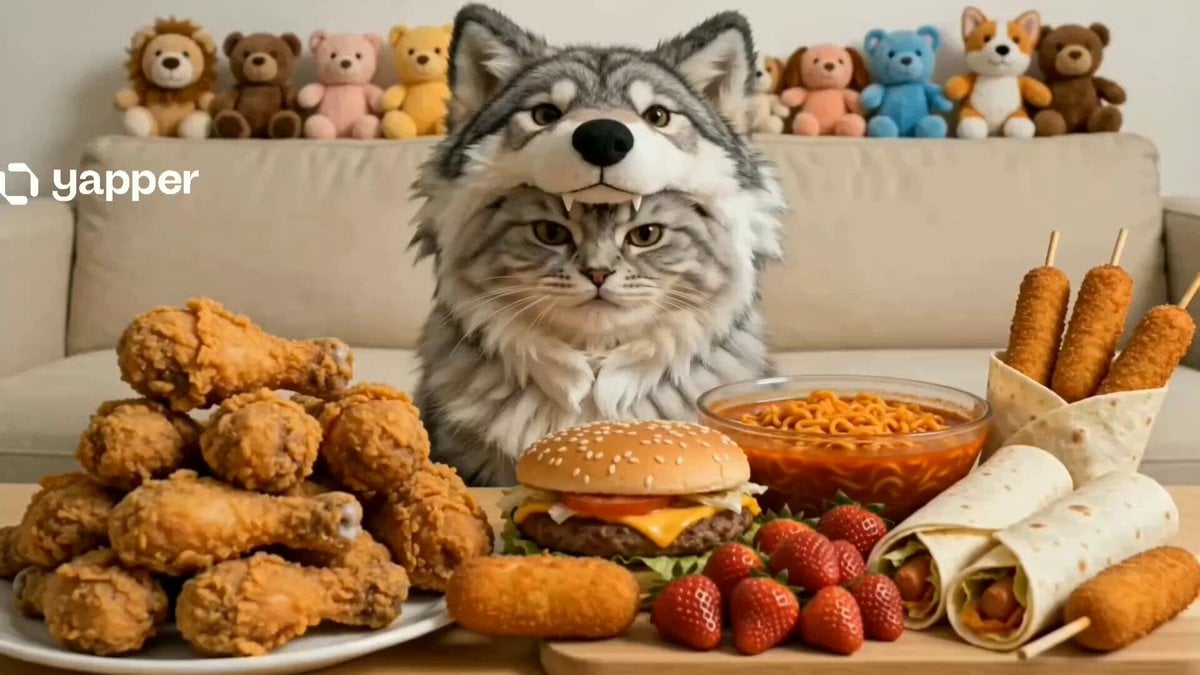
Cat Mukbang Costume Video
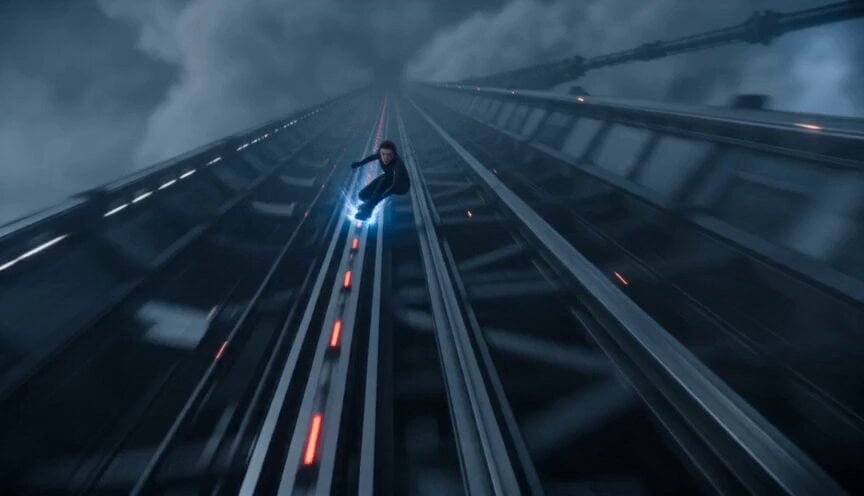
Orbital Elevator Combat Sequence
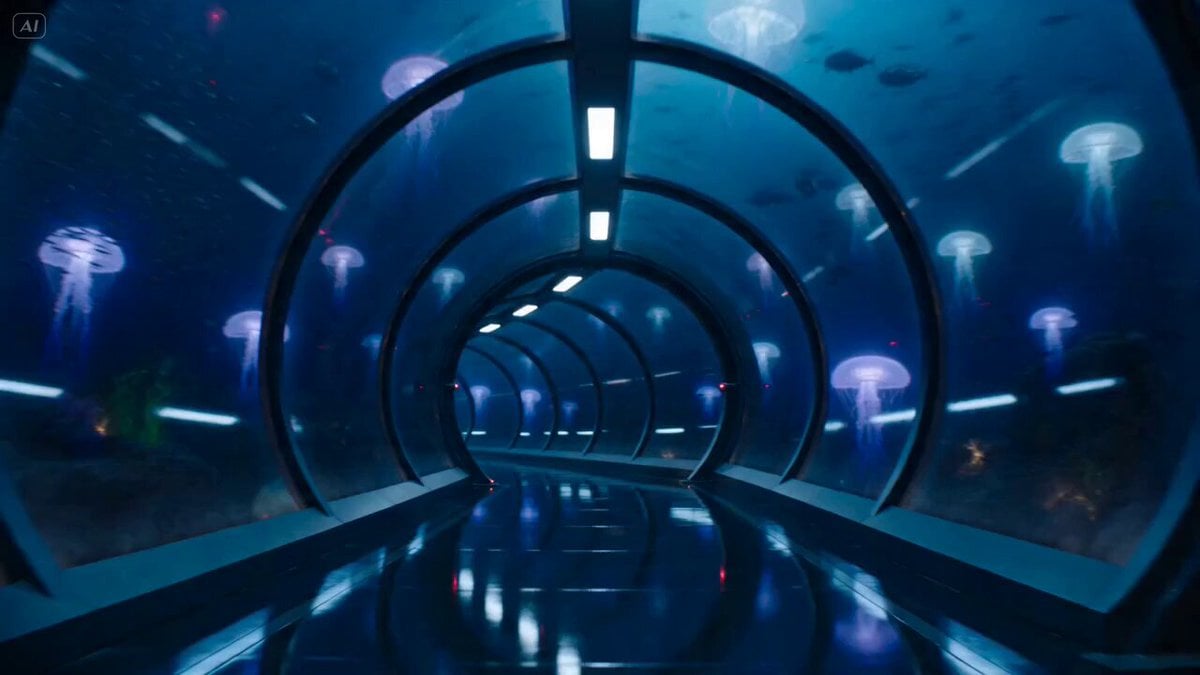
Underwater Glass Tunnel Action Sequence
Browse template categories
Fantasy Crystal Cave Adventure questions
How do I use the Fantasy Crystal Cave Adventure template?
Add your photo if the template asks for one, edit the prompt if you like — the template's model and format are already selected — and press Generate. Your version opens in PicX Studio.
Can I customize the Fantasy Crystal Cave Adventure template?
Yes. You can change the subject, setting, lighting, mood, format, and available model controls before creating your video.
Is the Fantasy Crystal Cave Adventure template free?
Opening and editing this template is free. Generating uses credits, shown on the Generate button when you are signed in.
Which AI model should I use?
Start with Seedance 2.0, which is the model associated with this template. You can compare another compatible model for a different finish.
Looking for something else? Browse all templates.

Your photo, any look
Thousands of ready templates for every top image and video model, from one credit balance.