
Cinematic Fight Scene Generation in Guoman Style (Seedance 2.0)
A detailed, multi-scene prompt designed for Seedance 2.0 to generate a high-energy, cinematic fight video in the style of the Chinese animation 'Fog Hill of Five Elements' (Wushan Wuxing).
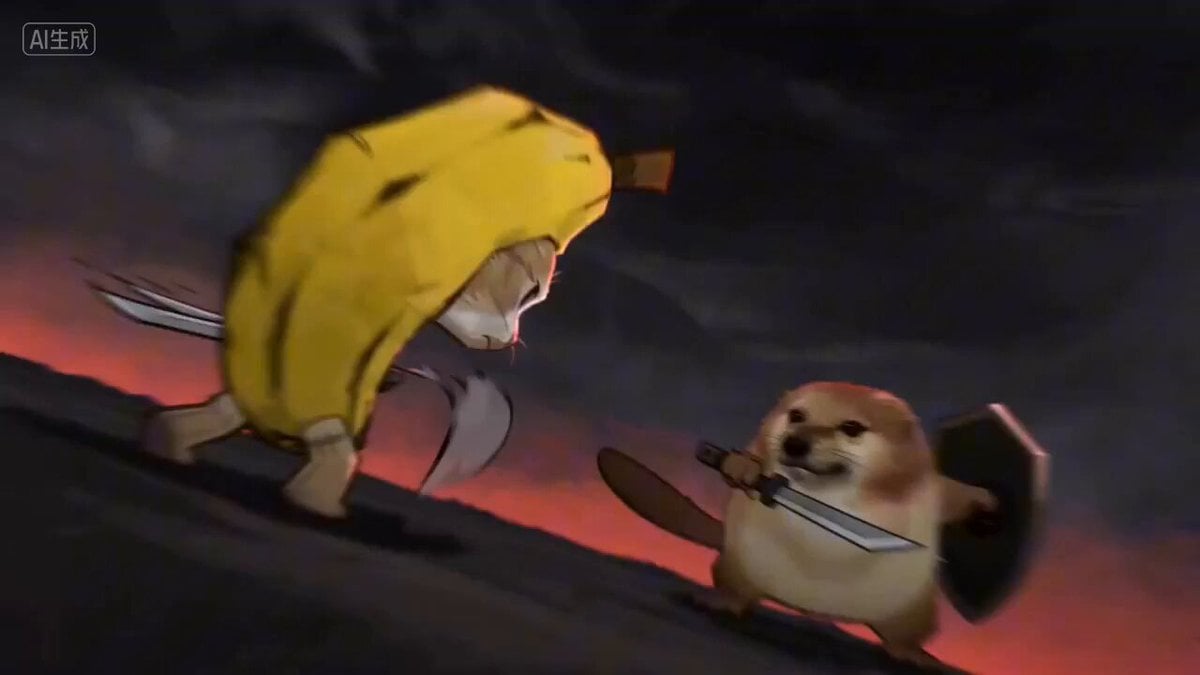
- Prompt included
- Model and format preset
- Free template
The prompt behind this video
Copy the exact prompt behind Cinematic Fight Scene Generation in Guoman Style (Seedance 2.0), or open it in the studio and make it yours.
Shot 1: Opens straight into battle · Weapon Clash Authentic Fog Hill of Five Elements (雾山五行) Chinese-animation style, sharp hard-edged ink-brush lines, high-contrast red-and-black color palette. No buildup at the start — two warriors clash head-on with their weapons, blades/long weapons colliding fiercely, sparks and ink-toned shockwaves erupting simultaneously. Movements swift and ruthless, matched in power, evenly matched, each with their own strengths. Camerawork: low-angle high-speed tracking shot, slight camera shake, close-ups on impacts, the same rhythmic camerawork style as Fog Hill of Five Elements. Shot 2: High-speed attack and defense · Exchanging techniques Fog Hill of Five Elements-style ultra-fluid combat, the two fighters leaving overlapping afterimages, weapons crossing in slashes, blocks, and counters, every move lethal. One fighter is fierce and explosive, the other agile and swift — completely different styles yet equally matched in strength. Ink-mist trails, speed lines, and motion blur pushed to the max, impact feel exploding. Camerawork: circling rotational movement, fast cuts, smooth focus pulls, strong light-and-shadow contrast. Shot 3: Weapon combo · Close-quarters combat Both sides abandon distance and fight in close quarters with their weapons, chopping, slashing, stabbing, hooking, and smashing combos erupting, shockwaves bursting at the moment of impact, the ground cracking apart, dust flying. The two fighters' attack-and-defense rhythm is perfectly balanced, neither overpowering the other, the tension of the fight at its peak. Camerawork: slow-motion close-ups on impact moments, ultra-wide-angle lens, camera-shake feedback. Shot 4: Ultimate-move clash · Auras evenly matched Both fighters unleash their full power at the same time, their weapons infused with ink-black battle aura/flame light, colliding head-on at full force, an energy shockwave bursting outward, heaven and earth trembling. The art style is wild and unrestrained, the mood epic, both fighters' auras completely equal, each with their own strengths, the sense of pressure at its max. Camerawork: epic low-angle wide shot, backlit silhouette, cinematic deep-focus composition. Shot 5: Stalemate freeze-frame · Evenly matched The battle abruptly stops, weapons locked against each other, the two fighters standing off against one another, breath heaving, dust swirling. Their gazes are cold and sharp, evenly matched, the outcome undecided, a strong sense of negative space. Camerawork: medium shot, slow push-in freeze-frame, the high-end animation texture of Fog Hill of Five Elements. Universal reinforcement terms (must be added to every segment): Fog Hill of Five Elements animation-grade art style, ultra-sharp lines, intense weapon combat, every punch landing with real weight, extremely strong impact feel, evenly matched, each with their own strengths, thrilling combat. Cinema-grade professional camerawork, dynamic effects pushed to the max, 4K ultra-HD, Chinese-style violence aesthetics, no text, animated storyboard.
How to use Cinematic Fight Scene Generation in Guoman Style (Seedance 2.0) in 3 steps
- 1
Open
The prompt is already in the box next to the preview, with the template's model and format selected.
- 2…a portrait of your subject in softgolden-hour light, 85mm…
Personalize
Edit the subject and creative details for your destination.
- 3Generate
Generate
Press Generate — your video is created in PicX Studio, so you can compare it with the original and refine one variable at a time.
More like this
Templates with the same subject, style or setup. Open one to see its prompt.
Swordsman vs Shadow Monster — Bamboo Forest Battle
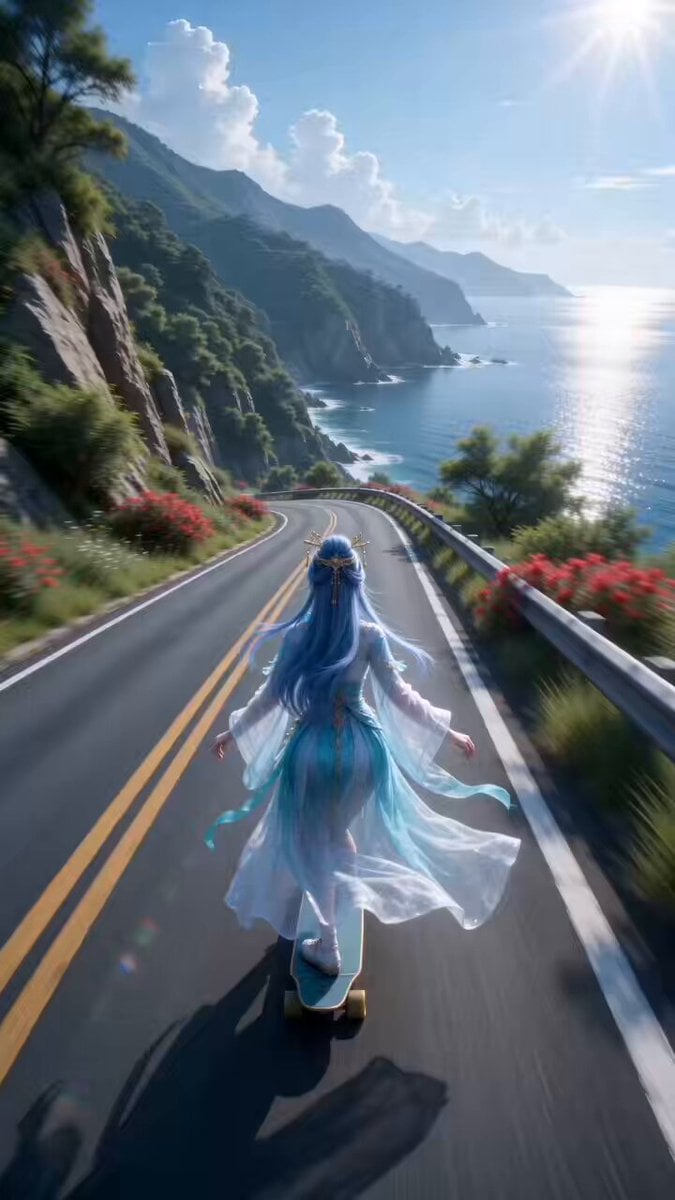
Guoman Goddess Skateboard Video Generation (Seedance 2.0)

Wholesome Puppy and Kitten Story - Seedance 2.5

Mysterious Home Exploration Vlog - Seedance 2.5

Dark Tokusatsu Transformation - Seedance 2.5

Cinematic Xinjiang Drone Landscapes - Seedance 2.5

Late Night Kitchen Phone Recording - Seedance 2.5

3D Animated Cat and Old Man - Seedance

Realistic City Street Story Cinematic Video - Seedance

Seedance 2.0 First Test — Dynamic Motion Showcase

Dragon Rider Cinematic Flight — Seedance 2.5

Sneaker Product Commercial
Make it yours
Cinematic Fight Scene Generation in Guoman Style (Seedance 2.0) works as-is. These are the safest ways to change it without losing the look.
Change one field
Copy a single group, rewrite it, and generate again so you can see what that field is doing.
Keep the frame, change the subject
Hold the composition and light of Cinematic Fight Scene Generation in Guoman Style (Seedance 2.0), then swap wardrobe, props or the person for a new take.
| If the result… | Why | Fix |
|---|---|---|
| The result drifts from the preview | Too many fields changed at once. | Reuse Cinematic Fight Scene Generation in Guoman Style (Seedance 2.0) as-is first, then change one group — subject, light, or setting. |
| The model over-stylizes the scene | The prose prompt leaves finish and camera underspecified. | Add one camera or lighting sentence and stay on Seedance 2.0. |
More Seedance 2.0 templates
Other prompts made for Seedance 2.0.

Comical Martial Arts Punch Scene

Maglev Train Action Sequence

Martial Arts Fight Sequence

Wuxia Protection and Trust Script

Vintage Korean Arcade MiniDV Vlog

Mercedes 190 SL Luxury Ad

Rainy Night Supernatural Reverse Comedy Video Script

Amazon Civilization Discovery

Futuristic South Asian City Transformation

Cozy Luxury Cafe Commercial
More video prompts
Fresh picks from across the catalog.
Lillyli Time Freeze Avatar
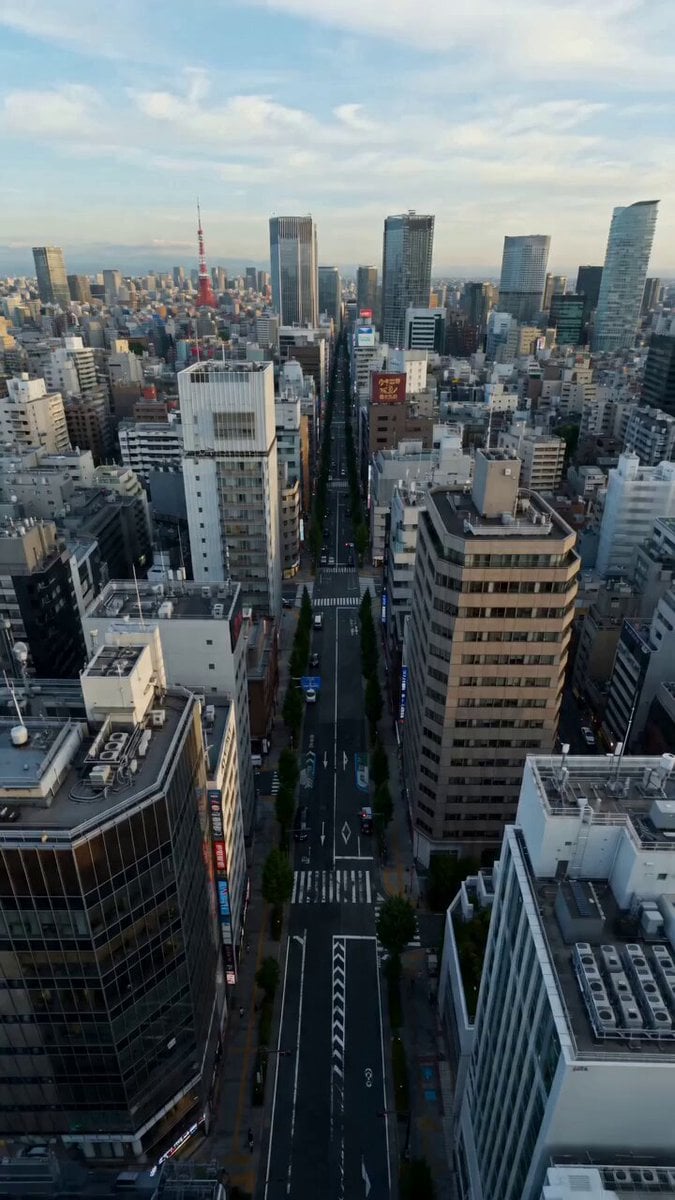
Cinematic Drone Dive into a Person's Eye
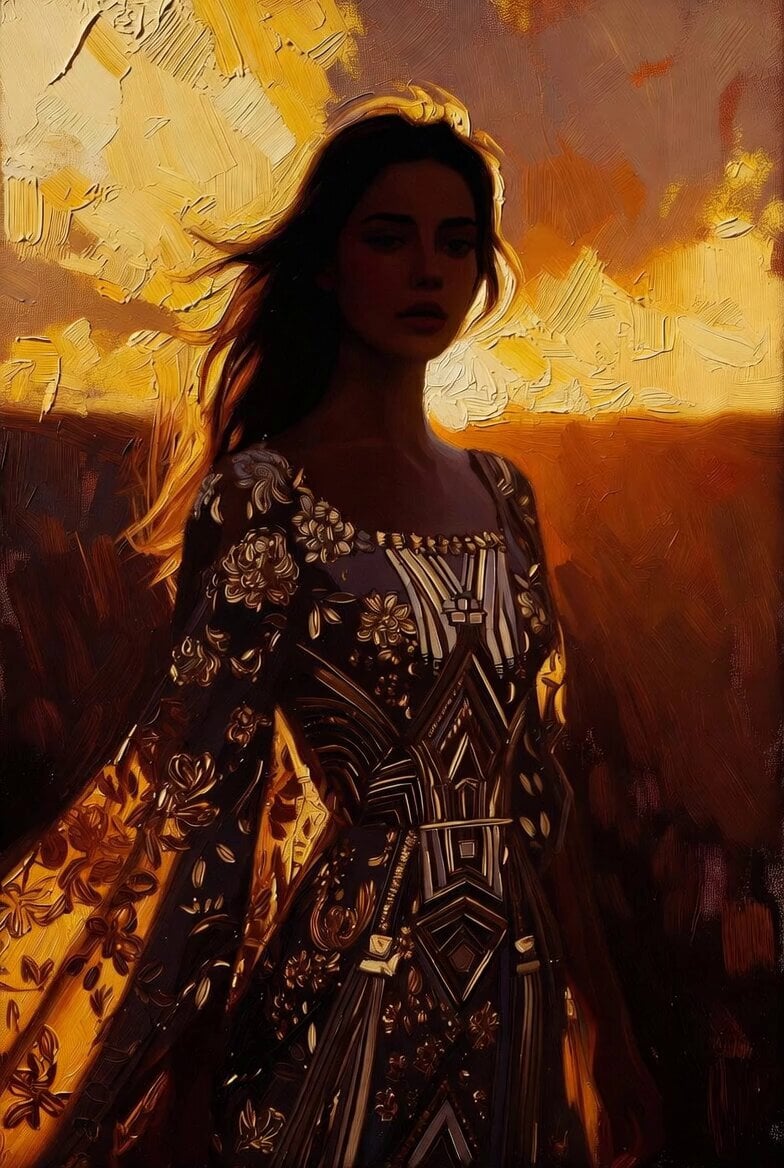
Rococo Oil Painting Portrait Video
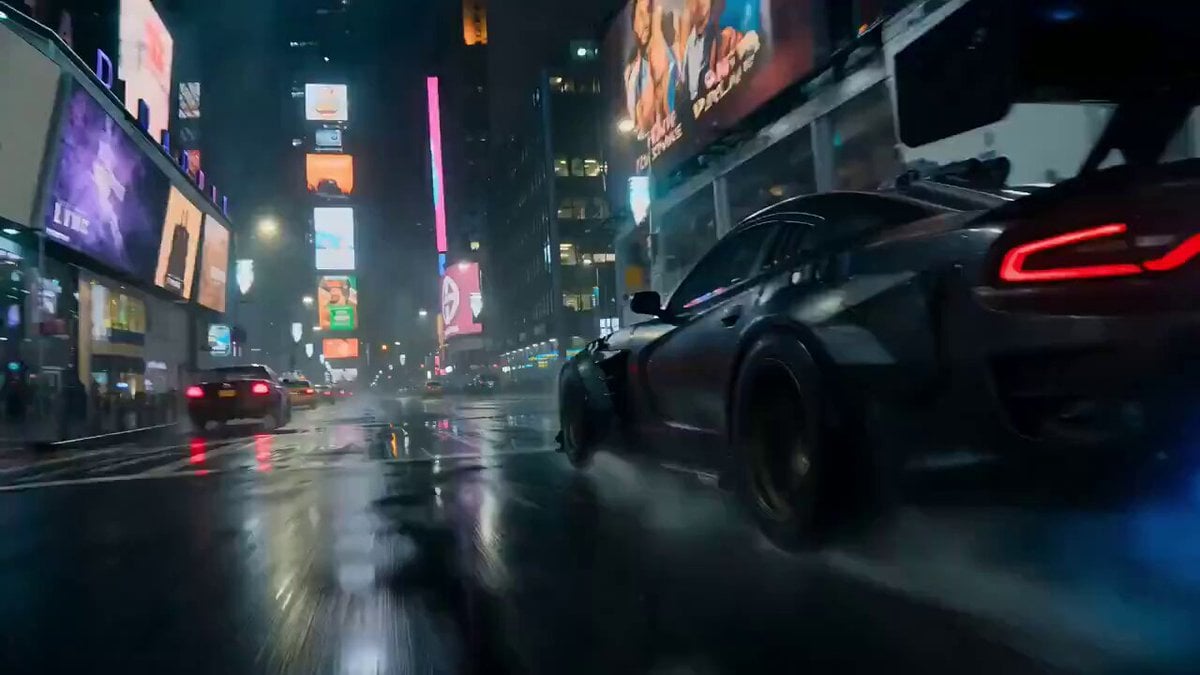
Luxury Car Transforming into Optimus Prime Fighting Godzilla in Tokyo

Godlike Voice and Time Portal Video
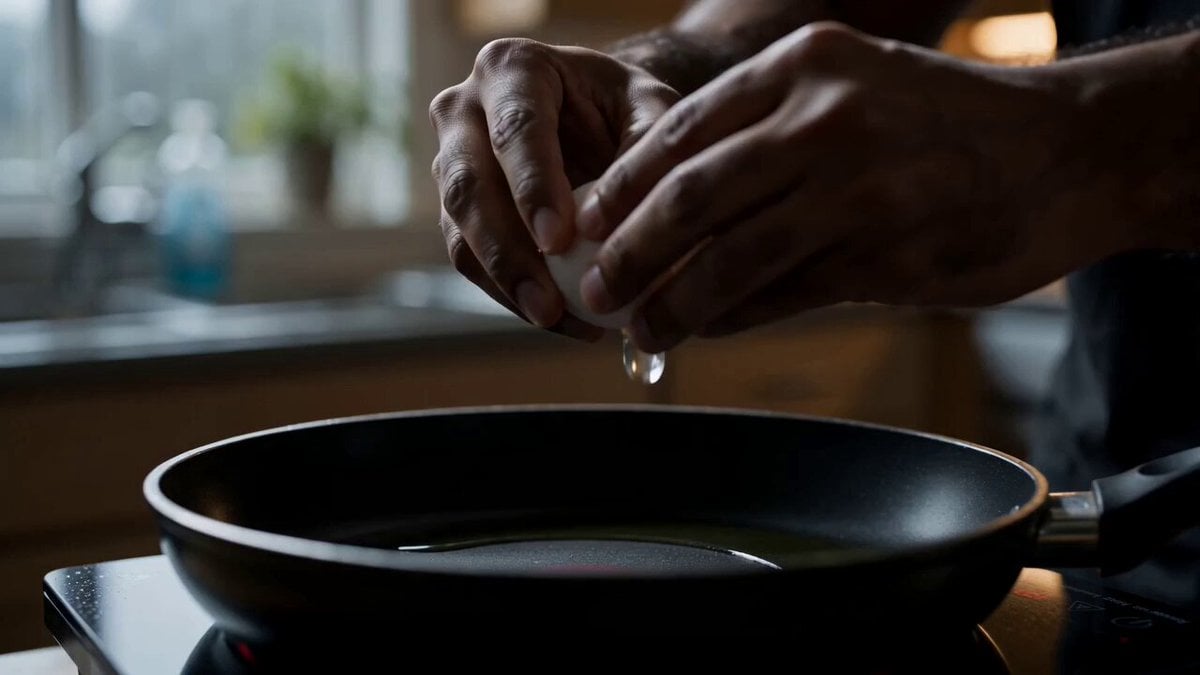
Morning Routine Lifestyle Vlog
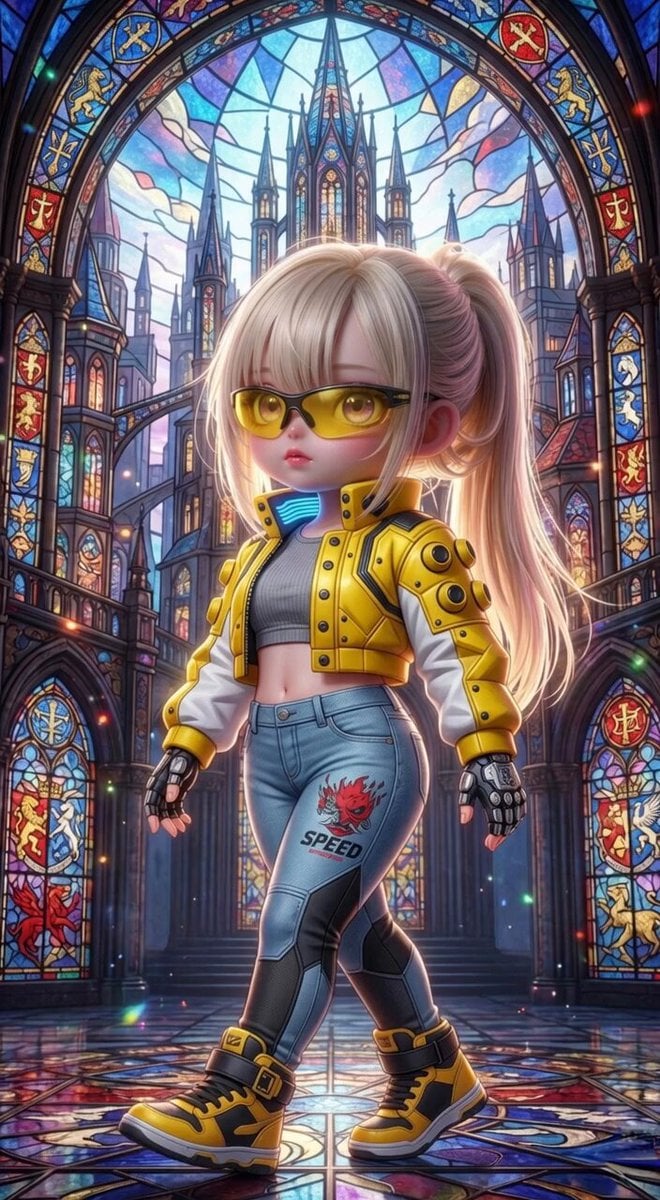
Grok Imagine Mechanical and Ethereal Creature Prompts
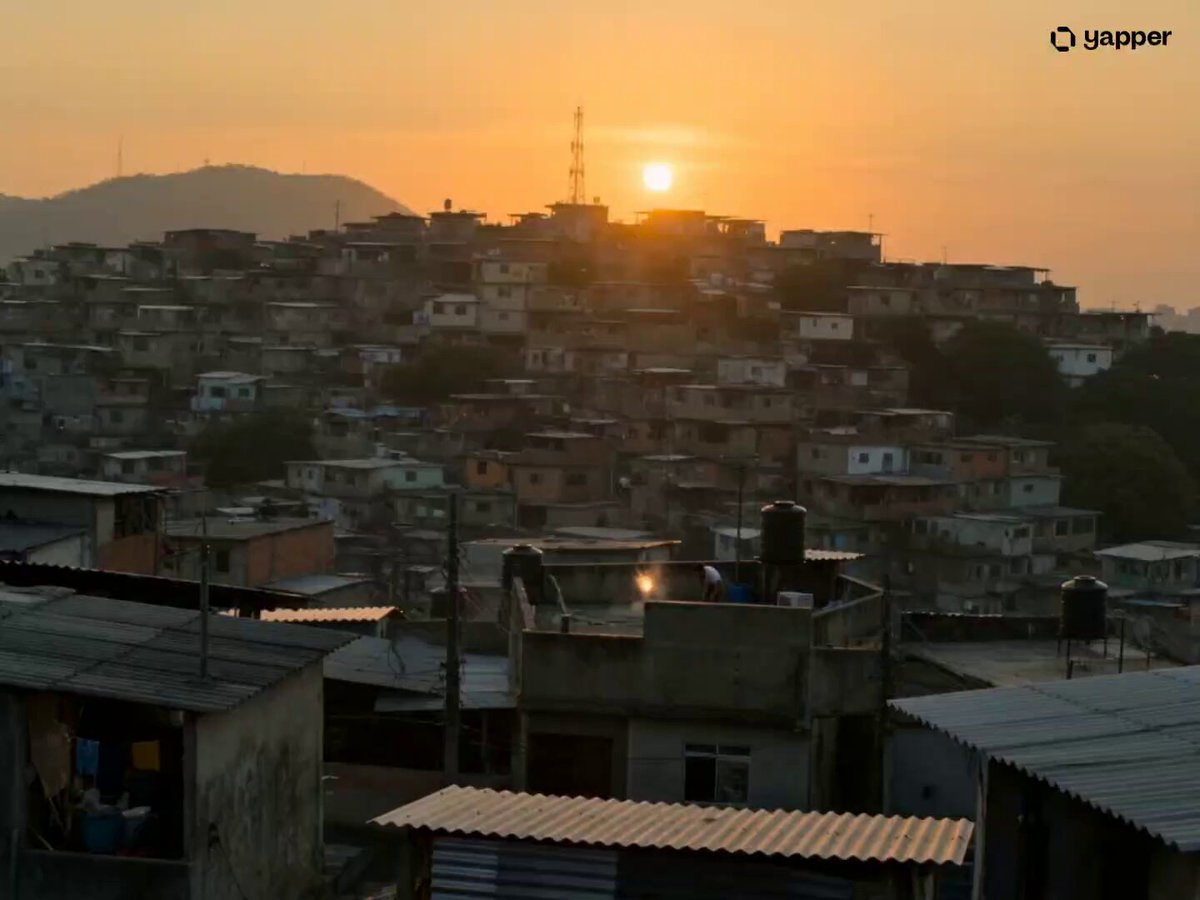
São Paulo Parkour Action Sequence
Redwood Construction Timelapse
Cybernetic Beetle Macro Chase
Browse template categories
Cinematic Fight Scene Generation in Guoman Style (Seedance 2.0) questions
How do I use the Cinematic Fight Scene Generation in Guoman Style (Seedance 2.0) template?
Add your photo if the template asks for one, edit the prompt if you like — the template's model and format are already selected — and press Generate. Your version opens in PicX Studio.
Can I customize the Cinematic Fight Scene Generation in Guoman Style (Seedance 2.0) template?
Yes. You can change the subject, setting, lighting, mood, format, and available model controls before creating your video.
Is the Cinematic Fight Scene Generation in Guoman Style (Seedance 2.0) template free?
Opening and editing this template is free. Generating uses credits, shown on the Generate button when you are signed in.
Which AI model should I use?
Start with Seedance 2.0, which is the model associated with this template. You can compare another compatible model for a different finish.
Looking for something else? Browse all templates.

Your photo, any look
Thousands of ready templates for every top image and video model, from one credit balance.