
Guoman Goddess Skateboard Video Generation (Seedance 2.0)
A highly detailed, multi-stage prompt for Seedance 2.0 to generate a dynamic video of a Guoman (Chinese animation) style goddess skateboarding.
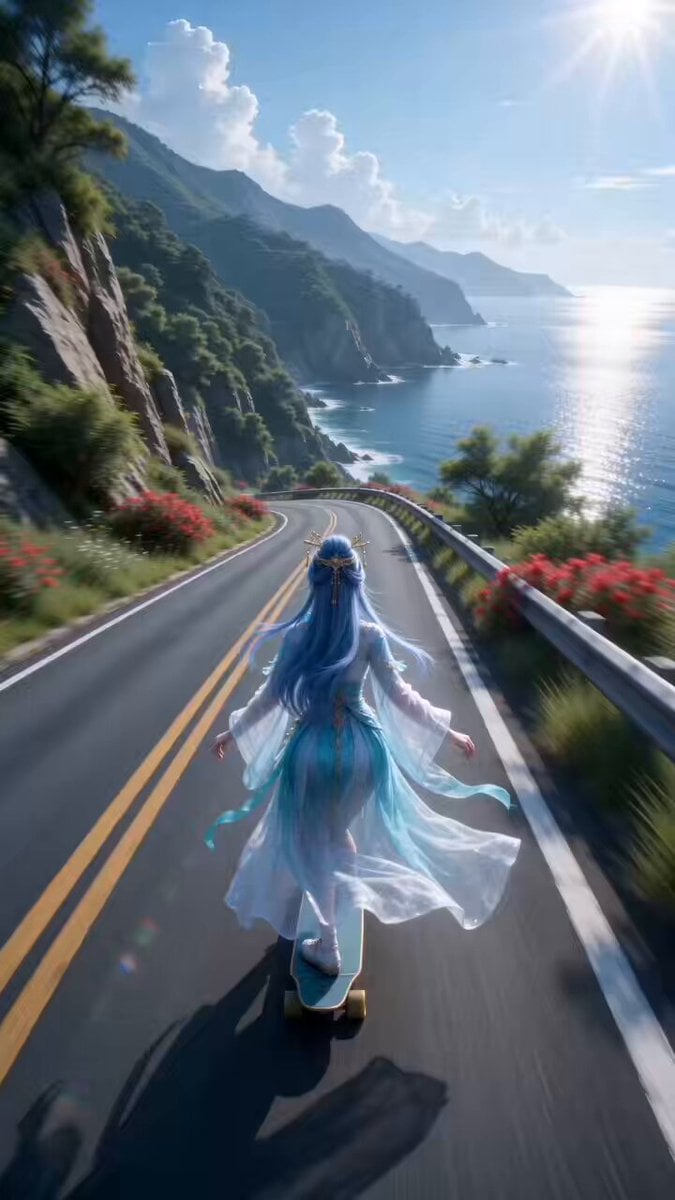
- Prompt included
- Model and format preset
- Free template
The prompt behind this video
Copy the exact prompt behind Guoman Goddess Skateboard Video Generation (Seedance 2.0), or open it in the studio and make it yours.
Third-person low rear-angle view from the skateboard, ultra-wide-angle strong perspective, the camera tilting slowly in sync with the road's left turn, the body shaking slightly to simulate the feel of riding alongside, entering the turn at low speed then rapidly accelerating. [Image 1] leans their center of gravity left into the turn, the hem of their top and their hair whipping violently backward in the wind; the road's bright white/yellow lane markings start to trail, the vivid green roadside plants and bright red flowers showing horizontal motion blur; the shimmer on the distant sea surface refracts and reflects with the curve of the road, a high-speed shutter freezing the first afterimage of the spinning wheels, the edges slightly blurred, keeping the high-saturation solid-color contrast between the road surface and the plants, a hint of film grain starting to show. The camera tilts sharply left and right along the continuous S-curves, diving at extreme speed while staying close to the subject, the ultra-wide-angle perspective pushed to the max, the camera bouncing slightly up and down to enhance the authentic feel of riding. Tracking locked on [Image 1] throughout, [Image 1] continuously shifts their center of gravity left and right, their body swaying dramatically as they descend, their clothes and hair completely streamlined by the fierce wind; the spinning wheels trail long afterimages, the road markings turn into dense speed lines, the roadside plants and trees compress into blurred colored bands; The sea's bright reflected glare distorts and diffuses with the speed, strong overall motion blur + edge blur, a heavy-grain film texture pushed to the max, the shadow areas showing pronounced tonal bleed, the solid-color high contrast (green mountains / red flowers / bright lane markings / blue sea) delivering maximum visual impact. As the road exits the curve, the camera slowly straightens, the angle lifting slightly, the tracking speed easing a bit while still maintaining a sense of high-speed motion, ending the sharp tilt. [Image 1]'s body straightens and their stance steadies, their clothes and hair still carrying the residual motion of flapping; the wheel afterimages and speed lines gradually fade but retain a lingering sense of motion, the road markings become clear again but their edges still remain slightly blurred; the blurred bands of plants converge back into focus, the sea's shimmer returns to a soft reflection, the motion blur eases while retaining the high-speed photographic texture, closing on [Image 1]'s diving silhouette from behind + a high-saturation mountain-and-sea landscape, layering and atmosphere pushed to the max.
How to use Guoman Goddess Skateboard Video Generation (Seedance 2.0) in 3 steps
- 1Upload ImagePNG, JPG or paste
Add your photo
Upload the photo the template builds on. The prompt, model and format are already set.
- 2…a portrait of your subject in softgolden-hour light, 85mm…
Personalize
Edit the subject and creative details for your destination.
- 3Generate
Generate
Press Generate — your video is created in PicX Studio, so you can compare it with the original and refine one variable at a time.
More like this
Templates with the same subject, style or setup. Open one to see its prompt.
Cinematic Fight Scene Generation in Guoman Style (Seedance 2.0)

Wholesome Puppy and Kitten Story - Seedance 2.5

Mysterious Home Exploration Vlog - Seedance 2.5

Dark Tokusatsu Transformation - Seedance 2.5

Cinematic Xinjiang Drone Landscapes - Seedance 2.5

Late Night Kitchen Phone Recording - Seedance 2.5

3D Animated Cat and Old Man - Seedance

Realistic City Street Story Cinematic Video - Seedance

Seedance 2.0 First Test — Dynamic Motion Showcase

Dragon Rider Cinematic Flight — Seedance 2.5

Sneaker Product Commercial

Cinematic Short Film Scene 2
Make it yours
Guoman Goddess Skateboard Video Generation (Seedance 2.0) works as-is. These are the safest ways to change it without losing the look.
Change one field
Copy a single group, rewrite it, and generate again so you can see what that field is doing.
Keep the frame, change the subject
Hold the composition and light of Guoman Goddess Skateboard Video Generation (Seedance 2.0), then swap wardrobe, props or the person for a new take.
| If the result… | Why | Fix |
|---|---|---|
| The result drifts from the preview | Too many fields changed at once. | Reuse Guoman Goddess Skateboard Video Generation (Seedance 2.0) as-is first, then change one group — subject, light, or setting. |
| The model over-stylizes the scene | The prose prompt leaves finish and camera underspecified. | Add one camera or lighting sentence and stay on Seedance 2.0. |
More Seedance 2.0 templates
Other prompts made for Seedance 2.0.

Comical Martial Arts Punch Scene

Maglev Train Action Sequence

Martial Arts Fight Sequence

Wuxia Protection and Trust Script

Vintage Korean Arcade MiniDV Vlog

Mercedes 190 SL Luxury Ad

Rainy Night Supernatural Reverse Comedy Video Script

Amazon Civilization Discovery

Futuristic South Asian City Transformation

Cozy Luxury Cafe Commercial
More video prompts
Fresh picks from across the catalog.
Temple Rooftop Chase Animation

Video Prompt for Pepe Frog Grok Meme Token Robot
X Chillaikalan Nano Banana Pro Seedance 20
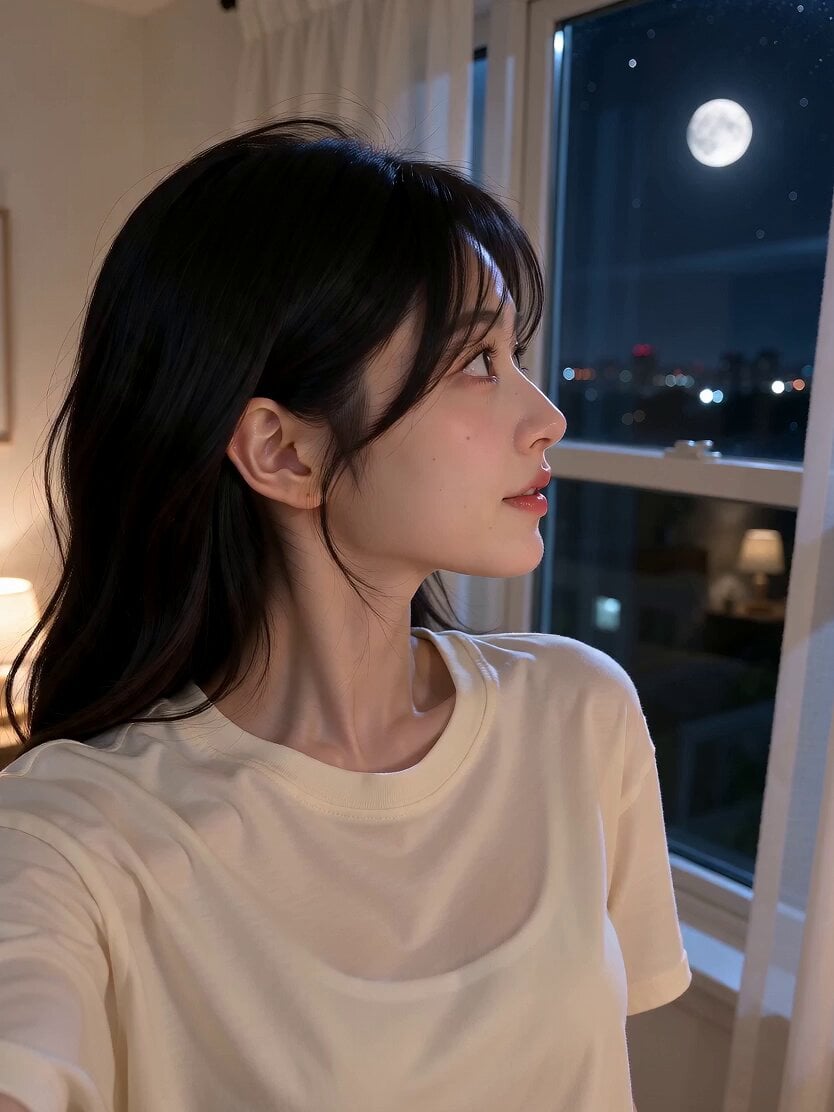
Romantic Bedroom Selfie Vlog
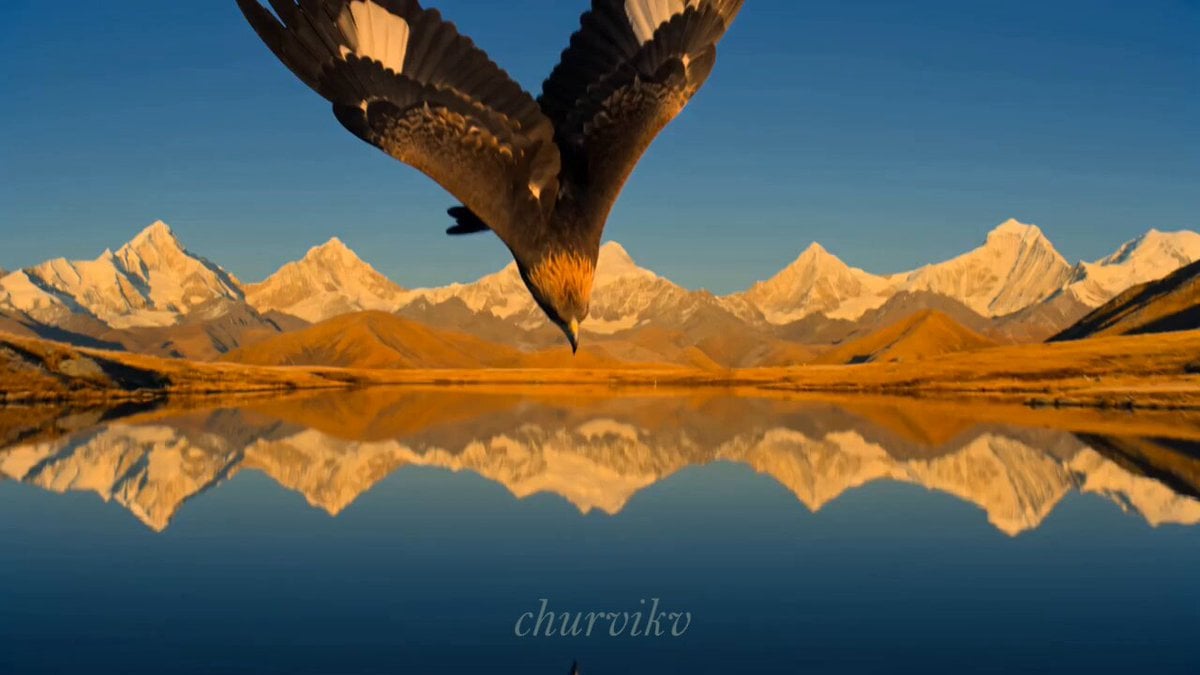
Cinematic Storyboard Sequence Transition
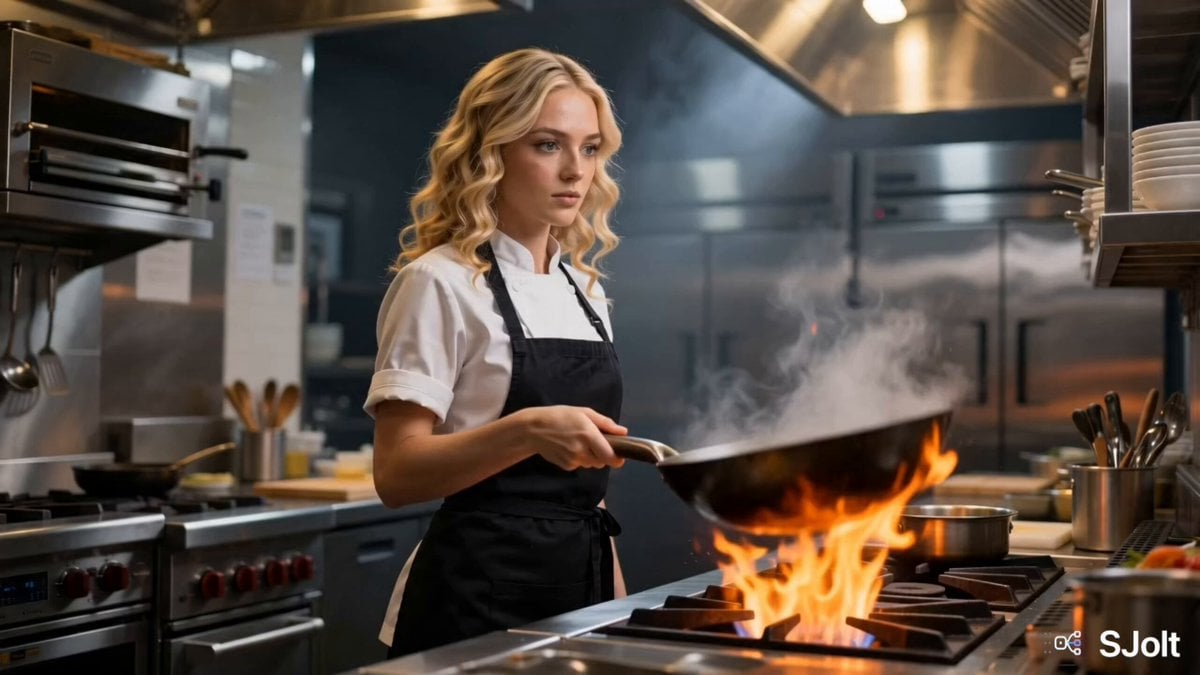
Cinematic Action Cooking Scene
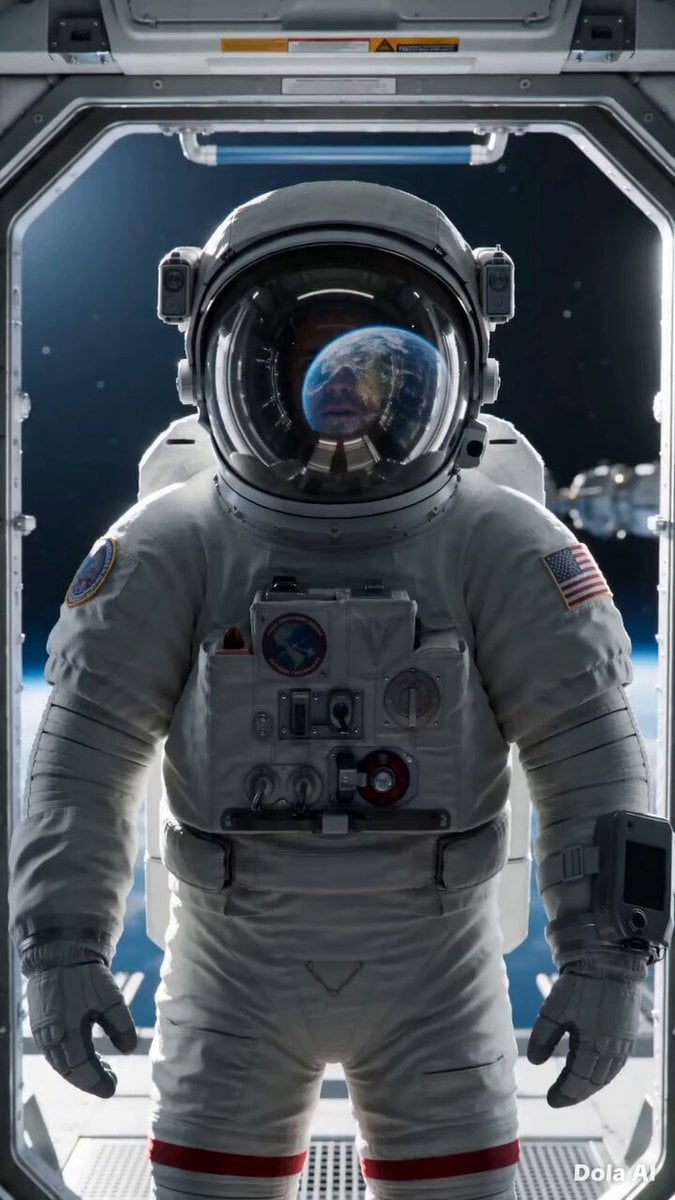
Cinematic Astronaut Space Leap
Cherry Blossom Invasion VFX Video Prompt
Mocking Smile Video Prompt
Warrior Girl Galloping on Misty Battlefield
Browse template categories
Guoman Goddess Skateboard Video Generation (Seedance 2.0) questions
How do I use the Guoman Goddess Skateboard Video Generation (Seedance 2.0) template?
Add your photo if the template asks for one, edit the prompt if you like — the template's model and format are already selected — and press Generate. Your version opens in PicX Studio.
Can I customize the Guoman Goddess Skateboard Video Generation (Seedance 2.0) template?
Yes. You can change the subject, setting, lighting, mood, format, and available model controls before creating your video.
Is the Guoman Goddess Skateboard Video Generation (Seedance 2.0) template free?
Opening and editing this template is free. Generating uses credits, shown on the Generate button when you are signed in.
Which AI model should I use?
Start with Seedance 2.0, which is the model associated with this template. You can compare another compatible model for a different finish.
Looking for something else? Browse all templates.

Your photo, any look
Thousands of ready templates for every top image and video model, from one credit balance.