
Cinematic Action Cooking Scene
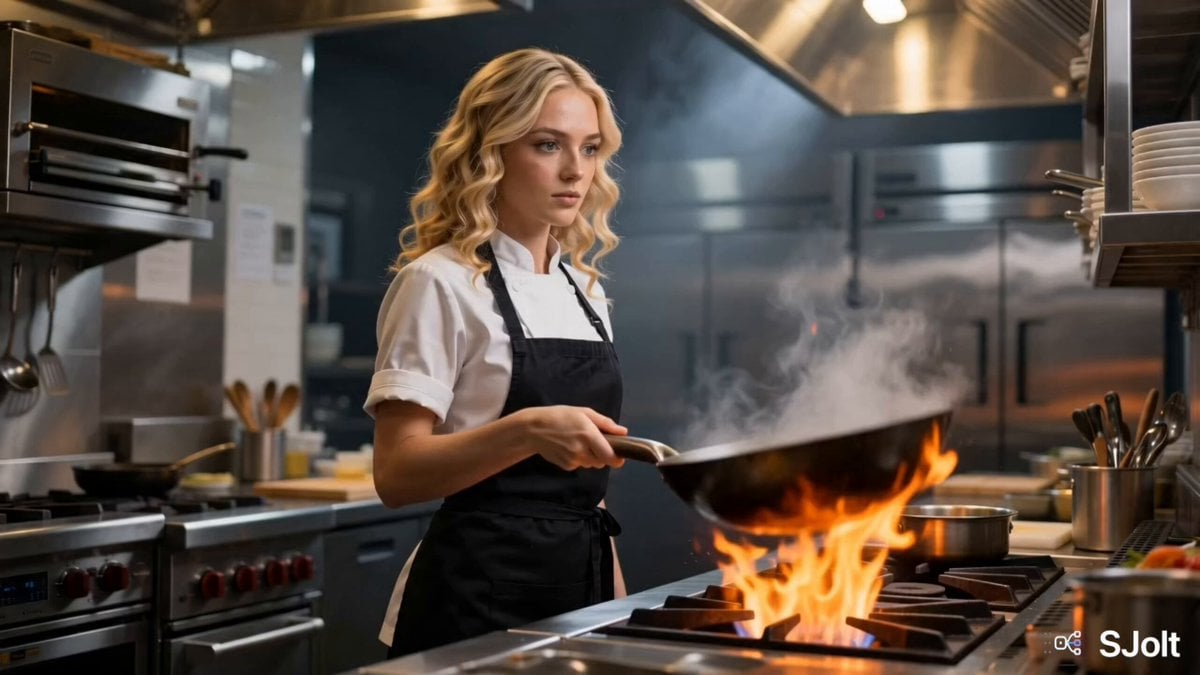
An action-packed professional kitchen video prompt featuring a blonde chef tossing a flaming wok with dynamic camera movements and slow-motion food shots.
- Prompt included
- Model and format preset
- Free template
The prompt behind this video
Copy the exact prompt behind Cinematic Action Cooking Scene, or open it in the studio and make it yours.
A cinematic, action-packed cooking scene in a professional restaurant kitchen featuring a confident young Western female chef with long wavy blonde hair tied into a practical loose ponytail, a few soft strands framing her face, piercing blue eyes, and a determined, focused expression. She wears a crisp white chef's jacket, black apron, dark chef pants, and black non-slip kitchen shoes. She forcefully slams a blazing hot carbon-steel wok onto a roaring gas burner. As she pours in cooking oil, thick white smoke billows upward before the wok erupts into dramatic flames. She expertly flips and tosses the wok with powerful wrist movements, fire swirling around the ingredients. Rapid cinematic close-ups capture her exceptional knife skills as she quickly slices fresh bok choy, carrots, cucumbers, red bell peppers, green onions, garlic, and ginger with razor-sharp precision. Every chop is crisp and energetic, with vegetables flying across the cutting board in slow motion. The vegetables are tossed high into the flaming wok as vibrant fire bursts around them. She adds a rich dark stir-fry sauce that caramelizes instantly, coating every ingredient in a glossy finish. Steam, sparks, and flames create an intense restaurant atmosphere while she continuously tosses the wok with flawless technique. The finished stir-fry is elegantly plated on a pristine white ceramic plate with careful garnish. The final cinematic shot shows the blonde chef tasting the dish with chopsticks, maintaining a serious, critical expression as she evaluates the flavor. A subtle satisfied smile appears while orange flames flicker behind her, ending with dramatic cinematic lighting and shallow depth of field. Style: Ultra-realistic, photorealistic, premium cinematic restaurant commercial, dynamic camera movement, dramatic lighting, volumetric smoke, realistic fire simulation, slow-motion food shots, macro ingredient close-ups, shallow depth of field, HDR, 4K, highly detailed textures, realistic cooking physics, anamorphic lens, blockbuster food cinematography.
How to use Cinematic Action Cooking Scene in 3 steps
- 1
Open
The prompt is already in the box next to the preview, with the template's model and format selected.
- 2…a portrait of your subject in softgolden-hour light, 85mm…
Personalize
Edit the subject and creative details for your destination.
- 3Generate
Generate
Press Generate — your video is created in PicX Studio, so you can compare it with the original and refine one variable at a time.
More like this
Templates with the same subject, style or setup. Open one to see its prompt.

Walking Factory with Rebel on Hoverbike - Wasteland
Thornmaw Monarch — Crimson Glass Desert Beast
Warhorse Sprint on Cliff Aqueduct
Parametric Fight Scenes Seedance

Nano Banana Seedance Time Control Streets
Colossal Sea Creature — Stormy Shore Charge (Seedance)
Skybridge Rescue — Supertall Tower Collapse (Seedance)
Highway Biker — Aggressive Lane Split (PixVerse C1)
Bullet Time Selfie — Modular Parameter Template (Seedance)
Dragon Rescue — Volcanic Kingdom Collapse (Seedance)
Swordsman vs Shadow Monster — Bamboo Forest Battle
Stone Colossus Desert Riders — Golden Fire Reveal
Make it yours
Cinematic Action Cooking Scene works as-is. These are the safest ways to change it without losing the look.
Change one field
Copy a single group, rewrite it, and generate again so you can see what that field is doing.
Keep the frame, change the subject
Hold the composition and light of Cinematic Action Cooking Scene, then swap wardrobe, props or the person for a new take.
| If the result… | Why | Fix |
|---|---|---|
| The result drifts from the preview | Too many fields changed at once. | Reuse Cinematic Action Cooking Scene as-is first, then change one group — subject, light, or setting. |
| The model over-stylizes the scene | The prose prompt leaves finish and camera underspecified. | Add one camera or lighting sentence and stay on Seedance 2.0. |
More Seedance 2.0 templates
Other prompts made for Seedance 2.0.

Comical Martial Arts Punch Scene

Maglev Train Action Sequence

Martial Arts Fight Sequence

Wuxia Protection and Trust Script

Vintage Korean Arcade MiniDV Vlog

Mercedes 190 SL Luxury Ad

Rainy Night Supernatural Reverse Comedy Video Script

Amazon Civilization Discovery

Futuristic South Asian City Transformation

Cozy Luxury Cafe Commercial
More video prompts
Fresh picks from across the catalog.

Futuristic Starfighter Dogfight Video Prompt

Subway POV Interaction Prank Prompt

Magic Book Floating Letters Video

Anime Inspired Spider-Woman Swing
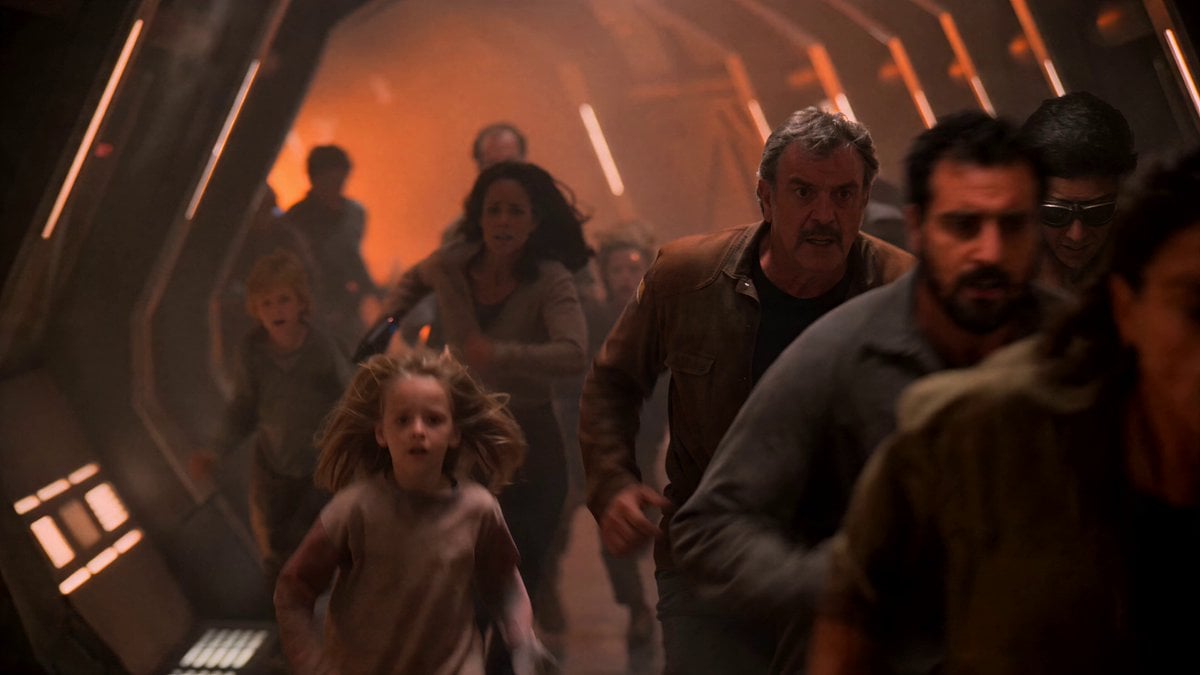
1980s Sci-Fi Captain Evacuation
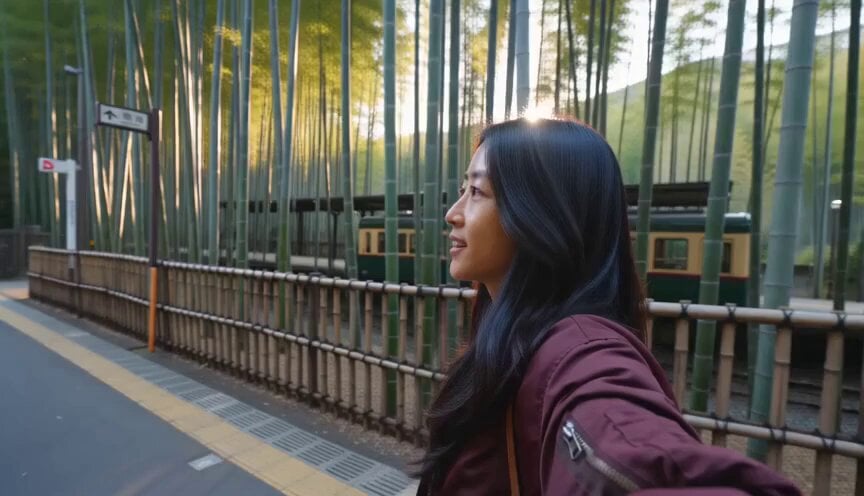
Travel Diary Montage of Kyoto and Tokyo

Musical Face Close-up Video Prompt

Metal Forge Visual Effect

Music Video Choreography and Identity

Fashion Model Studio Showcase
Browse template categories
Cinematic Action Cooking Scene questions
How do I use the Cinematic Action Cooking Scene template?
Add your photo if the template asks for one, edit the prompt if you like — the template's model and format are already selected — and press Generate. Your version opens in PicX Studio.
Can I customize the Cinematic Action Cooking Scene template?
Yes. You can change the subject, setting, lighting, mood, format, and available model controls before creating your video.
Is the Cinematic Action Cooking Scene template free?
Opening and editing this template is free. Generating uses credits, shown on the Generate button when you are signed in.
Which AI model should I use?
Start with Seedance 2.0, which is the model associated with this template. You can compare another compatible model for a different finish.
Looking for something else? Browse all templates.

Your photo, any look
Thousands of ready templates for every top image and video model, from one credit balance.