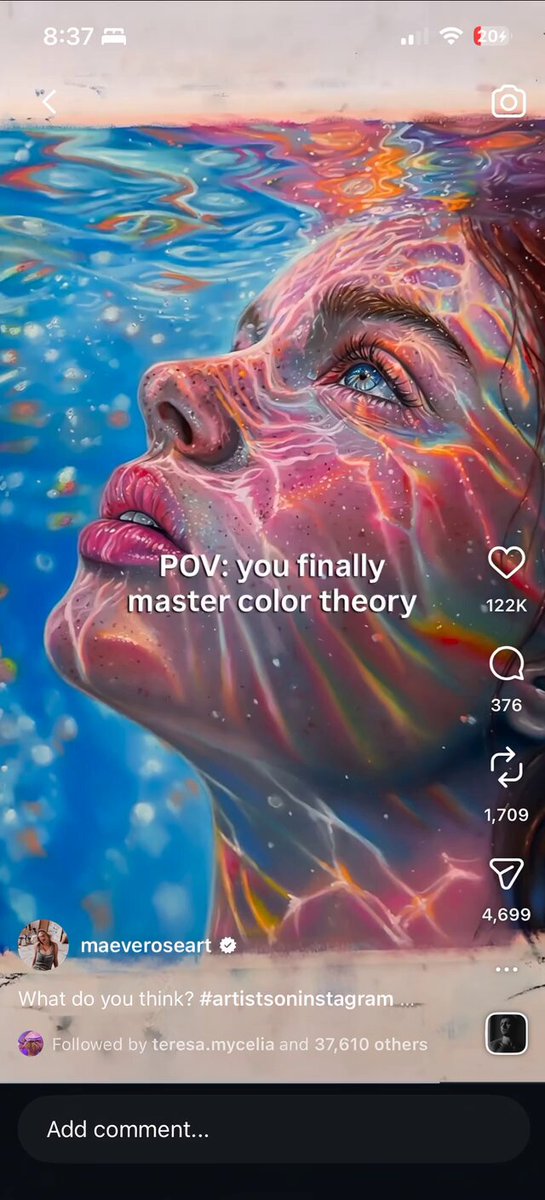
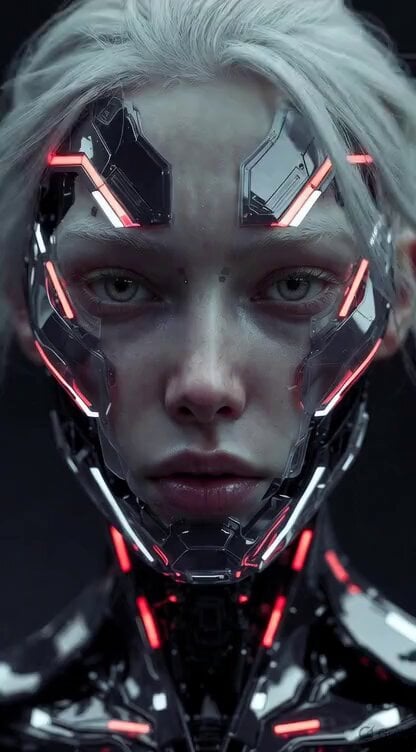
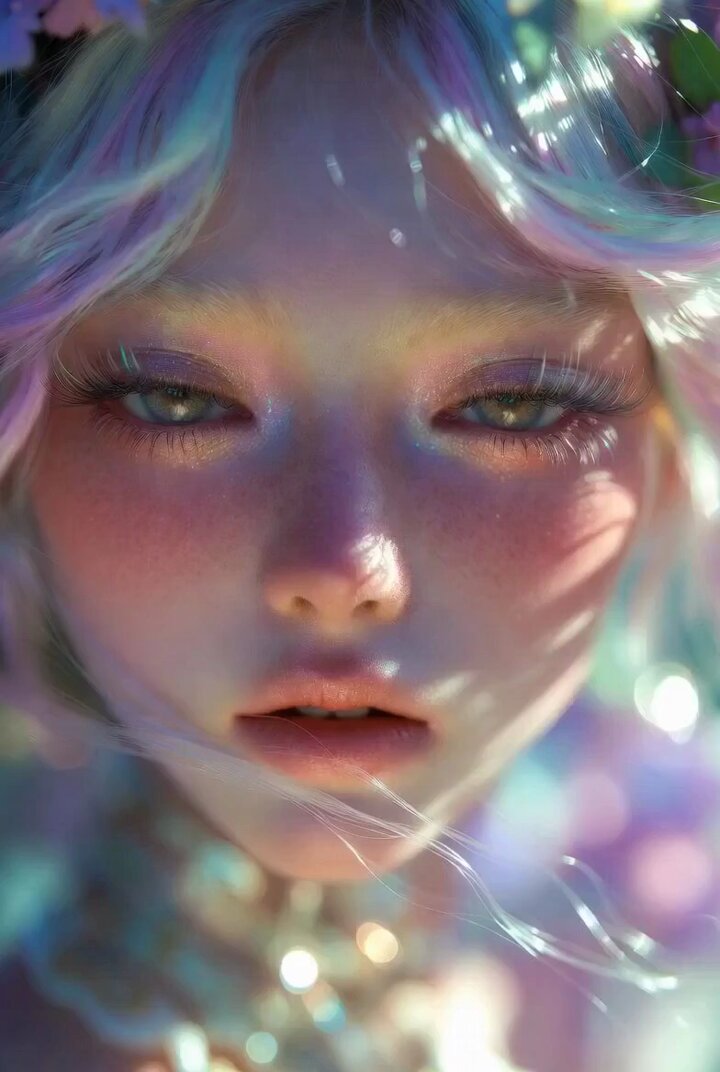
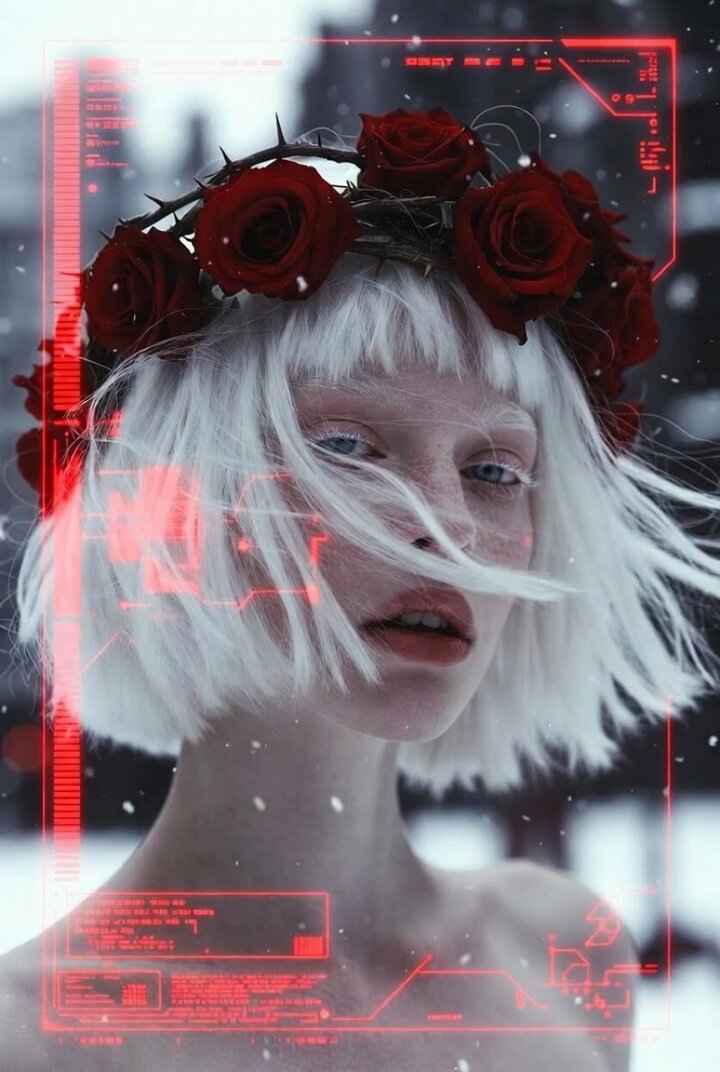
How do I use the Musical Face Close-up Video Prompt template?
Edit the prompt in the box under the preview — the template's model and format are already selected — and press Generate. Your version appears right on this page.
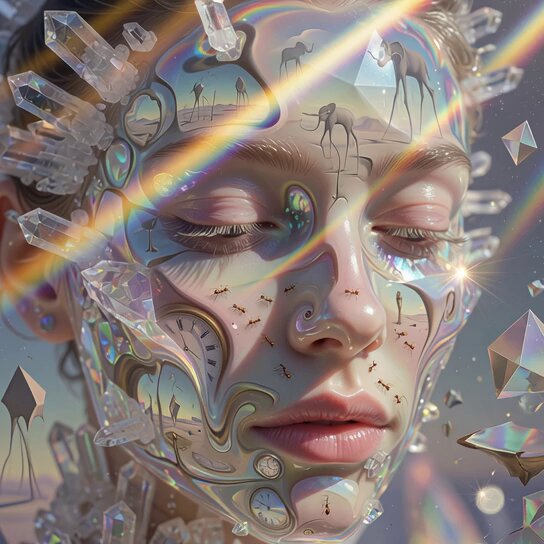
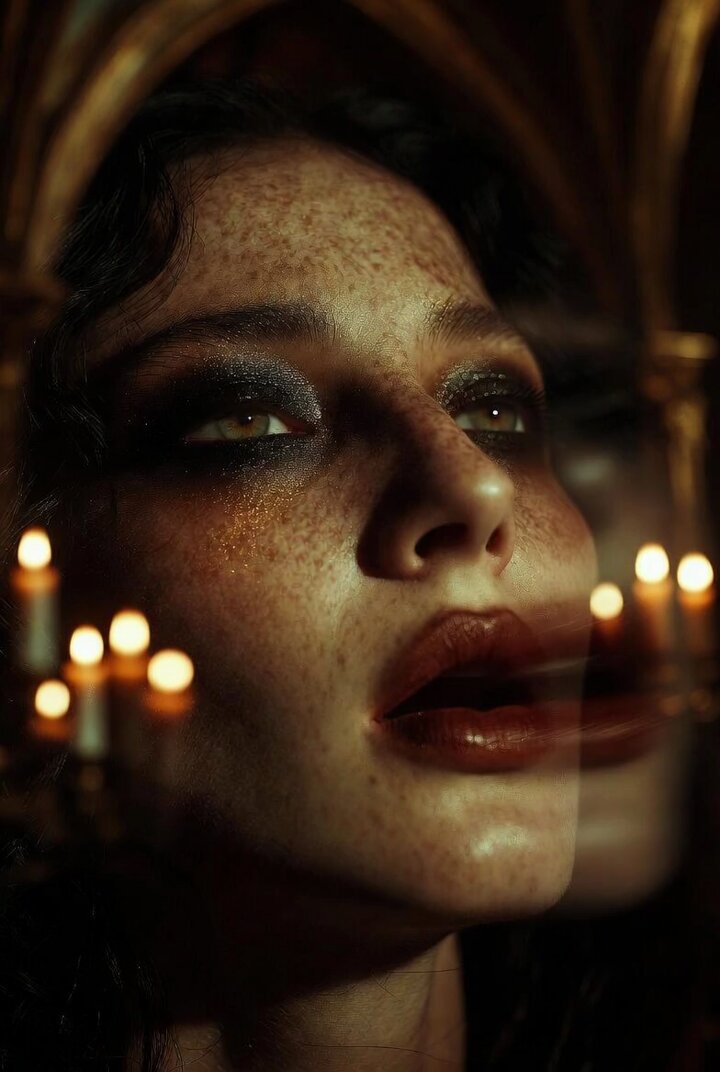
A complex video prompt for a close-up musical performance involving flying rainbows, diamonds, and sand dunes.
今の画像で顔のアップゎ。歌声は明るく軽やかに。ありがとう神様,みなさんをドレミファソラシド,で。シンセサイザー,シンバル。赤,白,黄,花びら,光,ダイヤ,星,虹が舞い上がる。ハート型に広がり輪になり散る。砂金の砂丘がバックに。
今の画像で顔のアップゎ。歌声は明るく軽やかに。ありがとう神様,みなさんをドレミファソラシド,で。シンセサイザー,シンバル。赤,白,黄,花びら,光,ダイヤ,星,虹が舞い上がる。ハート型に広がり輪になり散る。砂金の砂丘がバックに。
Edit the prompt in the box under the preview — the template's model and format are already selected — and press Generate. Your version appears right on this page.
Yes. You can change the subject, setting, lighting, mood, format, and available model controls before creating your video.
Opening and editing this template is free. Generating uses credits, shown on the Generate button when you are signed in.
Start with Grok Imagine, which is the model associated with this template. You can compare another compatible model for a different finish.
Follow a topic to a crawlable collection of related PicX Studio templates.