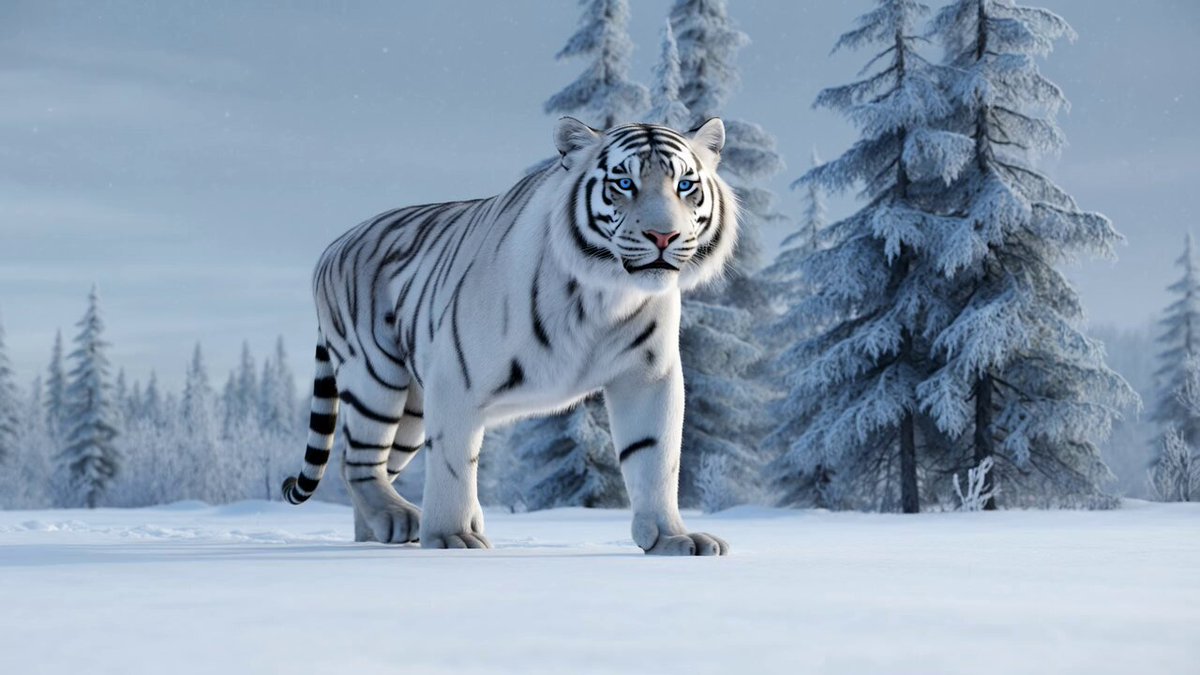
How do I use the Grok Imagine Video Prompt: Cinematic Tiger Close-up template?
Edit the prompt in the box under the preview — the template's model and format are already selected — and press Generate. Your version appears right on this page.
A detailed prompt for Grok Imagine requesting a cinematic close-up video of a powerful tiger in a misty night jungle, focusing on hyper-realistic details like fur texture, intense green eyes, and amber glow lighting to…

A cinematic close-up of a powerful tiger in a misty night jungle under moonlight, highly detailed fur texture with amber glow lighting, intense green eyes staring directly at the viewer with total predator energy, crouched pose showing every
A cinematic close-up of a powerful tiger in a misty night jungle under moonlight, highly detailed fur texture with amber glow lighting, intense green eyes staring directly at the viewer with total predator energy, crouched pose showing every
Edit the prompt in the box under the preview — the template's model and format are already selected — and press Generate. Your version appears right on this page.
Yes. You can change the subject, setting, lighting, mood, format, and available model controls before creating your video.
Opening and editing this template is free. Generating uses credits, shown on the Generate button when you are signed in.
Start with Grok Imagine, which is the model associated with this template. You can compare another compatible model for a different finish.
Follow a topic to a crawlable collection of related PicX Studio templates.