How do I use the Grok Imagine Prompt: White Tiger Winter Walk template?
Edit the prompt in the box under the preview — the template's model and format are already selected — and press Generate. Your version appears right on this page.
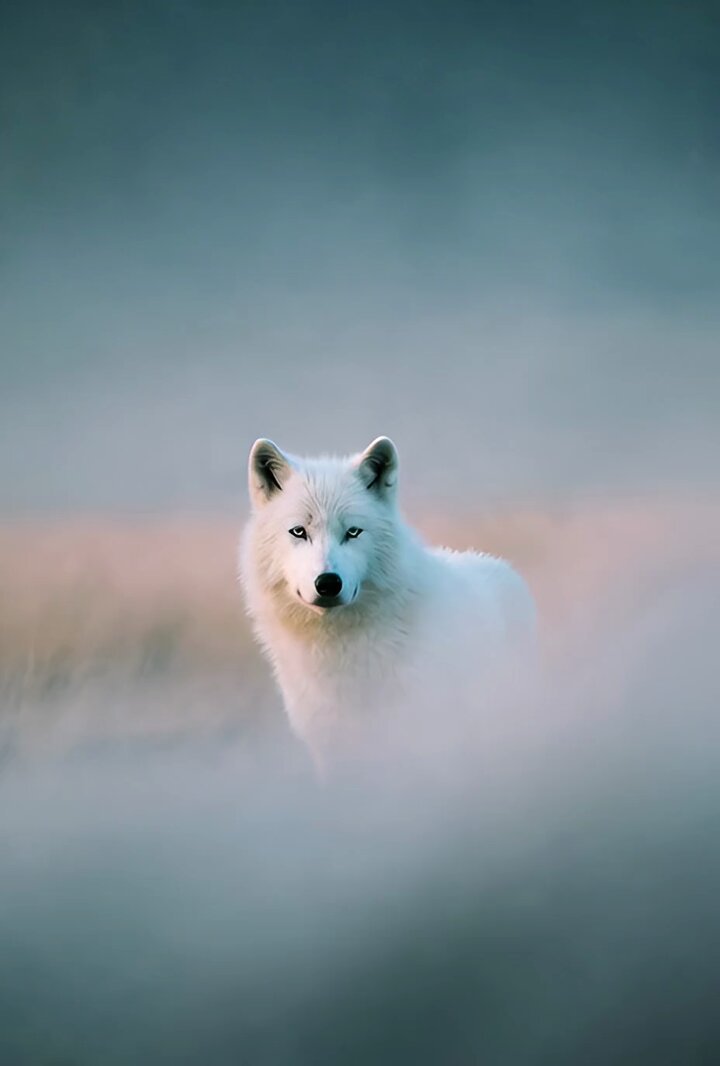
A highly cinematic and detailed Grok Imagine prompt requesting a low-angle tracking shot of a powerful white tiger silently striding through a frozen tundra, emphasizing the moody atmosphere, diffused daylight, and…
Low-angle tracking shot, smooth dolly movement across snowy terrain, a powerful white tiger strides silently through the frozen tundra surrounded by frost-covered pine trees and drifting snowflakes, its breath visible in the icy air as it scans the landscape with piercing blue eyes, muffled ambient sounds of wind whistling and distant cracking ice, soft diffused daylight filtering through overcast skies, cinematic wildlife documentary style with a dramatic and moody atmosphere.
Low-angle tracking shot, smooth dolly movement across snowy terrain, a powerful white tiger strides silently through the frozen tundra surrounded by frost-covered pine trees and drifting snowflakes, its breath visible in the icy air as it scans the landscape with piercing blue eyes, muffled ambient sounds of wind whistling and distant cracking ice, soft diffused daylight filtering through overcast skies, cinematic wildlife documentary style with a dramatic and moody atmosphere.
Edit the prompt in the box under the preview — the template's model and format are already selected — and press Generate. Your version appears right on this page.
Yes. You can change the subject, setting, lighting, mood, format, and available model controls before creating your video.
Opening and editing this template is free. Generating uses credits, shown on the Generate button when you are signed in.
Start with Grok Imagine, which is the model associated with this template. You can compare another compatible model for a different finish.
Follow a topic to a crawlable collection of related PicX Studio templates.