How do I use the Martial Arts Spirit Battle in a Monsoon template?
Edit the prompt in the box under the preview — the template's model and format are already selected — and press Generate. Your version appears right on this page.
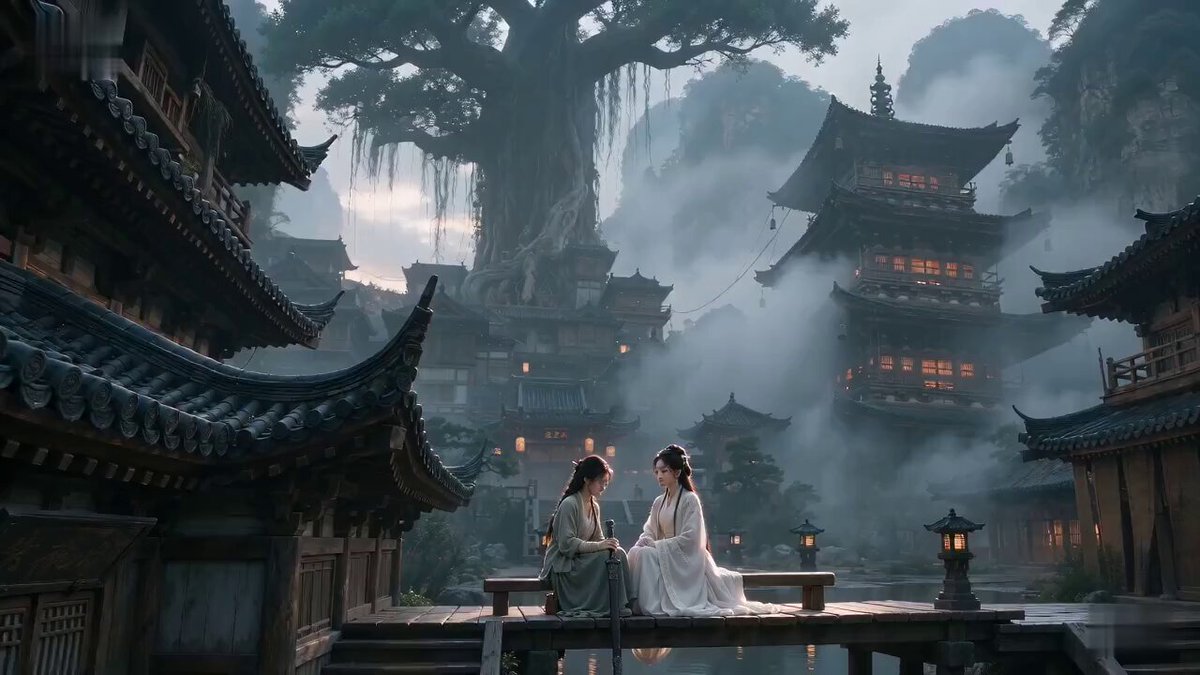
A visceral martial arts sequence featuring a combat scene between a lead character and a wind spirit in a flooded bamboo forest.
A high-energy martial arts sequence set in a flooded bamboo forest during a heavy monsoon, featuring a lead character with consistent facial identity and sharp, focused expressions. She engages in a rapid exchange of blows with a semi-transparent humanoid spirit made of swirling wind and pressurized rain. The wind entity is invisible except for the debris, leaves, and rainwater it pulls into its form, appearing as a blurred, aggressive vortex in human shape. As the entity strikes, she deflects the blow, causing a circular shockwave that clears the rain for a split second. The camera uses dynamic 360-degree orbital shots, capturing mid-air collisions where her strikes create crystalline water splashes and the entity's counter-strikes push her across the surface of the flooded floor. Ultra-realistic fluid dynamics, detailed rain textures, moody cinematic lighting, and droplets splashing onto the camera lens for a visceral, immersive feel.
A high-energy martial arts sequence set in a flooded bamboo forest during a heavy monsoon, featuring a lead character with consistent facial identity and sharp, focused expressions. She engages in a rapid exchange of blows with a semi-transparent humanoid spirit made of swirling wind and pressurized rain. The wind entity is invisible except for the debris, leaves, and rainwater it pulls into its form, appearing as a blurred, aggressive vortex in human shape. As the entity strikes, she deflects the blow, causing a circular shockwave that clears the rain for a split second. The camera uses dynamic 360-degree orbital shots, capturing mid-air collisions where her strikes create crystalline water splashes and the entity's counter-strikes push her across the surface of the flooded floor. Ultra-realistic fluid dynamics, detailed rain textures, moody cinematic lighting, and droplets splashing onto the camera lens for a visceral, immersive feel.
Edit the prompt in the box under the preview — the template's model and format are already selected — and press Generate. Your version appears right on this page.
Yes. You can change the subject, setting, lighting, mood, format, and available model controls before creating your video.
Opening and editing this template is free. Generating uses credits, shown on the Generate button when you are signed in.
Start with Seedance 2.0, which is the model associated with this template. You can compare another compatible model for a different finish.
Follow a topic to a crawlable collection of related PicX Studio templates.