
Suspenseful Alleyway Scene
A multi-scene script-based prompt for a suspenseful video following a girl walking alone from a restaurant into a dark alley.
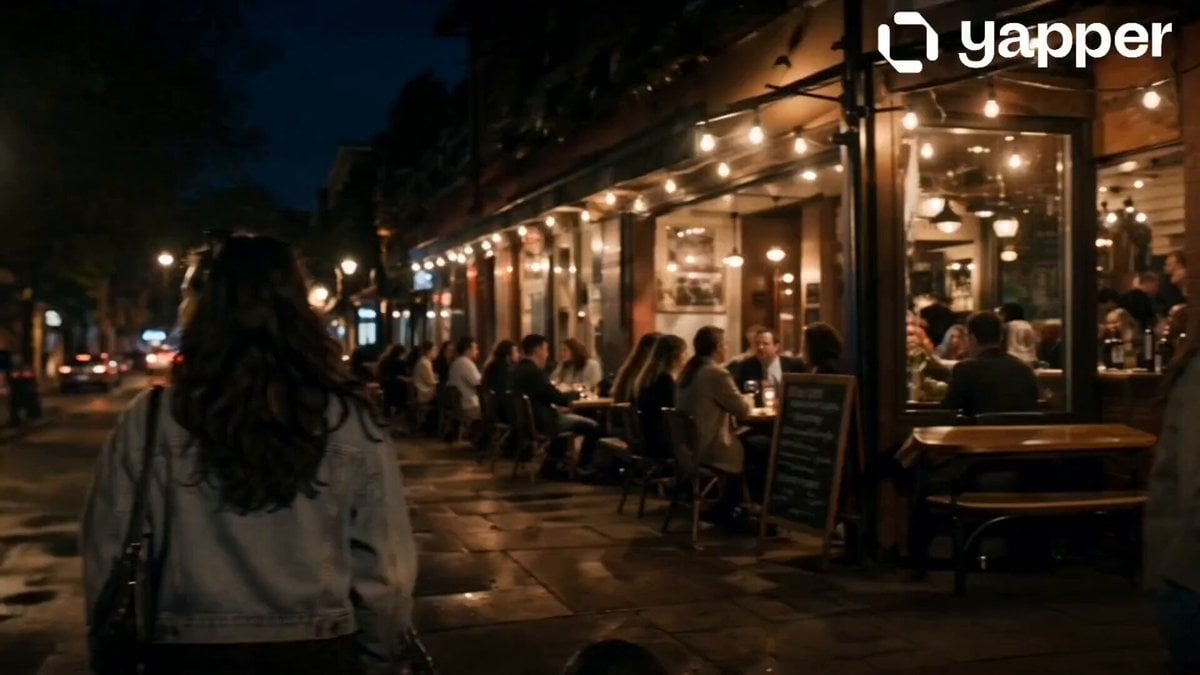
- Prompt included
- Model and format preset
- Free template
The prompt behind this video
Copy the exact prompt behind Suspenseful Alleyway Scene, or open it in the studio and make it yours.
Scene 1 (0–4s): Warm evening atmosphere at a cozy street restaurant. The girl sits with her friends, laughing softly while finishing dinner. Ambient lights glow, plates and drinks on the table. CameYra slowly pans, capturing genuine expressions and lively surroundings. Scene 2 (4–8s): Outside the restaurant, she says goodbye to her friends. Subtle smiles, casual hugs. The street is calm with dim yellow lights. She turns and begins walking alone, camera follows from a slight side angle. Scene 3 (8–12s): She enters a narrow alley on her way home. Lighting becomes cooler and slightly dim. Her footsteps echo softly. She slows down, her expression shifts subtle tension. She glances back briefly, sensing something off. Scene 4 (12–16s): The atmosphere grows tense but controlled. The camera moves closer to her face, capturing alert eyes and cautious breathing. A faint shadow or movement appears in the background, but nothing fully revealed. She continues walking, slightly faster, maintaining suspense without showing danger.
How to use Suspenseful Alleyway Scene in 3 steps
- 1
Open
The prompt is already in the box next to the preview, with the template's model and format selected.
- 2…a portrait of your subject in softgolden-hour light, 85mm…
Personalize
Edit the subject and creative details for your destination.
- 3Generate
Generate
Press Generate — your video is created in PicX Studio, so you can compare it with the original and refine one variable at a time.
More like this
Templates with the same subject, style or setup. Open one to see its prompt.
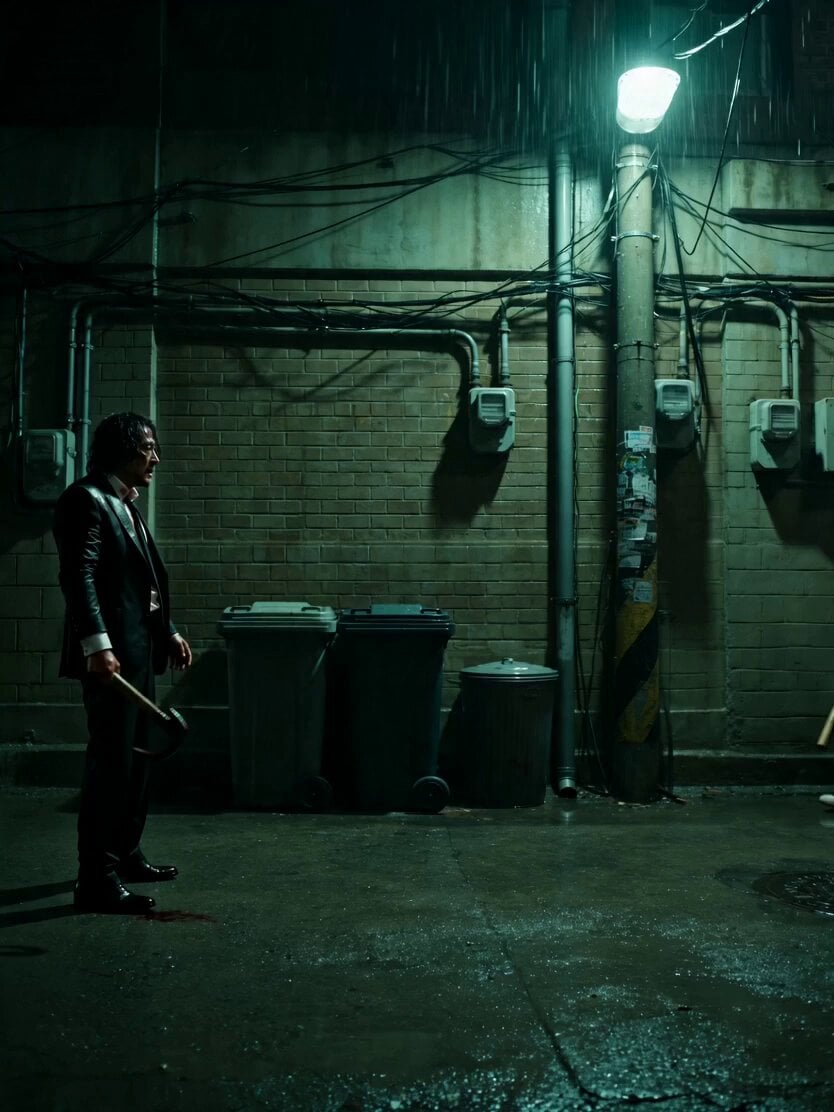
Neo-Noir Alleyway Fight Sequence
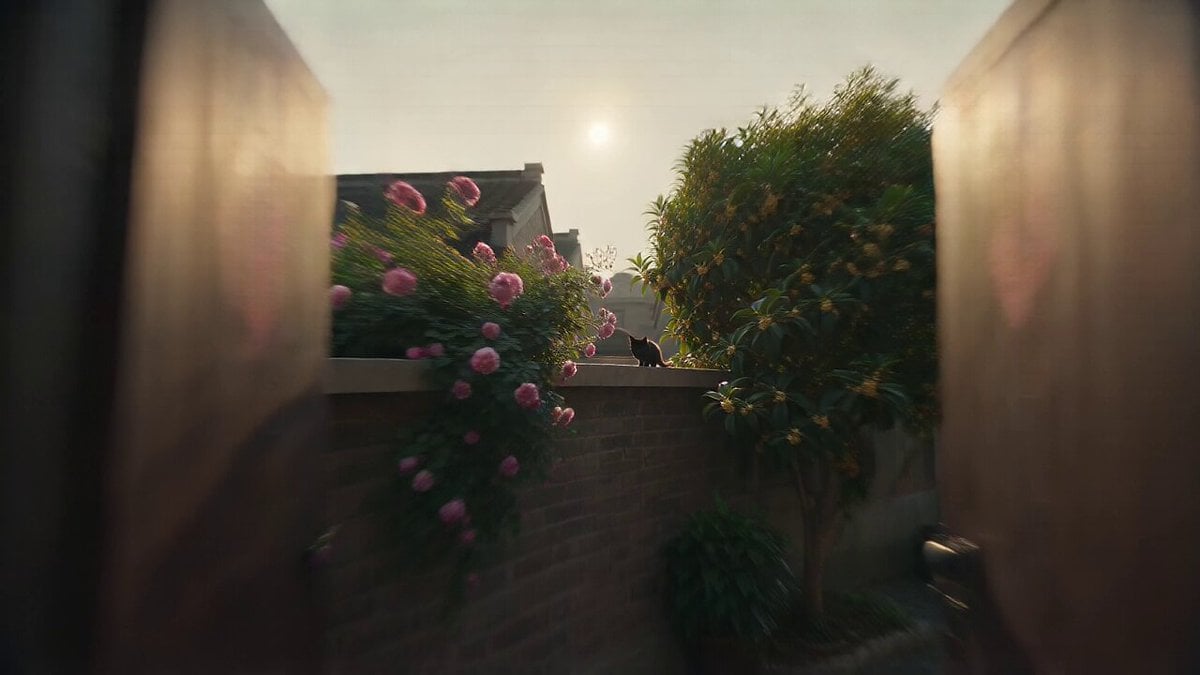
Vintage 1970s Shanghai Alleyway Scene
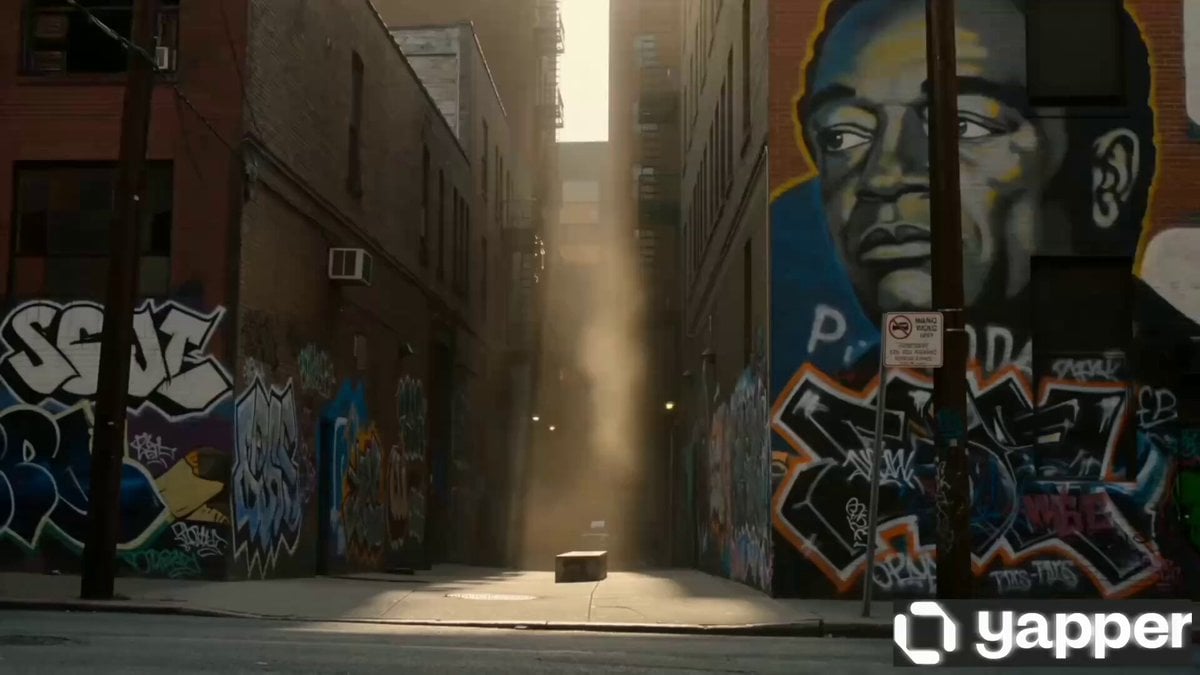
Urban Alleyway Skateboarders Tracking Shot
Gritty Night Alleyway Getaway Car
Suspenseful Mirror Reflection Horror Scene
Suspenseful Comedy Vlog-Style Video Prompt
Futuristic Starship Cockpit POV
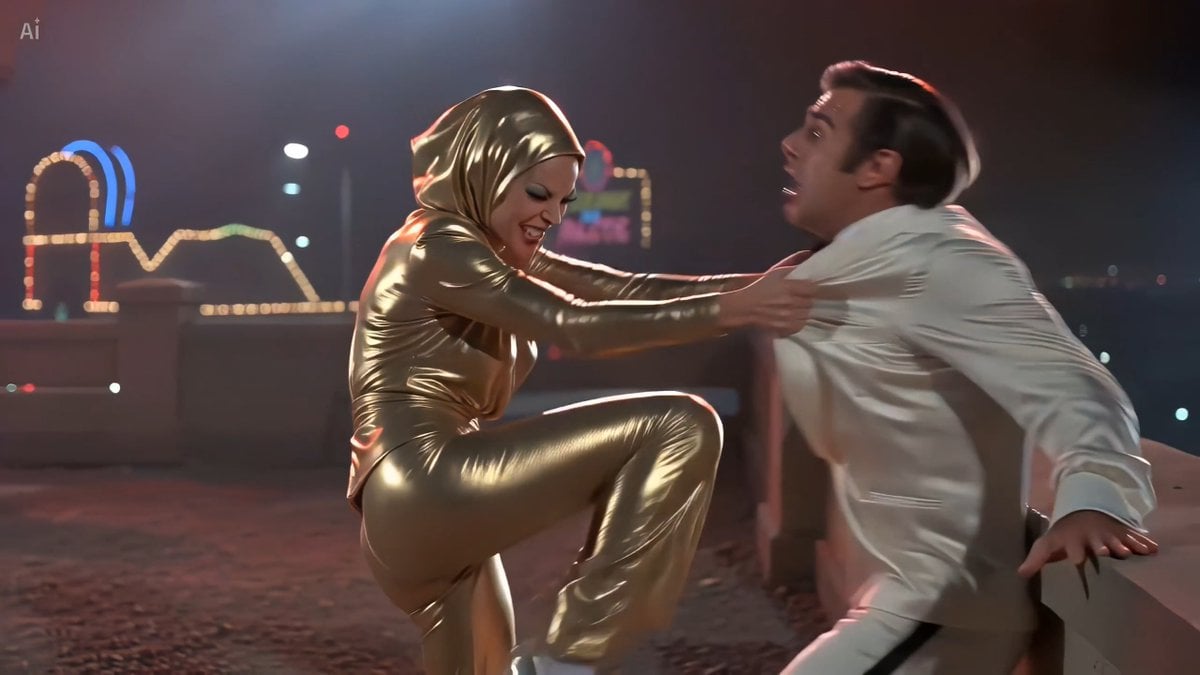
70s Giallo Action Casino Battle
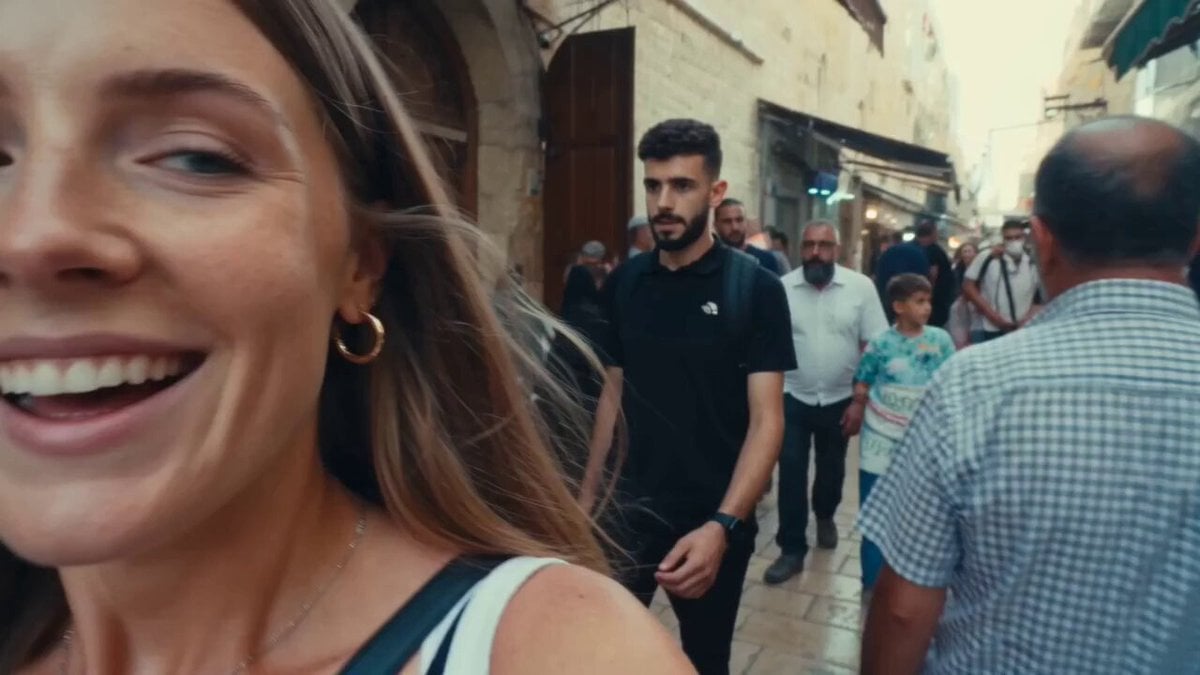
Vintage 16mm Jerusalem Travel Vlog
Sci-Fi Horror Hospital Alien Scene

Cinematic Coin Flip Mystery

Horror Short Guesthouse Box
Make it yours
Suspenseful Alleyway Scene works as-is. These are the safest ways to change it without losing the look.
Change one field
Copy a single group, rewrite it, and generate again so you can see what that field is doing.
Keep the frame, change the subject
Hold the composition and light of Suspenseful Alleyway Scene, then swap wardrobe, props or the person for a new take.
| If the result… | Why | Fix |
|---|---|---|
| The result drifts from the preview | Too many fields changed at once. | Reuse Suspenseful Alleyway Scene as-is first, then change one group — subject, light, or setting. |
| The model over-stylizes the scene | The prose prompt leaves finish and camera underspecified. | Add one camera or lighting sentence and stay on Seedance 2.0. |
More Seedance 2.0 templates
Other prompts made for Seedance 2.0.

Comical Martial Arts Punch Scene

Maglev Train Action Sequence

Martial Arts Fight Sequence

Wuxia Protection and Trust Script

Vintage Korean Arcade MiniDV Vlog

Mercedes 190 SL Luxury Ad

Rainy Night Supernatural Reverse Comedy Video Script

Amazon Civilization Discovery

Futuristic South Asian City Transformation

Cozy Luxury Cafe Commercial
More video prompts
Fresh picks from across the catalog.

Futuristic Mother and Daughter Illustration
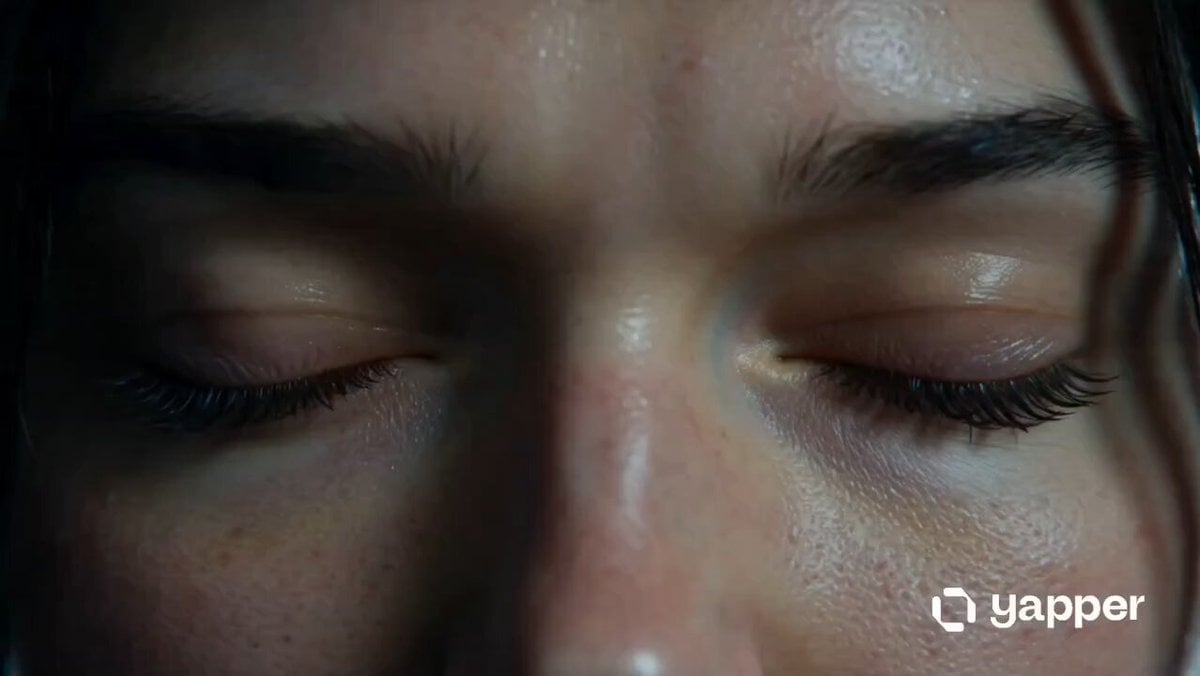
Neon City Rooftop Action Sequence
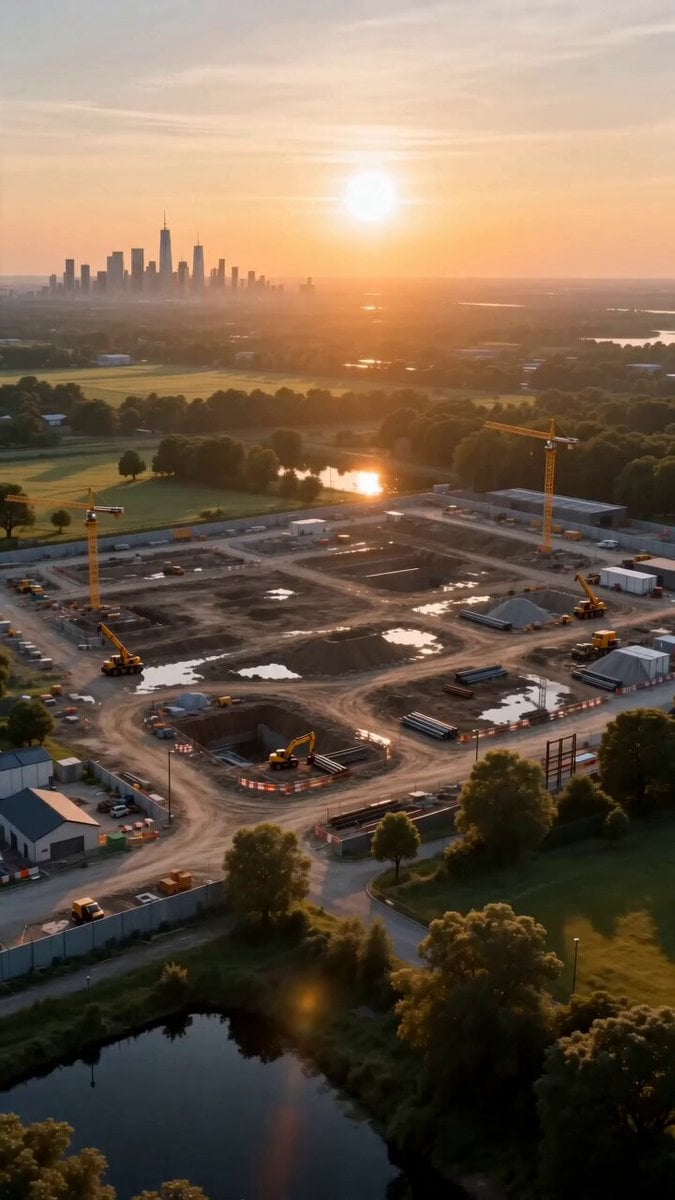
Miniature Sprite Can House Construction
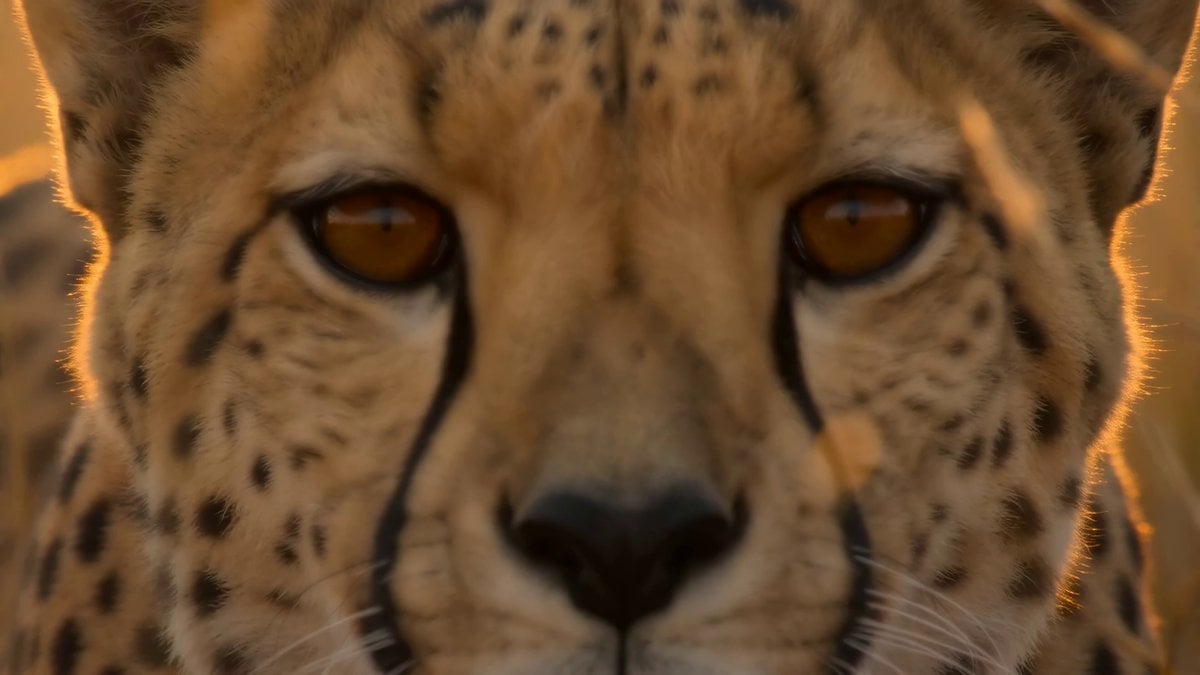
National Geographic African Cheetah Hunt Documentary
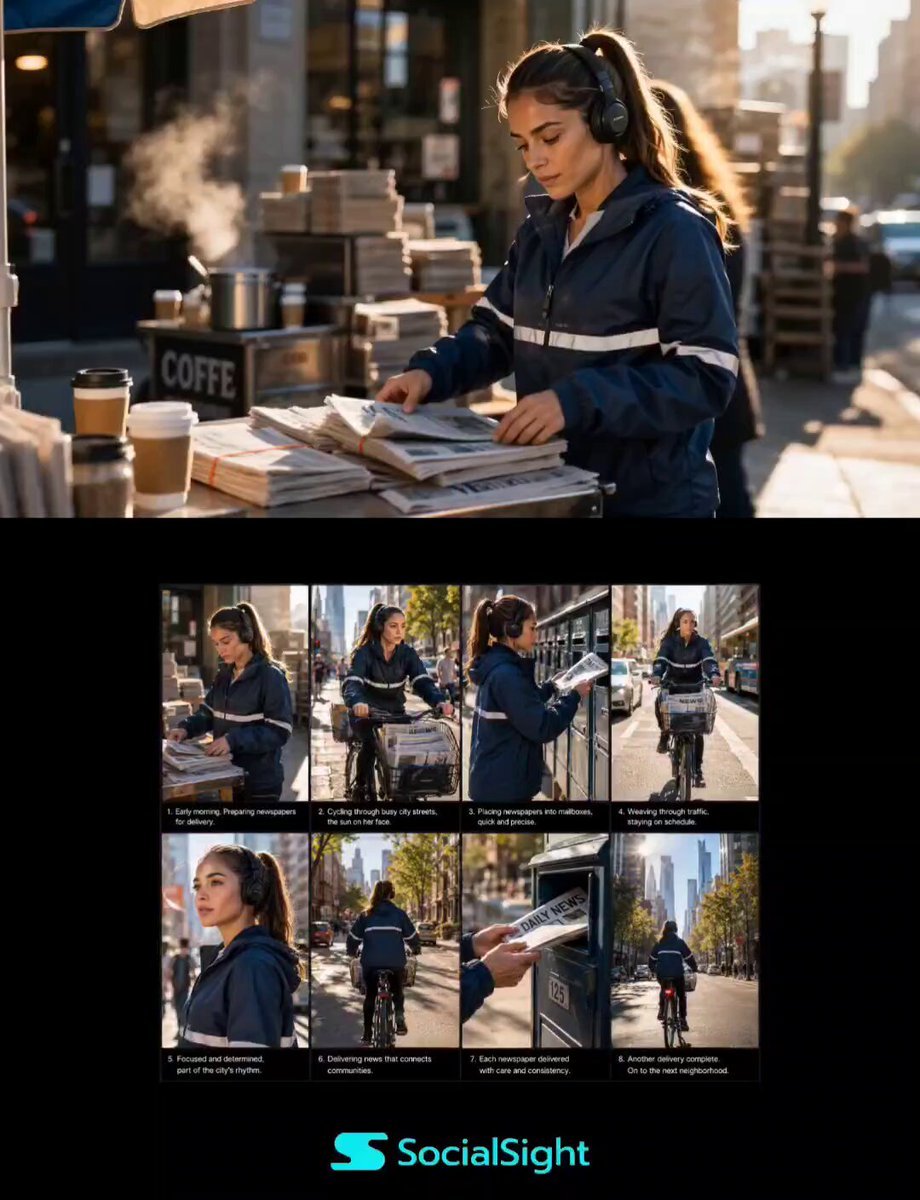
Urban Newspaper Courier Lifestyle Sequence
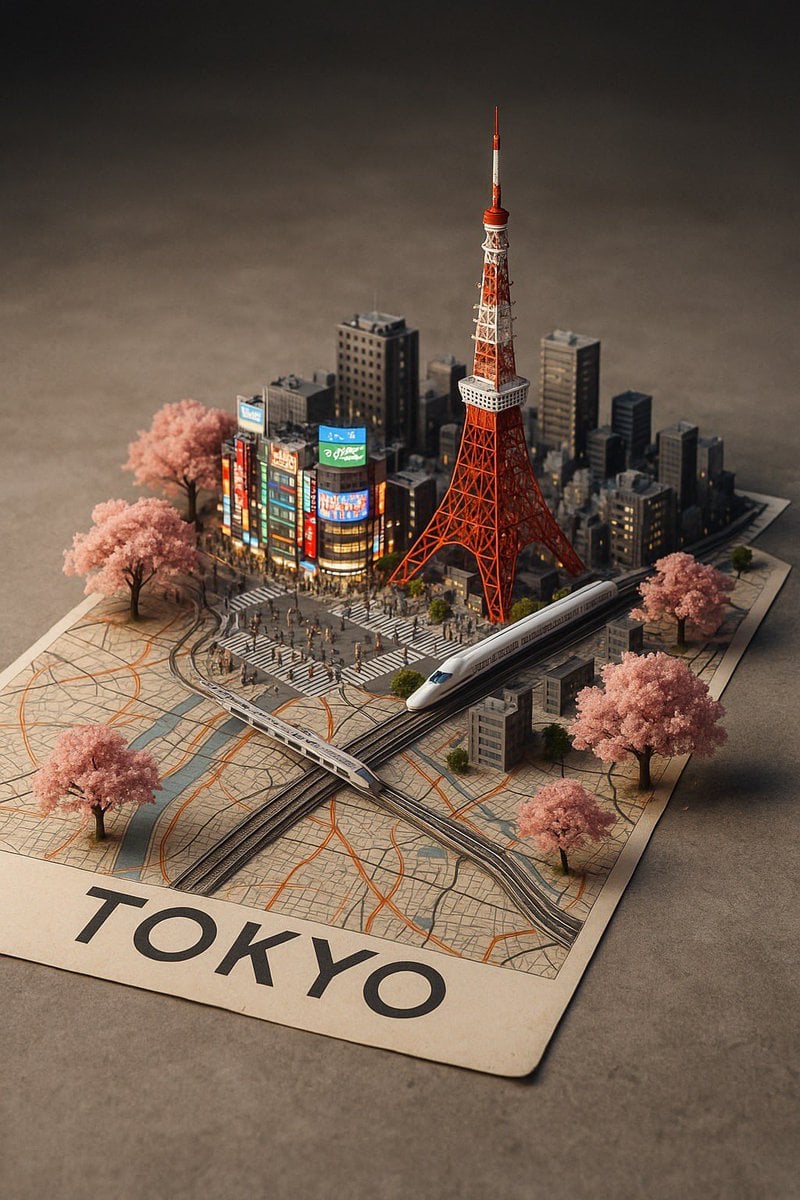
Nano Banana Pro Prompt: 3D City Diorama Map
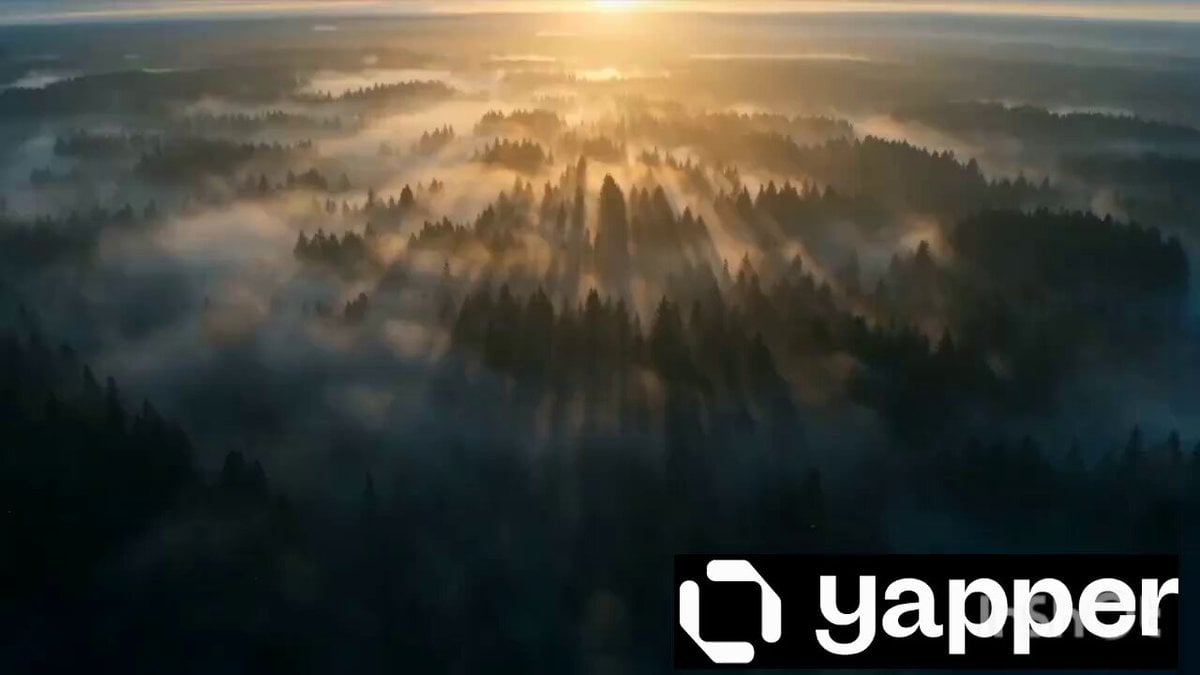
Viking Warrior Forest Charge
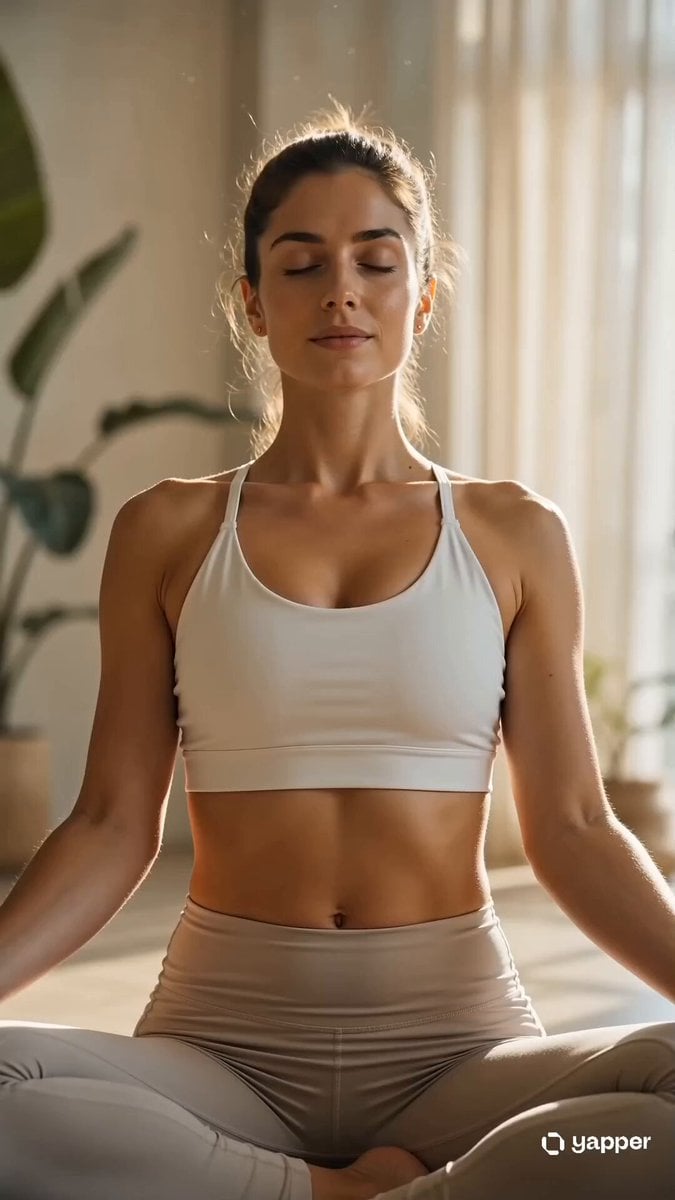
Cinematic Yoga Flow Wellness Video
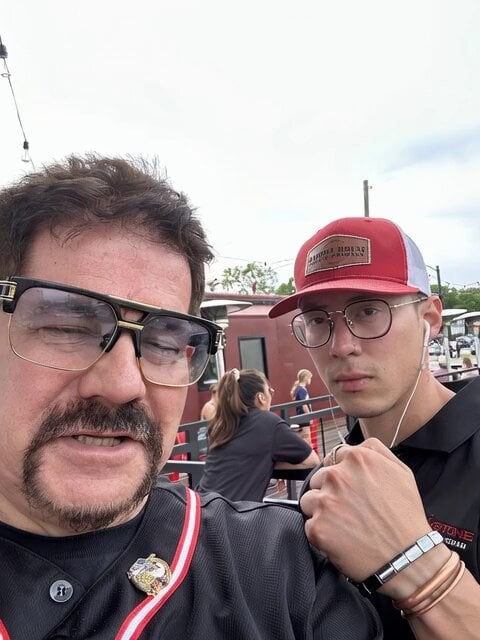
Sinatra and Yogi Berra Pizza Dinner
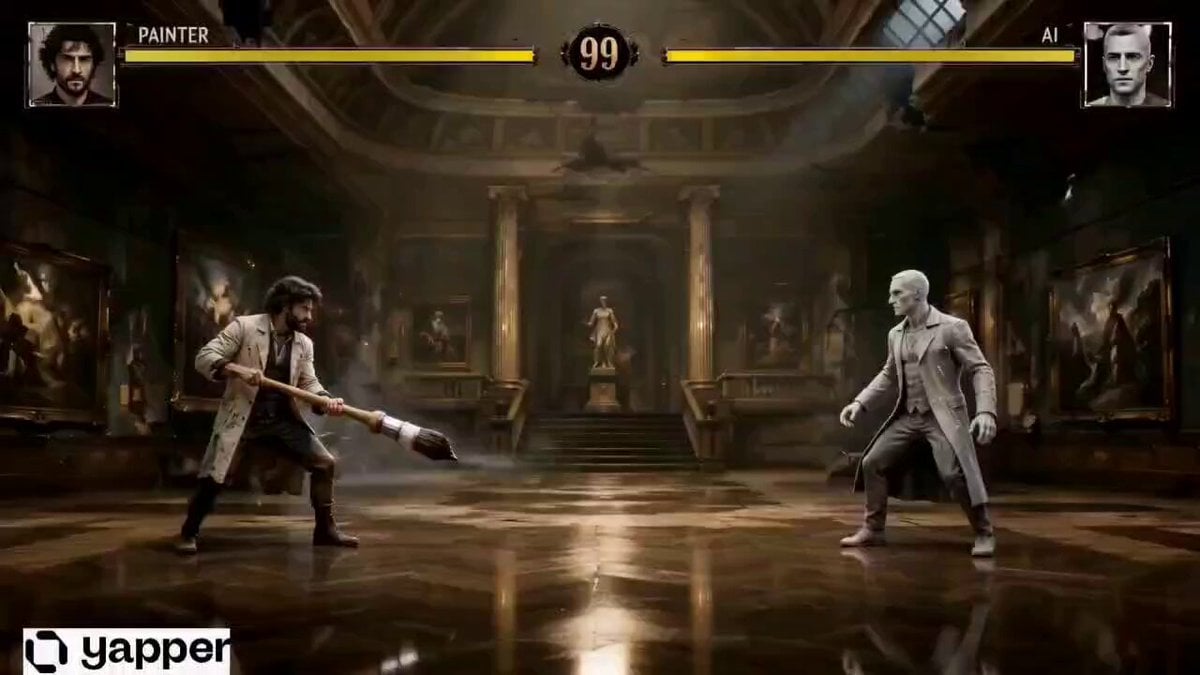
Retro Arcade Art Fight
Browse template categories
Suspenseful Alleyway Scene questions
How do I use the Suspenseful Alleyway Scene template?
Add your photo if the template asks for one, edit the prompt if you like — the template's model and format are already selected — and press Generate. Your version opens in PicX Studio.
Can I customize the Suspenseful Alleyway Scene template?
Yes. You can change the subject, setting, lighting, mood, format, and available model controls before creating your video.
Is the Suspenseful Alleyway Scene template free?
Opening and editing this template is free. Generating uses credits, shown on the Generate button when you are signed in.
Which AI model should I use?
Start with Seedance 2.0, which is the model associated with this template. You can compare another compatible model for a different finish.
Looking for something else? Browse all templates.

Your photo, any look
Thousands of ready templates for every top image and video model, from one credit balance.