
Retro Arcade Art Fight
A creative script for an arcade-style fighting game sequence between a traditional painter and an AI entity in a museum.
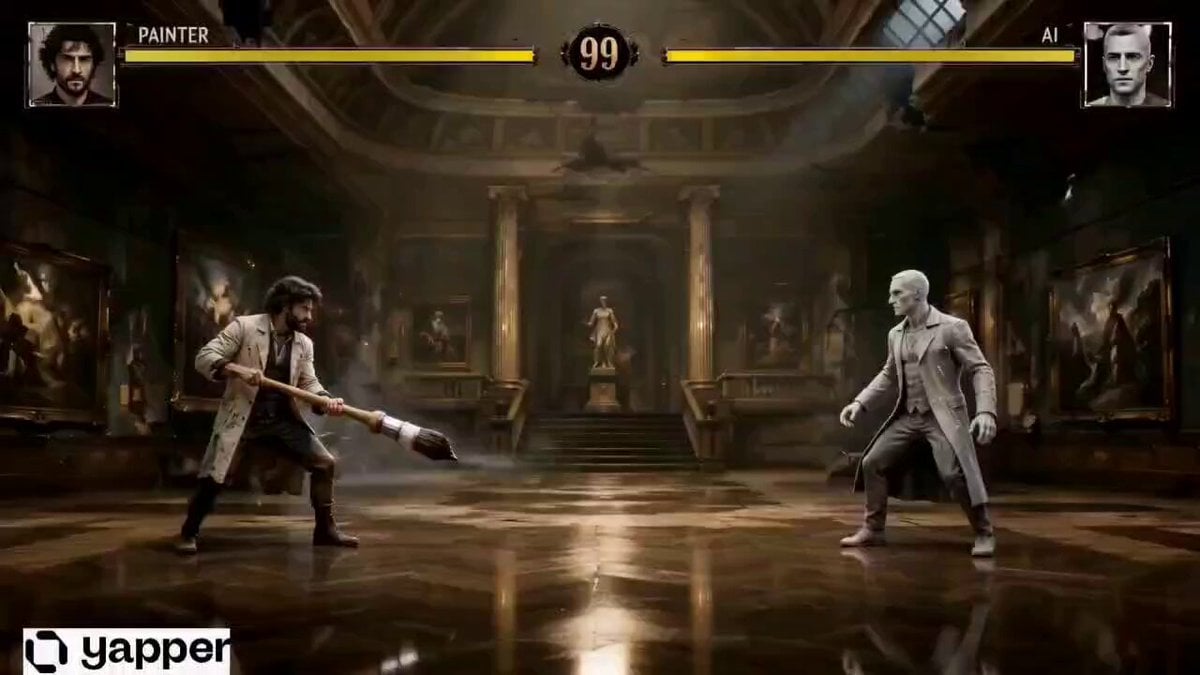
- Prompt included
- Model and format preset
- Free template
The prompt behind this video
Copy the exact prompt behind Retro Arcade Art Fight, or open it in the studio and make it yours.
Ultra realistic retro arcade fighting game cinematic, grounded visual style, traditional painter versus artificial intelligence entity, dark abandoned art museum arena, warm cinematic lighting, dusty atmosphere, realistic textures, oil painting aesthetic, subtle glitch distortions only, side scrolling combat camera, dramatic action choreography, paint splashes, ink effects, surreal museum transformation, moving portraits, unfinished sketch transitions, arcade health bars UI, slow motion impact frames, cinematic camera shake, realistic human motion, moody artistic atmosphere, Mortal Kombat inspired presentation, no cyberpunk neon city aesthetic, no excessive blue or purple lighting, Netflix quality visuals, dark elegant cinematic tone. SHOT 1 (0s - 3s) INTRO FACE OFF Wide side-view camera like arcade game. abandoned grand art museum giant framed paintings dusty air particles Painter standing with giant brush AI figure standing still, slightly glitching UI appears: “PAINTER” vs “AI” health bars animate inCamera slowly pushes in. SHOT 2 (3s - 6s) FIRST ATTACK Painter swings brush across screen.thick black paint slash flies forward paint splatters across marble floor AI blocks attack subtle digital distortion ripples through nearby paintings Impact freeze frame for 0.3 sec. SHOT 3 (6s - 9s) ENVIRONMENT TRANSFORMATION AI touches wall. classic oil paintings begin changing portraits blink and move museum walls partially transform into unfinished sketches floor cracks into ink linesNO neon. Think surreal haunted-art-gallery energy. SHOT 4 (9s - 12s) CHAOTIC COMBOFast combo exchange. Painter: creates giant ink creature from brush stroke AI: morphs creature into fragmented sketch particles Camera shake + dramatic slow motion hit. Health bars flashing red. SHOT 5 (12s - 15s) FINAL SHOT Painter throws real paint directly at camera. Paint covers screen. For 1 second: entire world becomes hand-drawn charcoal sketch animation. Then hard cut to black. Text: “ROUND 1” END.
How to use Retro Arcade Art Fight in 3 steps
- 1
Open
The prompt is already in the box next to the preview, with the template's model and format selected.
- 2…a portrait of your subject in softgolden-hour light, 85mm…
Personalize
Edit the subject and creative details for your destination.
- 3Generate
Generate
Press Generate — your video is created in PicX Studio, so you can compare it with the original and refine one variable at a time.
More like this
Templates with the same subject, style or setup. Open one to see its prompt.

Cinematic Istanbul Night Fight - Seedance 2.5
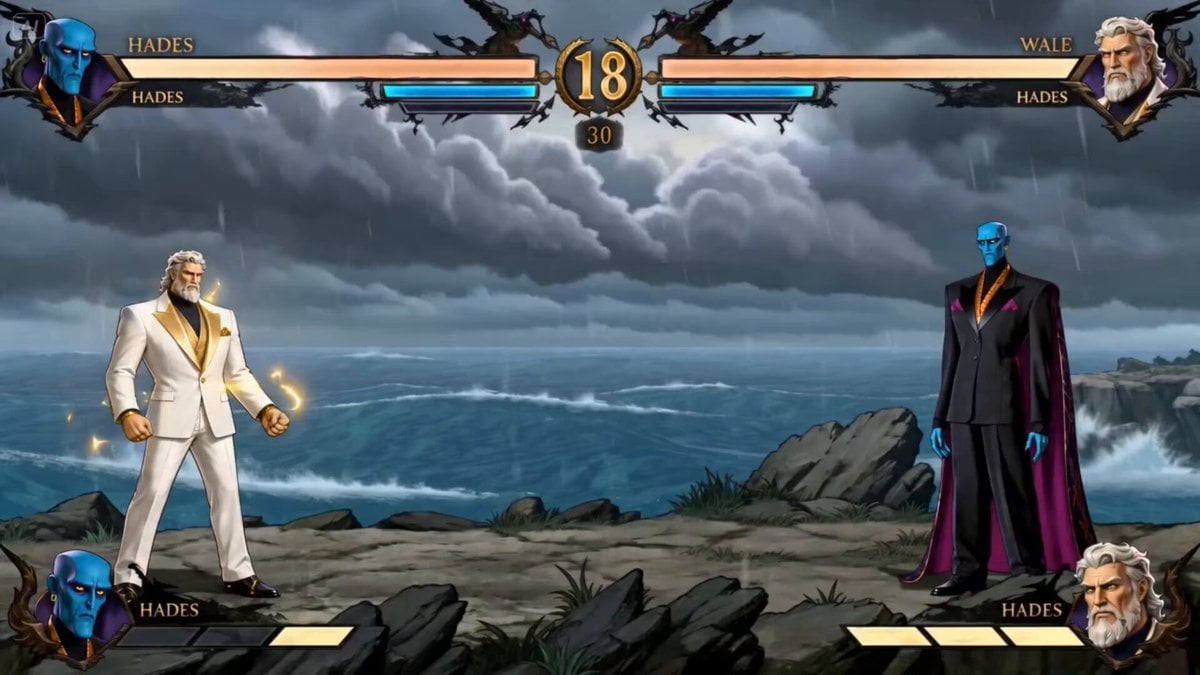
Zeus vs Hades Arcade Fight
Swordsman vs Shadow Monster — Bamboo Forest Battle
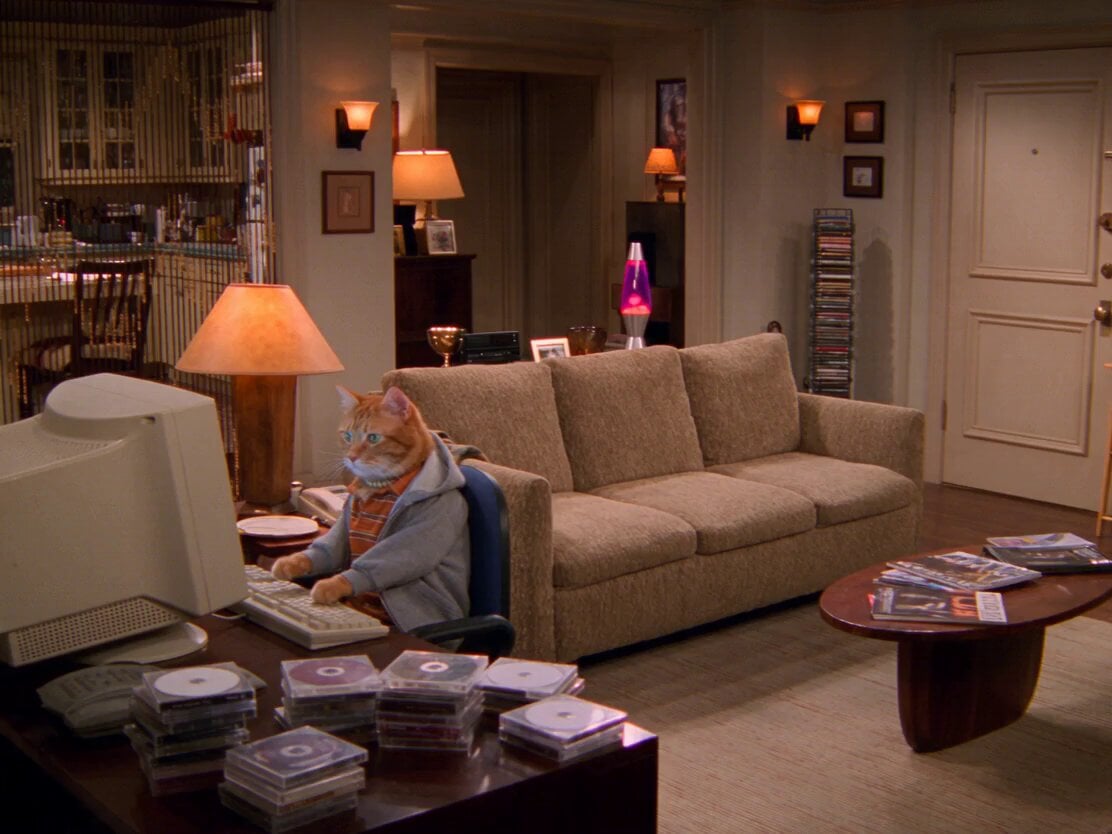
2000s Retro Cat Sitcom

Martial Arts Fight Sequence

Vintage Korean Arcade MiniDV Vlog
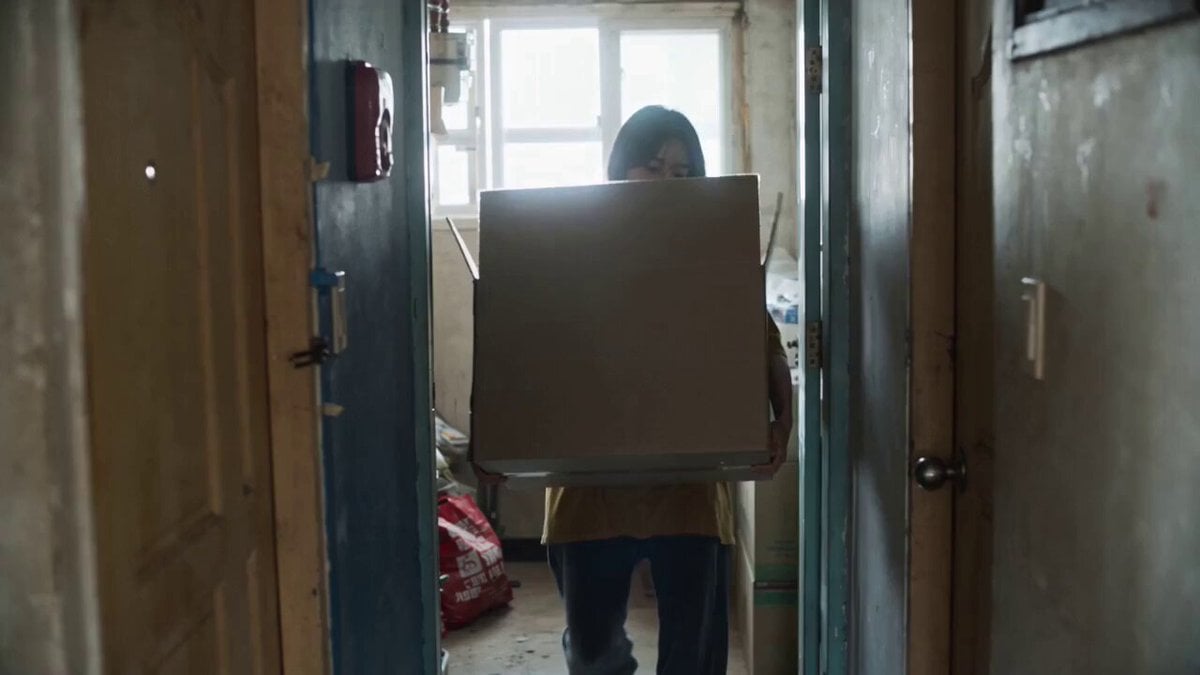
Retro Seoul Moving Day Video
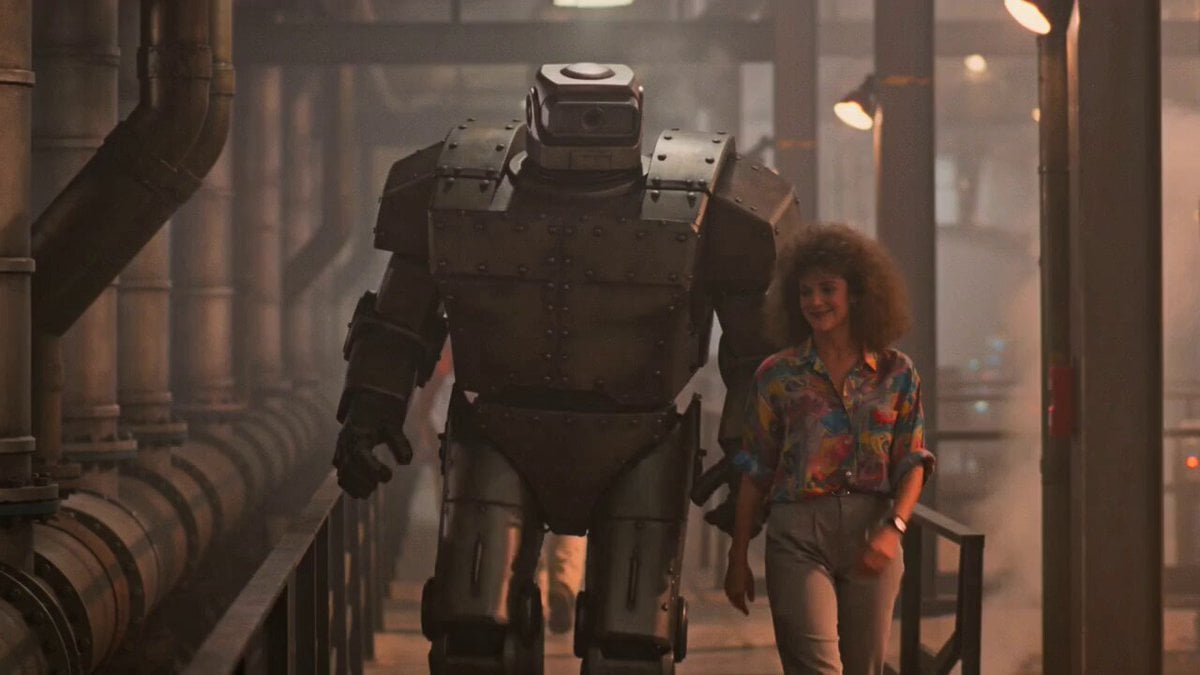
1980s Retro Sci-Fi Comedy Scene
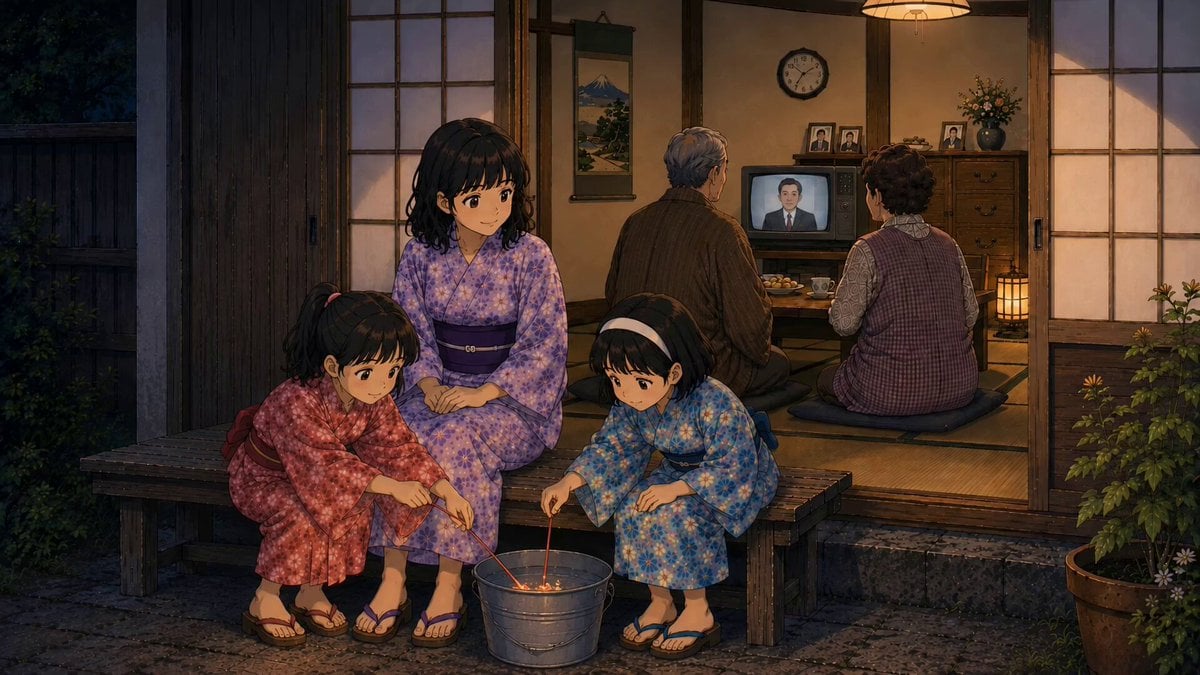
Retro Japanese Family Home Scene
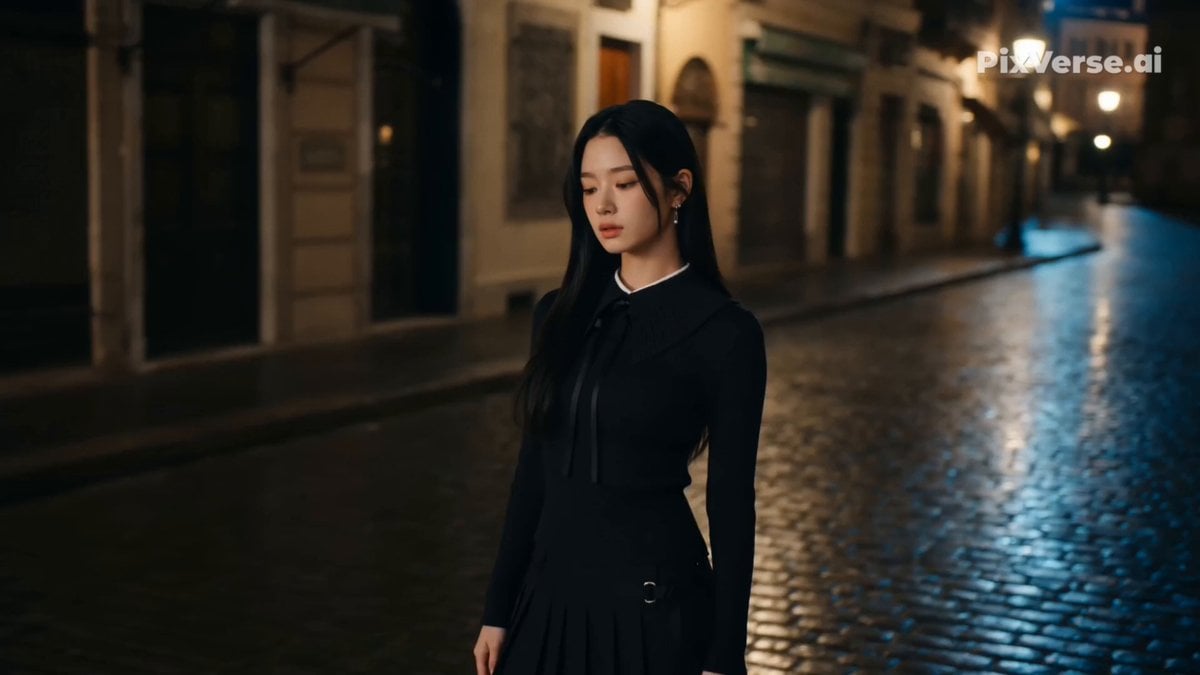
Retro Street Fashion Music Video

Retro GRWM Film Vlog
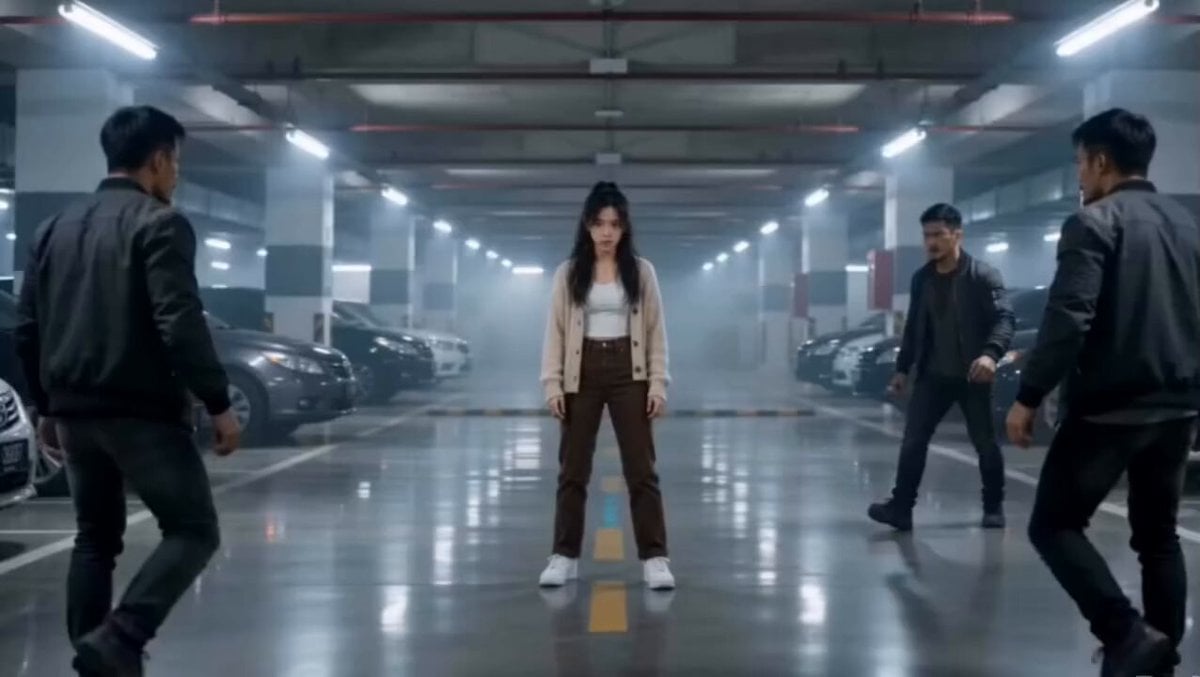
Martial Arts Parking Garage Fight
Make it yours
Retro Arcade Art Fight works as-is. These are the safest ways to change it without losing the look.
Change one field
Copy a single group, rewrite it, and generate again so you can see what that field is doing.
Keep the frame, change the subject
Hold the composition and light of Retro Arcade Art Fight, then swap wardrobe, props or the person for a new take.
| If the result… | Why | Fix |
|---|---|---|
| The result drifts from the preview | Too many fields changed at once. | Reuse Retro Arcade Art Fight as-is first, then change one group — subject, light, or setting. |
| The model over-stylizes the scene | The prose prompt leaves finish and camera underspecified. | Add one camera or lighting sentence and stay on Seedance 2.0. |
More Seedance 2.0 templates
Other prompts made for Seedance 2.0.

Comical Martial Arts Punch Scene

Maglev Train Action Sequence

Wuxia Protection and Trust Script

Mercedes 190 SL Luxury Ad

Rainy Night Supernatural Reverse Comedy Video Script

Amazon Civilization Discovery

Futuristic South Asian City Transformation

Cozy Luxury Cafe Commercial

Cyber Ronin Nanotech Transformation Video

Desert Courier and Sandstorm Leviathan Chase
More video prompts
Fresh picks from across the catalog.
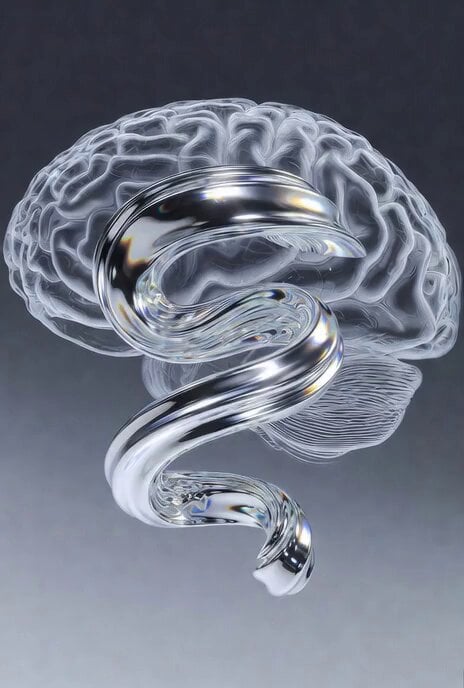
Video Generation Prompt: Fluid Ribbon in a Transparent Brain
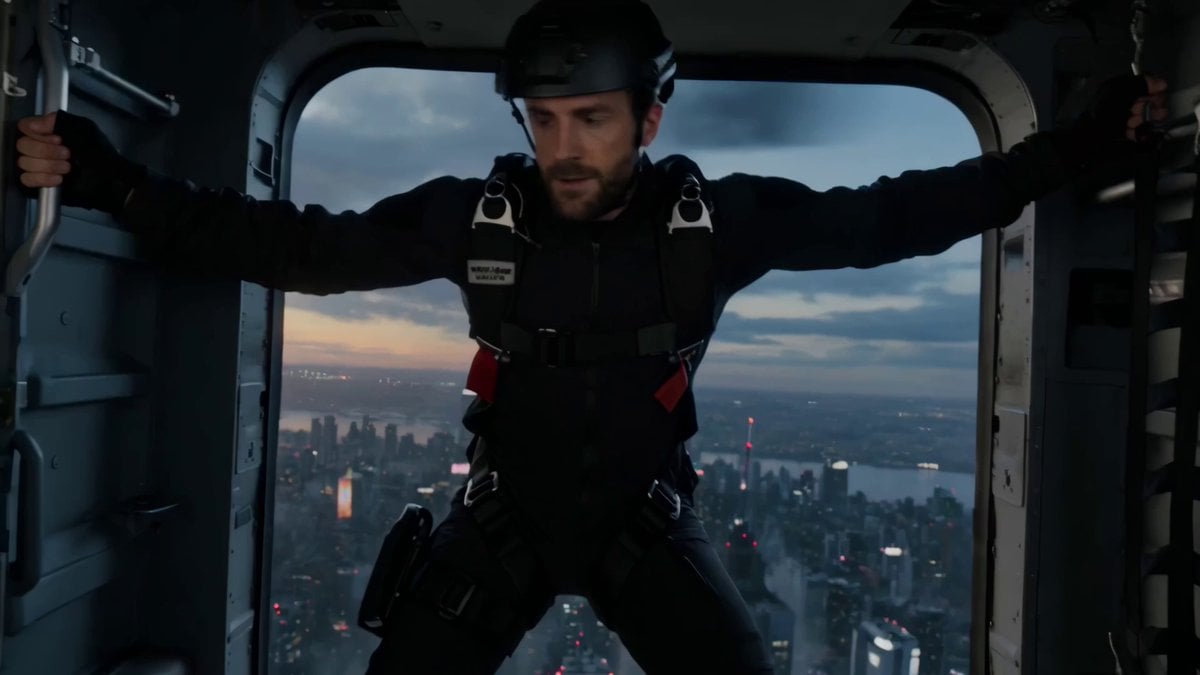
Vertical Action Insertion: Tactical Courier Freefall
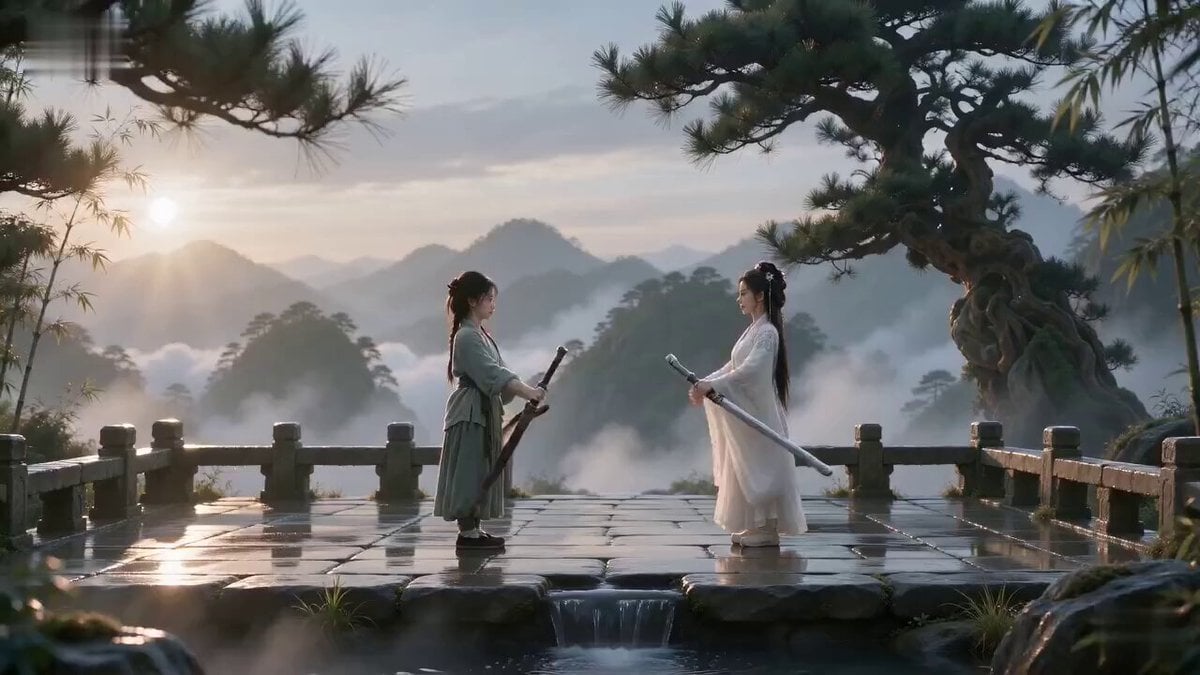
Cinematic Wuxia Sword Duel
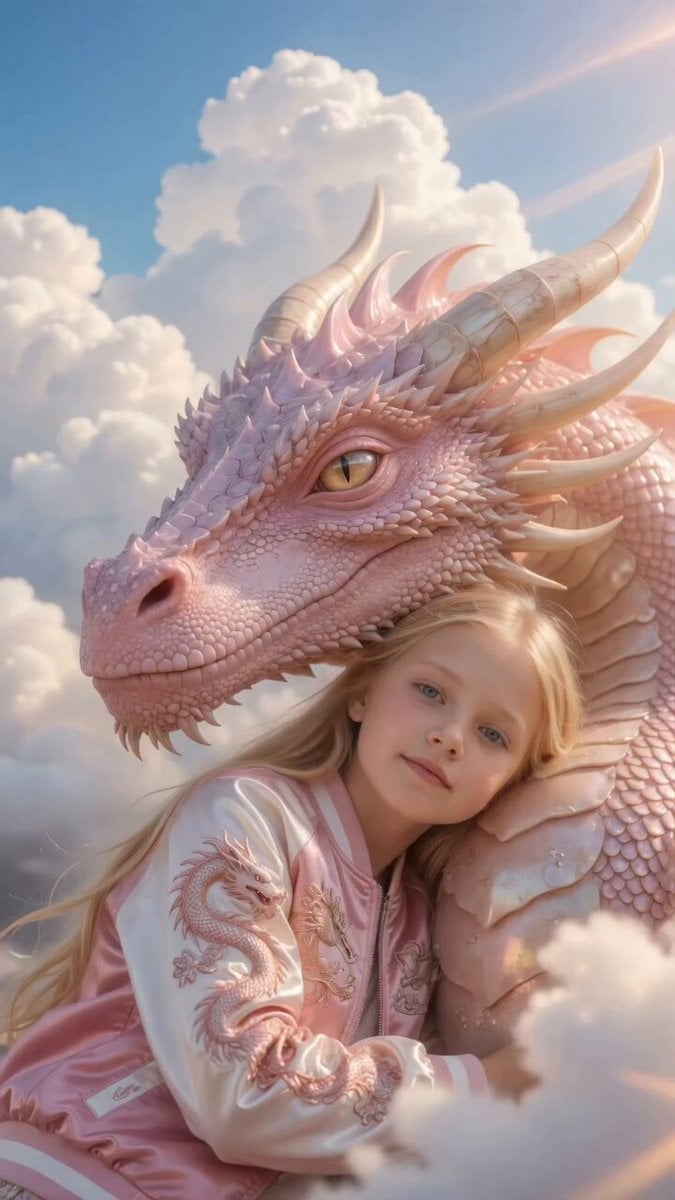
Girl Hugging Pink Dragon in Clouds
2000s MiniDV Han River Cycle
Cinematic Dolly-Out Sequence
Cinematic Warrior and Dragon Spirit Prompt
Model Climbing Slope Behind Grasses
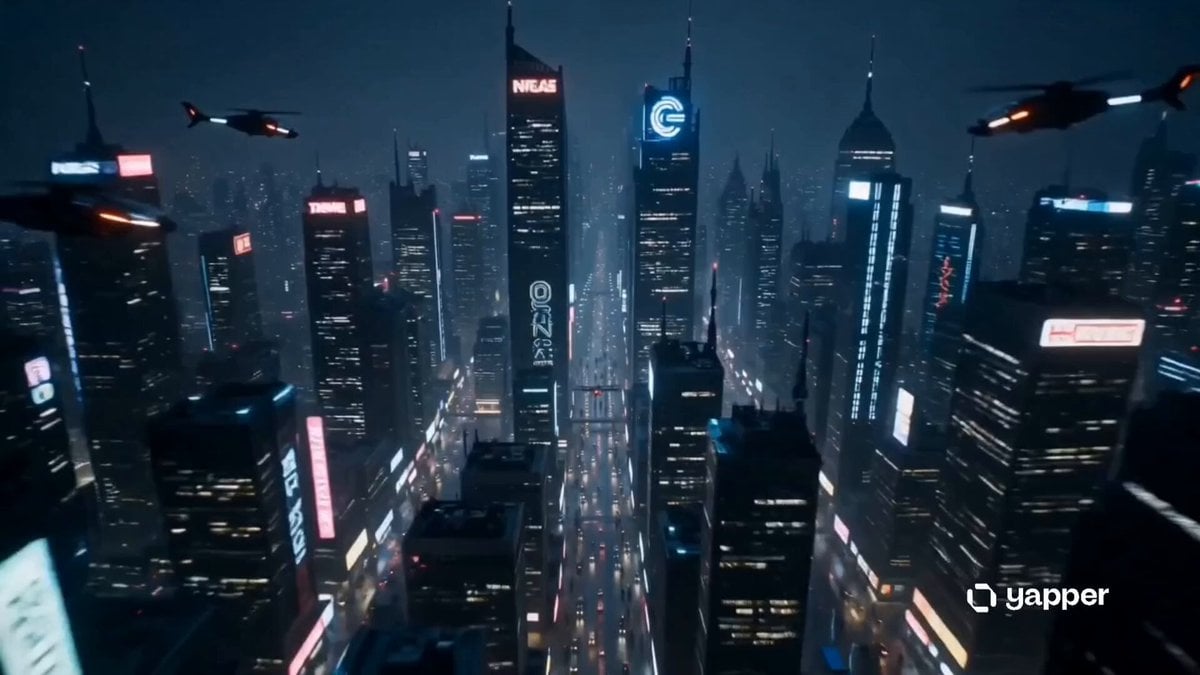
Sentient Robot Neon City Journey
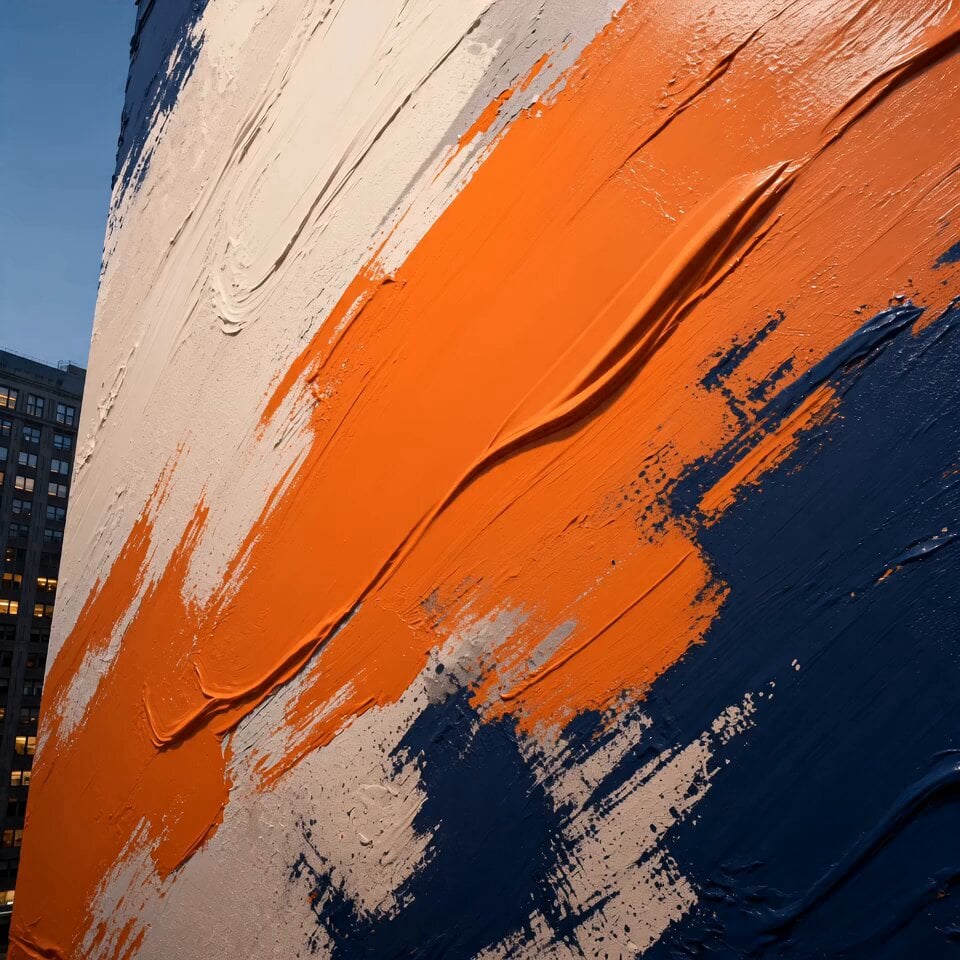
Cinematic Urban Billboard Liquid Paint
Browse template categories
Retro Arcade Art Fight questions
How do I use the Retro Arcade Art Fight template?
Add your photo if the template asks for one, edit the prompt if you like — the template's model and format are already selected — and press Generate. Your version opens in PicX Studio.
Can I customize the Retro Arcade Art Fight template?
Yes. You can change the subject, setting, lighting, mood, format, and available model controls before creating your video.
Is the Retro Arcade Art Fight template free?
Opening and editing this template is free. Generating uses credits, shown on the Generate button when you are signed in.
Which AI model should I use?
Start with Seedance 2.0, which is the model associated with this template. You can compare another compatible model for a different finish.
Looking for something else? Browse all templates.

Your photo, any look
Thousands of ready templates for every top image and video model, from one credit balance.