
Retro GRWM Film Vlog
A stylized 35mm film aesthetic 'Get Ready With Me' video featuring an East Asian male in a vintage apartment.

- Prompt included
- Model and format preset
- Free template
The prompt behind this video
Copy the exact prompt behind Retro GRWM Film Vlog, or open it in the studio and make it yours.
A continuous 15 second retro styled cinematic Get Ready With Me video featuring an East Asian male with dreadlocks in a warm mid century apartment, shot on 35mm film with organic grain and natural color tones, 16:9 aspect ratio. [00:00 - 00:03] Static eye level shot. Central composition. A young man wearing a white ribbed tank top sits on a dark brown leather couch, pouring tea from a matte black kettle into a small vintage floral ceramic cup. Multiple hands rapidly extend from off screen edges, dangling various clothes like cardigans, vests, and sunglasses in front of him in a chaotic style. Warm afternoon sunlight pours in through side windows, illuminating lush houseplants and a wooden bookshelf behind him. [00:03 - 00:06] Rapid snap zoom to an extreme close-up macro shot of his hands buttoning light beige corduroy pants. Focus is razor sharp on the fabric texture, waistline, and brass button click, featuring micro handheld camera wobble. [00:06 - 00:09] Smooth whip pan upward to a medium shot as he pulls a oversized white crewneck tee over his head, immediately followed by tossing a green and cream horizontal striped knit cardigan toward the camera lens, creating a seamless dynamic fabric wipe transition. [00:09 - 00:12] Eye level medium close up shot. The subject slides on dark black retro sunglasses and adjusts a washed grey baseball cap over his dreadlocks. The lighting is warm, soft, and cozy, with a glowing paper lamp visible in the soft focus background. [00:12 - 00:15] The frame shifts into a circular fisheye lens perspective. The subject crouches low, bringing his hands up around the lens frame to inspect his look, smiling casually before leaning forward to tap the screen. Vintage 90s aesthetic, realistic skin texture, authentic film jitter, no plastic smooth look. Audio Track: 120 BPM smooth lo fi hip hop beat featuring relaxed sub bass, rhythmic vinyl crackle, subtle guitar licks, and crisp Foley sounds of tea pouring, cloth swishing and button snapping.
How to use Retro GRWM Film Vlog in 3 steps
- 1
Open
The prompt is already in the box next to the preview, with the template's model and format selected.
- 2…a portrait of your subject in softgolden-hour light, 85mm…
Personalize
Edit the subject and creative details for your destination.
- 3Generate
Generate
Press Generate — your video is created in PicX Studio, so you can compare it with the original and refine one variable at a time.
More like this
Templates with the same subject, style or setup. Open one to see its prompt.

Fashion GRWM Smartphone Vlog
Mediterranean Coffee Run Vlog - Seedance 2.5

Mysterious Home Exploration Vlog - Seedance 2.5
Realistic Morning Routine Lifestyle Vlog - Seedance 2.5
Handheld Tokyo Travel Vlog - Seedance 2.5
Nostalgic MiniDV Convenience Store Vlog - Seedance 2.5
Mediterranean Morning Coffee Run Vlog (Seedance 2.5)
Hospital Car Park Dialogue Lip Sync
Global Flower Thank-You Film
Youth Racing Short Film
Mechanical Flower Bloom Brand Film
Oceanic Civilization Epic Sci-Fi Film
Make it yours
Retro GRWM Film Vlog works as-is. These are the safest ways to change it without losing the look.
Change one field
Copy a single group, rewrite it, and generate again so you can see what that field is doing.
Keep the frame, change the subject
Hold the composition and light of Retro GRWM Film Vlog, then swap wardrobe, props or the person for a new take.
| If the result… | Why | Fix |
|---|---|---|
| The result drifts from the preview | Too many fields changed at once. | Reuse Retro GRWM Film Vlog as-is first, then change one group — subject, light, or setting. |
| The model over-stylizes the scene | The prose prompt leaves finish and camera underspecified. | Add one camera or lighting sentence and stay on Seedance 2.0. |
More Seedance 2.0 templates
Other prompts made for Seedance 2.0.

Comical Martial Arts Punch Scene

Maglev Train Action Sequence

Martial Arts Fight Sequence

Wuxia Protection and Trust Script

Vintage Korean Arcade MiniDV Vlog

Mercedes 190 SL Luxury Ad

Rainy Night Supernatural Reverse Comedy Video Script

Amazon Civilization Discovery

Futuristic South Asian City Transformation

Cozy Luxury Cafe Commercial
More video prompts
Fresh picks from across the catalog.

Cinematic shot of a woman walking with an umbrella

Studio Ghibli Rainy Village Animation
Realistic Zoo Vlog Selfie
Anime Woman on Dark Stairwell
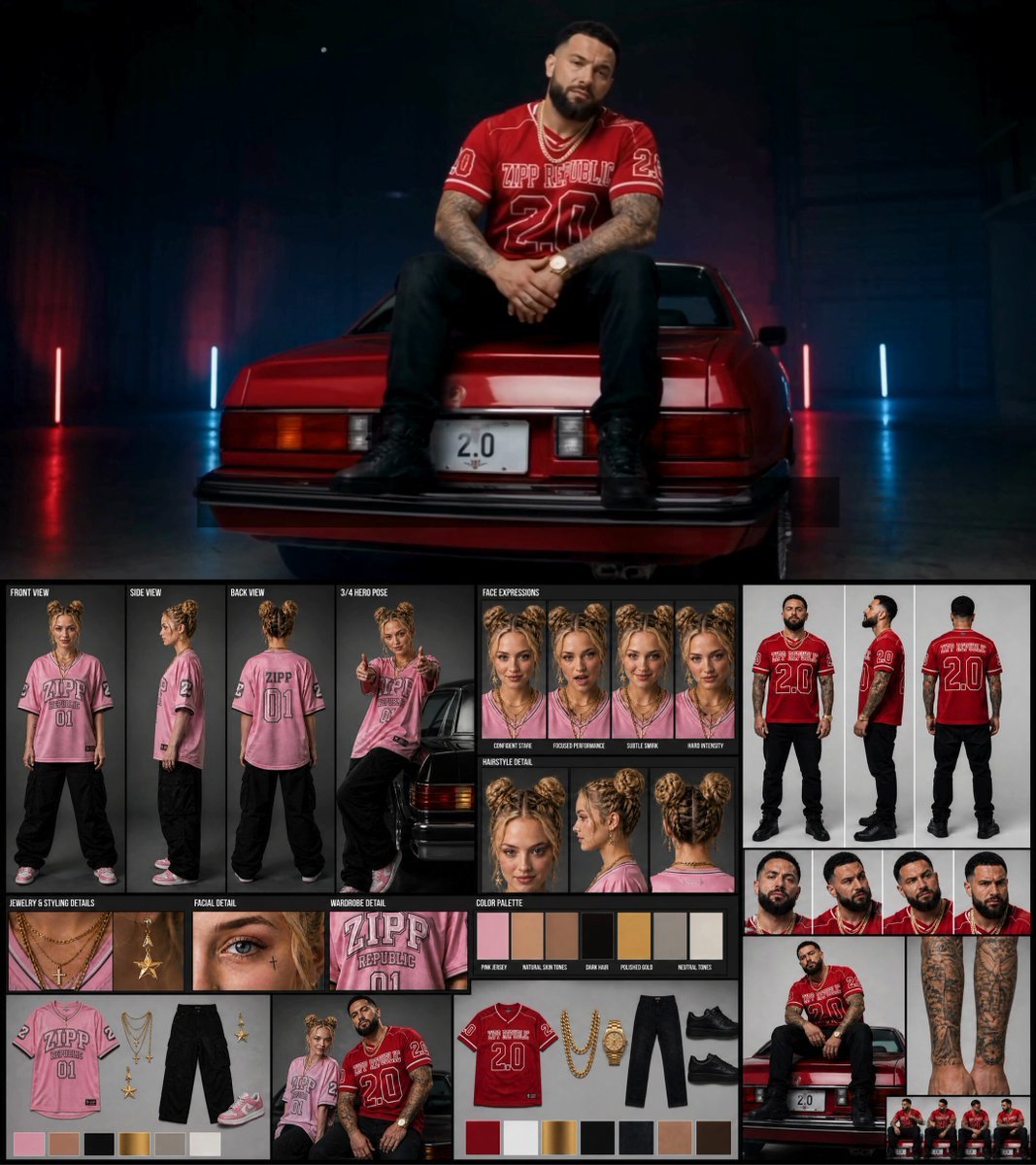
Female Rapper Performance Music Video
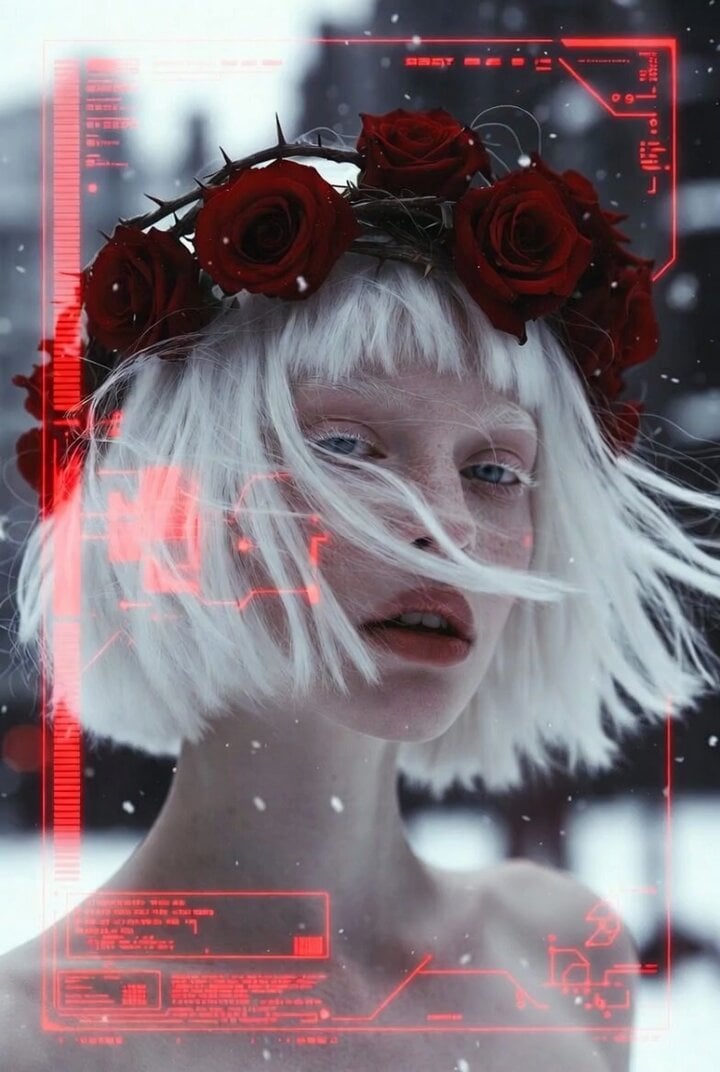
Albino Woman in Winter Storm Close-up
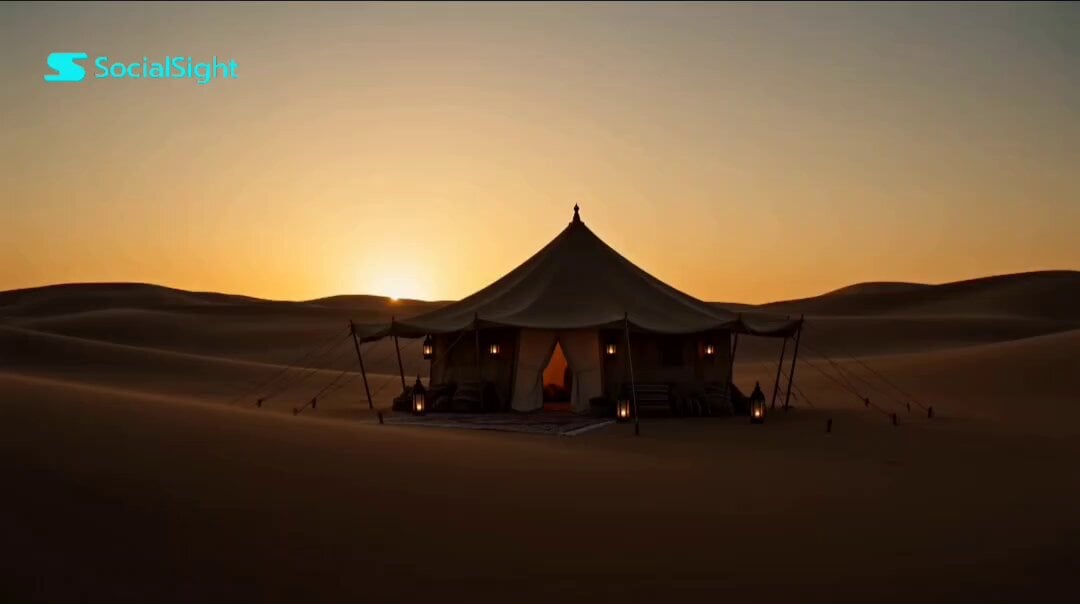
Emotional Arabian Desert Eid Short Film
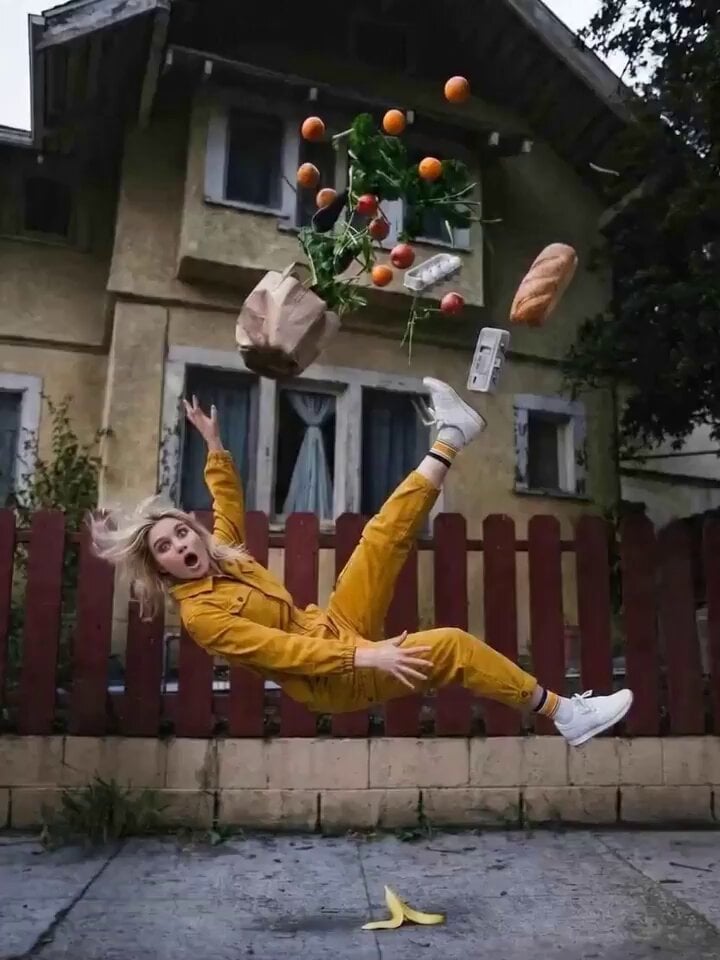
Bullet Time 360 Orbit Prompt
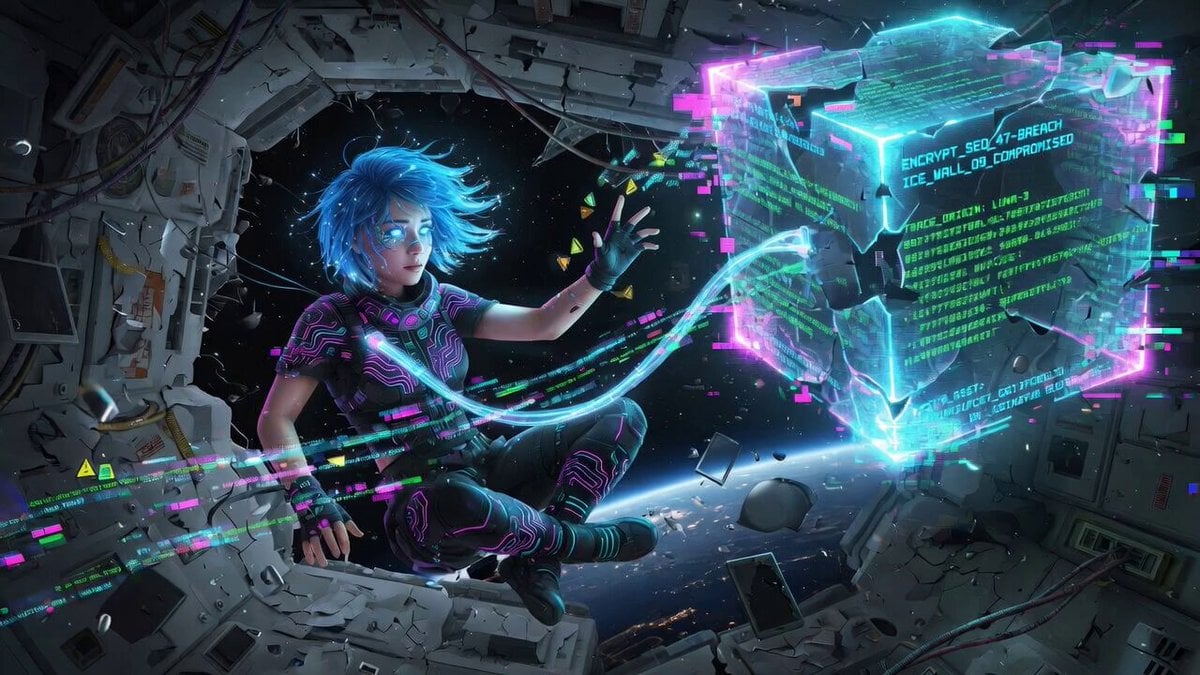
Cinematic video generation prompt: Cybernetic netrunner hacking
Tesla Optimus Room Service Video Prompt
Browse template categories
Retro GRWM Film Vlog questions
How do I use the Retro GRWM Film Vlog template?
Add your photo if the template asks for one, edit the prompt if you like — the template's model and format are already selected — and press Generate. Your version opens in PicX Studio.
Can I customize the Retro GRWM Film Vlog template?
Yes. You can change the subject, setting, lighting, mood, format, and available model controls before creating your video.
Is the Retro GRWM Film Vlog template free?
Opening and editing this template is free. Generating uses credits, shown on the Generate button when you are signed in.
Which AI model should I use?
Start with Seedance 2.0, which is the model associated with this template. You can compare another compatible model for a different finish.
Looking for something else? Browse all templates.

Your photo, any look
Thousands of ready templates for every top image and video model, from one credit balance.