
Studio Ghibli Rainy Village Animation
A detailed multi-shot animation prompt for creating a heartwarming Studio Ghibli-inspired scene of a boy in a yellow raincoat encountering magical spirits in a rainy Japanese street at twilight.

- Prompt included
- Model and format preset
- Free template
The prompt behind this video
Copy the exact prompt behind Studio Ghibli Rainy Village Animation, or open it in the studio and make it yours.
A heartwarming Studio Ghibli-inspired cinematic fantasy animation. A curious young boy wearing a yellow raincoat and brown boots stands alone on a quiet Japanese street during a gentle rainstorm at dusk. He holds a red umbrella while raindrops create beautiful ripples on the reflective pavement. Warm light glows from traditional wooden houses, lush plants sway in the breeze, and tiny magical blue spirit creatures begin appearing around him. As the rain slowly stops, the sky transforms into a breathtaking twilight filled with stars and floating petals. The boy smiles with wonder as glowing friendly spirits dance around him. He opens his red umbrella and gently rises into the air, floating above rooftops while surrounded by magical creatures. Soft clouds drift across the colorful evening sky, sparkling particles fill the atmosphere, and the entire scene radiates childlike wonder and adventure. Dreamlike fantasy storytelling, emotional atmosphere, whimsical magic, beautiful Japanese village, cozy lights, floating spirits, cinematic camera movement, ultra-detailed anime artwork, vibrant colors, volumetric lighting, shallow depth of field, masterpiece animation, magical realism, 4K HDR, smooth motion, enchanting soundtrack vibes, Studio Ghibli-inspired aesthetic, fantasy adventure short film. Camera Shots Wide establishing shot of rainy village street Close-up of raindrops and reflections Medium shot of boy holding umbrella Slow push-in as spirits appear Orbit shot around floating magical creatures Low-angle shot of boy rising into the sky Aerial tracking shot above rooftops Epic wide finale with stars, petals, and glowing spirits Negative Prompt low quality, blurry, distorted anatomy, extra limbs, horror elements, dark scary mood, flickering, watermark, text, logo, low resolution, CGI artifacts, oversaturated colors, deformed face, poor lighting, duplicate characters, shaky camera, noise, compression artifacts.
How to use Studio Ghibli Rainy Village Animation in 3 steps
- 1
Open
The prompt is already in the box next to the preview, with the template's model and format selected.
- 2…a portrait of your subject in softgolden-hour light, 85mm…
Personalize
Edit the subject and creative details for your destination.
- 3Generate
Generate
Press Generate — your video is created in PicX Studio, so you can compare it with the original and refine one variable at a time.
More like this
Templates with the same subject, style or setup. Open one to see its prompt.
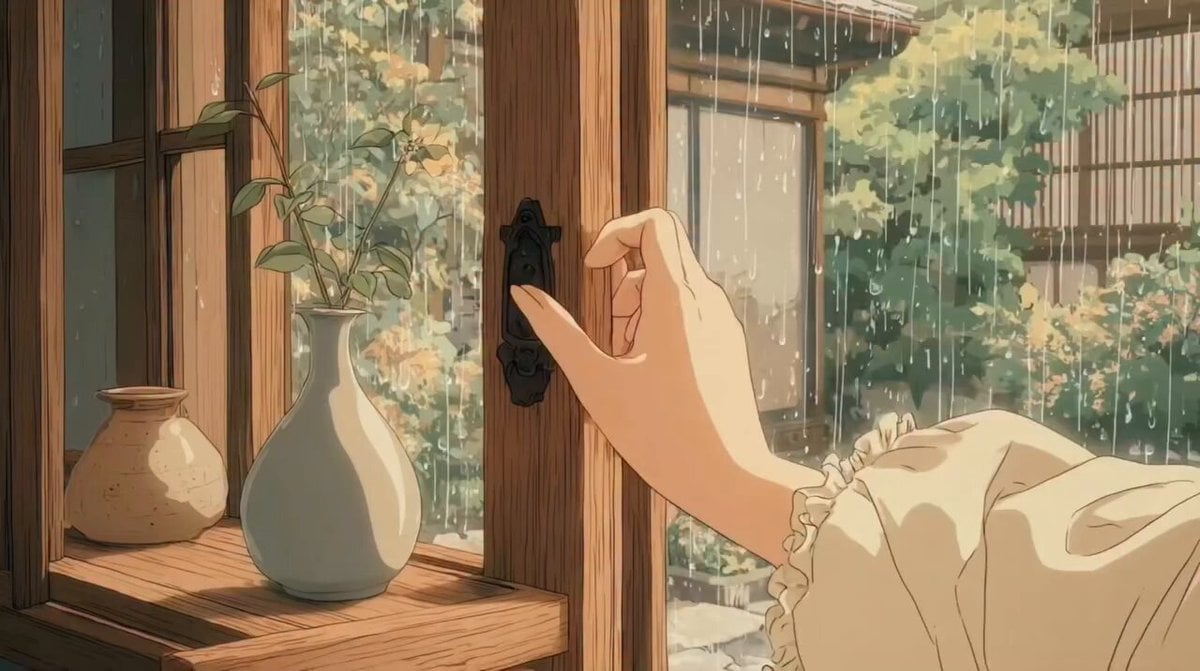
Studio Ghibli Inspired Rainy Garden
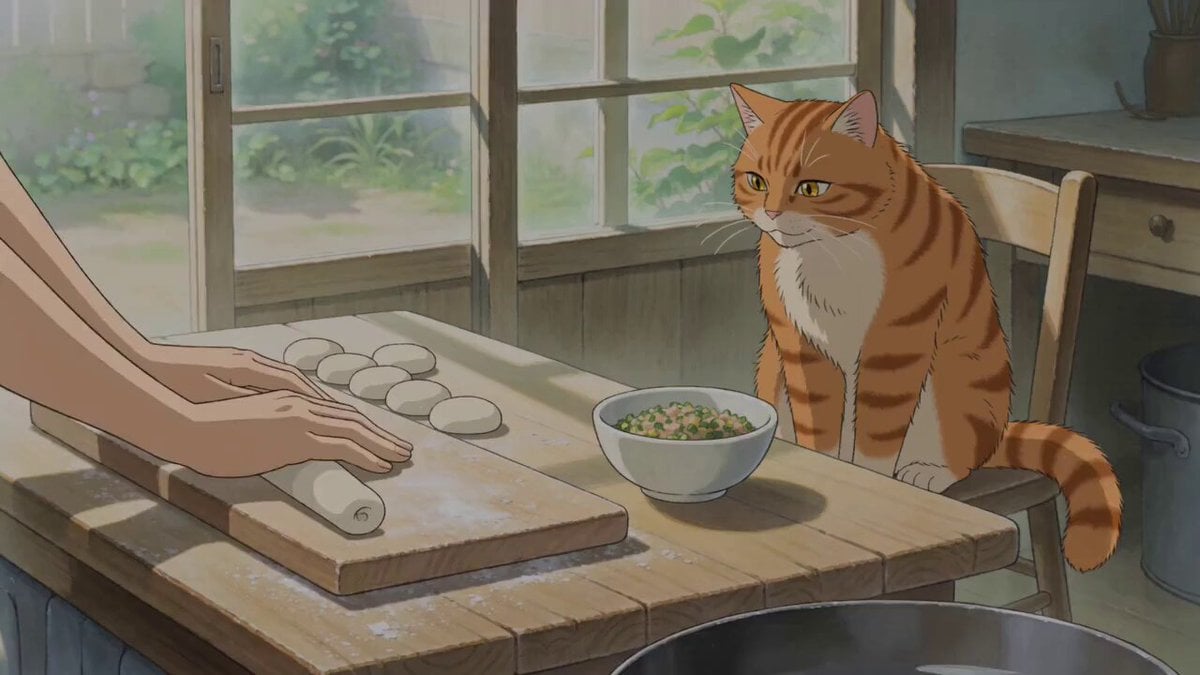
Studio Ghibli Style Cooking Animation
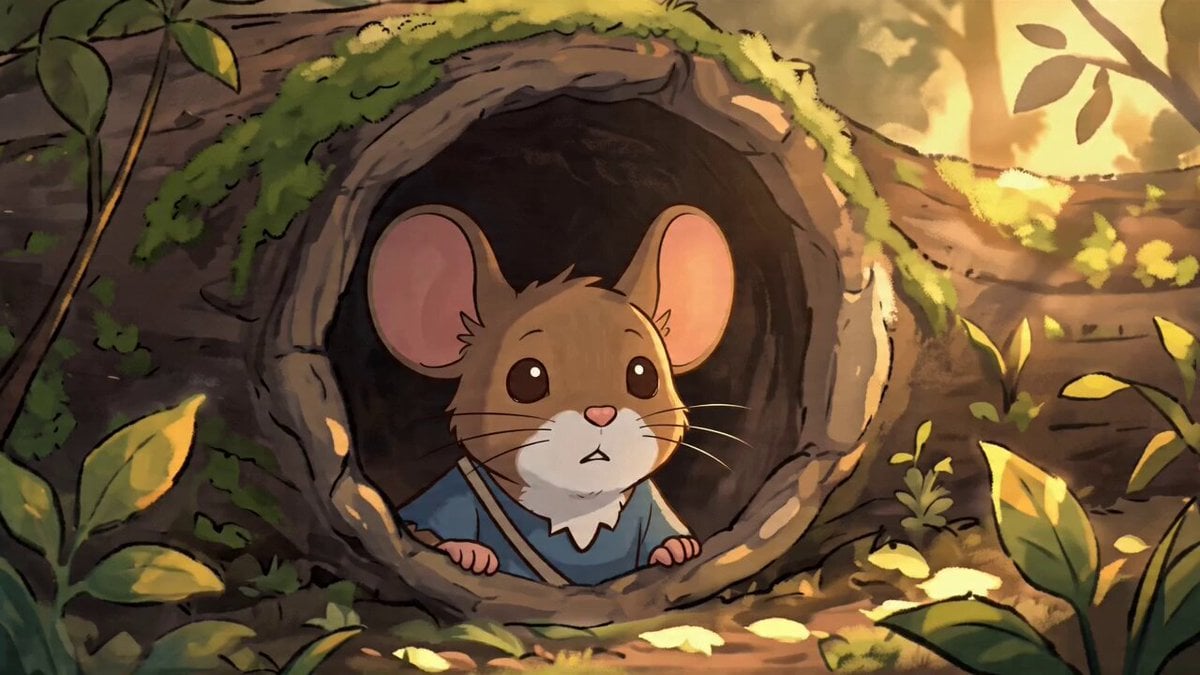
Studio Ghibli Style Animation Scene

Ghibli Style Shawarma Cooking Animation

3D Glossy Fairy Animation - Seedance 2.5
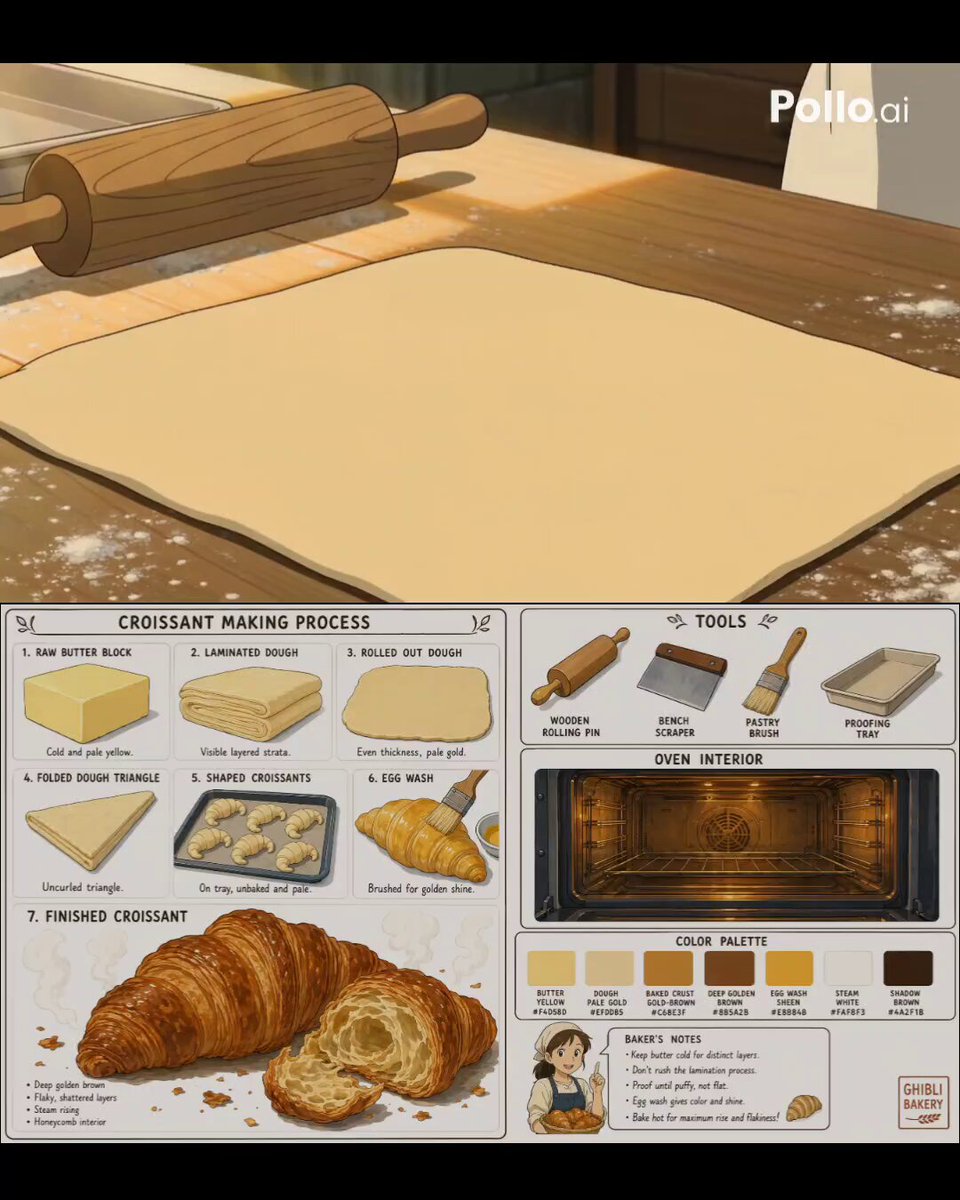
Studio Ghibli Style Croissant Bakery
3D Miniature Pastry Village Animation

Studio Ghibli Inspired Bamboo Soup Scene
Studio Ghibli Inspired Cozy Attic

Silk Road Pomegranate Folk Animation

Multilingual Creative Typography Loop
Studio Ghibli Style Dumpling Cooking
Make it yours
Studio Ghibli Rainy Village Animation works as-is. These are the safest ways to change it without losing the look.
Change one field
Copy a single group, rewrite it, and generate again so you can see what that field is doing.
Keep the frame, change the subject
Hold the composition and light of Studio Ghibli Rainy Village Animation, then swap wardrobe, props or the person for a new take.
| If the result… | Why | Fix |
|---|---|---|
| The result drifts from the preview | Too many fields changed at once. | Reuse Studio Ghibli Rainy Village Animation as-is first, then change one group — subject, light, or setting. |
| The model over-stylizes the scene | The prose prompt leaves finish and camera underspecified. | Add one camera or lighting sentence and stay on Seedance 2.0. |
More Seedance 2.0 templates
Other prompts made for Seedance 2.0.

Comical Martial Arts Punch Scene

Maglev Train Action Sequence

Martial Arts Fight Sequence

Wuxia Protection and Trust Script

Vintage Korean Arcade MiniDV Vlog

Mercedes 190 SL Luxury Ad

Rainy Night Supernatural Reverse Comedy Video Script

Amazon Civilization Discovery

Futuristic South Asian City Transformation

Cozy Luxury Cafe Commercial
More video prompts
Fresh picks from across the catalog.
Zero-Gravity Prison Fight Scene
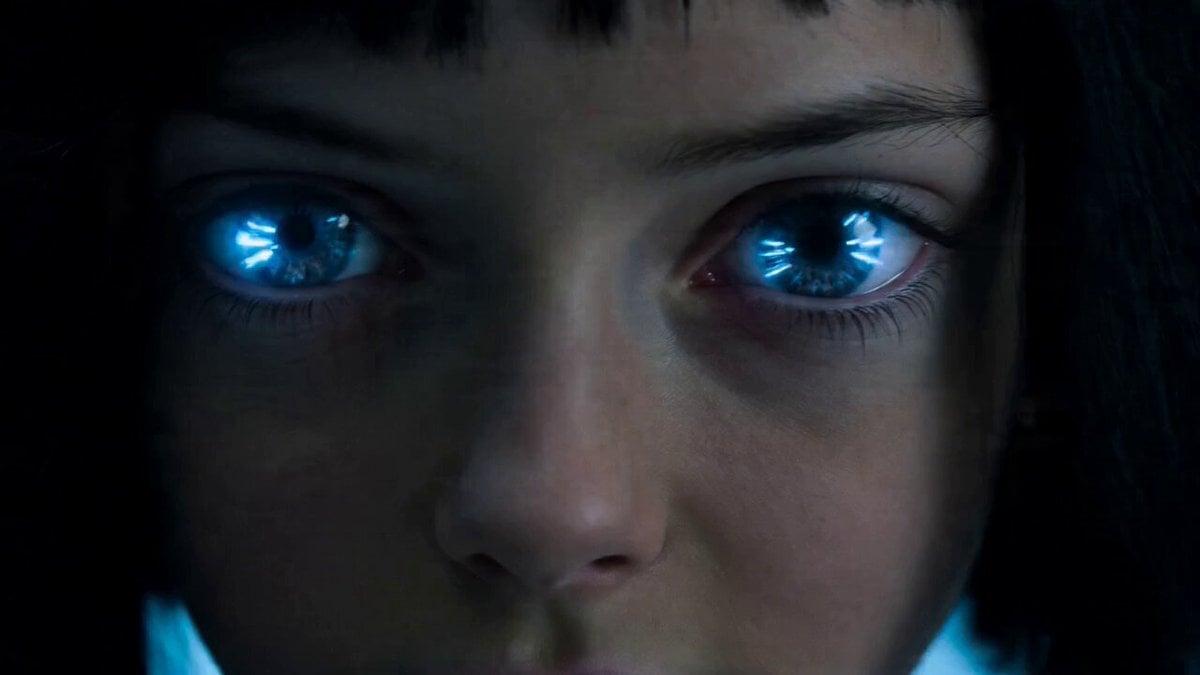
Rampaging Android Girl in Lab
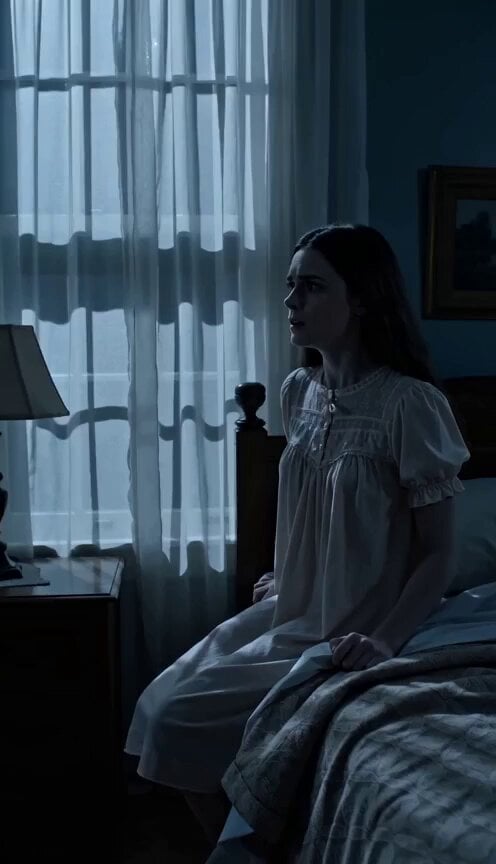
Classic Slasher Horror Storyboard
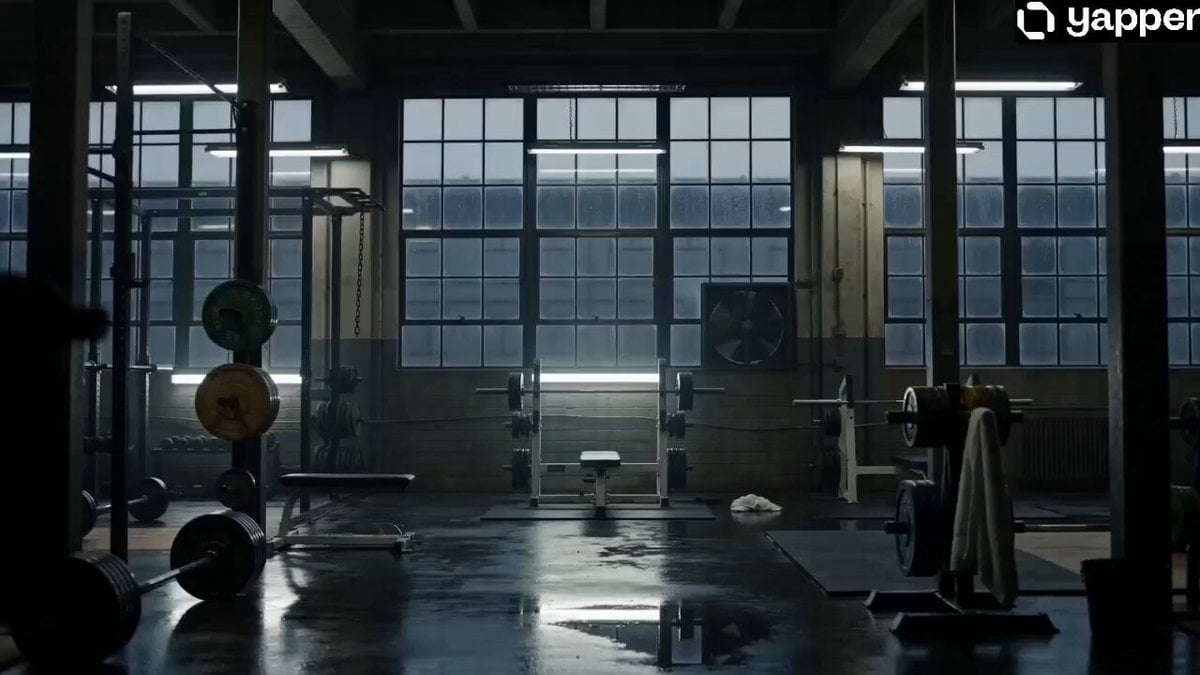
Monster Energy Industrial Commercial
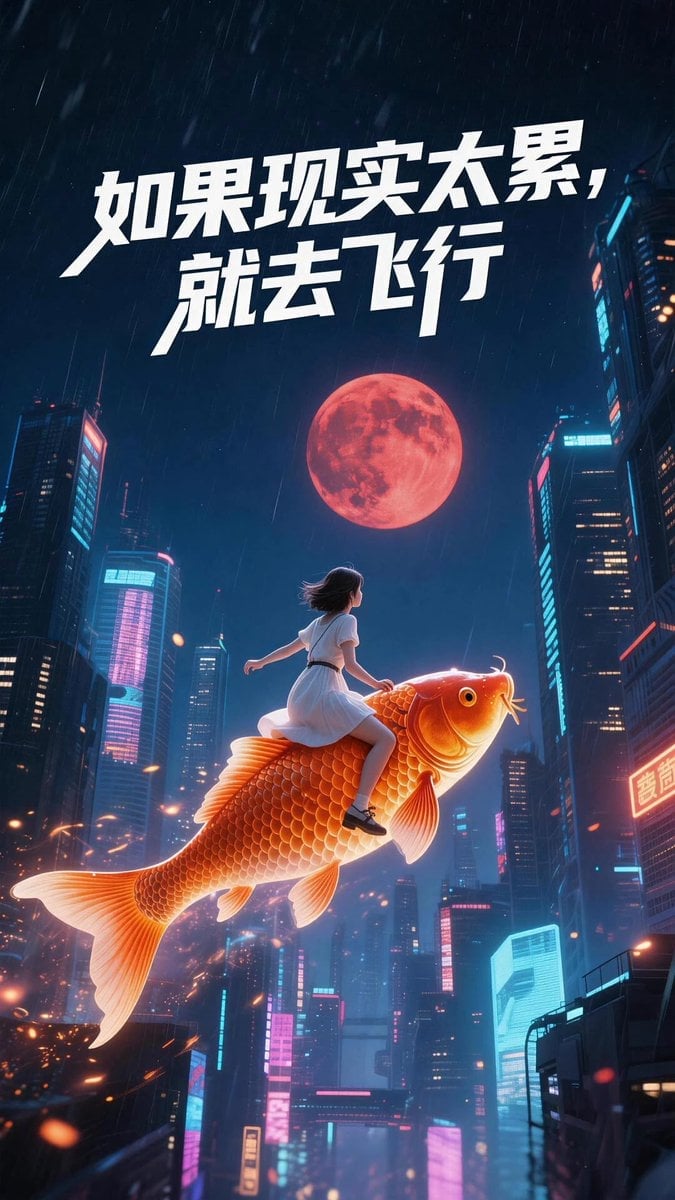
Chinese Dreamscape Video Prompt
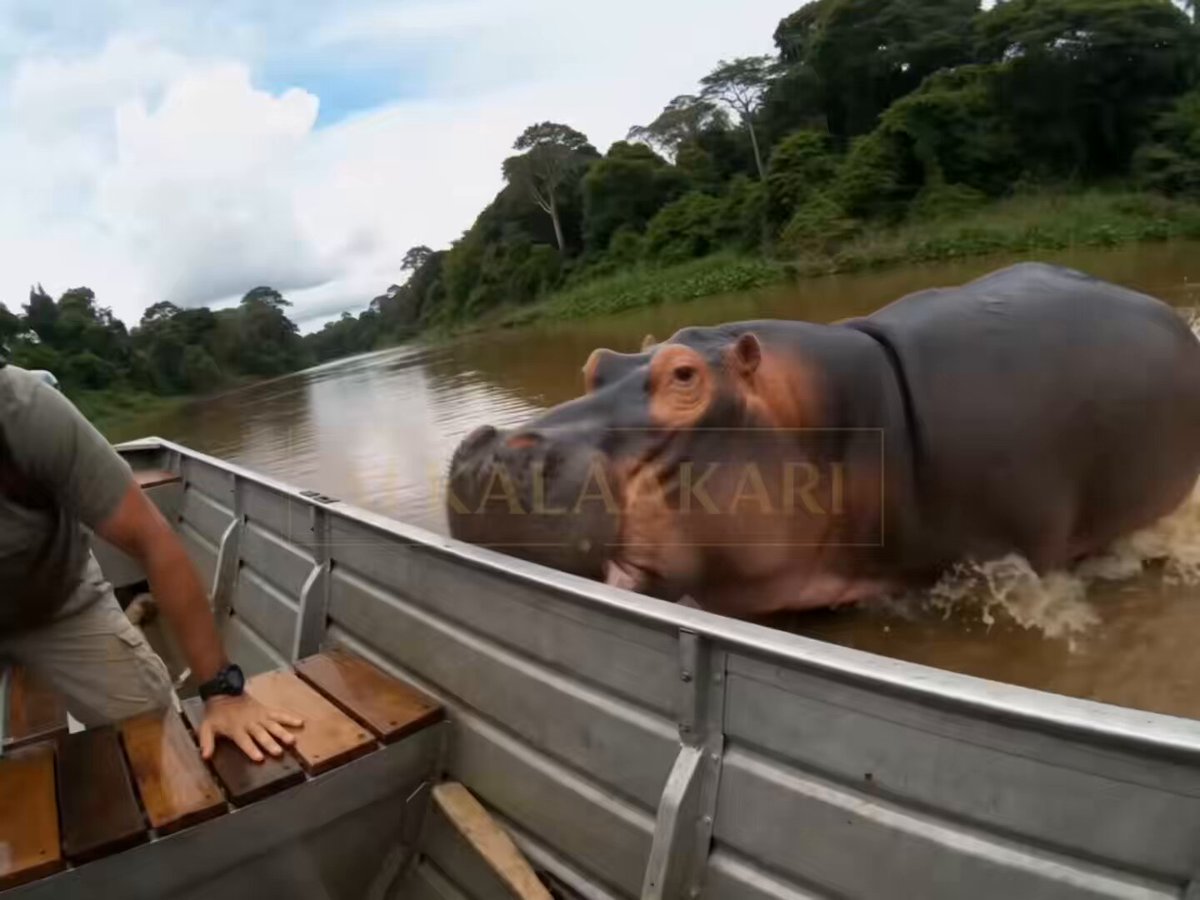
Hippo Boat Split Charge
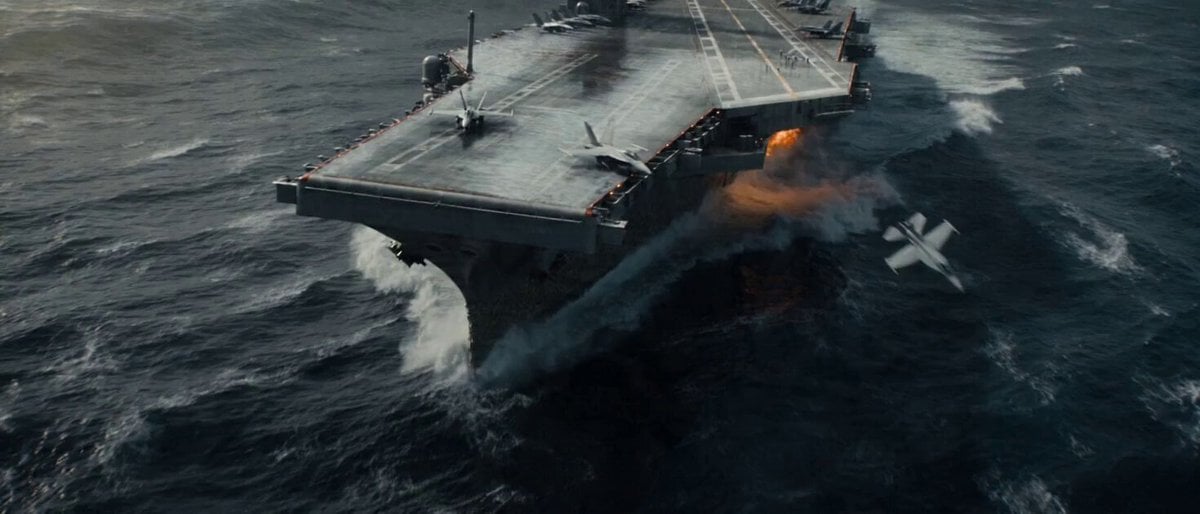
Apocalyptic Naval Disaster Video Prompt for Seedance 2.0

Low-Altitude Aircraft Flight Video Prompt for Seedance 2.0
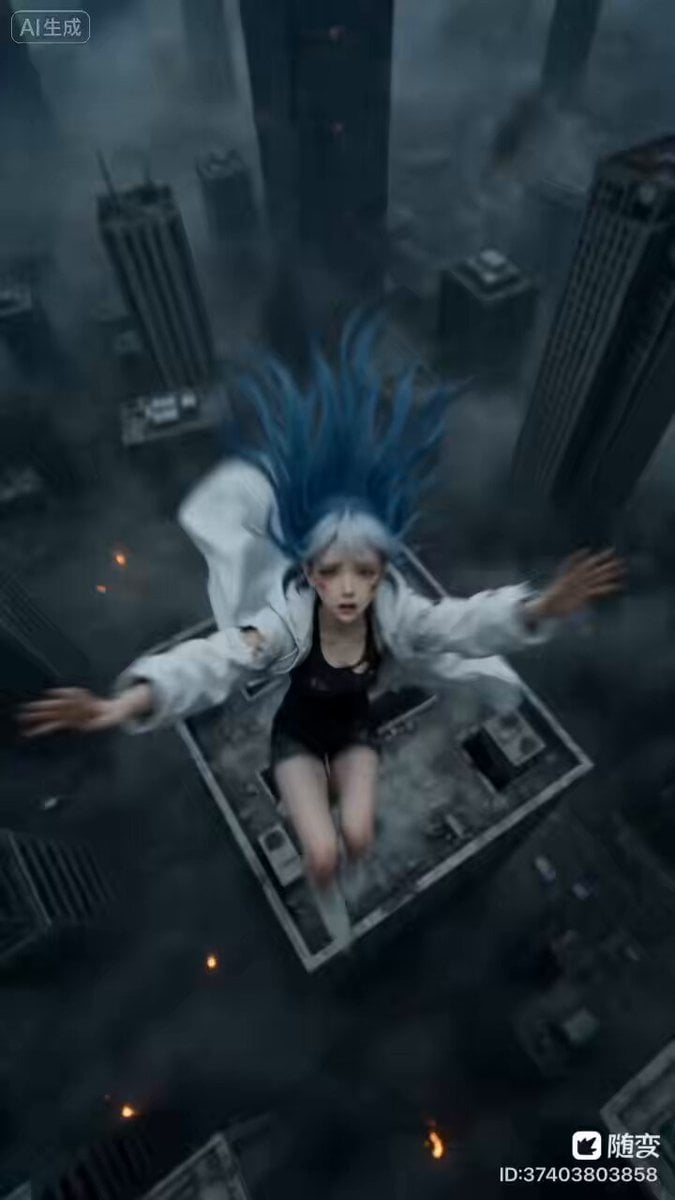
Seedance 2.0 Archangel Transformation Video Prompt
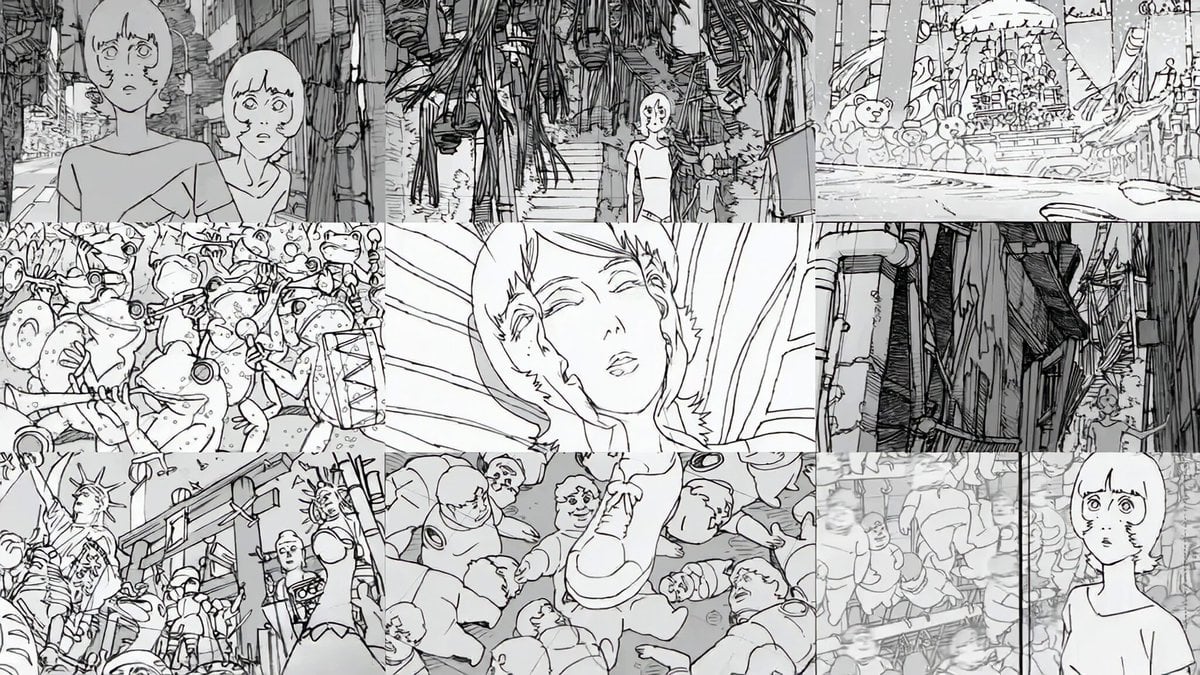
Storyboard to Anime Conversion Prompt
Browse template categories
Studio Ghibli Rainy Village Animation questions
How do I use the Studio Ghibli Rainy Village Animation template?
Add your photo if the template asks for one, edit the prompt if you like — the template's model and format are already selected — and press Generate. Your version opens in PicX Studio.
Can I customize the Studio Ghibli Rainy Village Animation template?
Yes. You can change the subject, setting, lighting, mood, format, and available model controls before creating your video.
Is the Studio Ghibli Rainy Village Animation template free?
Opening and editing this template is free. Generating uses credits, shown on the Generate button when you are signed in.
Which AI model should I use?
Start with Seedance 2.0, which is the model associated with this template. You can compare another compatible model for a different finish.
Looking for something else? Browse all templates.

Your photo, any look
Thousands of ready templates for every top image and video model, from one credit balance.