
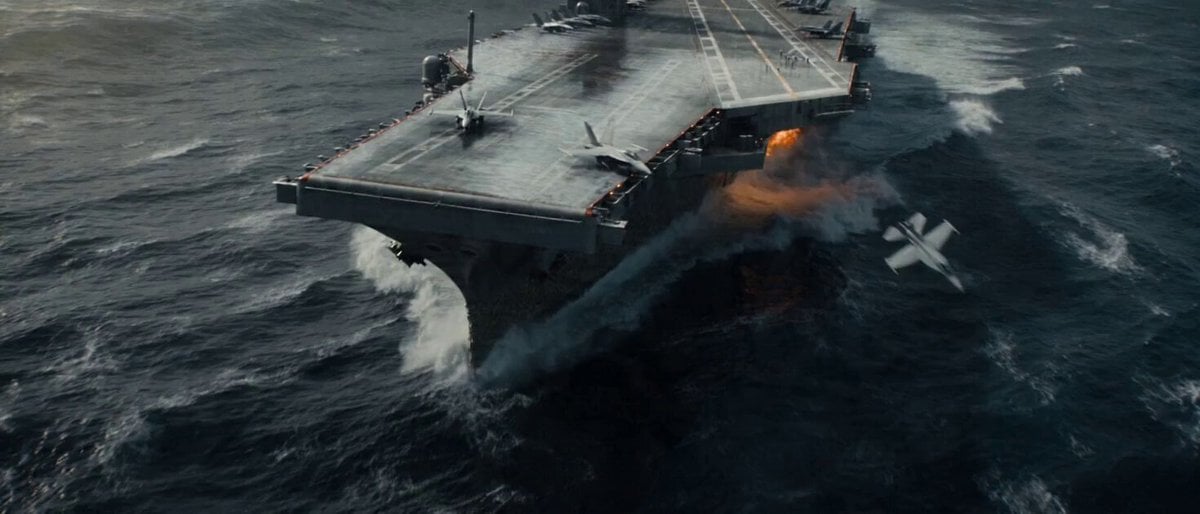
Apocalyptic Naval Disaster Video Prompt for Seedance 2.0
A highly detailed prompt for Seedance 2.0 to generate a cinematic disaster movie scene featuring the catastrophic structural failure of a supercarrier in a massive North Atlantic storm, emphasizing violent realism and…
- Prompt included
- Model and format preset
- Premium template
The prompt behind this video
Copy the exact prompt behind Apocalyptic Naval Disaster Video Prompt for Seedance 2.0, or open it in the studio and make it yours.
- Lang
- zh
- Prompt
- 风格与氛围:末日级海军覆灭,以低饱和钢蓝与炮铜灰为主色调,爆炸琥珀与航空燃油烈焰刺破灰域。压顶风暴层积雷暴云内部被闪电照亮。雨线切割所有表面。长焦压缩将毁灭层层叠加。实拍质感暴力美学——无干净CG光泽,只有砂砾、重量与质量。动态描述:航拍无人机极远景后拉——一艘超级航母在滔天巨浪中向左舷灾难性倾斜,飞行甲板倾角超过四十五度,海水以白浪薄膜状态漫灌甲板表面。三架战斗机同时挣脱系留链锁,沿湿滑钢板横向滑移,起落架刮擦金属迸射火花串,第一架战机翻越甲板边缘坠入翻搅灰色海面。硬切至水面高度手持中景仰望——航母船体如崩塌摩天楼般耸立头顶,藤壶覆盖的钢板呻吟弯曲,铆钉如连发枪响般依次弹射,结构性裂缝从舰体中段劈开,可见冲击波沿金属表皮涟漪扩散。海水从扩张裂口倾泻灌入。切至稳定环绕广角跟拍——航母在断裂点一分为二,舰艏向前俯冲扎入巨型涌浪,舰艉翘向天空暴露出仍在空气中旋转的螺旋桨组,数吨海水从抬升舰艉倾泻而下形成瀑布群。航空燃油在海面点燃——火焰以扩张环形在水面蔓延,黑色烟柱扭曲上升钻入风暴。一道二十米高异常巨浪从画面左侧涌入,正面撞击倾斜舰艏,白色浪花爆炸至六十米高空,将整个前部结构吞没。静态描述:尼米兹级超级航母灾难性结构失效。北大西洋风暴海况——十五米涌浪、水平暴雨、六十节狂风将浪尖吹成水雾。雷暴云底三百米并伴有内部闪电照明。飞行甲板散落脱锁战机、断裂系留链、漫灌海水。舰体中段断裂暴露内部甲板层。航空燃油在海面燃烧。异常巨浪从左舷逼近。
Raw JSON
{"lang":"zh","prompt":"风格与氛围:末日级海军覆灭,以低饱和钢蓝与炮铜灰为主色调,爆炸琥珀与航空燃油烈焰刺破灰域。压顶风暴层积雷暴云内部被闪电照亮。雨线切割所有表面。长焦压缩将毁灭层层叠加。实拍质感暴力美学——无干净CG光泽,只有砂砾、重量与质量。动态描述:航拍无人机极远景后拉——一艘超级航母在滔天巨浪中向左舷灾难性倾斜,飞行甲板倾角超过四十五度,海水以白浪薄膜状态漫灌甲板表面。三架战斗机同时挣脱系留链锁,沿湿滑钢板横向滑移,起落架刮擦金属迸射火花串,第一架战机翻越甲板边缘坠入翻搅灰色海面。硬切至水面高度手持中景仰望——航母船体如崩塌摩天楼般耸立头顶,藤壶覆盖的钢板呻吟弯曲,铆钉如连发枪响般依次弹射,结构性裂缝从舰体中段劈开,可见冲击波沿金属表皮涟漪扩散。海水从扩张裂口倾泻灌入。切至稳定环绕广角跟拍——航母在断裂点一分为二,舰艏向前俯冲扎入巨型涌浪,舰艉翘向天空暴露出仍在空气中旋转的螺旋桨组,数吨海水从抬升舰艉倾泻而下形成瀑布群。航空燃油在海面点燃——火焰以扩张环形在水面蔓延,黑色烟柱扭曲上升钻入风暴。一道二十米高异常巨浪从画面左侧涌入,正面撞击倾斜舰艏,白色浪花爆炸至六十米高空,将整个前部结构吞没。静态描述:尼米兹级超级航母灾难性结构失效。北大西洋风暴海况——十五米涌浪、水平暴雨、六十节狂风将浪尖吹成水雾。雷暴云底三百米并伴有内部闪电照明。飞行甲板散落脱锁战机、断裂系留链、漫灌海水。舰体中段断裂暴露内部甲板层。航空燃油在海面燃烧。异常巨浪从左舷逼近。"}How to use Apocalyptic Naval Disaster Video Prompt for Seedance 2.0 in 3 steps
- 1
Open
The prompt is already in the box next to the preview, with the template's model and format selected.
- 2…a portrait of your subject in softgolden-hour light, 85mm…
Personalize
Edit the subject and creative details for your destination.
- 3Generate
Generate
Press Generate — your video is created in PicX Studio, so you can compare it with the original and refine one variable at a time.
More like this
Templates with the same subject, style or setup. Open one to see its prompt.
Asteroid Impact City Destruction
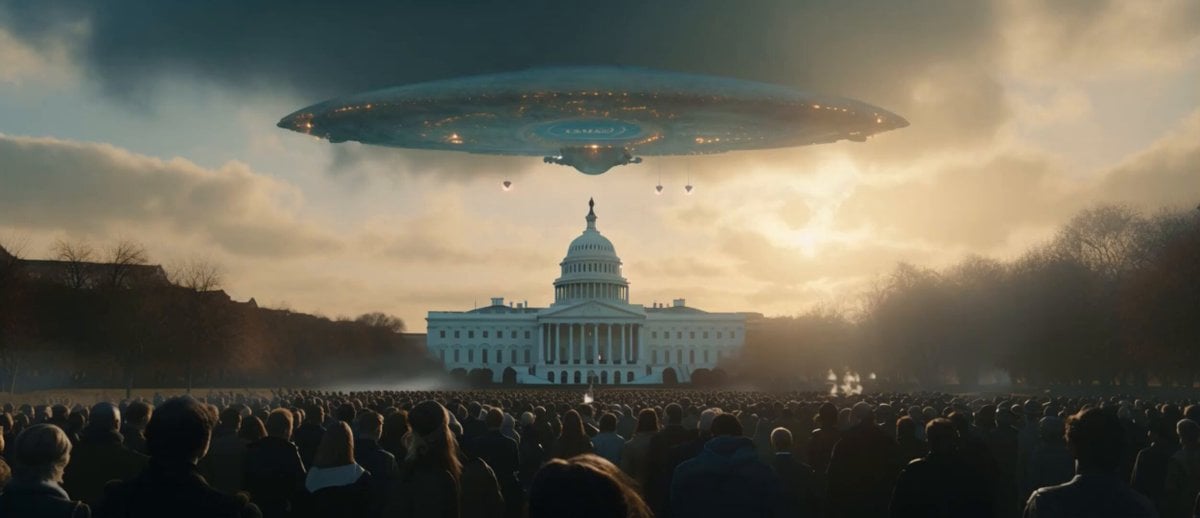
Sci-Fi Disaster Movie Scene - Seedance 2.5
Pearl Harbor Attack — Seedance 2.0 FPV
Subway Flood — Epic Tunnel Chaos
Naval Painting Breach — Art Gallery Flood (Seedance)

Wholesome Puppy and Kitten Story - Seedance 2.5

Mysterious Home Exploration Vlog - Seedance 2.5

Dark Tokusatsu Transformation - Seedance 2.5

Cinematic Xinjiang Drone Landscapes - Seedance 2.5

Late Night Kitchen Phone Recording - Seedance 2.5

3D Animated Cat and Old Man - Seedance

Realistic City Street Story Cinematic Video - Seedance
Make it yours
Apocalyptic Naval Disaster Video Prompt for Seedance 2.0 works as-is. These are the safest ways to change it without losing the look.
Change one field
Copy a single group, rewrite it, and generate again so you can see what that field is doing.
Keep the frame, change the subject
Hold the composition and light of Apocalyptic Naval Disaster Video Prompt for Seedance 2.0, then swap wardrobe, props or the person for a new take.
| If the result… | Why | Fix |
|---|---|---|
| The result drifts from the preview | Too many fields changed at once. | Reuse Apocalyptic Naval Disaster Video Prompt for Seedance 2.0 as-is first, then change one group — subject, light, or setting. |
| Seedance 2.0 ignores part of the JSON | Some models flatten or skip nested keys. | Keep the same values and paste them as a short paragraph instead. |
More Seedance 2.0 templates
Other prompts made for Seedance 2.0.

Comical Martial Arts Punch Scene

Maglev Train Action Sequence

Martial Arts Fight Sequence

Wuxia Protection and Trust Script

Vintage Korean Arcade MiniDV Vlog

Mercedes 190 SL Luxury Ad

Rainy Night Supernatural Reverse Comedy Video Script

Amazon Civilization Discovery

Futuristic South Asian City Transformation

Cozy Luxury Cafe Commercial
More video prompts
Fresh picks from across the catalog.
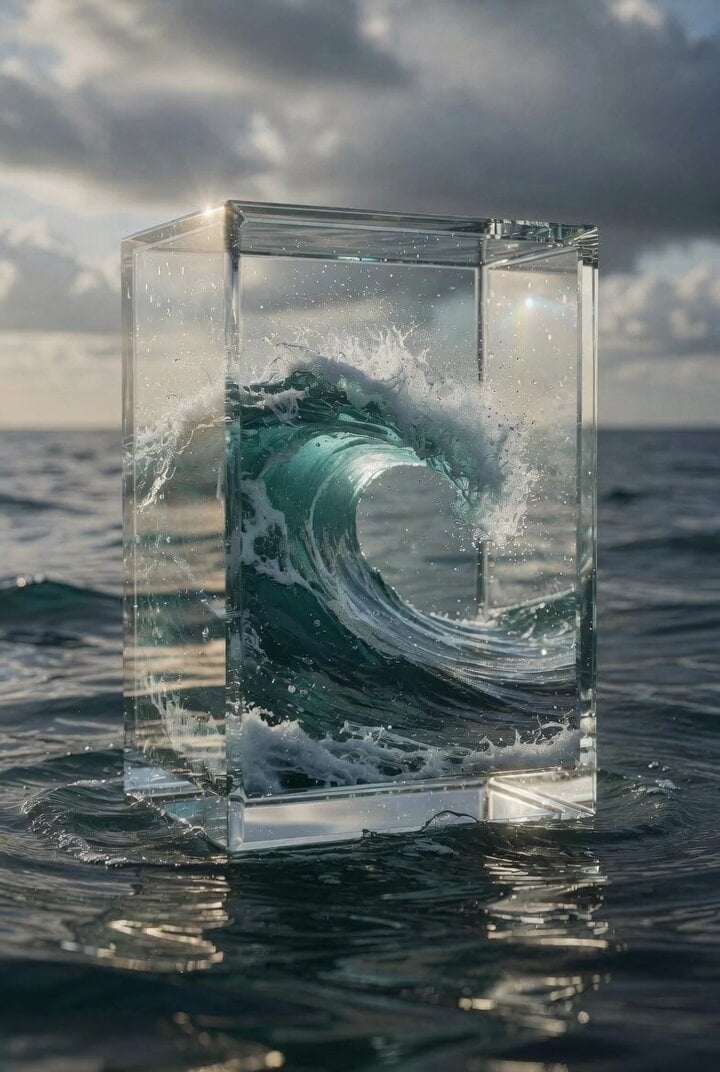
Hyper-Realistic Glass Box with Ocean Waves

Visual Magic Egg Transformation Prompt
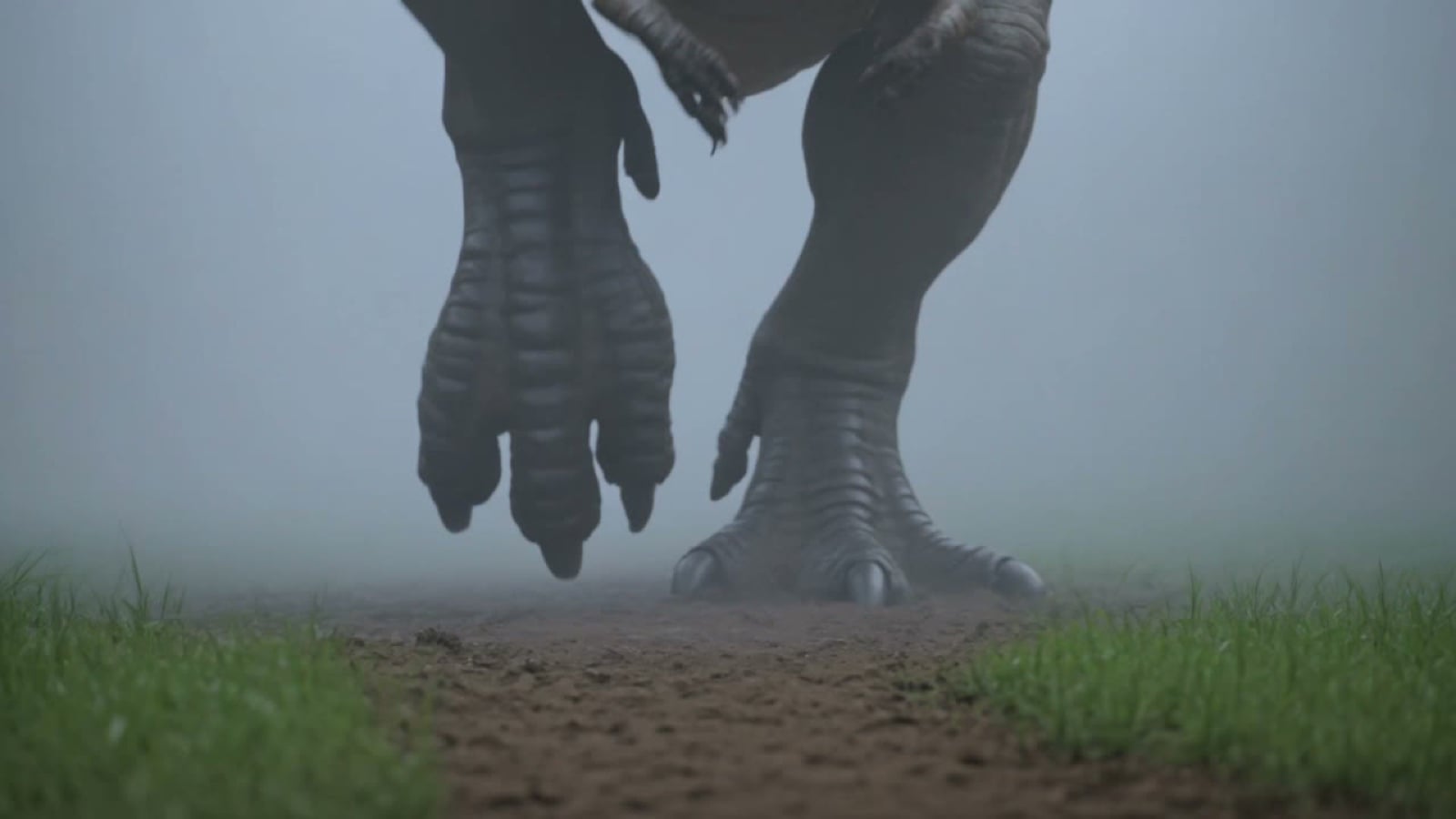
Prehistoric Titan Dinosaur Battle
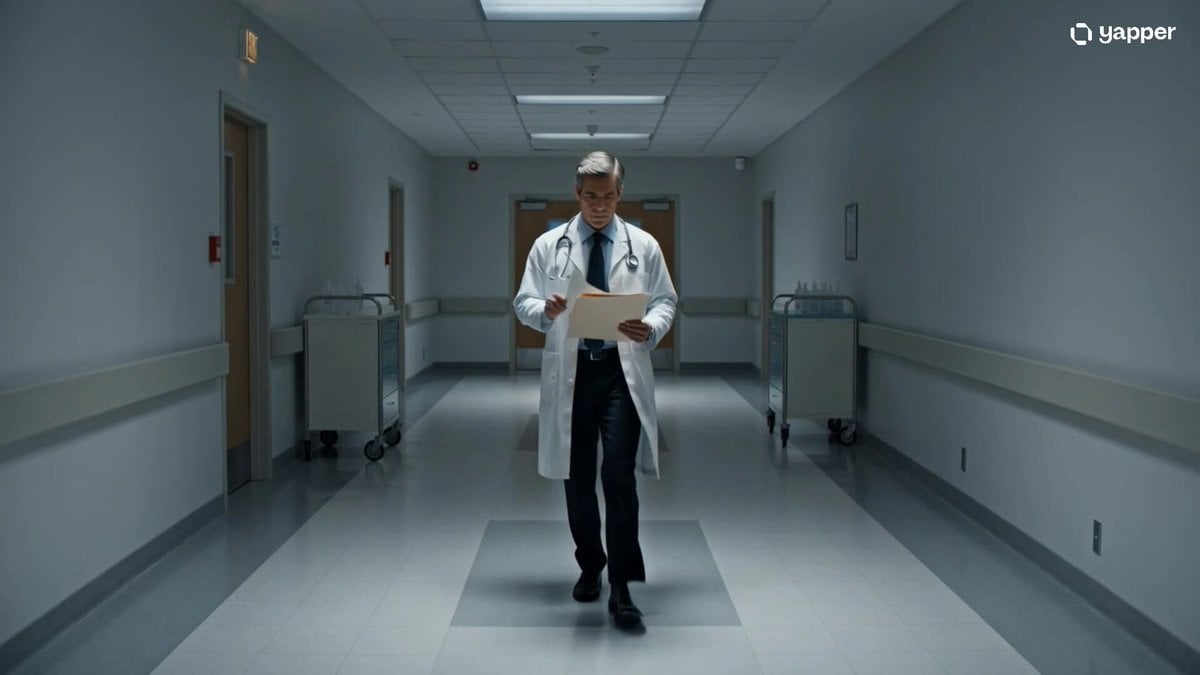
Cinematic sci-fi hospital video scene
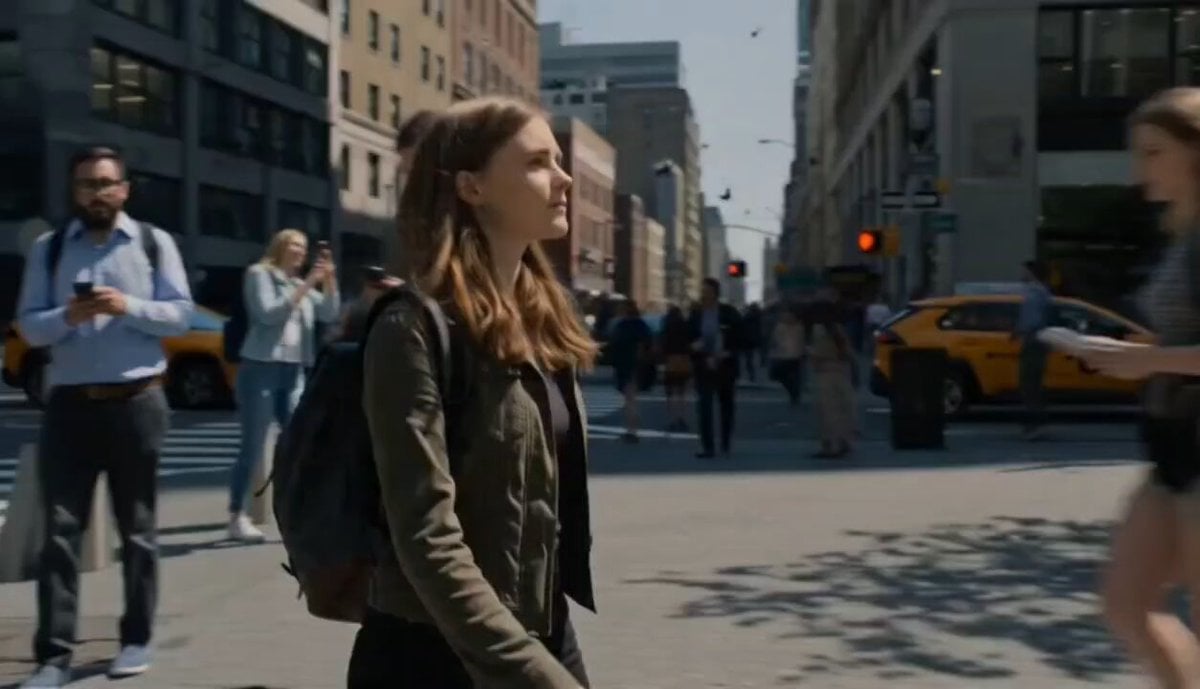
City Time Freeze Cinematic Sequence
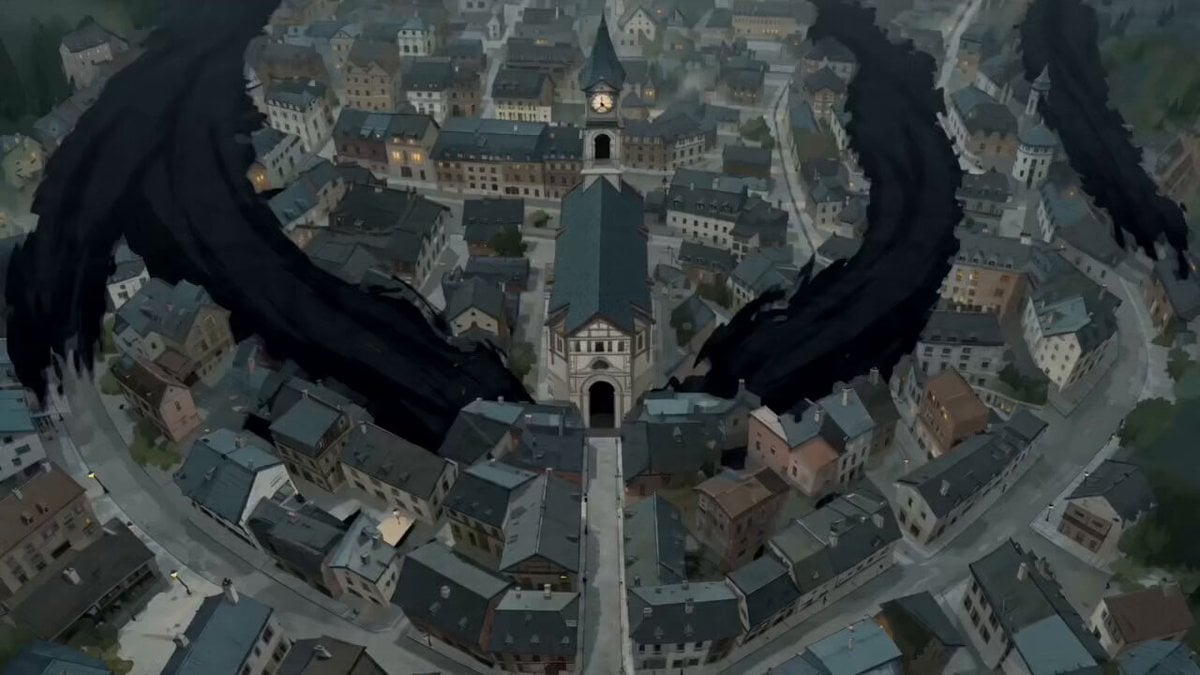
The Black Blight City Sealing
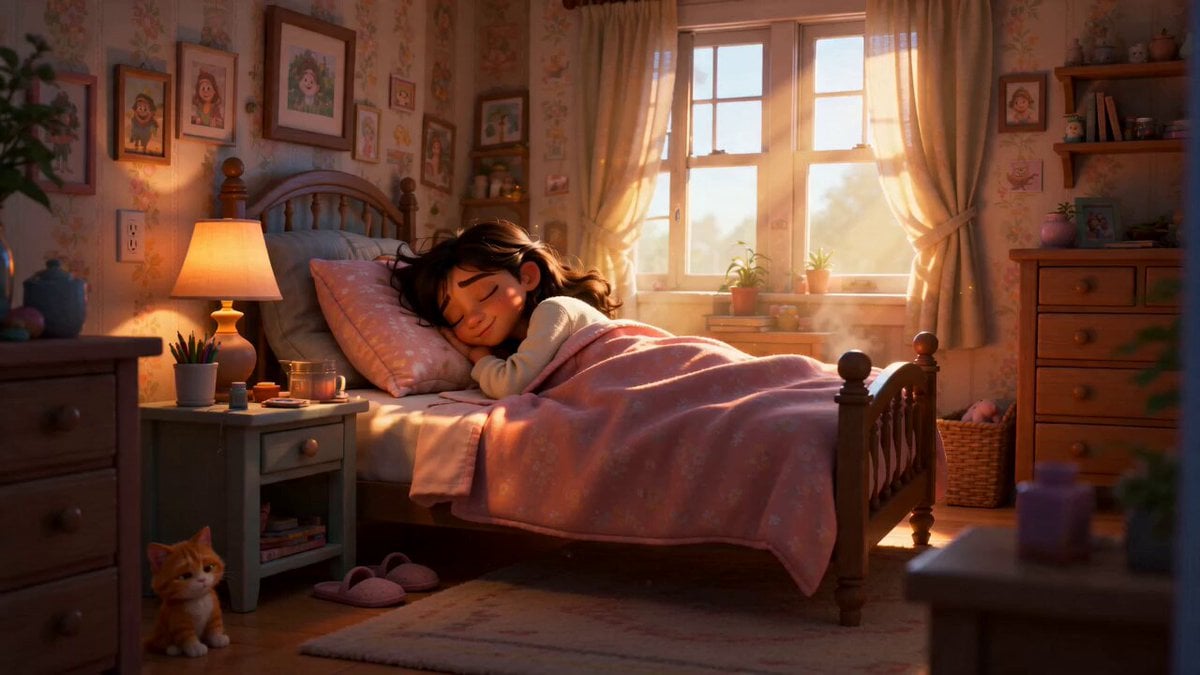
Pixar Style Sleeping Girl Animation
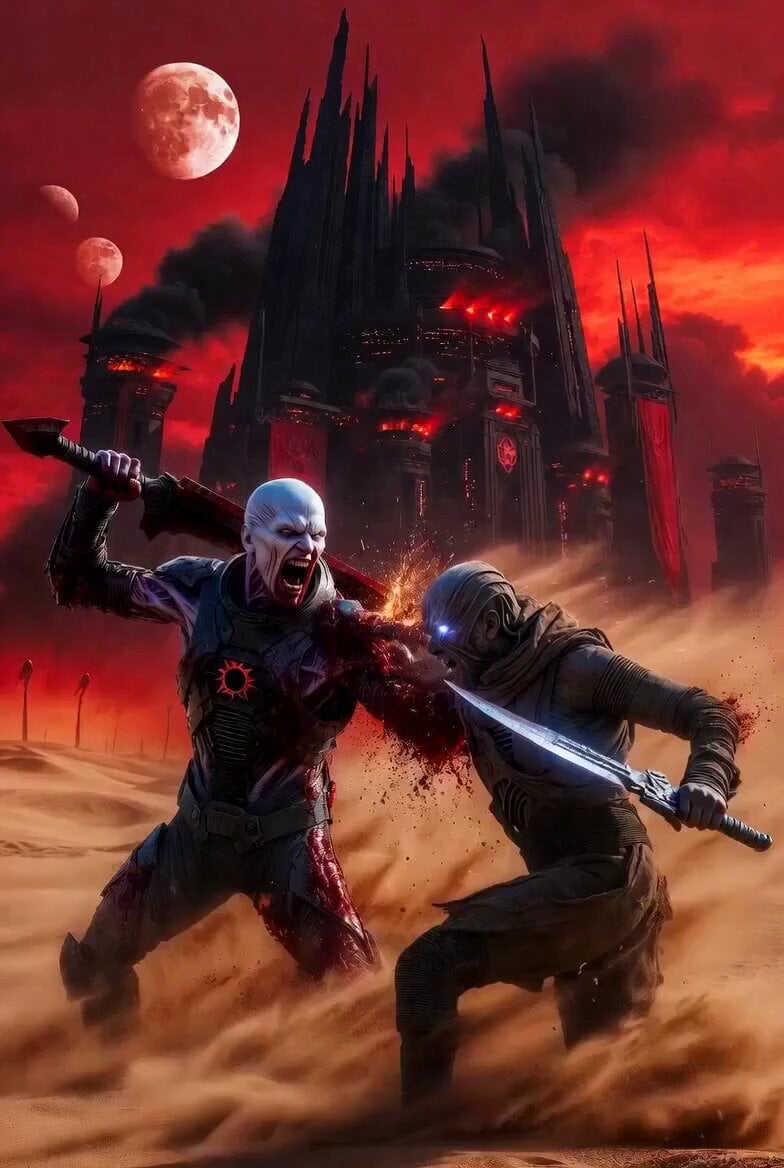
Dune Desert Battle

Luxury Sparkling Drink Commercial Storyboard
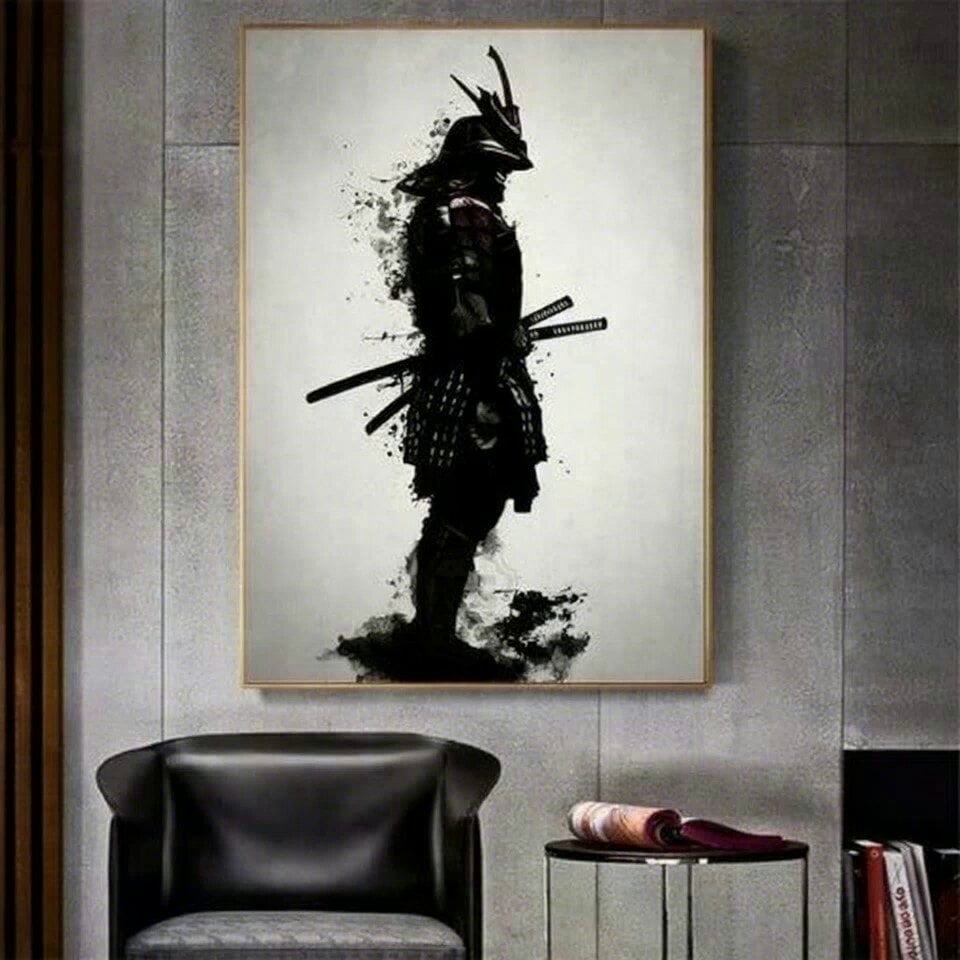
Samurai Frame Breaking Action Prompt
Browse template categories
Apocalyptic Naval Disaster Video Prompt for Seedance 2.0 questions
How do I use the Apocalyptic Naval Disaster Video Prompt for Seedance 2.0 template?
Add your photo if the template asks for one, edit the prompt if you like — the template's model and format are already selected — and press Generate. Your version opens in PicX Studio.
Can I customize the Apocalyptic Naval Disaster Video Prompt for Seedance 2.0 template?
Yes. You can change the subject, setting, lighting, mood, format, and available model controls before creating your video.
Is the Apocalyptic Naval Disaster Video Prompt for Seedance 2.0 template free?
Opening and editing this template is free. Generating uses credits, shown on the Generate button when you are signed in.
Which AI model should I use?
Start with Seedance 2.0, which is the model associated with this template. You can compare another compatible model for a different finish.
Looking for something else? Browse all templates.

Your photo, any look
Thousands of ready templates for every top image and video model, from one credit balance.