How do I use the Cinematic sci-fi hospital video scene template?
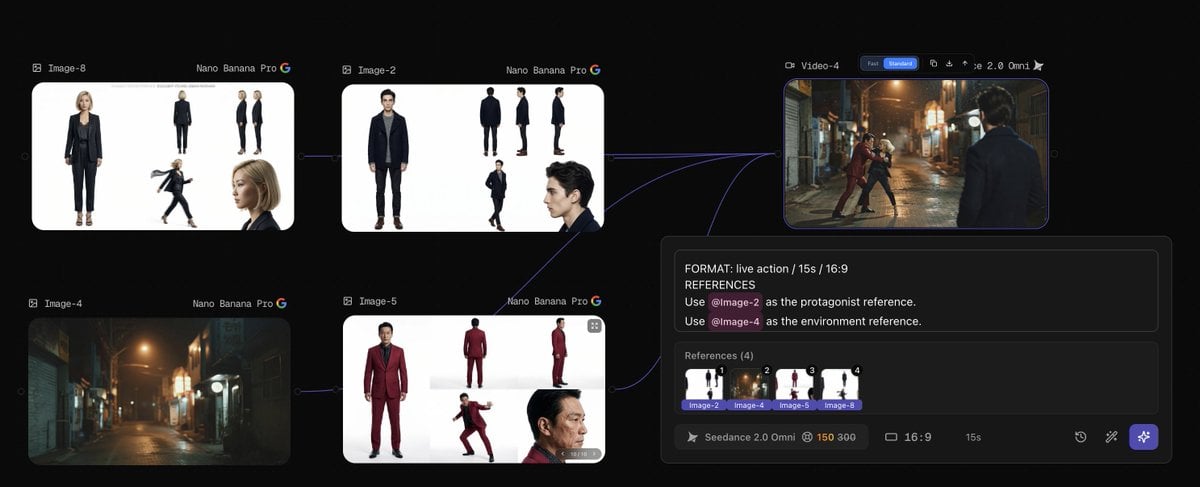
Edit the prompt in the box under the preview — the template's model and format are already selected — and press Generate. Your version appears right on this page.
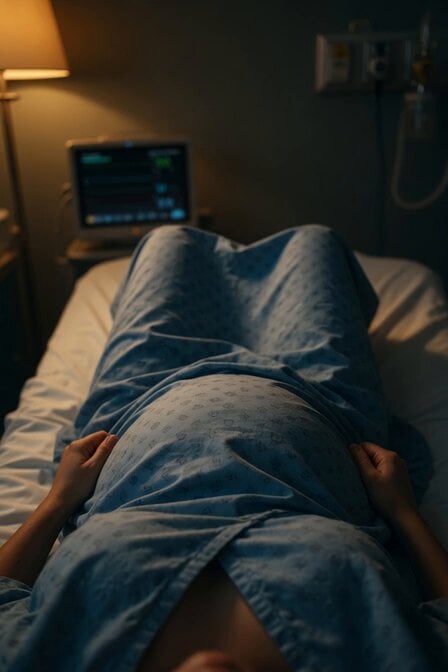
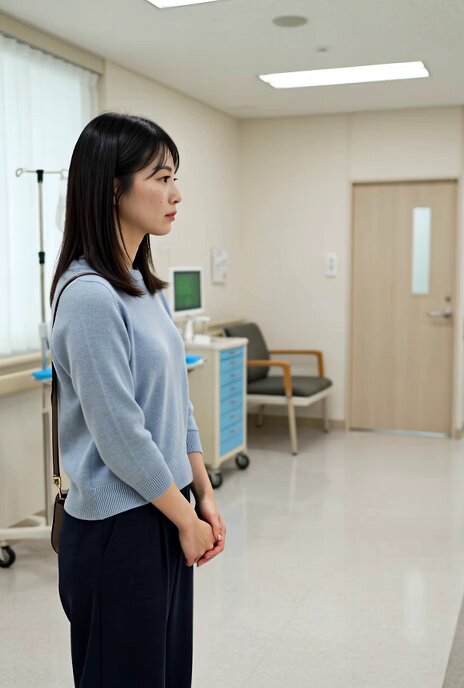
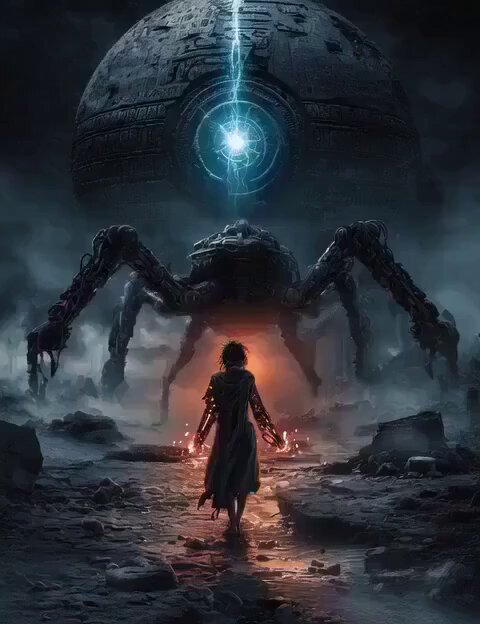
A highly detailed video prompt for a suspenseful scene in a hospital involving a doctor and alien figures appearing in the background.
Ultra-realistic cinematic video, 8K resolution, cold hospital lighting with subtle sci-fi glow, 35mm lens, high contrast shadows, immersive sound design (low hum, distant echoes, subtle alien tones). Scene Breakdown 0:00 – 0:04 Wide shot of a quiet hospital corridor at night. Lights flicker slightly. The environment feels empty and tense. A doctor walks calmly down the hallway, holding a file and reviewing it while moving forward in a natural direction. 0:04 – 0:08 Medium shot from the front side. The doctor continues walking, focused and professional. In the background (clearly behind the doctor only), a faint distortion appears in the air like heatwaves slowly forming into a vague humanoid shape. 0:08 – 0:12 Cut to a rear-angle shot. Now the alien presence becomes clearer: 2 tall, slender, semi-transparent alien figures emerge from the shadows behind the doctor. They move slowly and silently, maintaining distance. Important: they do not touch, chase, or cross in front of the doctor. 0:12 – 0:15 Closeup on the doctor’s face as he pauses slightly, sensing something unusual. He subtly turns his head halfway not fully. Cut back to a wider shot: the aliens are now clearly visible in the background, standing still and watching. End frame: Doctor in foreground, unaware but uneasy. Aliens remain behind, silent and observing. Critical Direction (Error Prevention) Doctor always walks forward normally (no reverse movement) Aliens appear only behind the doctor, never in front No physical interaction (no attack, no contact) Keep movement slow, controlled, and realistic Maintain hospital realism with subtle sci-fi intrusion (no over-the-top effects) Mood / Feel Eerie, suspenseful, controlled sci-fi thriller tension built through silence, distance, and presence rather than action.
Ultra-realistic cinematic video, 8K resolution, cold hospital lighting with subtle sci-fi glow, 35mm lens, high contrast shadows, immersive sound design (low hum, distant echoes, subtle alien tones). Scene Breakdown 0:00 – 0:04 Wide shot of a quiet hospital corridor at night. Lights flicker slightly. The environment feels empty and tense. A doctor walks calmly down the hallway, holding a file and reviewing it while moving forward in a natural direction. 0:04 – 0:08 Medium shot from the front side. The doctor continues walking, focused and professional. In the background (clearly behind the doctor only), a faint distortion appears in the air like heatwaves slowly forming into a vague humanoid shape. 0:08 – 0:12 Cut to a rear-angle shot. Now the alien presence becomes clearer: 2 tall, slender, semi-transparent alien figures emerge from the shadows behind the doctor. They move slowly and silently, maintaining distance. Important: they do not touch, chase, or cross in front of the doctor. 0:12 – 0:15 Closeup on the doctor’s face as he pauses slightly, sensing something unusual. He subtly turns his head halfway not fully. Cut back to a wider shot: the aliens are now clearly visible in the background, standing still and watching. End frame: Doctor in foreground, unaware but uneasy. Aliens remain behind, silent and observing. Critical Direction (Error Prevention) Doctor always walks forward normally (no reverse movement) Aliens appear only behind the doctor, never in front No physical interaction (no attack, no contact) Keep movement slow, controlled, and realistic Maintain hospital realism with subtle sci-fi intrusion (no over-the-top effects) Mood / Feel Eerie, suspenseful, controlled sci-fi thriller tension built through silence, distance, and presence rather than action.
Edit the prompt in the box under the preview — the template's model and format are already selected — and press Generate. Your version appears right on this page.
Yes. You can change the subject, setting, lighting, mood, format, and available model controls before creating your video.
Opening and editing this template is free. Generating uses credits, shown on the Generate button when you are signed in.
Start with Grok Imagine, which is the model associated with this template. You can compare another compatible model for a different finish.
Follow a topic to a crawlable collection of related PicX Studio templates.