How do I use the Fighting Game Uppercut Sequence from Reference Image template?
Edit the prompt in the box under the preview — the template's model and format are already selected — and press Generate. Your version appears right on this page.
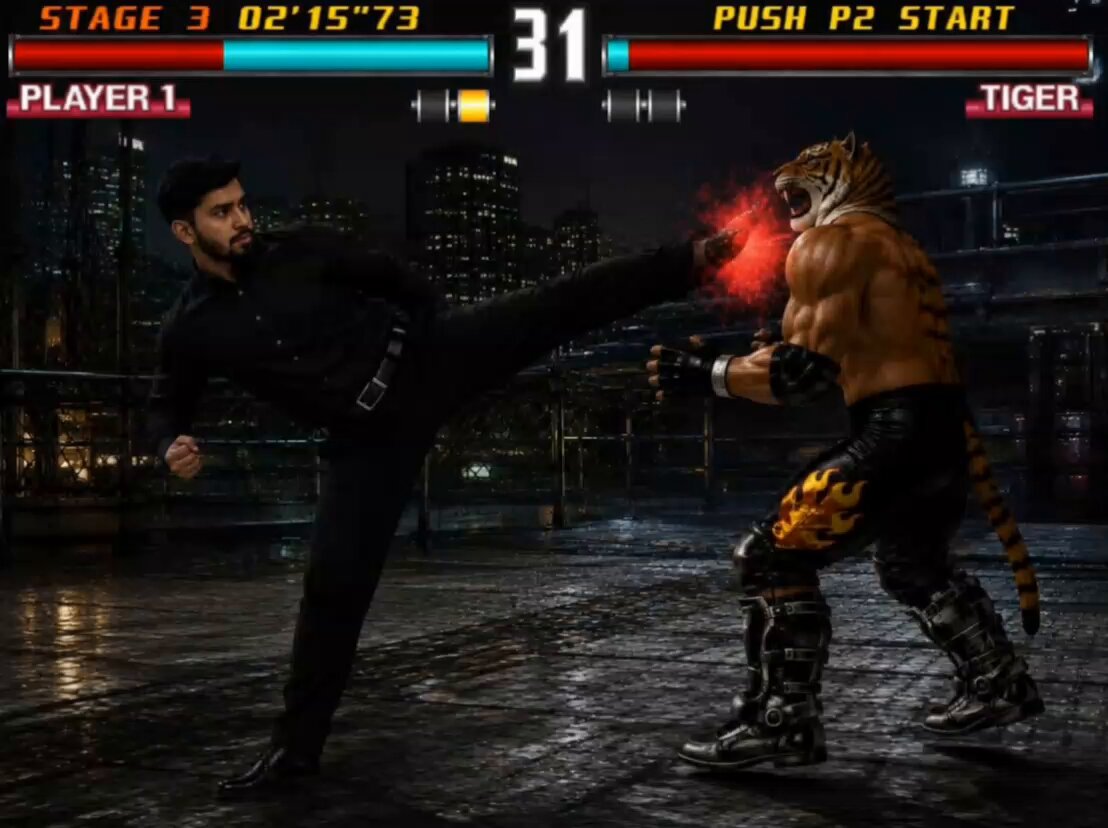
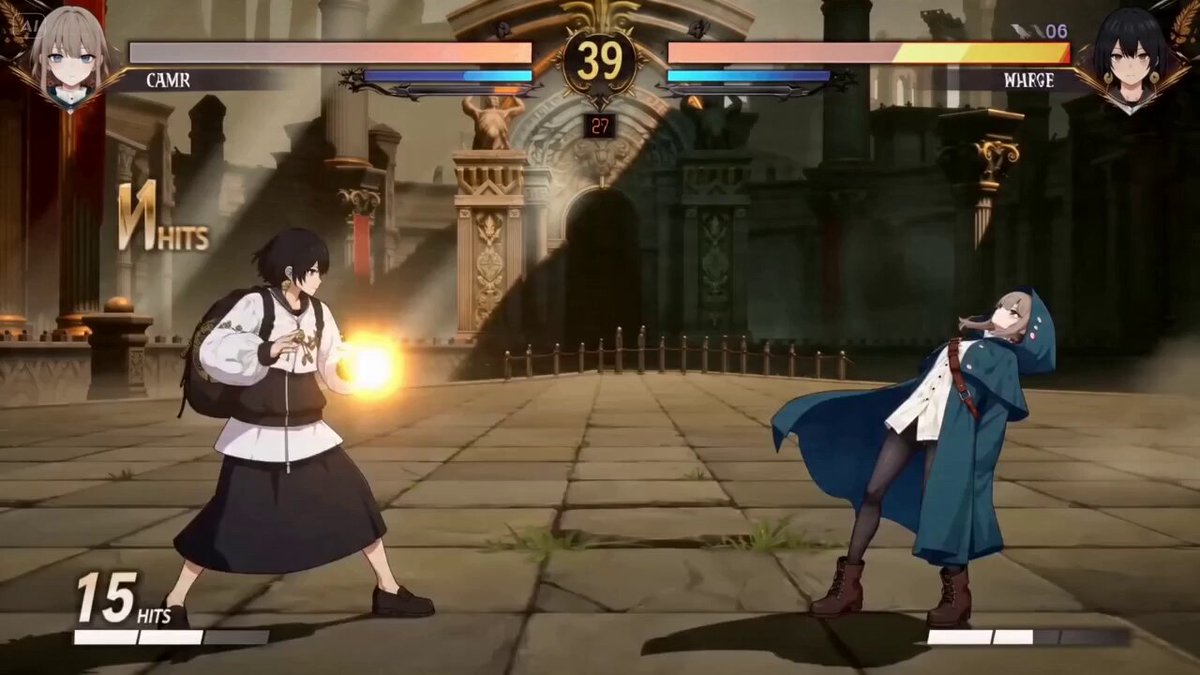
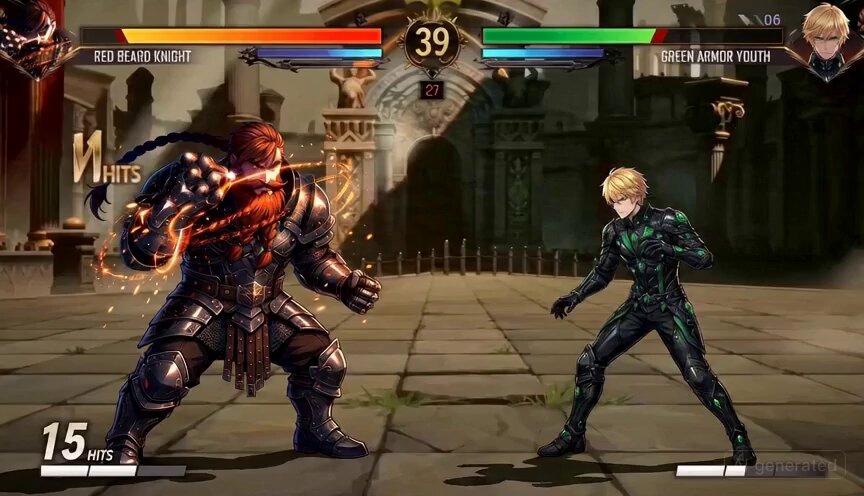
A prompt for Seedance 2.0's Omni reference image to video feature, describing a dynamic fighting game sequence where a muscular fighter executes a flaming Shoryuken uppercut, specifying camera movement, lighting, sound…
Action: The muscular fighter , executes a fast Shoryuken uppercut against a tough opponent, rising into the air with flames bursting from his fist while driving upward powerfully. Camera: Continuous dynamic side-angle broadcast camera panning smoothly and tilting upward to follow the explosive rising motion in a single uncut high-energy shot. Lighting: Bright arena floodlights with dramatic rim lighting and strong shadows typical of professional fighting tournament broadcasts. Sound: Fabric snapping, powerful fist whoosh with fiery crackle, heavy impact, and a roaring crowd erupting in excitement. Dialogue: 'He breaks the guard and launches a flaming Shoryuken! A monster rising dragon strike!'
Action: The muscular fighter , executes a fast Shoryuken uppercut against a tough opponent, rising into the air with flames bursting from his fist while driving upward powerfully. Camera: Continuous dynamic side-angle broadcast camera panning smoothly and tilting upward to follow the explosive rising motion in a single uncut high-energy shot. Lighting: Bright arena floodlights with dramatic rim lighting and strong shadows typical of professional fighting tournament broadcasts. Sound: Fabric snapping, powerful fist whoosh with fiery crackle, heavy impact, and a roaring crowd erupting in excitement. Dialogue: 'He breaks the guard and launches a flaming Shoryuken! A monster rising dragon strike!'
Edit the prompt in the box under the preview — the template's model and format are already selected — and press Generate. Your version appears right on this page.
Yes. You can change the subject, setting, lighting, mood, format, and available model controls before creating your video.
Opening and editing this template is free. Generating uses credits, shown on the Generate button when you are signed in.
Start with Seedance 2.0, which is the model associated with this template. You can compare another compatible model for a different finish.
Follow a topic to a crawlable collection of related PicX Studio templates.