
Elegant Ancient Chinese Beauty Motion
A detailed multi-shot script for animating an ancient Chinese beauty, focusing on fluid motion, interactive elements like catching petals, and professional camera movements.
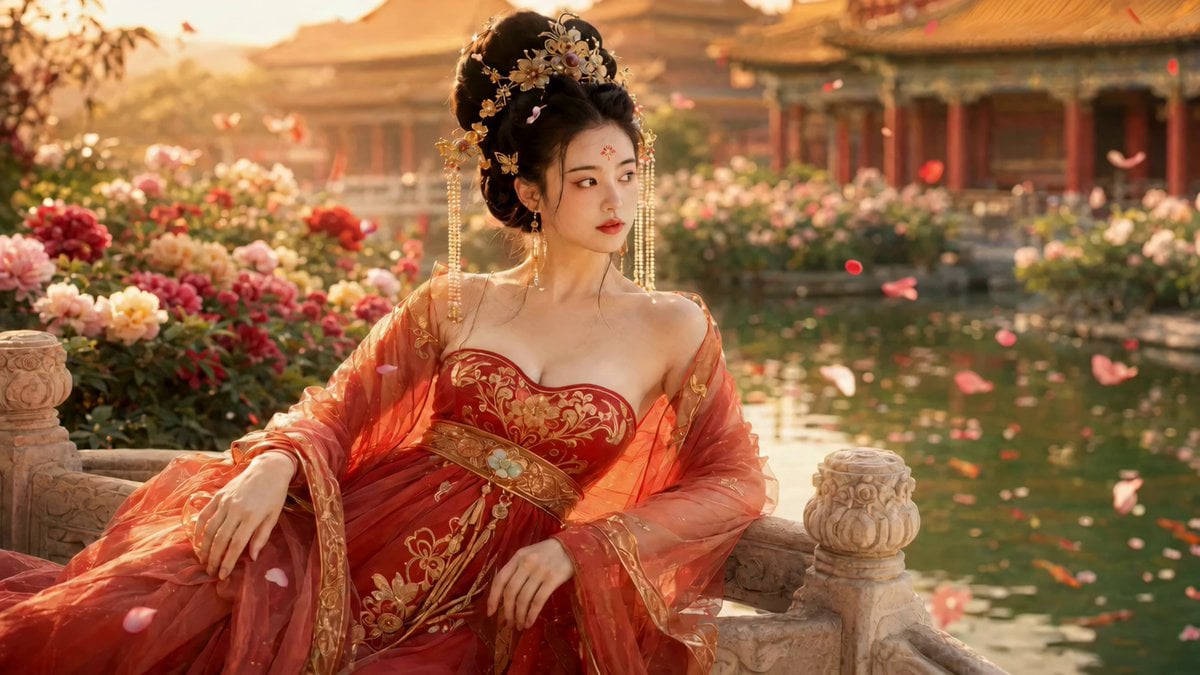
- Prompt included
- Model and format preset
- Free template
The prompt behind this video
Copy the exact prompt behind Elegant Ancient Chinese Beauty Motion, or open it in the studio and make it yours.
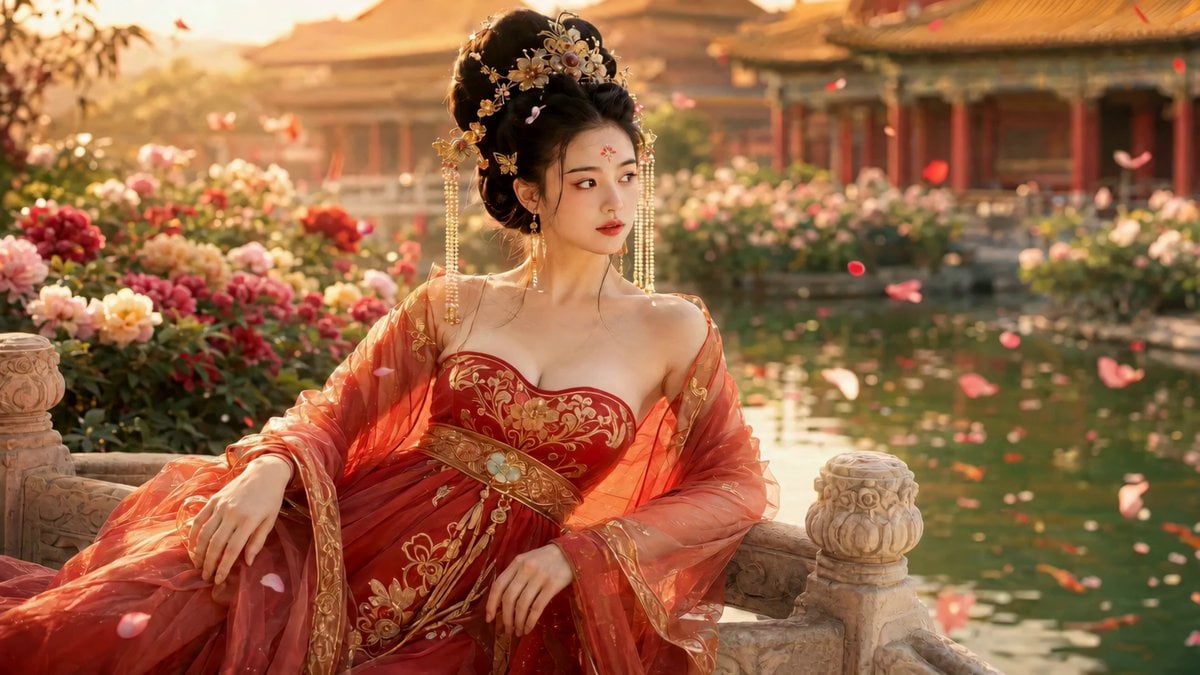
首帧 FIRST FRAME(=上传参考图,仅作起手姿态,之后人物自然活动起来): 宫装美人,乌发高髻、金花步摇缀长串珍珠流苏轮垂肩,眉心红花钿, 绛红描金抹胸长裙、薄纱罗披半露香肩,金线腰封系白玉环佩; 起始斜倚雕花石栏,身畔牡丹、身后宫阙、莲池落花、黄昏暖光。 人物五官妆容服饰与首帧一致,但全程肢体灵活流动,不得僵直定住。 分镜脚本(重点:人物主动表演、肢体灵动、随时与环境互动): SHOT 1|0-3秒|中近景 一片花瓣飘落,她抬手轻巧地去接,指尖一拢, 顺势把玩花瓣,唇角扬起一抹俏皮笑意,肩膀微微一晃, 身体从斜倚中轻轻坐正——动作连贯有呼吸感。 〔轻笑·气声〕"嗯?"(被花瓣逗笑的一声) SHOT 2|3-6秒|眼部+面部特写 镜头随她转头推近:眼波灵动地一转,睫毛俏皮一眨, 视线追着飘飞的花瓣左右流转,鼻尖轻轻一皱,笑意盈盈。 无台词,眼神戏鲜活。 SHOT 3|6-9秒|半身动态 她伸手拨弄耳畔垂落的珍珠流苏,指尖一挑流苏荡开, 身子微微前倾又靠回石栏,纱披随动作滑落一截又被她随手撩起, 裙裾、流苏、碎发一起随风轻摆——满画面流动。 〔轻声·一句〕"这风,倒是会闹。" SHOT 4|9-12秒|手部+披帛特写转场 切到她起身的瞬间:扶栏的手用力一撑, 纱披与裙摆扬起一道弧线,花瓣被带得旋飞, 镜头随她起身上摇——动势十足。无台词。 SHOT 5|12-15秒|中近景收束(动中带静) 她已轻盈起身,回眸望向镜头,发钗流苏还在余韵中轻晃, 唇瓣一动,露出明媚又略含余韵的浅笑,最后眼神柔柔一沉, 身姿仍带着方才起身的余动,自然定格——灵动而不僵。 〔气声·渐弱〕"走吧。" 声音设定:女声,明媚清灵,语速自然,气声适中; 全程仅三处极短轻语+一声轻笑,重在俏皮鲜活的情绪。 镜头 CAMERA: 多机位分镜,镜头跟随人物动作走(追接花瓣、随转头推、随起身上摇), 切换流畅,浅景深,背景牡丹宫阙虚化;整体运镜灵动不呆板。 氛围·光线: 黄昏金色侧逆光,暖调奢华;花瓣大量飘飞旋舞、莲池微漾、 珍珠流苏与纱披持续轻摆,画面始终有流动的元素, 基调明媚灵动、雍容鲜活。 CONSTRAINTS(约束): - 4K 超清,15秒,人物妆容服饰与首帧一致(换镜不换脸不换装) - 重点:人物肢体全程自然流动、有呼吸有重心转移,严禁僵直定格不动 - 加入主动互动(接花瓣、拨流苏、起身、回眸)让画面灵动 - 三处台词与口型严格同步,气声质感,不假唱 - 分镜切换跟随动作、流畅自然,节奏轻快,不跳帧不卡顿 - 眼波灵动、睫毛眼神有戏;禁止眼睛发光、瞳孔异常 - 风动、落花旋飞、流苏纱披摆动符合真实物理,灵动但不夸张 - 结尾在「动中带静」的余动里自然定格,无黑屏无转场 - 无字幕、无水印、无任何标记符号、无文字
How to use Elegant Ancient Chinese Beauty Motion in 3 steps
- 1
Open
The prompt is already in the box next to the preview, with the template's model and format selected.
- 2…a portrait of your subject in softgolden-hour light, 85mm…
Personalize
Edit the subject and creative details for your destination.
- 3Generate
Generate
Press Generate — your video is created in PicX Studio, so you can compare it with the original and refine one variable at a time.
More like this
Templates with the same subject, style or setup. Open one to see its prompt.
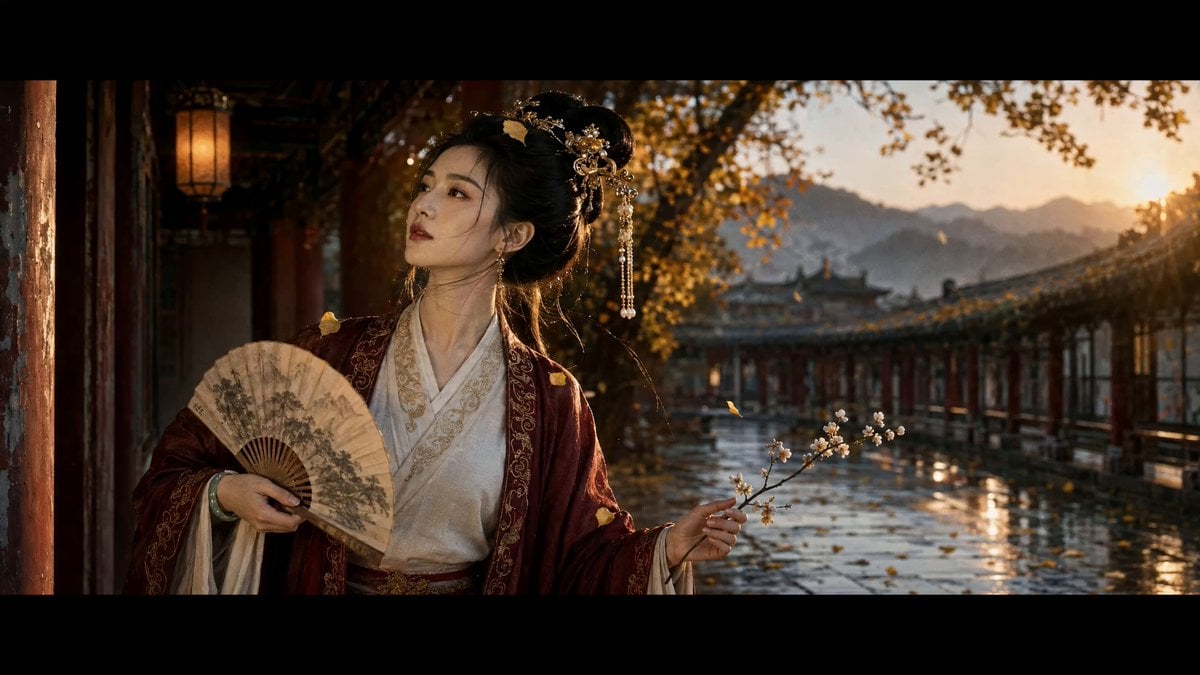
Ancient Chinese Beauty Ginkgo Corridor Scene
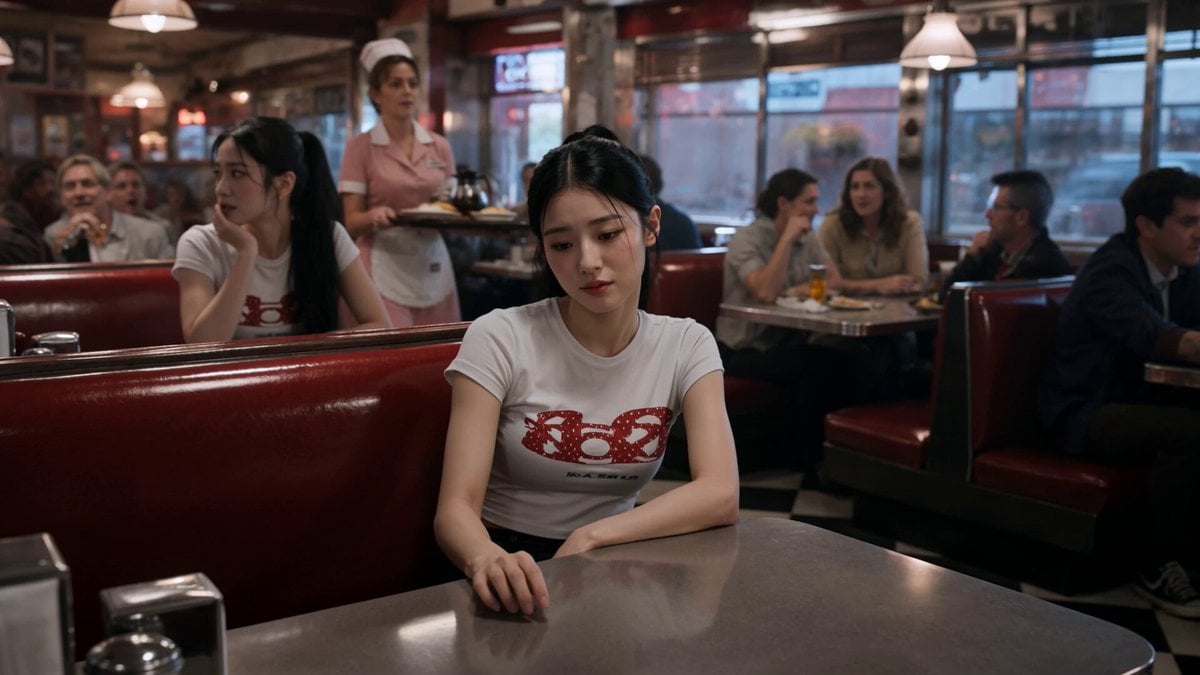
Slow-Motion 90s Diner Explosion - Seedance 2.5
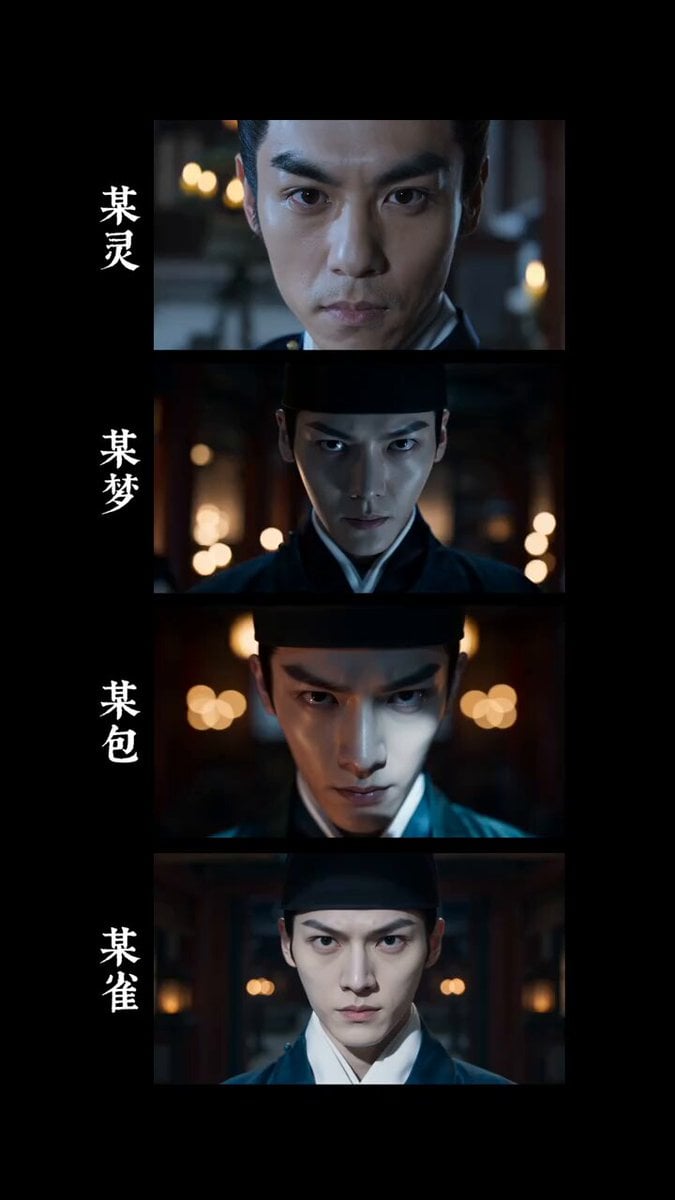
4K Realistic Ancient Chinese Movie Courtyard
Elegant Beauty Parlour Commercial
Ancient Chinese Rom-Com Mini-Drama
Ancient Chinese Woman Cinematic Video Prompt
Cinematic Ancient Palace Beauty Close-up
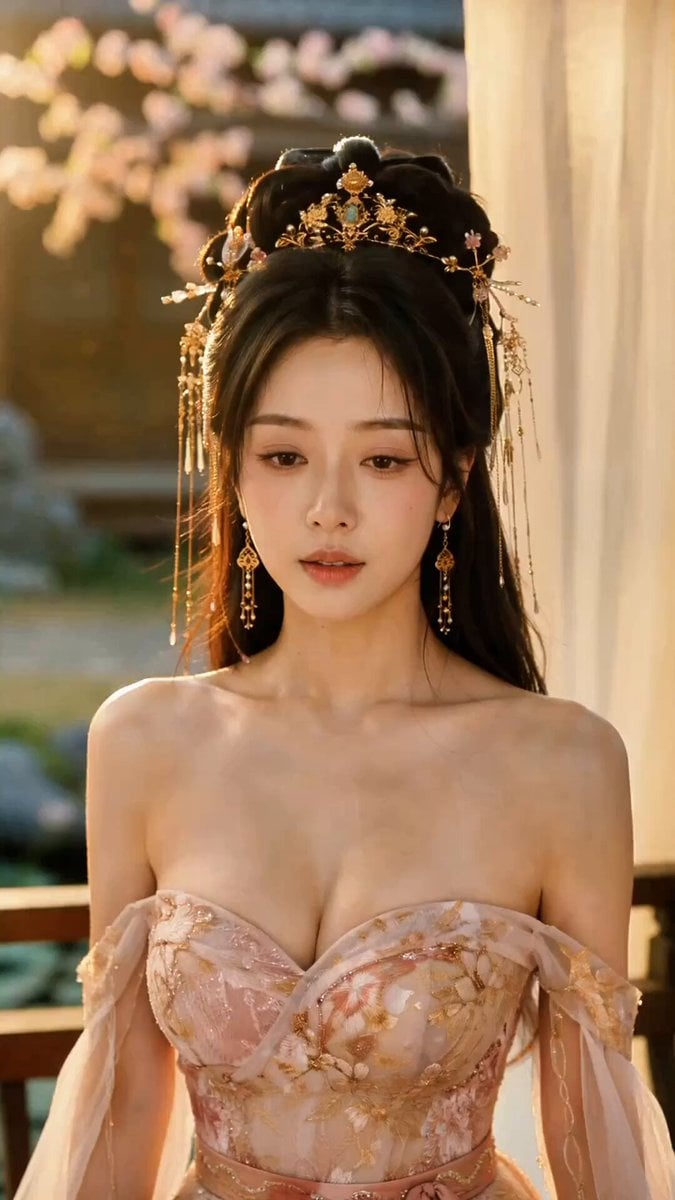
Hyper-Realistic Gufeng Beauty Emotional Performance
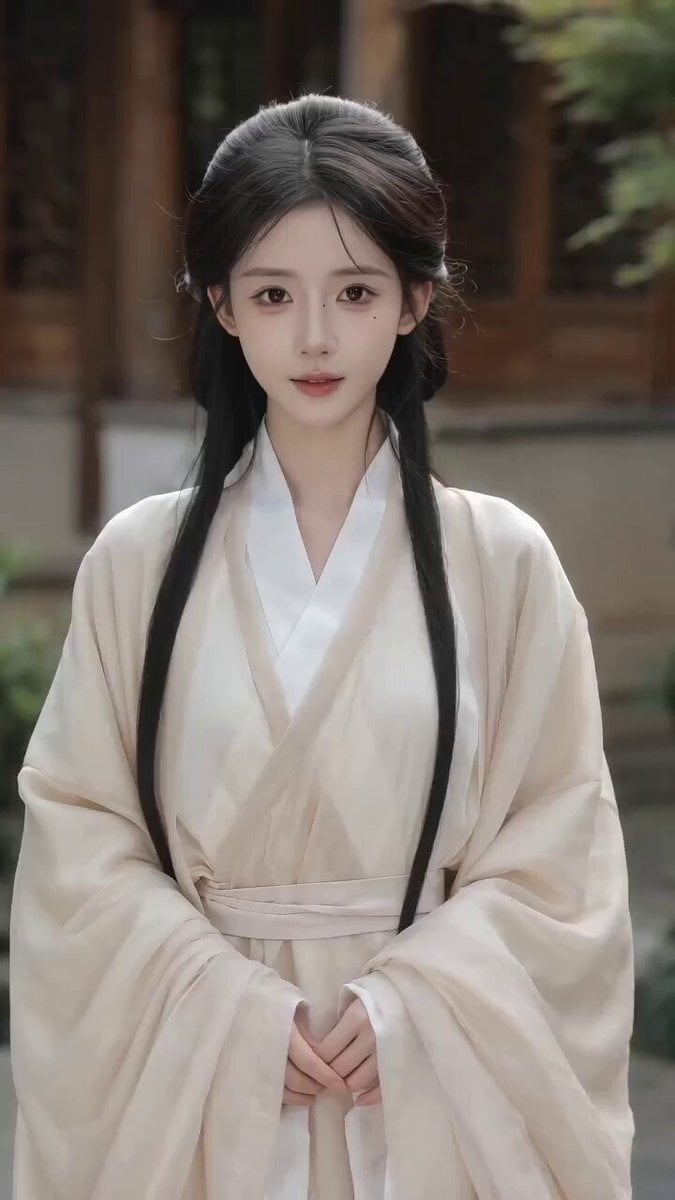
Seedance 2.0 Video Prompt: Seamless Ancient Chinese Costume Change
Nano Banana Seedance Environment Render Walk
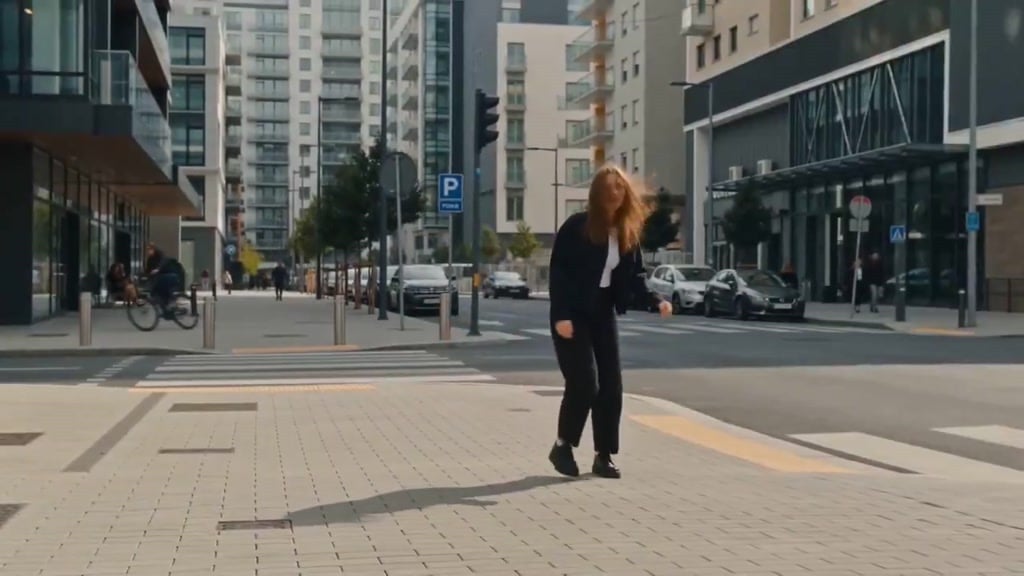
Seedance Wind Guides Path
Stone Colossus Desert Riders — Golden Fire Reveal
Make it yours
Elegant Ancient Chinese Beauty Motion works as-is. These are the safest ways to change it without losing the look.
Change one field
Copy a single group, rewrite it, and generate again so you can see what that field is doing.
Keep the frame, change the subject
Hold the composition and light of Elegant Ancient Chinese Beauty Motion, then swap wardrobe, props or the person for a new take.
| If the result… | Why | Fix |
|---|---|---|
| The result drifts from the preview | Too many fields changed at once. | Reuse Elegant Ancient Chinese Beauty Motion as-is first, then change one group — subject, light, or setting. |
| The model over-stylizes the scene | The prose prompt leaves finish and camera underspecified. | Add one camera or lighting sentence and stay on Seedance 2.0. |
More Seedance 2.0 templates
Other prompts made for Seedance 2.0.

Comical Martial Arts Punch Scene

Maglev Train Action Sequence

Martial Arts Fight Sequence

Wuxia Protection and Trust Script

Vintage Korean Arcade MiniDV Vlog

Mercedes 190 SL Luxury Ad

Rainy Night Supernatural Reverse Comedy Video Script

Amazon Civilization Discovery

Futuristic South Asian City Transformation

Cozy Luxury Cafe Commercial
More video prompts
Fresh picks from across the catalog.

Third Eye Cybernetic Transformation
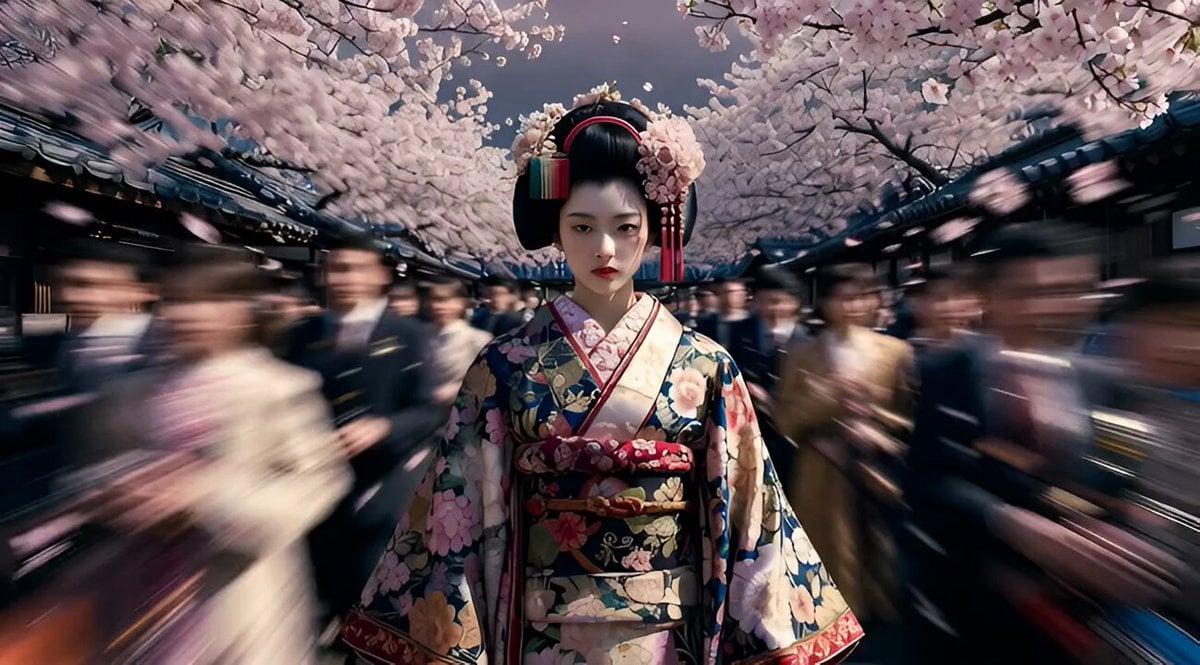
Avant-garde Floral Geisha Couture
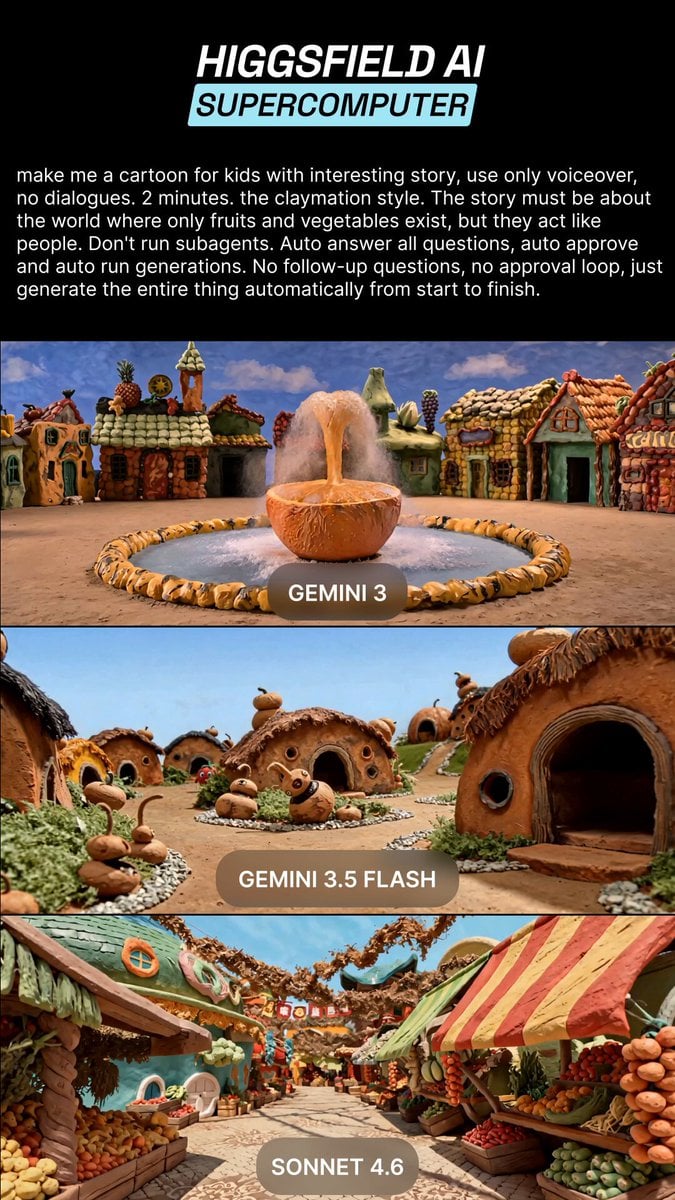
Claymation Fruit Kids Cartoon
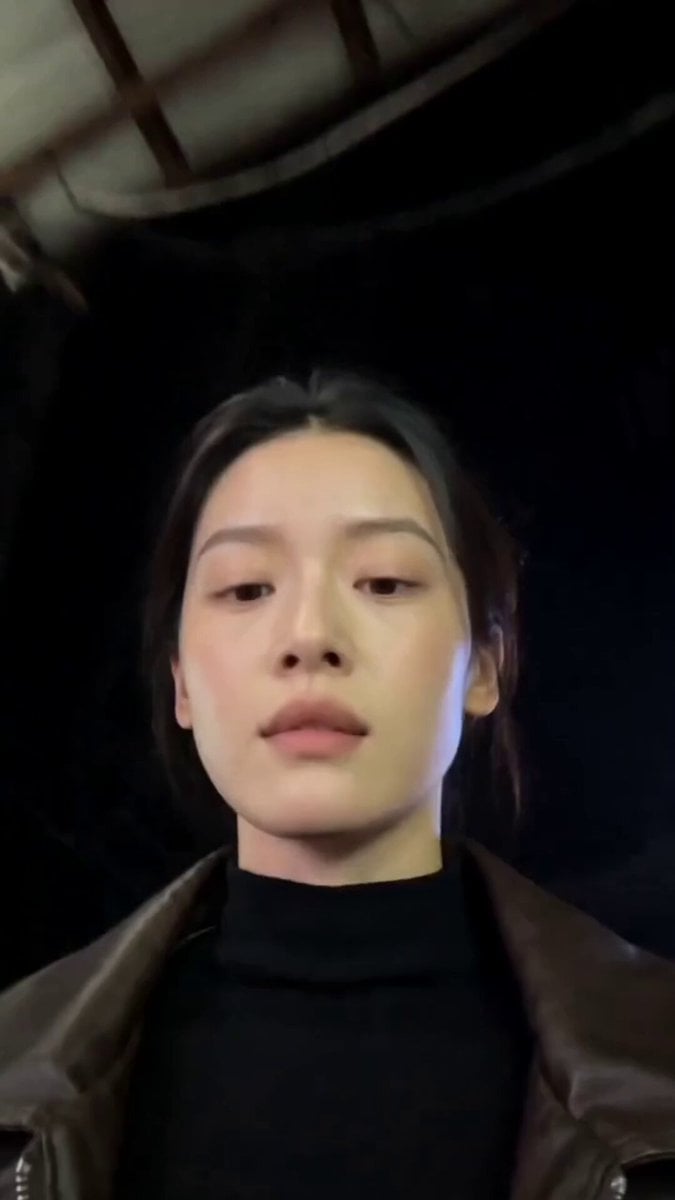
Gwangjang Market Night Walk Video
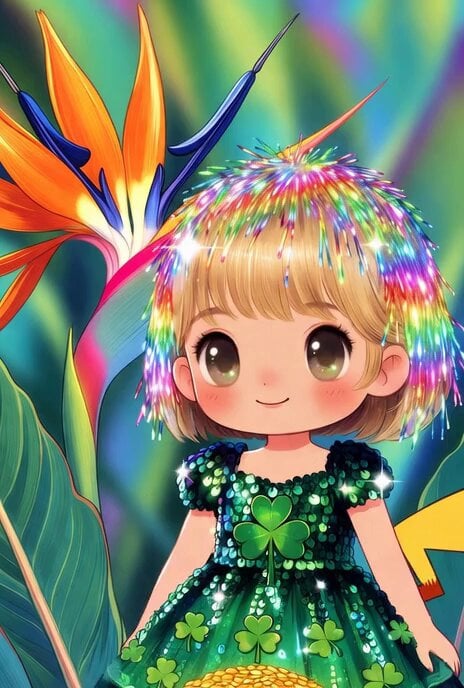
Chibi Suze Orman/Rainbow Brite hybrid turned into Pikachu
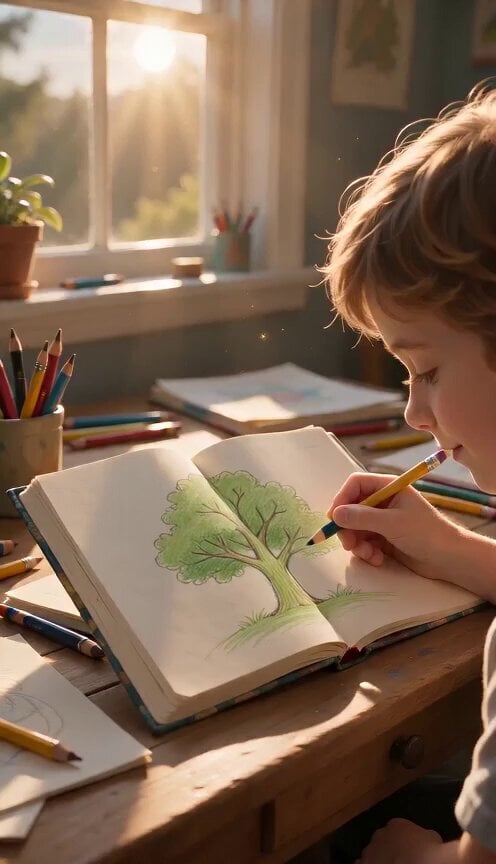
Continuous Seamless Sketchbook Fantasy World
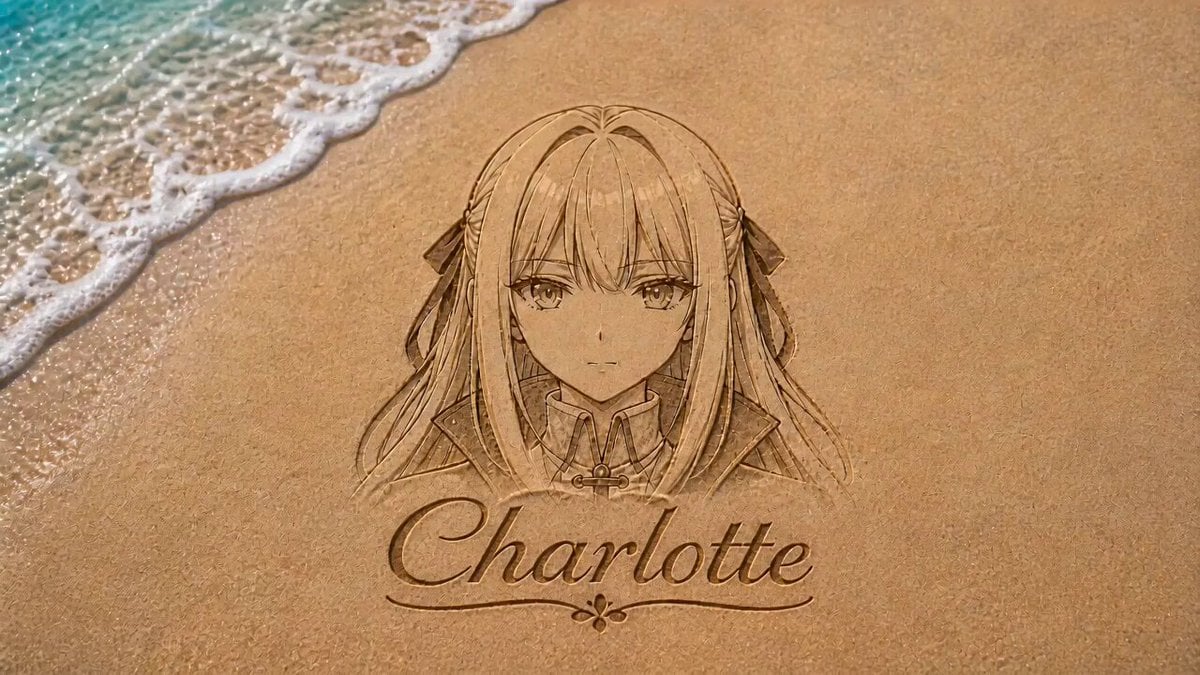
Anime Girl Sand Illustration Wave Erasure
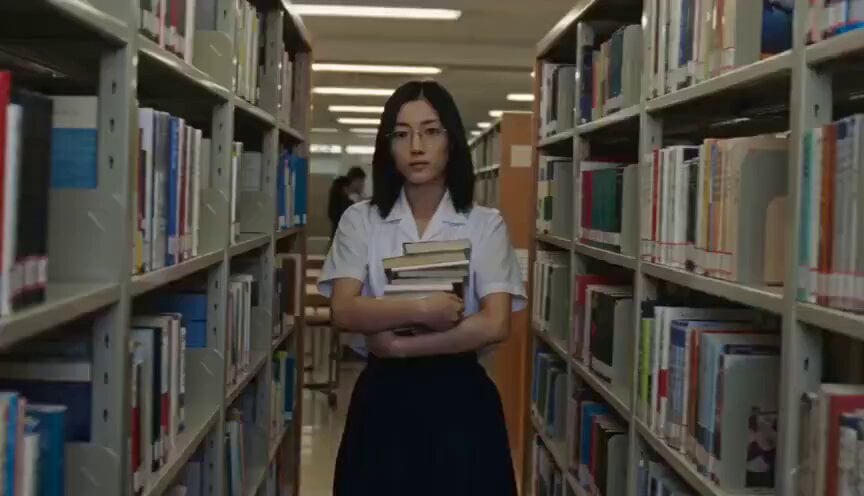
School Library Vlog Cinematic

Elemental Ice and Fire Goddess Battle
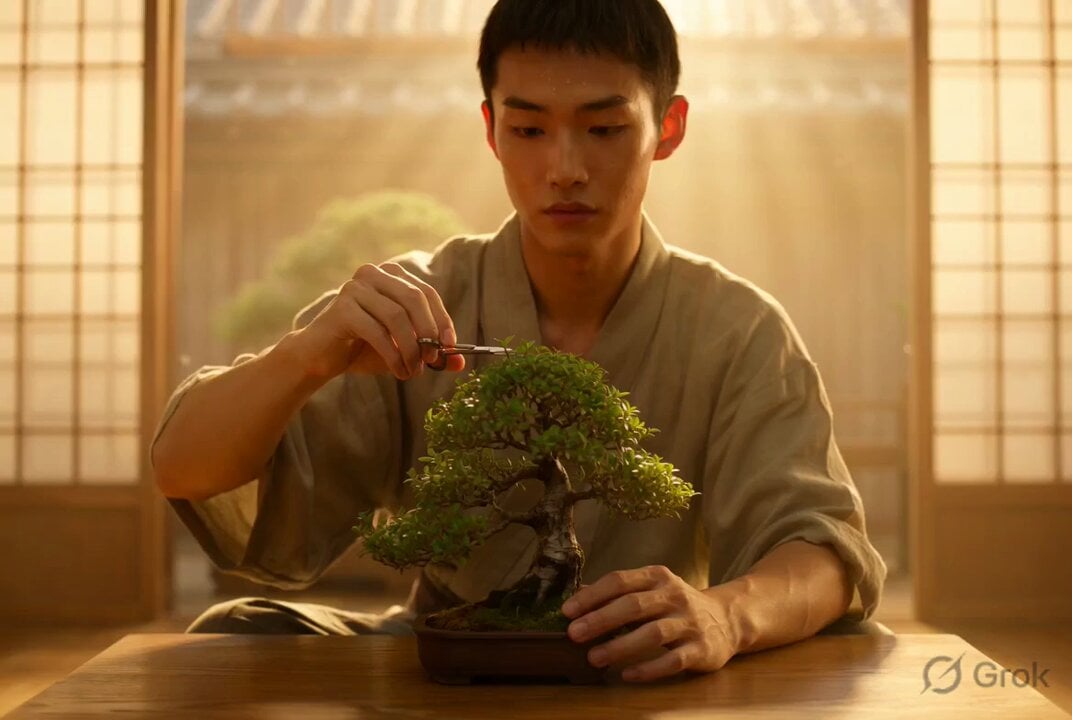
Photorealistic Cinematic Portrait of a Bonsai Master
Browse template categories
Elegant Ancient Chinese Beauty Motion questions
How do I use the Elegant Ancient Chinese Beauty Motion template?
Add your photo if the template asks for one, edit the prompt if you like — the template's model and format are already selected — and press Generate. Your version opens in PicX Studio.
Can I customize the Elegant Ancient Chinese Beauty Motion template?
Yes. You can change the subject, setting, lighting, mood, format, and available model controls before creating your video.
Is the Elegant Ancient Chinese Beauty Motion template free?
Opening and editing this template is free. Generating uses credits, shown on the Generate button when you are signed in.
Which AI model should I use?
Start with Seedance 2.0, which is the model associated with this template. You can compare another compatible model for a different finish.
Looking for something else? Browse all templates.

Your photo, any look
Thousands of ready templates for every top image and video model, from one credit balance.