
Elegant Beauty Parlour Commercial
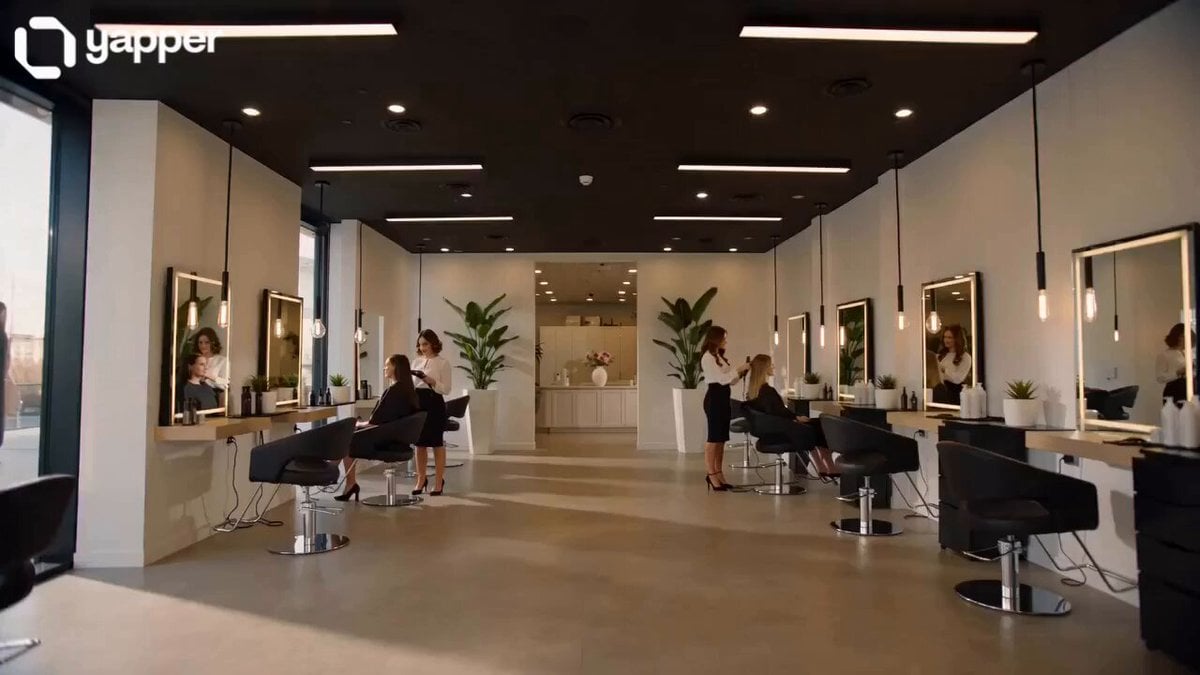
A sophisticated cinematic sequence for a beauty salon advertisement, featuring smooth camera movements, atmospheric lighting, and close-up shots of professional styling and teamwork.
- Prompt included
- Model and format preset
- Premium template
The prompt behind this video
Copy the exact prompt behind Elegant Beauty Parlour Commercial, or open it in the studio and make it yours.
Scene 1 (0–3s): Wide shot of a modern, elegant beauty parlour with soft warm lighting, glossy mirrors, and minimalistic décor. Two women in stylish uniforms start their work. Effects: Smooth camera glide, slight lens flare, soft glow Sound: Light ambient music begins (inspirational, calm), subtle salon background sounds (hair dryer hum, soft chatter) Scene 2 (3–6s): Medium shot—one woman blow-drying and styling hair while the other prepares makeup tools at a clean station. Effects: Slow-motion touch (0.5x), depth of field blur Sound: Gentle whoosh transitions, hair dryer sound blended softly with music Scene 3 (6–9s): Close-up shots—makeup brush applying powder, scissors trimming hair, hands working with precision. Effects: Quick cinematic cuts, macro focus, light sparkles/glow highlights Sound: Subtle ASMR-style sounds (brush strokes, snip of scissors), music slightly builds Scene 4 (9–12s): Eye contact between the two women, exchanging a confident smile, showing teamwork and shared ambition. Effects: Soft slow-motion, warm color grading, vignette edges Sound: Music uplift with a soft rise, faint heartbeat-style bass for emotion Scene 5 (12–15s): Final mirror shot—both women stand proudly, client smiling in reflection. Text overlay appears: “Building Dreams Together” Effects: Fade-in text, gentle glow, cinematic fade-out Sound: Music reaches a hopeful peak, ends with a soft chime or piano note 🎶
How to use Elegant Beauty Parlour Commercial in 3 steps
- 1
Open
The prompt is already in the box next to the preview, with the template's model and format selected.
- 2…a portrait of your subject in softgolden-hour light, 85mm…
Personalize
Edit the subject and creative details for your destination.
- 3Generate
Generate
Press Generate — your video is created in PicX Studio, so you can compare it with the original and refine one variable at a time.
More like this
Templates with the same subject, style or setup. Open one to see its prompt.
Fruit Cookie Commercial

Silk Road Pomegranate Folk Animation

Mechanical Flower Bloom Brand Film

Crystal Ball Match-Cut Brand Film

Sneaker Product Commercial

Skincare Product Commercial 3

Cinematic Portrait Study 3

Product UGC Commercial

Cinematic Portrait Study
Skincare Product Commercial
Elegant Ancient Chinese Beauty Motion
Luxury Handbag Commercial — Hollywood VFX Ad
Make it yours
Elegant Beauty Parlour Commercial works as-is. These are the safest ways to change it without losing the look.
Change one field
Copy a single group, rewrite it, and generate again so you can see what that field is doing.
Keep the frame, change the subject
Hold the composition and light of Elegant Beauty Parlour Commercial, then swap wardrobe, props or the person for a new take.
| If the result… | Why | Fix |
|---|---|---|
| The result drifts from the preview | Too many fields changed at once. | Reuse Elegant Beauty Parlour Commercial as-is first, then change one group — subject, light, or setting. |
| The model over-stylizes the scene | The prose prompt leaves finish and camera underspecified. | Add one camera or lighting sentence and stay on Seedance 2.0. |
More Seedance 2.0 templates
Other prompts made for Seedance 2.0.

Comical Martial Arts Punch Scene

Maglev Train Action Sequence

Martial Arts Fight Sequence

Wuxia Protection and Trust Script

Vintage Korean Arcade MiniDV Vlog

Mercedes 190 SL Luxury Ad

Rainy Night Supernatural Reverse Comedy Video Script

Amazon Civilization Discovery

Futuristic South Asian City Transformation

Cozy Luxury Cafe Commercial
More video prompts
Fresh picks from across the catalog.
Mobile Game Gacha Animation Prompt
Cinematic Cyberpunk Neo-Tokyo Street Market
Music Video Style Pose Acceleration Prompt
Burj Khalifa Travel Vlog Script
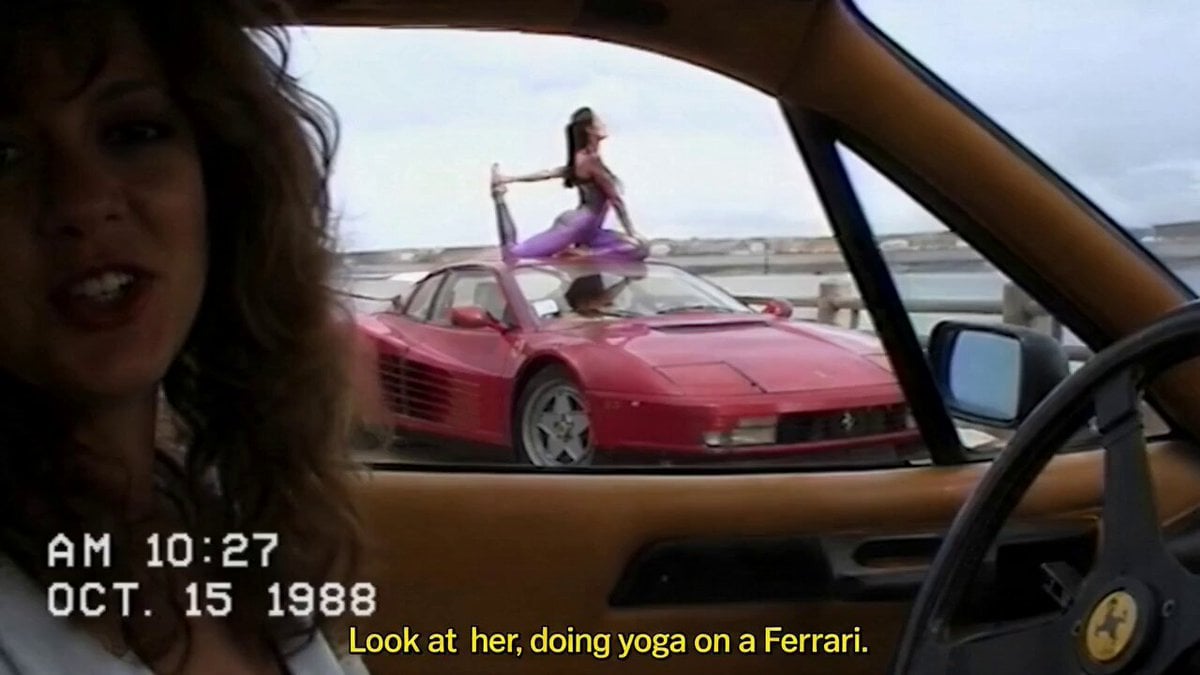
Amateur POV Ferrari Yoga Session
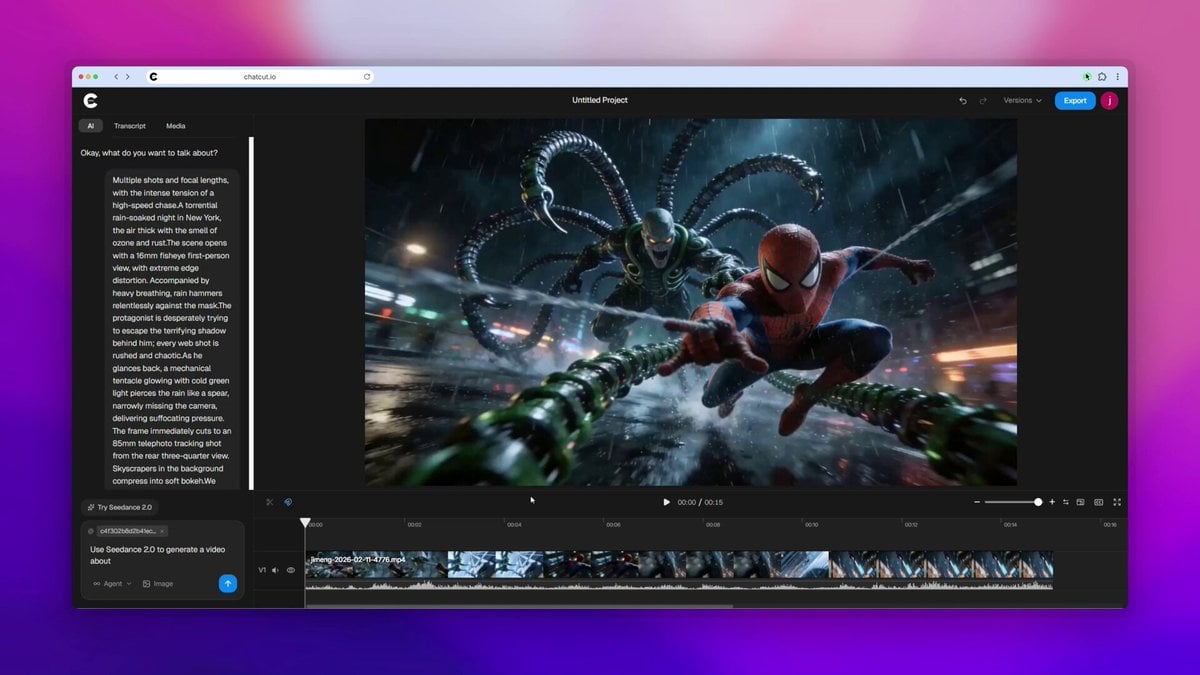
Spider-Man vs. Octopus Man Fight Scene Prompt
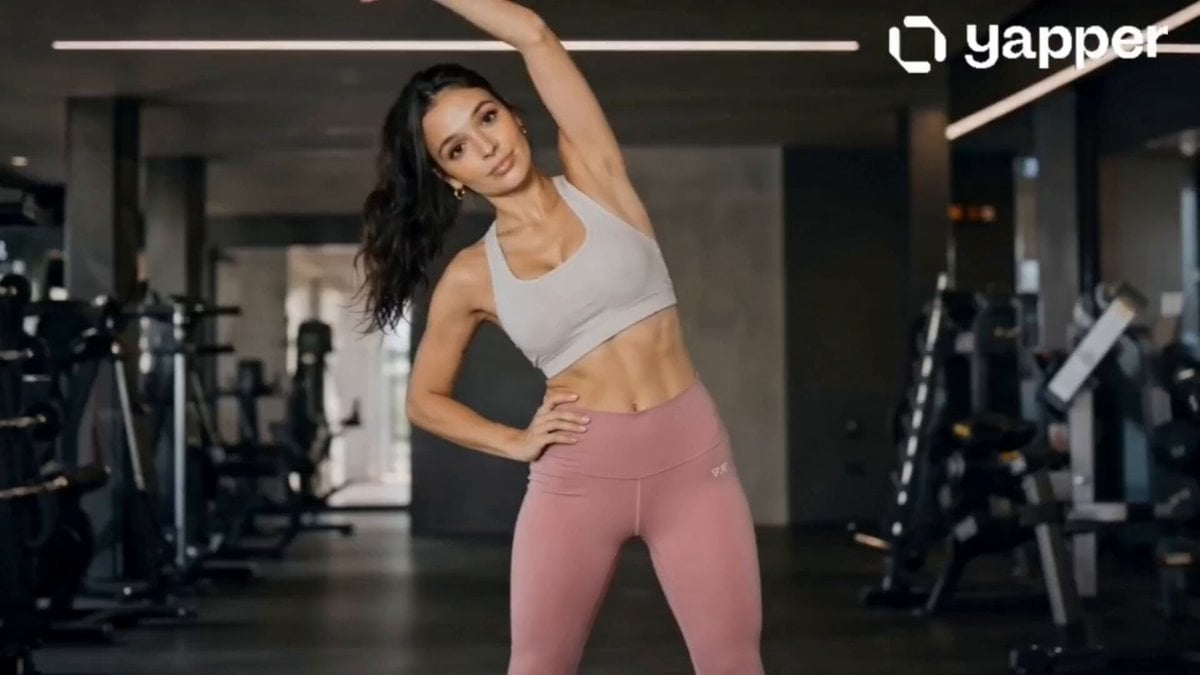
Professional Fitness Aesthetic Montage
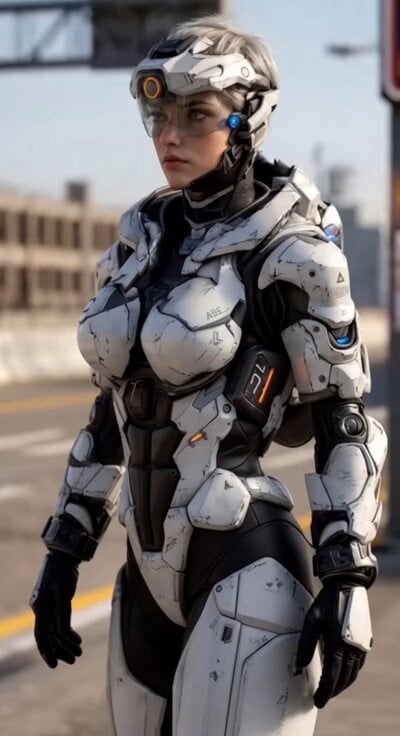
Cyberpunk Tactical Woman Animation
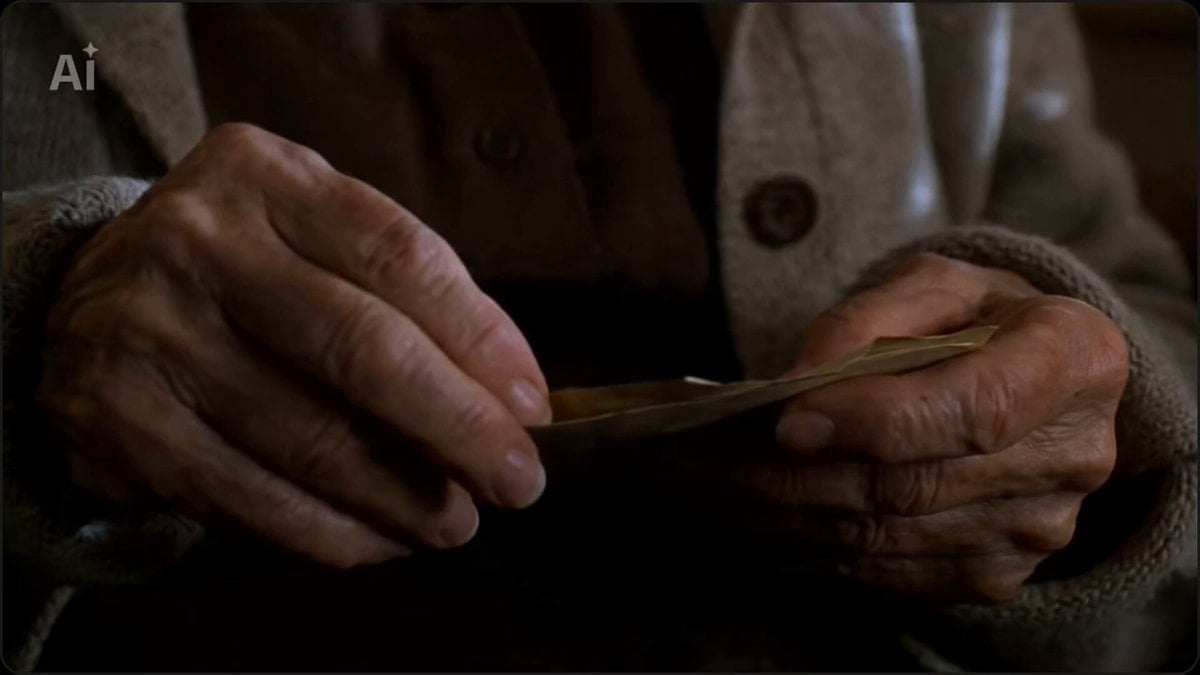
Elderly woman opening envelope video prompt
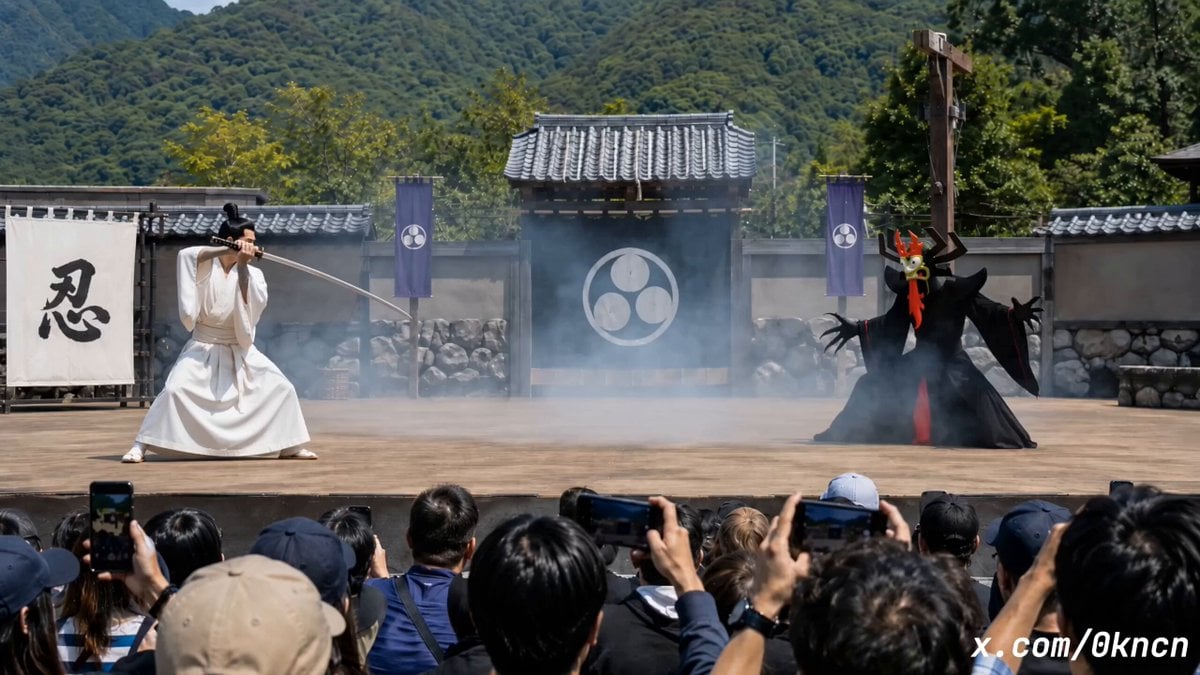
Japanese Feudal Village Theater POV
Browse template categories
Elegant Beauty Parlour Commercial questions
How do I use the Elegant Beauty Parlour Commercial template?
Add your photo if the template asks for one, edit the prompt if you like — the template's model and format are already selected — and press Generate. Your version opens in PicX Studio.
Can I customize the Elegant Beauty Parlour Commercial template?
Yes. You can change the subject, setting, lighting, mood, format, and available model controls before creating your video.
Is the Elegant Beauty Parlour Commercial template free?
Opening and editing this template is free. Generating uses credits, shown on the Generate button when you are signed in.
Which AI model should I use?
Start with Seedance 2.0, which is the model associated with this template. You can compare another compatible model for a different finish.
Looking for something else? Browse all templates.

Your photo, any look
Thousands of ready templates for every top image and video model, from one credit balance.