
Mobile Game Gacha Animation Prompt
A comprehensive prompt for Seedance 2.0 to generate cinematic mobile game gacha reveal sequences, featuring detailed instructions for lighting, rarity effects, and character animation.
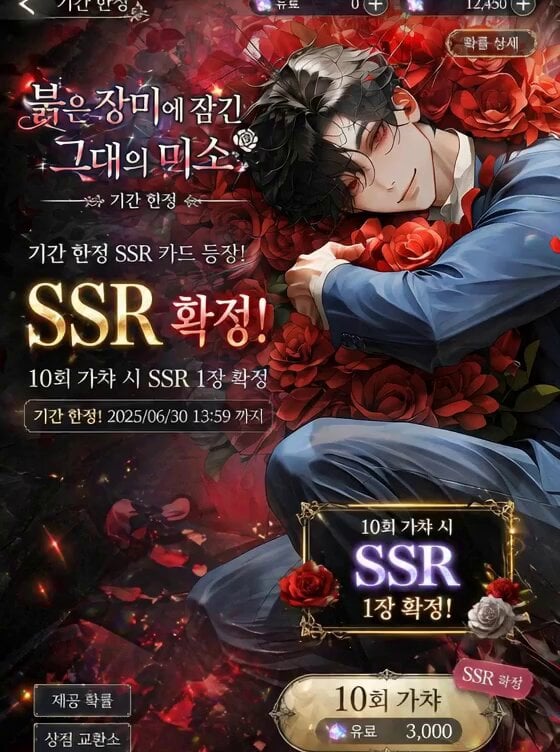
- Prompt included
- Model and format preset
- Premium template
The prompt behind this video
Copy the exact prompt behind Mobile Game Gacha Animation Prompt, or open it in the studio and make it yours.
vertical cinematic mobile game gacha animation, 9:16, ultra high quality no voice, background game music only, interactive touch trigger animation [SCENE THEME]: stylized atmospheric background matching character theme, floating symbolic elements, particles, ambient glow build-up tension, slow camera push in, energy intensifies, particles gathering [IMPACT EVENT]: dramatic transition effect (light burst / object shatter / energy explosion), dynamic motion toward camera, screen-filling impact [CHARACTER REVEAL]: anime-style character illustration appears in center composition, cinematic framing, strong silhouette, emotional presence 2D live animation style: subtle breathing motion, hair and accessory secondary motion, cloth physics reacting naturally, micro head movement, eye blinking and gaze shift toward viewer, small expression transition (neutral → emotion) parallax effect, layered depth, smooth interpolation, soft physics simulation cinematic lighting, depth of field, bloom, lens flare, particle trails [SSR RARITY REVEAL]: high-end golden or theme-colored typography, glow effects, particle burst, light rays, ornate UI frame forming dynamically around character premium limited gacha feeling, strong rarity emphasis [FINAL STATE]: pose hold with subtle idle animation loop, particles slowly drifting, ambient motion maintained, clean UI-ready composition
How to use Mobile Game Gacha Animation Prompt in 3 steps
- 1
Open
The prompt is already in the box next to the preview, with the template's model and format selected.
- 2…a portrait of your subject in softgolden-hour light, 85mm…
Personalize
Edit the subject and creative details for your destination.
- 3Generate
Generate
Press Generate — your video is created in PicX Studio, so you can compare it with the original and refine one variable at a time.
More like this
Templates with the same subject, style or setup. Open one to see its prompt.
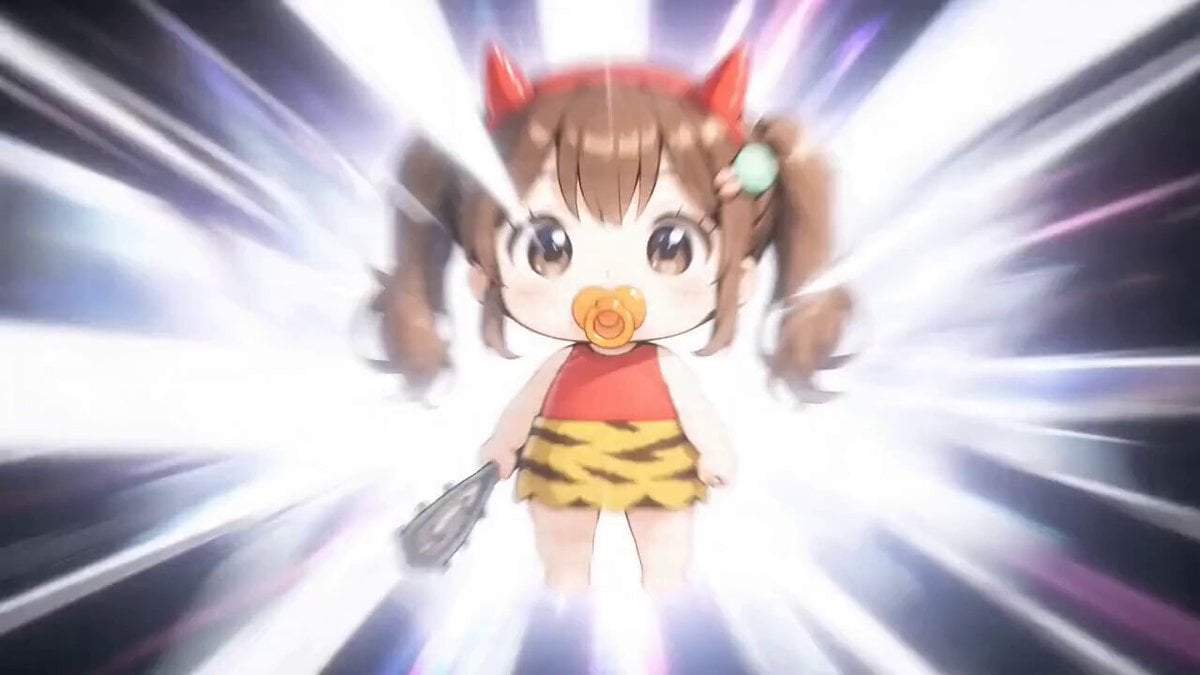
Detailed Gacha Game Summon Animation
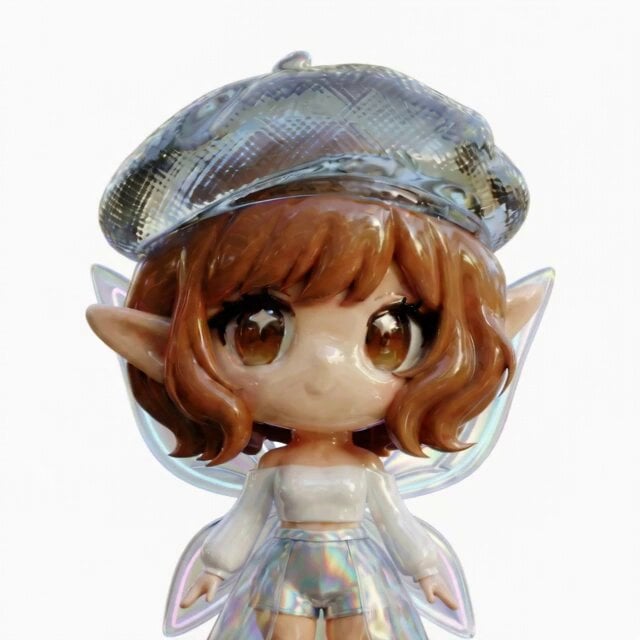
3D Glossy Fairy Animation - Seedance 2.5
Silk Road Pomegranate Folk Animation
Multilingual Creative Typography Loop
Game UI Skill Selection Animation
Live2D Style Gacha Game Interface

Walking Factory with Rebel on Hoverbike - Wasteland
Endless Runner Mobile Game Video Prompt
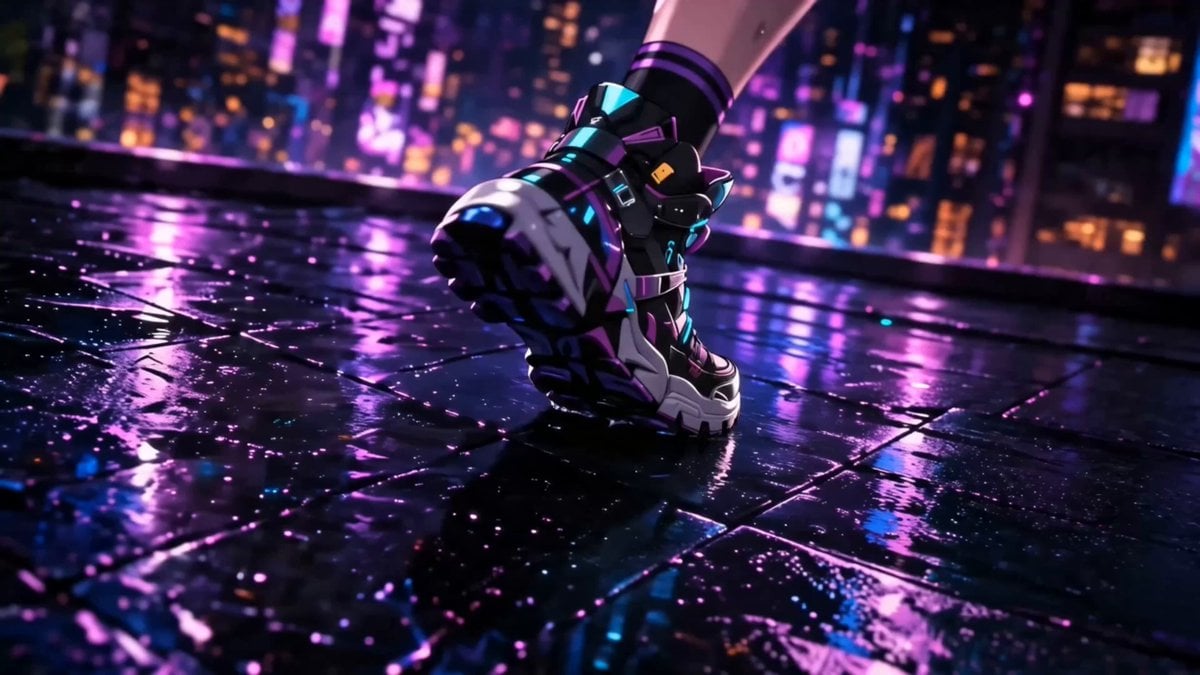
Anime Game Cinematic Animation
Cartoon Bullfight Arena — Girl vs Bull (Seedance)
Dim Sum Chase — Shrimp Dumpling Monster
Chibi Cave Adventure — He Doesn't Know What's Coming
Make it yours
Mobile Game Gacha Animation Prompt works as-is. These are the safest ways to change it without losing the look.
Change one field
Copy a single group, rewrite it, and generate again so you can see what that field is doing.
Keep the frame, change the subject
Hold the composition and light of Mobile Game Gacha Animation Prompt, then swap wardrobe, props or the person for a new take.
| If the result… | Why | Fix |
|---|---|---|
| The result drifts from the preview | Too many fields changed at once. | Reuse Mobile Game Gacha Animation Prompt as-is first, then change one group — subject, light, or setting. |
| The model over-stylizes the scene | The prose prompt leaves finish and camera underspecified. | Add one camera or lighting sentence and stay on Seedance 2.0. |
More Seedance 2.0 templates
Other prompts made for Seedance 2.0.

Comical Martial Arts Punch Scene

Maglev Train Action Sequence

Martial Arts Fight Sequence

Wuxia Protection and Trust Script

Vintage Korean Arcade MiniDV Vlog

Mercedes 190 SL Luxury Ad

Rainy Night Supernatural Reverse Comedy Video Script

Amazon Civilization Discovery

Futuristic South Asian City Transformation

Cozy Luxury Cafe Commercial
More video prompts
Fresh picks from across the catalog.
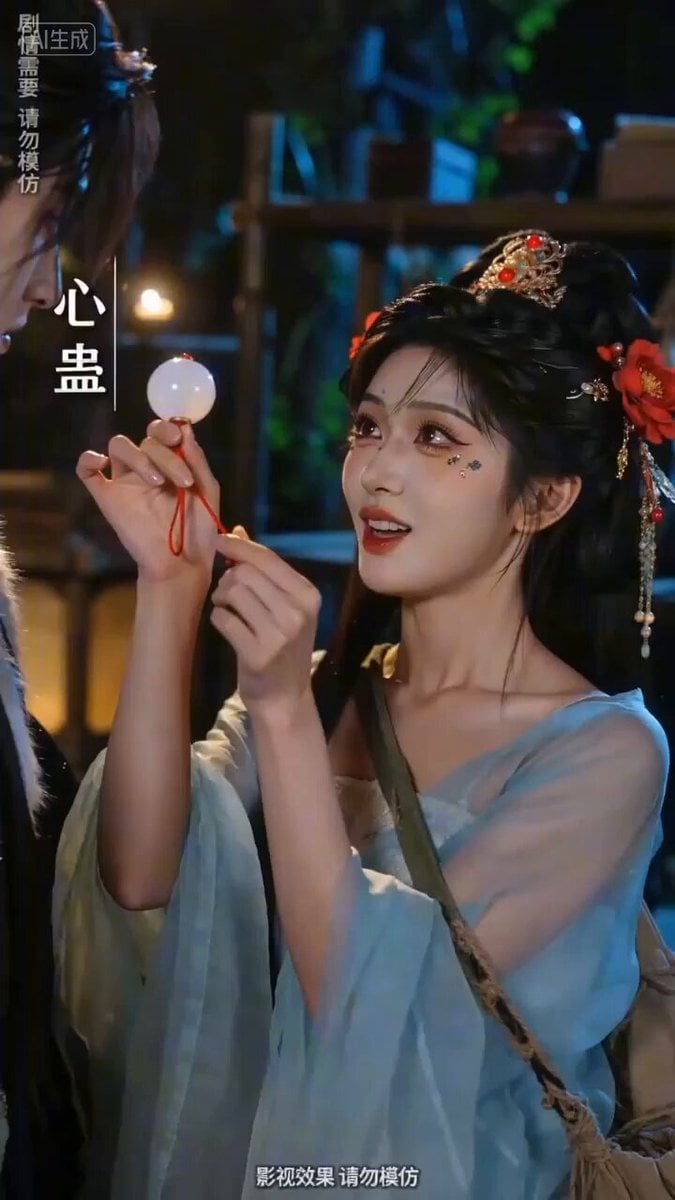
Sweet and Reversing Ancient Romance Short Drama Video Prompt
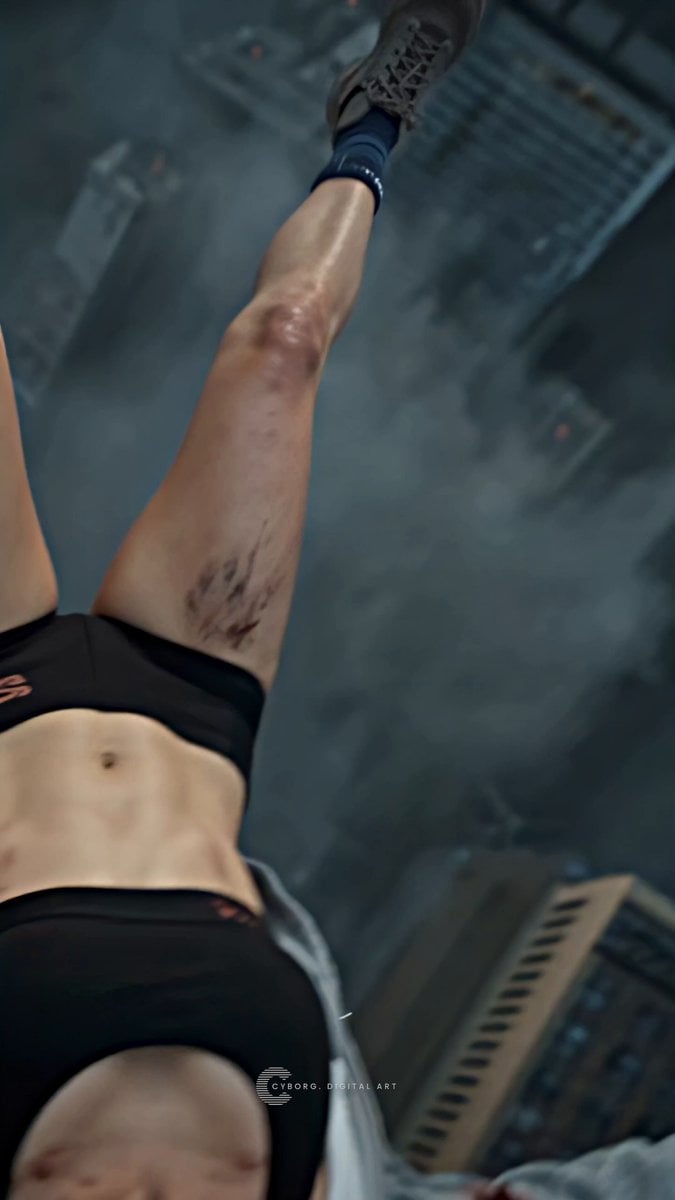
Mecha Armor Transformation Video Prompt for Seedance 2.0
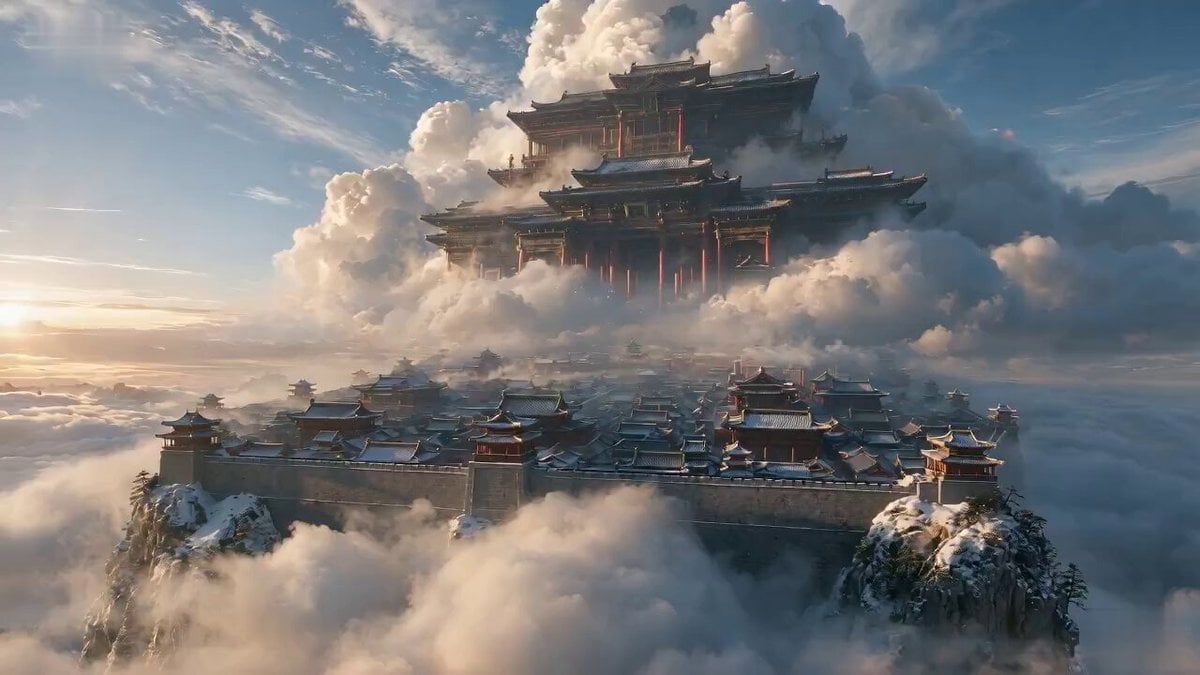
Wuxia Hostage Reversal Action Comedy
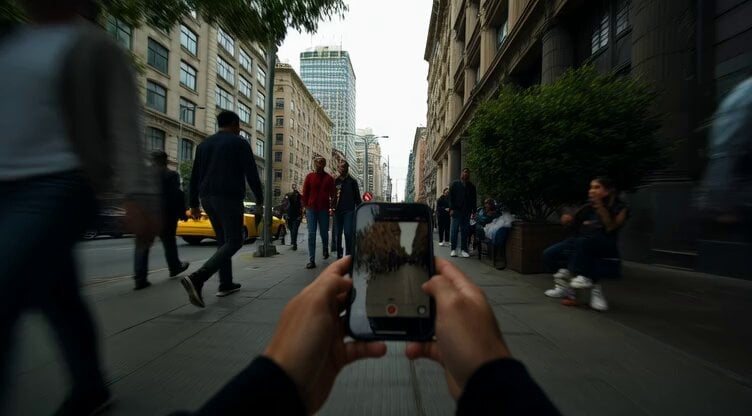
First-Person Guerilla Style Footage
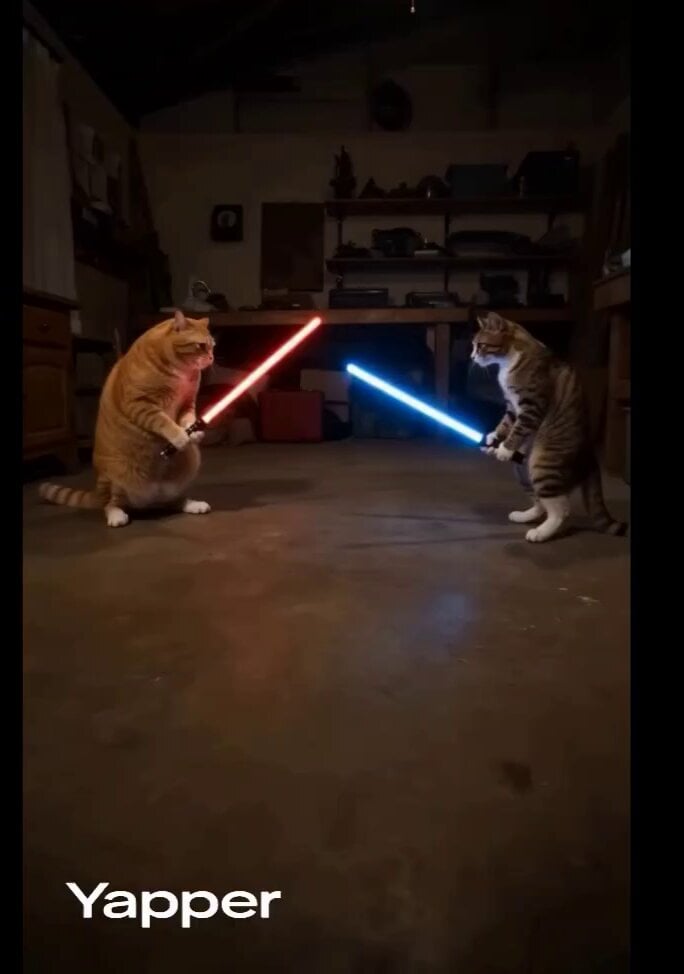
Domestic Cats Lightsaber Duel in Living Room
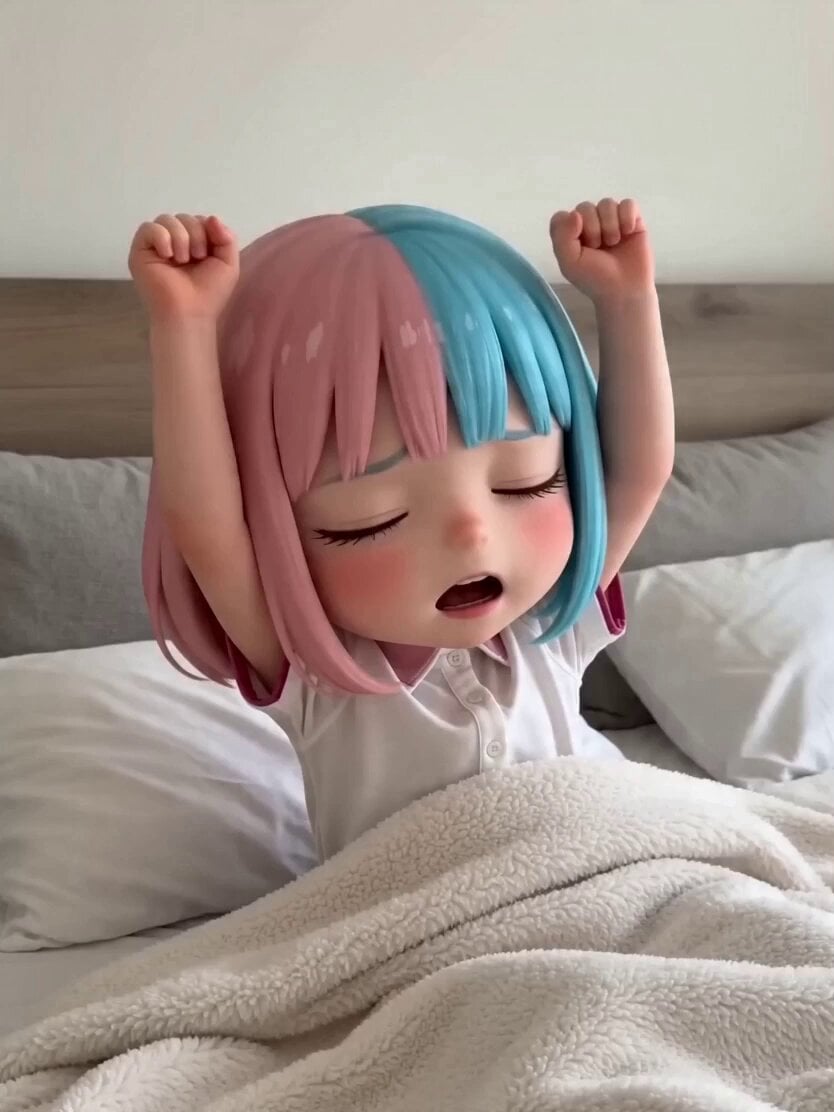
3D Anime Character Scenario Template

Dramatic Identity Reversal Short Drama
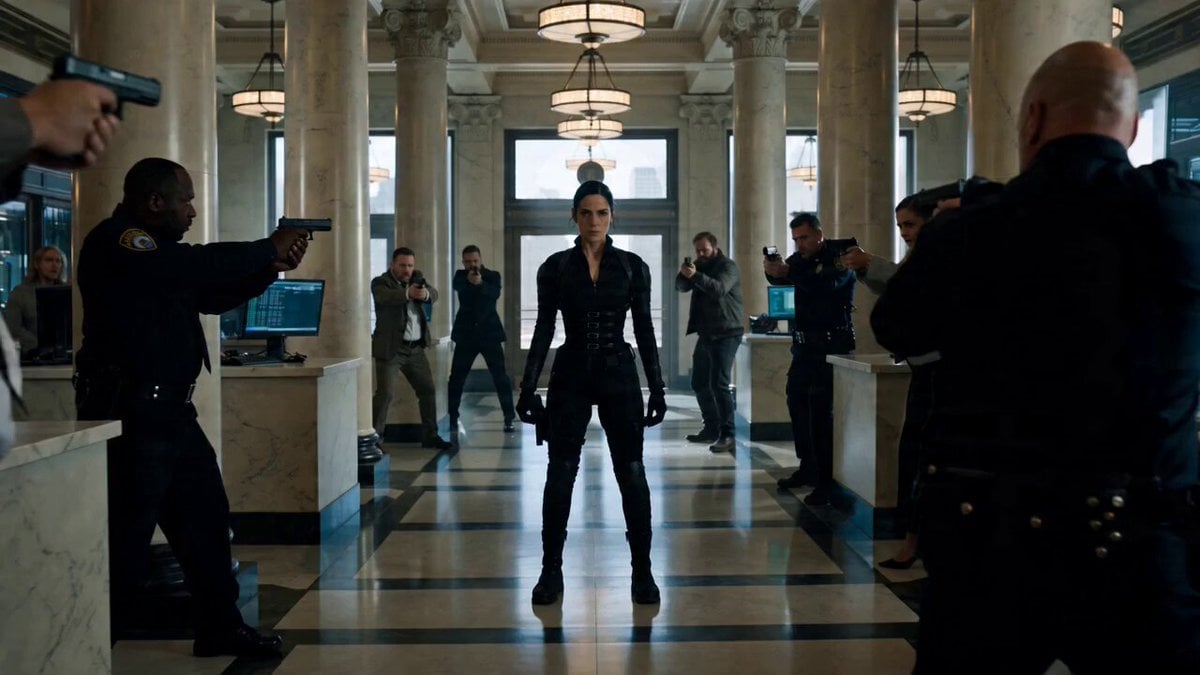
Cinematic Battle Prompt for Female Operative
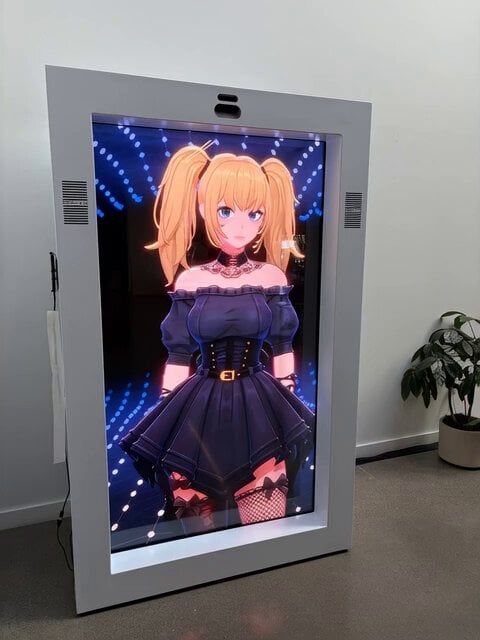
POV Coffee Hand-off Office Scene
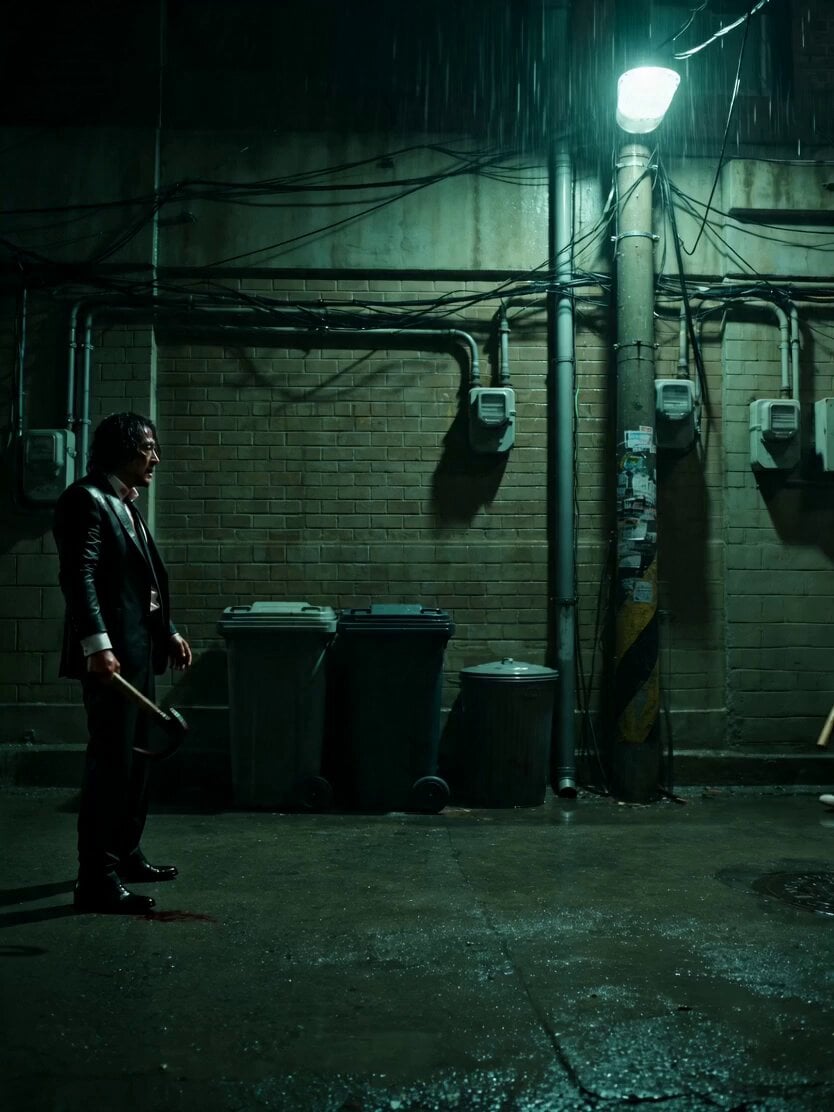
Neo-Noir Alleyway Fight Sequence
Browse template categories
Mobile Game Gacha Animation Prompt questions
How do I use the Mobile Game Gacha Animation Prompt template?
Add your photo if the template asks for one, edit the prompt if you like — the template's model and format are already selected — and press Generate. Your version opens in PicX Studio.
Can I customize the Mobile Game Gacha Animation Prompt template?
Yes. You can change the subject, setting, lighting, mood, format, and available model controls before creating your video.
Is the Mobile Game Gacha Animation Prompt template free?
Opening and editing this template is free. Generating uses credits, shown on the Generate button when you are signed in.
Which AI model should I use?
Start with Seedance 2.0, which is the model associated with this template. You can compare another compatible model for a different finish.
Looking for something else? Browse all templates.

Your photo, any look
Thousands of ready templates for every top image and video model, from one credit balance.