How do I use the Detailed Gacha Game Summon Animation template?
Edit the prompt in the box under the preview — the template's model and format are already selected — and press Generate. Your version appears right on this page.
An extensive master prompt for creating professional gacha game 'summon' or 'gacha' animations with complex transitions, UI overlays, and rarity reveals.
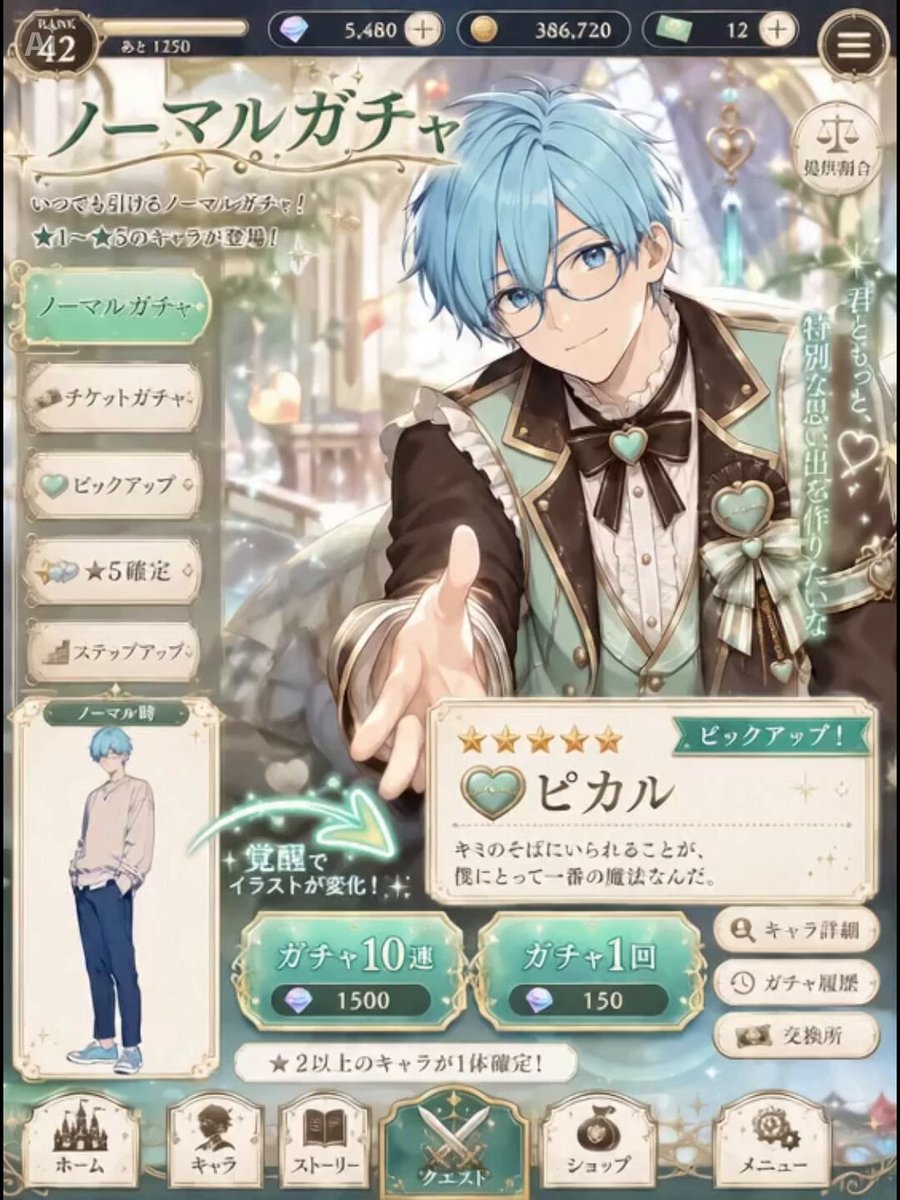
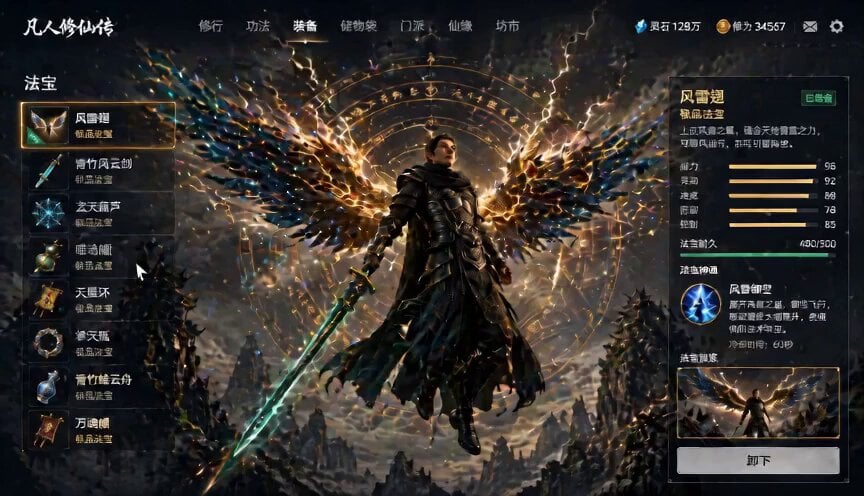
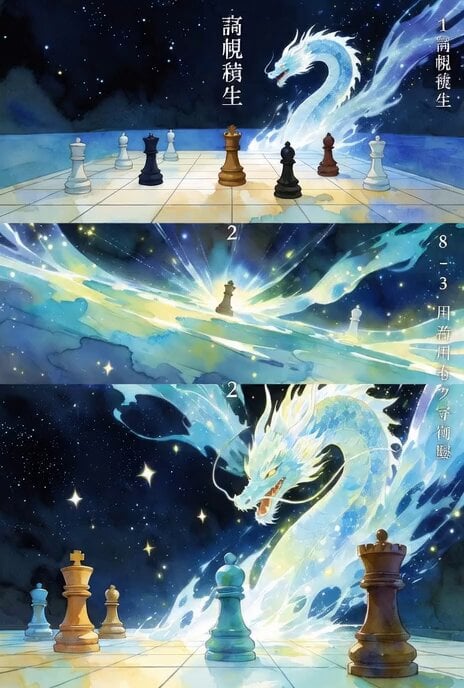
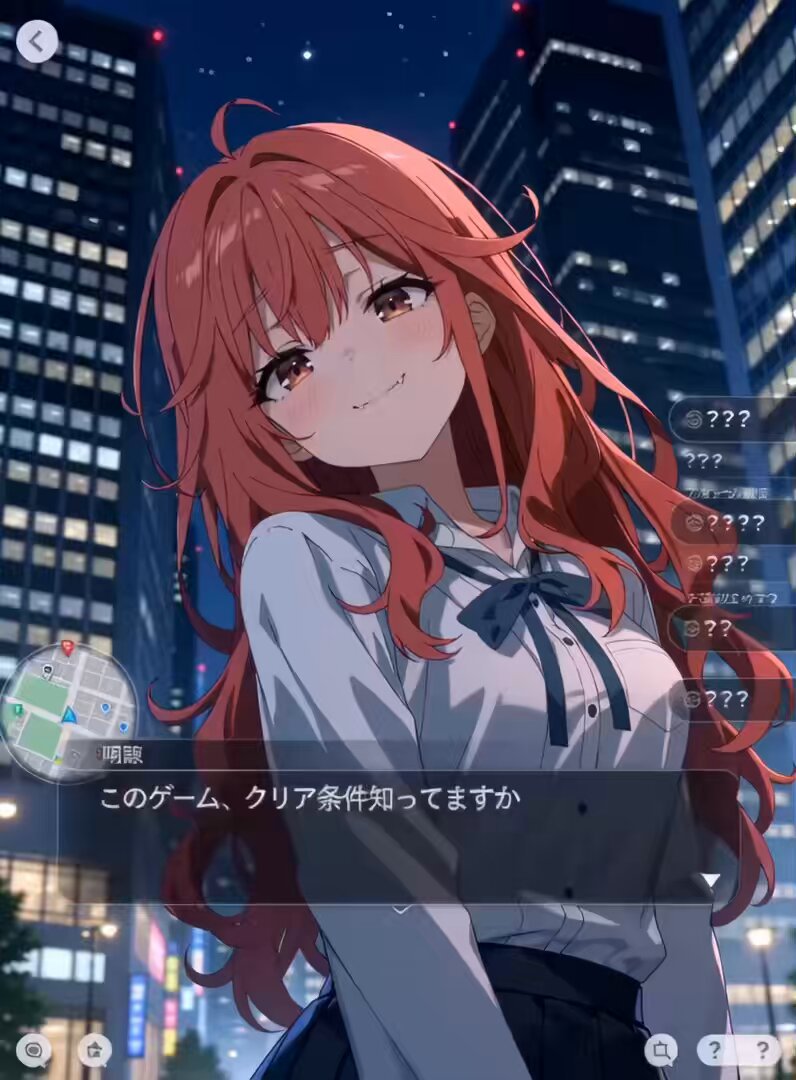
Use the reference image only as a reference, not as the starting frame. In the style of a mobile gacha game's summon animation. Upbeat, exhilarating BGM, with sound effects such as electronic tones, draw sounds, and confirmation chimes. The girl with a pacifier in her mouth does not speak, and her mouth does not move at all. Every transition is an over-the-top spectacle involving impact, flashes, and glowing UI. Immediately after the start, the following sequence begins. An ultra-high-speed transition. Space distorts, shatters like glass, and the fragments turn into light and get sucked away. A strong whiteout. Immediately after, a cut. In a dark space, an "abnormally bizarre gacha machine" that extremely exaggerates the traits associated with the reference image is depicted as already existing. (Example: the character's hair color, motifs, and worldview are directly mechanized.) ・An overly massive structure ・An unrealistic rotating mechanism ・Floating parts ・Glowing pipes and energy conduits ・Movements that make no sense but look cool. Energy circulates and pulses inside the device. Operation UI such as "TAP," "PULL," and "OPEN" is displayed at the center of the screen. The UI glows intensely in a neon style and vibrates slightly. At the same moment as the operation, the device vibrates, rotates, and glows as if going out of control. The energy reaches critical mass and converges to a single point. Cut. The ejection sequence: A "container" associated with the traits of the reference image pops out of the device. (Examples) ・A capsule ・An egg ・A crystal ・A box ・A can ・A scroll ・A food-shaped object. Its shape, texture, and color are determined by the reference image. The container bounces once, lightly hitting the floor or the space, and rolls. At that moment, it cracks, glows, and energy leaks out from inside. The rarity-determination sequence: ・High rarity: rainbow colors, prism effects, light spreading across the whole screen. The container trembles while gradually rising into the air. Cut. The container bursts open explosively. Light and particles burst out from inside, and a silhouette exaggerating the traits of the reference image appears. A strong flash. Cut. A space that inherits the atmosphere of the reference image's background is depicted as already existing (rather than a transition, it looks as though it was there from the start). Light streaming in, mist, particles, air currents. The character appears in the center. Camera direction: ・A rapid pan from the feet up to the face ・Circling around while moving in closer ・The character moves with dynamic energy ・Slow motion → acceleration. Around the character, an elemental effect associated with the reference image occurs. (Examples) ・Fire, water, lightning, ice, light, darkness, machinery, nature, etc. ・The color and shape are determined by the impression of the reference image. Furthermore, an elemental mark (emblem) appears behind the character or in the sky above, glowing, rotating, and splitting apart. At the same time, a massive amount of particles is generated across the entire screen, with lens flares, shockwaves, and streaks of light running through it. Huge text at the center of the screen: a rarity display such as "SSR," "UR," or "LEGEND" (automatically determined from the impression of the reference image). Next, associated with the appearance of the reference image, generate and display an "abnormally exaggerated epithet." Also generate and display the character's name. Additional UI sequence: ・A lavish character card UI appears at the bottom of the screen ・The frame glows intensely in gold, rainbow, etc. ・Stars pop up one at a time ・The card rotates, slides, and glows. Stat display: ・HP / ATK / DEF / SPEED, etc., rapidly count up ・The values are automatically generated from the impression of the reference image. Skill display: ・Generate and display a skill name (e.g., "Dimensional Collapse Break," "Infinite Reflection Aura," etc.) ・A brief effect for the skill activation (a short special effect). Additional sequence for high rarity: ・The background momentarily transforms (into space, ruins, a temple, etc.) ・Screen shake + a strong flash ・An increase in particle volume. Final cut: The character freezes in a cool signature pose. ・Display the "title" and a cool "name" associated with the character on screen in a stylish, high-quality logo design. The elemental emblem remains behind them, and energy continues to circulate around them. The UI keeps glowing softly, ending in a loopable state. Style: cinematic, gacha game UI overlay, ultra detailed, high contrast, fantasy summon machine, dynamic lighting, volumetric light, glow, particles, motion blur, lens flare, impact flashes
Use the reference image only as a reference, not as the starting frame. In the style of a mobile gacha game's summon animation. Upbeat, exhilarating BGM, with sound effects such as electronic tones, draw sounds, and confirmation chimes. The girl with a pacifier in her mouth does not speak, and her mouth does not move at all. Every transition is an over-the-top spectacle involving impact, flashes, and glowing UI. Immediately after the start, the following sequence begins. An ultra-high-speed transition. Space distorts, shatters like glass, and the fragments turn into light and get sucked away. A strong whiteout. Immediately after, a cut. In a dark space, an "abnormally bizarre gacha machine" that extremely exaggerates the traits associated with the reference image is depicted as already existing. (Example: the character's hair color, motifs, and worldview are directly mechanized.) ・An overly massive structure ・An unrealistic rotating mechanism ・Floating parts ・Glowing pipes and energy conduits ・Movements that make no sense but look cool. Energy circulates and pulses inside the device. Operation UI such as "TAP," "PULL," and "OPEN" is displayed at the center of the screen. The UI glows intensely in a neon style and vibrates slightly. At the same moment as the operation, the device vibrates, rotates, and glows as if going out of control. The energy reaches critical mass and converges to a single point. Cut. The ejection sequence: A "container" associated with the traits of the reference image pops out of the device. (Examples) ・A capsule ・An egg ・A crystal ・A box ・A can ・A scroll ・A food-shaped object. Its shape, texture, and color are determined by the reference image. The container bounces once, lightly hitting the floor or the space, and rolls. At that moment, it cracks, glows, and energy leaks out from inside. The rarity-determination sequence: ・High rarity: rainbow colors, prism effects, light spreading across the whole screen. The container trembles while gradually rising into the air. Cut. The container bursts open explosively. Light and particles burst out from inside, and a silhouette exaggerating the traits of the reference image appears. A strong flash. Cut. A space that inherits the atmosphere of the reference image's background is depicted as already existing (rather than a transition, it looks as though it was there from the start). Light streaming in, mist, particles, air currents. The character appears in the center. Camera direction: ・A rapid pan from the feet up to the face ・Circling around while moving in closer ・The character moves with dynamic energy ・Slow motion → acceleration. Around the character, an elemental effect associated with the reference image occurs. (Examples) ・Fire, water, lightning, ice, light, darkness, machinery, nature, etc. ・The color and shape are determined by the impression of the reference image. Furthermore, an elemental mark (emblem) appears behind the character or in the sky above, glowing, rotating, and splitting apart. At the same time, a massive amount of particles is generated across the entire screen, with lens flares, shockwaves, and streaks of light running through it. Huge text at the center of the screen: a rarity display such as "SSR," "UR," or "LEGEND" (automatically determined from the impression of the reference image). Next, associated with the appearance of the reference image, generate and display an "abnormally exaggerated epithet." Also generate and display the character's name. Additional UI sequence: ・A lavish character card UI appears at the bottom of the screen ・The frame glows intensely in gold, rainbow, etc. ・Stars pop up one at a time ・The card rotates, slides, and glows. Stat display: ・HP / ATK / DEF / SPEED, etc., rapidly count up ・The values are automatically generated from the impression of the reference image. Skill display: ・Generate and display a skill name (e.g., "Dimensional Collapse Break," "Infinite Reflection Aura," etc.) ・A brief effect for the skill activation (a short special effect). Additional sequence for high rarity: ・The background momentarily transforms (into space, ruins, a temple, etc.) ・Screen shake + a strong flash ・An increase in particle volume. Final cut: The character freezes in a cool signature pose. ・Display the "title" and a cool "name" associated with the character on screen in a stylish, high-quality logo design. The elemental emblem remains behind them, and energy continues to circulate around them. The UI keeps glowing softly, ending in a loopable state. Style: cinematic, gacha game UI overlay, ultra detailed, high contrast, fantasy summon machine, dynamic lighting, volumetric light, glow, particles, motion blur, lens flare, impact flashes
Edit the prompt in the box under the preview — the template's model and format are already selected — and press Generate. Your version appears right on this page.
Yes. You can change the subject, setting, lighting, mood, format, and available model controls before creating your video.
Opening and editing this template is free. Generating uses credits, shown on the Generate button when you are signed in.
Start with Seedance 2.0, which is the model associated with this template. You can compare another compatible model for a different finish.
Follow a topic to a crawlable collection of related PicX Studio templates.