
Live2D Style Gacha Game Interface
A detailed prompt for Seedance 2.0 to animate static character illustrations into Live2D-style gacha game top pages with natural breathing and hair movement.
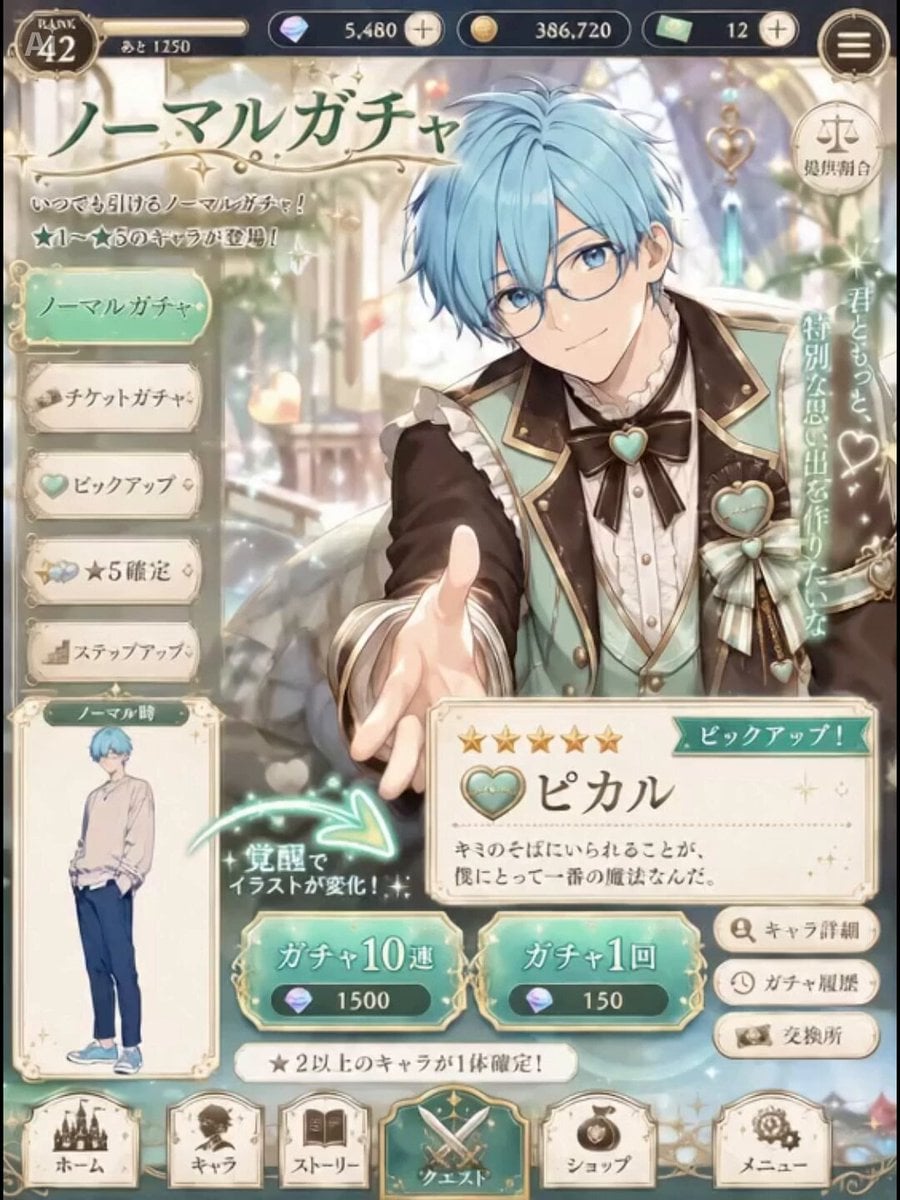
- Prompt included
- Model and format preset
- Free template
The prompt behind this video
Copy the exact prompt behind Live2D Style Gacha Game Interface, or open it in the studio and make it yours.
添付画像を元に、スマホ向けソシャゲのガチャTOP画面がLive2D風に動いている8秒動画を作成する。 UI、文字、ボタン、メニュー、通貨表示、ガチャカテゴリ、覚醒前の小さな立ち絵は固定。 動くのは、画面内で一番大きく表示されている覚醒後キャラクターのみ。 キャラクターはLive2D風に自然に動く。 髪がふわっと揺れ、前髪・横髪・毛先が少し遅れてなびく。 服、袖、襟、リボン、フリル、装飾品が小さく揺れる。 呼吸に合わせて肩と胸元がゆっくり上下する。 手は大きく動かさず、指先だけ少し柔らかく動く。 自然な瞬きを入れる。 瞳のハイライトが小さく揺れる。 表情は元画像の表情から、やさしい微笑み、最後にキャラクターらしい笑顔へ変化する。 画面全体に淡いキラキラエフェクトを入れる。 小さな光の粒、宝石の反射光、キャラクター周囲の柔らかい発光を入れる。 エフェクトはUIや文字を隠さない程度にする。 カメラ固定。 ズームなし。 画面遷移なし。 ボタン操作なし。 ガチャ演出に切り替えない。 覚醒前の小さな立ち絵は動かさない。 文字を崩さない。 キャラクターの顔、髪型、衣装、手指、目、装飾品を崩さない。 高品質な日本アニメ調、ソシャゲのガチャページ待機モーション。
How to use Live2D Style Gacha Game Interface in 3 steps
- 1
Open
The prompt is already in the box next to the preview, with the template's model and format selected.
- 2…a portrait of your subject in softgolden-hour light, 85mm…
Personalize
Edit the subject and creative details for your destination.
- 3Generate
Generate
Press Generate — your video is created in PicX Studio, so you can compare it with the original and refine one variable at a time.
More like this
Templates with the same subject, style or setup. Open one to see its prompt.
Chibi Cave Adventure — He Doesn't Know What's Coming

Detailed Gacha Game Summon Animation

Mobile Game Gacha Animation Prompt

Dramatic Character Gacha Reveal Sequence
Fictional Game Teaser Visual Card
Premium Game Studio Logo Intro
Three-Column Space Shooter Game Comparison
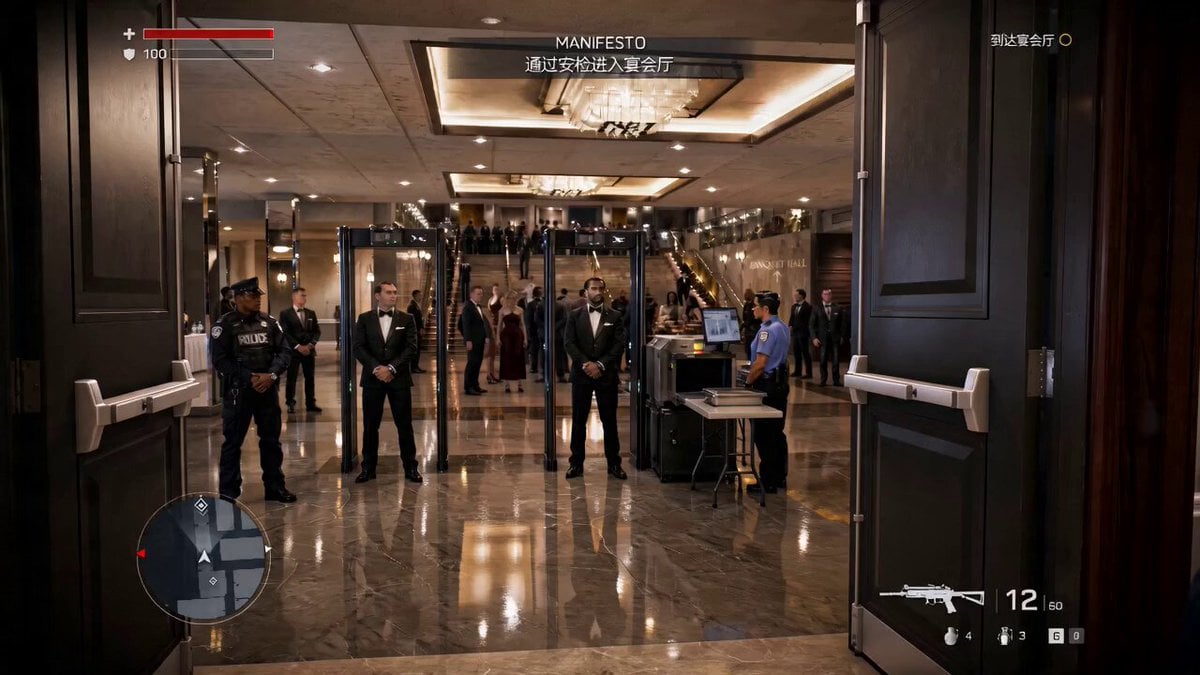
Action Game Combat Sequence
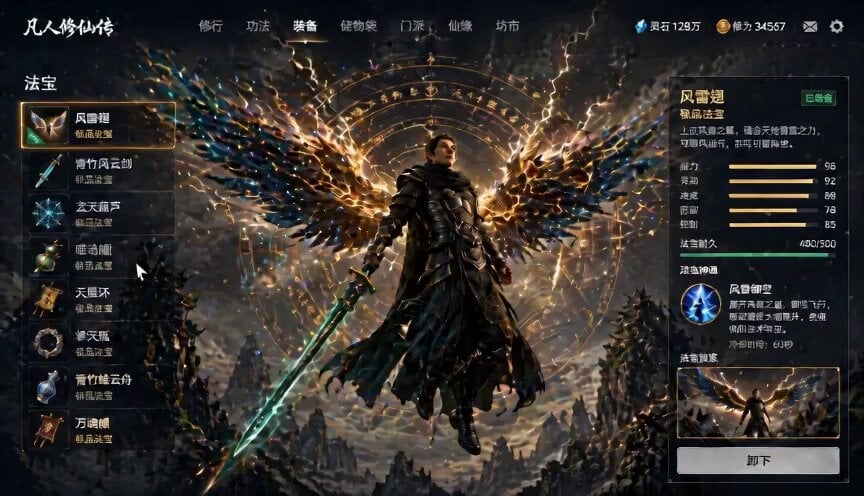
Game UI Skill Selection Animation
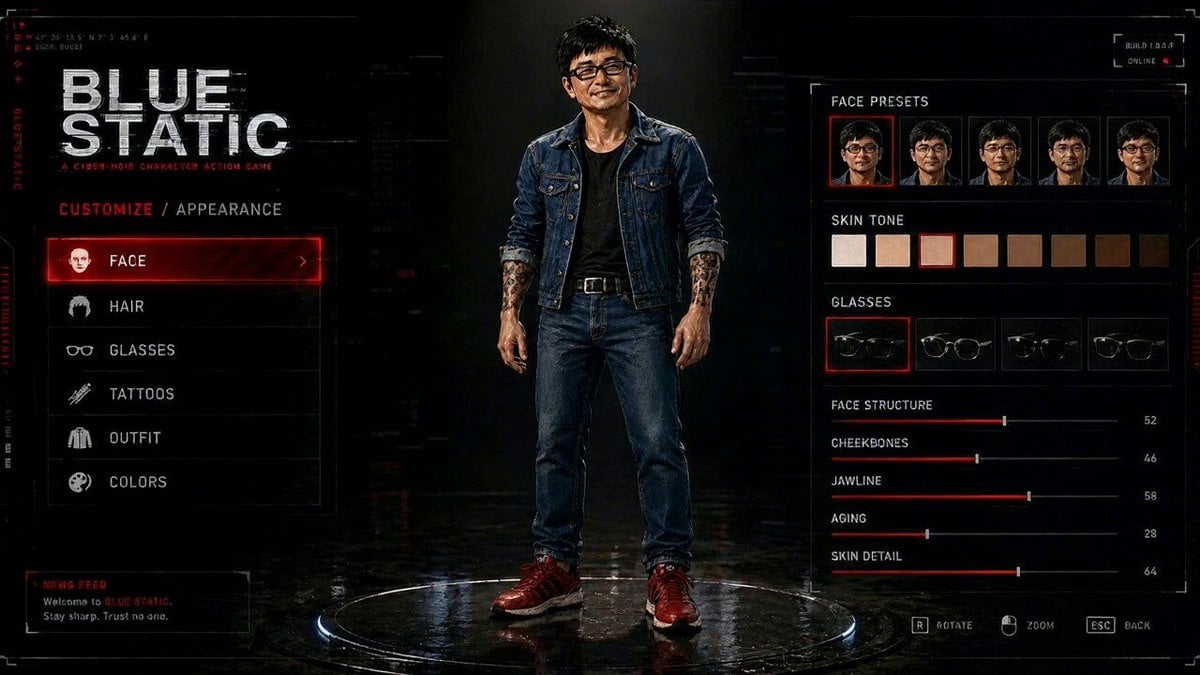
Cyberpunk Game Character Interaction Video
Arcane Fantasy Game Setup
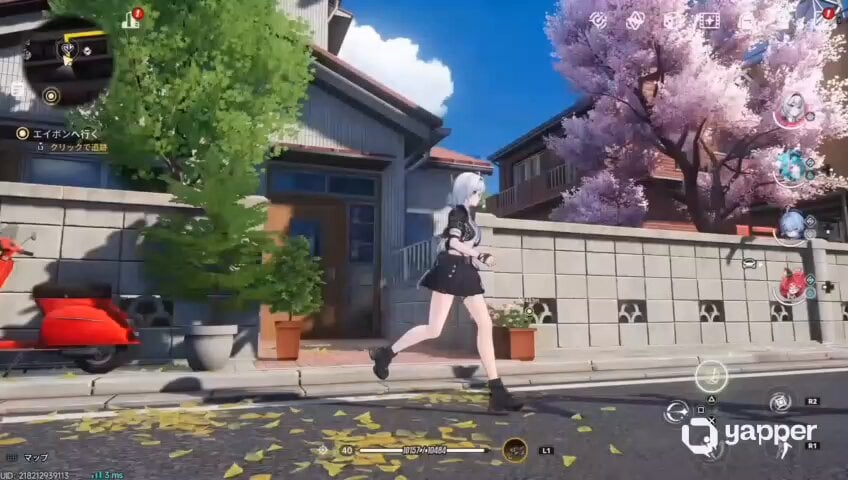
Futuristic Anime Parkour Gameplay Cinematic
Make it yours
Live2D Style Gacha Game Interface works as-is. These are the safest ways to change it without losing the look.
Change one field
Copy a single group, rewrite it, and generate again so you can see what that field is doing.
Keep the frame, change the subject
Hold the composition and light of Live2D Style Gacha Game Interface, then swap wardrobe, props or the person for a new take.
| If the result… | Why | Fix |
|---|---|---|
| The result drifts from the preview | Too many fields changed at once. | Reuse Live2D Style Gacha Game Interface as-is first, then change one group — subject, light, or setting. |
| The model over-stylizes the scene | The prose prompt leaves finish and camera underspecified. | Add one camera or lighting sentence and stay on Seedance 2.0. |
More Seedance 2.0 templates
Other prompts made for Seedance 2.0.

Comical Martial Arts Punch Scene

Maglev Train Action Sequence

Martial Arts Fight Sequence

Wuxia Protection and Trust Script

Vintage Korean Arcade MiniDV Vlog

Mercedes 190 SL Luxury Ad

Rainy Night Supernatural Reverse Comedy Video Script

Amazon Civilization Discovery

Futuristic South Asian City Transformation

Cozy Luxury Cafe Commercial
More video prompts
Fresh picks from across the catalog.
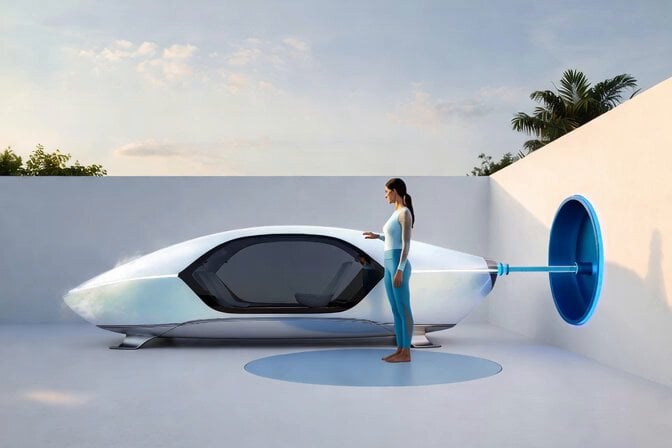
Voice Controlled Water Animation

Grok Imagine prompt about Lucy the Goddess

Cinematic Night Racing Movie Scene for Seedance 2.0
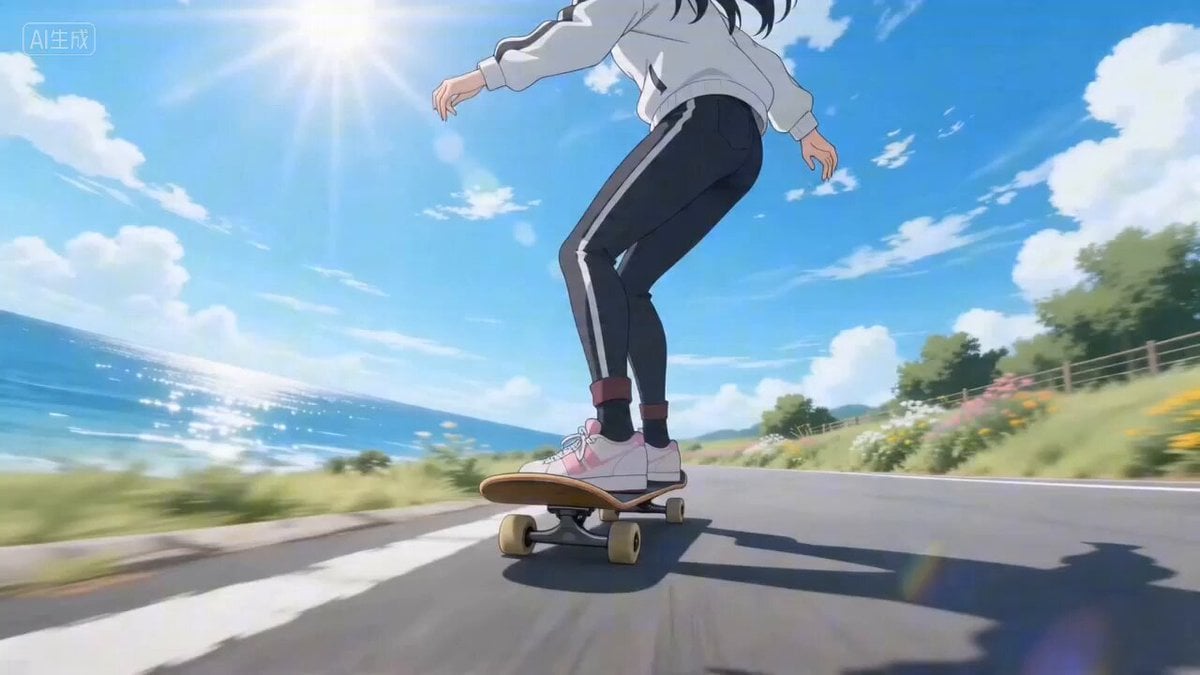
Seamless Four-Season Skate/Snowboard Journey Video Prompt
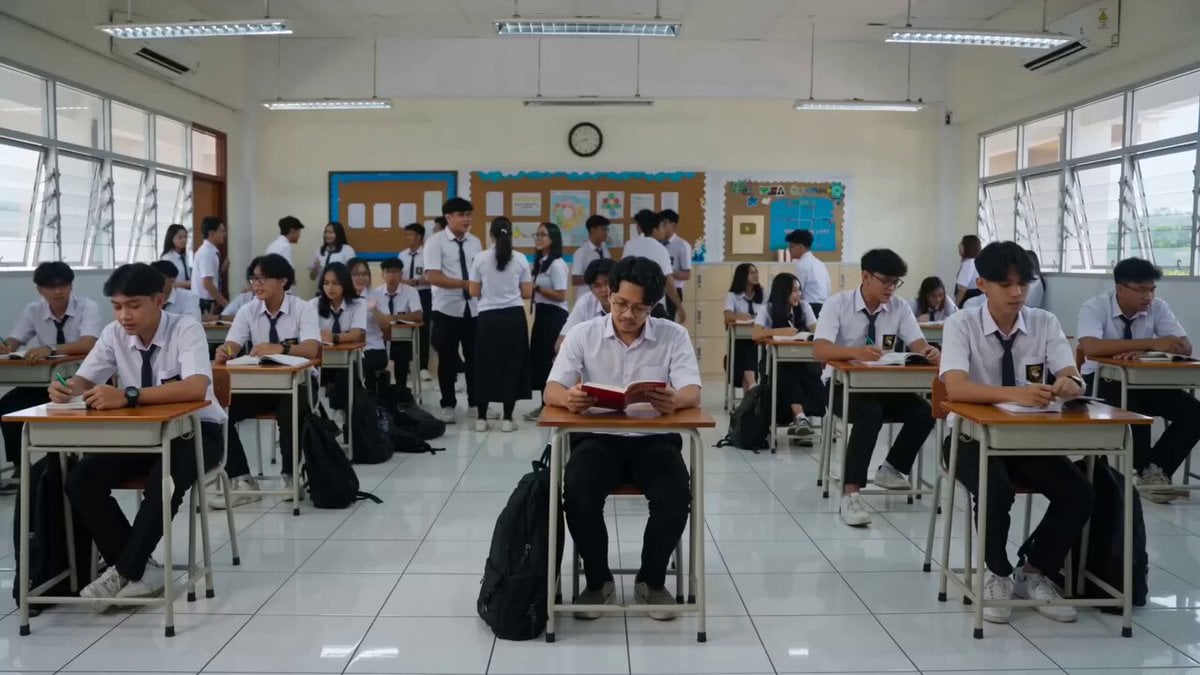
Classroom Confrontation Short Film Script
Funny Cat Breakfast Wake-up Call
Crypto Creator Daily Vlog Mascot Animation

Cyberpunk Wireless Earbuds Commercial
Superbike Touge Run Prompt for Seedance 2.0
Action Comedy: Polite Master in Dojo
Browse template categories
Live2D Style Gacha Game Interface questions
How do I use the Live2D Style Gacha Game Interface template?
Add your photo if the template asks for one, edit the prompt if you like — the template's model and format are already selected — and press Generate. Your version opens in PicX Studio.
Can I customize the Live2D Style Gacha Game Interface template?
Yes. You can change the subject, setting, lighting, mood, format, and available model controls before creating your video.
Is the Live2D Style Gacha Game Interface template free?
Opening and editing this template is free. Generating uses credits, shown on the Generate button when you are signed in.
Which AI model should I use?
Start with Seedance 2.0, which is the model associated with this template. You can compare another compatible model for a different finish.
Looking for something else? Browse all templates.

Your photo, any look
Thousands of ready templates for every top image and video model, from one credit balance.