
Action Game Combat Sequence
A segmented prompt for an action game sequence featuring a man pulling a gun and being pinned by security, with detailed instructions on camera angles and style.
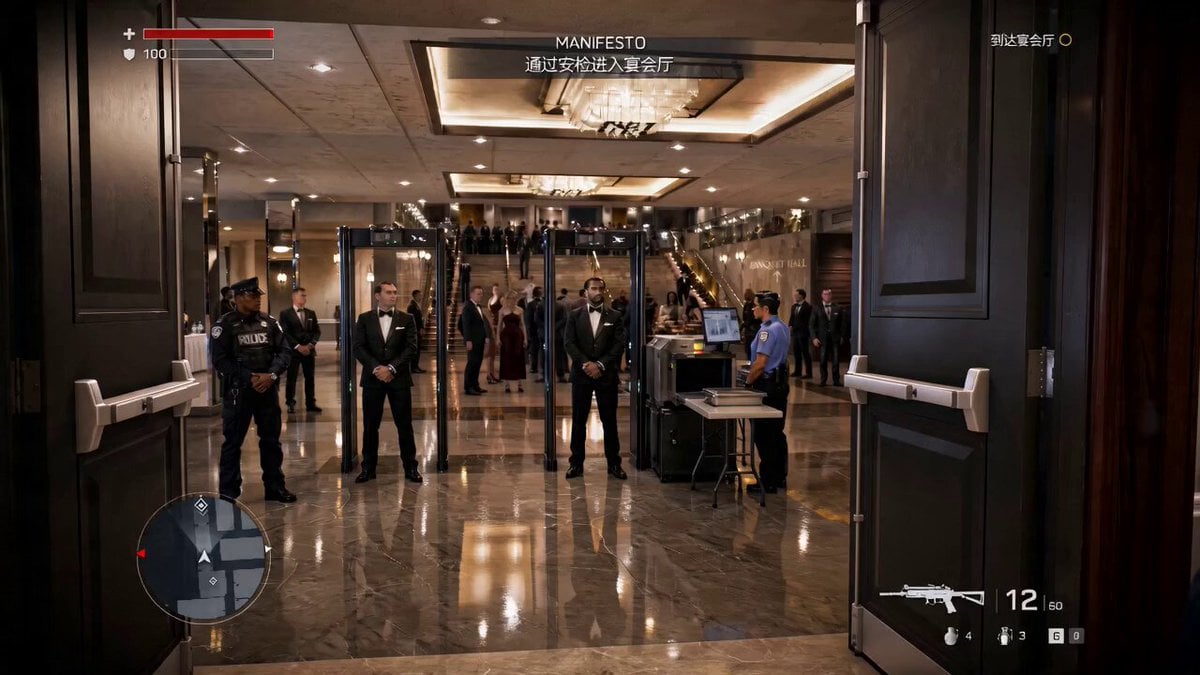
- Prompt included
- Model and format preset
- Free template
The prompt behind this video
Copy the exact prompt behind Action Game Combat Sequence, or open it in the studio and make it yours.
1. 特写:男子快速掏出手枪,举枪瞄准目标。 2. 射击:开火动作,但未击中目标,子弹飞过。 3. 保安反应:三名西装保安快速扑向男子。 4. 制服:保安抓住男子,把他按倒在地,脱掉上衣,动作紧张快速。 镜头:特写+中景切换,低角度/跟随镜头增强战斗张力,动作连贯。 风格:写实风格动作游戏渲染风格
How to use Action Game Combat Sequence in 3 steps
- 1
Open
The prompt is already in the box next to the preview, with the template's model and format selected.
- 2…a portrait of your subject in softgolden-hour light, 85mm…
Personalize
Edit the subject and creative details for your destination.
- 3Generate
Generate
Press Generate — your video is created in PicX Studio, so you can compare it with the original and refine one variable at a time.
More like this
Templates with the same subject, style or setup. Open one to see its prompt.

Maglev Train Action Sequence
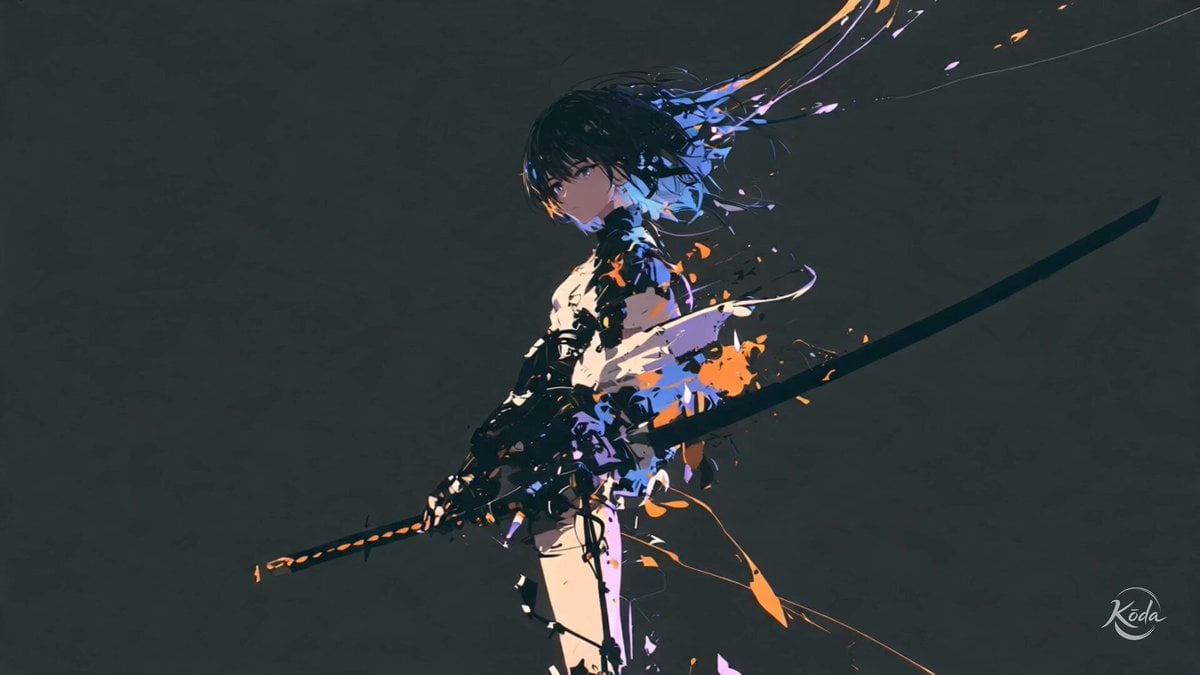
Cinematic Swordswoman Action Sequence
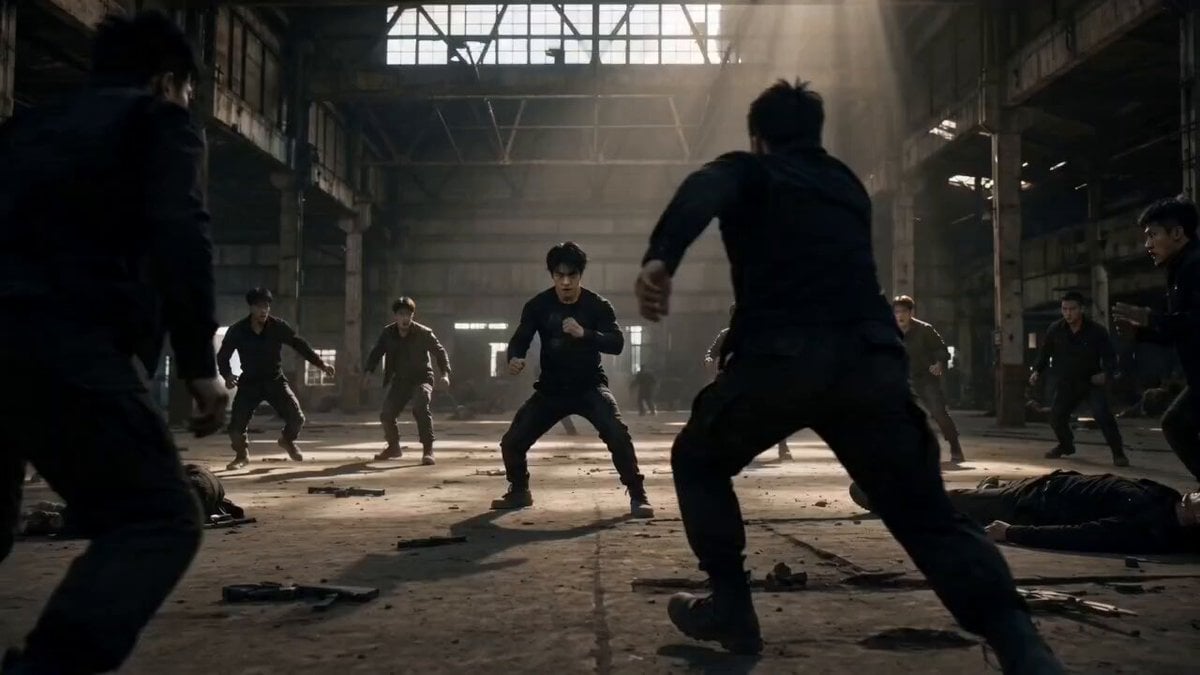
Martial Arts Warehouse Combat Sequence
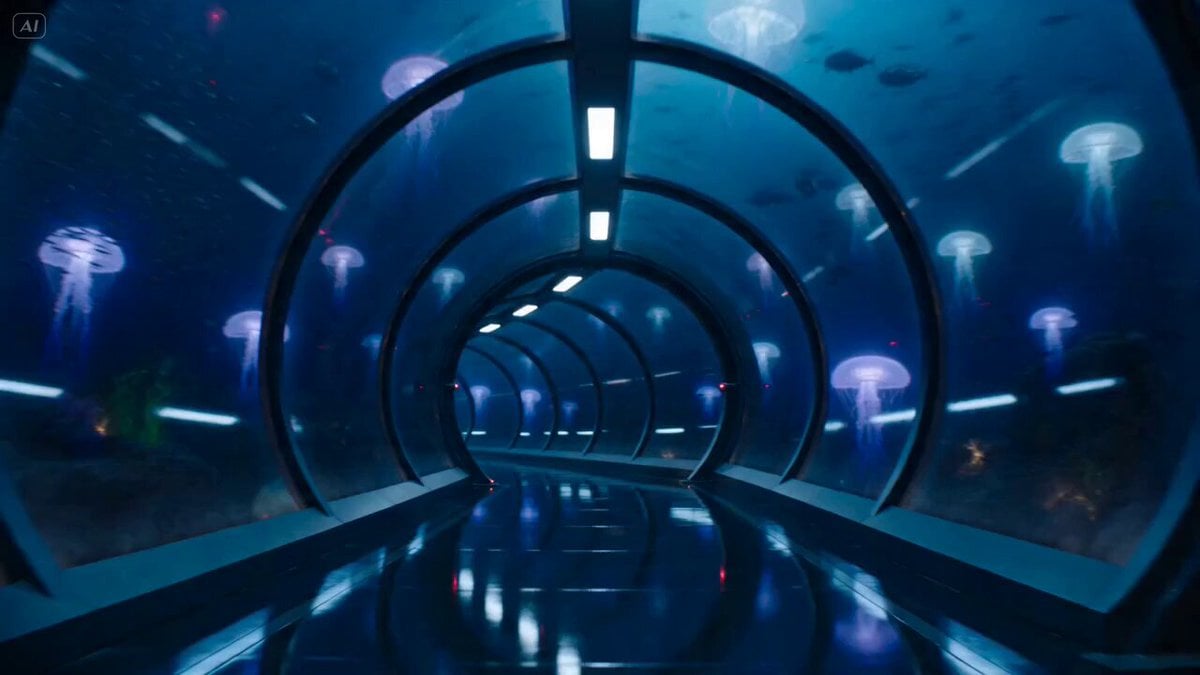
Underwater Glass Tunnel Action Sequence
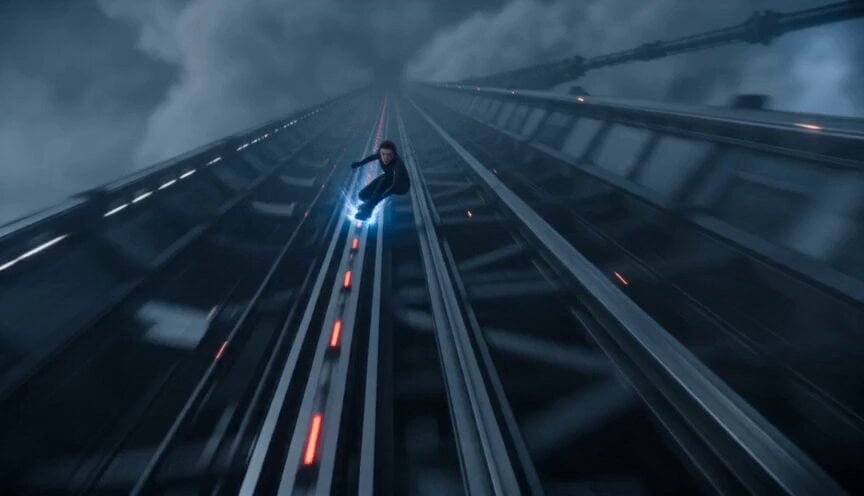
Orbital Elevator Combat Sequence
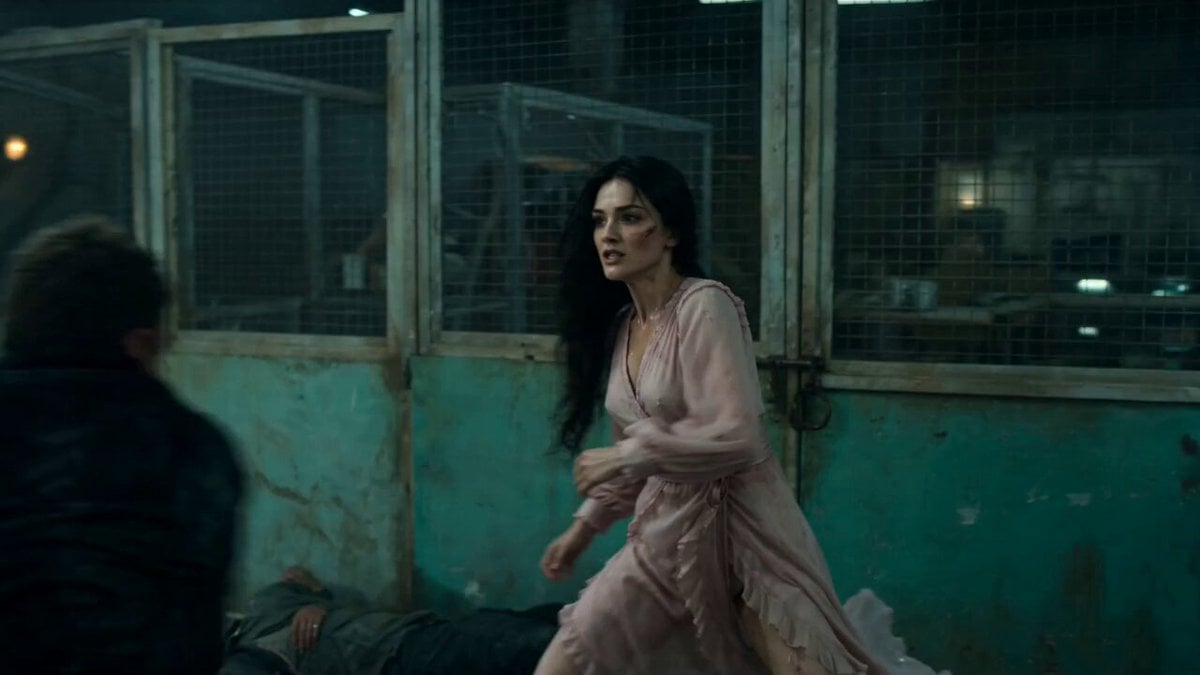
Warehouse Combat Video Sequence
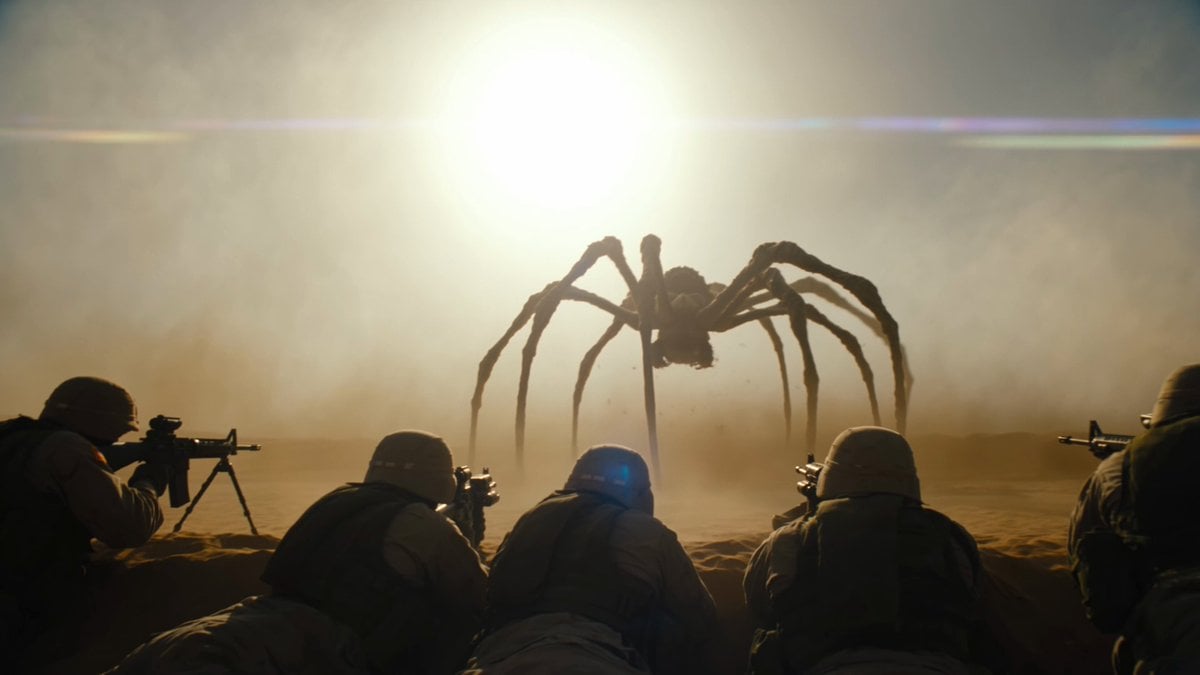
Cinematic Desert Combat Sequence
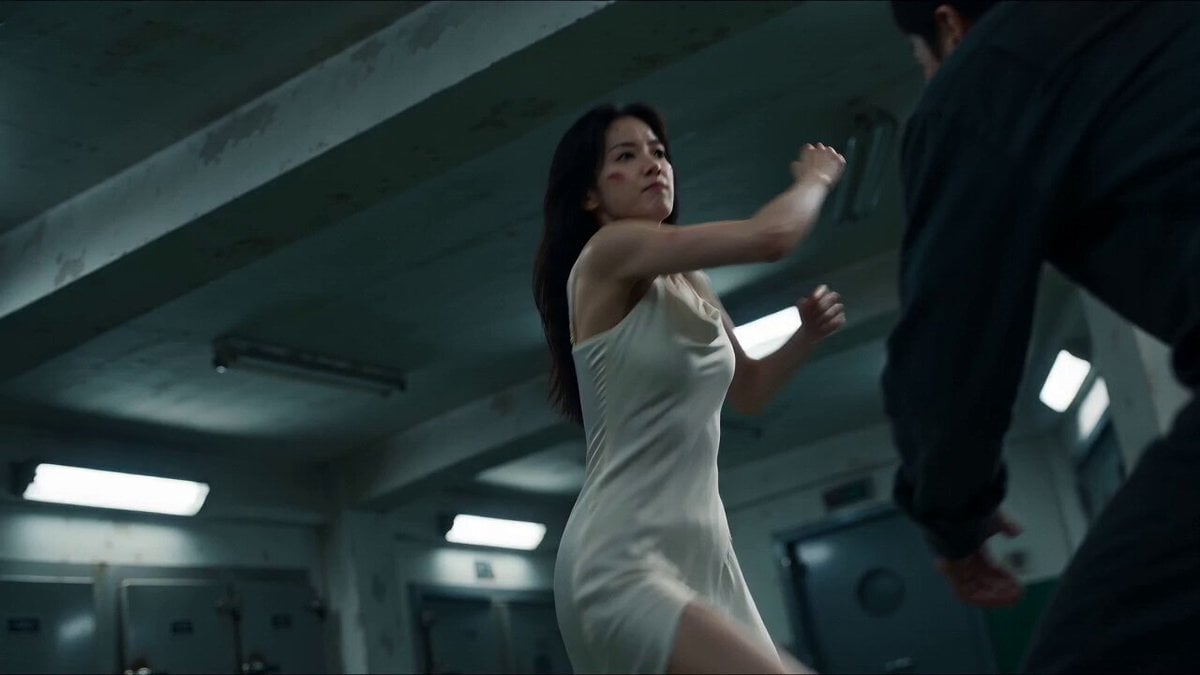
Cinematic Morgue Action Sequence
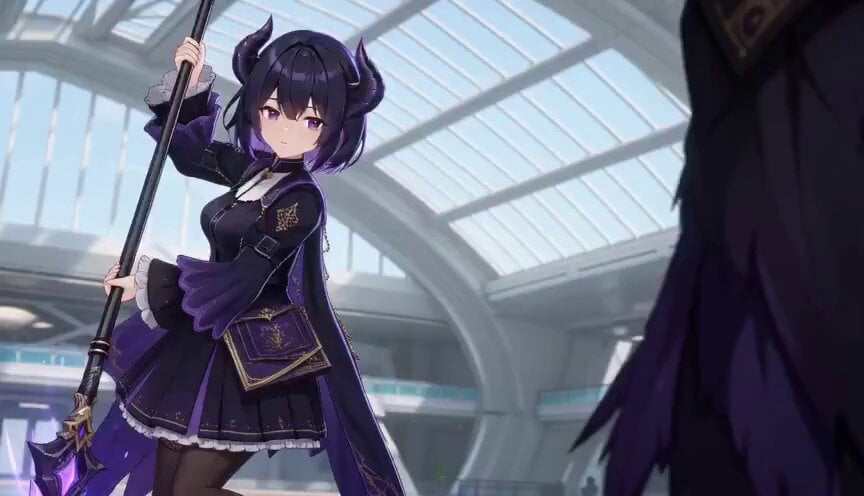
3D Toon Fantasy RPG Action Sequence
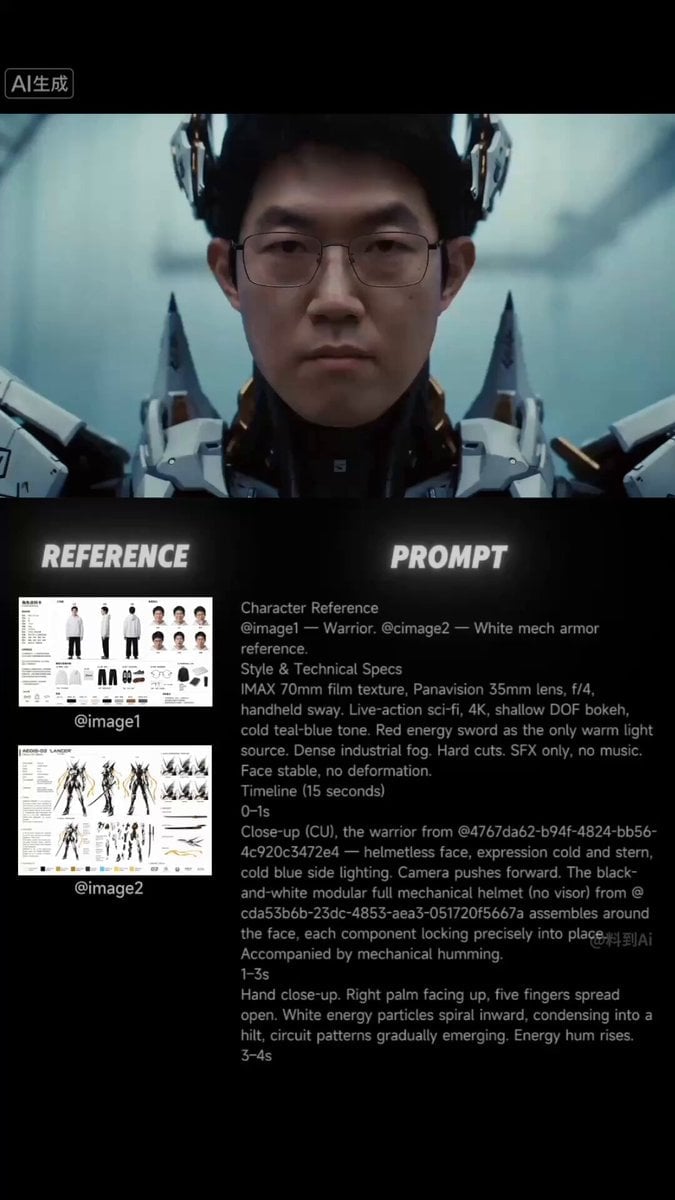
Sci-Fi Samurai Combat Sequence
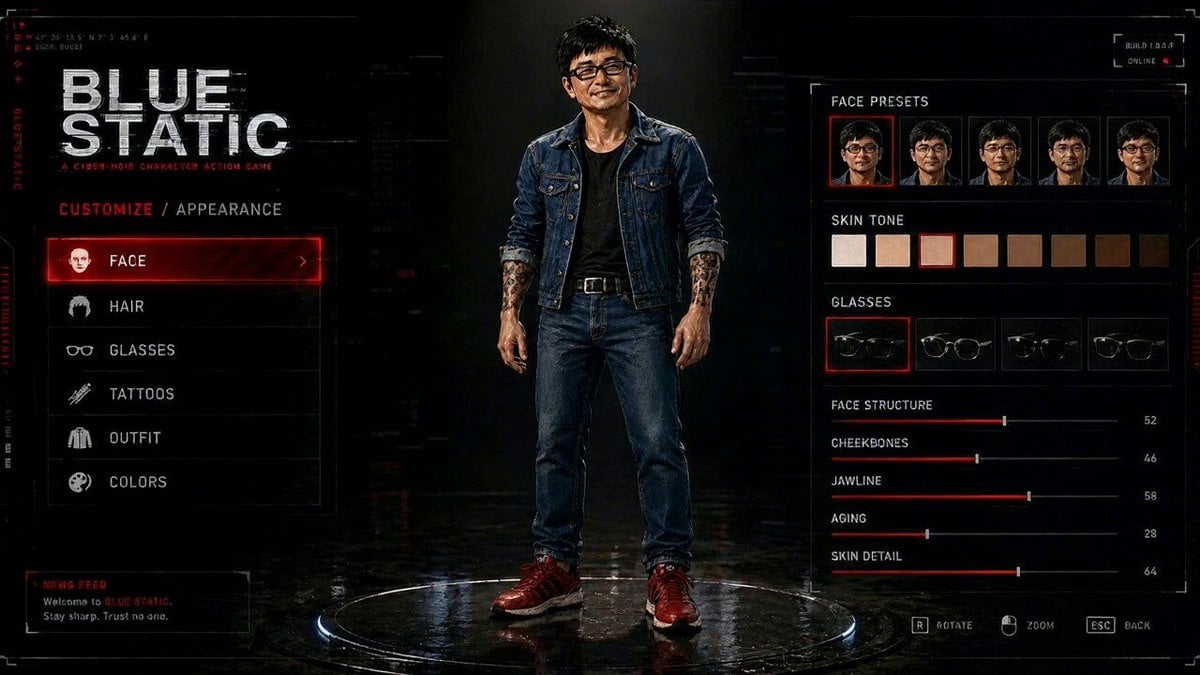
Cyberpunk Game Character Interaction Video
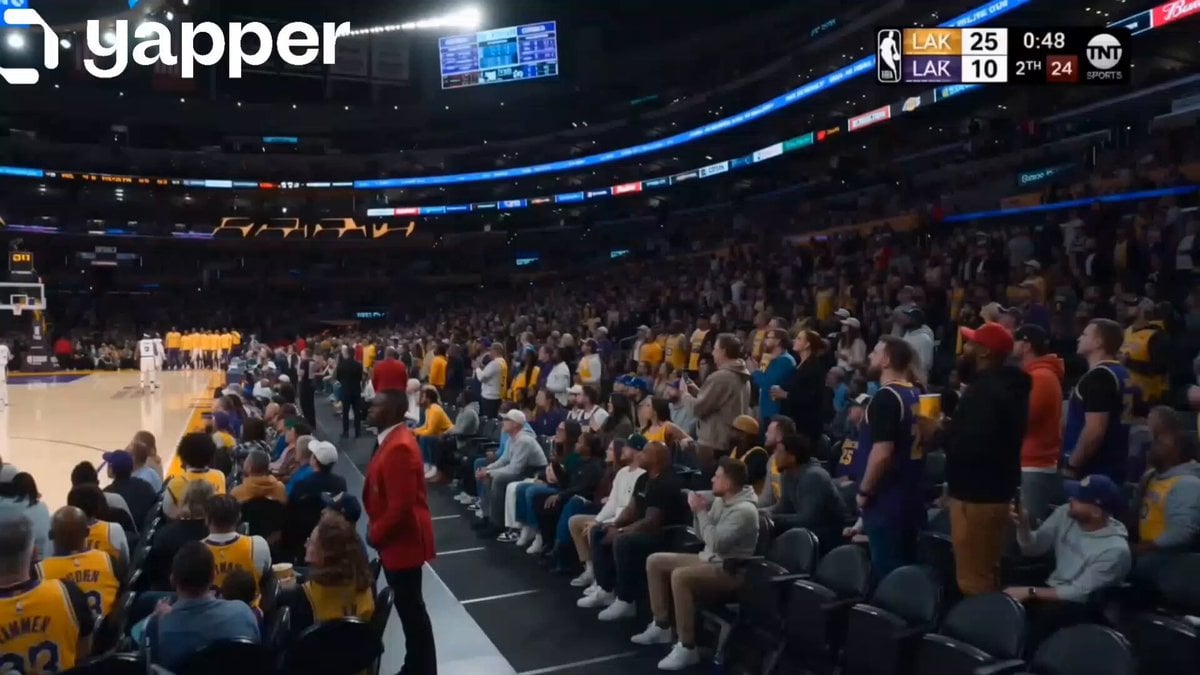
NBA Live Game Crowd Reaction
Make it yours
Action Game Combat Sequence works as-is. These are the safest ways to change it without losing the look.
Change one field
Copy a single group, rewrite it, and generate again so you can see what that field is doing.
Keep the frame, change the subject
Hold the composition and light of Action Game Combat Sequence, then swap wardrobe, props or the person for a new take.
| If the result… | Why | Fix |
|---|---|---|
| The result drifts from the preview | Too many fields changed at once. | Reuse Action Game Combat Sequence as-is first, then change one group — subject, light, or setting. |
| The model over-stylizes the scene | The prose prompt leaves finish and camera underspecified. | Add one camera or lighting sentence and stay on Seedance 2.0. |
More Seedance 2.0 templates
Other prompts made for Seedance 2.0.

Comical Martial Arts Punch Scene

Martial Arts Fight Sequence

Wuxia Protection and Trust Script

Vintage Korean Arcade MiniDV Vlog

Mercedes 190 SL Luxury Ad

Rainy Night Supernatural Reverse Comedy Video Script

Amazon Civilization Discovery

Futuristic South Asian City Transformation

Cozy Luxury Cafe Commercial

Cyber Ronin Nanotech Transformation Video
More video prompts
Fresh picks from across the catalog.
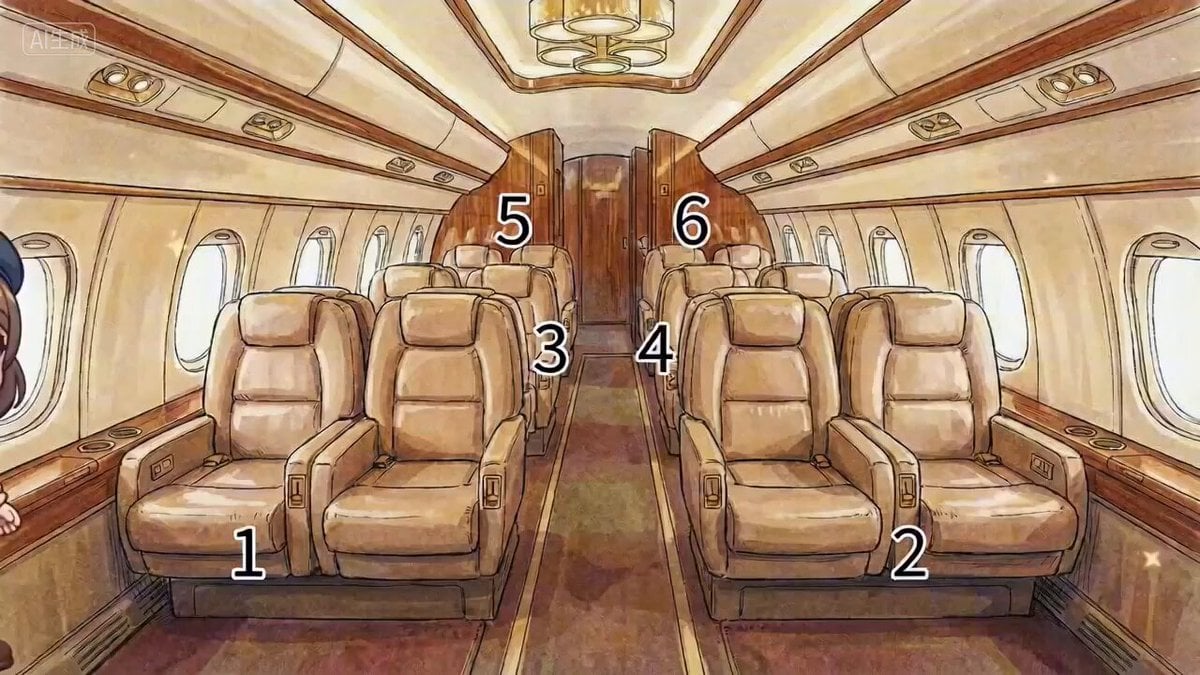
Multi-Character Cabin Seating Prompt
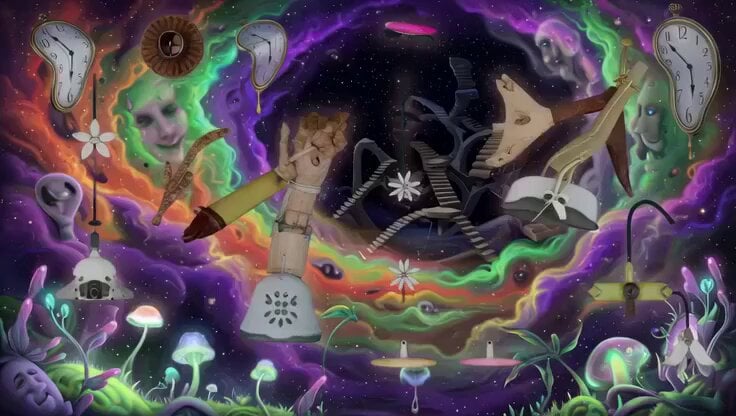
Psychedelic Surreal Cosmic Meltdown
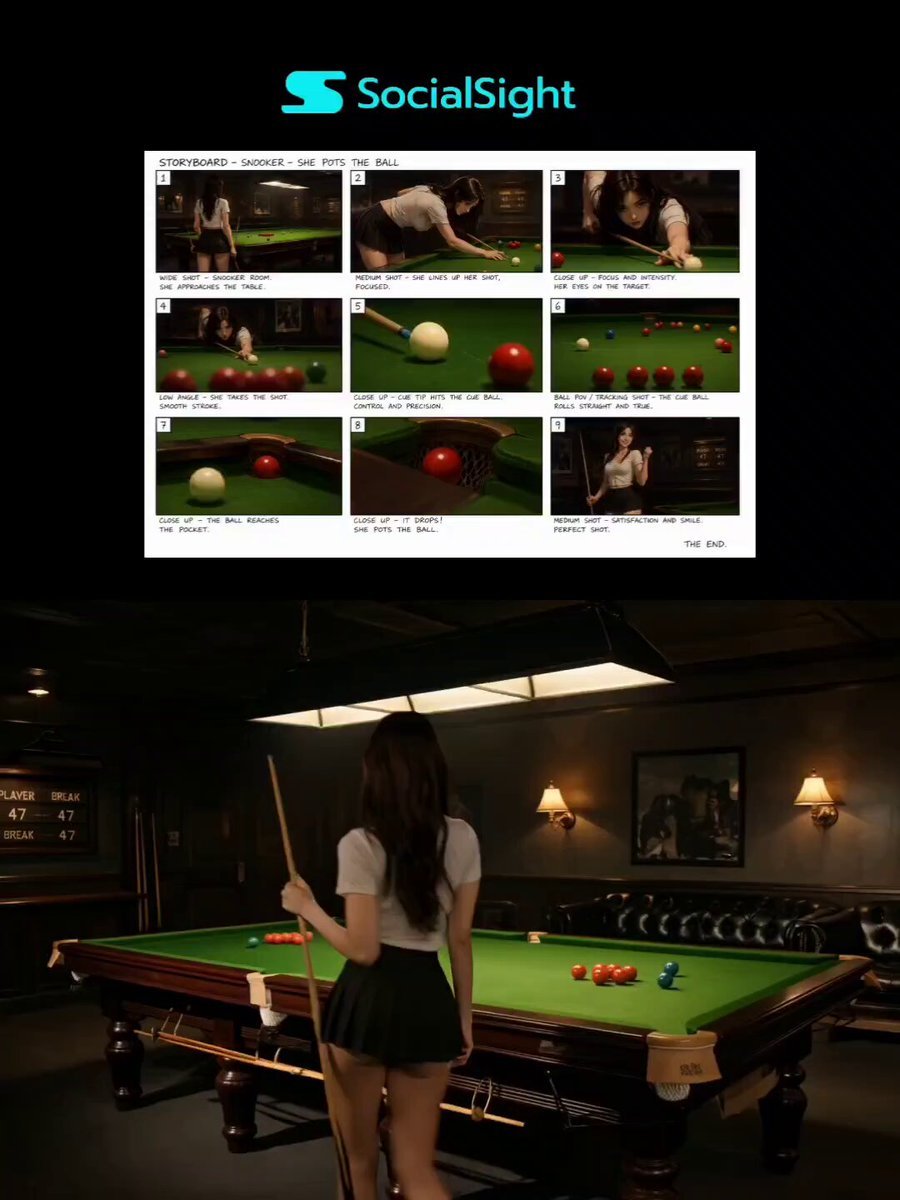
Luxury Snooker Commercial
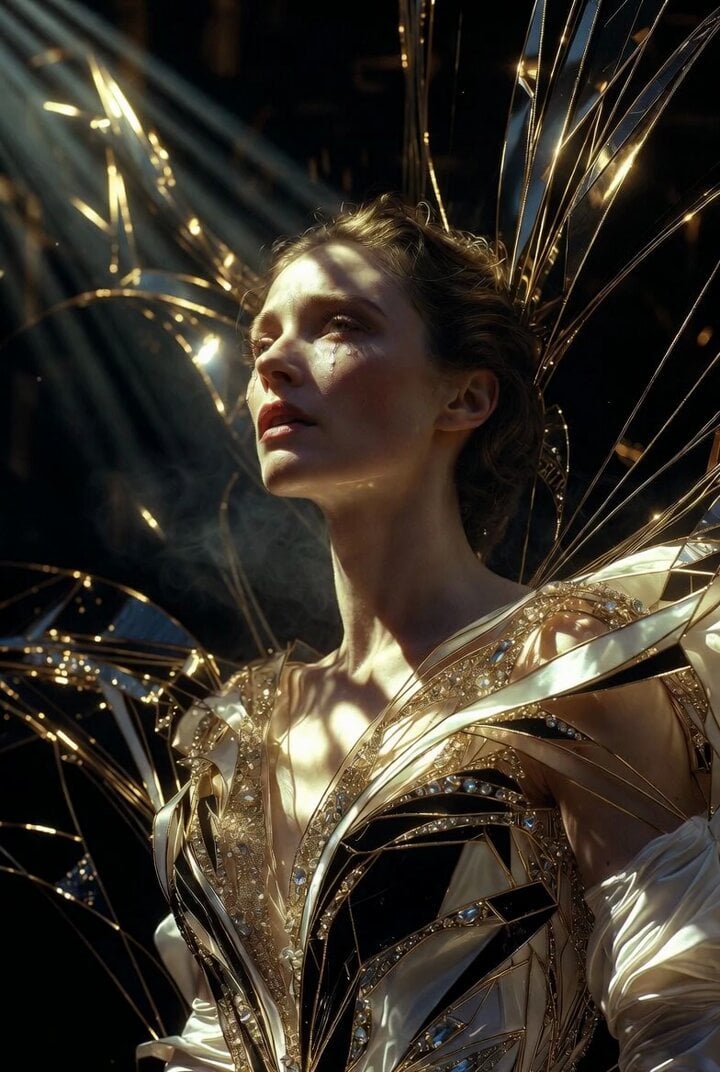
Grok Imagine Prompt: Ultra Luxurious Art Deco Imperial Opera Scene

Elderly Man Playing Piano with Dynamic Camera Movement
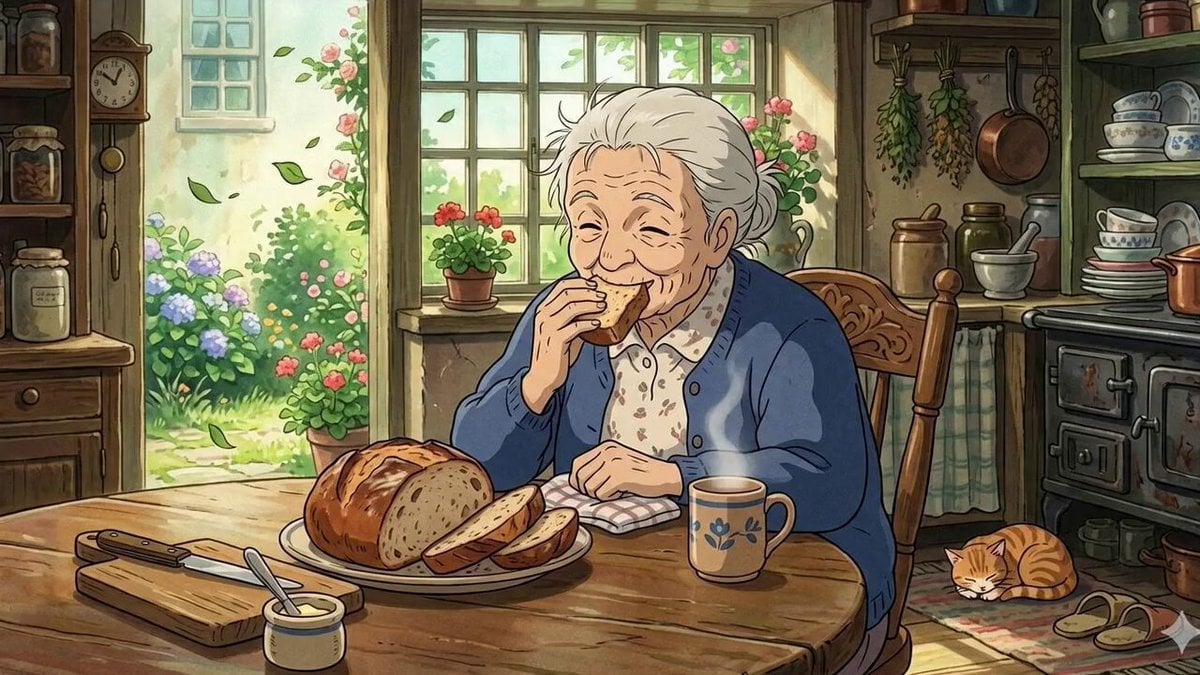
Ghibli Style Elderly Woman Kitchen Scene
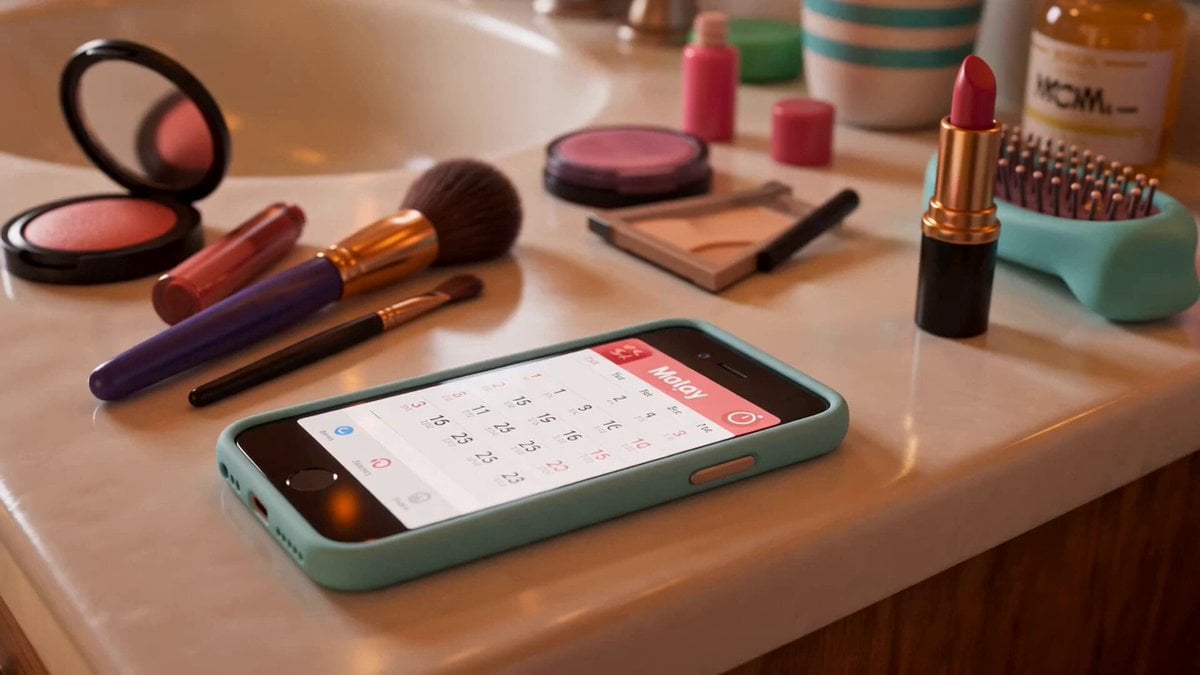
Pixar Style Liquid Blush Commercial
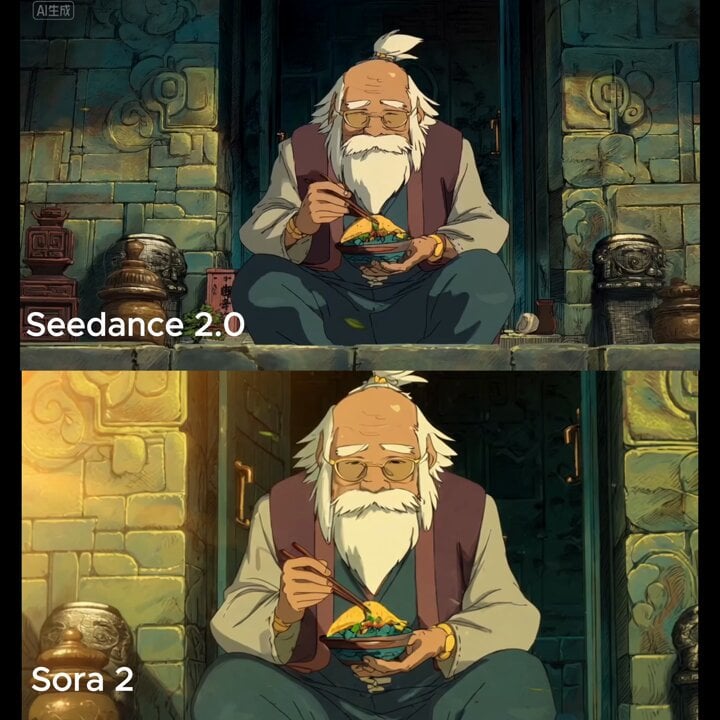
Slow cinematic push-in with leaves passing across the frame
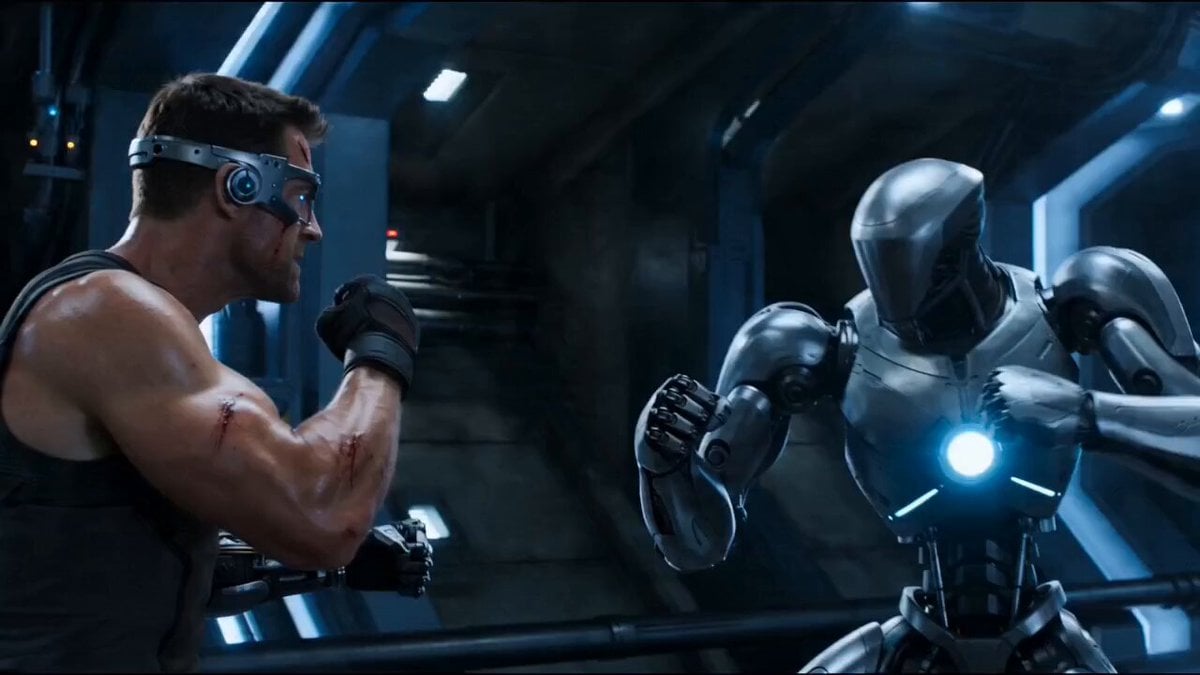
Cybernetic Sci-Fi Duel
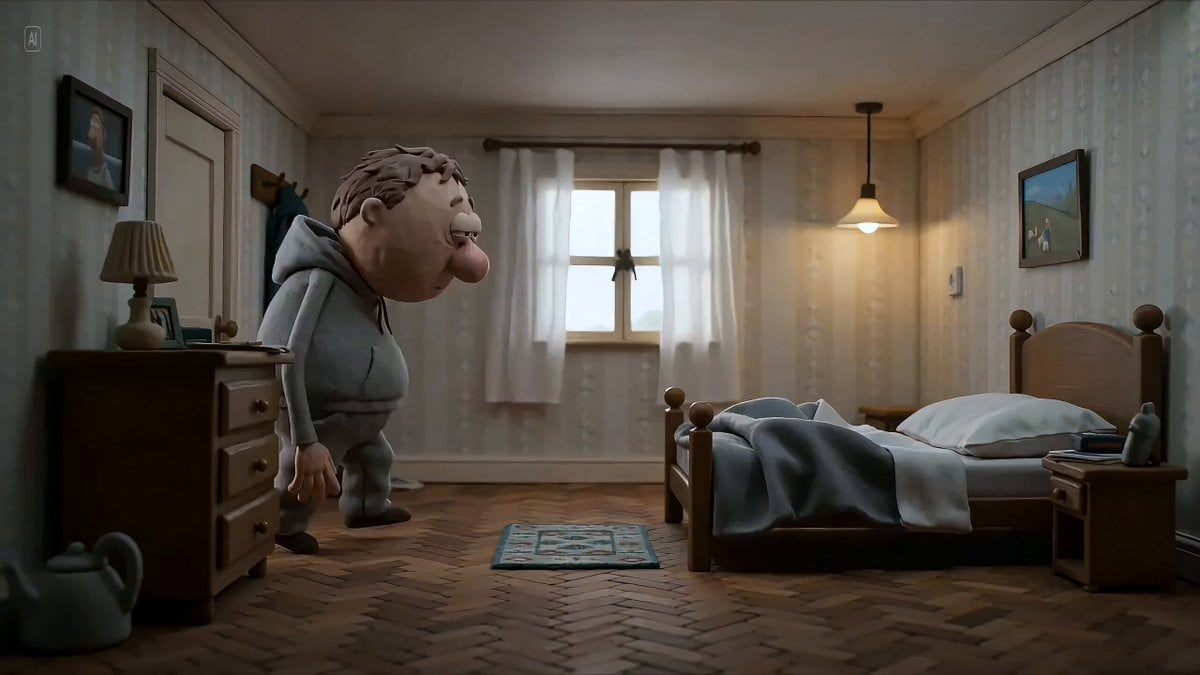
Hyperrealistic miniature diorama of a clay figure collapsing on a bed
Browse template categories
Action Game Combat Sequence questions
How do I use the Action Game Combat Sequence template?
Add your photo if the template asks for one, edit the prompt if you like — the template's model and format are already selected — and press Generate. Your version opens in PicX Studio.
Can I customize the Action Game Combat Sequence template?
Yes. You can change the subject, setting, lighting, mood, format, and available model controls before creating your video.
Is the Action Game Combat Sequence template free?
Opening and editing this template is free. Generating uses credits, shown on the Generate button when you are signed in.
Which AI model should I use?
Start with Seedance 2.0, which is the model associated with this template. You can compare another compatible model for a different finish.
Looking for something else? Browse all templates.

Your photo, any look
Thousands of ready templates for every top image and video model, from one credit balance.