
Crypto Creator Daily Vlog Mascot Animation
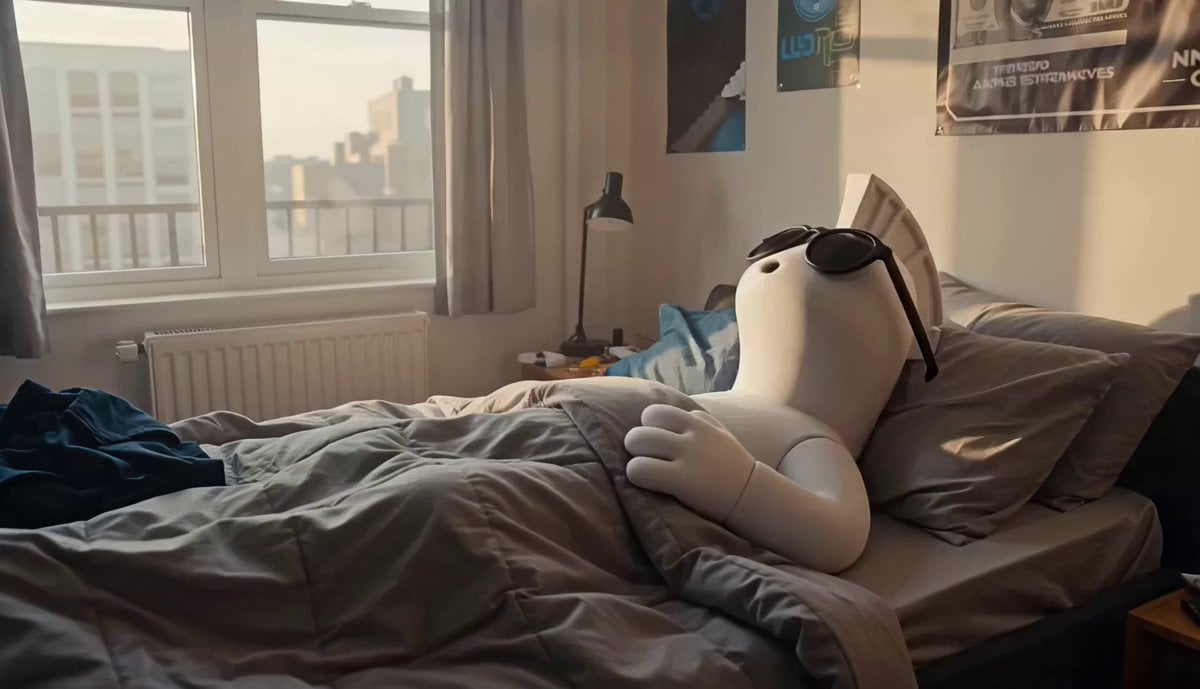
A detailed storyboard prompt for creating a stylized 3D mascot vlog.
- Prompt included
- Model and format preset
- Premium template
The prompt behind this video
Copy the exact prompt behind Crypto Creator Daily Vlog Mascot Animation, or open it in the studio and make it yours.
Photorealistic behind-the-scenes smartphone vlog footage of a crypto/web3 enthusiast and AI content creator. Faux vertical smartphone footage naturally cropped into 16:9. Authentic handheld phone aesthetic. No cinematic color grading, no HDR, no beauty filters. Feels like genuine casual vlog footage. Character: A white stylized 3D mascot-like character (exactly like the reference image <<<Image1>>> ) with a smooth white body, black sunglasses, and a distinctive white mohawk/crest on its head. The character has a simple, expressive face and moves in a slightly exaggerated but natural way. Maintain the exact same design, proportions, and identity from the reference image in every scene. Setting: A simple, slightly messy small apartment. Clothes on the chair, multiple monitors and gadgets on the desk, empty coffee cups, snack wrappers, tangled cables, and crypto-themed posters on the wall. Natural and lived-in feeling. Lighting: Starts with soft morning light coming through the window, gradually transitions into warm afternoon and evening indoor lighting. Natural smartphone exposure changes. Camera: Simulated smartphone footage with gentle handheld movement, natural walking, subtle autofocus breathing, occasional imperfect framing, and realistic phone compression. Feels like a friend casually filming. Style & Mood: Casual, relatable, and a bit funny. The character has the personality of a chill but passionate crypto and AI content creator — sometimes excited, sometimes chaotic, but always sincere. Scene Sequence: CUT 1 — Waking Up Morning. The character slowly wakes up in bed, still wearing sunglasses. It sits up, looks around the messy room, then dramatically falls back onto the pillow for a few seconds before forcing itself to get up. It stretches lazily. CUT 2 — Morning Coffee & Checking Charts The character walks to the kitchen (still in pajamas or oversized shirt), makes coffee, then sits in front of multiple monitors. It excitedly checks crypto charts and AI tools while talking to itself. It suddenly reacts to a big green candle. CUT 3 — Content Creation Chaos The character is at the desk trying to create content. It’s switching between different AI tools, recording voiceovers, and getting slightly overwhelmed with too many tabs open. It accidentally knocks over a cup while celebrating a good prompt. CUT 4 — Midday Break The character takes a break, eats instant noodles while scrolling through Twitter/X and Discord on its phone. It laughs at a meme, then suddenly gets an idea and rushes back to the computer. CUT 5 — Evening Work Session Late afternoon turning into evening. The room is messier now. The character is deeply focused on editing a video using multiple AI tools. It talks to the camera while working, explaining what it’s doing in a casual way. CUT 6 — Late Night Wind Down Night time. The character is tired but satisfied. It cleans up a bit (half-heartedly), sits on
How to use Crypto Creator Daily Vlog Mascot Animation in 3 steps
- 1Upload ImagePNG, JPG or paste
Add your photo
Upload the photo the template builds on. The prompt, model and format are already set.
- 2…a portrait of your subject in softgolden-hour light, 85mm…
Personalize
Edit the subject and creative details for your destination.
- 3Generate
Generate
Press Generate — your video is created in PicX Studio, so you can compare it with the original and refine one variable at a time.
More like this
Templates with the same subject, style or setup. Open one to see its prompt.
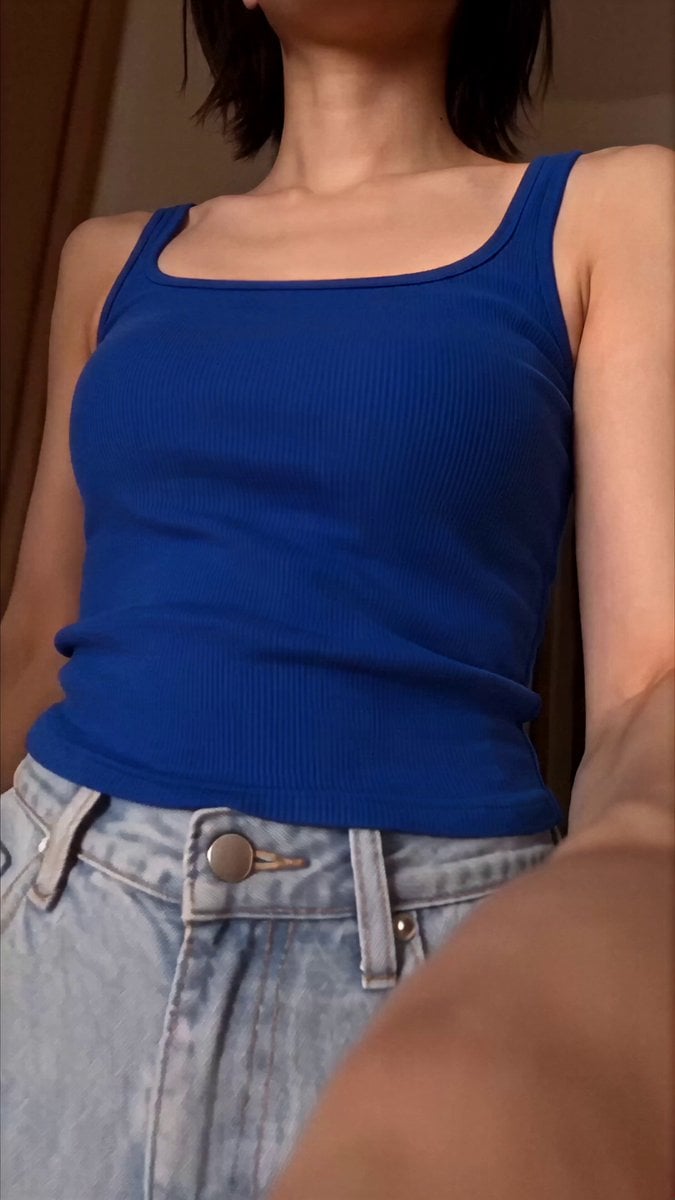
Japanese Woman Daily Selfie Vlog Prompt
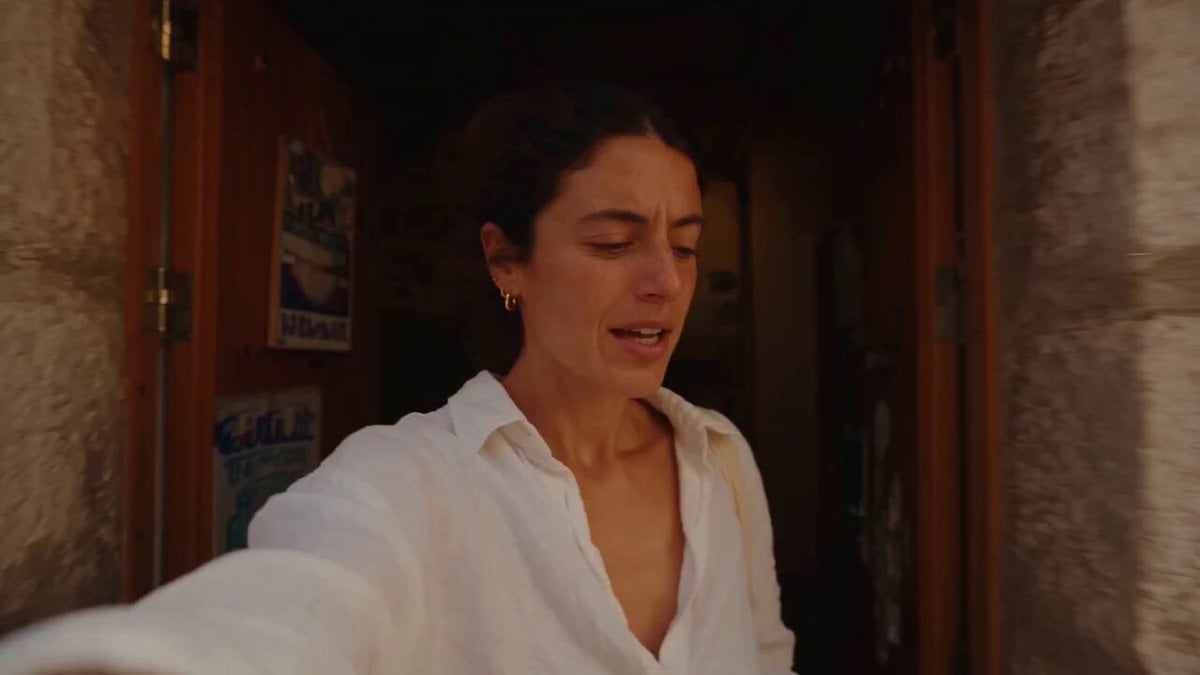
Mediterranean Coffee Run Vlog - Seedance 2.5

Mysterious Home Exploration Vlog - Seedance 2.5
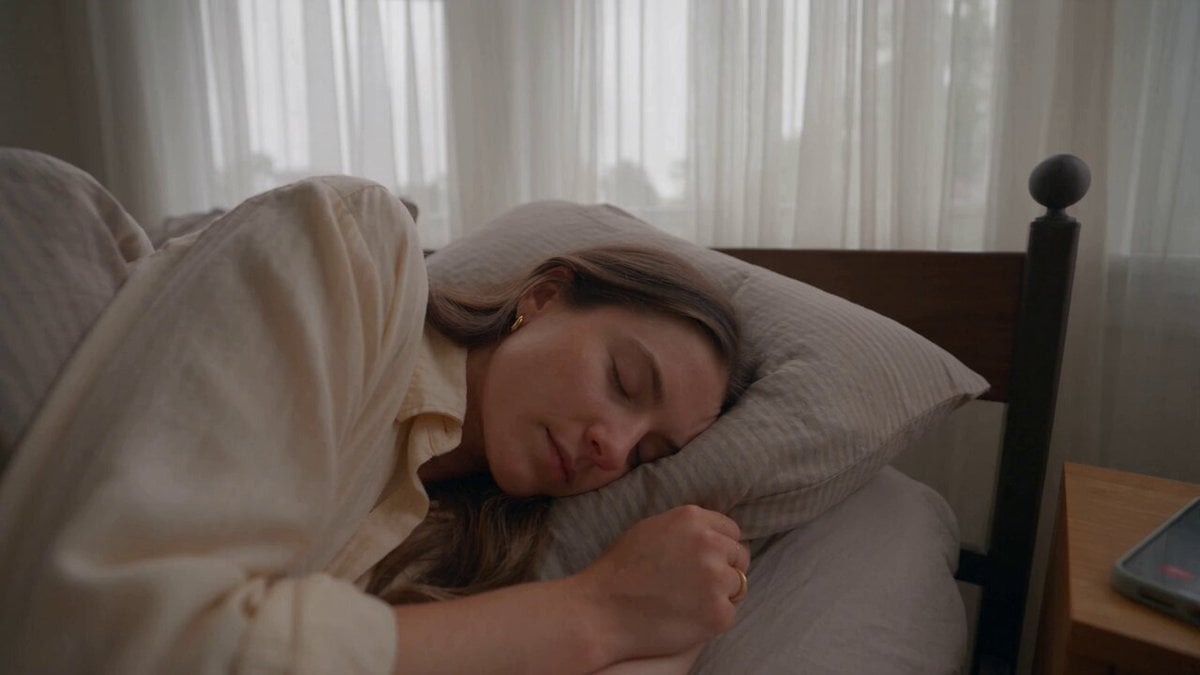
Realistic Morning Routine Lifestyle Vlog - Seedance 2.5
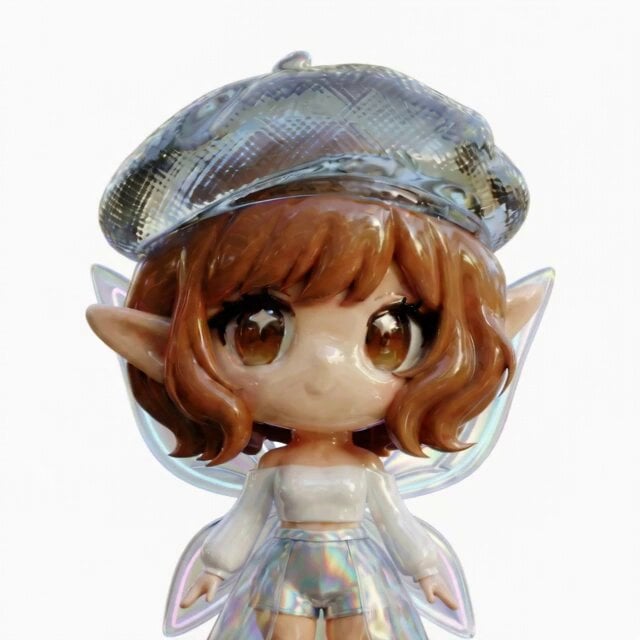
3D Glossy Fairy Animation - Seedance 2.5
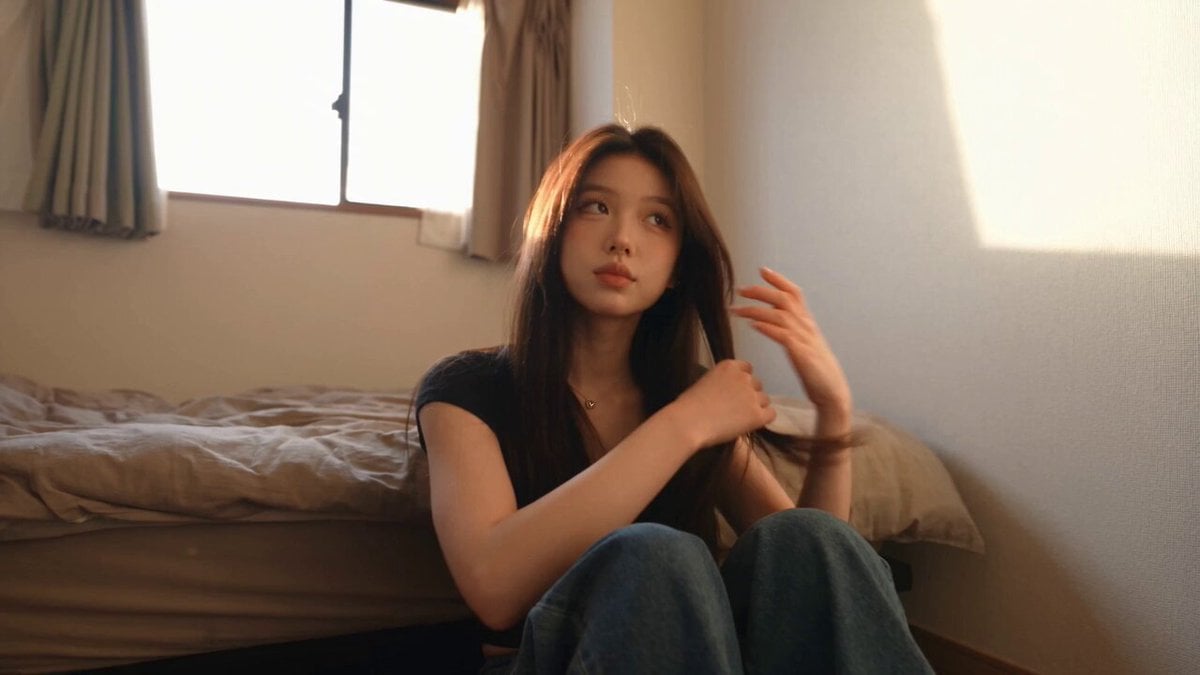
Handheld Tokyo Travel Vlog - Seedance 2.5
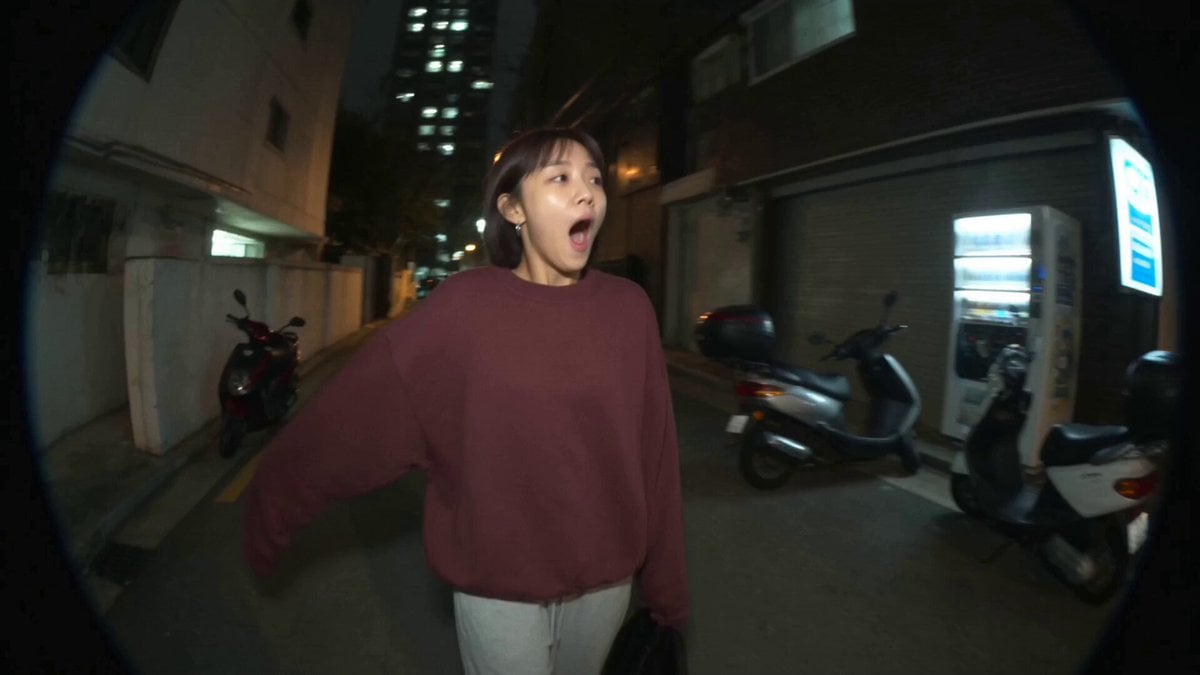
Nostalgic MiniDV Convenience Store Vlog - Seedance 2.5
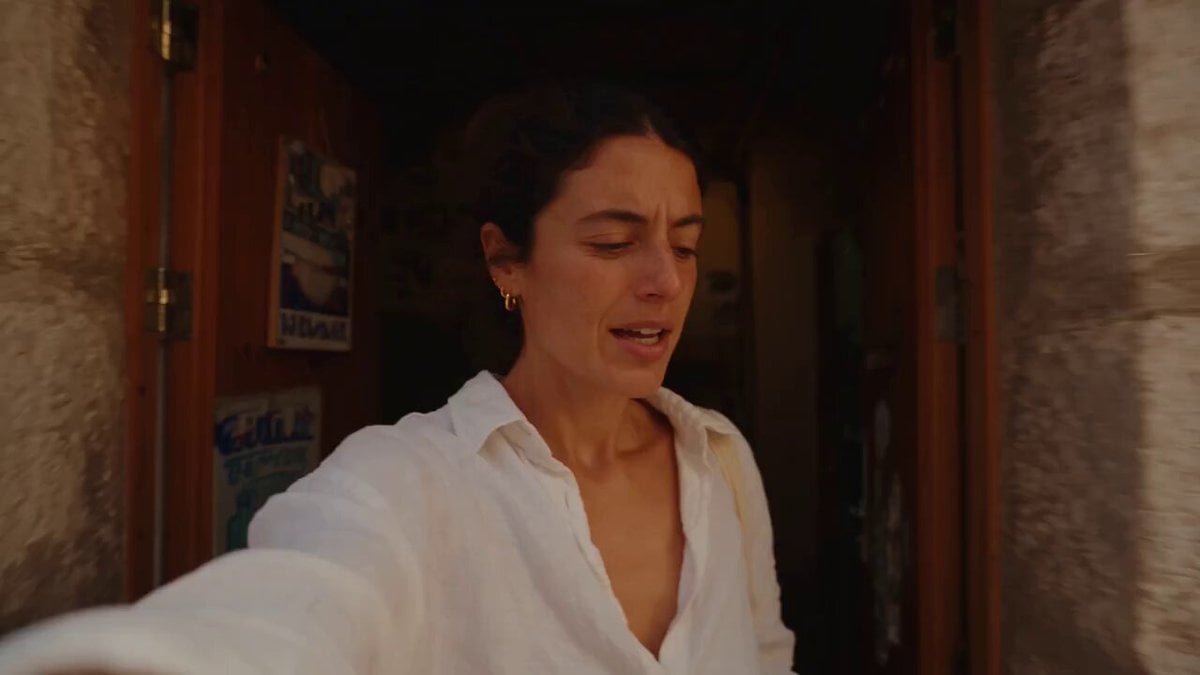
Mediterranean Morning Coffee Run Vlog (Seedance 2.5)
Silk Road Pomegranate Folk Animation
Multilingual Creative Typography Loop
Luxury Lifestyle Day Vlog
Luxury Airport Travel Vlog
Make it yours
Crypto Creator Daily Vlog Mascot Animation works as-is. These are the safest ways to change it without losing the look.
Change one field
Copy a single group, rewrite it, and generate again so you can see what that field is doing.
Keep the frame, change the subject
Hold the composition and light of Crypto Creator Daily Vlog Mascot Animation, then swap wardrobe, props or the person for a new take.
| If the result… | Why | Fix |
|---|---|---|
| The result drifts from the preview | Too many fields changed at once. | Reuse Crypto Creator Daily Vlog Mascot Animation as-is first, then change one group — subject, light, or setting. |
| The model over-stylizes the scene | The prose prompt leaves finish and camera underspecified. | Add one camera or lighting sentence and stay on Seedance 2.0. |
More Seedance 2.0 templates
Other prompts made for Seedance 2.0.

Comical Martial Arts Punch Scene

Maglev Train Action Sequence

Martial Arts Fight Sequence

Wuxia Protection and Trust Script

Vintage Korean Arcade MiniDV Vlog

Mercedes 190 SL Luxury Ad

Rainy Night Supernatural Reverse Comedy Video Script

Amazon Civilization Discovery

Futuristic South Asian City Transformation

Cozy Luxury Cafe Commercial
More video prompts
Fresh picks from across the catalog.
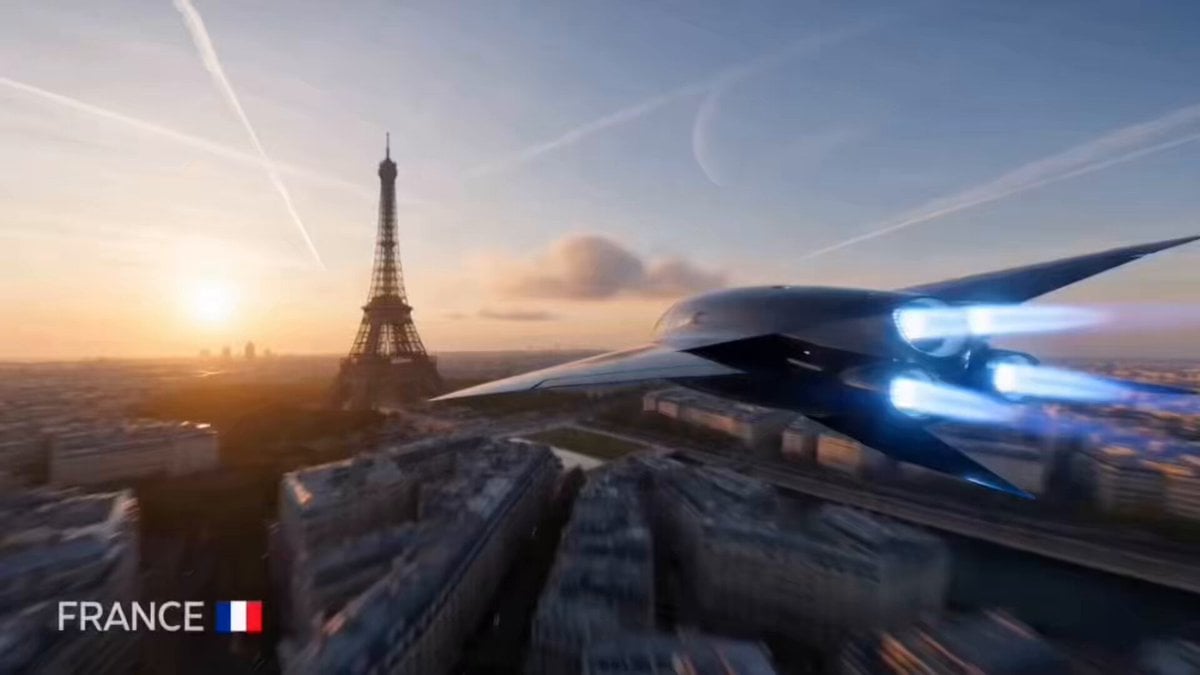
Cinematic Hyperspeed Global Tracking Shot
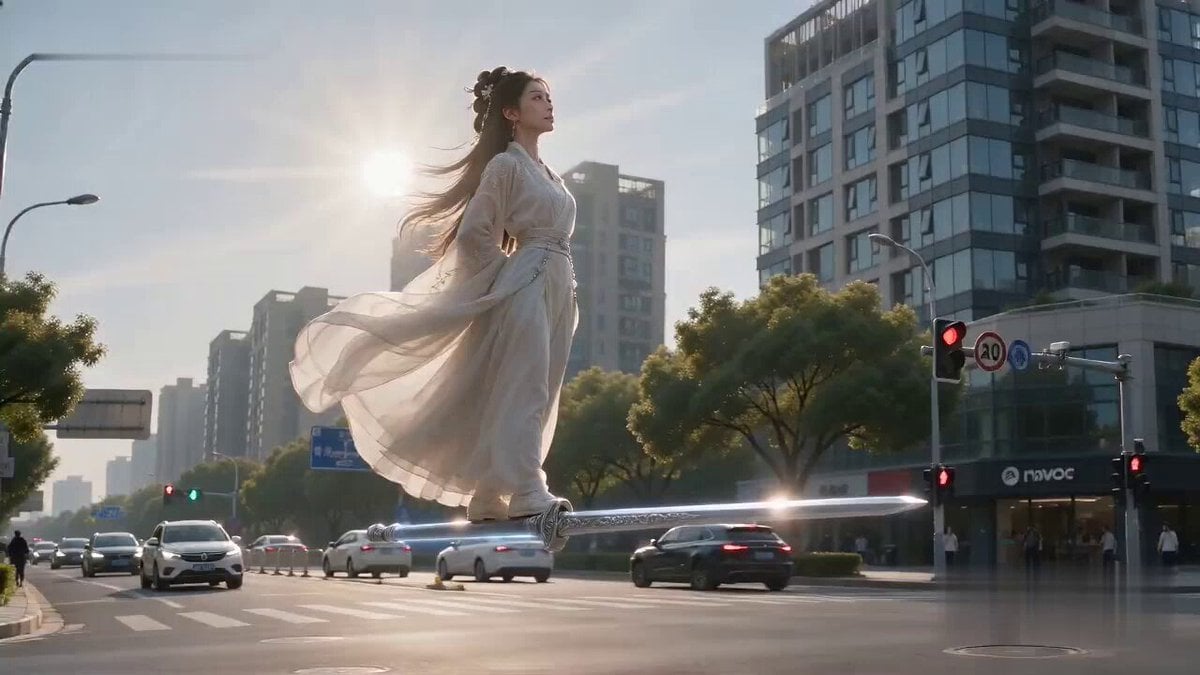
Flying Sword Traffic Light Violation

Scarred Warrior Cinematic Trailer
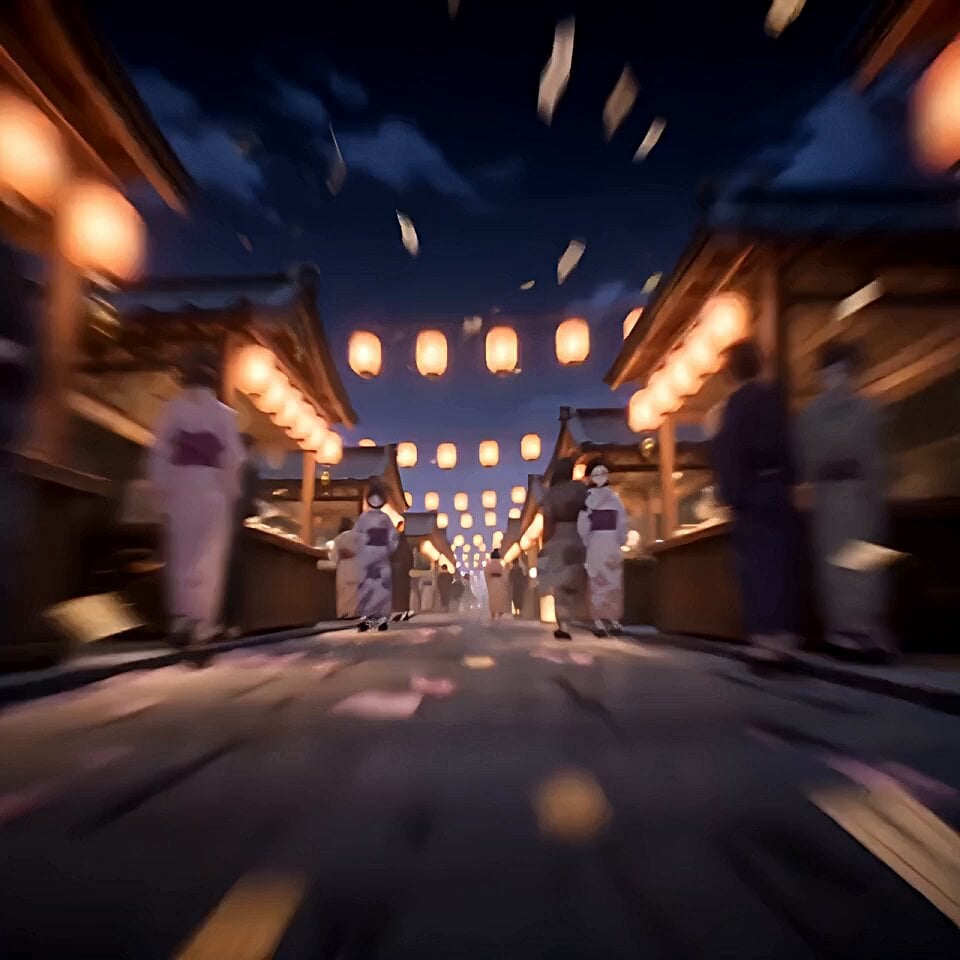
Japanese Fantasy Barrier Master Anime
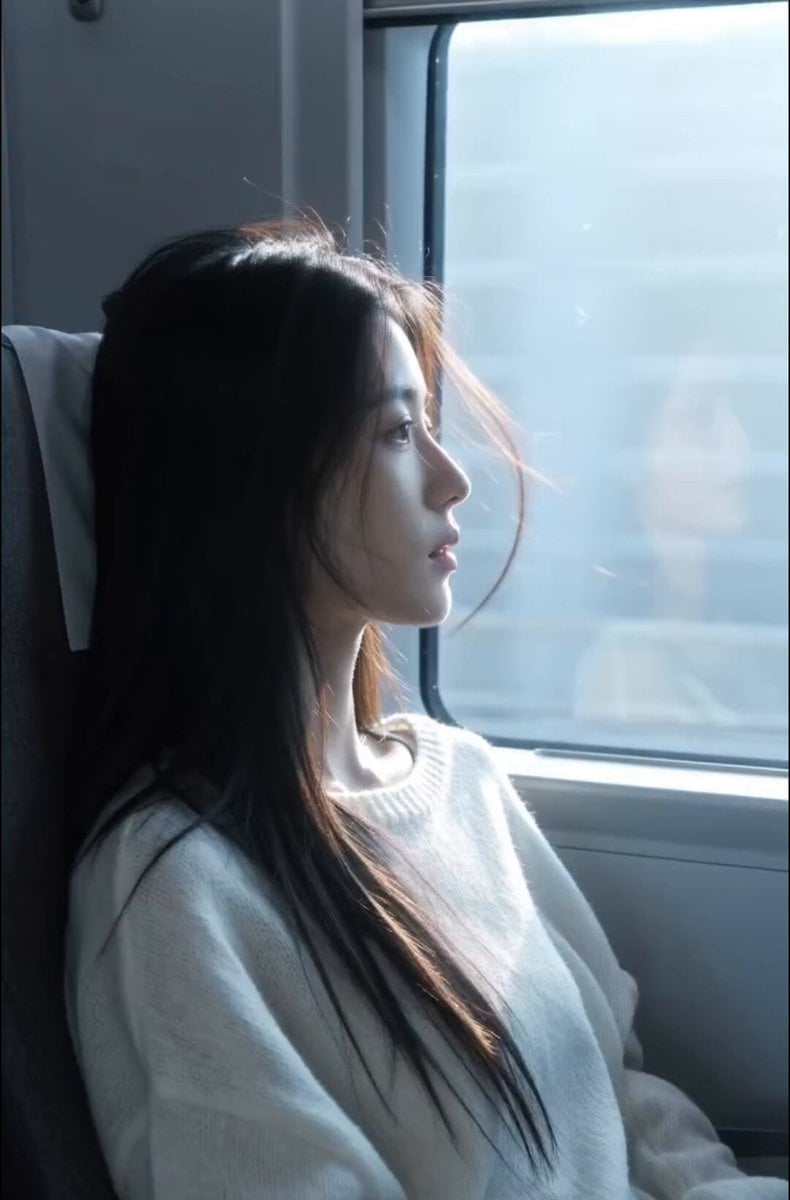
High-Speed Rail Journey Cinematic Documentary
RX-7 to Mech Transformation Cyberpunk
Cinematic Time-Freeze Sports Bar Scene
Realistic 2000s Chinese DV Vlog
Sci-Fi Space Station Crash Scene
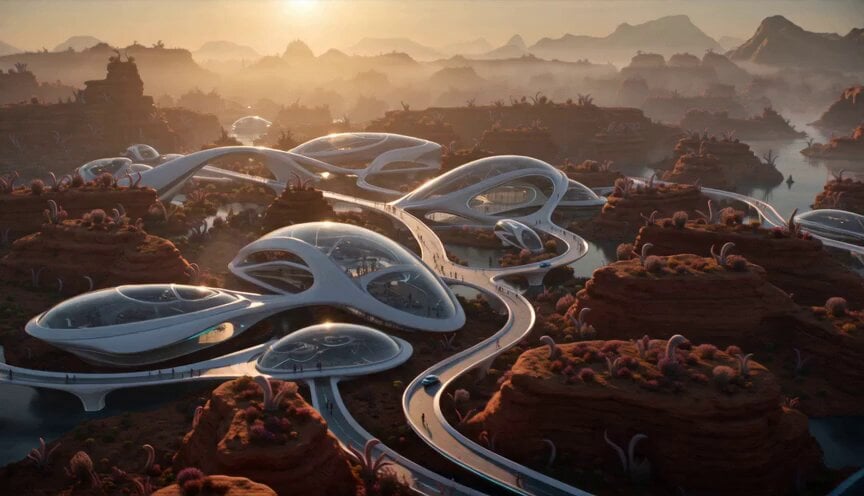
Alien Planet Morning Routine
Browse template categories
Crypto Creator Daily Vlog Mascot Animation questions
How do I use the Crypto Creator Daily Vlog Mascot Animation template?
Add your photo if the template asks for one, edit the prompt if you like — the template's model and format are already selected — and press Generate. Your version opens in PicX Studio.
Can I customize the Crypto Creator Daily Vlog Mascot Animation template?
Yes. You can change the subject, setting, lighting, mood, format, and available model controls before creating your video.
Is the Crypto Creator Daily Vlog Mascot Animation template free?
Opening and editing this template is free. Generating uses credits, shown on the Generate button when you are signed in.
Which AI model should I use?
Start with Seedance 2.0, which is the model associated with this template. You can compare another compatible model for a different finish.
Looking for something else? Browse all templates.

Your photo, any look
Thousands of ready templates for every top image and video model, from one credit balance.