
Sci-Fi Space Station Crash Scene
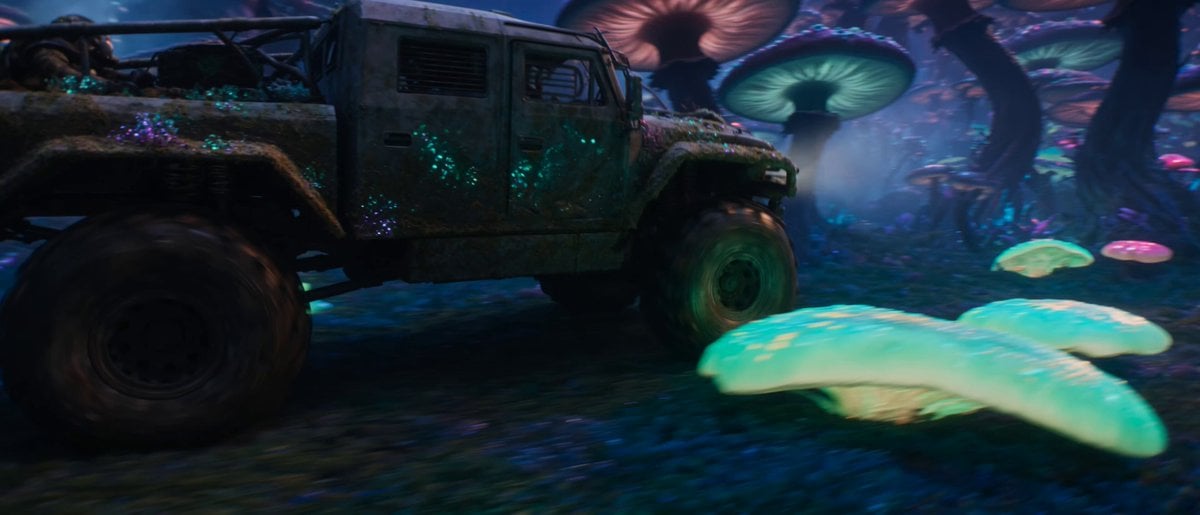
A dramatic science fiction cinematic prompt of an orbital station falling into an alien mushroom forest, featuring intense lighting and physics.
- Prompt included
- Model and format preset
- Premium template
The prompt behind this video
Copy the exact prompt behind Sci-Fi Space Station Crash Scene, or open it in the studio and make it yours.
Style: 8K cinematic. Photorealistic — no 3D render, no game engine, no game-cutscene aesthetic. Cinematography: naturalistic master cinematography. Lighting: Surrealistic, vibrant alien twilight. High-contrast dramatic light. Cold ambient purple and indigo sky vs. blinding fiery orange-red illumination from the falling debris. The environment is underlit by colorful bioluminescent fungal glow. Color: 60:30:10 — dominant deep indigo and violet (alien sky & ground) / secondary toxic green, magenta, and cyan (glowing mushrooms) / accent fiery orange-red and bright electrical blue (falling station & explosions). Camera: Physical cine lens. 180° shutter motion blur. Continuous handheld operator shake motivated by the shockwaves. Physics: Gravity and inertia respected. Debris, smoke, and spores obey atmospheric physics. SUBJECTS: @truck: The heavy, battered off-road hauler (inspired by 'CHIMERA-7' from watermarked_img_14909239665213110893.png), modified for a damp alien environment—covered in strange moss and glowing fungal spores instead of frost. A wrapped rider is braced low on the cargo bed, clothes snapping in the wind, wearing a rebreather mask. The truck trails a heavy column of dark, iridescent chemical smoke. @station: A colossal orbital space station (or ancient technomagic citadel), breaking apart and falling through the upper atmosphere directly behind the truck. A massive lattice of metal, alien alloys, and glowing power-cores tearing itself to pieces. LOCATION: A bizarre alien plain covered in a dense forest of towering bioluminescent mushrooms with thick twisted stalks and massive glowing caps. Spores drift like glowing dust through the air. The horizon is dominated by the orbital descent. ACTION — ONE CONTINUOUS TAKE, single unbroken handheld tracking shot, NO cuts. 15 seconds. 0:00–0:05 — Medium-Wide Shot on @truck: The camera tracks alongside the hauler as it zigzags through a clearing in the giant glowing mushroom forest. Giant caps snap and burst under the truck's heavy tires, releasing luminous spores. Behind it, the purple sky is torn open as a massive burning section of the space station enters frame, trailing fire and thick purple-black smoke. Smaller debris shatters distant mega-mushrooms. 0:05–0:10 — Slow Continuous Zoom-In / Tilt Up: The camera smoothly zooms past the truck, tilting up through the glowing fungal canopy to focus entirely on the falling @station. A violent explosion rips through a main power-core, sending out a shockwave that distorts the atmosphere with a horizontal optical lens flare. Electrical blue arcs crackle across its superstructure. 0:10–0:15 — Extreme Close-Up on @station: The camera settles into a tight telephoto compressed view of the disintegrating station against the alien sky. Giant metallic beams twist and snap, burning orange-hot, shedding glowing fragments, ash, and burning debris toward the camera, illuminated by the colorful world below.
How to use Sci-Fi Space Station Crash Scene in 3 steps
- 1
Open
The prompt is already in the box next to the preview, with the template's model and format selected.
- 2…a portrait of your subject in softgolden-hour light, 85mm…
Personalize
Edit the subject and creative details for your destination.
- 3Generate
Generate
Press Generate — your video is created in PicX Studio, so you can compare it with the original and refine one variable at a time.
More like this
Templates with the same subject, style or setup. Open one to see its prompt.
Futuristic Space Station Transformation Video
Sci-Fi Disaster Movie Scene - Seedance 2.5
Evil Space Sci-Fi Power Threshold

Epic Sci-Fi Space Battle
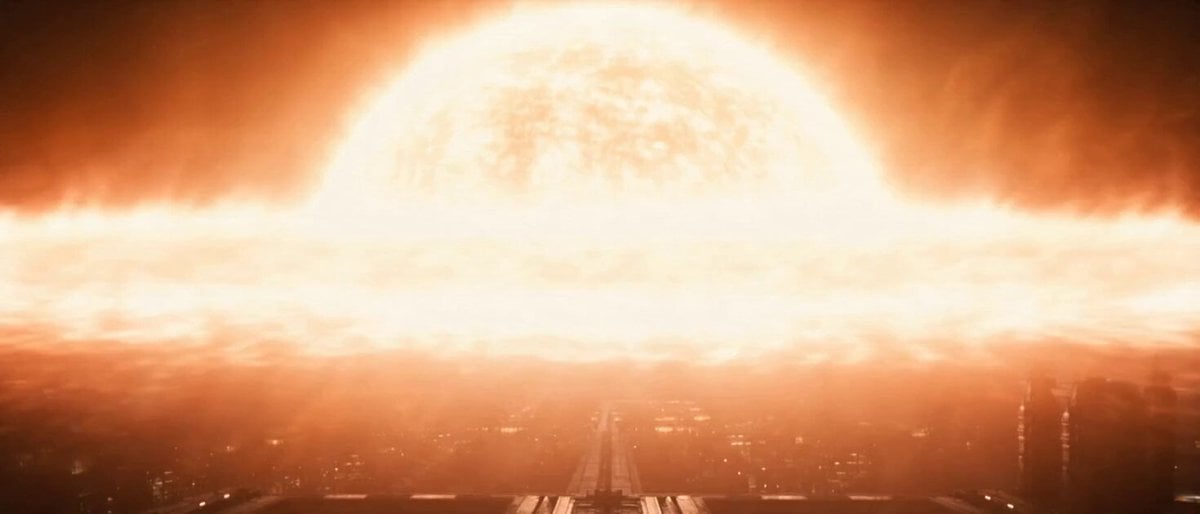
Space Station Solar Flare Emergency
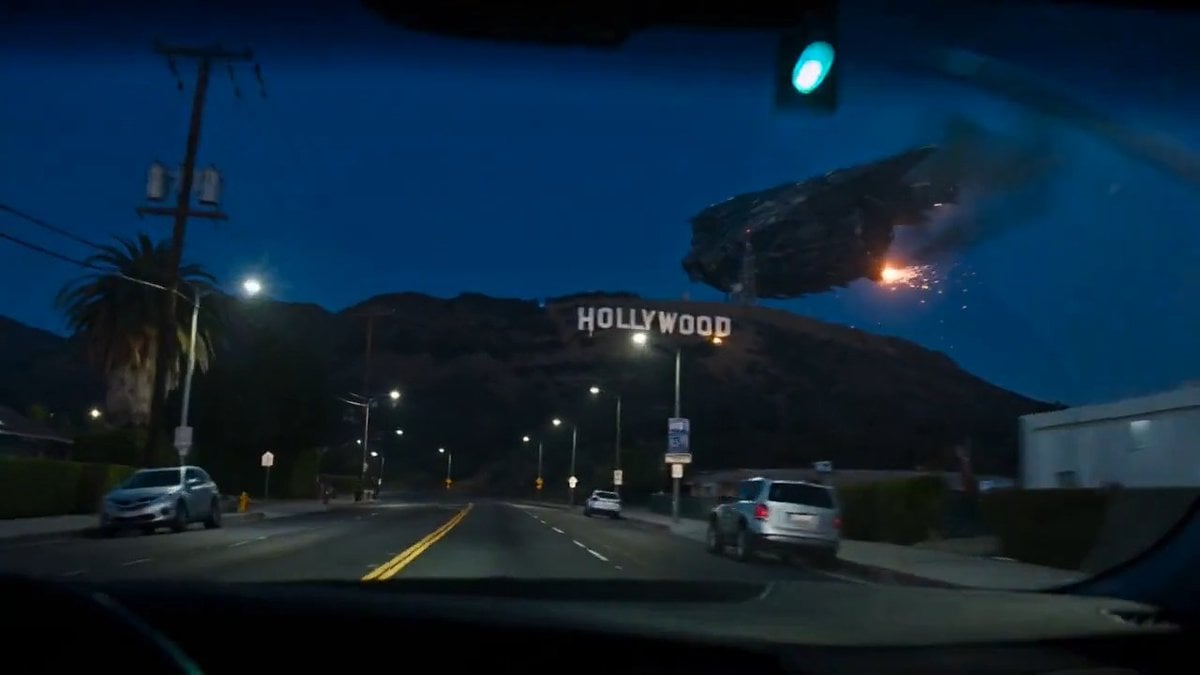
Spaceship Hollywood Sign Crash Sequence
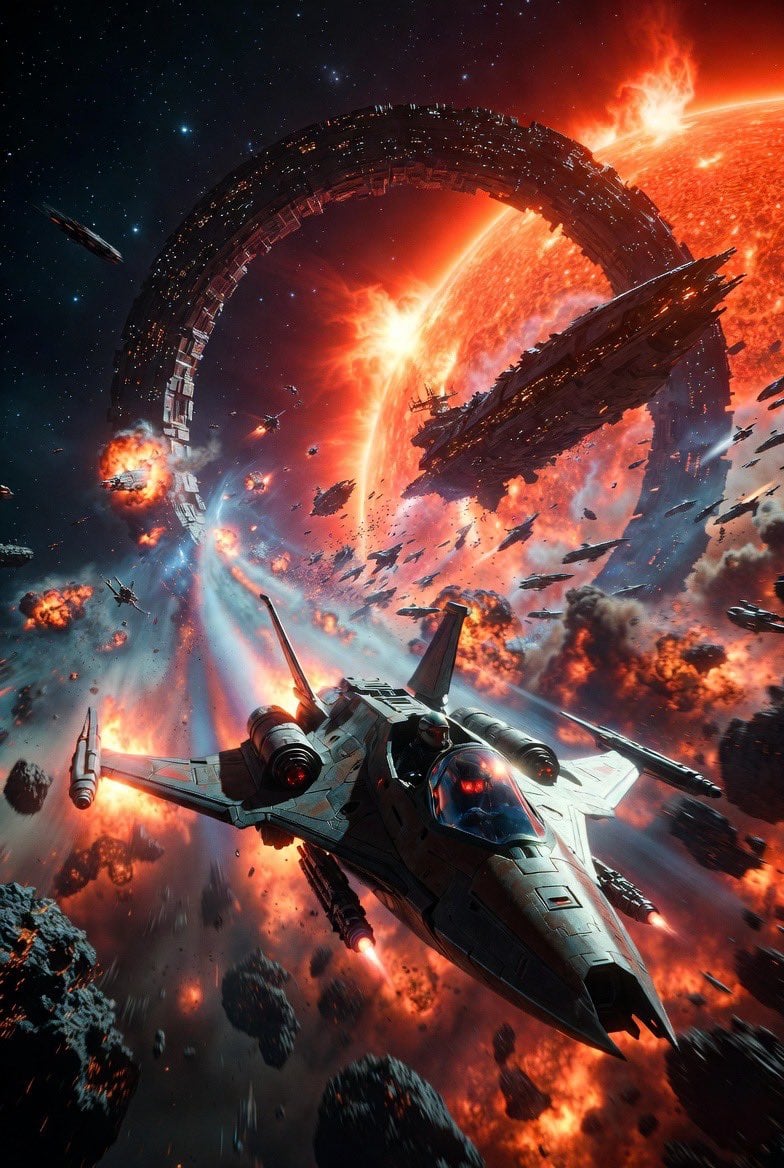
Intense Space Battle Scene with Starfighter and Alien Battle Station
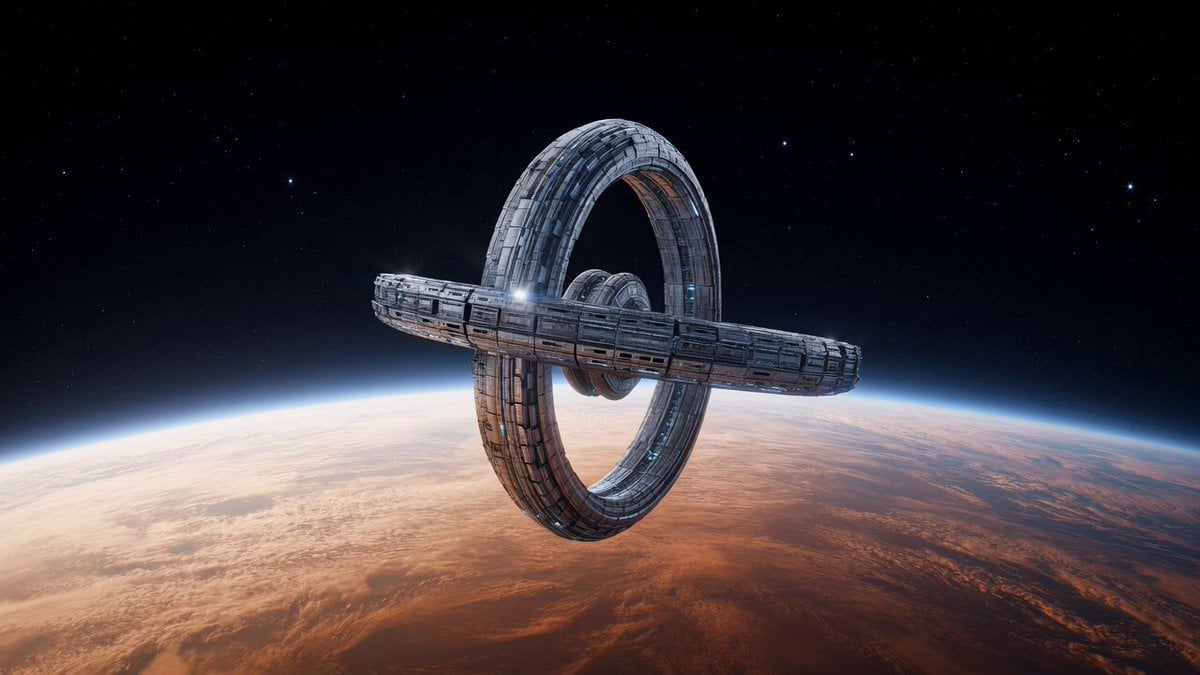
Space Station Orbiting Gas Giant
Kling 3.0 Antarctic Station Sci-Fi Horror Prompt
Astronaut Spacewalk Sci-Fi Drama
High-Speed Ship Descent with Seedance 2.0
Giant Cat at Tokyo Station Video Prompt
Make it yours
Sci-Fi Space Station Crash Scene works as-is. These are the safest ways to change it without losing the look.
Change one field
Copy a single group, rewrite it, and generate again so you can see what that field is doing.
Keep the frame, change the subject
Hold the composition and light of Sci-Fi Space Station Crash Scene, then swap wardrobe, props or the person for a new take.
| If the result… | Why | Fix |
|---|---|---|
| The result drifts from the preview | Too many fields changed at once. | Reuse Sci-Fi Space Station Crash Scene as-is first, then change one group — subject, light, or setting. |
| The model over-stylizes the scene | The prose prompt leaves finish and camera underspecified. | Add one camera or lighting sentence and stay on Seedance 2.0. |
More Seedance 2.0 templates
Other prompts made for Seedance 2.0.

Comical Martial Arts Punch Scene

Maglev Train Action Sequence

Martial Arts Fight Sequence

Wuxia Protection and Trust Script

Vintage Korean Arcade MiniDV Vlog

Mercedes 190 SL Luxury Ad

Rainy Night Supernatural Reverse Comedy Video Script

Amazon Civilization Discovery

Futuristic South Asian City Transformation

Cozy Luxury Cafe Commercial
More video prompts
Fresh picks from across the catalog.
Surreal Alien Jungle Hoverbike Chase
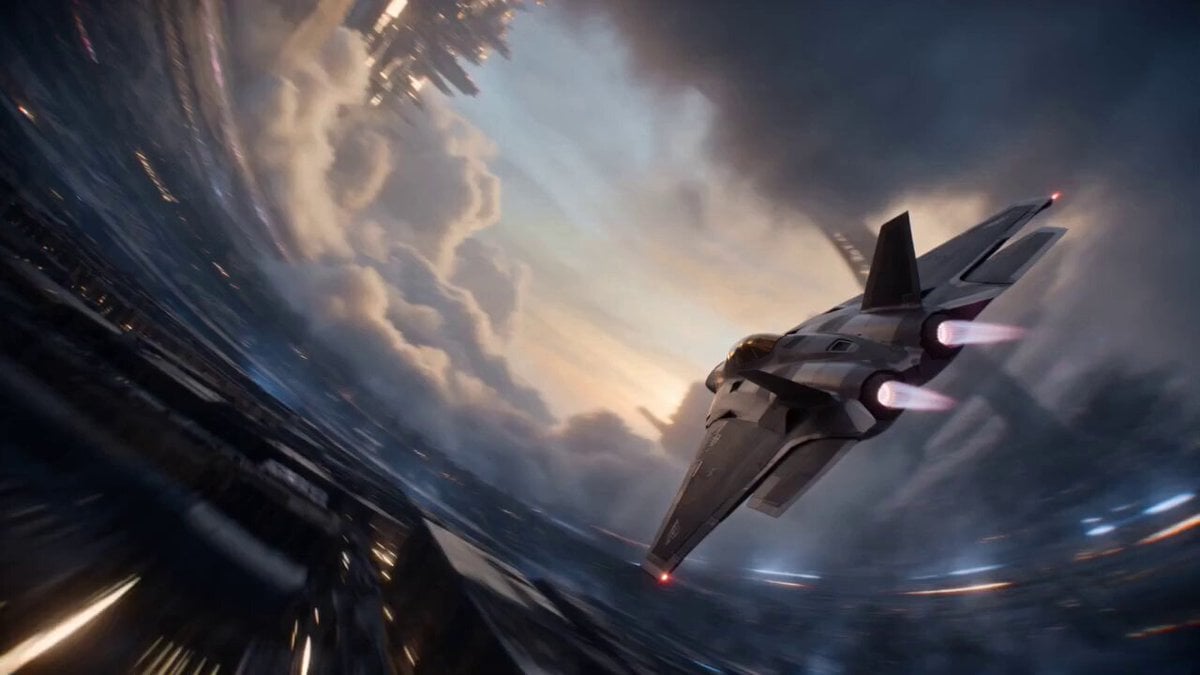
Cinematic Sci-Fi Ring World Action

Seedance 2.0 Prompt: Melancholic Chibi Penguin in Snow
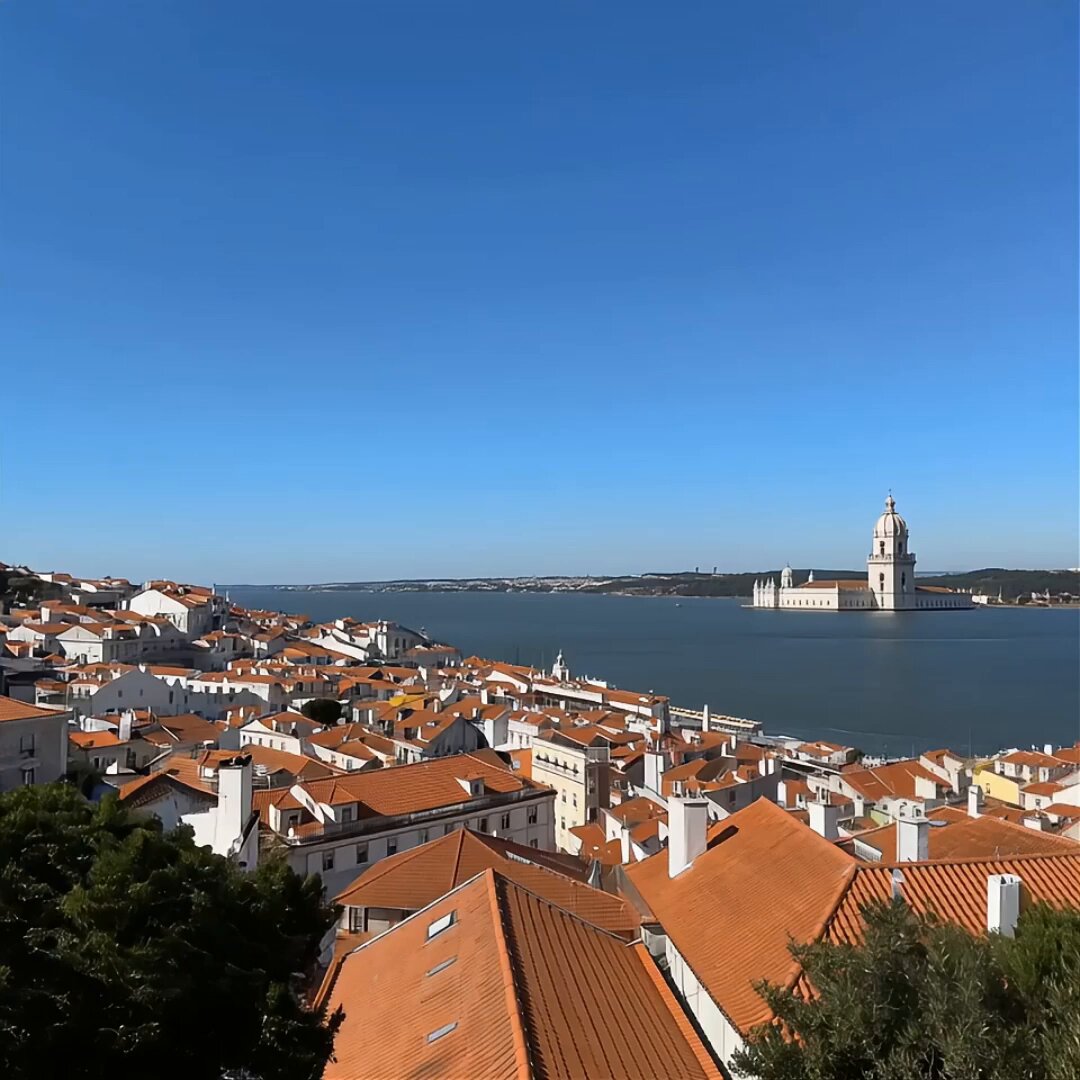
Cinematic Travel Vlog Lisbon Prompt
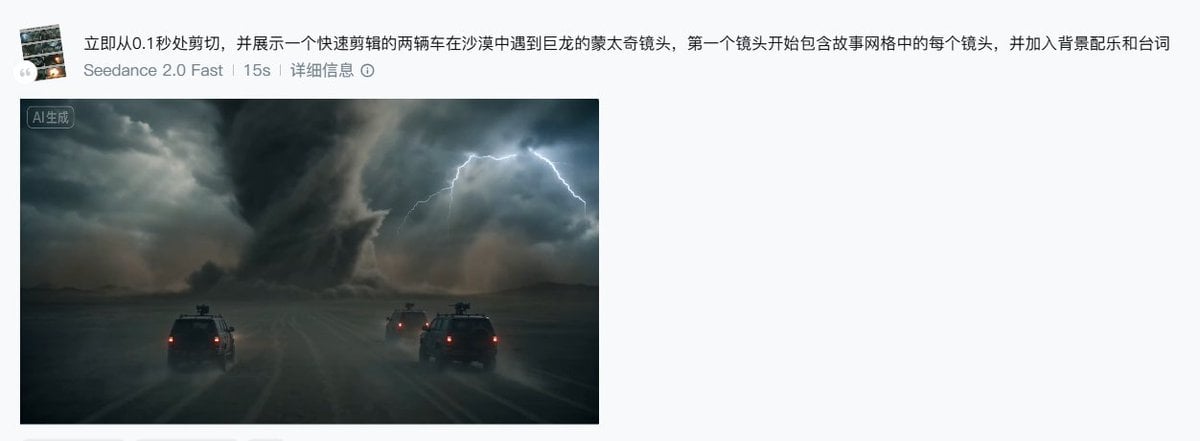
Seedance 2.0 Storyboard Prompt Example
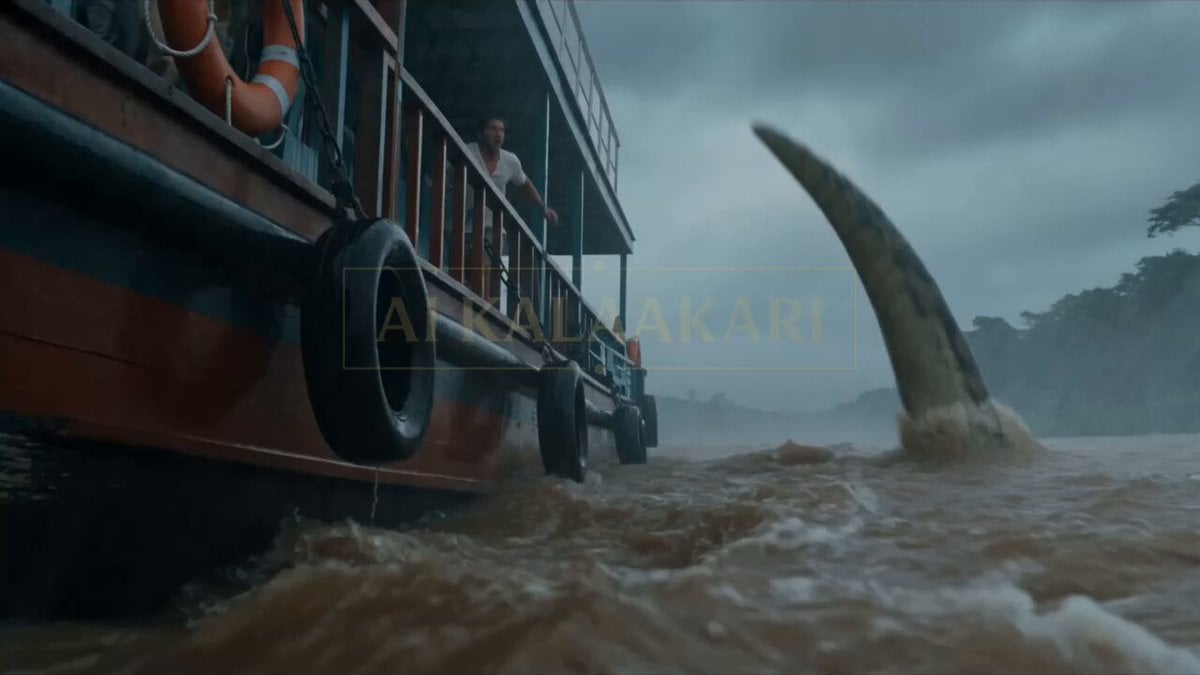
Anaconda Houseboat Attack
Tree of Hearts and Crows

Cyberpunk Parkour Anime Script

POV iPhone Selfie Reaction Video
Mona Lisa-Inspired Woman in Sunflower Field
Browse template categories
Sci-Fi Space Station Crash Scene questions
How do I use the Sci-Fi Space Station Crash Scene template?
Add your photo if the template asks for one, edit the prompt if you like — the template's model and format are already selected — and press Generate. Your version opens in PicX Studio.
Can I customize the Sci-Fi Space Station Crash Scene template?
Yes. You can change the subject, setting, lighting, mood, format, and available model controls before creating your video.
Is the Sci-Fi Space Station Crash Scene template free?
Opening and editing this template is free. Generating uses credits, shown on the Generate button when you are signed in.
Which AI model should I use?
Start with Seedance 2.0, which is the model associated with this template. You can compare another compatible model for a different finish.
Looking for something else? Browse all templates.

Your photo, any look
Thousands of ready templates for every top image and video model, from one credit balance.