
High-Speed Ship Descent with Seedance 2.0
Epic sci-fi space ship descent into a gas giant storm with Seedance 2.0
- Prompt included
- Model and format preset
- Free template
The prompt behind this video
Copy the exact prompt behind High-Speed Ship Descent with Seedance 2.0, or open it in the studio and make it yours.
Prompt Studio: High-Speed Ship Descent with Seedance 2.0 in @runwayml , text to video High-speed descent into a massive gas giant, a ship diving deep into violent storm layers while something enormous moves within. Wide shot: ship entering the atmosphere at extreme speed, clouds igniting around it. Cockpit POV: visibility collapsing, instruments glitching under pressure and electromagnetic interference. Violent turbulence: ship jolting unpredictably, barely holding trajectory. Close external: lightning striking dangerously close, energy crawling across the hull. Near-loss: engines choke momentarily, ship dropping faster than intended before reigniting. Disturbance: a massive shape shifts beneath the clouds, displacing entire storm systems toward the ship. Blind evasive: pilot dodges based on movement alone, narrowly avoiding a rising mass. Close pass: something breaches near the ship, scale incomprehensible, forcing a violent course correction. Spiral descent: ship caught in a vortex, spinning, nearly unrecoverable. Breakthrough: sudden entry into a calm void, silence hitting instantly. Final moment: behind the ship, the storm closes and the colossal silhouette emerges into the cleared space. Constant environmental threat, no safe zone, repeated near-failure, unknown presence driving tension.
How to use High-Speed Ship Descent with Seedance 2.0 in 3 steps
- 1
Open
The prompt is already in the box next to the preview, with the template's model and format selected.
- 2…a portrait of your subject in softgolden-hour light, 85mm…
Personalize
Edit the subject and creative details for your destination.
- 3Generate
Generate
Press Generate — your video is created in PicX Studio, so you can compare it with the original and refine one variable at a time.
More like this
Templates with the same subject, style or setup. Open one to see its prompt.
Seedance Seedance 20 Urban Romance Wall Pin Kiss
Seedance 2 Time Freeze Official
Emily Seedance Pixel Horror Rpg
Emily Seedance Tokusatsu Sisters

Cinematic Short Film Scene

Kyoto Morning Selfie Vlog
Ankitpatel Time Freeze Viral
Duttasomrat Time Freeze Viral V2
Mujeeb Matrix Bullet Time
Mrdasonx Quantum Missile Bullet Time
Ai Gezgini Hiroshima Fpv
Alla Kling World Acceleration
Make it yours
High-Speed Ship Descent with Seedance 2.0 works as-is. These are the safest ways to change it without losing the look.
Change one field
Copy a single group, rewrite it, and generate again so you can see what that field is doing.
Keep the frame, change the subject
Hold the composition and light of High-Speed Ship Descent with Seedance 2.0, then swap wardrobe, props or the person for a new take.
| If the result… | Why | Fix |
|---|---|---|
| The result drifts from the preview | Too many fields changed at once. | Reuse High-Speed Ship Descent with Seedance 2.0 as-is first, then change one group — subject, light, or setting. |
| The model over-stylizes the scene | The prose prompt leaves finish and camera underspecified. | Add one camera or lighting sentence and stay on Video Seedance. |
More Video Seedance templates
Other prompts made for Video Seedance.
X Johnagi168 Work Seedance Video
X Johnagi168 This Is My Work Gpt Image 2 Seedance 2 0
X Chillaikalan Nano Banana Pro Seedance 20

Gpt2 Gpt2 Seedance Storyboard to Video
Olivio Sarikas Shrinking Girl Bee
Time Stealer — Seedance 2.0
City Timelapse Growth — Seedance 2.0
Underground Temple Escape — Seedance 2.0
Superhero Joyrides — Seedance 2.0
Coward King — Seedance 2.0 Dark Fantasy
More video prompts
Fresh picks from across the catalog.
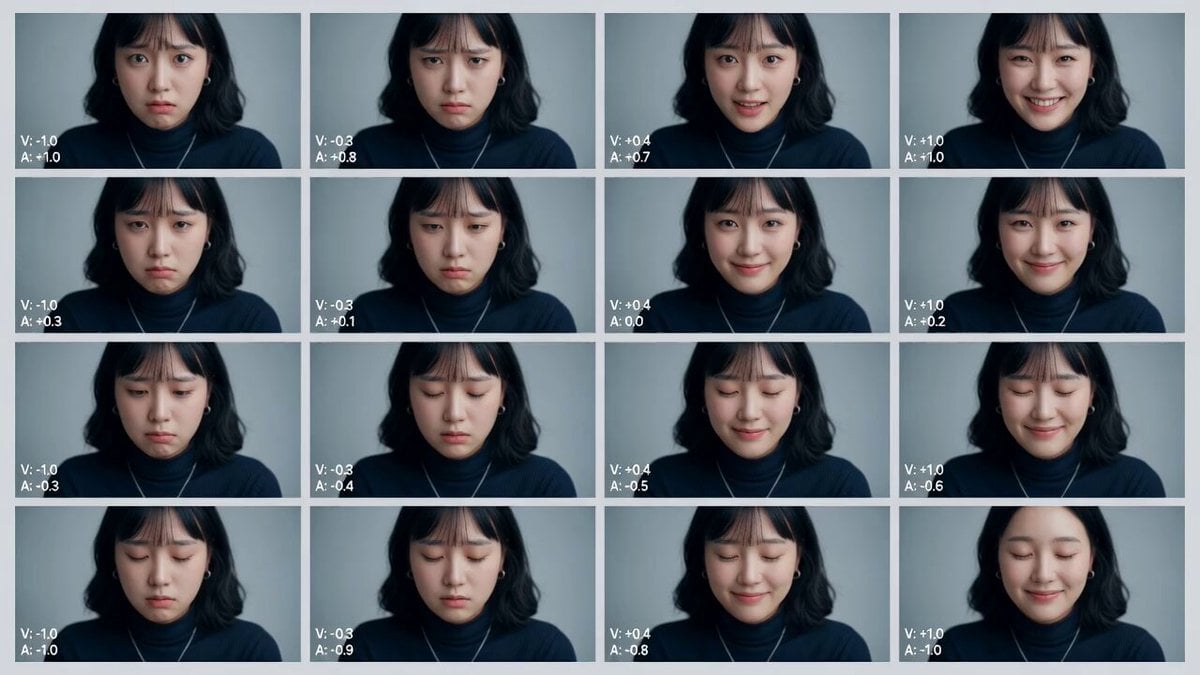
Cinematic Emotional Distress Prompt
Gritty 90s Cyberpunk Anime Noir
Coastal City Evolution 10,000-Year Timelapse

Cat Elevator Fight Comedy
Beckoning Hand Gesture Animation
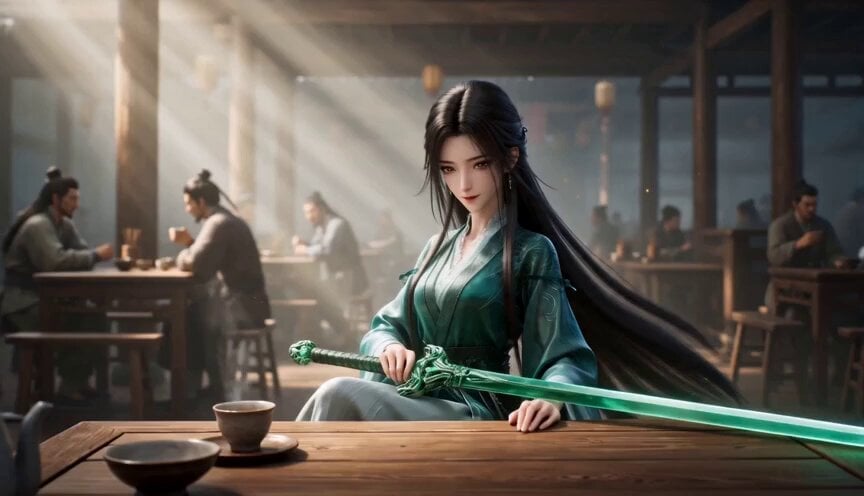
Elegant Wuxia Teahouse Fight Animation

Baseball Practice Vlog Style Video

Greenhouse Door Wind Chimes
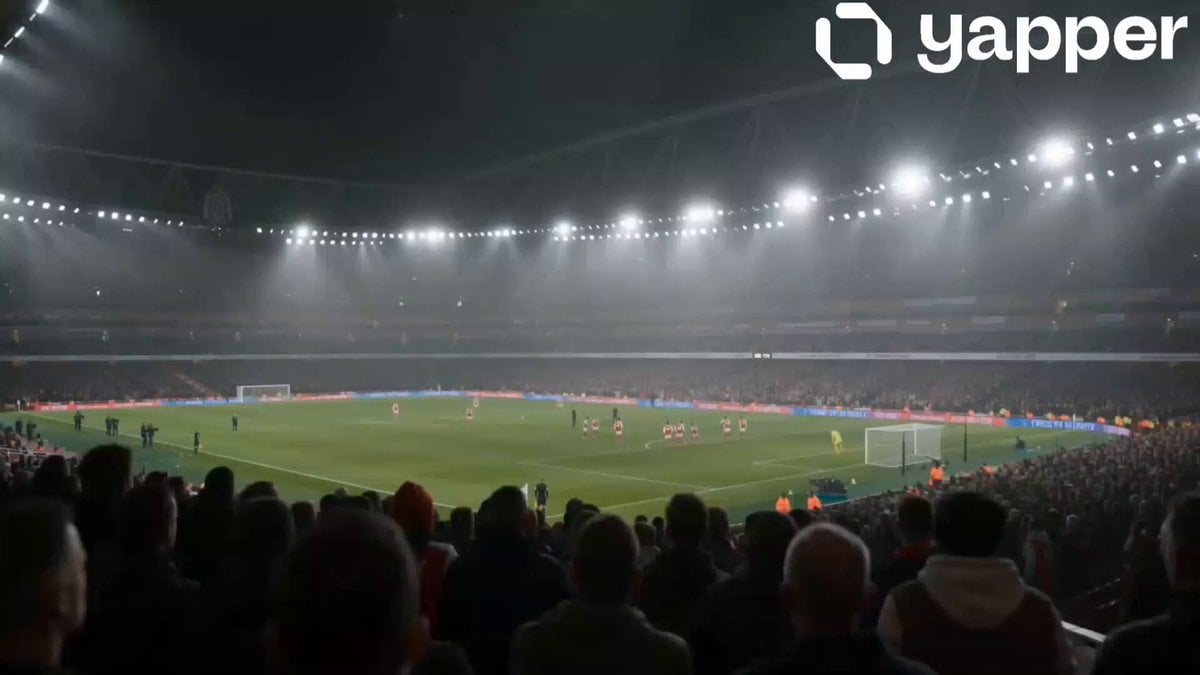
Arsenal Stadium Crowd Reaction
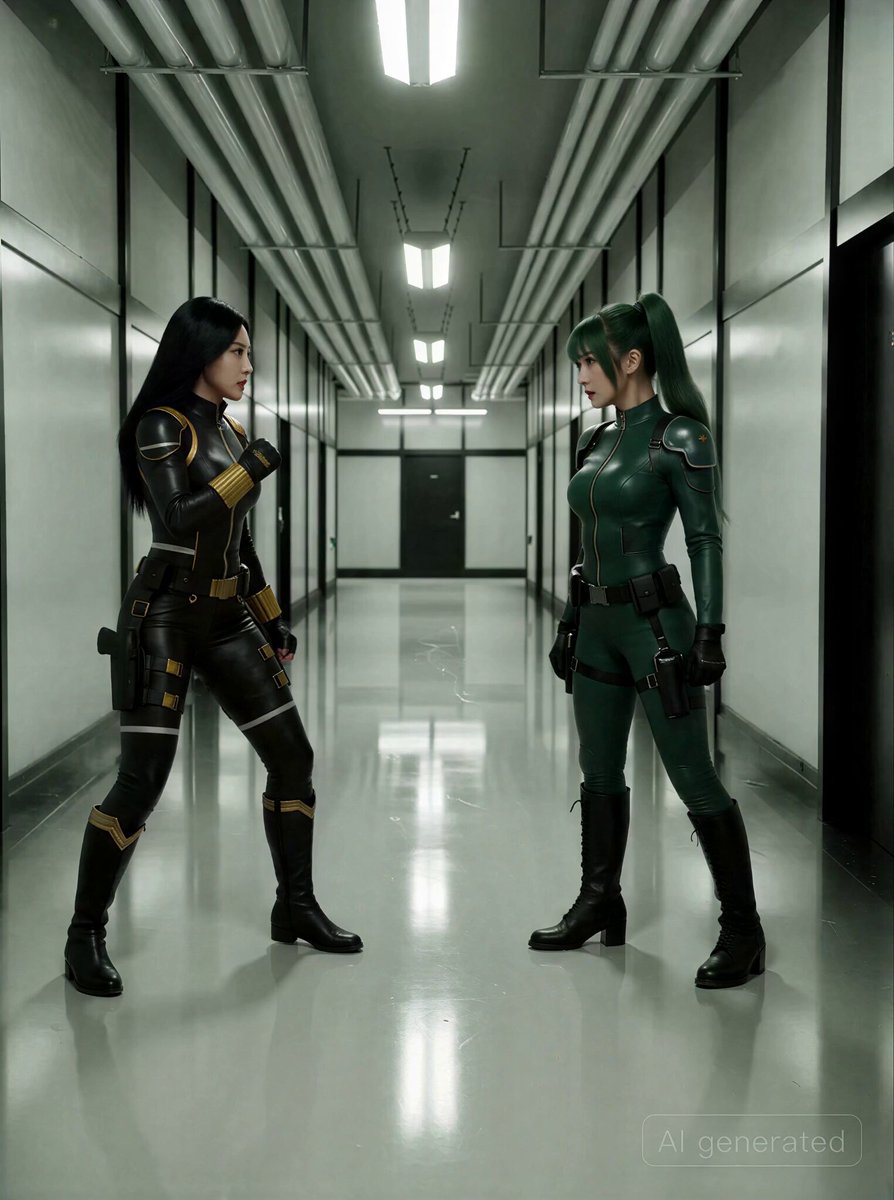
Espionage-Thriller Fight Scene Prompt with Image References
Browse template categories
High-Speed Ship Descent with Seedance 2.0 questions
How do I use the High-Speed Ship Descent with Seedance 2.0 template?
Add your photo if the template asks for one, edit the prompt if you like — the template's model and format are already selected — and press Generate. Your version opens in PicX Studio.
Can I customize the High-Speed Ship Descent with Seedance 2.0 template?
Yes. You can change the subject, setting, lighting, mood, format, and available model controls before creating your video.
Is the High-Speed Ship Descent with Seedance 2.0 template free?
Opening and editing this template is free. Generating uses credits, shown on the Generate button when you are signed in.
Which AI model should I use?
Start with Video Seedance, which is the model associated with this template. You can compare another compatible model for a different finish.
Looking for something else? Browse all templates.

Your photo, any look
Thousands of ready templates for every top image and video model, from one credit balance.