How do I use the Cinematic Emotional Distress Prompt template?
Edit the prompt in the box under the preview — the template's model and format are already selected — and press Generate. Your version appears right on this page.
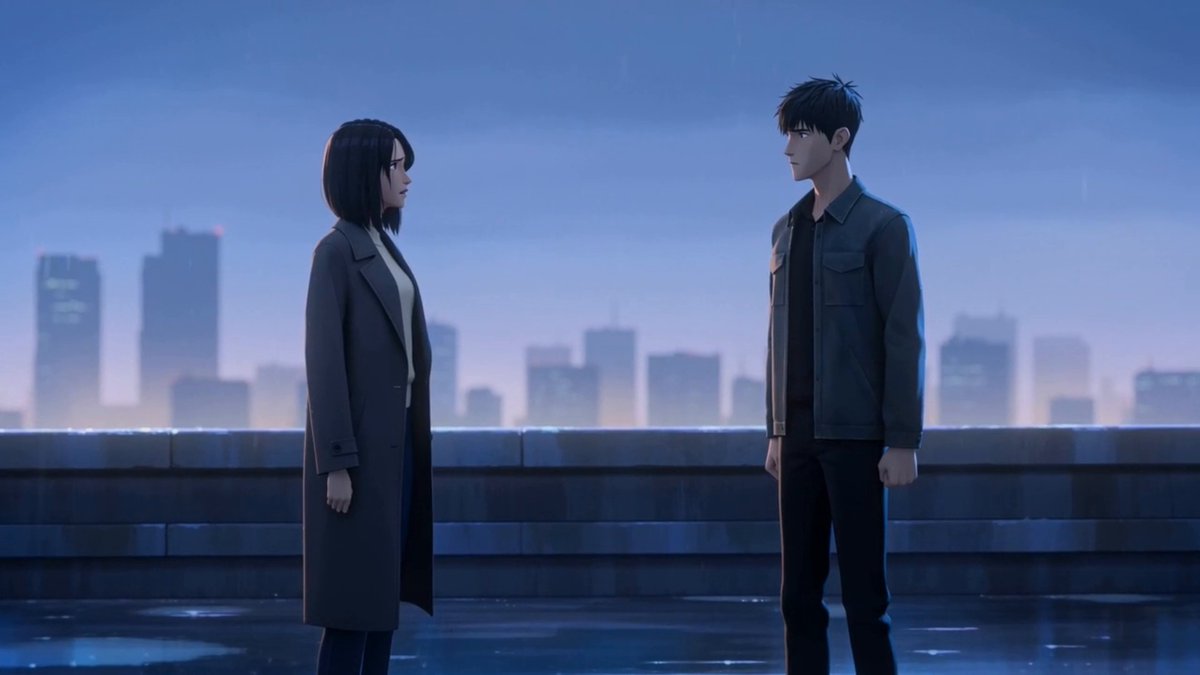
A highly detailed cinematic prompt for Grok Imagine focusing on lighting, camera movement, and intense emotional expression with specific vocal cues and Japanese dialogue.
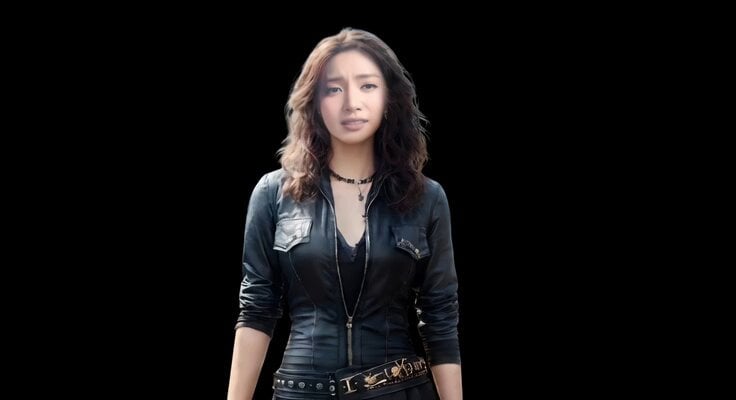
cinematic tight close-up, soft realistic lighting, slow push-in, shallow depth of field. The emotional state remains at extremely low valence and extremely high arousal throughout the scene, creating overwhelming internal tension, unstable emotional pressure and restrained psychological distress. [character]’s breathing is uneven, eye focus unstable, facial tension persistent and emotionally conflicted. The performance should feel controlled on the surface but internally overwhelmed. Voice: tight vocal tension, unstable breath support, slight tremor near the end of the sentence, emotionally restrained delivery [character]’s Dialogue: “長い間これを待っていました.”
cinematic tight close-up, soft realistic lighting, slow push-in, shallow depth of field. The emotional state remains at extremely low valence and extremely high arousal throughout the scene, creating overwhelming internal tension, unstable emotional pressure and restrained psychological distress. [character]’s breathing is uneven, eye focus unstable, facial tension persistent and emotionally conflicted. The performance should feel controlled on the surface but internally overwhelmed. Voice: tight vocal tension, unstable breath support, slight tremor near the end of the sentence, emotionally restrained delivery [character]’s Dialogue: “長い間これを待っていました.”
Edit the prompt in the box under the preview — the template's model and format are already selected — and press Generate. Your version appears right on this page.
Yes. You can change the subject, setting, lighting, mood, format, and available model controls before creating your video.
Opening and editing this template is free. Generating uses credits, shown on the Generate button when you are signed in.
Start with Grok Imagine, which is the model associated with this template. You can compare another compatible model for a different finish.
Follow a topic to a crawlable collection of related PicX Studio templates.