How do I use the Cat Elevator Fight Comedy template?
Edit the prompt in the box under the preview — the template's model and format are already selected — and press Generate. Your version appears right on this page.
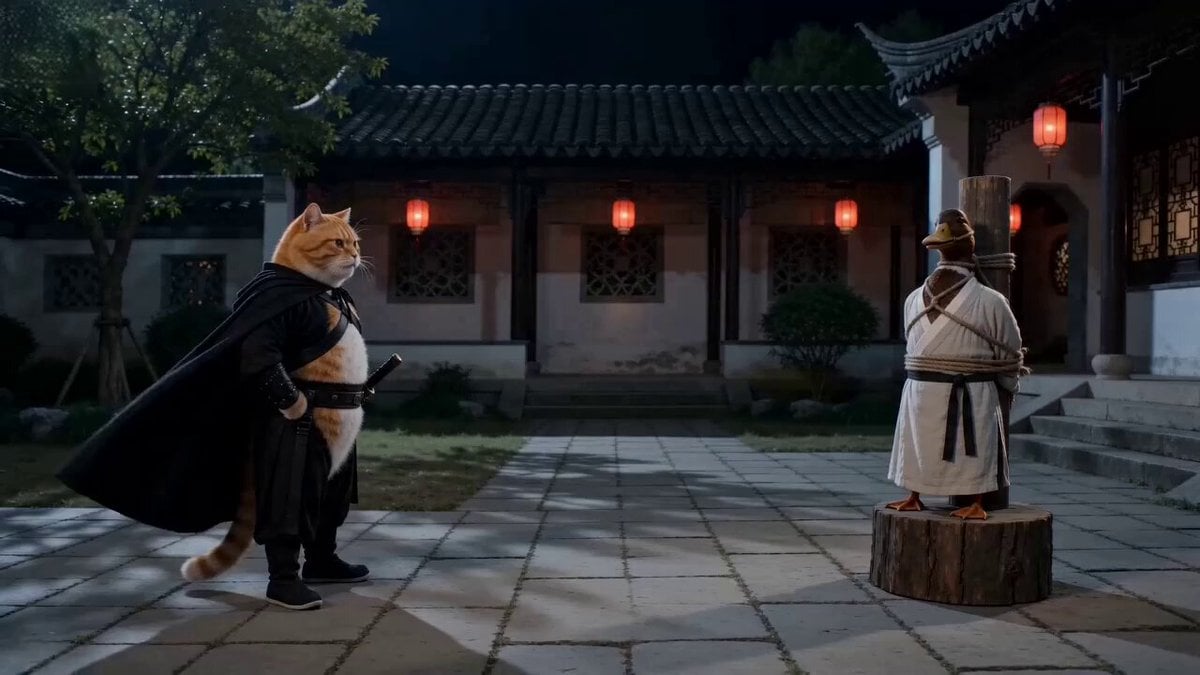
A comprehensive action-comedy prompt for Seedance 2.0 featuring two cats in a chaotic elevator conflict with fast cuts and slapstick physics.
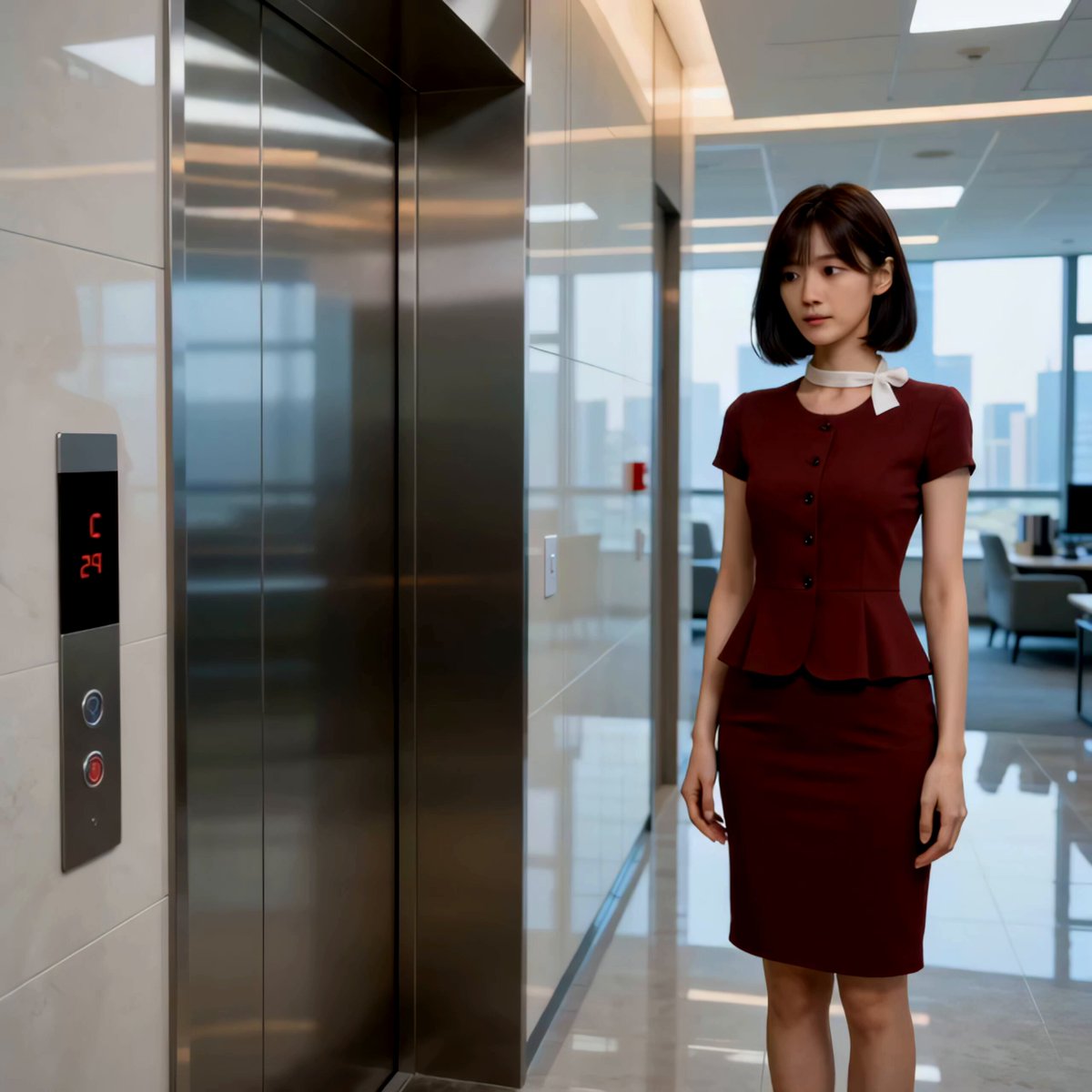
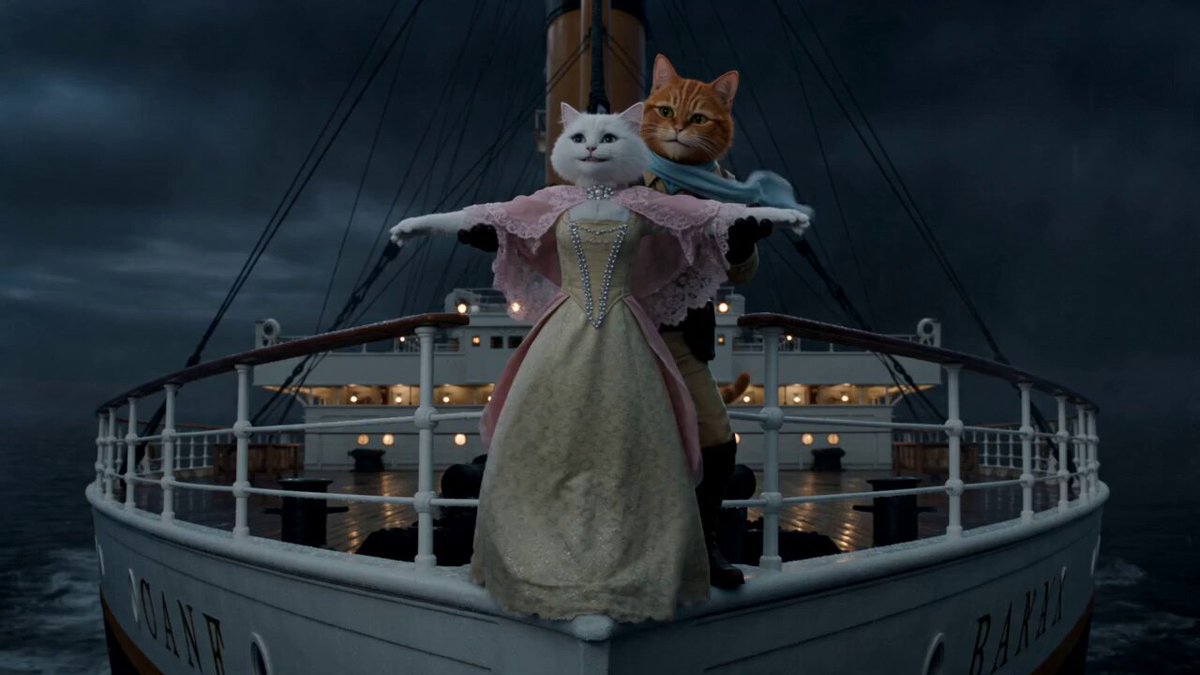
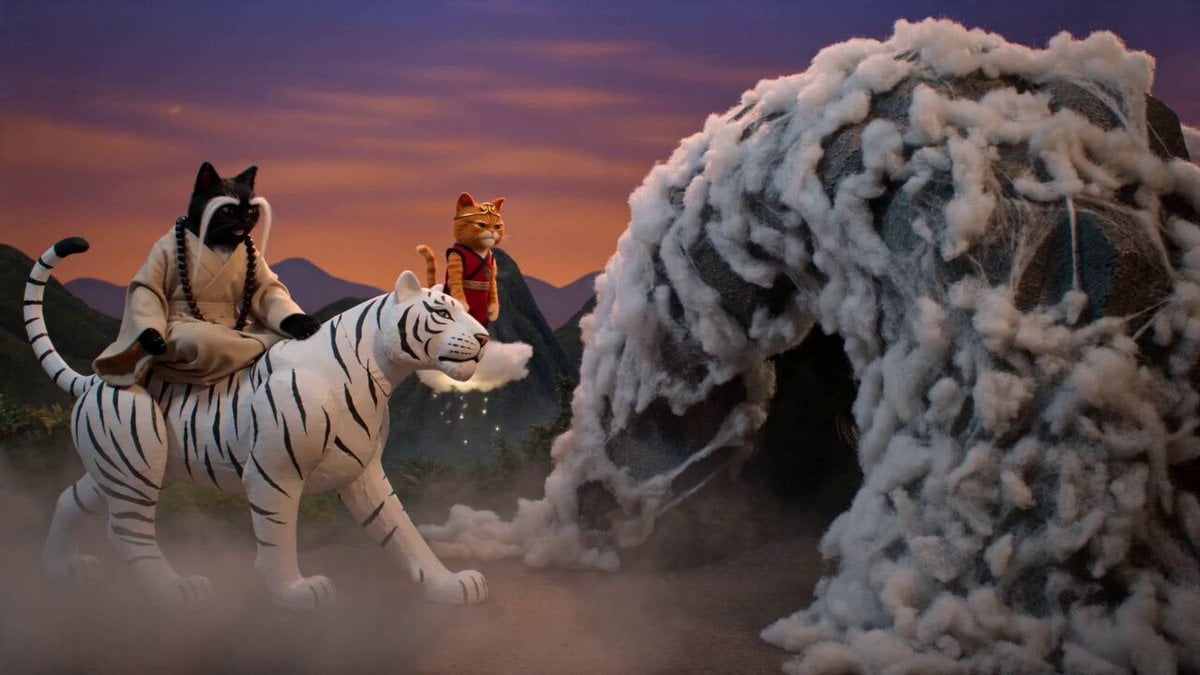
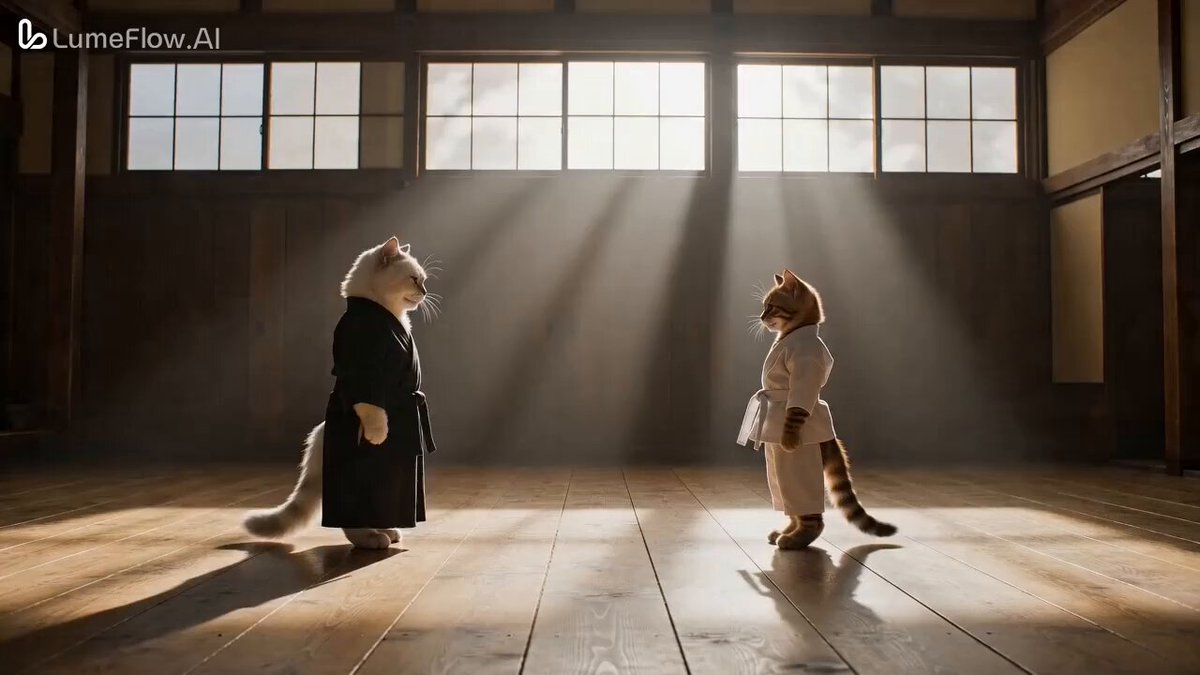
FORMAT: 15s / 155 BPM / MULTI-CUT / Seedance 2 / 3D action-comedy / dark humor STYLE: Fast-cut escalation, exaggerated cartoon physics, slapstick violence, stylish urban absurdity SUBJECTS: Orange cat (early 1900s Chinese blue-gray robe, black cap, long braided queue, cocky but fragile ego). White cat (pink dress, oversized black pearl earrings, heavy blue eyeshadow, red lips, arrogant, dominant). Background animals (silent, passive observers only). PROPS: Skateboard, flickering neon sign, old elevator panel with buttons ENVIRONMENT: Run-down motel near Golden Gate Bridge, broken neon “CAT HOTEL” → cramped lobby → old elevator → floors 2–9 loop → 10th floor exit MOOD: Petty conflict → chaotic escalation → absurd brutality → humiliating punchline COLOR LOGIC: Foggy cold exterior → dirty yellow lobby → dim elevator → harsh floor lighting → clean bright 10th floor CAMERA: Rapid cuts, whip pans, extreme close-ups (hands/buttons), jump cuts per floor SCENE: 1. Wide shot. Foggy night, Golden Gate Bridge in distance. Old motel, flickering neon “CAT HOTEL.” 2. Orange cat skateboards in, lands cockily, catches board. 3. Lobby. Elevator doors closing. White cat inside, phone in hand, annoyed, ignoring him. 4. Orange cat forces doors open, squeezes in. Doors slam shut. 5. Calm beat. Orange cat looks at panel. 6. **EXTREME CLOSE-UP: BUTTON PANEL (KEY MOMENT)** Orange cat’s hands blur violently. He rapidly presses 1 → 2 → 3 → 4 → 5 → 6 → 7 → 8 → 9. All buttons instantly light up in chaotic sequence. Beep spam becomes rhythmic overload. Panel shakes slightly from force. Only 10F was originally selected, now the entire panel is fully lit and unstable. 7. White cat slowly turns, shocked → anger rising. 8. DING. Floor 2. Doors open → instant slap exchange. Doors shut. 9. Floor 3 → punches mid-motion. Doors close. 10. Floor 4 → faster, heavier impacts, slapstick recoil. 11. Floors 5–7 → rapid montage of escalating fight, bodies bouncing off walls. 12. Floor 8 → white cat gains control, clean counterattack. 13. Floor 9 → final slam, orange cat defeated, pinned. 14. Floor 10. Silence. DING. Doors open into bright clean light. 15. White cat fixes hair, steps out elegantly, calm reset. 16. Inside elevator. Orange cat curled in corner, holding skateboard, crying. Final beat: “I just wanted floor seven…” SFX: Neon buzz, skateboard snap, elevator hum strain, rapid button beeps (layered), floor dings, slap/punch impacts escalating, metal wall hits, final clean ding, soft comedic sobbing echo.
FORMAT: 15s / 155 BPM / MULTI-CUT / Seedance 2 / 3D action-comedy / dark humor STYLE: Fast-cut escalation, exaggerated cartoon physics, slapstick violence, stylish urban absurdity SUBJECTS: Orange cat (early 1900s Chinese blue-gray robe, black cap, long braided queue, cocky but fragile ego). White cat (pink dress, oversized black pearl earrings, heavy blue eyeshadow, red lips, arrogant, dominant). Background animals (silent, passive observers only). PROPS: Skateboard, flickering neon sign, old elevator panel with buttons ENVIRONMENT: Run-down motel near Golden Gate Bridge, broken neon “CAT HOTEL” → cramped lobby → old elevator → floors 2–9 loop → 10th floor exit MOOD: Petty conflict → chaotic escalation → absurd brutality → humiliating punchline COLOR LOGIC: Foggy cold exterior → dirty yellow lobby → dim elevator → harsh floor lighting → clean bright 10th floor CAMERA: Rapid cuts, whip pans, extreme close-ups (hands/buttons), jump cuts per floor SCENE: 1. Wide shot. Foggy night, Golden Gate Bridge in distance. Old motel, flickering neon “CAT HOTEL.” 2. Orange cat skateboards in, lands cockily, catches board. 3. Lobby. Elevator doors closing. White cat inside, phone in hand, annoyed, ignoring him. 4. Orange cat forces doors open, squeezes in. Doors slam shut. 5. Calm beat. Orange cat looks at panel. 6. **EXTREME CLOSE-UP: BUTTON PANEL (KEY MOMENT)** Orange cat’s hands blur violently. He rapidly presses 1 → 2 → 3 → 4 → 5 → 6 → 7 → 8 → 9. All buttons instantly light up in chaotic sequence. Beep spam becomes rhythmic overload. Panel shakes slightly from force. Only 10F was originally selected, now the entire panel is fully lit and unstable. 7. White cat slowly turns, shocked → anger rising. 8. DING. Floor 2. Doors open → instant slap exchange. Doors shut. 9. Floor 3 → punches mid-motion. Doors close. 10. Floor 4 → faster, heavier impacts, slapstick recoil. 11. Floors 5–7 → rapid montage of escalating fight, bodies bouncing off walls. 12. Floor 8 → white cat gains control, clean counterattack. 13. Floor 9 → final slam, orange cat defeated, pinned. 14. Floor 10. Silence. DING. Doors open into bright clean light. 15. White cat fixes hair, steps out elegantly, calm reset. 16. Inside elevator. Orange cat curled in corner, holding skateboard, crying. Final beat: “I just wanted floor seven…” SFX: Neon buzz, skateboard snap, elevator hum strain, rapid button beeps (layered), floor dings, slap/punch impacts escalating, metal wall hits, final clean ding, soft comedic sobbing echo.
Edit the prompt in the box under the preview — the template's model and format are already selected — and press Generate. Your version appears right on this page.
Yes. You can change the subject, setting, lighting, mood, format, and available model controls before creating your video.
Opening and editing this template is free. Generating uses credits, shown on the Generate button when you are signed in.
Start with Seedance 2.0, which is the model associated with this template. You can compare another compatible model for a different finish.
Follow a topic to a crawlable collection of related PicX Studio templates.