How do I use the Action Comedy: Polite Master in Dojo template?
Edit the prompt in the box under the preview — the template's model and format are already selected — and press Generate. Your version appears right on this page.
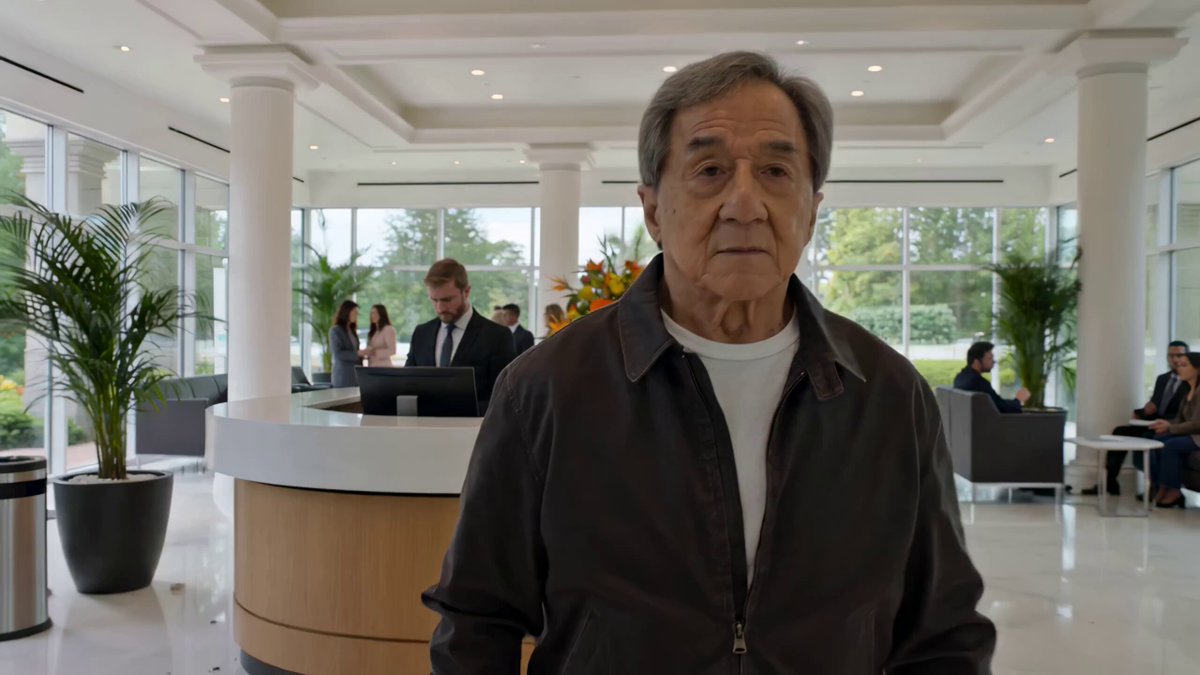
A detailed prompt for a 15-second Eastern action-comedy short film in one continuous take, set inside a wooden dojo.
Eastern action-comedy style, 15 seconds, one continuous take. Inside a wooden dojo, an elderly legendary master has been invited to give a “gentle balance demonstration.” He stands at the center, humble and restrained in expression. Several students step forward one by one to assist. He merely taps a shoulder, wrist, or forehead lightly with a single finger, yet each student spins dramatically through the air, slides across the floor, crashes into soft mats, or flips behind the weapon rack. Each time, the master pulls his hand back with slight embarrassment, as if he himself did not expect that to happen. The camera shifts quickly between wide and medium shots, with action that is fluid and exaggerated. The entire dojo falls into absurd silence and stunned disbelief. 东方动作喜剧风格,15秒,一镜到底,木质道场内,一位年长的传奇宗师被邀请做“轻柔平衡演示”,他站在中央,神情谦逊克制。几位学员依次上前配合,他只是用一根手指轻轻点一下肩膀、手腕或额头,学员们却夸张地旋转飞出、滑过地板、撞进软垫、翻进兵器架后面。宗师本人每次都略显尴尬地收手,像是自己也没想到会这样,镜头在全景和中景之间快速切换,动作流畅而夸张,整个道场陷入荒谬的安静与震惊。
Eastern action-comedy style, 15 seconds, one continuous take. Inside a wooden dojo, an elderly legendary master has been invited to give a “gentle balance demonstration.” He stands at the center, humble and restrained in expression. Several students step forward one by one to assist. He merely taps a shoulder, wrist, or forehead lightly with a single finger, yet each student spins dramatically through the air, slides across the floor, crashes into soft mats, or flips behind the weapon rack. Each time, the master pulls his hand back with slight embarrassment, as if he himself did not expect that to happen. The camera shifts quickly between wide and medium shots, with action that is fluid and exaggerated. The entire dojo falls into absurd silence and stunned disbelief. 东方动作喜剧风格,15秒,一镜到底,木质道场内,一位年长的传奇宗师被邀请做“轻柔平衡演示”,他站在中央,神情谦逊克制。几位学员依次上前配合,他只是用一根手指轻轻点一下肩膀、手腕或额头,学员们却夸张地旋转飞出、滑过地板、撞进软垫、翻进兵器架后面。宗师本人每次都略显尴尬地收手,像是自己也没想到会这样,镜头在全景和中景之间快速切换,动作流畅而夸张,整个道场陷入荒谬的安静与震惊。
Edit the prompt in the box under the preview — the template's model and format are already selected — and press Generate. Your version appears right on this page.
Yes. You can change the subject, setting, lighting, mood, format, and available model controls before creating your video.
Opening and editing this template is free. Generating uses credits, shown on the Generate button when you are signed in.
Start with Seedance 2.0, which is the model associated with this template. You can compare another compatible model for a different finish.
Follow a topic to a crawlable collection of related PicX Studio templates.