
Ice Mammoth City Glacier Transformation
A cinematic Seedance 2.0 prompt creating a massive ice mammoth that emerges from a blizzard to freeze and smash a modern mountain city into glittering fragments.
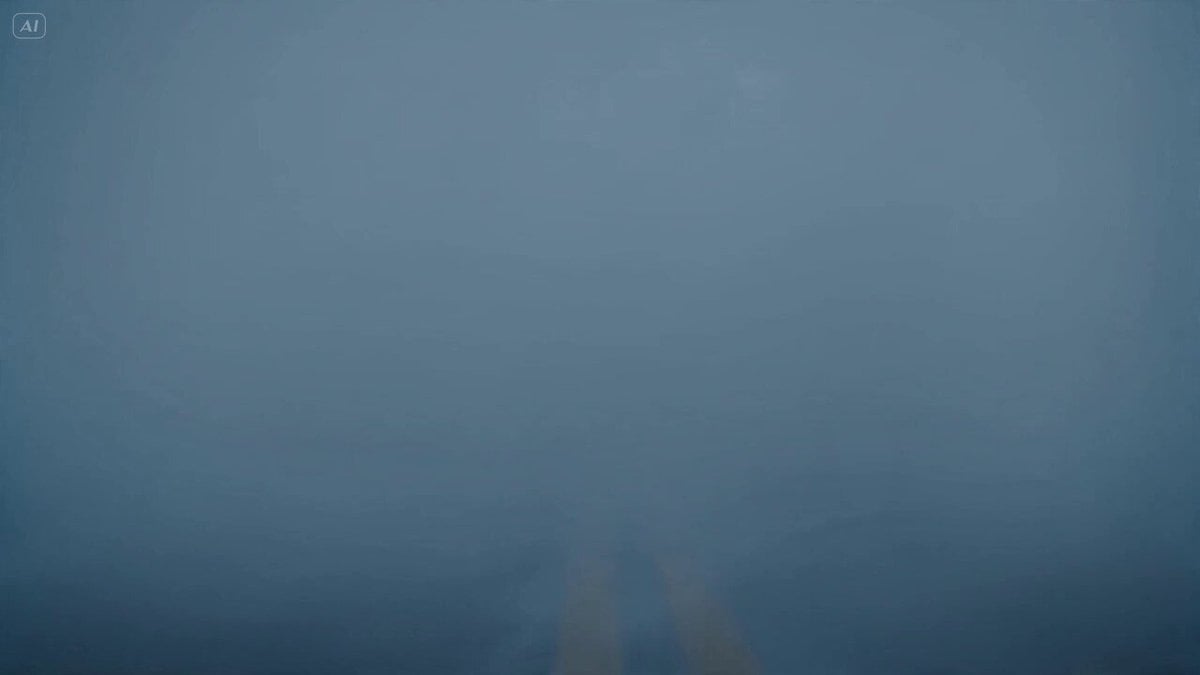
- Prompt included
- Model and format preset
- Free template
The prompt behind this video
Copy the exact prompt behind Ice Mammoth City Glacier Transformation, or open it in the studio and make it yours.
A colossal ice mammoth with crystalline tusks, armored frozen plates, glowing pale-blue eyes, thick fur coated in frost, breath forming blizzard clouds with every exhale - Emerges from a supernatural snowstorm rolling into a mountain city, visibility dropping to near zero, camera pushes through whiteout conditions before revealing its tusks cutting through fog; - Charges down the main avenue, each footstep freezing streets instantly, tusks smashing buses and buildings into glittering ice fragments, soldiers firing but their weapons frost over mid-shot, camera tracks beside the charge then whips upward as entire towers freeze and crack apart; - Slams both tusks into the city square, releasing a circular freezing shockwave that races through streets and locks everything into solid ice, ending with a silent crane pullback over the frozen ruins as the mammoth raises its trunk and roars into the blizzard - Bright winter daylight, ice particle VFX, crystalline explosions, volumetric snow, cold blue lighting, epic frozen apocalypse.
How to use Ice Mammoth City Glacier Transformation in 3 steps
- 1
Open
The prompt is already in the box next to the preview, with the template's model and format selected.
- 2…a portrait of your subject in softgolden-hour light, 85mm…
Personalize
Edit the subject and creative details for your destination.
- 3Generate
Generate
Press Generate — your video is created in PicX Studio, so you can compare it with the original and refine one variable at a time.
More like this
Templates with the same subject, style or setup. Open one to see its prompt.

Iced Coffee Dog Good-News Montage
Arctic Glacier to Futuristic Megacity Transformation

Magical Room Transformation - Seedance 2.5

Dark Tokusatsu Transformation - Seedance 2.5

Realistic City Street Story Cinematic Video - Seedance

RX-7 to Mech Transformation Cyberpunk

Luxury Lifestyle Day Vlog

NYC Wingsuit Hot Dog Landing

Luxury Airport Travel Vlog

Italian Old-Town Time-Freeze Walk
Ice Beast VFX Transformation

Futuristic South Asian City Transformation
Make it yours
Ice Mammoth City Glacier Transformation works as-is. These are the safest ways to change it without losing the look.
Change one field
Copy a single group, rewrite it, and generate again so you can see what that field is doing.
Keep the frame, change the subject
Hold the composition and light of Ice Mammoth City Glacier Transformation, then swap wardrobe, props or the person for a new take.
| If the result… | Why | Fix |
|---|---|---|
| The result drifts from the preview | Too many fields changed at once. | Reuse Ice Mammoth City Glacier Transformation as-is first, then change one group — subject, light, or setting. |
| The model over-stylizes the scene | The prose prompt leaves finish and camera underspecified. | Add one camera or lighting sentence and stay on Seedance 2.0. |
More Seedance 2.0 templates
Other prompts made for Seedance 2.0.

Comical Martial Arts Punch Scene

Maglev Train Action Sequence

Martial Arts Fight Sequence

Wuxia Protection and Trust Script

Vintage Korean Arcade MiniDV Vlog

Mercedes 190 SL Luxury Ad

Rainy Night Supernatural Reverse Comedy Video Script

Amazon Civilization Discovery

Cozy Luxury Cafe Commercial

Cyber Ronin Nanotech Transformation Video
More video prompts
Fresh picks from across the catalog.
The Black Blight City Sealing
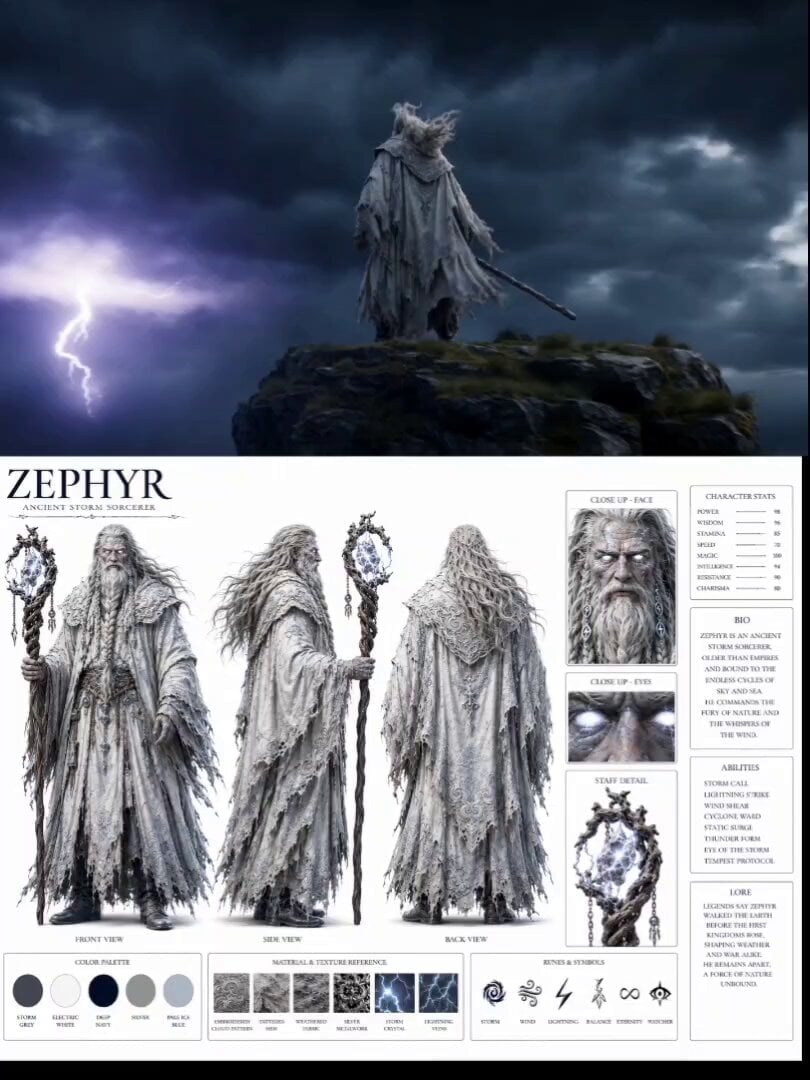
Ancient Storm Mage Cinematic Sequence
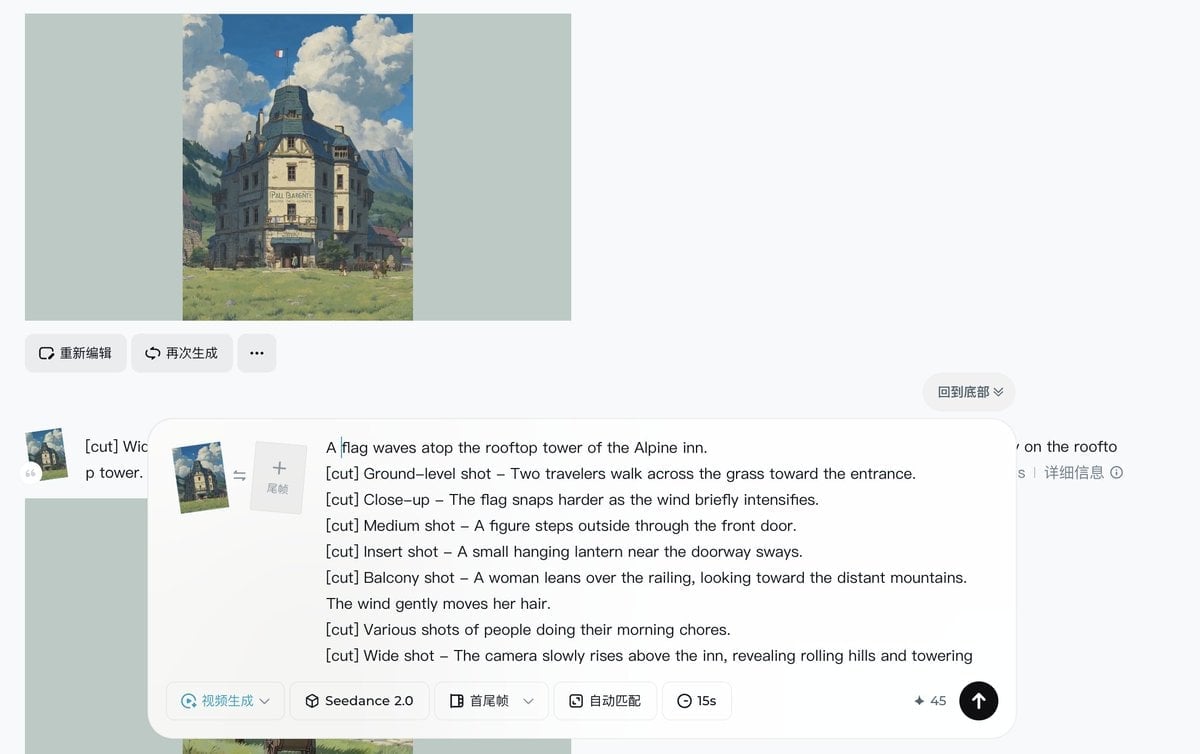
Ghibli-style Alpine inn scene
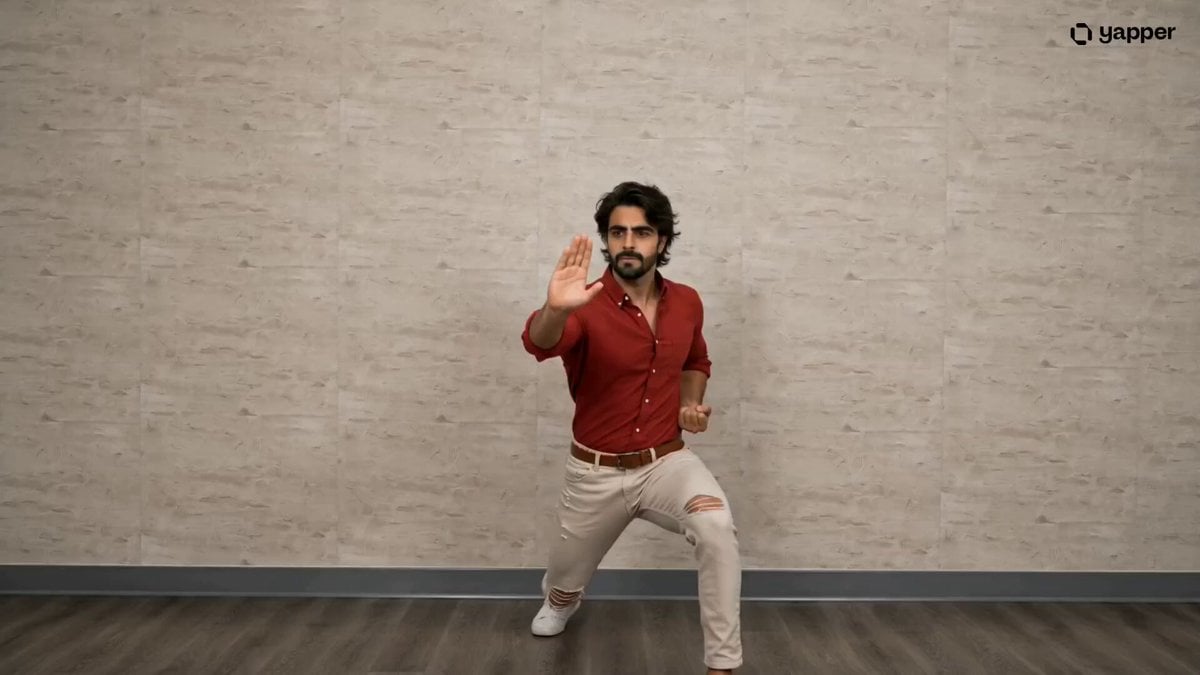
Pencak Silat Martial Arts Sequence
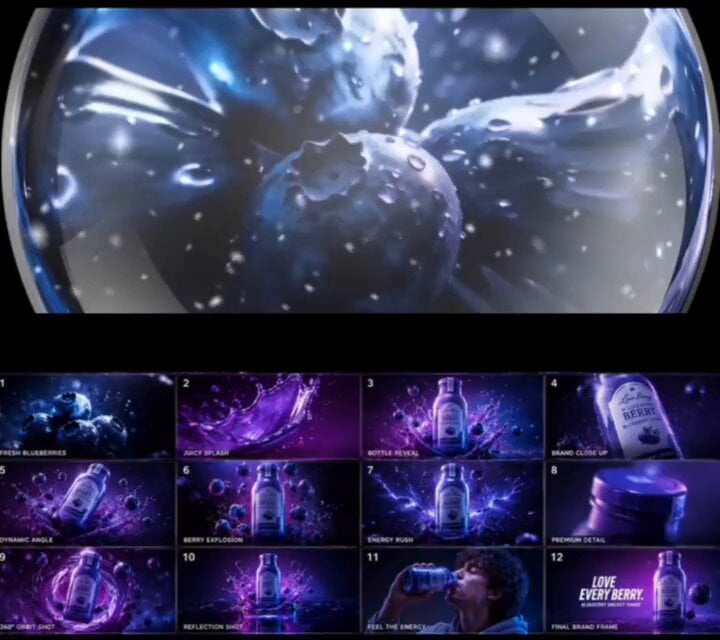
Futuristic Blueberry Drink Product Motion
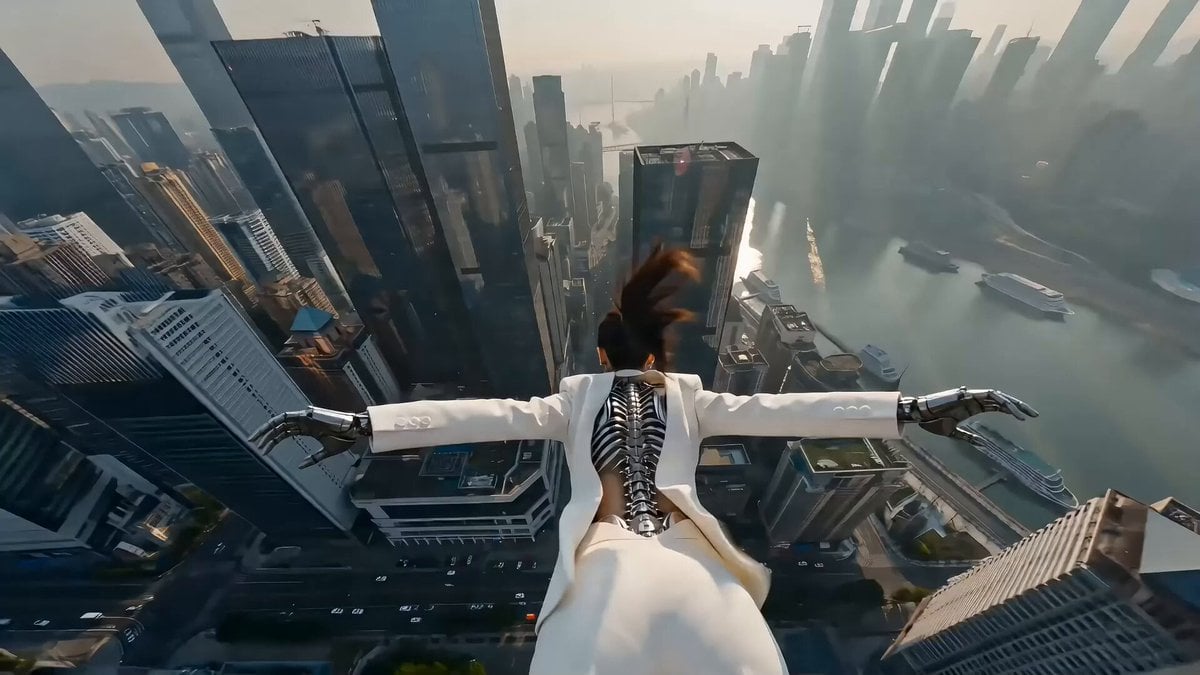
Cyberpunk Action Scene: Freefall and Car Interception Prompt (Chapter 2)

Vertical Bouncing Motion Video

Anime Music Video Motion Effects
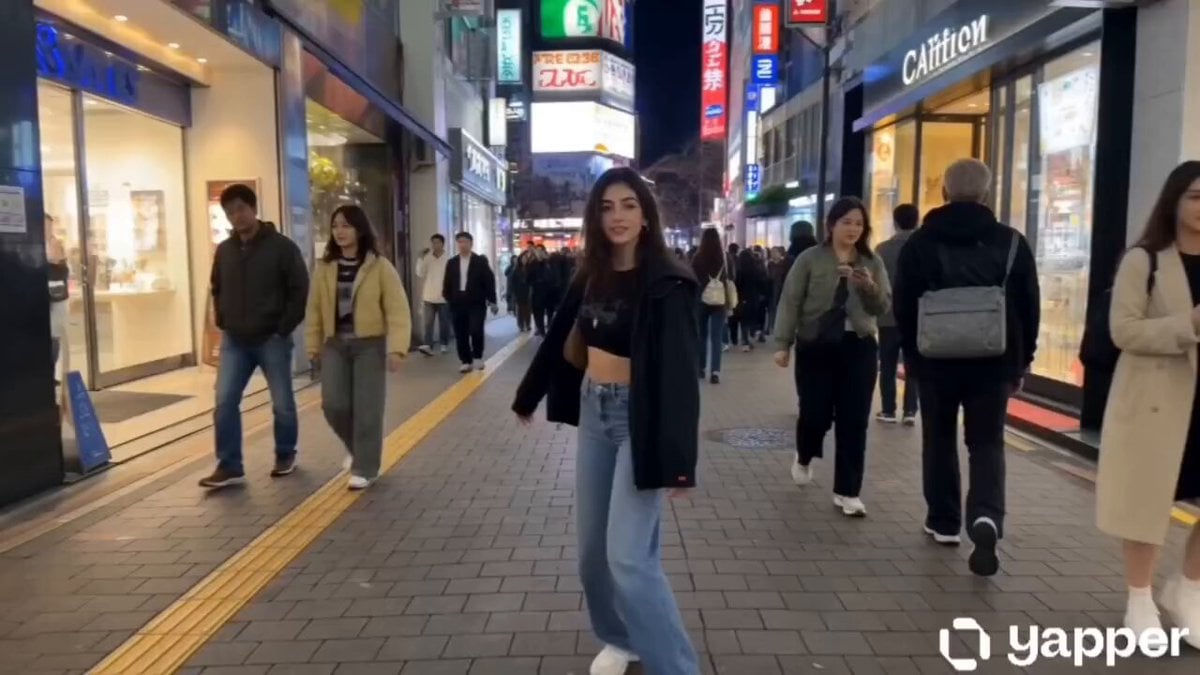
Tokyo Vlogger Collage
Video Consistency Requirements
Browse template categories
Ice Mammoth City Glacier Transformation questions
How do I use the Ice Mammoth City Glacier Transformation template?
Add your photo if the template asks for one, edit the prompt if you like — the template's model and format are already selected — and press Generate. Your version opens in PicX Studio.
Can I customize the Ice Mammoth City Glacier Transformation template?
Yes. You can change the subject, setting, lighting, mood, format, and available model controls before creating your video.
Is the Ice Mammoth City Glacier Transformation template free?
Opening and editing this template is free. Generating uses credits, shown on the Generate button when you are signed in.
Which AI model should I use?
Start with Seedance 2.0, which is the model associated with this template. You can compare another compatible model for a different finish.
Looking for something else? Browse all templates.

Your photo, any look
Thousands of ready templates for every top image and video model, from one credit balance.