
Anime Music Video Motion Effects
A fast-paced anime MV prompt featuring visual echoes and rapid composition changes, designed for rhythmic character movements.
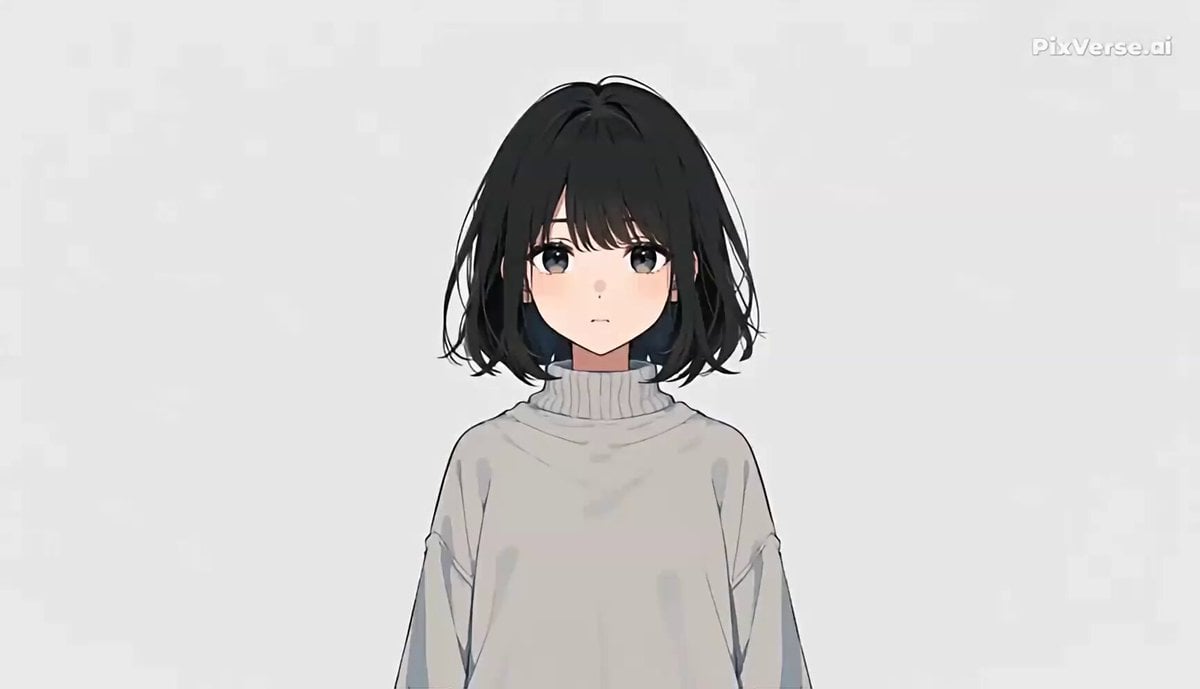
- Prompt included
- Model and format preset
- Free template
The prompt behind this video
Copy the exact prompt behind Anime Music Video Motion Effects, or open it in the studio and make it yours.
Use Reference Image 1 as the exact visual identity reference for the girl. Preserve her face, hairstyle, hair color, clothing, body proportions, and character design throughout the entire video. Create a fast-paced 15-second stylized anime music-video sequence featuring one unique girl. Temporary duplicates are allowed only as visual echoes of the same girl. The video should feel rhythmic, playful, slightly surreal, and highly graphic. ## VISUAL STYLE Clean anime animation, simplified graphic background, limited color palette, crisp outlines, rhythmic editing, subtle motion blur. ## 0–1.5s — INSTANT START The girl stands in the center of the frame. Immediately, she snaps her head slightly toward screen right. At the exact moment of the movement, create a brief duplicate echo behind her. ## 1.5–3s — SLIDE ECHO The girl rapidly slides from screen left toward screen right. Three delayed copies appear behind her at evenly spaced positions. ## 3–4.5s — EXTREME CLOSE-UP Sudden extreme close-up of one eye. The eye opens quickly. Immediately zoom backward from the eye to reveal the girl's face. ## 4.5–6s — POSE REPETITION The girl performs one quick, distinctive pose. Instantly create three identical versions of the same pose arranged horizontally. ## 6–7.5s — ROTATION The girl jumps slightly upward. During the jump, the entire composition rotates approximately 90 degrees. ## 7.5–9s — UPSIDE-DOWN The same girl appears upside down. Her hair falls naturally according to gravity. ## 9–10.5s — MULTIPLE ENTRANCES The girl rapidly enters the frame from the bottom. At the same time, two visual echoes enter slightly later from the same direction. Three identical versions briefly o
How to use Anime Music Video Motion Effects in 3 steps
- 1Upload ImagePNG, JPG or paste
Add your photo
Upload the photo the template builds on. The prompt, model and format are already set.
- 2…a portrait of your subject in softgolden-hour light, 85mm…
Personalize
Edit the subject and creative details for your destination.
- 3Generate
Generate
Press Generate — your video is created in PicX Studio, so you can compare it with the original and refine one variable at a time.
More like this
Templates with the same subject, style or setup. Open one to see its prompt.
Slow-Motion 90s Diner Explosion - Seedance 2.5

MiniMax H3 Character Introduction

Japanese Pure Love Short Film
Slow Motion Station Anime Girl

Studio Ghibli Dumpling Kitchen Cooking Scene
Kawaii Chaotic Anime Music Video
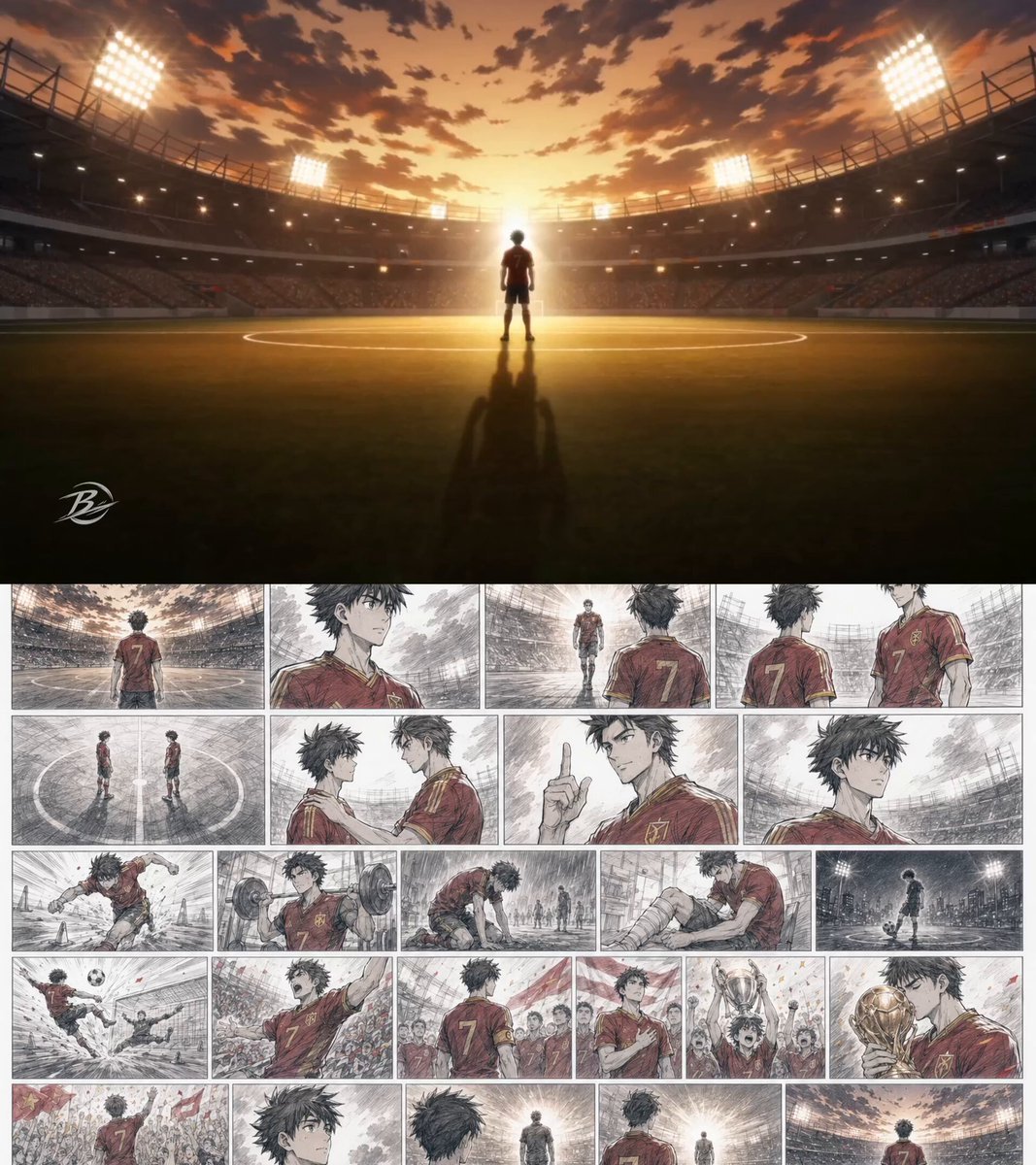
Anime Football Player Emotional Journey
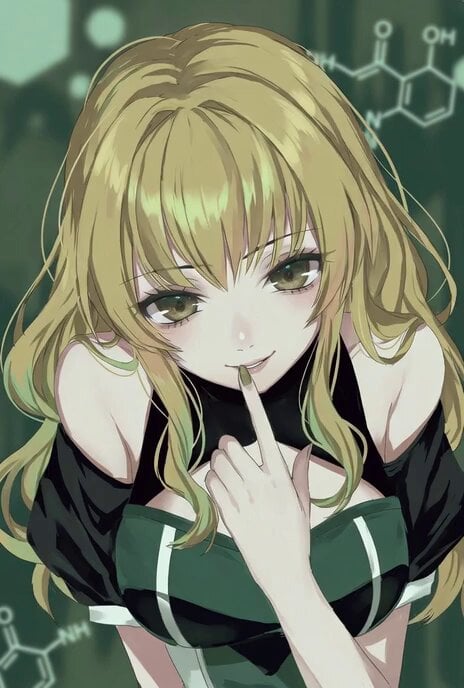
Anime style video prompt of a personified psychotropic drug explaining its effects
Nano Banana Seedance Environment Render Walk
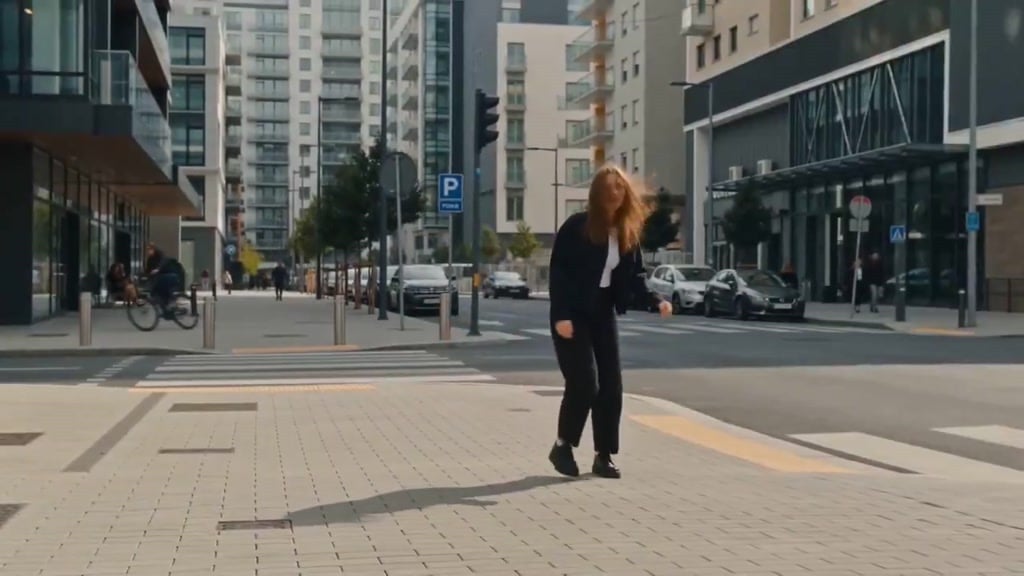
Seedance Wind Guides Path
Mecha Transformation vs Kaiju — 4-Scene Epic
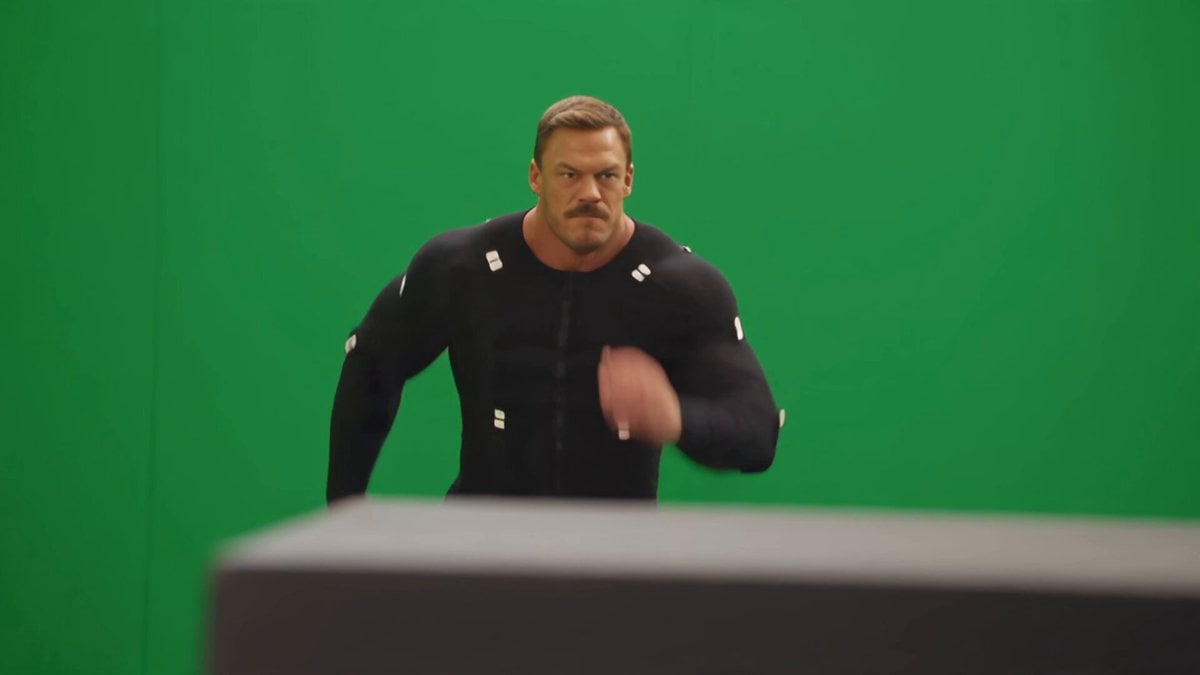
Side-Flip Motion Reproduction and Environment Adaptation
Make it yours
Anime Music Video Motion Effects works as-is. These are the safest ways to change it without losing the look.
Change one field
Copy a single group, rewrite it, and generate again so you can see what that field is doing.
Keep the frame, change the subject
Hold the composition and light of Anime Music Video Motion Effects, then swap wardrobe, props or the person for a new take.
| If the result… | Why | Fix |
|---|---|---|
| The result drifts from the preview | Too many fields changed at once. | Reuse Anime Music Video Motion Effects as-is first, then change one group — subject, light, or setting. |
| The model over-stylizes the scene | The prose prompt leaves finish and camera underspecified. | Add one camera or lighting sentence and stay on Seedance 2.0. |
More Seedance 2.0 templates
Other prompts made for Seedance 2.0.

Comical Martial Arts Punch Scene

Maglev Train Action Sequence

Martial Arts Fight Sequence

Wuxia Protection and Trust Script

Vintage Korean Arcade MiniDV Vlog

Mercedes 190 SL Luxury Ad

Rainy Night Supernatural Reverse Comedy Video Script

Amazon Civilization Discovery

Futuristic South Asian City Transformation

Cozy Luxury Cafe Commercial
More video prompts
Fresh picks from across the catalog.

Giant Octopus vs Dock Worker Harbor Chase
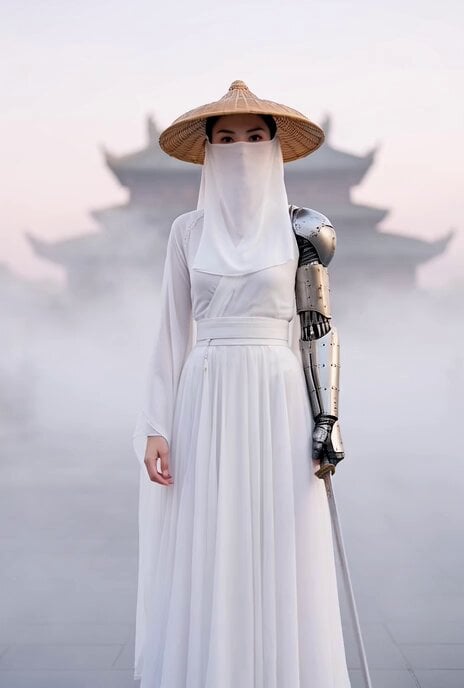
Cyberpunk Xianxia Swordswoman Close-up
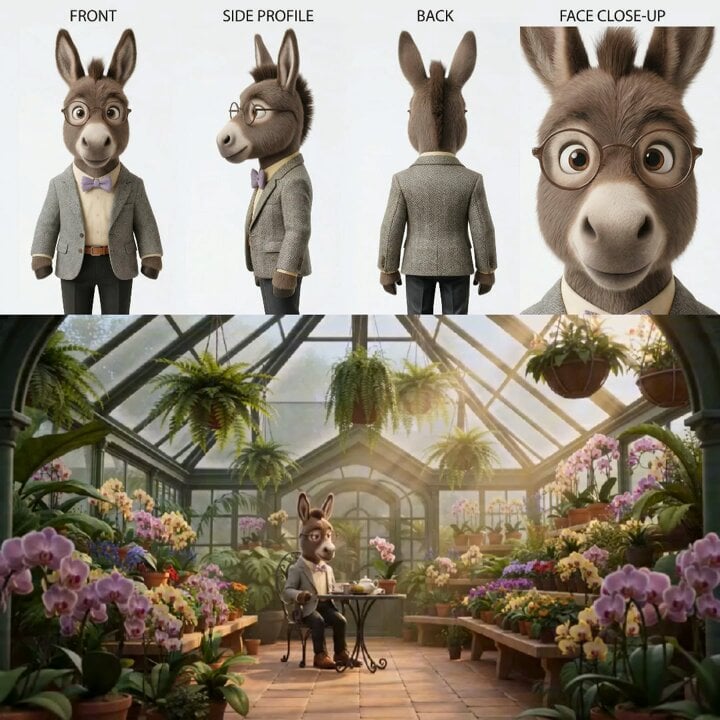
Animated Goat-Man Tea Ceremony Sequence
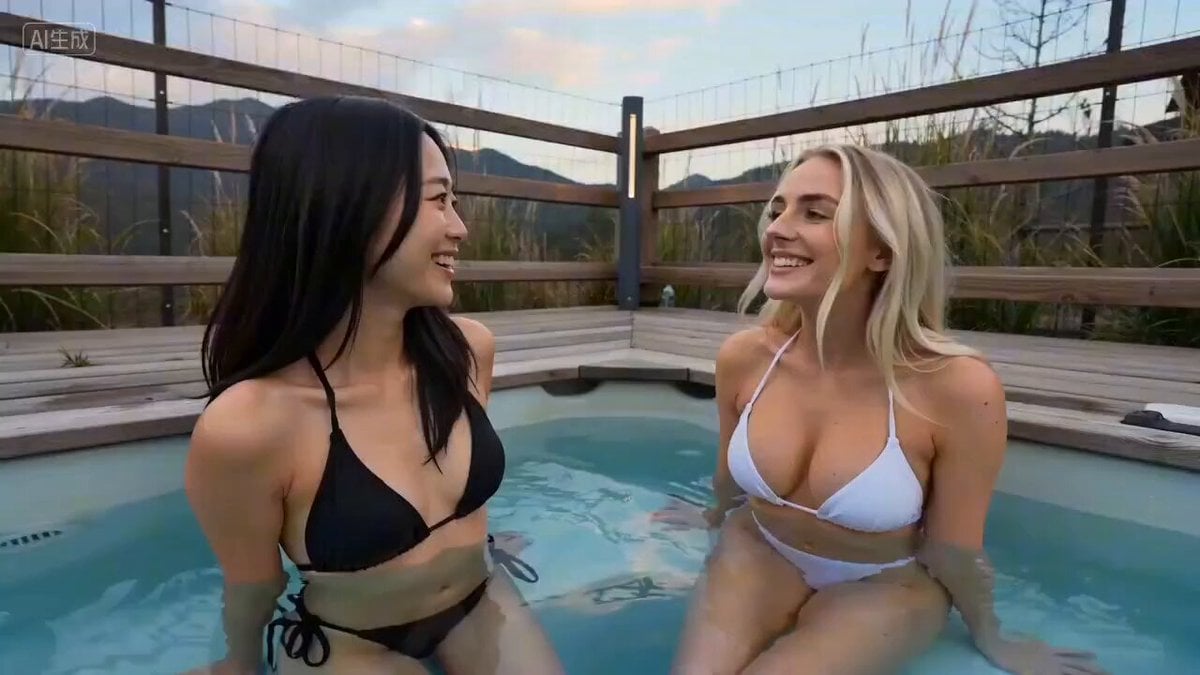
Seedance 2.0 Prompt for Time Stop Scenario in Hot Spring
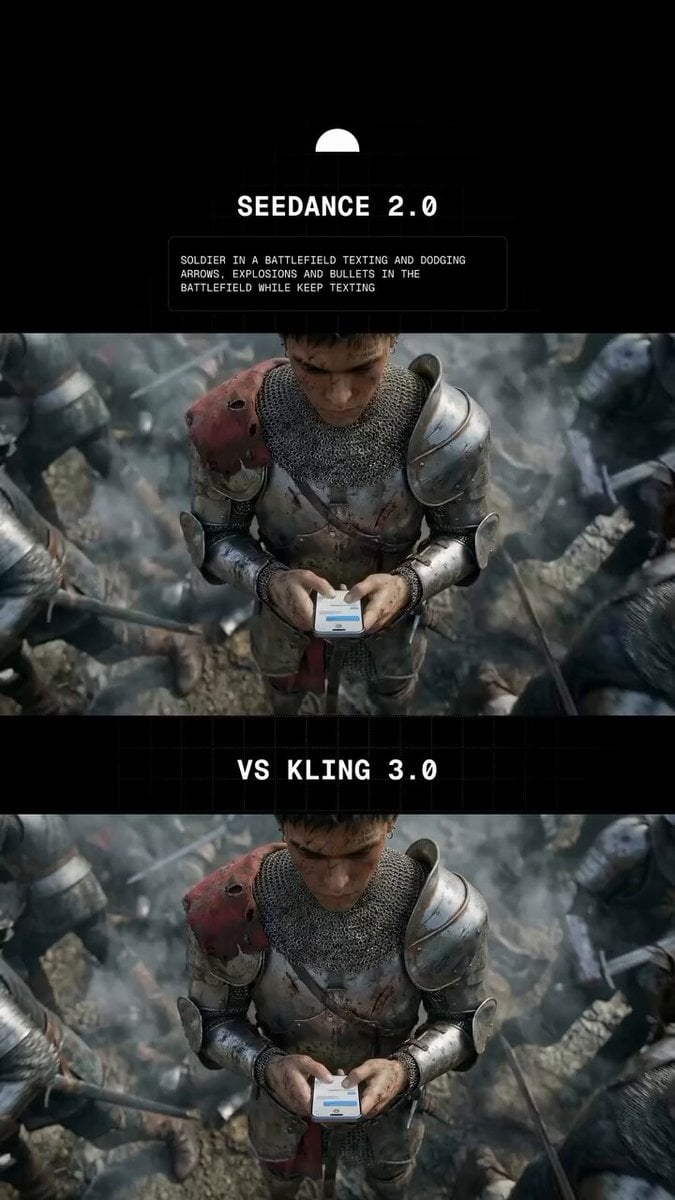
Soldier Texting in Battlefield
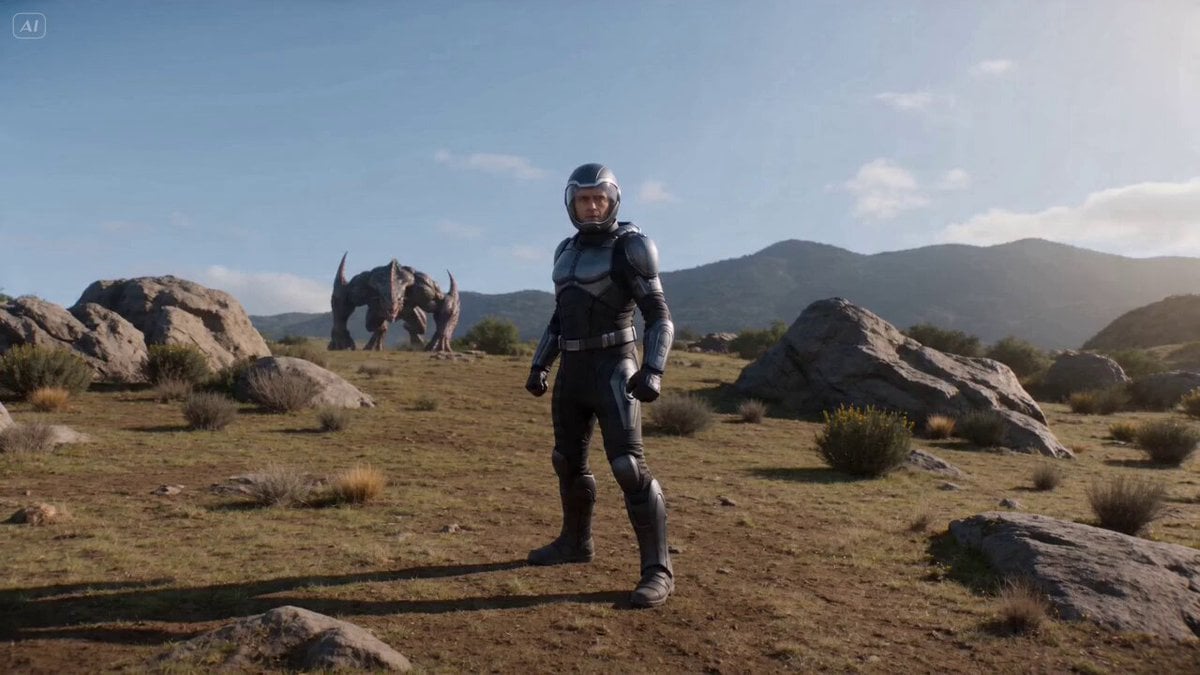
Cinematic Sci-Fi Fantasy Duel Prompt with Detailed Choreography
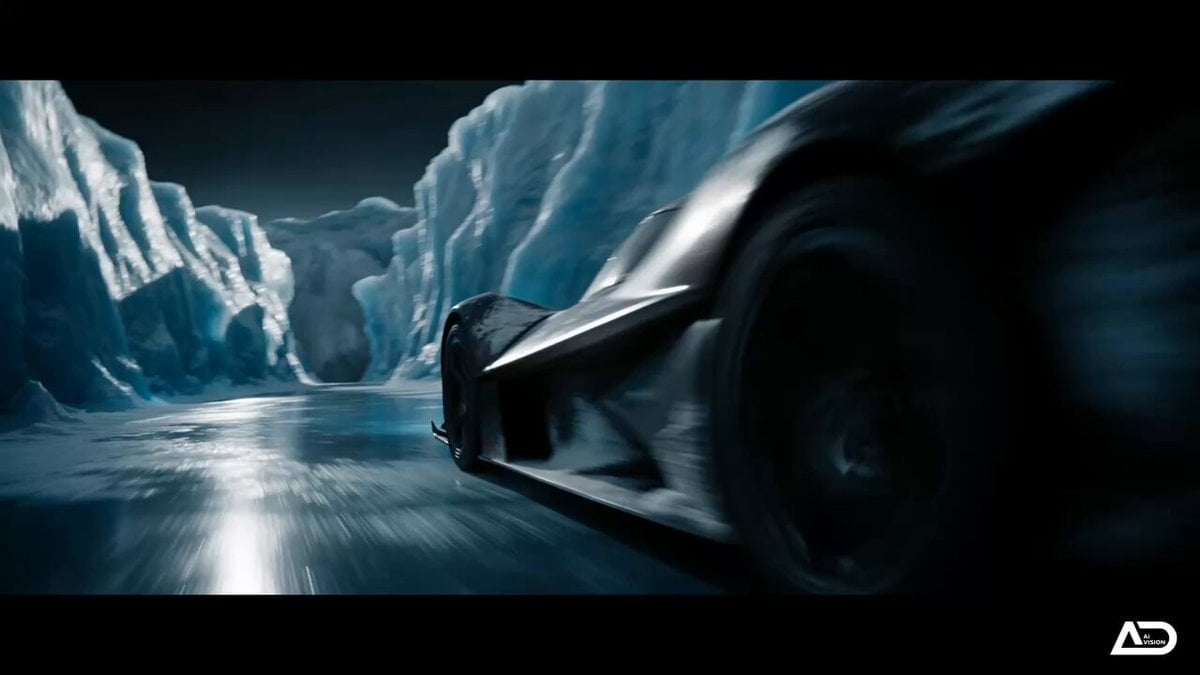
Futuristic Ice Canyon Racer Sequence

Cat and Robot Vacuum Narrative Script
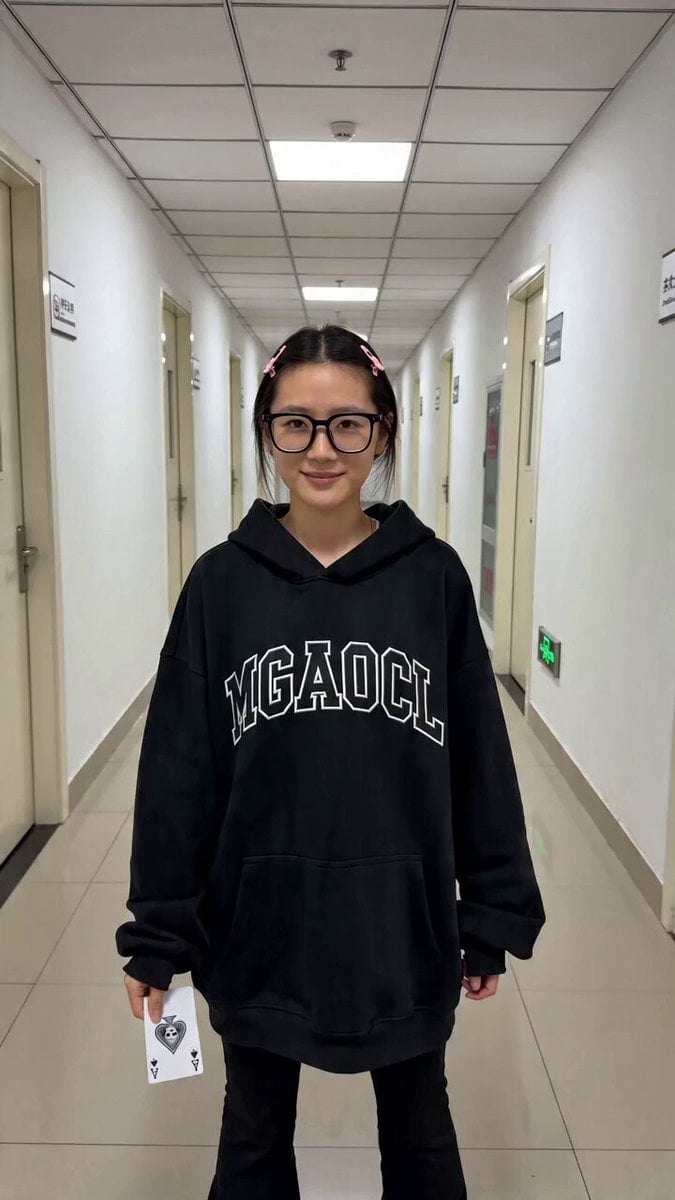
Contrast Transformation Video Prompt: Office Worker to Gothic Queen
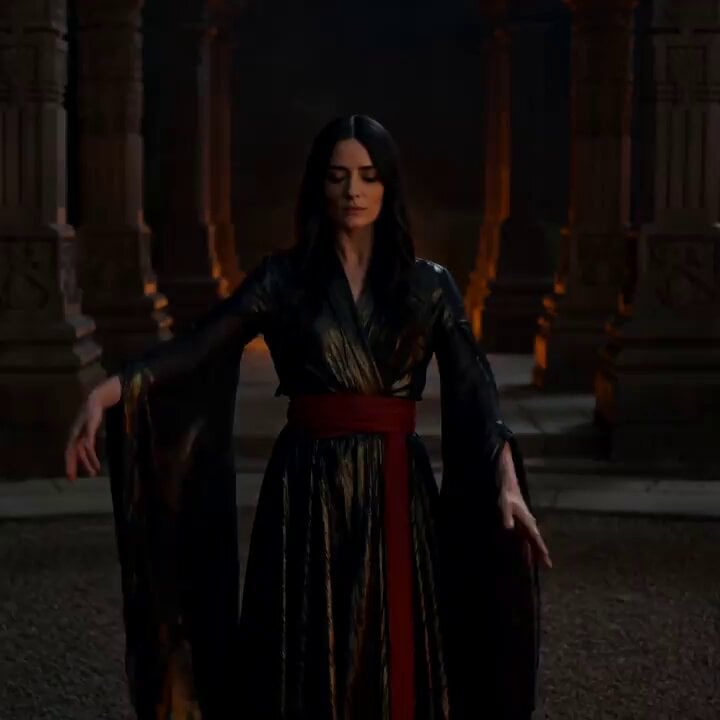
Cinematic Fire Dancer Performance in Abandoned Courtyard
Browse template categories
Anime Music Video Motion Effects questions
How do I use the Anime Music Video Motion Effects template?
Add your photo if the template asks for one, edit the prompt if you like — the template's model and format are already selected — and press Generate. Your version opens in PicX Studio.
Can I customize the Anime Music Video Motion Effects template?
Yes. You can change the subject, setting, lighting, mood, format, and available model controls before creating your video.
Is the Anime Music Video Motion Effects template free?
Opening and editing this template is free. Generating uses credits, shown on the Generate button when you are signed in.
Which AI model should I use?
Start with Seedance 2.0, which is the model associated with this template. You can compare another compatible model for a different finish.
Looking for something else? Browse all templates.

Your photo, any look
Thousands of ready templates for every top image and video model, from one credit balance.