
Side-Flip Motion Reproduction and Environment Adaptation
A multi-step prompt sequence for Seedance 2.5 that transfers a specific side-flip motion from a reference video to a character while instructing the AI to rearrange environmental obstacles to ensure the movement looks…
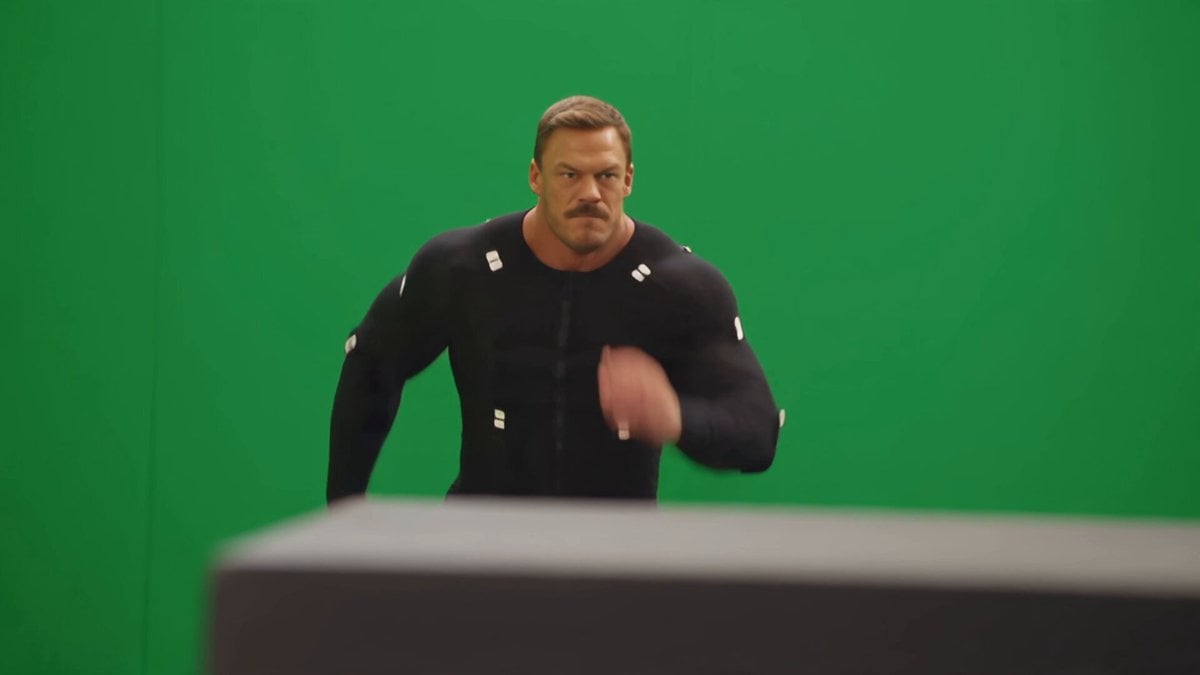
- Prompt included
- Model and format preset
- Free template
The prompt behind this video
Copy the exact prompt behind Side-Flip Motion Reproduction and Environment Adaptation, or open it in the studio and make it yours.
@画像1の日本人女性が@画像2の環境で@動画1のモーションを再現しする。同じ環境からスタートしなくていい、動けるように物体の配置を変更してスペースを空けても良い。@動画1の障害物を液晶テレビと想定して、@画像2にも液晶テレビを配置してそれを飛び越える動きにすれば@動画1の動きが再現できる、画面奥から画面手前に移動するモーションを@動画1を参照しなさい。
How to use Side-Flip Motion Reproduction and Environment Adaptation in 3 steps
- 1
Open
The prompt is already in the box next to the preview, with the template's model and format selected.
- 2…a portrait of your subject in softgolden-hour light, 85mm…
Personalize
Edit the subject and creative details for your destination.
- 3Generate
Generate
Press Generate — your video is created in PicX Studio, so you can compare it with the original and refine one variable at a time.
More like this
Templates with the same subject, style or setup. Open one to see its prompt.
Nano Banana Seedance Environment Render Walk
Slow-Motion 90s Diner Explosion - Seedance 2.5
Slow Motion ASMR Breakdance Flip
Seedance Wind Guides Path
Xianxia Heavenly Gate Side Door Comedy
Wuxia Environmental Narrative Landscape
Surreal Immortal Mountain Environment Awakening
Rooftop Chase Motion Phrases

Cinematic Coin Flip Mystery
Documentary Tortilla Flip Action Sequence
Coffee Cup Interaction Motion
Seedance 2.0 First Test — Dynamic Motion Showcase
Make it yours
Side-Flip Motion Reproduction and Environment Adaptation works as-is. These are the safest ways to change it without losing the look.
Change one field
Copy a single group, rewrite it, and generate again so you can see what that field is doing.
Keep the frame, change the subject
Hold the composition and light of Side-Flip Motion Reproduction and Environment Adaptation, then swap wardrobe, props or the person for a new take.
| If the result… | Why | Fix |
|---|---|---|
| The result drifts from the preview | Too many fields changed at once. | Reuse Side-Flip Motion Reproduction and Environment Adaptation as-is first, then change one group — subject, light, or setting. |
| The model over-stylizes the scene | The prose prompt leaves finish and camera underspecified. | Add one camera or lighting sentence and stay on Seedance 2.0. |
More Seedance 2.0 templates
Other prompts made for Seedance 2.0.

Comical Martial Arts Punch Scene

Maglev Train Action Sequence

Martial Arts Fight Sequence

Wuxia Protection and Trust Script

Vintage Korean Arcade MiniDV Vlog

Mercedes 190 SL Luxury Ad

Rainy Night Supernatural Reverse Comedy Video Script

Amazon Civilization Discovery

Futuristic South Asian City Transformation

Cozy Luxury Cafe Commercial
More video prompts
Fresh picks from across the catalog.
Spider-Verse Style Comic Animation
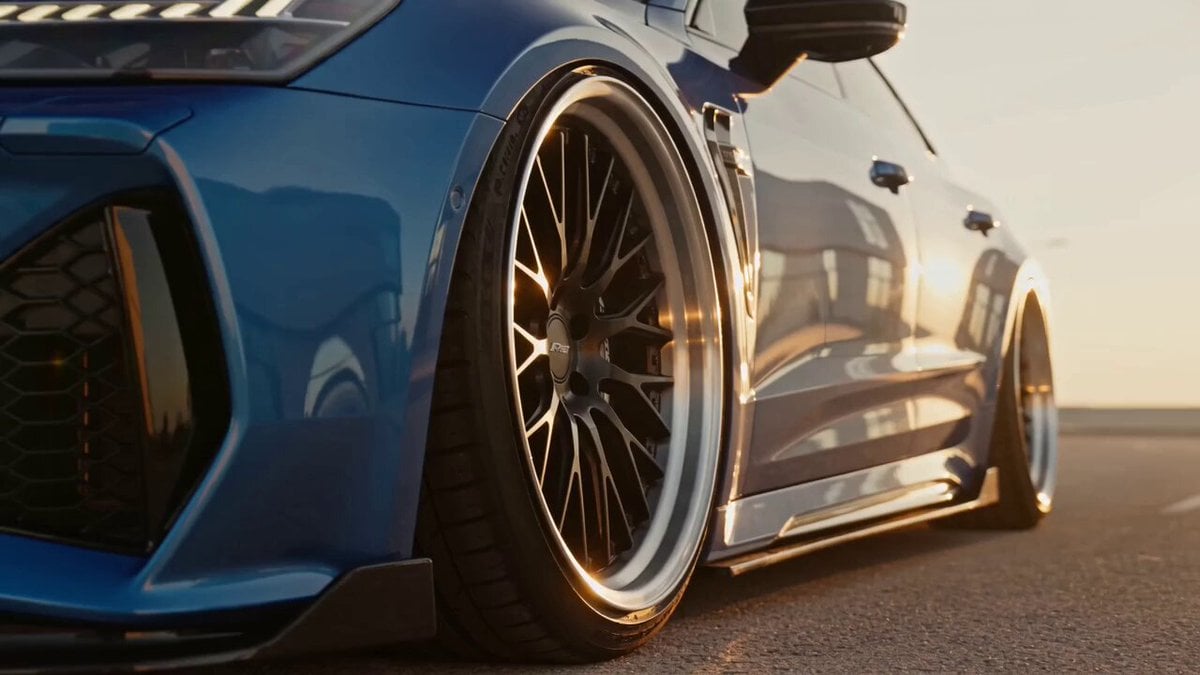
Metallic Blue Sports Sedan Commercial
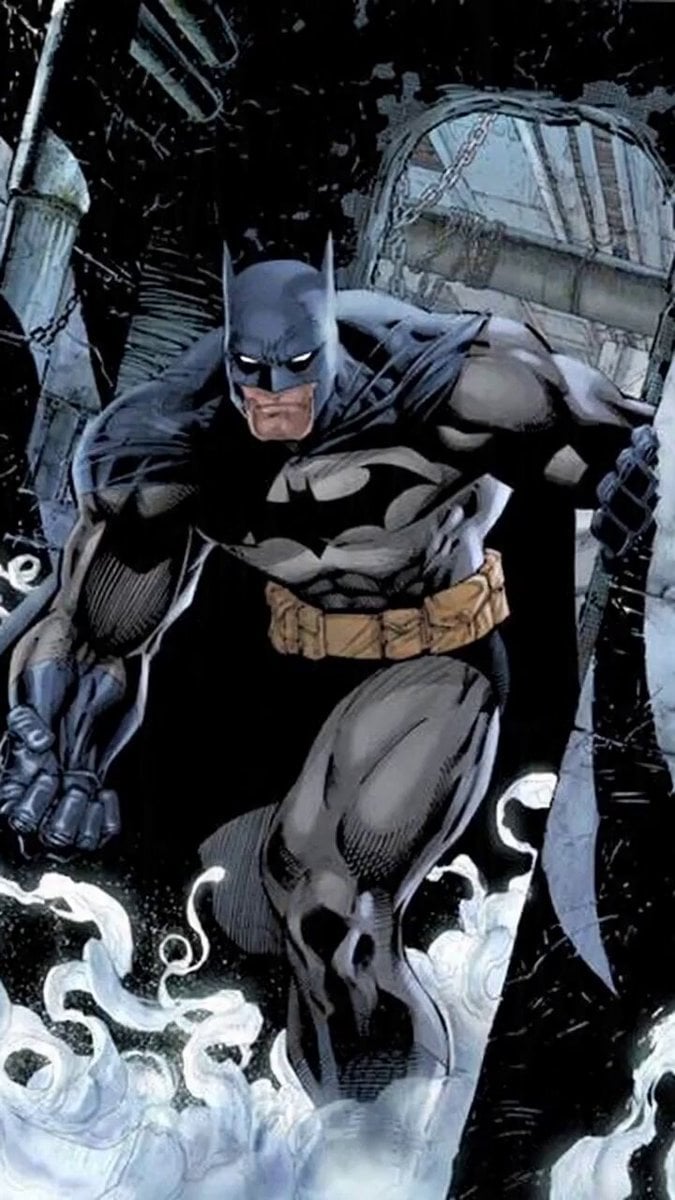
Kung Pao Chicken Plating Video Prompt
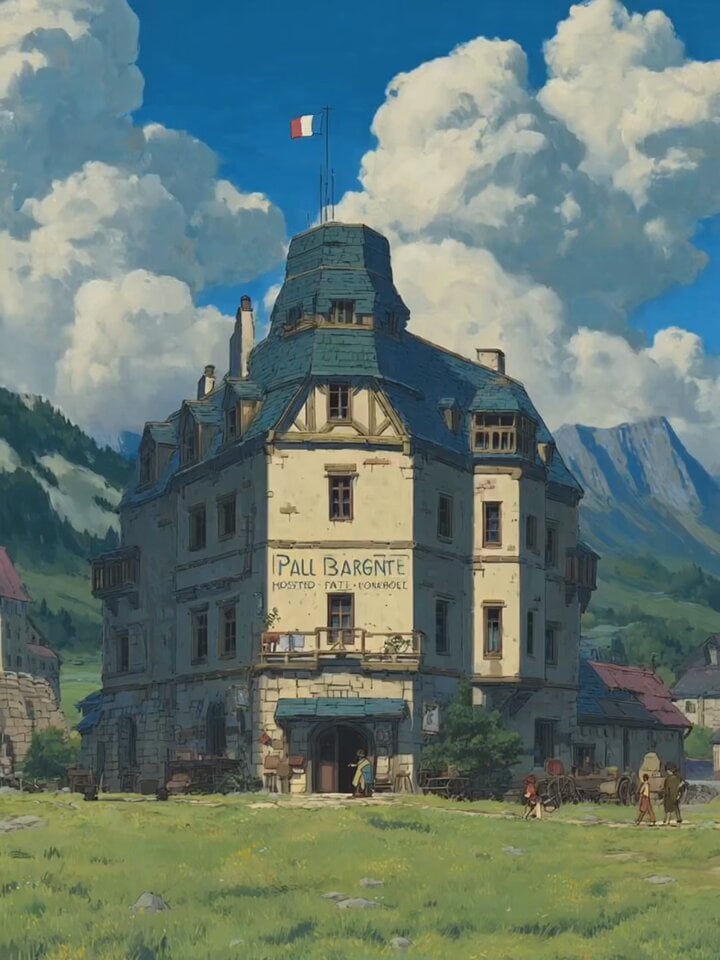
Alpine Inn Daily Chores Scene
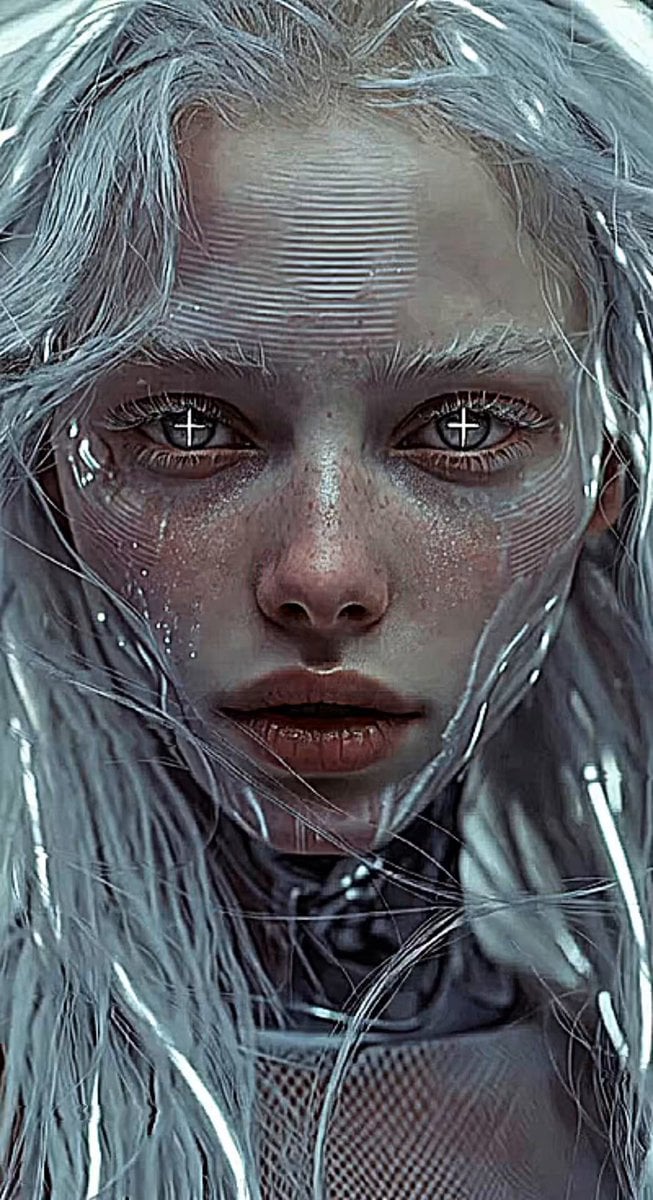
Glitches in the Simulation Prompt
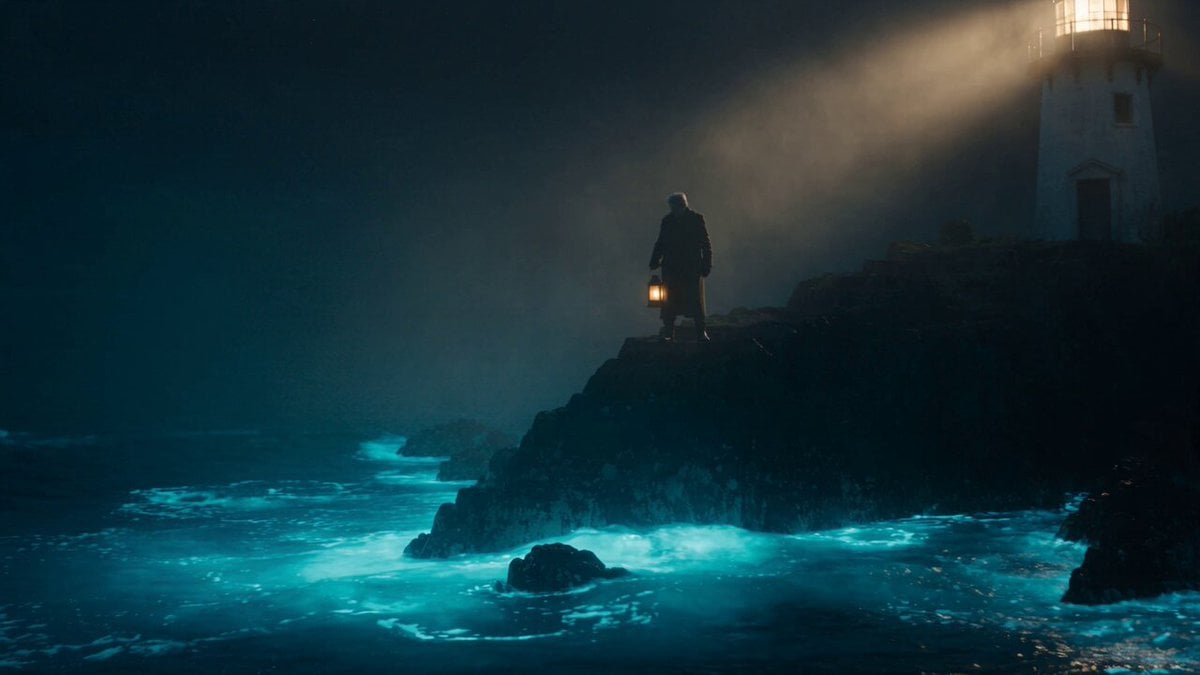
Cinematic Bioluminescent Ocean Lighthouse Prompt
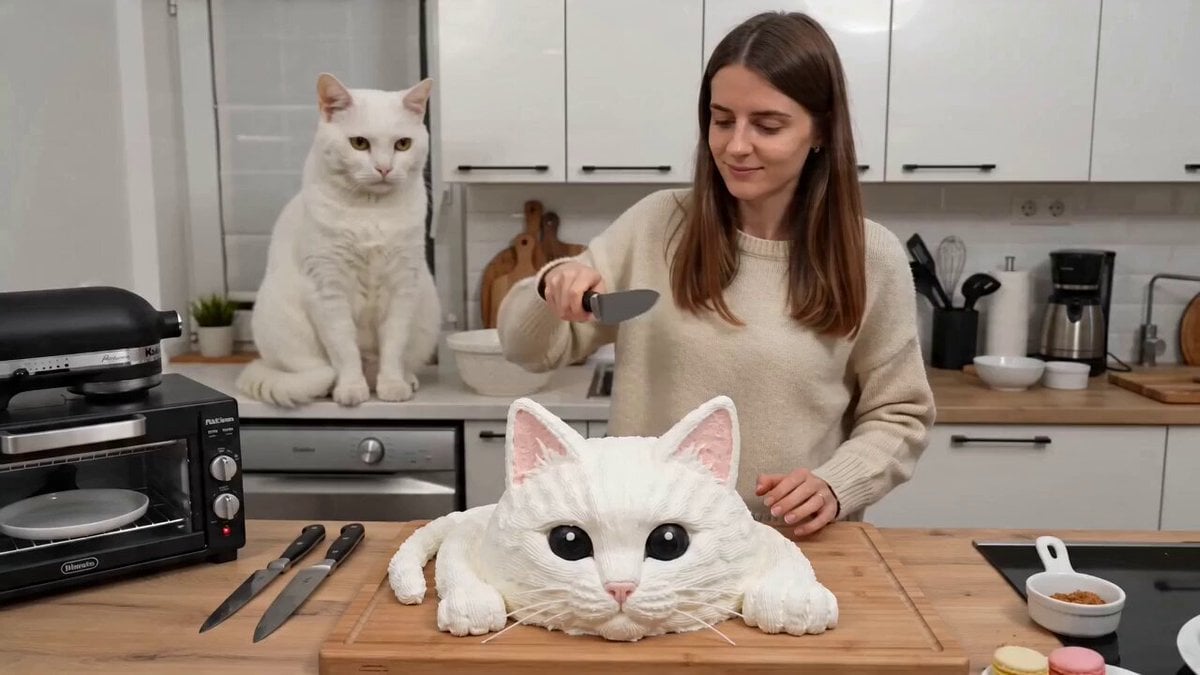
One-take UGC video of a woman cutting a cake and a cat screaming
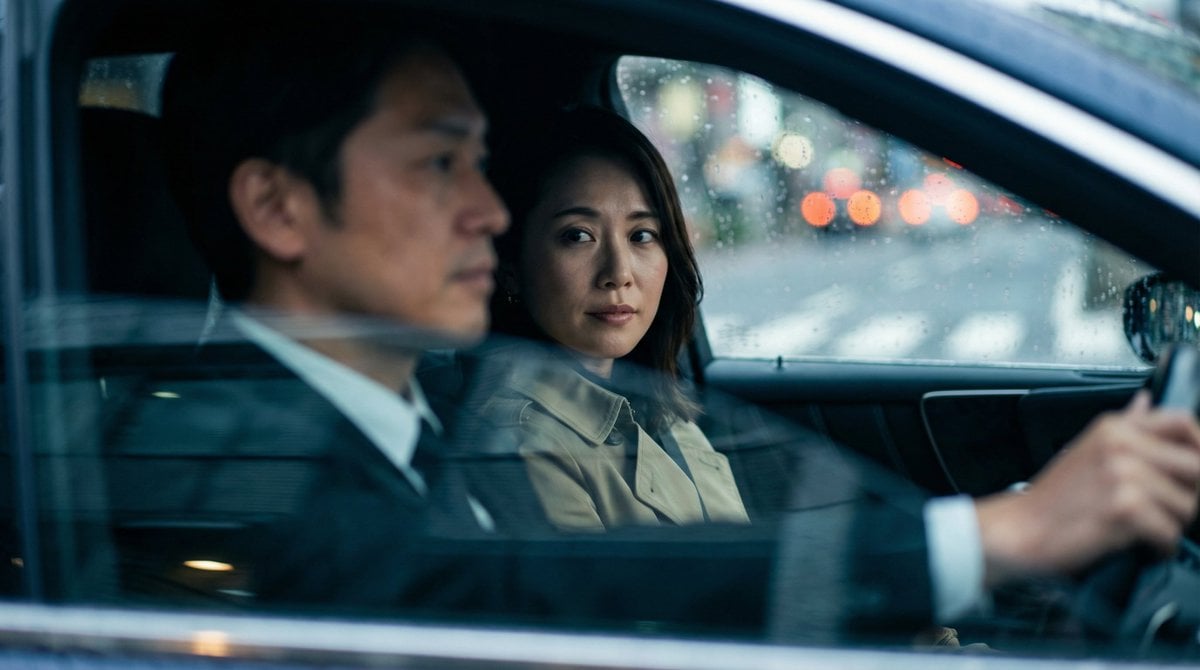
Japanese Couple in Parked Car During Heavy Rain
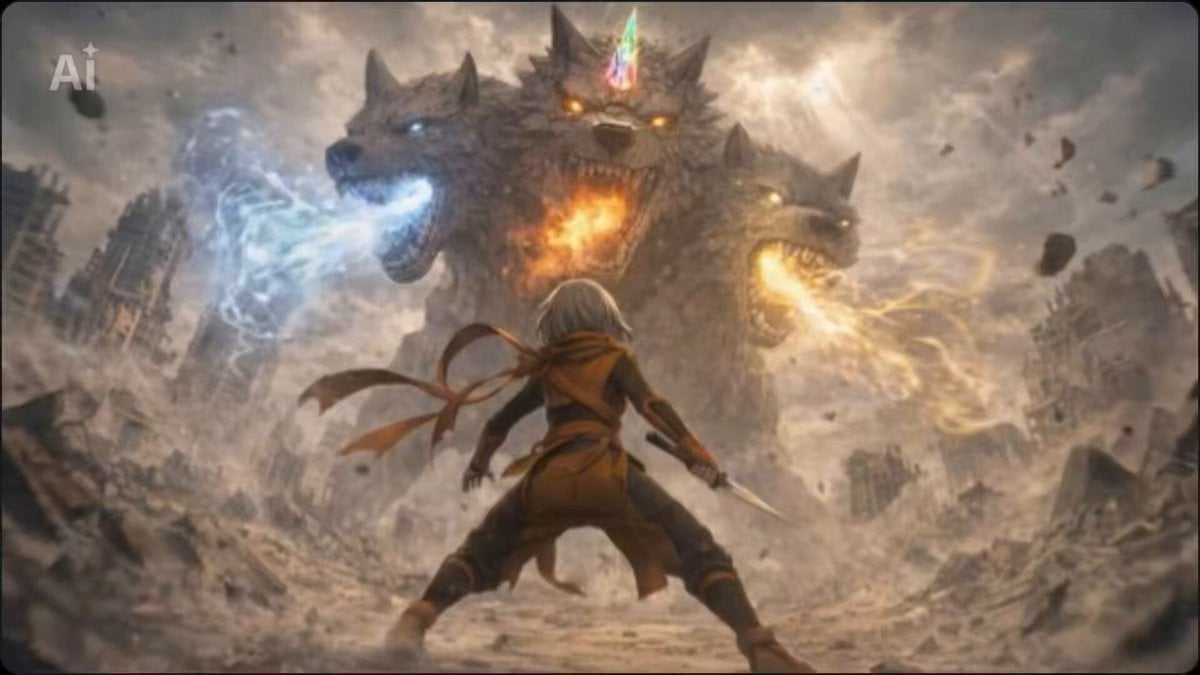
Seedance 2.0 Consistency Test Prompt (Kanon and the Giant Beast)
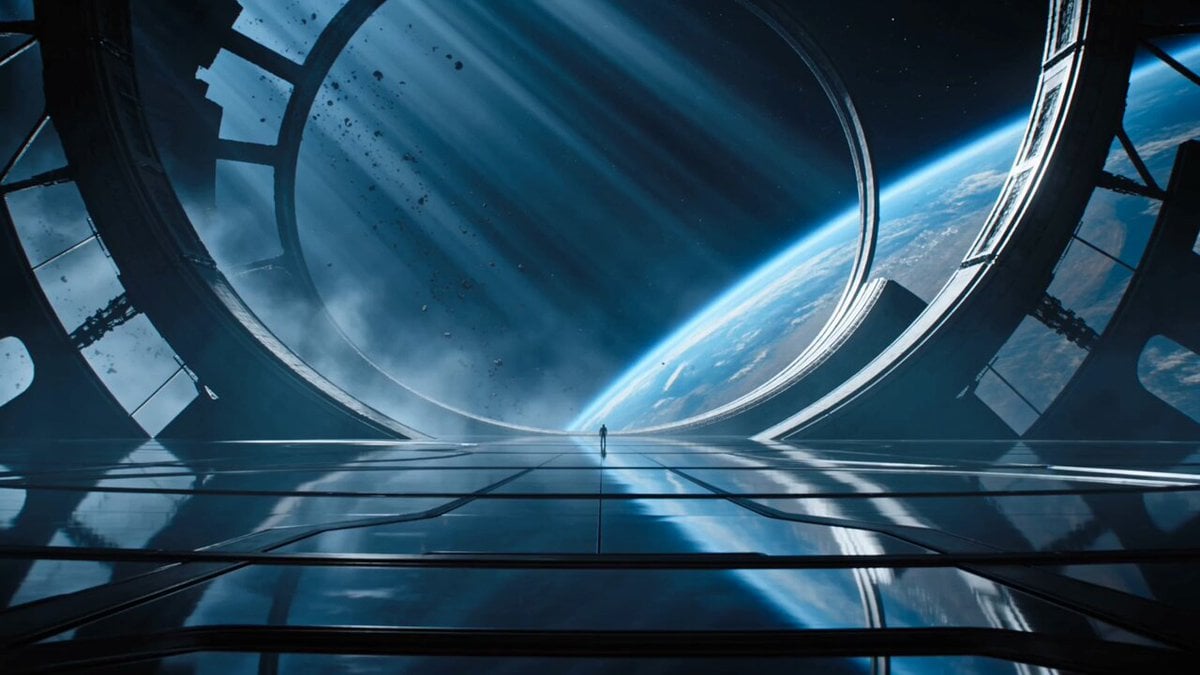
Cinematic Sci-Fi Orbital Megastructure
Browse template categories
Side-Flip Motion Reproduction and Environment Adaptation questions
How do I use the Side-Flip Motion Reproduction and Environment Adaptation template?
Add your photo if the template asks for one, edit the prompt if you like — the template's model and format are already selected — and press Generate. Your version opens in PicX Studio.
Can I customize the Side-Flip Motion Reproduction and Environment Adaptation template?
Yes. You can change the subject, setting, lighting, mood, format, and available model controls before creating your video.
Is the Side-Flip Motion Reproduction and Environment Adaptation template free?
Opening and editing this template is free. Generating uses credits, shown on the Generate button when you are signed in.
Which AI model should I use?
Start with Seedance 2.0, which is the model associated with this template. You can compare another compatible model for a different finish.
Looking for something else? Browse all templates.

Your photo, any look
Thousands of ready templates for every top image and video model, from one credit balance.