
Cinematic Bioluminescent Ocean Lighthouse Prompt
A detailed cinematic video prompt for a 15-second shot of a lighthouse keeper watching bioluminescent waves and floating orbs at night, featuring specific camera movements and color grading instructions.
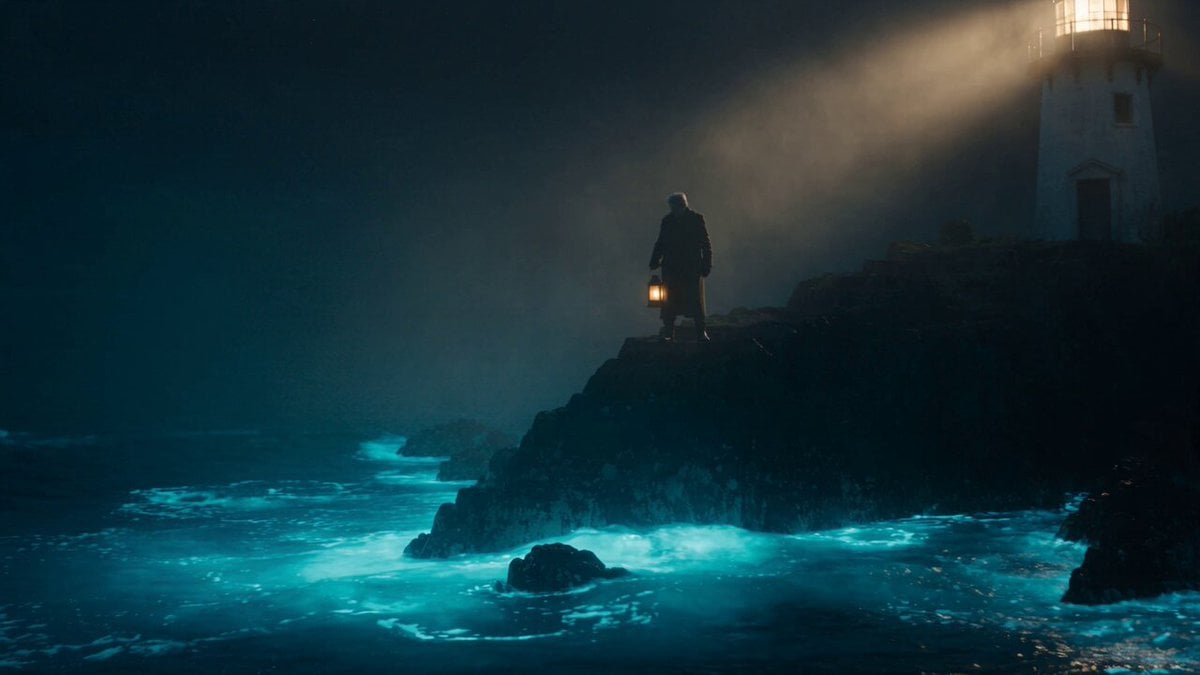
- Prompt included
- Model and format preset
- Free template
The prompt behind this video
Copy the exact prompt behind Cinematic Bioluminescent Ocean Lighthouse Prompt, or open it in the studio and make it yours.
A weathered old lighthouse keeper stands on a foggy cliff at night, wearing a thick wool coat, holding an old brass lantern. Below him, the ocean waves glow with soft bioluminescent blue light with each crash against the rocks. As he raises the lantern, dozens of floating glowing orbs (like fireflies) rise up from the water and drift past him into the misty air, swirling gently around his figure. Volumetric moonlight beams cut through the fog. Camera starts wide on the cliff, then does a slow cinematic push-in toward the keeper's face as the orbs surround him, ending on a close-up with orbs reflecting in his eyes. Teal and warm-amber color grade, hyper-realistic textures, shallow depth of field, film grain, atmospheric fog, 15 seconds, smooth continuous camera motion, no cuts.
How to use Cinematic Bioluminescent Ocean Lighthouse Prompt in 3 steps
- 1
Open
The prompt is already in the box next to the preview, with the template's model and format selected.
- 2…a portrait of your subject in softgolden-hour light, 85mm…
Personalize
Edit the subject and creative details for your destination.
- 3Generate
Generate
Press Generate — your video is created in PicX Studio, so you can compare it with the original and refine one variable at a time.
More like this
Templates with the same subject, style or setup. Open one to see its prompt.
Sea Serpent vs Crab Titan — Ocean Battle
Colossal Sea Creature — Stormy Shore Charge (Seedance)
Speeder Chase Across a Cliff City
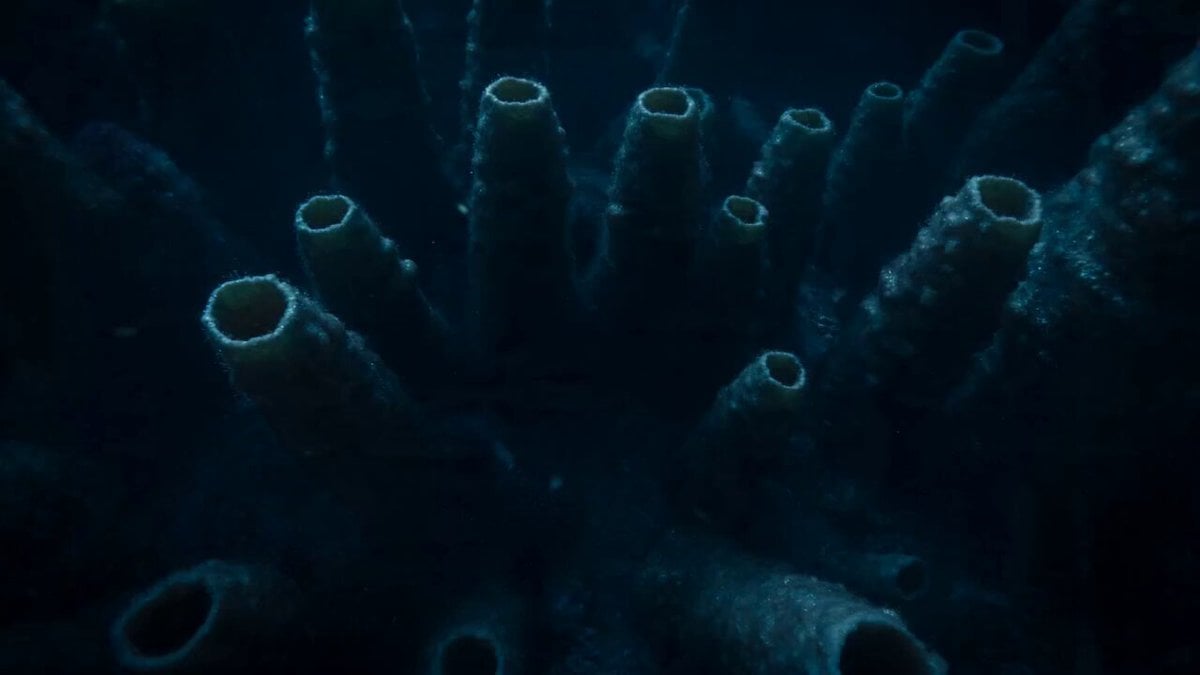
Bioluminescent Deep Sea Abyss
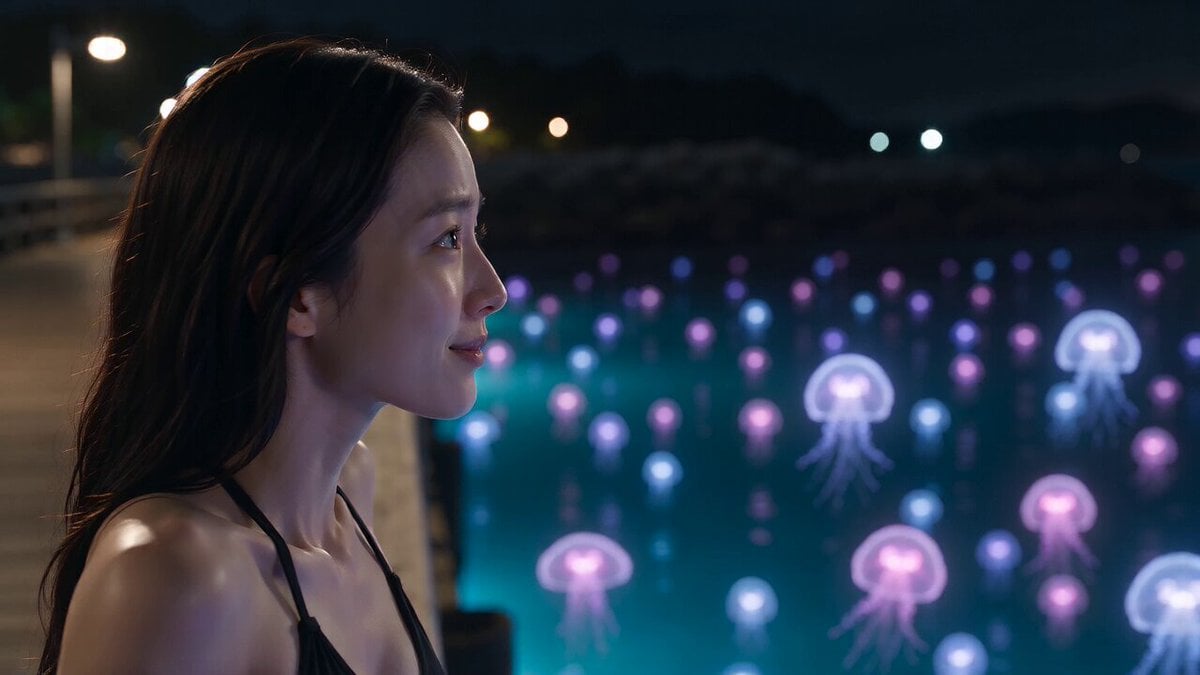
Bioluminescent Jellyfish and Prehistoric Monster Attack

Bioluminescent Abyssal Fish Cinematic Video

Bioluminescent Dawn Fantasy Prompt
Bioluminescent Aquarium Dolphin Whirlpool
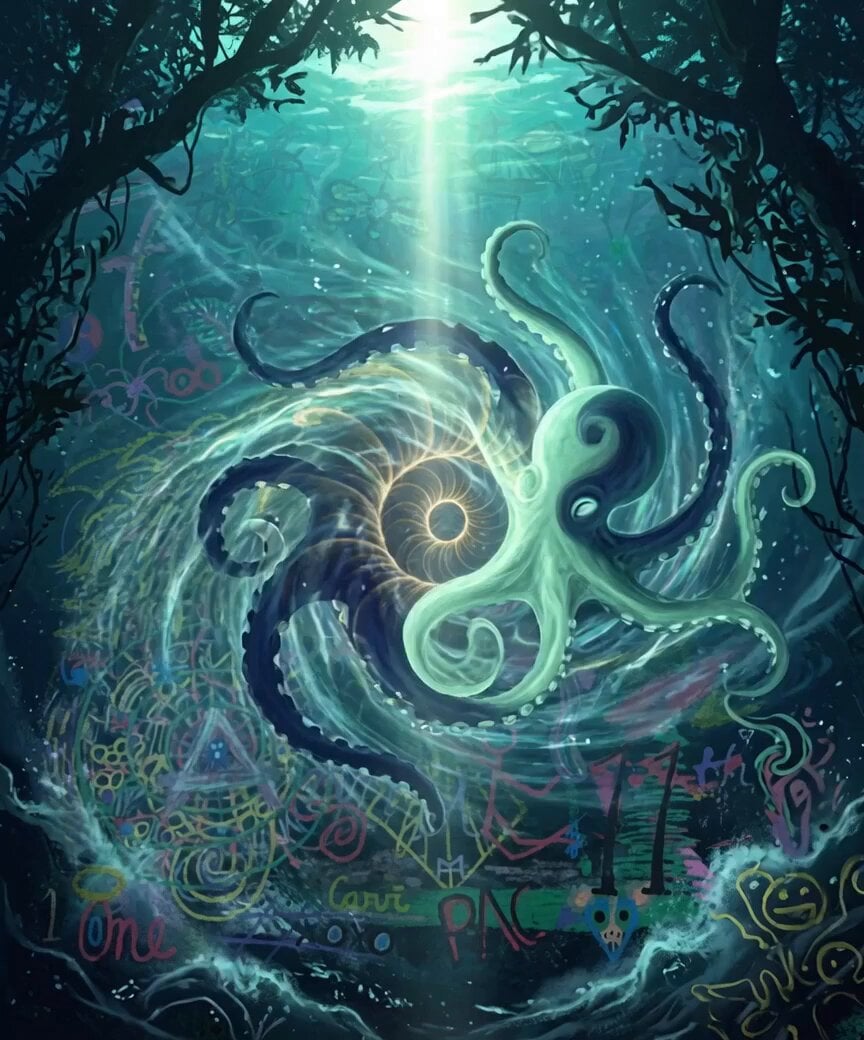
Bioluminescent Dolphins Vortex

Bioluminescent Jellyfish Alien Encounter
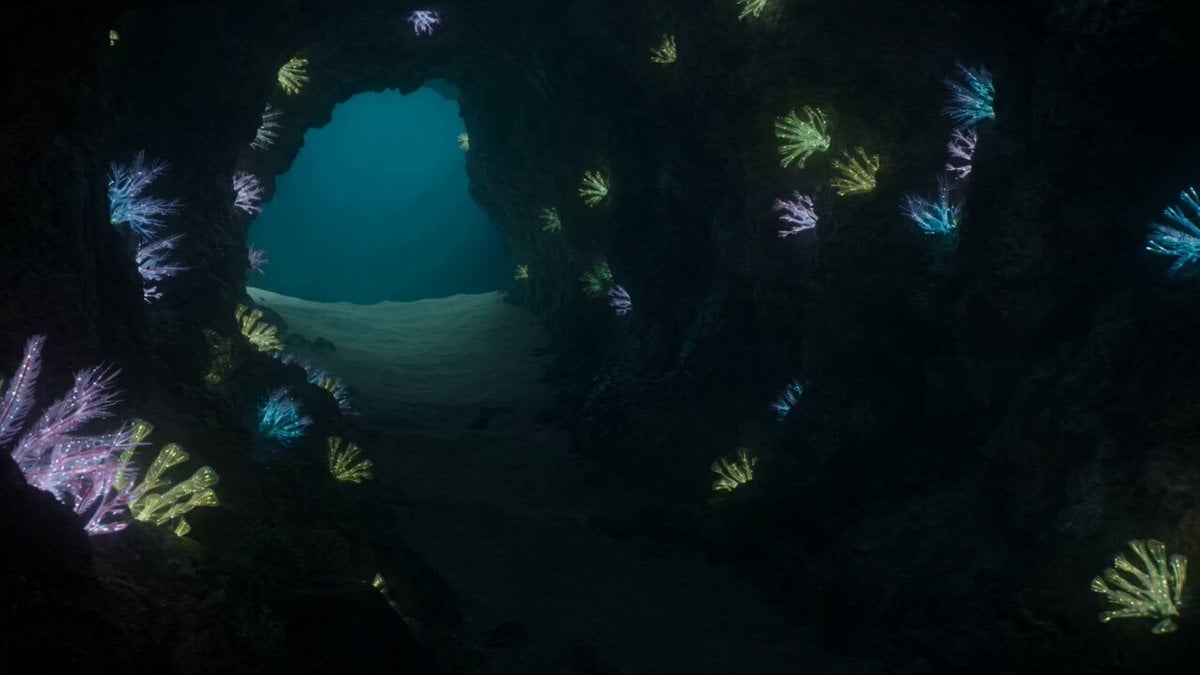
Bioluminescent Deep Sea Predator Chase
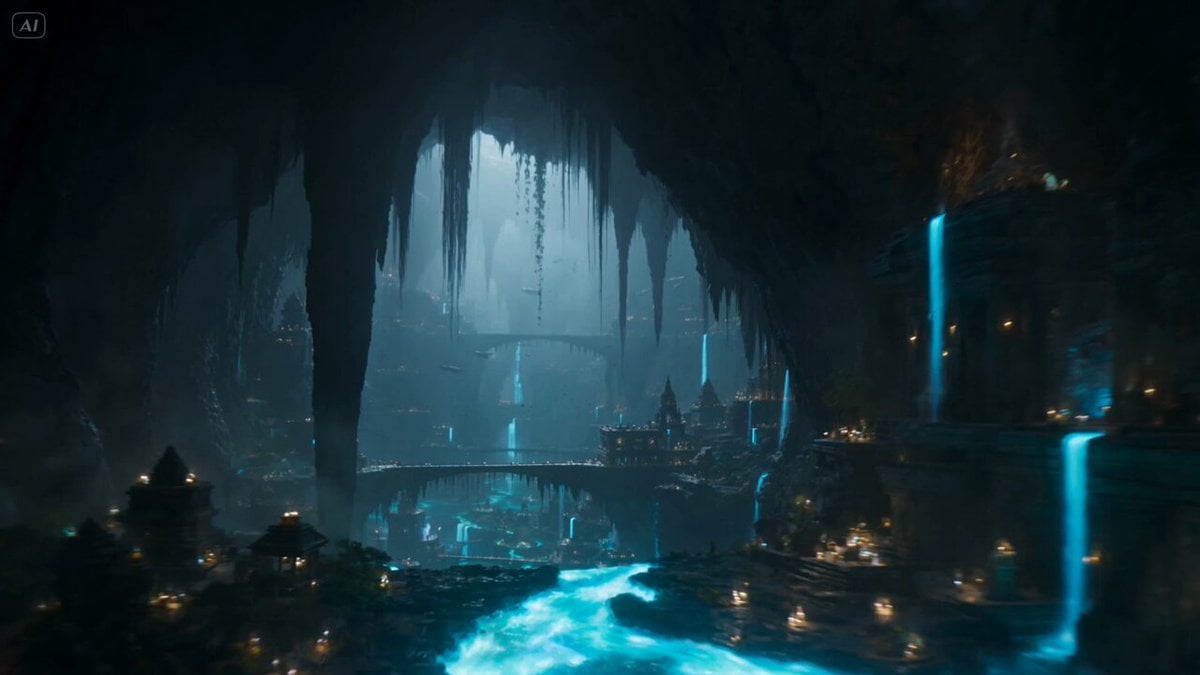
Subterranean Bioluminescent Civilization
Make it yours
Cinematic Bioluminescent Ocean Lighthouse Prompt works as-is. These are the safest ways to change it without losing the look.
Change one field
Copy a single group, rewrite it, and generate again so you can see what that field is doing.
Keep the frame, change the subject
Hold the composition and light of Cinematic Bioluminescent Ocean Lighthouse Prompt, then swap wardrobe, props or the person for a new take.
| If the result… | Why | Fix |
|---|---|---|
| The result drifts from the preview | Too many fields changed at once. | Reuse Cinematic Bioluminescent Ocean Lighthouse Prompt as-is first, then change one group — subject, light, or setting. |
| The model over-stylizes the scene | The prose prompt leaves finish and camera underspecified. | Add one camera or lighting sentence and stay on Seedance 2.0. |
More Seedance 2.0 templates
Other prompts made for Seedance 2.0.

Comical Martial Arts Punch Scene

Maglev Train Action Sequence

Martial Arts Fight Sequence

Wuxia Protection and Trust Script

Vintage Korean Arcade MiniDV Vlog

Mercedes 190 SL Luxury Ad

Rainy Night Supernatural Reverse Comedy Video Script

Amazon Civilization Discovery

Futuristic South Asian City Transformation

Cozy Luxury Cafe Commercial
More video prompts
Fresh picks from across the catalog.
Cinematic Commercial Sequence Part 1

Oscar-Winning Scene Generation Prompt

Candid Late-Night Pizza Moment with Handheld Camcorder Aesthetic

Industrial Mecha Walker Cinematic

Japanese 2D Anime Ramen Cooking
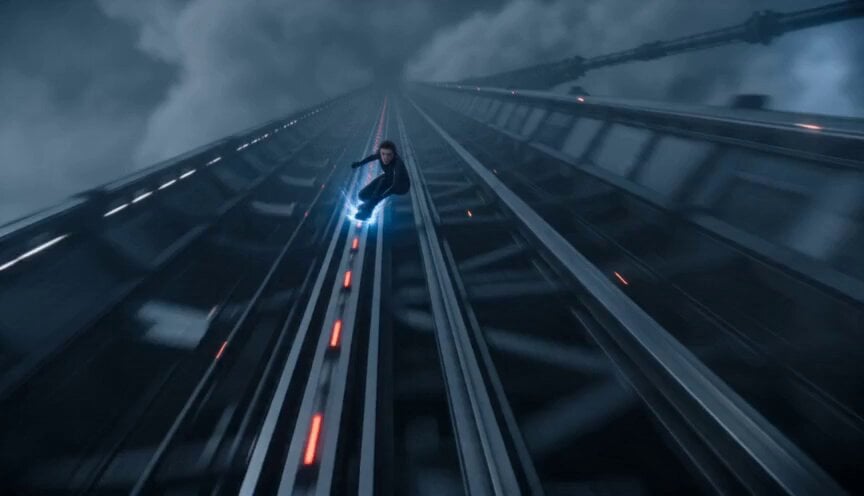
Orbital Elevator Combat Sequence

Dark Fantasy Cathedral Action Scene
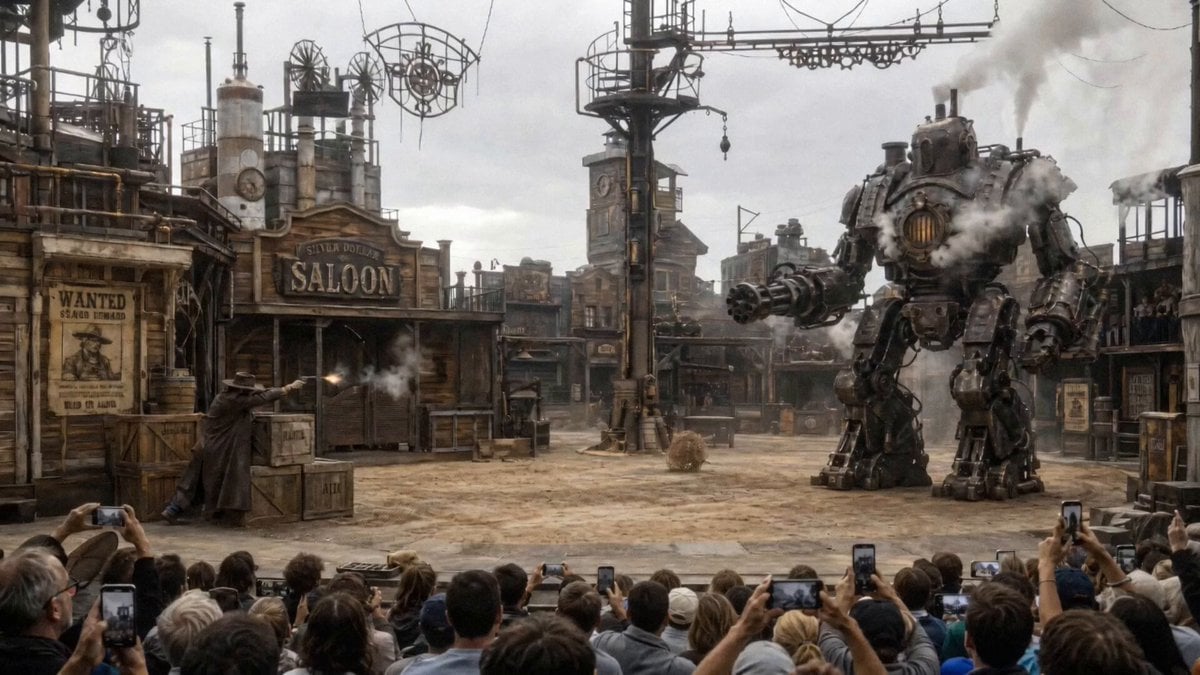
Steampunk Theater Shootout POV

Pixar Style French Crepe Maker Animation
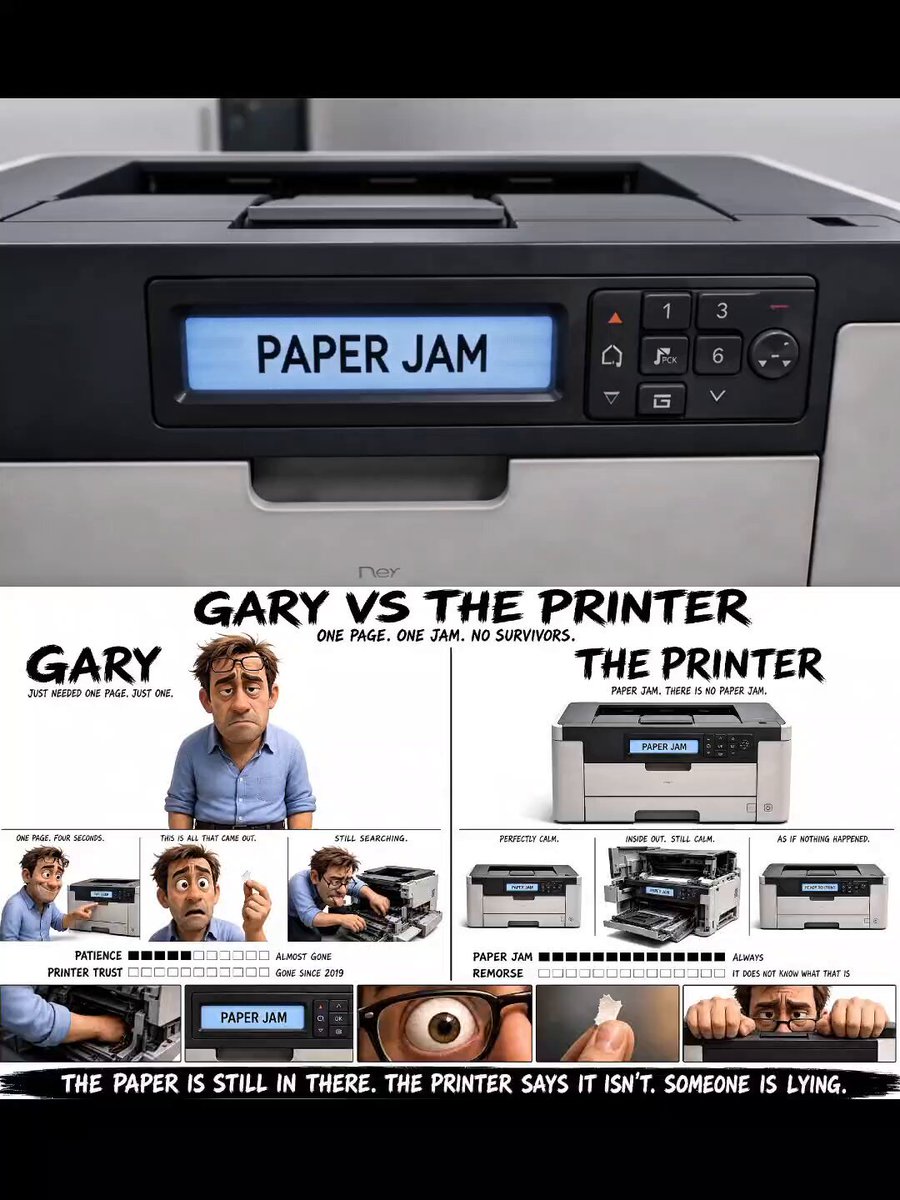
Office Copier Frustration Skit
Browse template categories
Cinematic Bioluminescent Ocean Lighthouse Prompt questions
How do I use the Cinematic Bioluminescent Ocean Lighthouse Prompt template?
Add your photo if the template asks for one, edit the prompt if you like — the template's model and format are already selected — and press Generate. Your version opens in PicX Studio.
Can I customize the Cinematic Bioluminescent Ocean Lighthouse Prompt template?
Yes. You can change the subject, setting, lighting, mood, format, and available model controls before creating your video.
Is the Cinematic Bioluminescent Ocean Lighthouse Prompt template free?
Opening and editing this template is free. Generating uses credits, shown on the Generate button when you are signed in.
Which AI model should I use?
Start with Seedance 2.0, which is the model associated with this template. You can compare another compatible model for a different finish.
Looking for something else? Browse all templates.

Your photo, any look
Thousands of ready templates for every top image and video model, from one credit balance.