
Steampunk Theater Shootout POV
A realistic POV handheld shot of a steampunk-themed theater performance featuring a shootout between a cowboy and a robot.
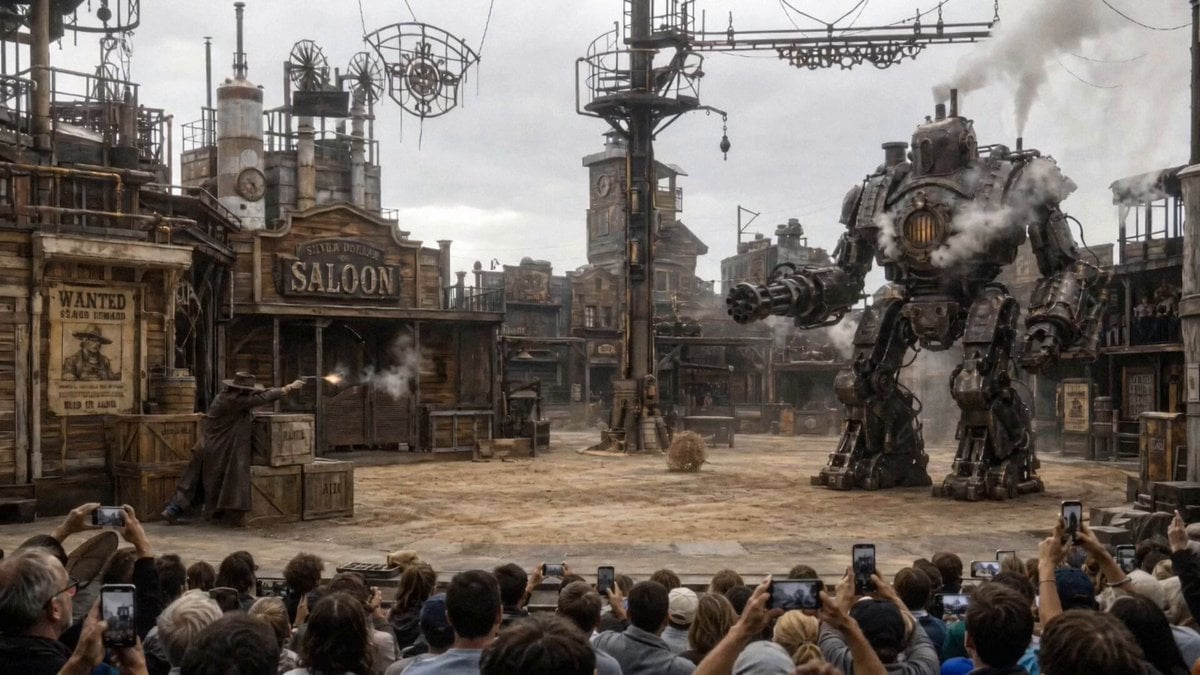
- Prompt included
- Model and format preset
- Premium template
The prompt behind this video
Copy the exact prompt behind Steampunk Theater Shootout POV, or open it in the studio and make it yours.
POV handheld shot from someone in the audience filming with a phone camera from the third row, frame slightly unsteady, raised above other people’s heads. The scene shows a large outdoor theater stage with a cowboy gunslinger shooting a mechanical robot while hiding behind wooden crates. The cowboy hides behind the crates shooting at the robot. The robots bullets are slowly destroying pieces of the wooden crate. The cowboy ducks and dodges bullets. Bullet impact and dust is flying with every bullet impact that hits the ground. Western cowboy music can be heard playing through the speakers on stage. The crowd can be heard cheering, some amazed, others shocked. The intense shootout on stage ends once the cowboy fires his last round, while hiding behind the crates causing the robot to malfunctioning, spark and collapse. Audible oohs and aahs can be heard once the battle is finished.
How to use Steampunk Theater Shootout POV in 3 steps
- 1
Open
The prompt is already in the box next to the preview, with the template's model and format selected.
- 2…a portrait of your subject in softgolden-hour light, 85mm…
Personalize
Edit the subject and creative details for your destination.
- 3Generate
Generate
Press Generate — your video is created in PicX Studio, so you can compare it with the original and refine one variable at a time.
More like this
Templates with the same subject, style or setup. Open one to see its prompt.
Steampunk Clockwork Odyssey

DV Camcorder POV Gym Montage — Seedance 2.5
DV Camcorder POV Gym Montage — Seedance 2.5
Ice Queen — Frozen Battlefield Time Control (Seedance)
Japanese Feudal Village Theater POV
Steampunk Momotaro Live Action Video
Steampunk Fantasy Forest Path Video
Emotional Movie Theater Scene

Steampunk Action Hero Combat
Surreal Abandoned Movie Theater

Steampunk Owl Adventure Flight

Anime Woman with Steampunk Wolf in Wheat Field
Make it yours
Steampunk Theater Shootout POV works as-is. These are the safest ways to change it without losing the look.
Change one field
Copy a single group, rewrite it, and generate again so you can see what that field is doing.
Keep the frame, change the subject
Hold the composition and light of Steampunk Theater Shootout POV, then swap wardrobe, props or the person for a new take.
| If the result… | Why | Fix |
|---|---|---|
| The result drifts from the preview | Too many fields changed at once. | Reuse Steampunk Theater Shootout POV as-is first, then change one group — subject, light, or setting. |
| The model over-stylizes the scene | The prose prompt leaves finish and camera underspecified. | Add one camera or lighting sentence and stay on Seedance 2.0. |
More Seedance 2.0 templates
Other prompts made for Seedance 2.0.

Comical Martial Arts Punch Scene

Maglev Train Action Sequence

Martial Arts Fight Sequence

Wuxia Protection and Trust Script

Vintage Korean Arcade MiniDV Vlog

Mercedes 190 SL Luxury Ad

Rainy Night Supernatural Reverse Comedy Video Script

Amazon Civilization Discovery

Futuristic South Asian City Transformation

Cozy Luxury Cafe Commercial
More video prompts
Fresh picks from across the catalog.

Jack-in-the-Box Horror Reveal

Futuristic Ocean City Flying Limousines

Morning Vlog Desk Setup
Gritty Cine Verité 35mm Handheld Shot Prompt
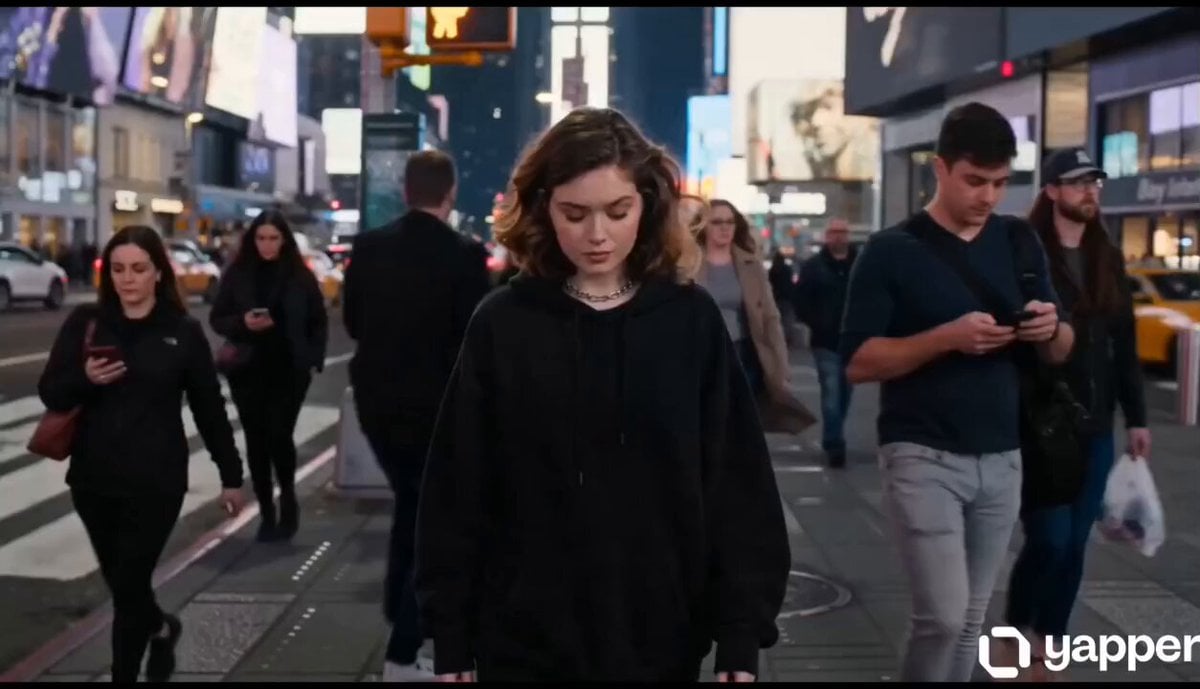
Surreal City Bubblegum Glitch
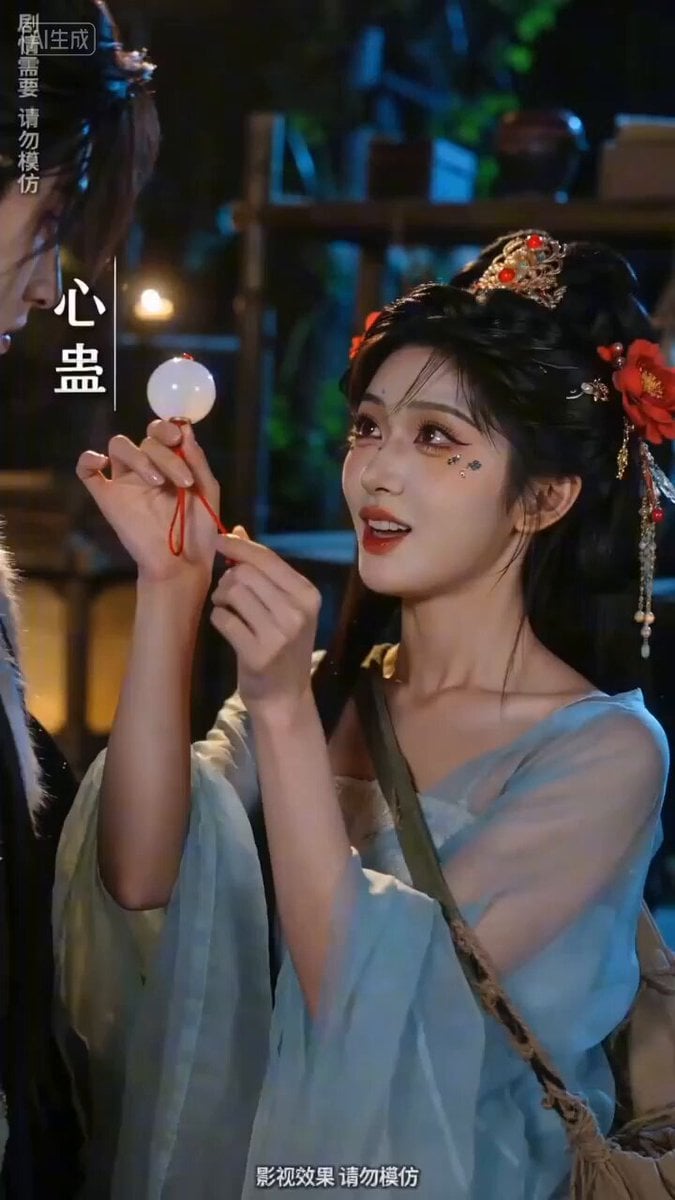
Sweet and Reversing Ancient Romance Short Drama Video Prompt
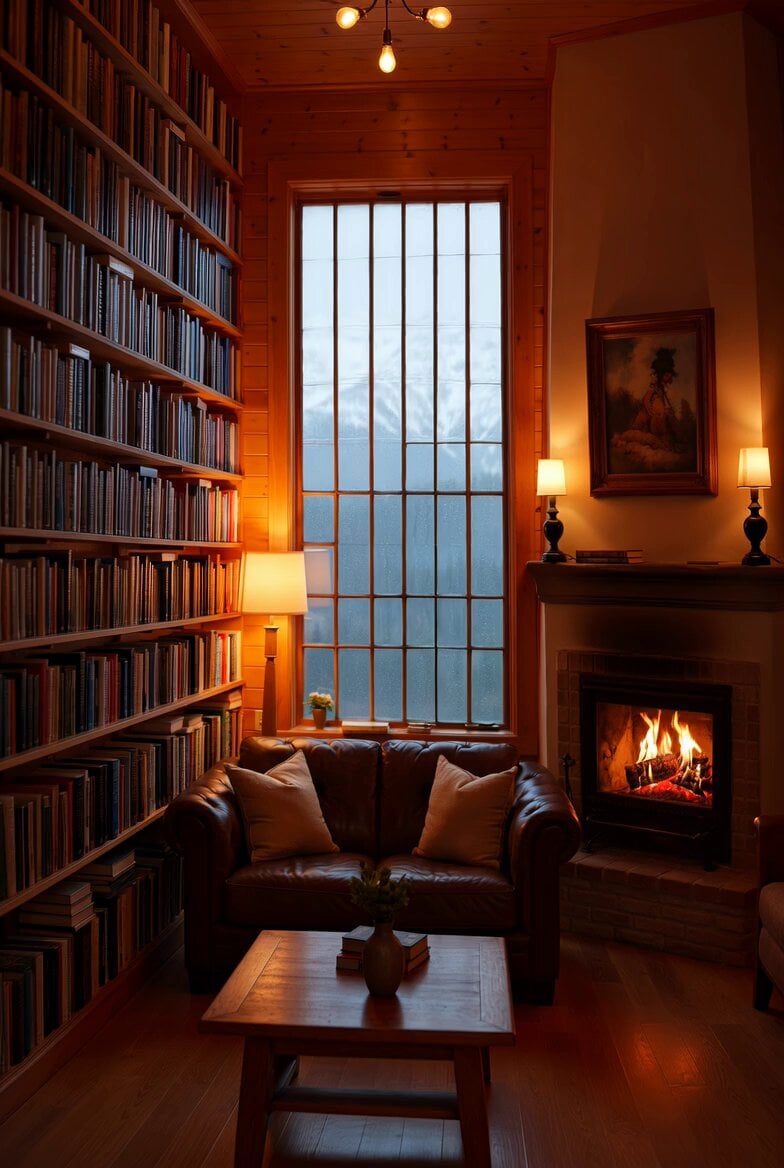
Cozy Den with Camera Zoom Prompt
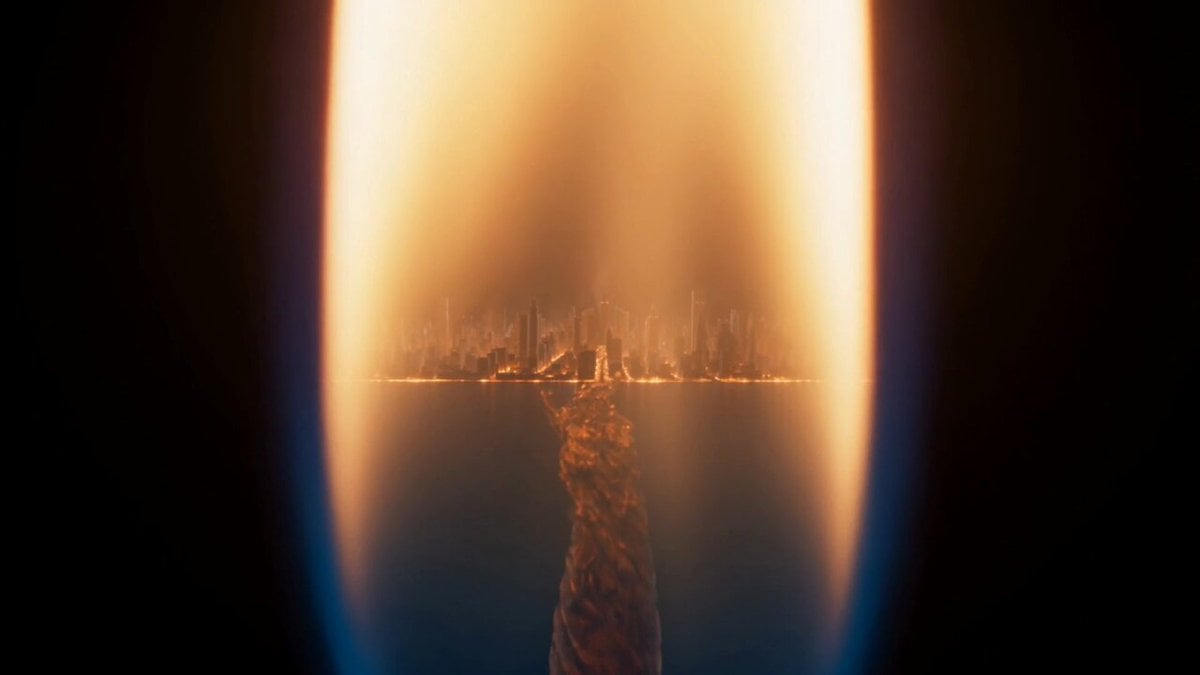
Macro Candle Flame Miniature City
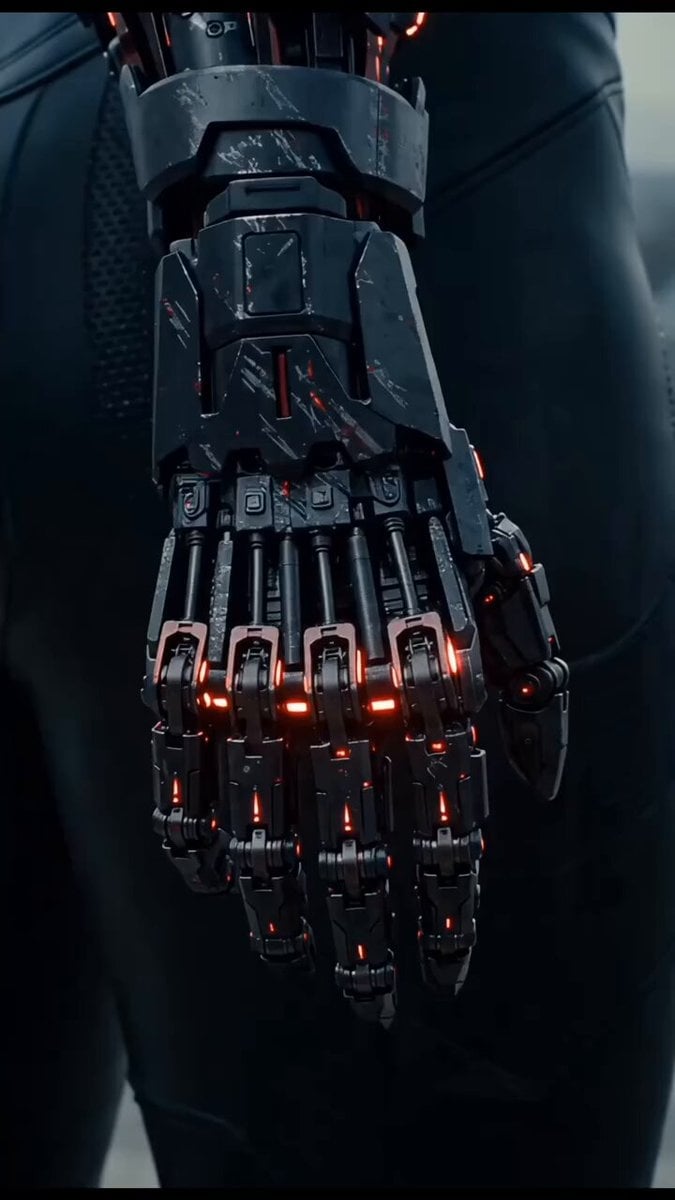
Dramatic cinematic sequence of an East Asian female cyborg warrior
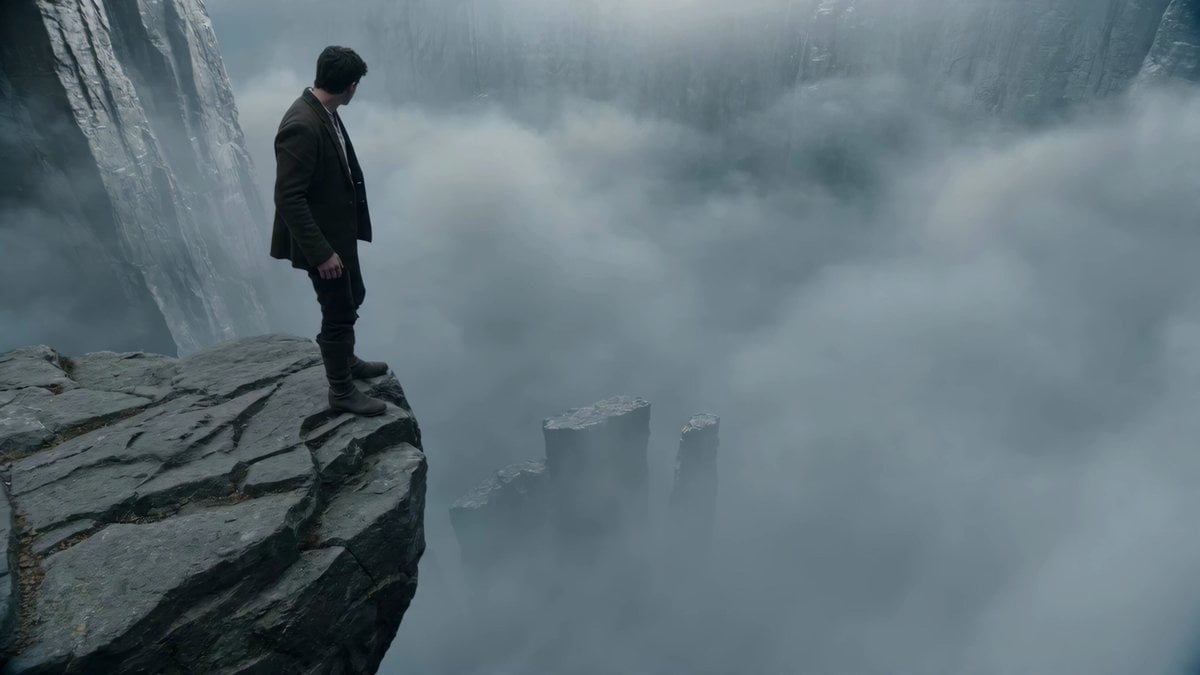
Adventurer Path Creator - Seedance 2
Browse template categories
Steampunk Theater Shootout POV questions
How do I use the Steampunk Theater Shootout POV template?
Add your photo if the template asks for one, edit the prompt if you like — the template's model and format are already selected — and press Generate. Your version opens in PicX Studio.
Can I customize the Steampunk Theater Shootout POV template?
Yes. You can change the subject, setting, lighting, mood, format, and available model controls before creating your video.
Is the Steampunk Theater Shootout POV template free?
Opening and editing this template is free. Generating uses credits, shown on the Generate button when you are signed in.
Which AI model should I use?
Start with Seedance 2.0, which is the model associated with this template. You can compare another compatible model for a different finish.
Looking for something else? Browse all templates.

Your photo, any look
Thousands of ready templates for every top image and video model, from one credit balance.