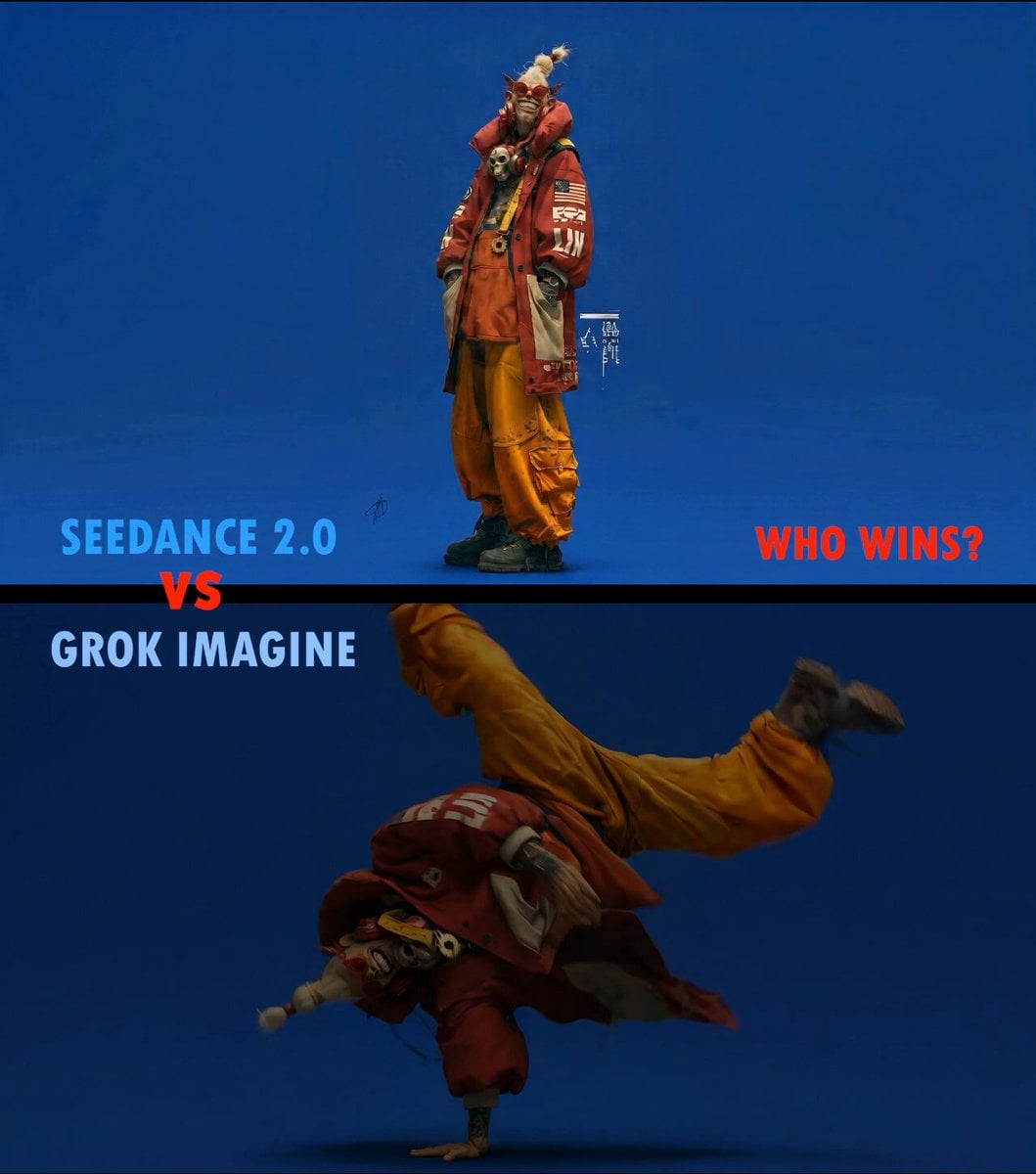
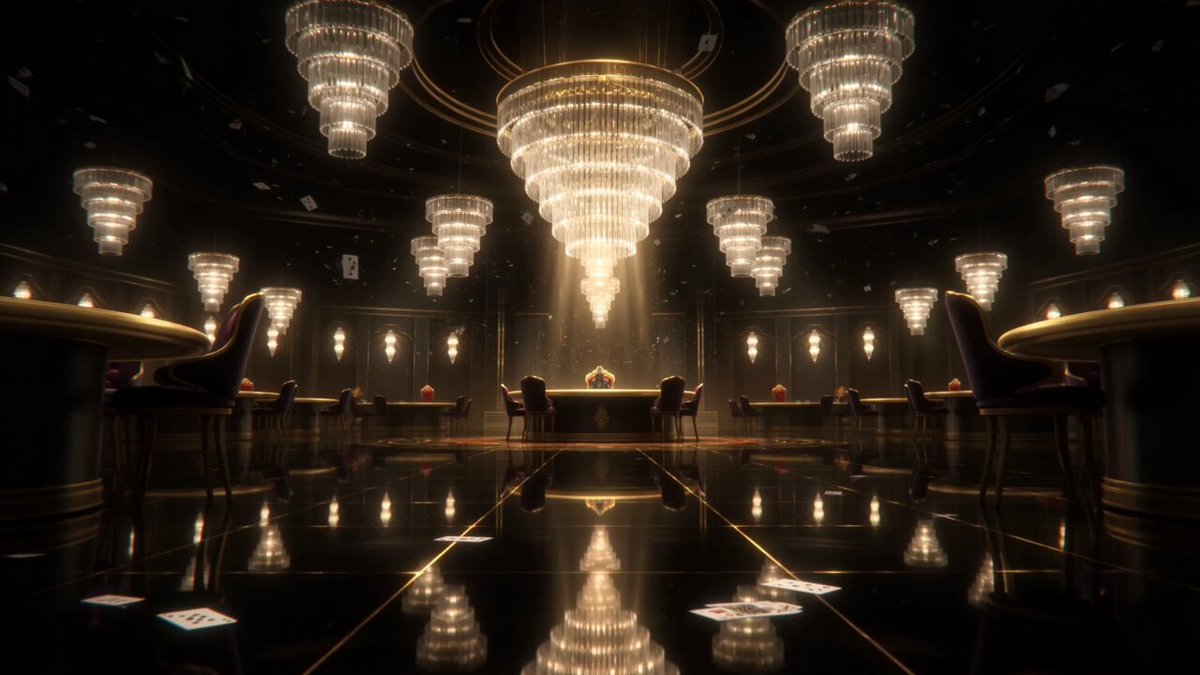
How do I use the Steampunk Momotaro Live Action Video template?
Edit the prompt in the box under the preview — the template's model and format are already selected — and press Generate. Your version appears right on this page.
A cinematic video prompt for Seedance 2.5 that creates a 30-second steampunk live-action version of the Momotaro legend with high contrast and blue tones.
桃太郎を作る。誕生から鬼退治完了までを30秒で。 実写版。 演出: 照明を暗くしてコントラストを強く。 彩度を低くして青のフィルターで色温度を統一。 スチームパンクの世界感。 冷たい人間関係。セリフは日本語。
桃太郎を作る。誕生から鬼退治完了までを30秒で。 実写版。 演出: 照明を暗くしてコントラストを強く。 彩度を低くして青のフィルターで色温度を統一。 スチームパンクの世界感。 冷たい人間関係。セリフは日本語。
Edit the prompt in the box under the preview — the template's model and format are already selected — and press Generate. Your version appears right on this page.
Yes. You can change the subject, setting, lighting, mood, format, and available model controls before creating your video.
Opening and editing this template is free. Generating uses credits, shown on the Generate button when you are signed in.
Start with Seedance 2.0, which is the model associated with this template. You can compare another compatible model for a different finish.
Follow a topic to a crawlable collection of related PicX Studio templates.