
Katana Warrior Shot-by-Shot Sequence
A multi-shot technical prompt for an action sequence involving a silver-haired warrior with a glowing blue katana in a high-contrast black and white world.
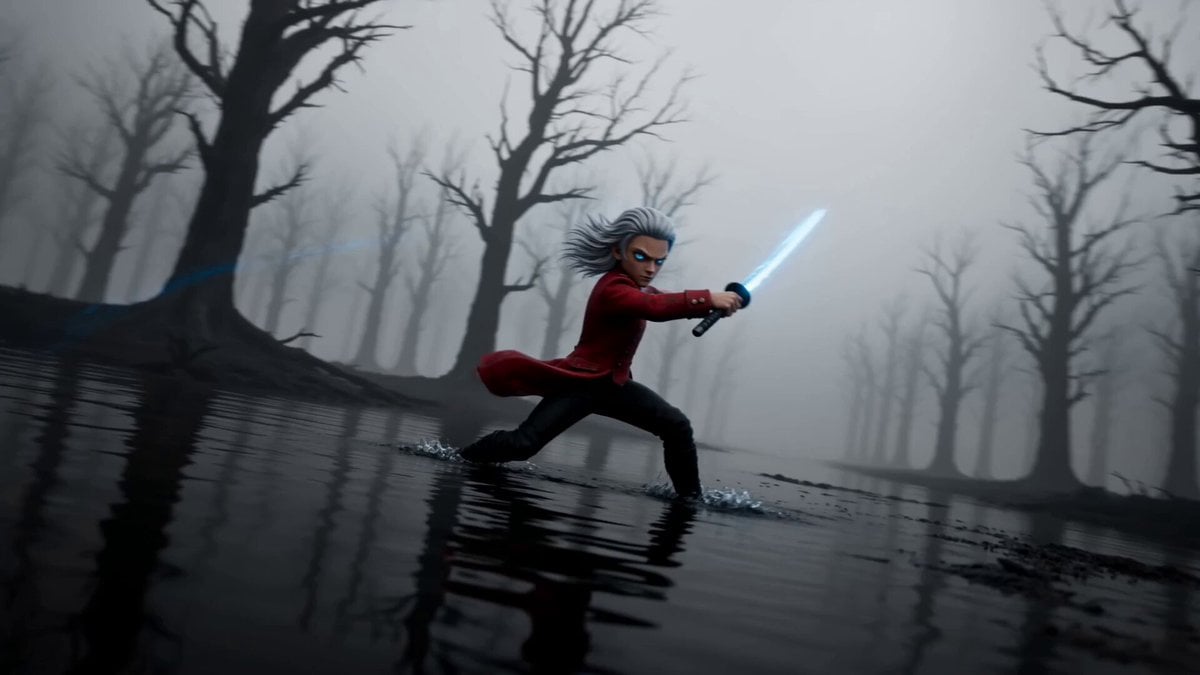
- Prompt included
- Model and format preset
- Free template
The prompt behind this video
Copy the exact prompt behind Katana Warrior Shot-by-Shot Sequence, or open it in the studio and make it yours.
Subject locked to silver-haired warrior, intense blue eyes, scarred face, red high-collar military jacket, wielding a katana that crackles with electric-blue lightning. World rendered in high-contrast black-and-white (misty forest, shallow water floor) — ONLY the blade and its lightning stay vivid electric-blue. SECTION 1 — SHOT-BY-SHOT EFFECTS TIMELINE SHOT 1 (00:00–00:02) — Ritual Master / 24mm wide EFFECT: long-exposure light trail + slow orbit Warrior plants feet, sweeps the blue blade in a wide horizontal arc; the lightning leaves a continuous glowing ribbon orbiting the body 24mm wide, slow clockwise orbit around subject, low angle Normal speed → exits on ribbon completing the loop SHOT 2 (00:02–00:04) — Saber Ignite / 50mm profile EFFECT: bloom flash + double light-circle Blade snaps vertical; two concentric blue rings of light spin around the warrior's profile 50mm push-in, slight Dutch tilt Exits on white bloom flash SHOT 3 (00:04–00:06) — First Weave / Wrist Snap EFFECT: motion-blur whip + speed ramp (decel) Macro insert of wrist flicking the hilt; blade streaks a figure-eight blue trail, decelerating into clarity low-24mm whip, then 85mm macro on the hilt isolation Whip-pan smear connects the two SHOT 4 (00:06–00:08) — Butterfly Spin / overhead EFFECT: SIGNATURE — orbital light-ribbon halo Overhead 24mm; warrior spins, the blue blade carves a full butterfly/atom-orbit halo of crossing light rings around the body — the hero visual Camera slow descent, top-down Holds, then drops to water level SHOT 5 (00:08–00:10) — Water Trail / 50mm reflection EFFECT: reflection mirror + slow-motion (~30%) Blade tip skims the shallow water; blue light reflects and ripples, doubling the trail 50mm low, skimming water surface Slow-mo emphasizes spray SHOT 6 (00:10–00:11) — Breath Hold / 85mm portrait EFFECT: rack focus + stillness Tight portrait, eyes lower, blue glow lighting the face from below; everything quiet 85mm, shallow DOF Clean hold — contrast beat SHOT 7 (00:11–00:13) — Shore Resolve / Airborne Descent EFFECT: speed ramp (accel) + water burst Warrior leaps, lands blade-down into water; massive blue-lit spray erupts upward in a column low-24mm, fast push, slight shake on impact Burst fills frame SHOT 8 (00:13–00:15) — Lake Current / crane wide EFFECT: digital zoom-out + concentric ripple rings Crane pulls up and back; glowing blue ripple rings expand outward across the black water around the lone figure 24mm crane wide, ascending Energy resolves into stillness — final frame
How to use Katana Warrior Shot-by-Shot Sequence in 3 steps
- 1
Open
The prompt is already in the box next to the preview, with the template's model and format selected.
- 2…a portrait of your subject in softgolden-hour light, 85mm…
Personalize
Edit the subject and creative details for your destination.
- 3Generate
Generate
Press Generate — your video is created in PicX Studio, so you can compare it with the original and refine one variable at a time.
More like this
Templates with the same subject, style or setup. Open one to see its prompt.

Elf Warrior Katana Battle
Fantasy Warrior Transformation Sequence
Sci-Fi Warrior Combat Sequence
Desert Warrior Sandstorm Sequence
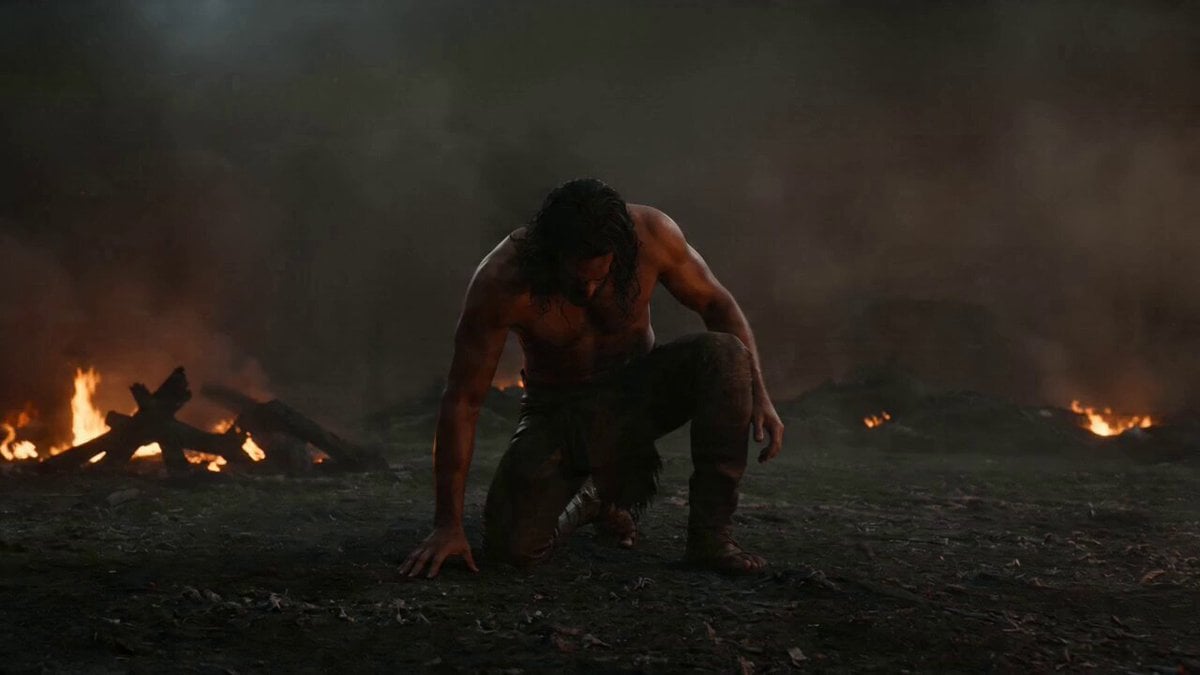
Warrior Fire Ignition Sequence
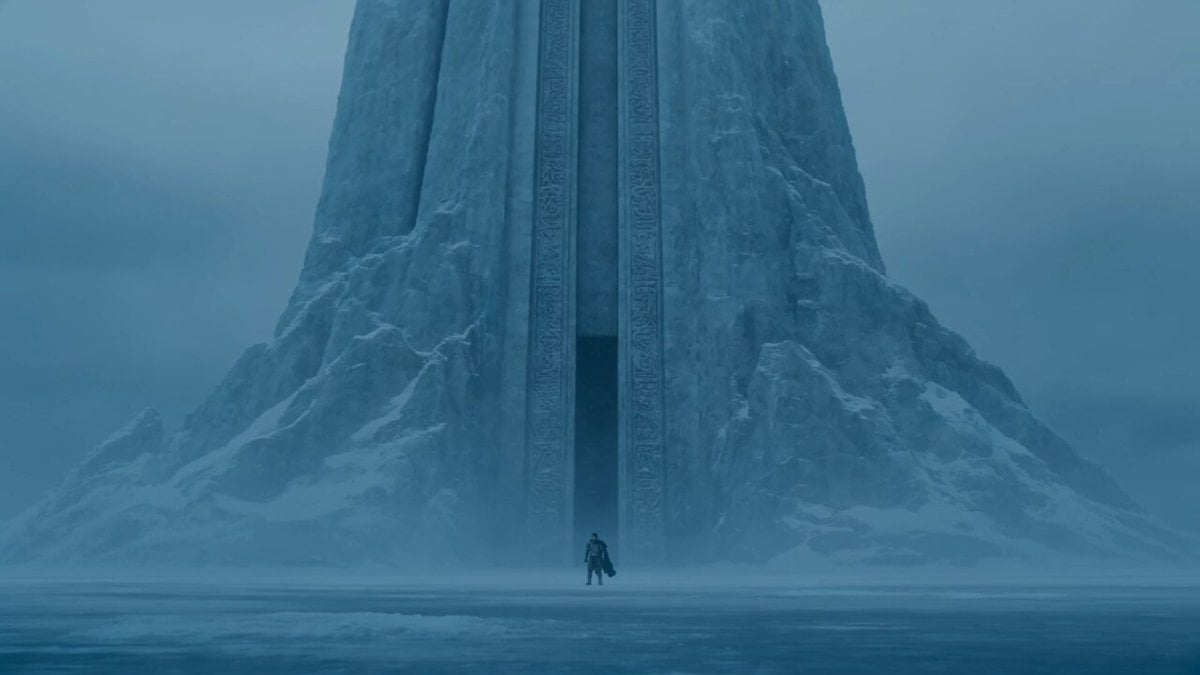
Lone Warrior at Frozen Mountain Gate
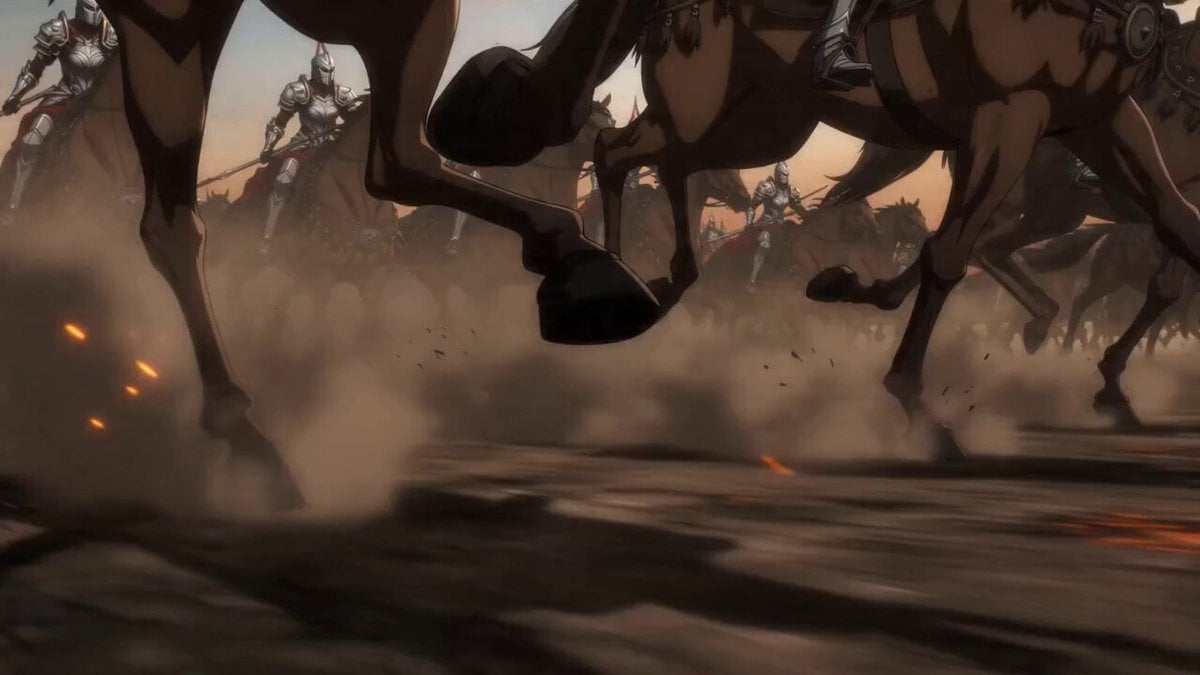
Epic Anime Warrior Queen Cavalry Charge

Warrior and Lion Courage Scene
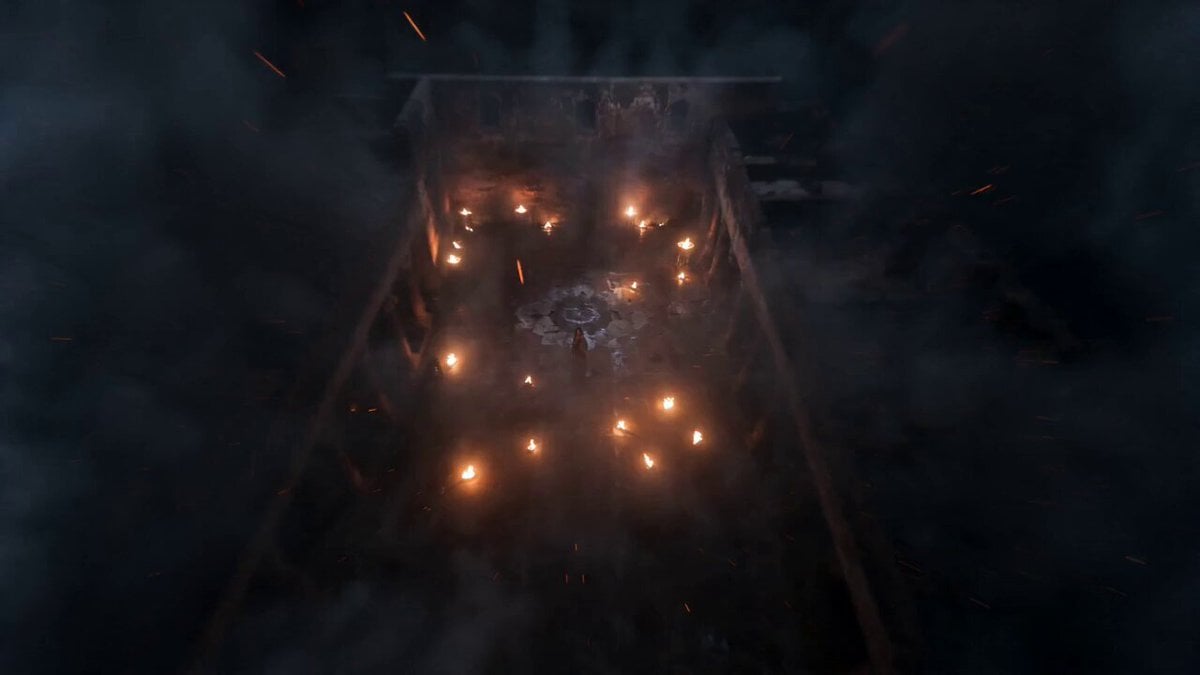
Indian Warrior Fort Action
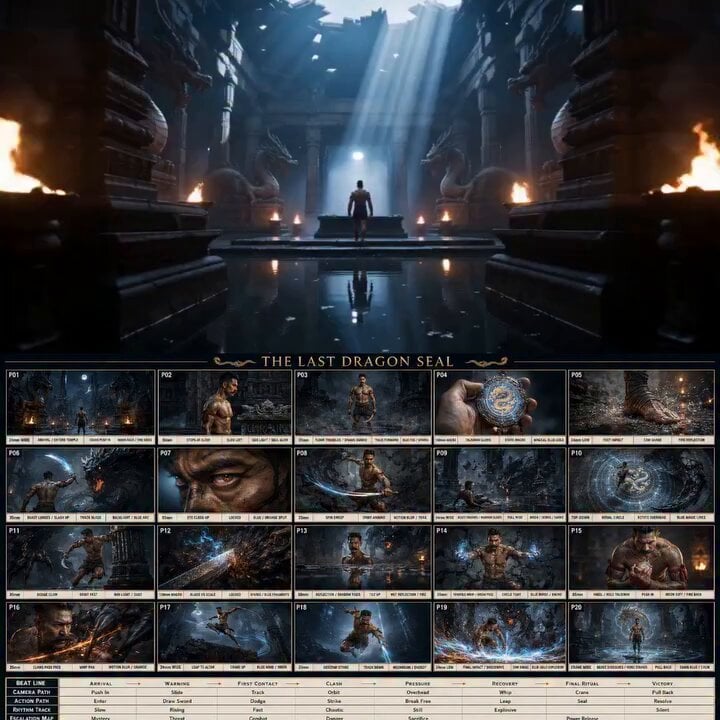
Ancient Dragon Temple Warrior Zoom
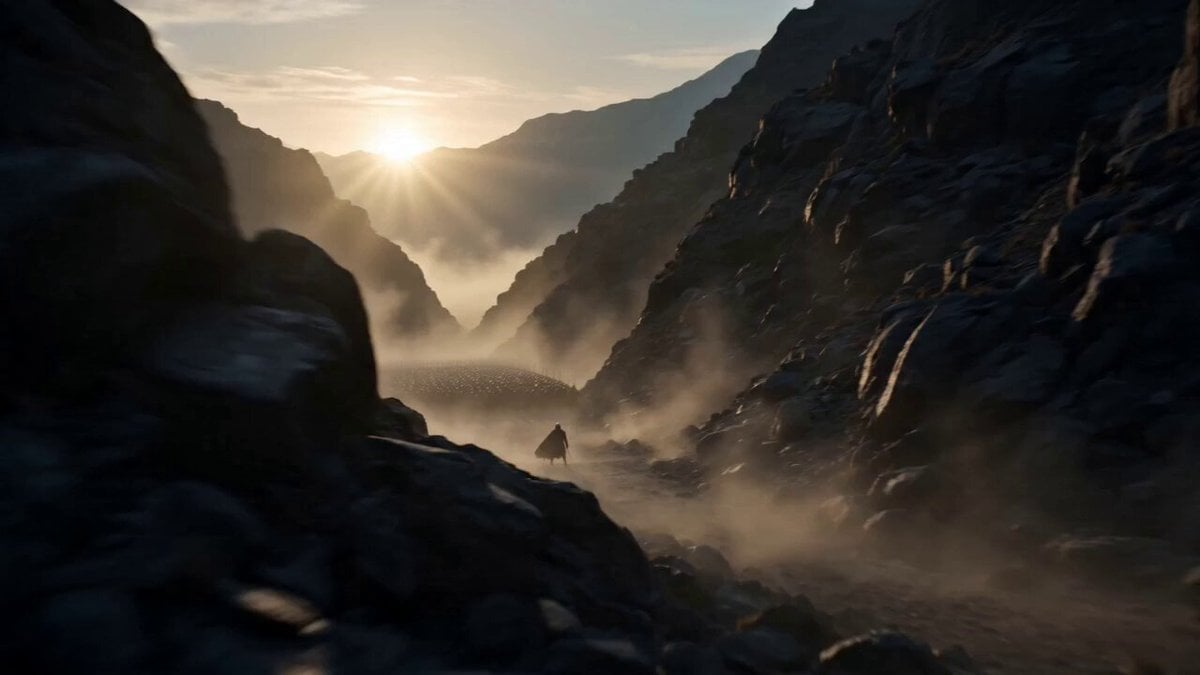
Medieval Warrior Last Stand Cinematic Video
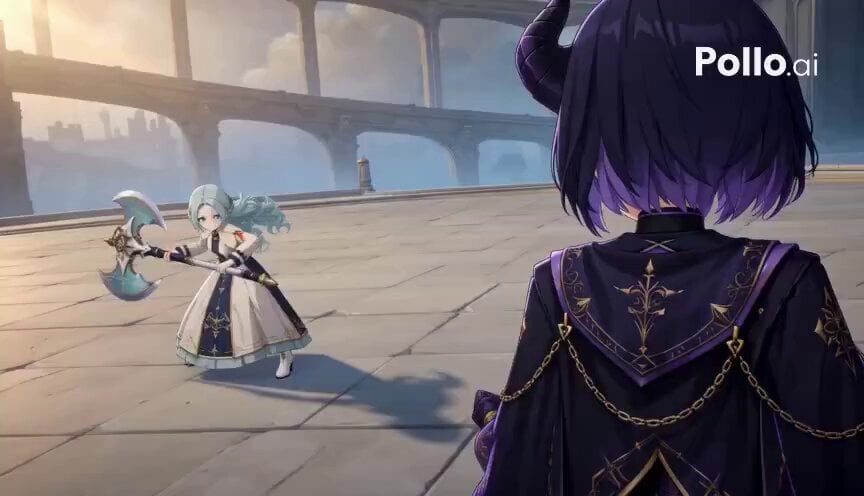
3D Toon Warrior Combat
Make it yours
Katana Warrior Shot-by-Shot Sequence works as-is. These are the safest ways to change it without losing the look.
Change one field
Copy a single group, rewrite it, and generate again so you can see what that field is doing.
Keep the frame, change the subject
Hold the composition and light of Katana Warrior Shot-by-Shot Sequence, then swap wardrobe, props or the person for a new take.
| If the result… | Why | Fix |
|---|---|---|
| The result drifts from the preview | Too many fields changed at once. | Reuse Katana Warrior Shot-by-Shot Sequence as-is first, then change one group — subject, light, or setting. |
| The model over-stylizes the scene | The prose prompt leaves finish and camera underspecified. | Add one camera or lighting sentence and stay on Seedance 2.0. |
More Seedance 2.0 templates
Other prompts made for Seedance 2.0.

Comical Martial Arts Punch Scene

Maglev Train Action Sequence

Martial Arts Fight Sequence

Wuxia Protection and Trust Script

Vintage Korean Arcade MiniDV Vlog

Mercedes 190 SL Luxury Ad

Rainy Night Supernatural Reverse Comedy Video Script

Amazon Civilization Discovery

Futuristic South Asian City Transformation

Cozy Luxury Cafe Commercial
More video prompts
Fresh picks from across the catalog.
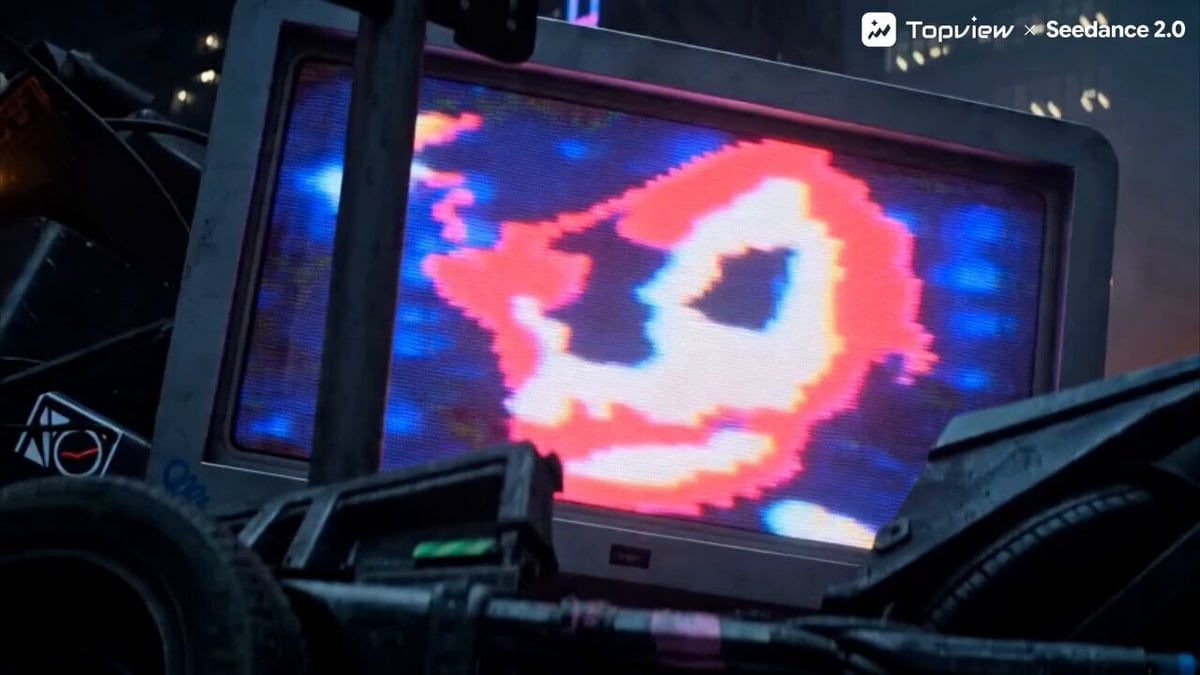
Action Game Concept Trailer Prompt for Seedance 2.0
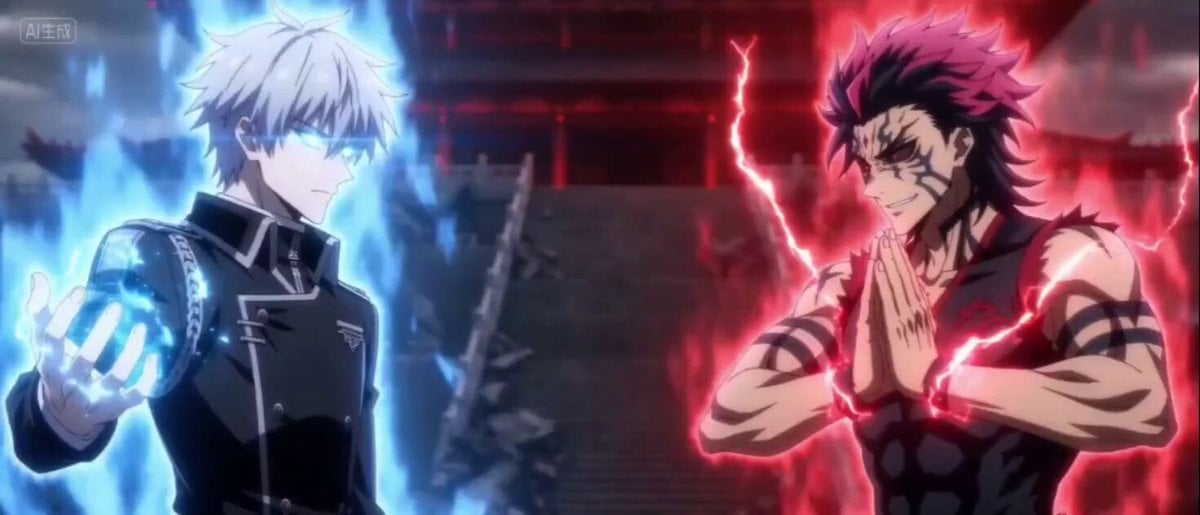
Second Cinematic Anime Duel
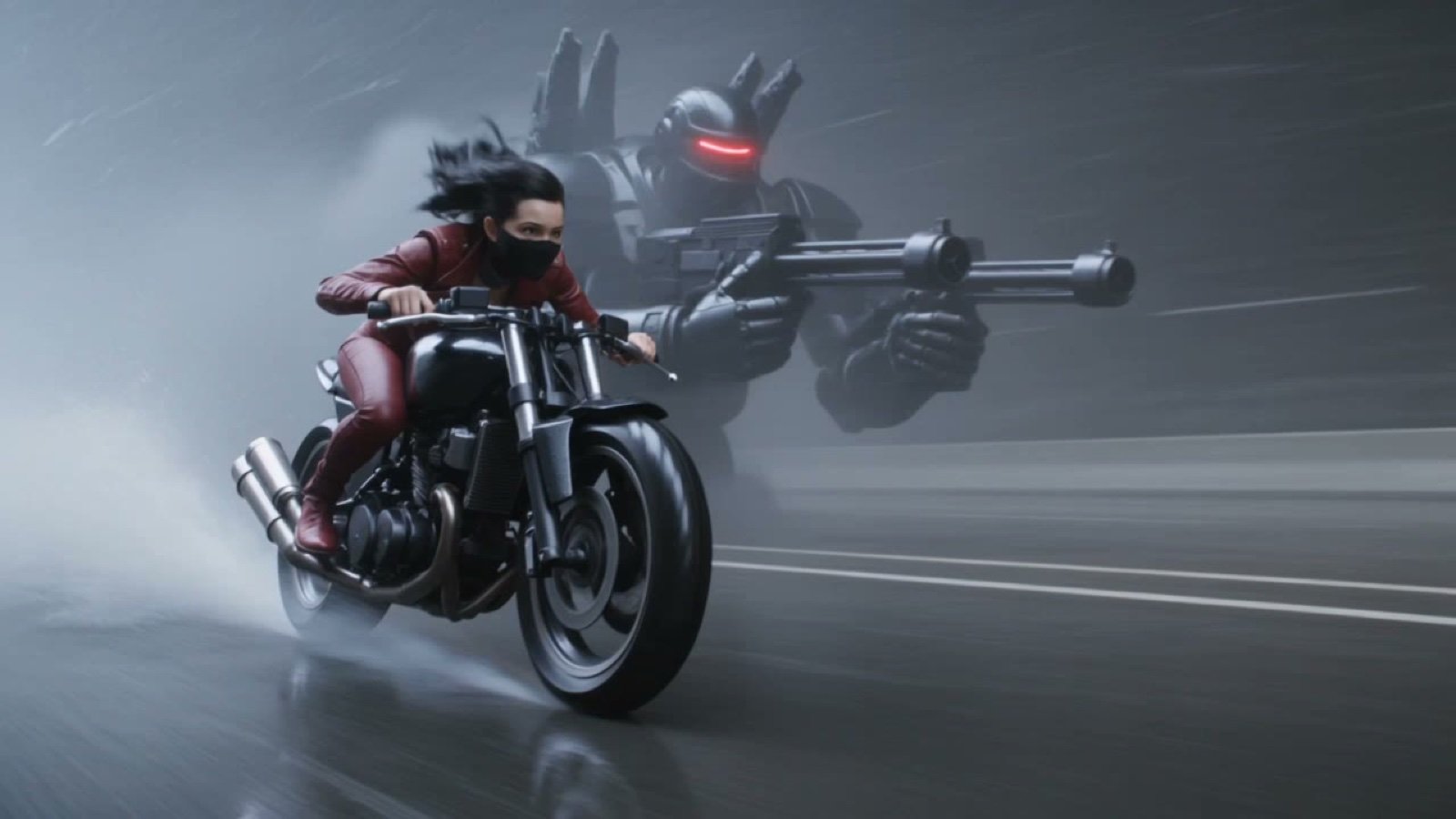
Photorealistic Cyberpunk Motorcycle-Robot Chase in Heavy Rain
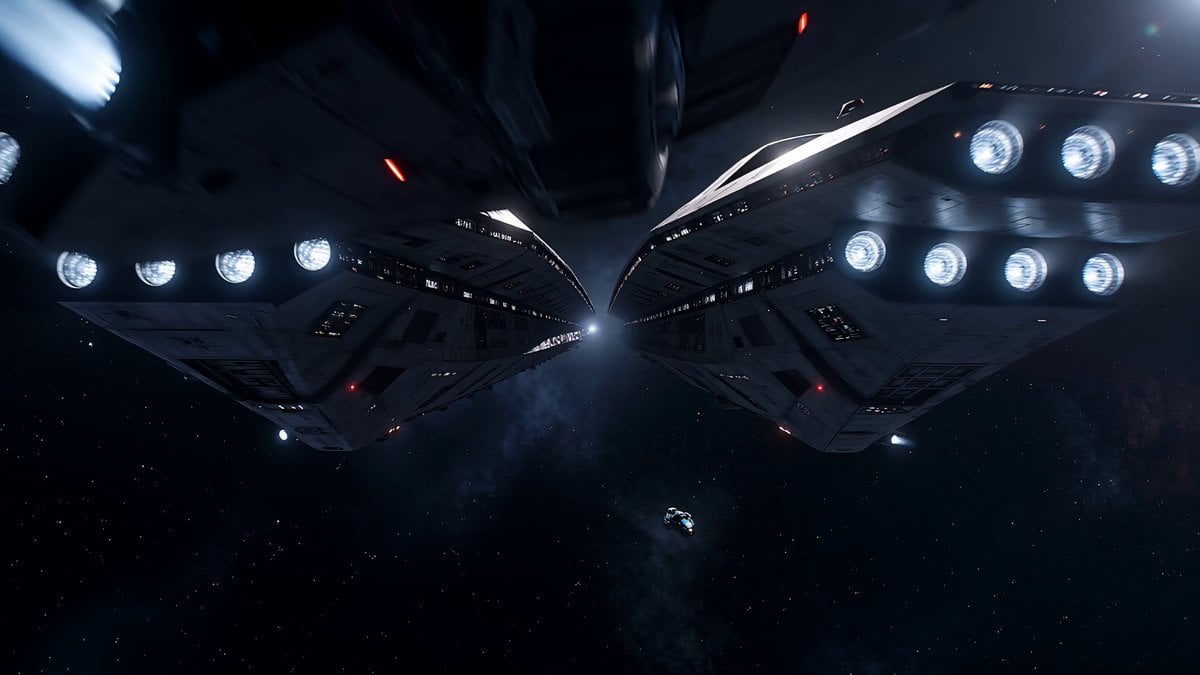
Space Warship Battle
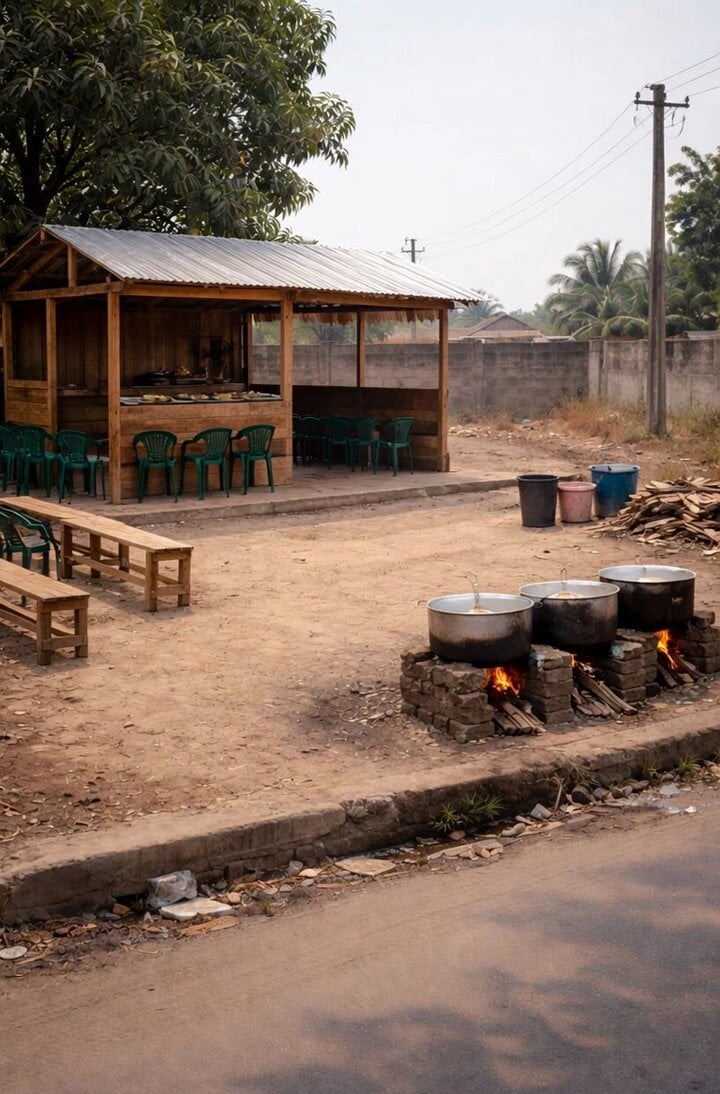
Restaurant Timelapse Scene
Luxury Desert Villa Sunrise Vlog
Epic Night Battlefield Siege
Action Thriller Leviathan Chase

Hyper-Realistic Cinematic Horror Sequence
Cinematic Anime Motorcycle Touring
Browse template categories
Katana Warrior Shot-by-Shot Sequence questions
How do I use the Katana Warrior Shot-by-Shot Sequence template?
Add your photo if the template asks for one, edit the prompt if you like — the template's model and format are already selected — and press Generate. Your version opens in PicX Studio.
Can I customize the Katana Warrior Shot-by-Shot Sequence template?
Yes. You can change the subject, setting, lighting, mood, format, and available model controls before creating your video.
Is the Katana Warrior Shot-by-Shot Sequence template free?
Opening and editing this template is free. Generating uses credits, shown on the Generate button when you are signed in.
Which AI model should I use?
Start with Seedance 2.0, which is the model associated with this template. You can compare another compatible model for a different finish.
Looking for something else? Browse all templates.

Your photo, any look
Thousands of ready templates for every top image and video model, from one credit balance.