
Medieval Warrior Last Stand Cinematic Video
A detailed cinematic video prompt for a 15-second medieval battle sequence, featuring drone shots and combat choreography in a narrow mountain pass.
- Prompt included
- Model and format preset
- Premium template
The prompt behind this video
Copy the exact prompt behind Medieval Warrior Last Stand Cinematic Video, or open it in the studio and make it yours.
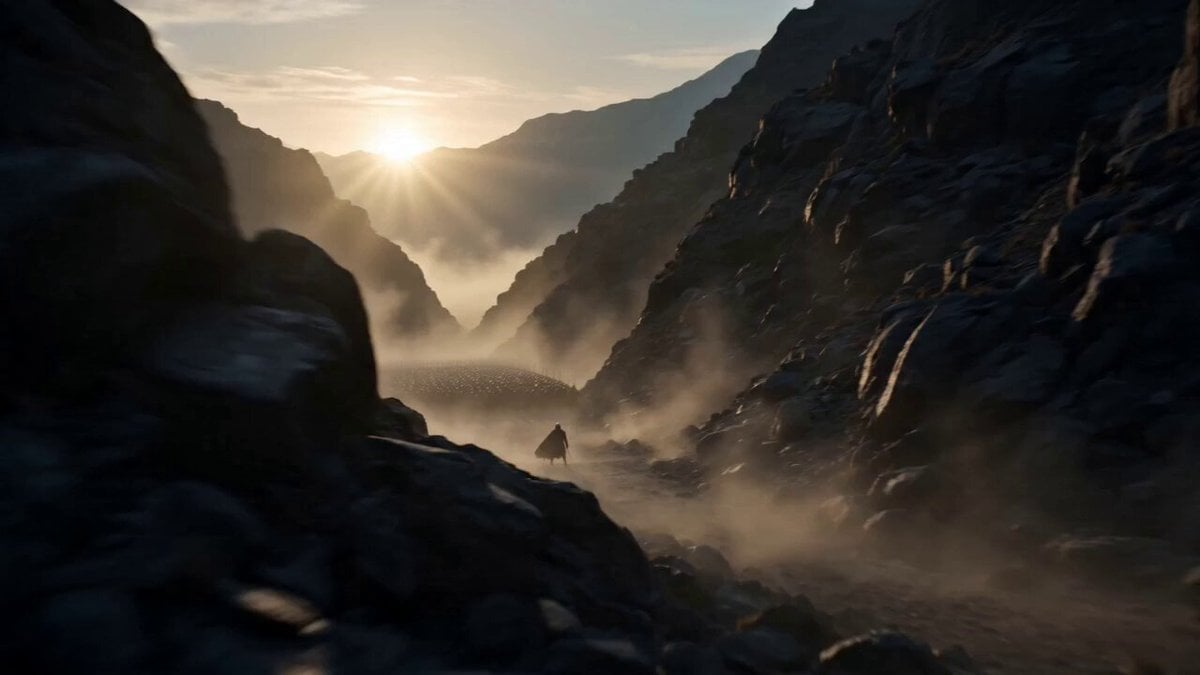
The Last Stand Duration: 15 seconds Style: Ultra-realistic cinematic, historical medieval warfare, photorealistic, 9:16 vertical, 4K, 60fps, realistic combat, dramatic lighting, movie-quality visuals, no fantasy, no magic. 0–3s: A sweeping drone shot reveals a narrow mountain pass at dawn. A lone medieval warrior in battle-worn steel armor stands with a longsword and round shield, facing dozens of enemy soldiers marching toward him through the rocky valley. Cold wind blows his torn cloak as dust drifts across the ground. 3–6s: The camera moves to a close-up of the warrior's determined face. He tightens his grip on the sword, plants his feet, and raises his shield. The enemy breaks into a full charge, their footsteps echoing through the mountains. 6–10s: The first attackers reach him. He blocks heavy sword strikes with his shield, counters with swift, realistic sword movements, and forces enemies backward. Steel clashes, sparks fly, dust rises, and the narrow pass prevents the army from surrounding him. 10–13s: The warrior breathes heavily, his armor scratched and covered with dirt. More enemies continue advancing. He refuses to retreat, taking another defensive stance while the camera circles around him in dramatic slow motion. 13–15s: The camera pulls back to reveal the lone warrior still standing against the overwhelming army, silhouetted by the rising sun. The enemy hesitates for a brief moment as the screen fades to black. Cinematic Keywords: Ultra-realistic, historical accuracy, practical armor, realistic sword fighting, volumetric lighting, dramatic sunrise, mountain battlefield, handheld camera, cinematic slow motion, high-detail textures, immersive sound design, 8K quality, masterpiece.
How to use Medieval Warrior Last Stand Cinematic Video in 3 steps
- 1
Open
The prompt is already in the box next to the preview, with the template's model and format selected.
- 2…a portrait of your subject in softgolden-hour light, 85mm…
Personalize
Edit the subject and creative details for your destination.
- 3
 Generate
Press Generate — your video is created in PicX Studio, so you can compare it with the original and refine one variable at a time.
More like this
Templates with the same subject, style or setup. Open one to see its prompt.
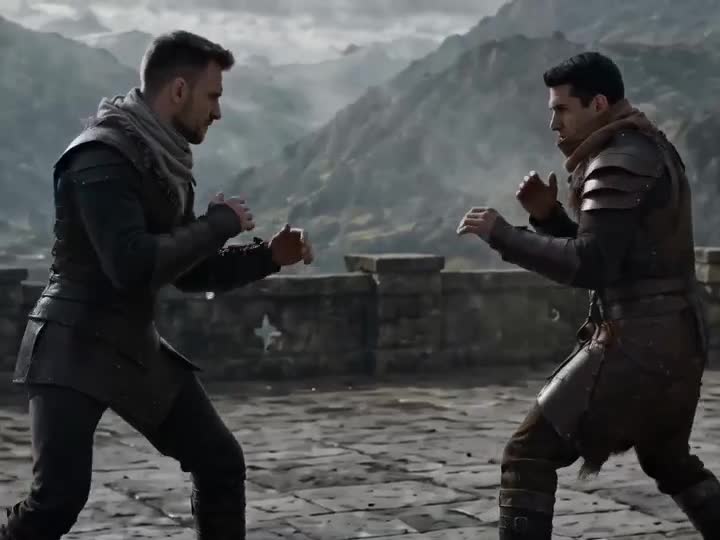
Medieval Duel Style Transfer
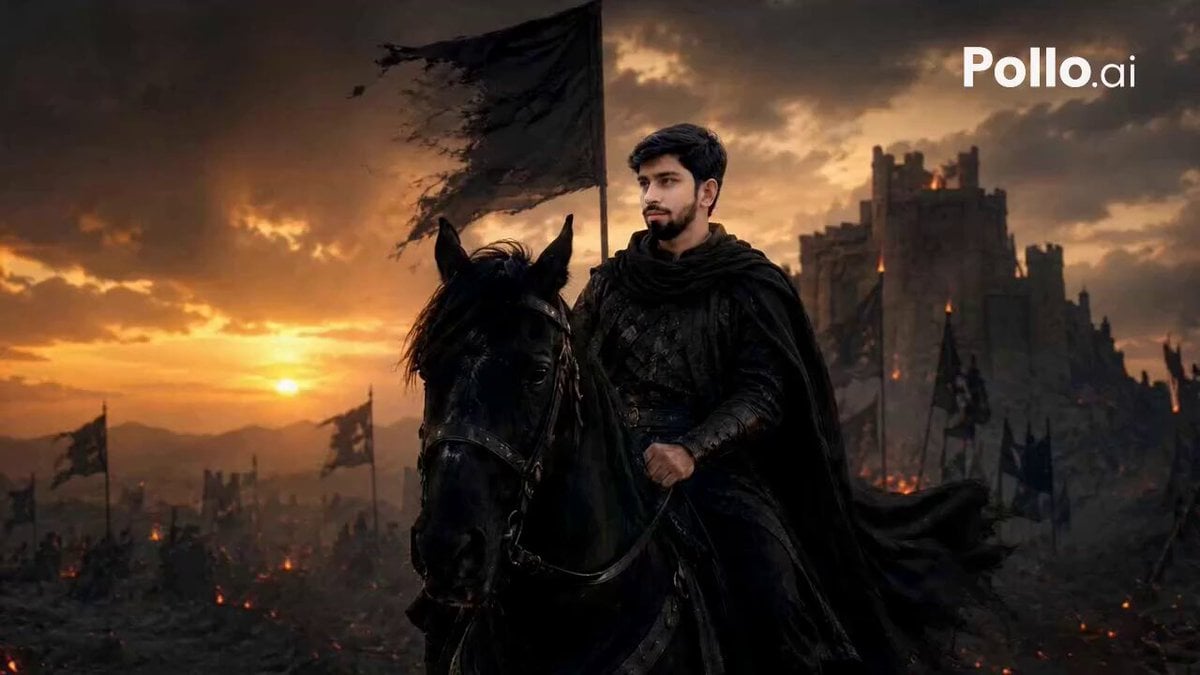
Lone Warrior Medieval Battlefield Video Prompt
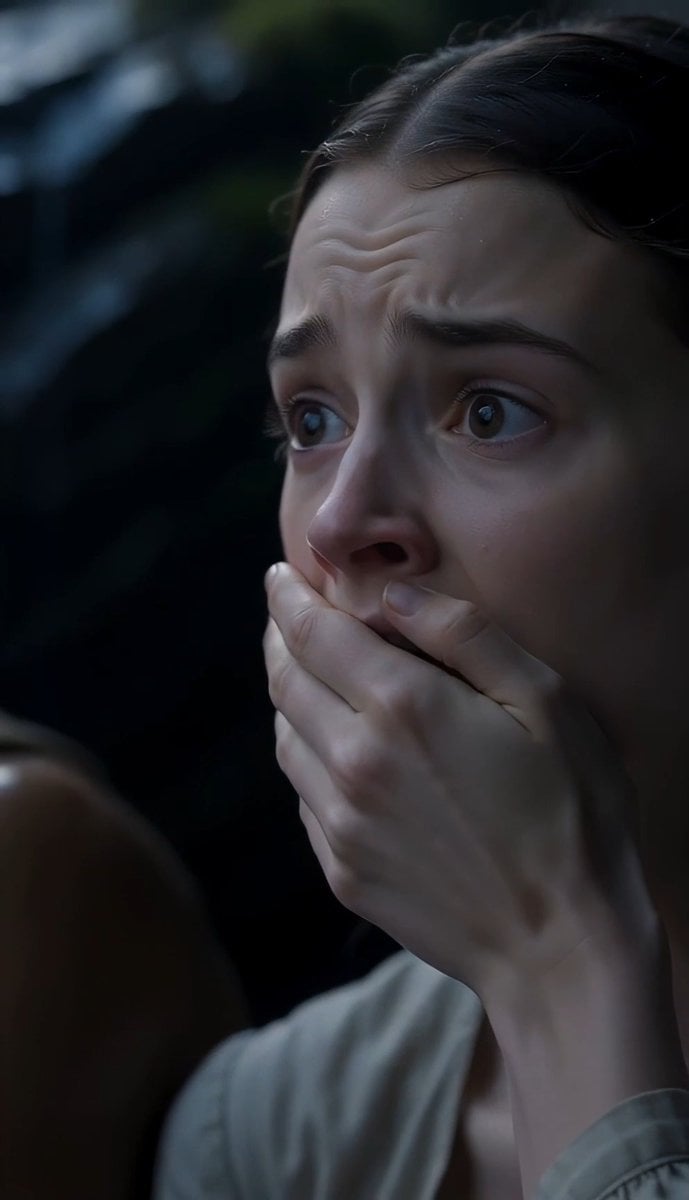
The Last of the Mohicans Waterfall Scene
Last Ride Train Outbreak Horror
A Last Train Home Cinematic Film
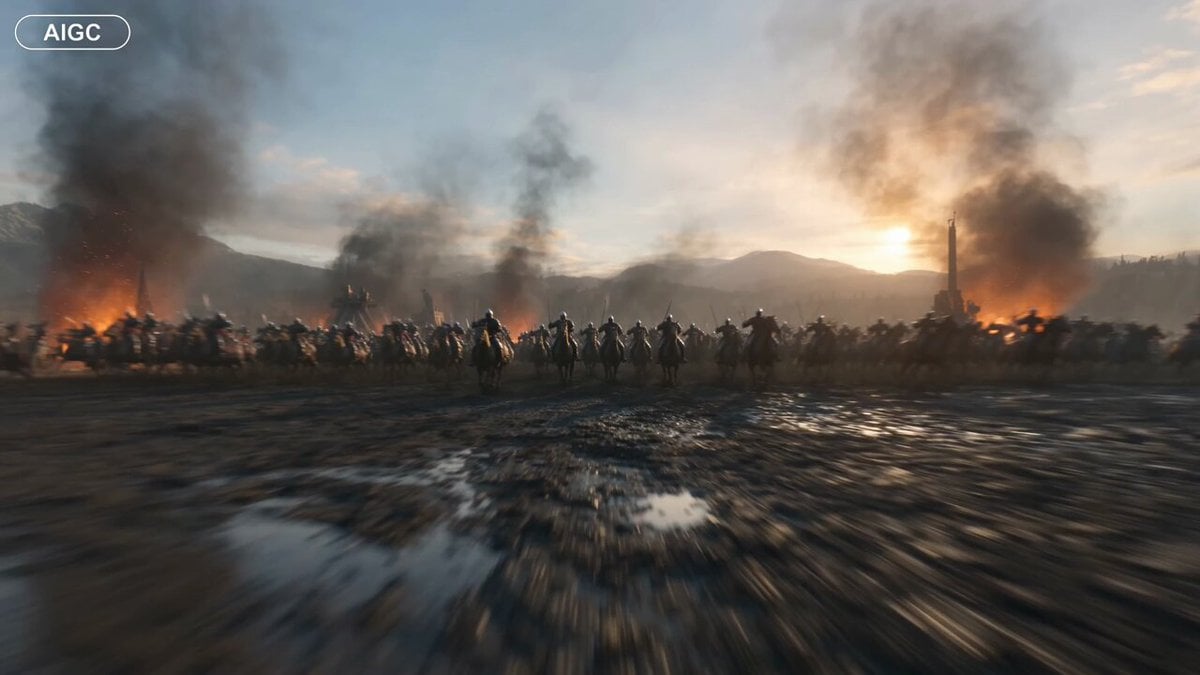
Medieval Battlefield FPV Drone Flight
Medieval Knight and Queen Cinematic Close-up
Last Train Before Rain GPT
Lone Warrior at Frozen Mountain Gate
Epic Anime Warrior Queen Cavalry Charge
Medieval Archery Tournament Cinematic Short

Warrior and Lion Courage Scene
Make it yours
Medieval Warrior Last Stand Cinematic Video works as-is. These are the safest ways to change it without losing the look.
Change one field
Copy a single group, rewrite it, and generate again so you can see what that field is doing.
Keep the frame, change the subject
Hold the composition and light of Medieval Warrior Last Stand Cinematic Video, then swap wardrobe, props or the person for a new take.
| If the result… | Why | Fix |
|---|---|---|
| The result drifts from the preview | Too many fields changed at once. | Reuse Medieval Warrior Last Stand Cinematic Video as-is first, then change one group — subject, light, or setting. |
| The model over-stylizes the scene | The prose prompt leaves finish and camera underspecified. | Add one camera or lighting sentence and stay on Seedance 2.0. |
More Seedance 2.0 templates
Other prompts made for Seedance 2.0.

Comical Martial Arts Punch Scene

Maglev Train Action Sequence

Martial Arts Fight Sequence

Wuxia Protection and Trust Script

Vintage Korean Arcade MiniDV Vlog

Mercedes 190 SL Luxury Ad

Rainy Night Supernatural Reverse Comedy Video Script

Amazon Civilization Discovery

Futuristic South Asian City Transformation

Cozy Luxury Cafe Commercial
More video prompts
Fresh picks from across the catalog.
Amusement Park Time Stop Cinematic

Anime Opening Scene Video Prompt
Surreal Dream Collapse Sequence
Planet-sized Quantum Computer World
Cinematic Falling Elevator Action Sequence
Seedance 2.0 video prompt for an AI girlfriend scenario
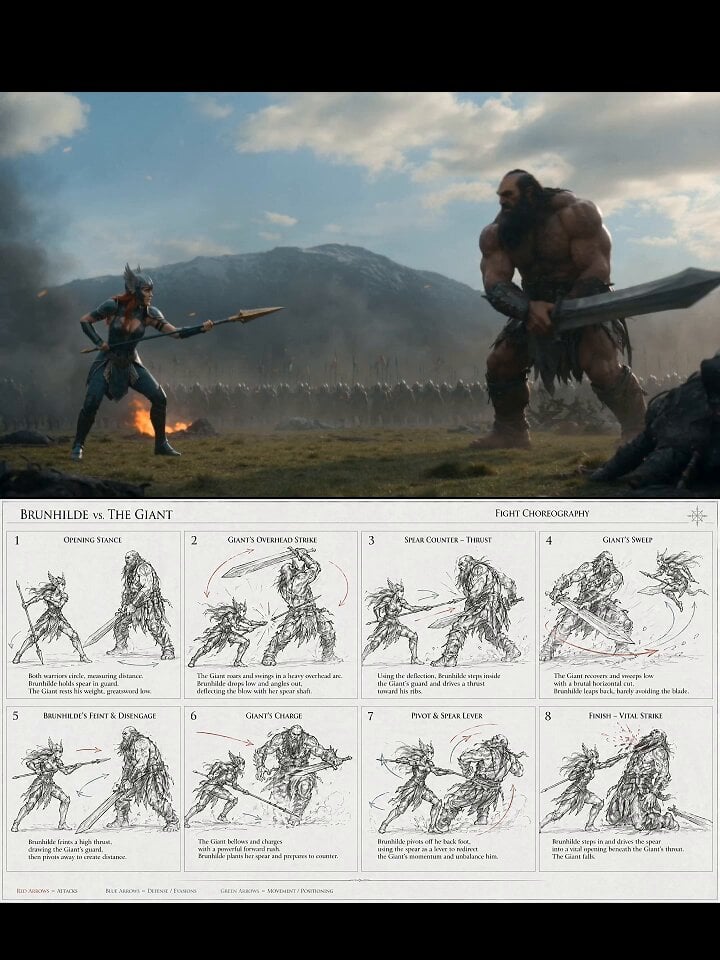
Valkyrie Fight Choreography Video

Easter bunny with a snow globe of Costa Rican animals
Evolution of Chinese Flight Technology
Blooming Butterfly Animation
Browse template categories
Medieval Warrior Last Stand Cinematic Video questions
How do I use the Medieval Warrior Last Stand Cinematic Video template?
Add your photo if the template asks for one, edit the prompt if you like — the template's model and format are already selected — and press Generate. Your version opens in PicX Studio.
Can I customize the Medieval Warrior Last Stand Cinematic Video template?
Yes. You can change the subject, setting, lighting, mood, format, and available model controls before creating your video.
Is the Medieval Warrior Last Stand Cinematic Video template free?
Opening and editing this template is free. Generating uses credits, shown on the Generate button when you are signed in.
Which AI model should I use?
Start with Seedance 2.0, which is the model associated with this template. You can compare another compatible model for a different finish.
Looking for something else? Browse all templates.

Your photo, any look
Thousands of ready templates for every top image and video model, from one credit balance.