
Surreal Dream Collapse Sequence
A highly detailed, multi-shot prompt for Seedance 2.0, describing a surreal, cinematic sequence involving red-cloaked figures, giant stone faces, a glowing tree, and a transition to a sci-fi dream research facility…
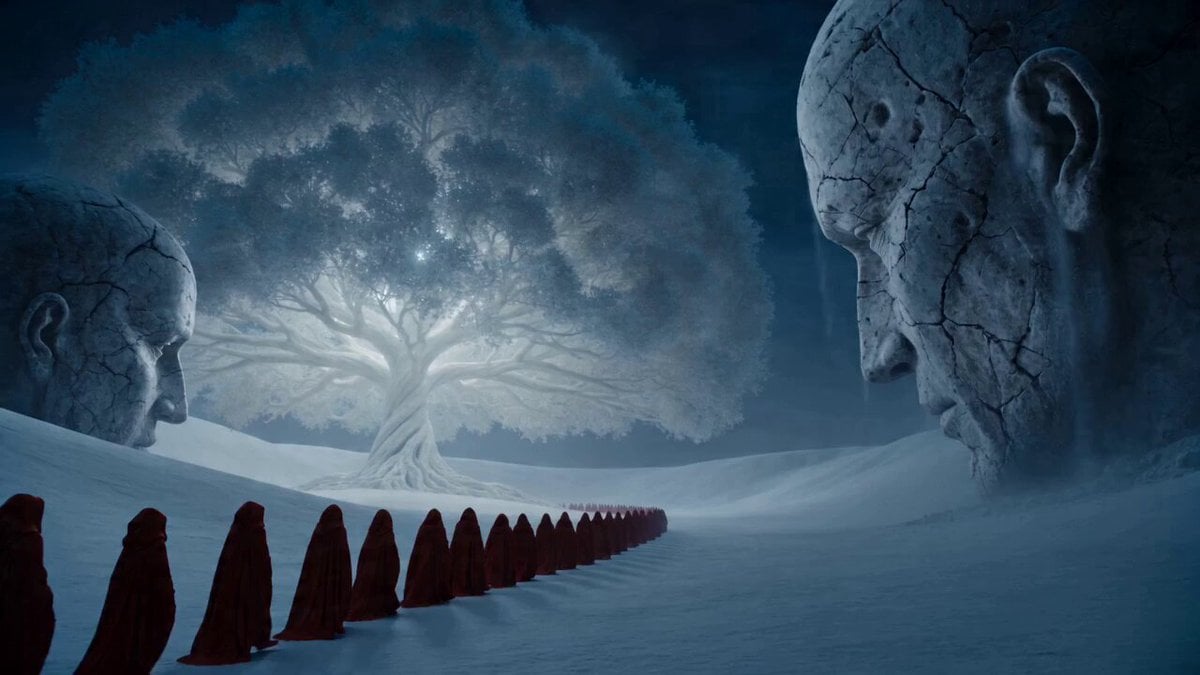
- Prompt included
- Model and format preset
- Free template
The prompt behind this video
Copy the exact prompt behind Surreal Dream Collapse Sequence, or open it in the studio and make it yours.
Shot 1 : Low wide tracking shot from behind the red-cloaked group as they walk slowly toward the glowing tree across the white valley floor. The giant face on the right subtly begins turning toward the left, stone creaking, dust shedding from its surface Shot 2 : Medium close shot on two walkers stopping abruptly, both turning toward each other in shock, pale reflected light on their faces, distant rumble echoing. One whispers, “Did it move?” Shot 3 : Hard cut to a breathtaking aerial crane-up, rising high above the valley into a godlike overhead view. As the camera ascends, the left giant finally answers in a deep ancient voice that rolls across the landscape: “Dreamers… you have returned.” Shot 4 : Elegant descending orbit around the central tree. The white horse walks slowly toward the trunk with unnatural calm. As the horse touches the tree, its body dissolves into pale particles and flowing light, vanishing into the bark as if absorbed into memory. The ground ripples outward in soft concentric distortions. Shot 5 : The world begins collapsing into surreal instability. The red-cloaked figures brace themselves as reality peels open around them. Camera whips upward and backward in a dizzying dream-collapse, beautiful not horrific. Shot 6 : Cut to a sleek sci-fi dream research facility. A small group of people sleep in a circular chamber, connected to futuristic interfaces, sharing dream projections of the exact surreal valley. One wall-sized hologram shows the tree and giant faces. The atmosphere is hushed, awestruck, luminous blue-white. Final camera push inward as the group watches the shared dream together, revealing that the entire vision is a collective dream space.
How to use Surreal Dream Collapse Sequence in 3 steps
- 1
Open
The prompt is already in the box next to the preview, with the template's model and format selected.
- 2…a portrait of your subject in softgolden-hour light, 85mm…
Personalize
Edit the subject and creative details for your destination.
- 3Generate
Generate
Press Generate — your video is created in PicX Studio, so you can compare it with the original and refine one variable at a time.
More like this
Templates with the same subject, style or setup. Open one to see its prompt.

Continuous Planet Collapse Escape Sequence

Giant Seahorse City Destruction — Flova AI

Haute Couture Dream Bokeh Film
Surreal Storyboard Transition Sequence
Surreal Office Romance Sequence
Two Strangers Surreal Dream Island Dance
Bridge Collapse Action Sequence
Cinematic Viral Waterslide Dream Sequence
Abandoned Factory Dream Sequence
Surreal Dream Queen
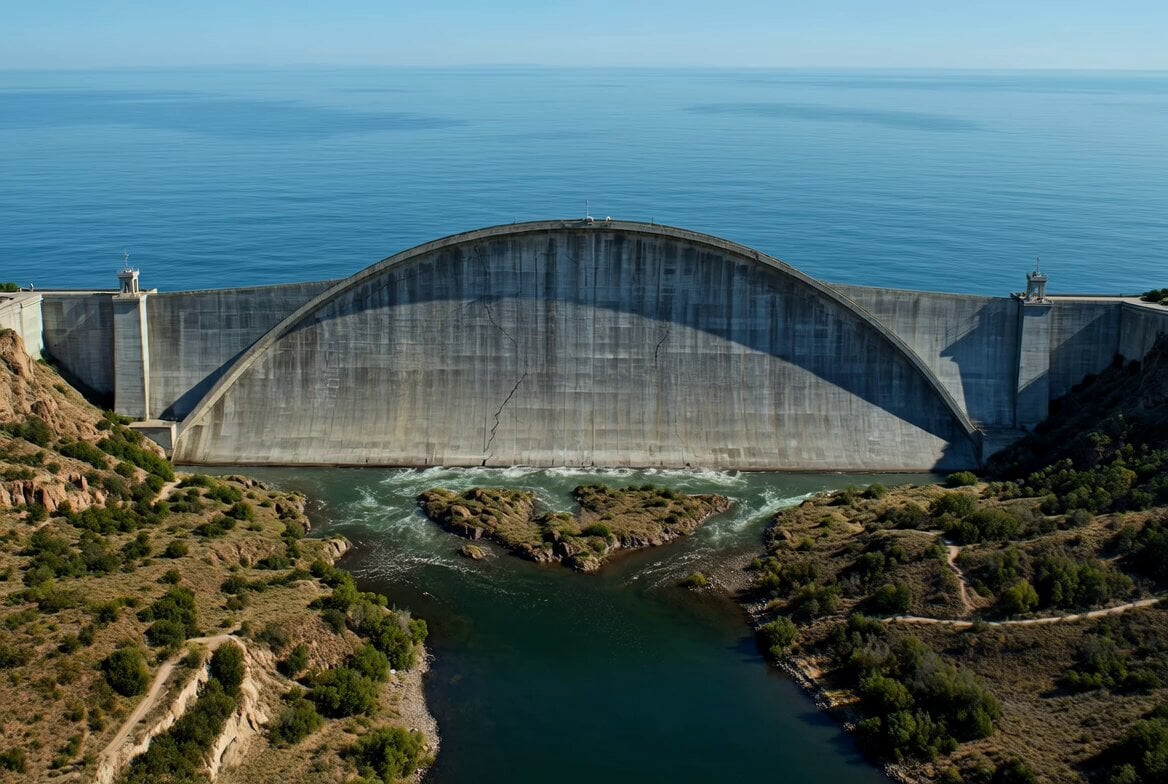
Concrete Dam Collapse Sequence
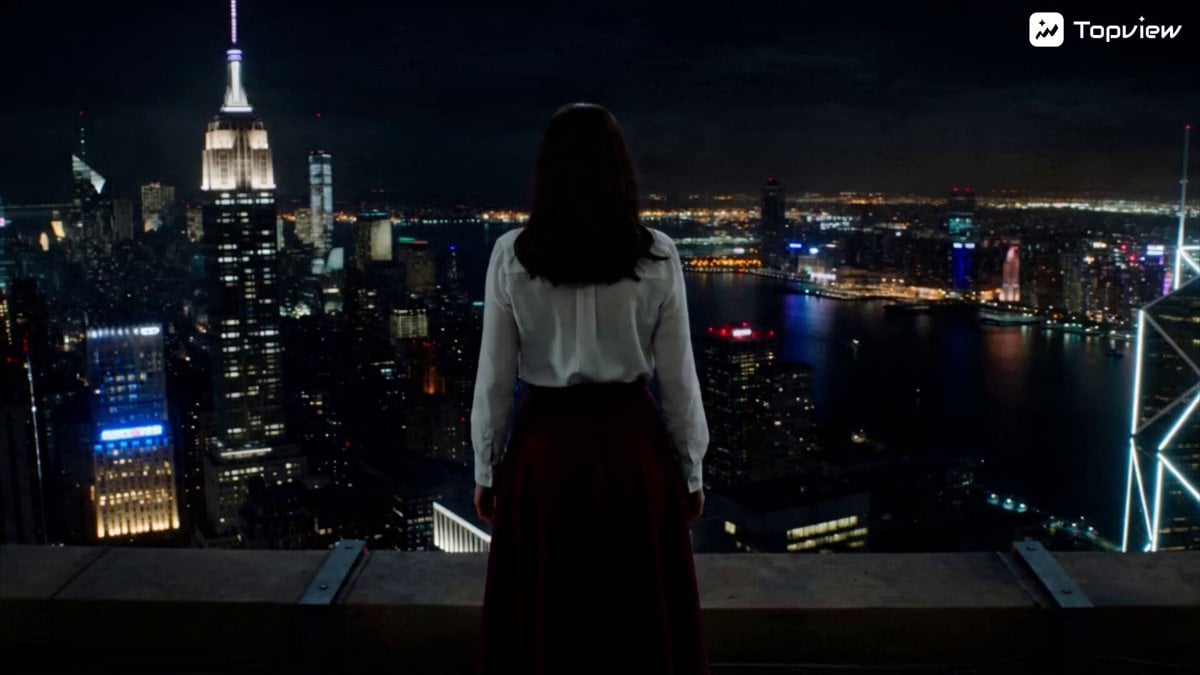
Woman Falling from Rooftop into Surreal Dreamscape
Make it yours
Surreal Dream Collapse Sequence works as-is. These are the safest ways to change it without losing the look.
Change one field
Copy a single group, rewrite it, and generate again so you can see what that field is doing.
Keep the frame, change the subject
Hold the composition and light of Surreal Dream Collapse Sequence, then swap wardrobe, props or the person for a new take.
| If the result… | Why | Fix |
|---|---|---|
| The result drifts from the preview | Too many fields changed at once. | Reuse Surreal Dream Collapse Sequence as-is first, then change one group — subject, light, or setting. |
| The model over-stylizes the scene | The prose prompt leaves finish and camera underspecified. | Add one camera or lighting sentence and stay on Seedance 2.0. |
More Seedance 2.0 templates
Other prompts made for Seedance 2.0.

Comical Martial Arts Punch Scene

Wuxia Protection and Trust Script

Vintage Korean Arcade MiniDV Vlog

Mercedes 190 SL Luxury Ad

Rainy Night Supernatural Reverse Comedy Video Script

Amazon Civilization Discovery

Futuristic South Asian City Transformation

Cozy Luxury Cafe Commercial
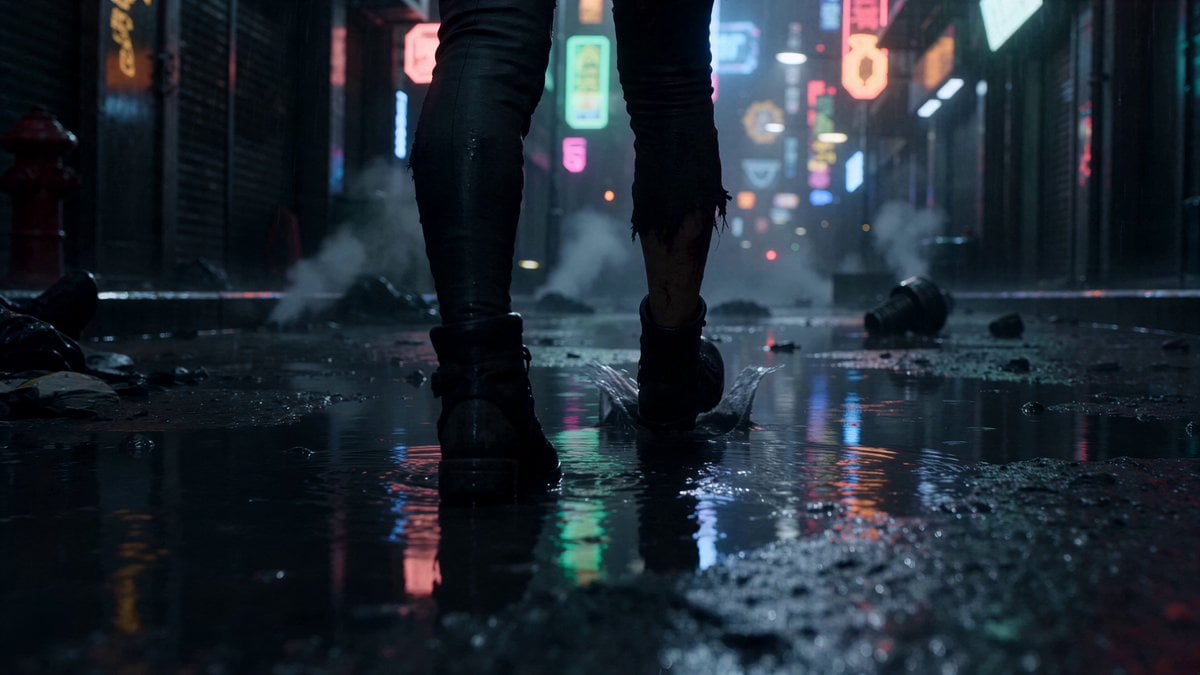
Cyber Ronin Nanotech Transformation Video
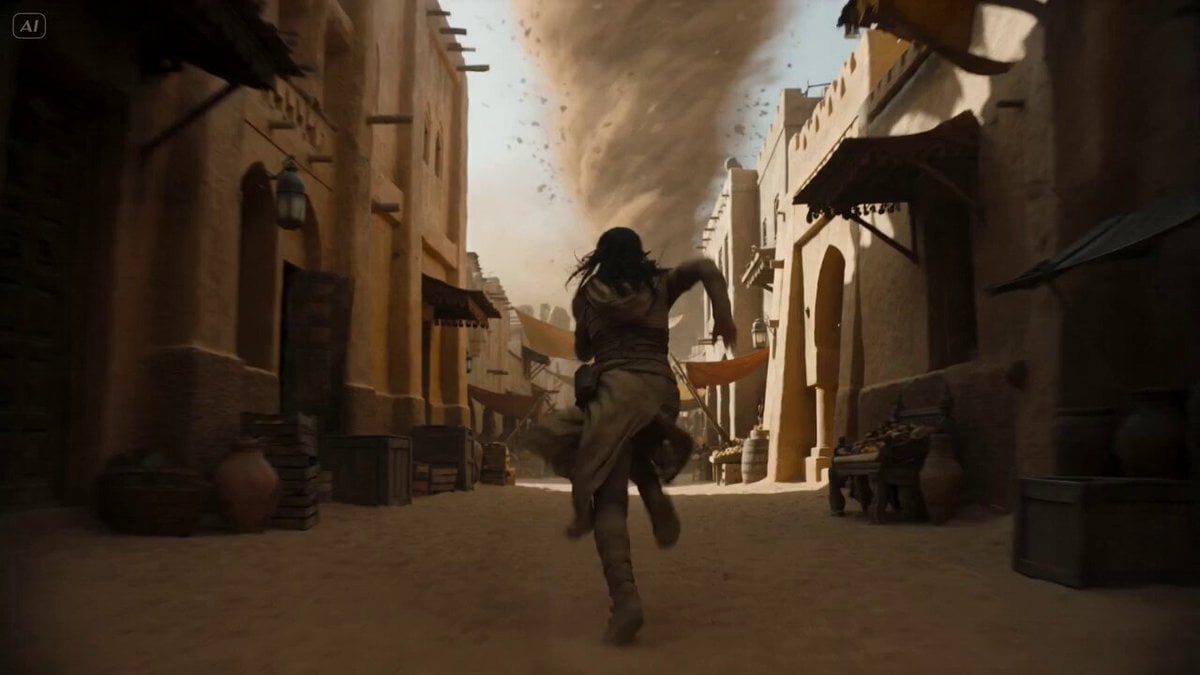
Desert Courier and Sandstorm Leviathan Chase
More video prompts
Fresh picks from across the catalog.
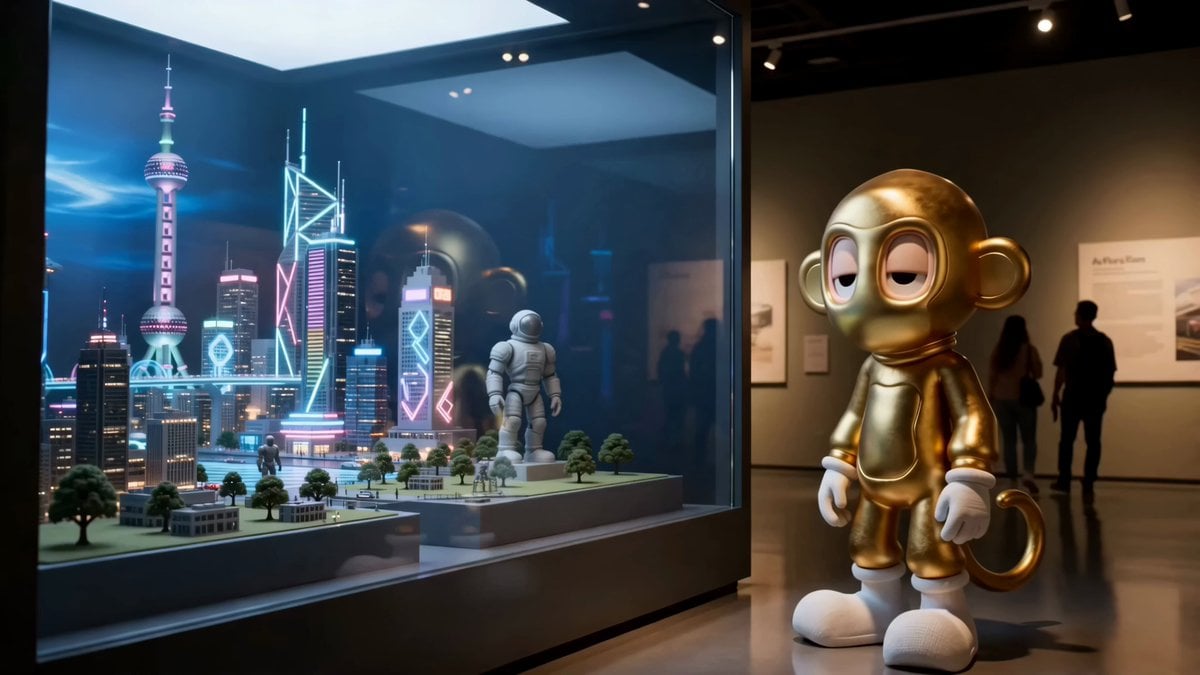
Museum Diorama Sci-Fi Gateway
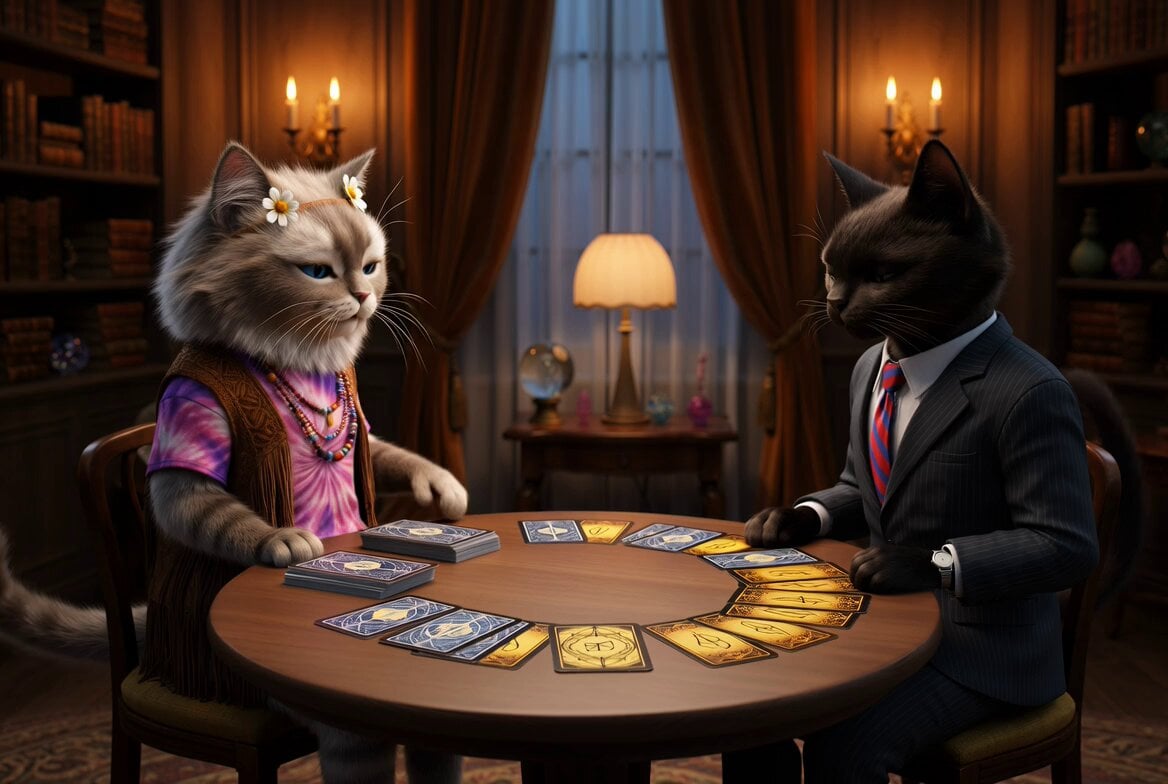
Cats Tarot Reading
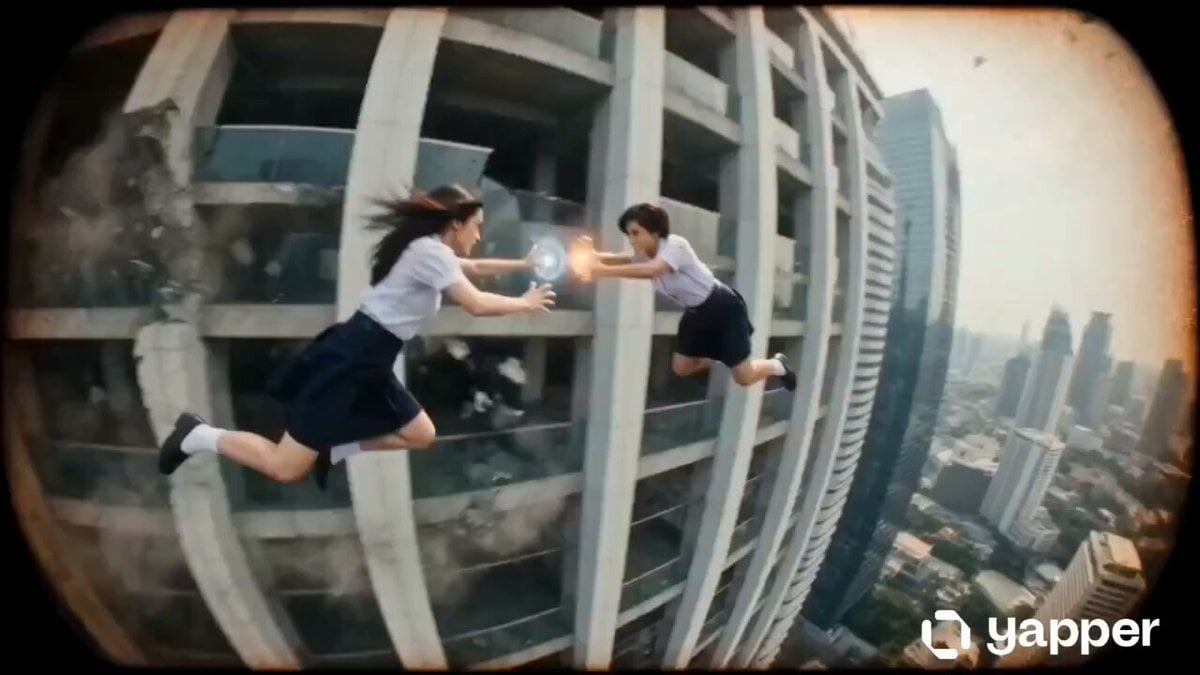
Thai School Duel Timeline Prompt
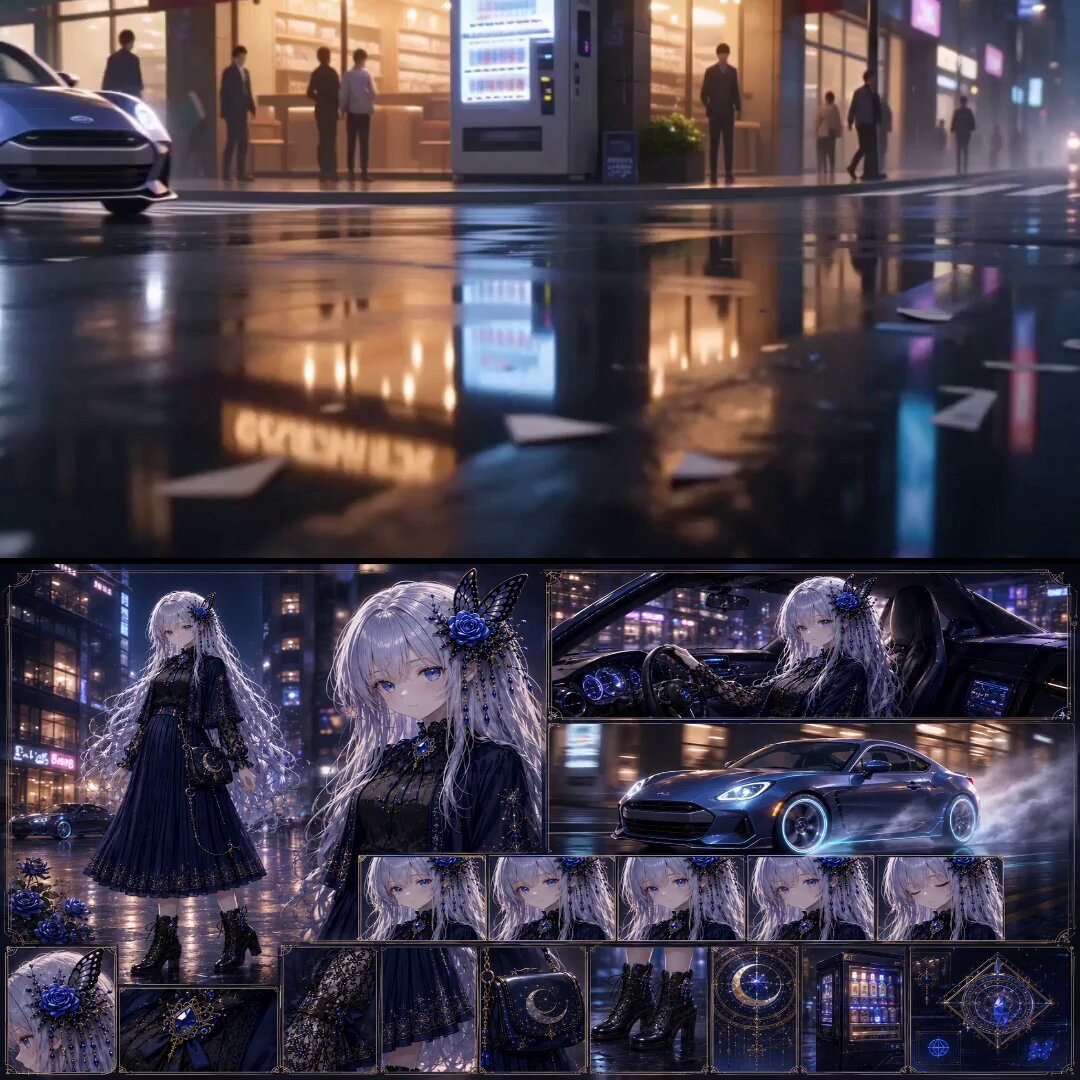
Urban Fantasy RPG Car Chase
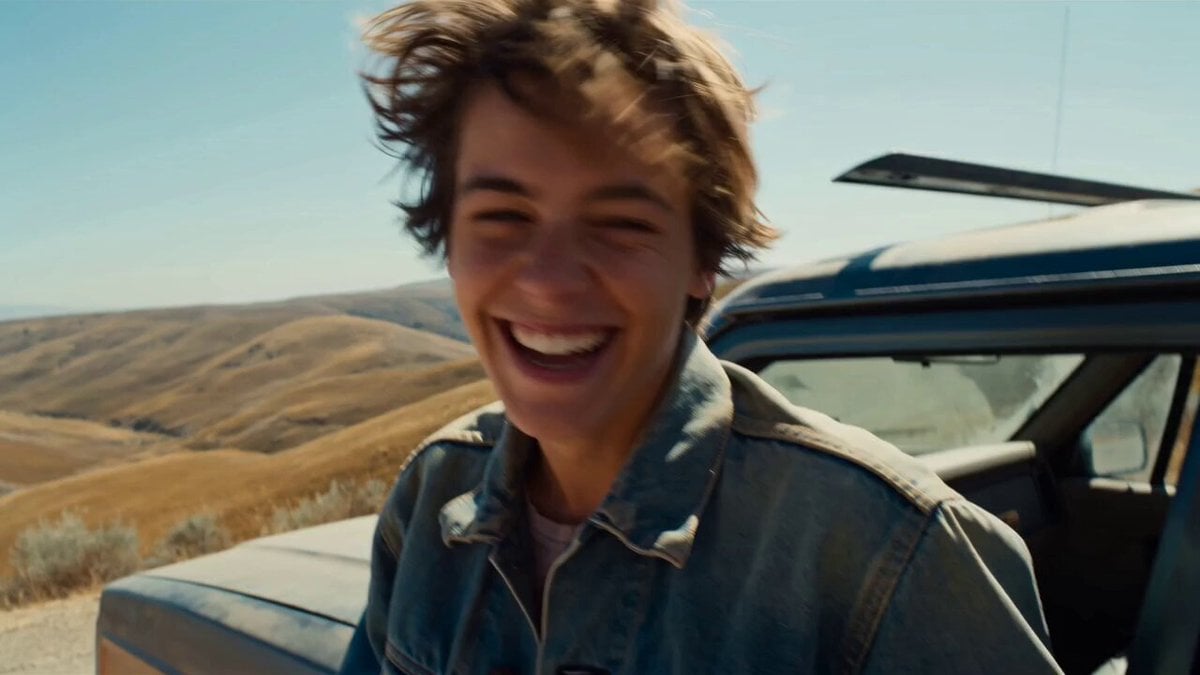
Smartphone Road Trip Vlog Montage
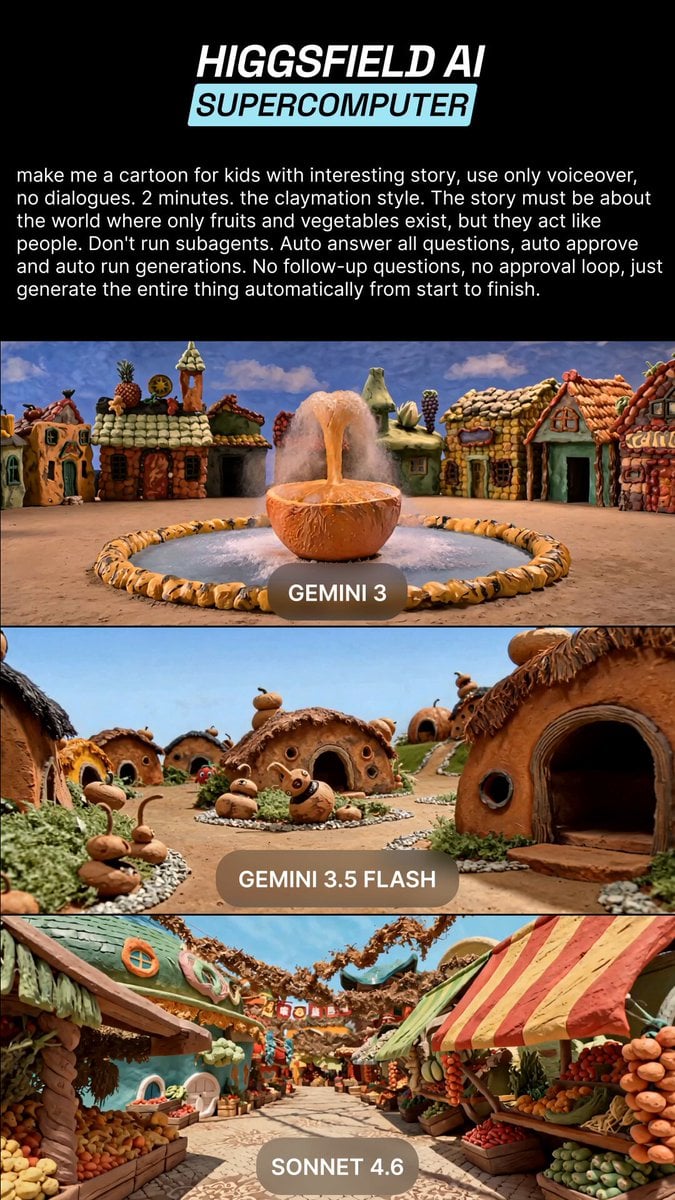
Claymation Fruit Kids Cartoon
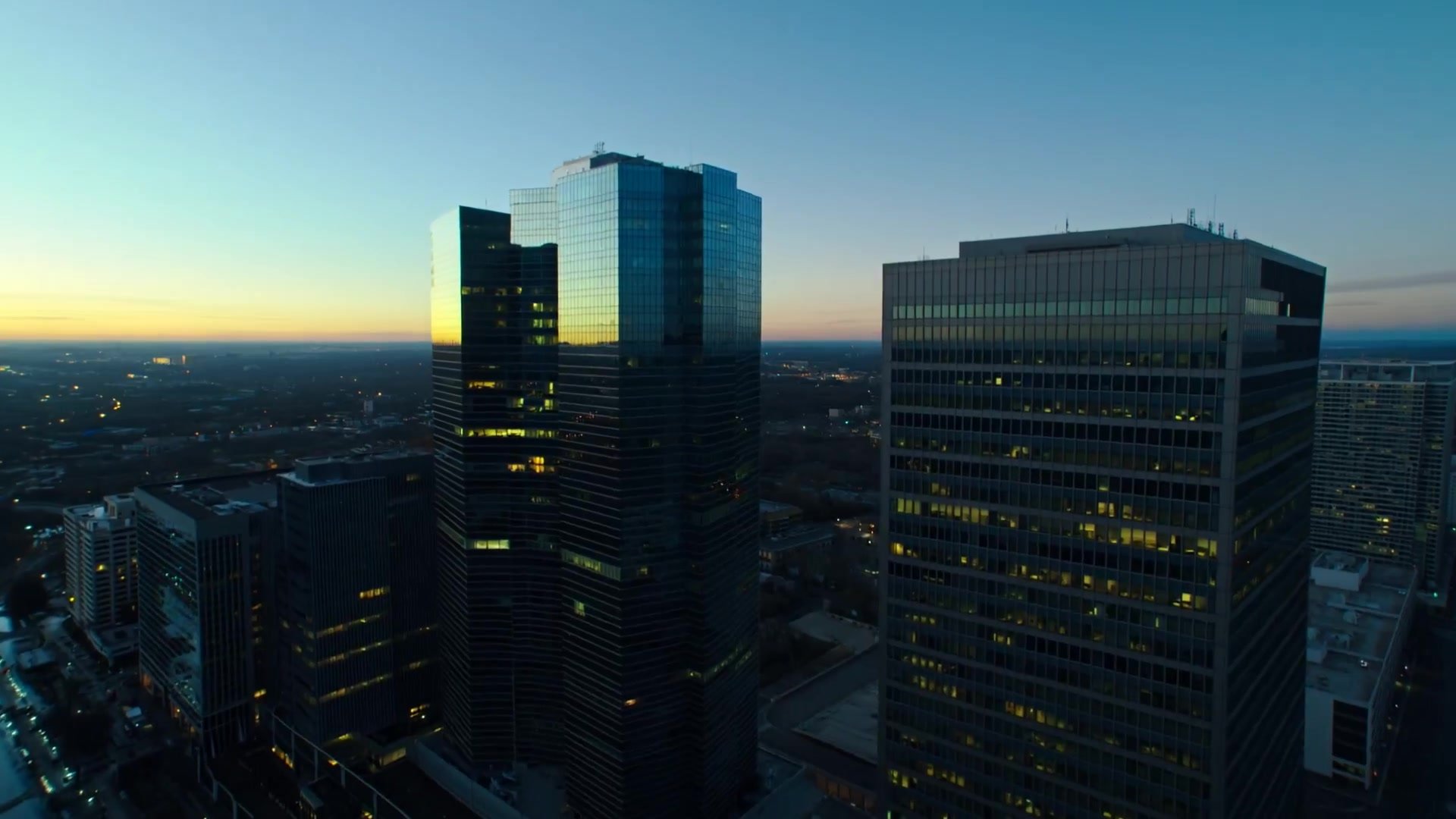
Multi-Shot Heist Sequence — Kling 3.0 O3 Pro
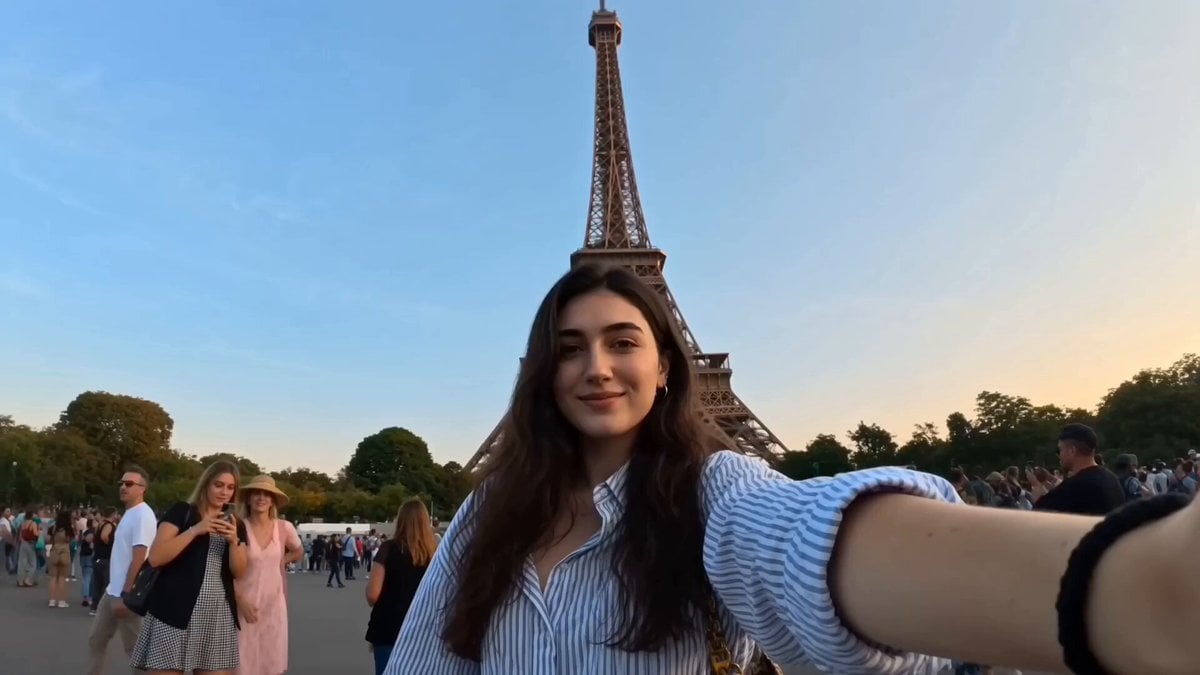
Global Travel Vlogger Hyper-lapse
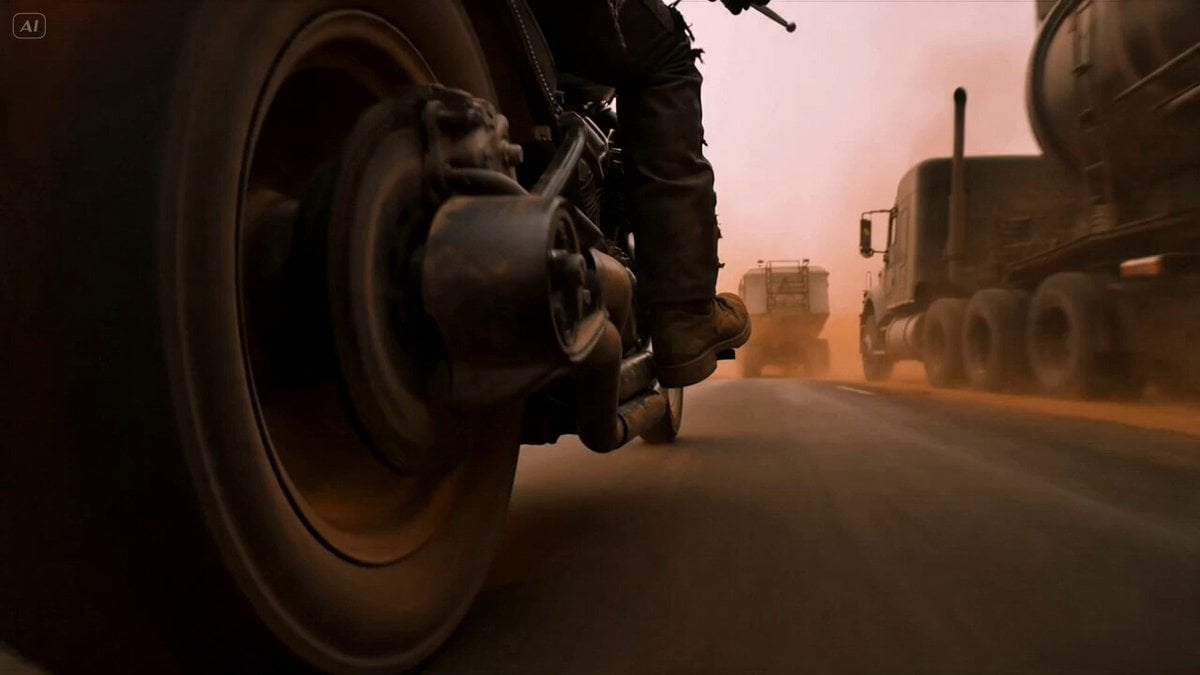
Mad Max Cybernetic Biker Action Sequence
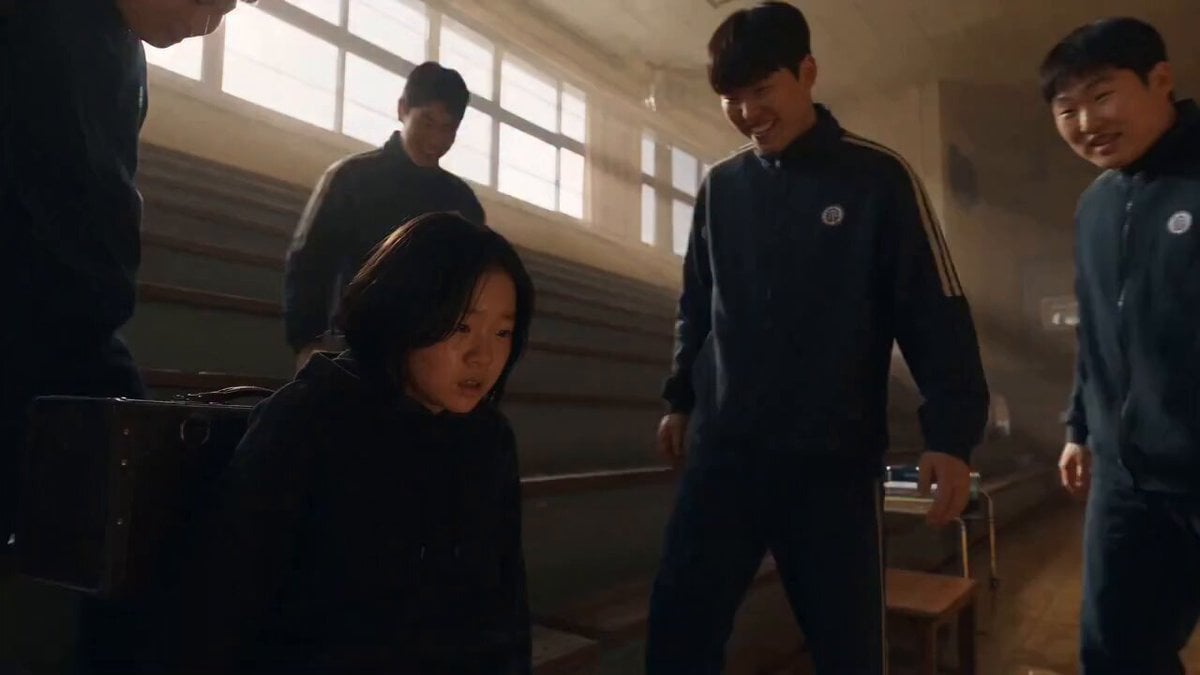
Martial Arts Gym Battle
Browse template categories
Surreal Dream Collapse Sequence questions
How do I use the Surreal Dream Collapse Sequence template?
Add your photo if the template asks for one, edit the prompt if you like — the template's model and format are already selected — and press Generate. Your version opens in PicX Studio.
Can I customize the Surreal Dream Collapse Sequence template?
Yes. You can change the subject, setting, lighting, mood, format, and available model controls before creating your video.
Is the Surreal Dream Collapse Sequence template free?
Opening and editing this template is free. Generating uses credits, shown on the Generate button when you are signed in.
Which AI model should I use?
Start with Seedance 2.0, which is the model associated with this template. You can compare another compatible model for a different finish.
Looking for something else? Browse all templates.

Your photo, any look
Thousands of ready templates for every top image and video model, from one credit balance.