
Smartphone Road Trip Vlog Montage
Generates an authentic-looking smartphone vlog of a road trip pit stop, featuring rapid jump cuts, natural handheld shakes, and candid friend interactions.
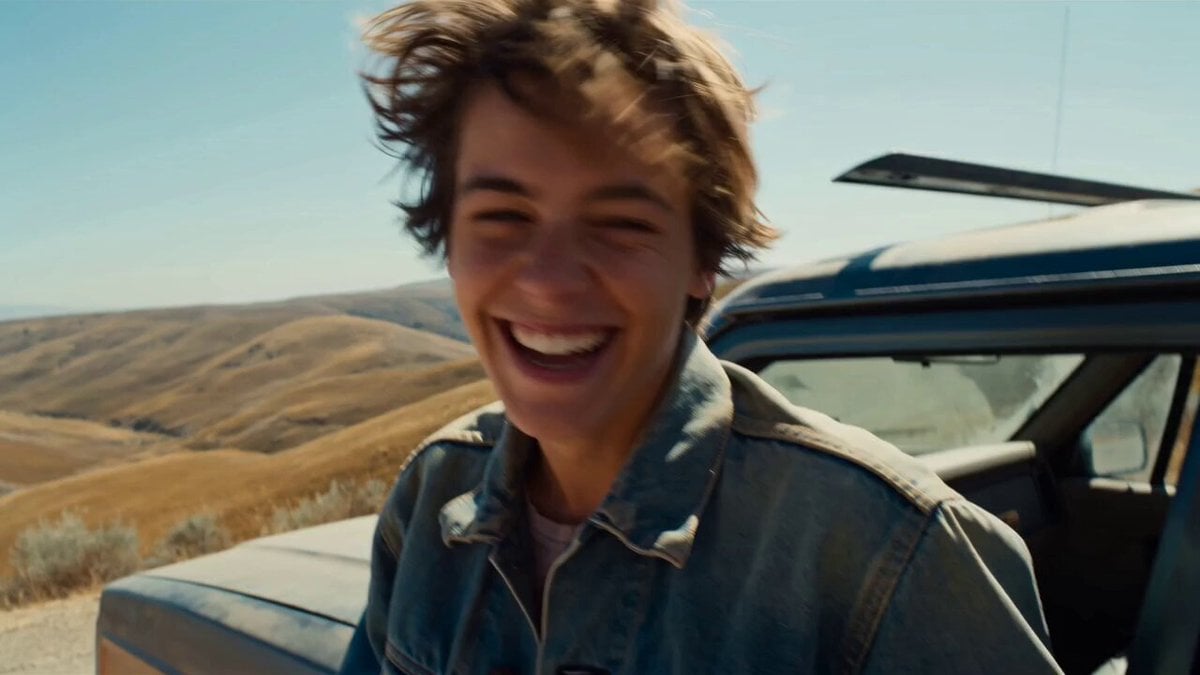
- Prompt included
- Model and format preset
- Premium template
The prompt behind this video
Copy the exact prompt behind Smartphone Road Trip Vlog Montage, or open it in the studio and make it yours.
Super casual real smartphone home video footage, road trip pit stop at a scenic roadside spot, natural mobile phone camera with slight authentic handheld shake, normal frame rate with smooth natural motion, rapid-fire montage with quick jump cuts every 1–2 seconds, unpolished authentic phone recording of friends stretching, snacking and taking photos by the car, pure raw home video feel, no cinematic polish. Use the main character as the strict ONLY visual reference. Maintain their exact appearance with zero deviation. Generate a mixed group of friends around them at the roadside stop, with the car and open road visible. 0–2.5s: Shaky rapid cuts of the main character laughing while leaning on the car, wind blowing through their hair, with quick flashes of the scenic road view. 2.5–5s: Abrupt jump cuts to a close-up of them sipping a cold drink, followed by friends unpacking snacks from the car. 5–7.5s: Fast shaky footage as they chat animatedly and point toward the view while their friends laugh around them. 7.5–10s: Quick close-up of them giving the camera a playful smile, then a jump cut to the group taking a silly photo together. 10–12.5s: Abrupt edit to everyone gathered near the car hood, sharing chips while music plays casually. 12.5–15s: Final rapid transition to the main character relaxing against the car with a soft smile, ending like a calm road trip memory with a gentle phone sway. Natural smartphone video quality, slight handheld shake, smooth motion, authentic physics, stable main character consistency and no professional effects.
How to use Smartphone Road Trip Vlog Montage in 3 steps
- 1
Open
The prompt is already in the box next to the preview, with the template's model and format selected.
- 2…a portrait of your subject in softgolden-hour light, 85mm…
Personalize
Edit the subject and creative details for your destination.
- 3Generate
Generate
Press Generate — your video is created in PicX Studio, so you can compare it with the original and refine one variable at a time.
More like this
Templates with the same subject, style or setup. Open one to see its prompt.
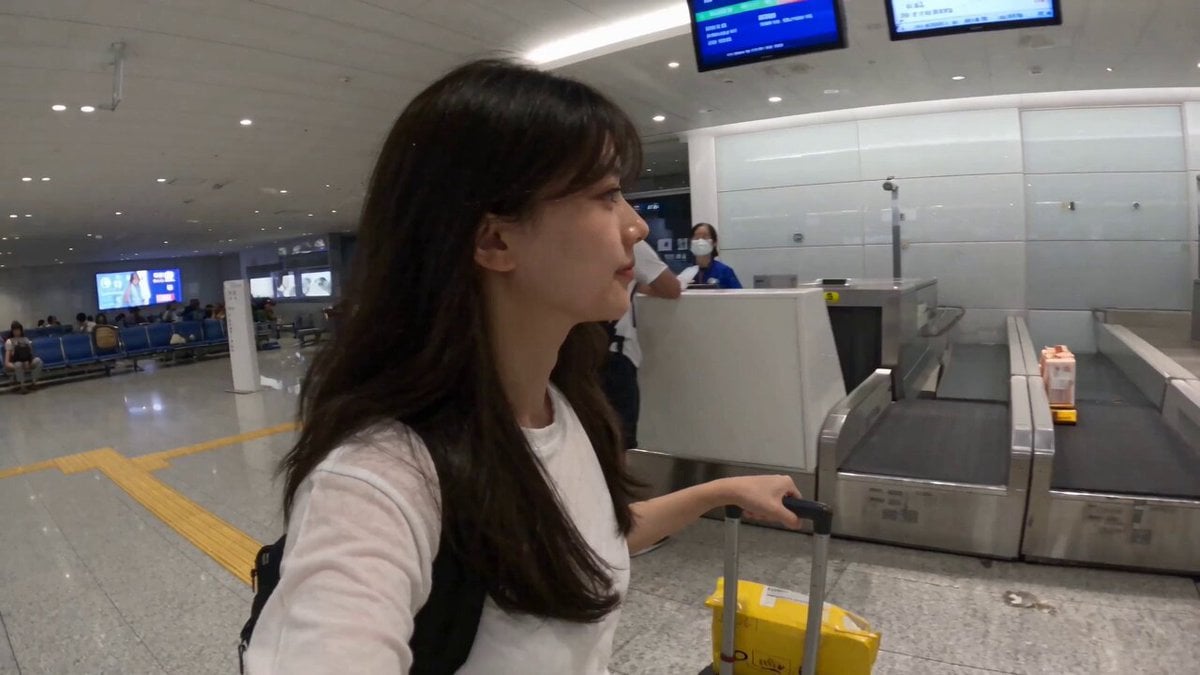
Smartphone Travel Vlog Tokyo Trip Identity Preserved
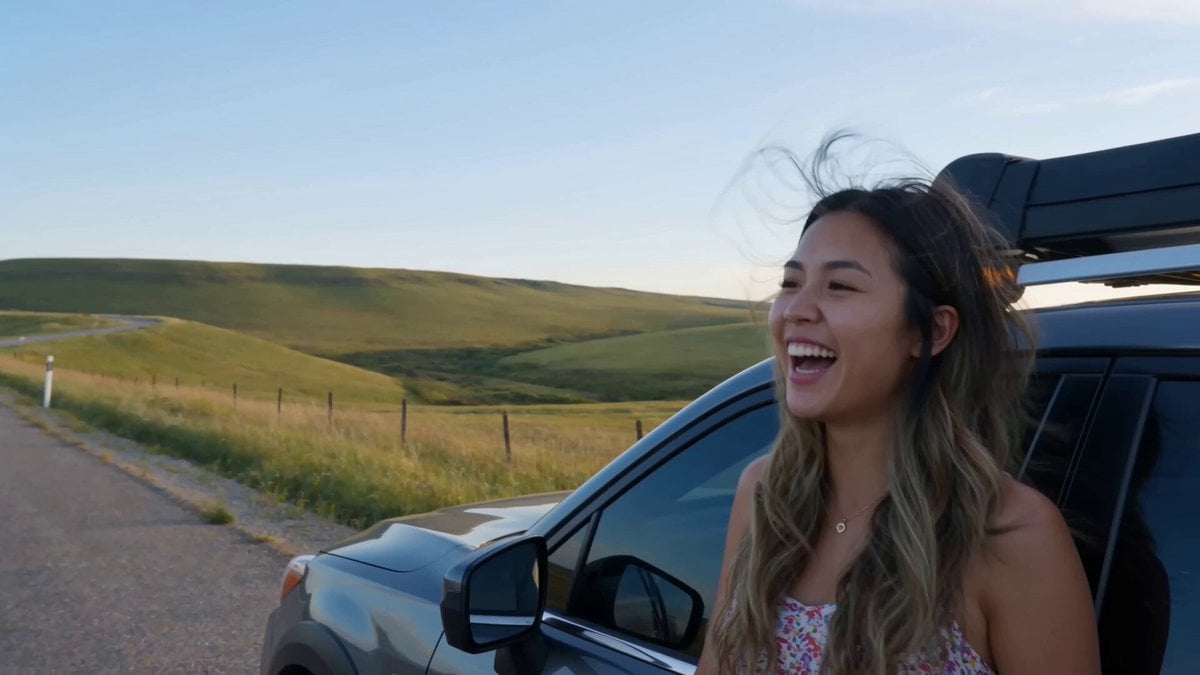
Handheld Smartphone Road Trip Montage
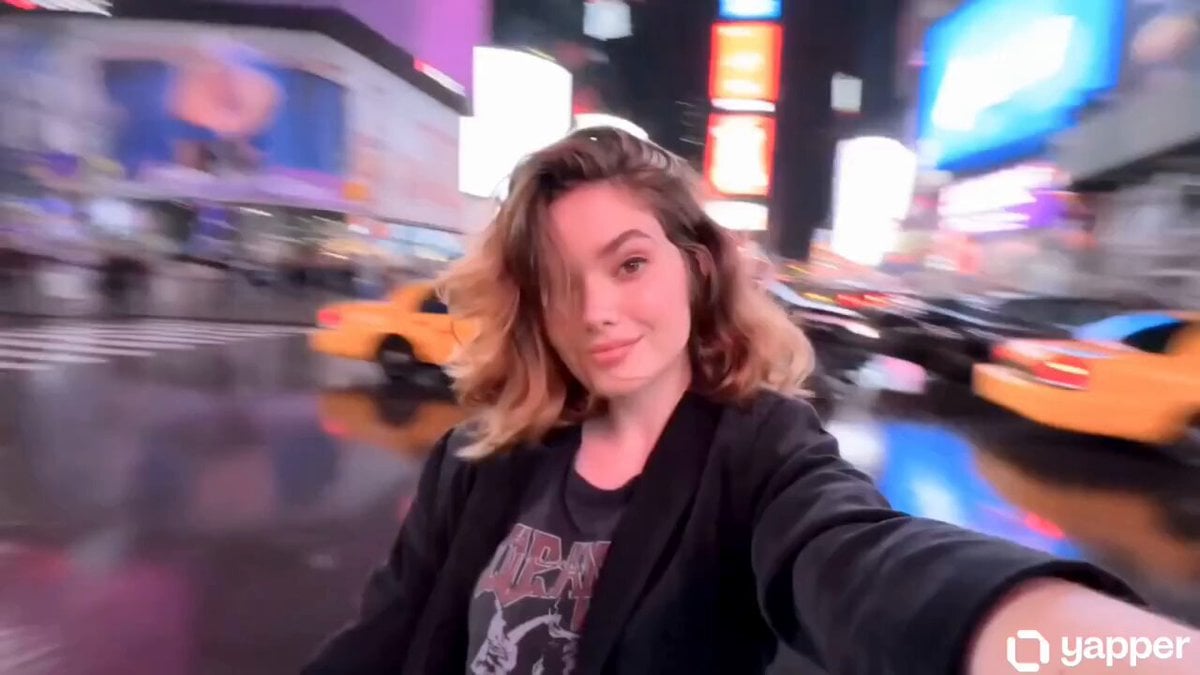
American Vlog Road Trip Collage

Fashion GRWM Smartphone Vlog
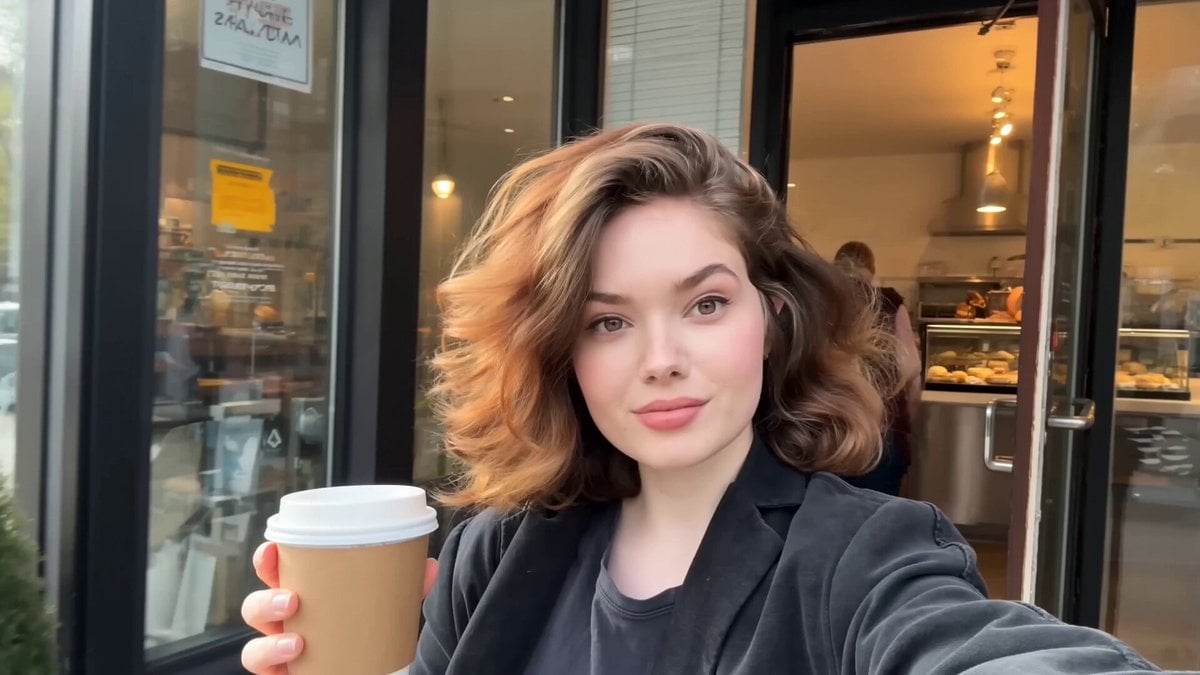
Authentic Smartphone Lifestyle Vlog
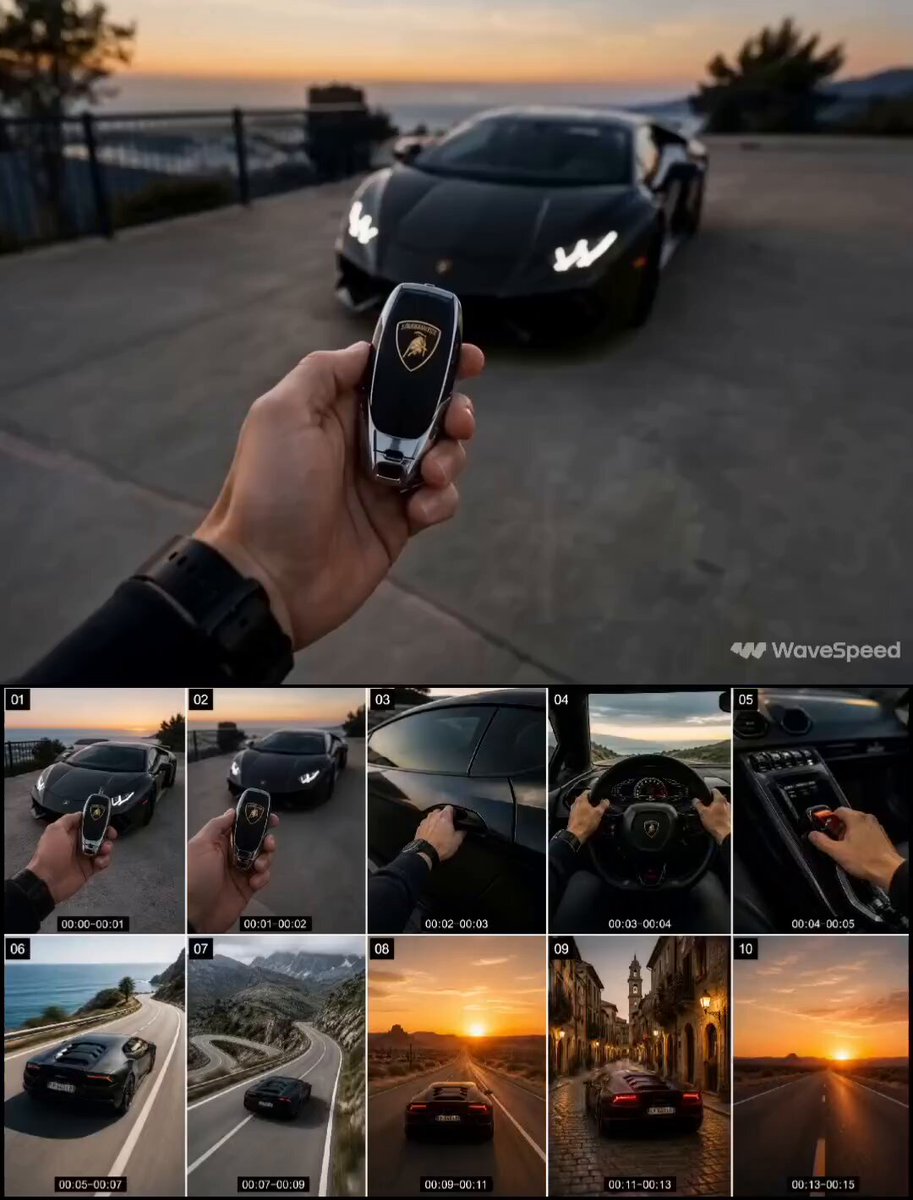
First-Person Luxury Car Roadtrip
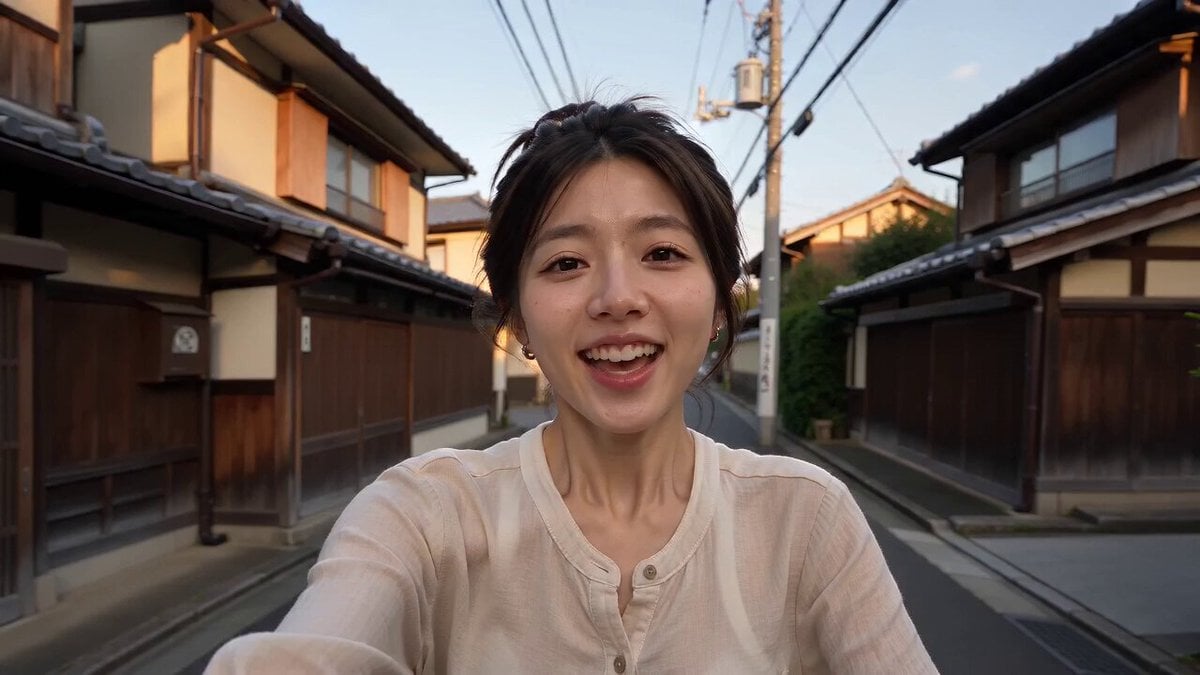
Kyoto Smartphone Vlog Simulation
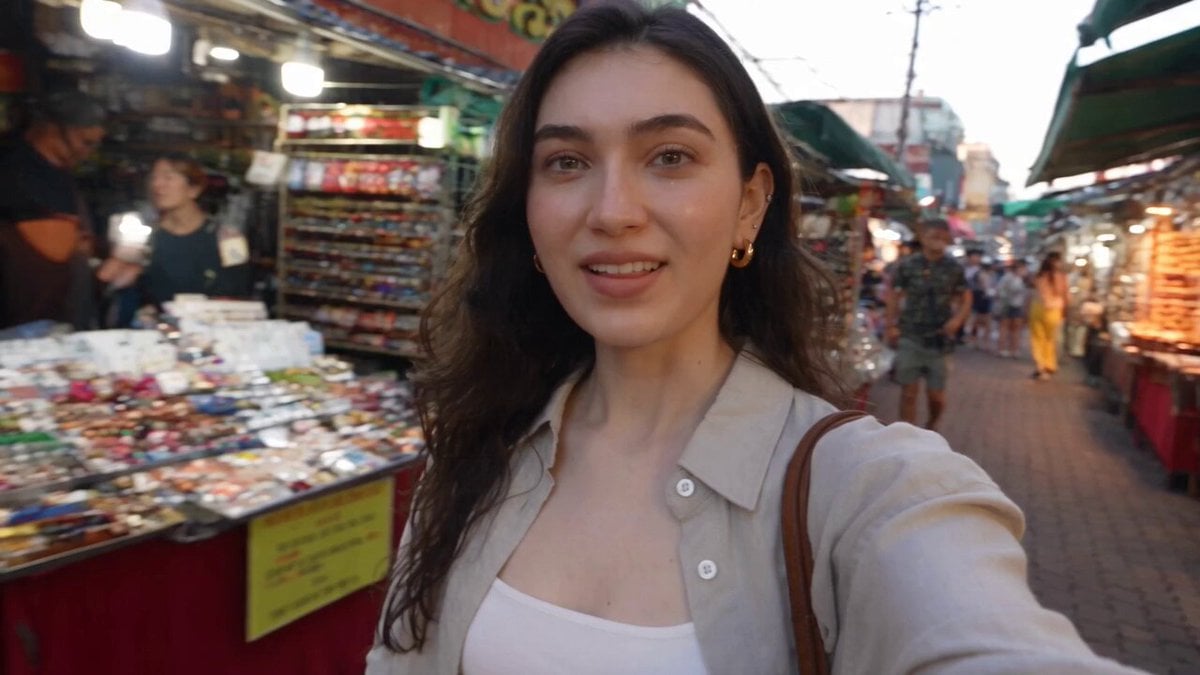
Smartphone Selfie Vlog Market Tour
Mediterranean Coffee Run Vlog - Seedance 2.5

Mysterious Home Exploration Vlog - Seedance 2.5

Realistic Morning Routine Lifestyle Vlog - Seedance 2.5
Handheld Tokyo Travel Vlog - Seedance 2.5
Make it yours
Smartphone Road Trip Vlog Montage works as-is. These are the safest ways to change it without losing the look.
Change one field
Copy a single group, rewrite it, and generate again so you can see what that field is doing.
Keep the frame, change the subject
Hold the composition and light of Smartphone Road Trip Vlog Montage, then swap wardrobe, props or the person for a new take.
| If the result… | Why | Fix |
|---|---|---|
| The result drifts from the preview | Too many fields changed at once. | Reuse Smartphone Road Trip Vlog Montage as-is first, then change one group — subject, light, or setting. |
| The model over-stylizes the scene | The prose prompt leaves finish and camera underspecified. | Add one camera or lighting sentence and stay on Seedance 2.0. |
More Seedance 2.0 templates
Other prompts made for Seedance 2.0.

Comical Martial Arts Punch Scene

Maglev Train Action Sequence

Martial Arts Fight Sequence

Wuxia Protection and Trust Script

Vintage Korean Arcade MiniDV Vlog

Mercedes 190 SL Luxury Ad

Rainy Night Supernatural Reverse Comedy Video Script

Amazon Civilization Discovery

Futuristic South Asian City Transformation

Cozy Luxury Cafe Commercial
More video prompts
Fresh picks from across the catalog.

Soft Pink Roses Dreamer Prompt
Beauxbatons Witch Magic Vortex Animation
Subway Station Martial Arts Fight

4K Cinematic Rugby Match Video

Hard Sci-Fi Robot Judgement Script
Cosmic Zoom to Café One-Take

Cinematic Medieval Warrior Battle Sequence

Gothic Anime Interdimensional Train Journey

Wuxia Letting Go Drama Script

Seedance 2.0 prompt for a luxury fashion short film
Browse template categories
Smartphone Road Trip Vlog Montage questions
How do I use the Smartphone Road Trip Vlog Montage template?
Add your photo if the template asks for one, edit the prompt if you like — the template's model and format are already selected — and press Generate. Your version opens in PicX Studio.
Can I customize the Smartphone Road Trip Vlog Montage template?
Yes. You can change the subject, setting, lighting, mood, format, and available model controls before creating your video.
Is the Smartphone Road Trip Vlog Montage template free?
Opening and editing this template is free. Generating uses credits, shown on the Generate button when you are signed in.
Which AI model should I use?
Start with Seedance 2.0, which is the model associated with this template. You can compare another compatible model for a different finish.
Looking for something else? Browse all templates.

Your photo, any look
Thousands of ready templates for every top image and video model, from one credit balance.