
Gothic Anime Interdimensional Train Journey
A complex cinematic prompt for a 15-second anime sequence featuring a gothic character on a haunted interdimensional train with interior and exterior shots.
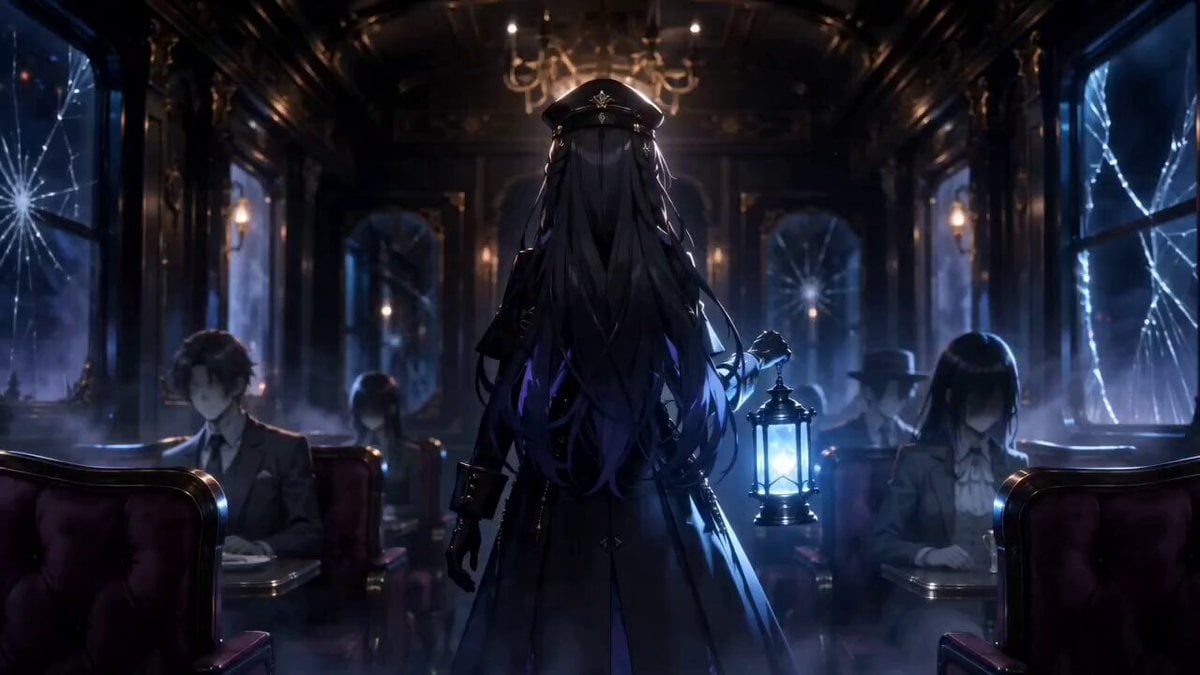
- Prompt included
- Model and format preset
- Free template
The prompt behind this video
Copy the exact prompt behind Gothic Anime Interdimensional Train Journey, or open it in the studio and make it yours.
Use the uploaded image as the main visual reference. Maintain the exact same anime character design, facial features, black gothic outfit, silver sword, glowing blue lantern, cinematic color palette, haunted train aesthetic, and dark fantasy atmosphere throughout the entire sequence with strong character consistency. A 15-second cinematic anime movie sequence about a haunted interdimensional train traveling endlessly through impossible worlds at night. Opening moments: the mysterious heroine slowly walks through luxurious abandoned train corridors carrying a glowing blue lantern. The train interior is dark, elegant, and eerie with chandelier lights, velvet seats, cracked mirrors, drifting fog, and ghost passengers sitting motionless with hidden faces. Slow cinematic camera tracking shots, emotional close-ups, atmospheric tension, realistic reflections, subtle train movement, dramatic shadows. Outside the train windows appear surreal dimensions constantly changing while the train moves at high speed: underwater kingdoms with giant glowing whales, burning skies filled with floating ruins, frozen moonscapes under giant planets, endless cosmic voids, black holes swallowing light, glowing fantasy cities, dimensional storms, floating mountains, and massive portals opening in space. Include multiple cinematic exterior shots of the haunted train itself traveling through these impossible worlds. Show wide aerial views of the entire train crossing cosmic landscapes, flying through dimensional storms, passing giant glowing portals, racing across floating rails in space, and leaving glowing energy trails behind it. Massive cinematic scale, breathtaking environment transitions, detailed fantasy worlds, emotional sci-fi horror atmosphere. Alternate naturally between interior corridor scenes and exterior cinematic shots of the train moving through dimensions. Middle moments: the train suddenly begins shaking violently as reality distorts around the heroine. Lights flicker aggressively, papers fly through the corridor, windows crack, dimensional energy leaks into the train, ghost passengers slowly turn their heads toward her. Terrifying shadow creatures with glowing red eyes emerge from the walls and ceiling while distorted whispers echo through the train. Dramatic camera rotation, suspenseful pacing, cinematic tension, supernatural horror atmosphere. Final moments: the heroine slowly draws her glowing silver sword and launches into explosive cinematic anime combat inside the moving train. Fast fluid sword choreography, sparks flying, supernatural energy effects, shattered glass, slow motion attacks, intense close-ups, dynamic camera movement, dimensional storms visible outside the windows, emotional intensity, masterpiece anime movie quality, ultra detailed animation, realistic anime motion, volumetric fog, cinematic depth of field, MAPPA and Violet Evergarden inspired visuals, high-budget fantasy horror film
How to use Gothic Anime Interdimensional Train Journey in 3 steps
- 1Upload ImagePNG, JPG or paste
Add your photo
Upload the photo the template builds on. The prompt, model and format are already set.
- 2…a portrait of your subject in softgolden-hour light, 85mm…
Personalize
Edit the subject and creative details for your destination.
- 3Generate
Generate
Press Generate — your video is created in PicX Studio, so you can compare it with the original and refine one variable at a time.
More like this
Templates with the same subject, style or setup. Open one to see its prompt.
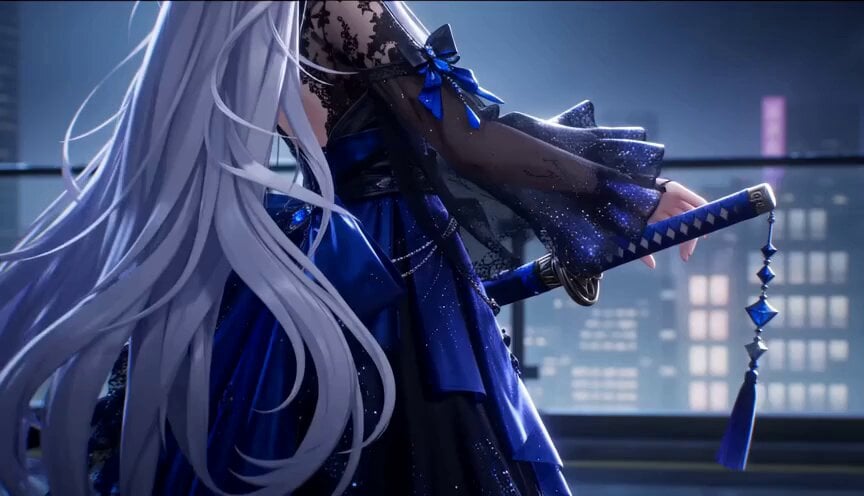
Gothic Anime Sword Slash
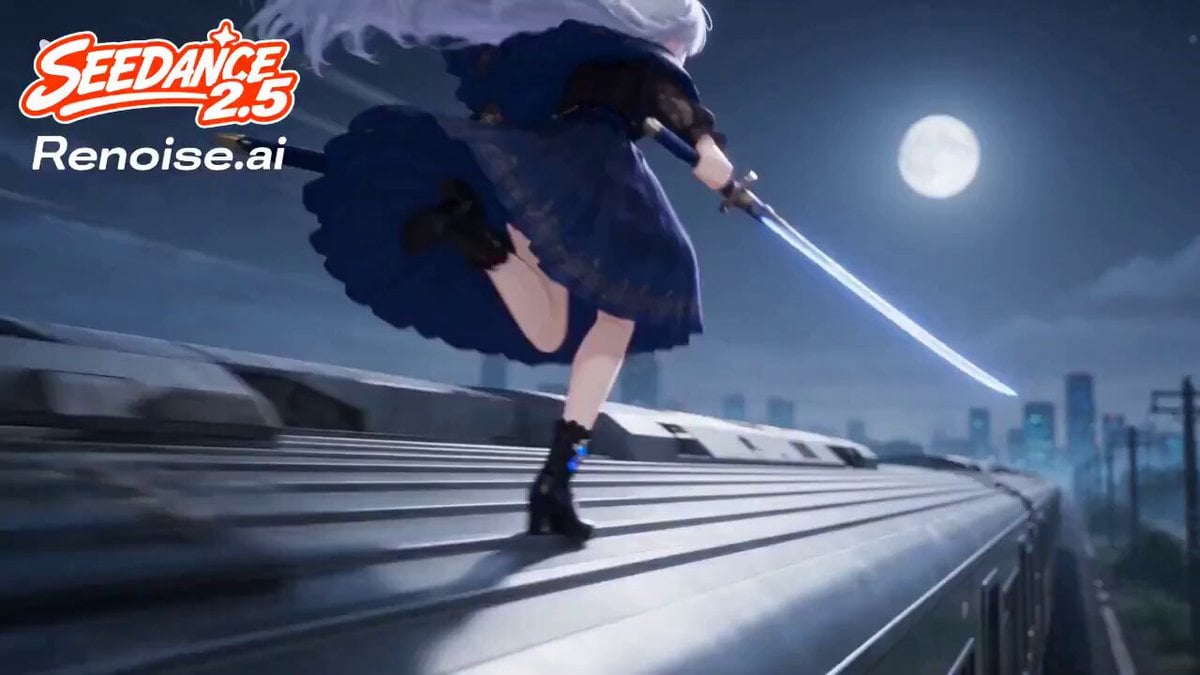
Silver Train Chase Anime Action

MiniMax H3 Character Introduction

Japanese Pure Love Short Film
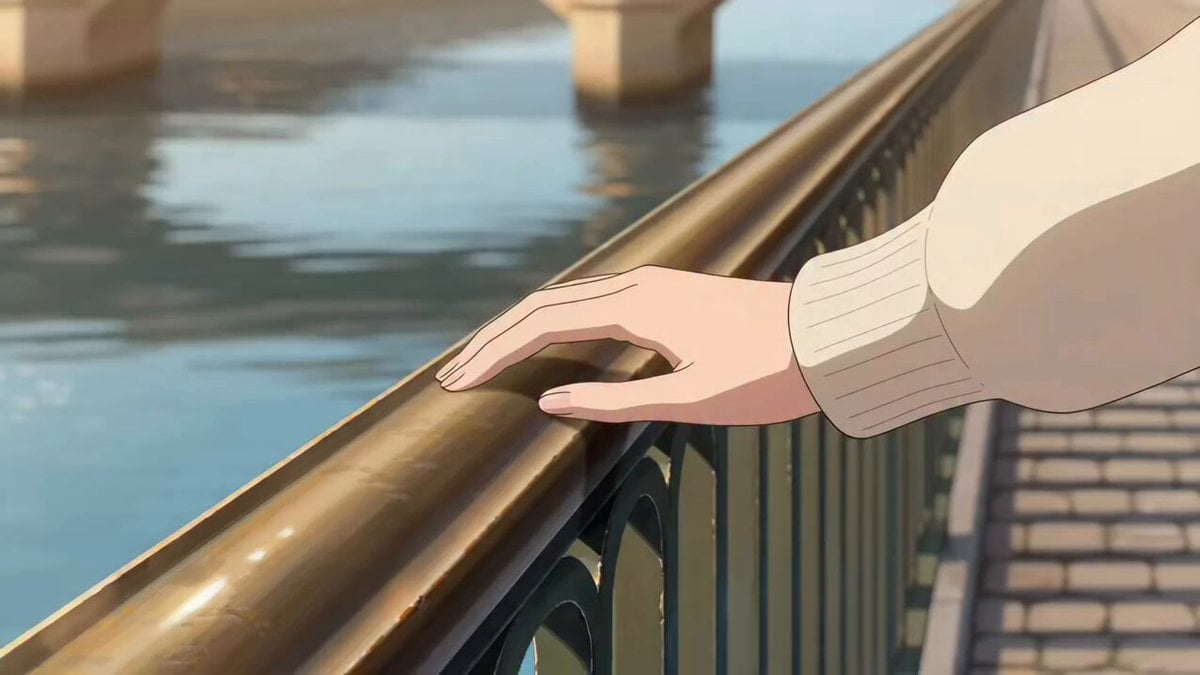
Paris Journey Anime Style

Studio Ghibli Dumpling Kitchen Cooking Scene
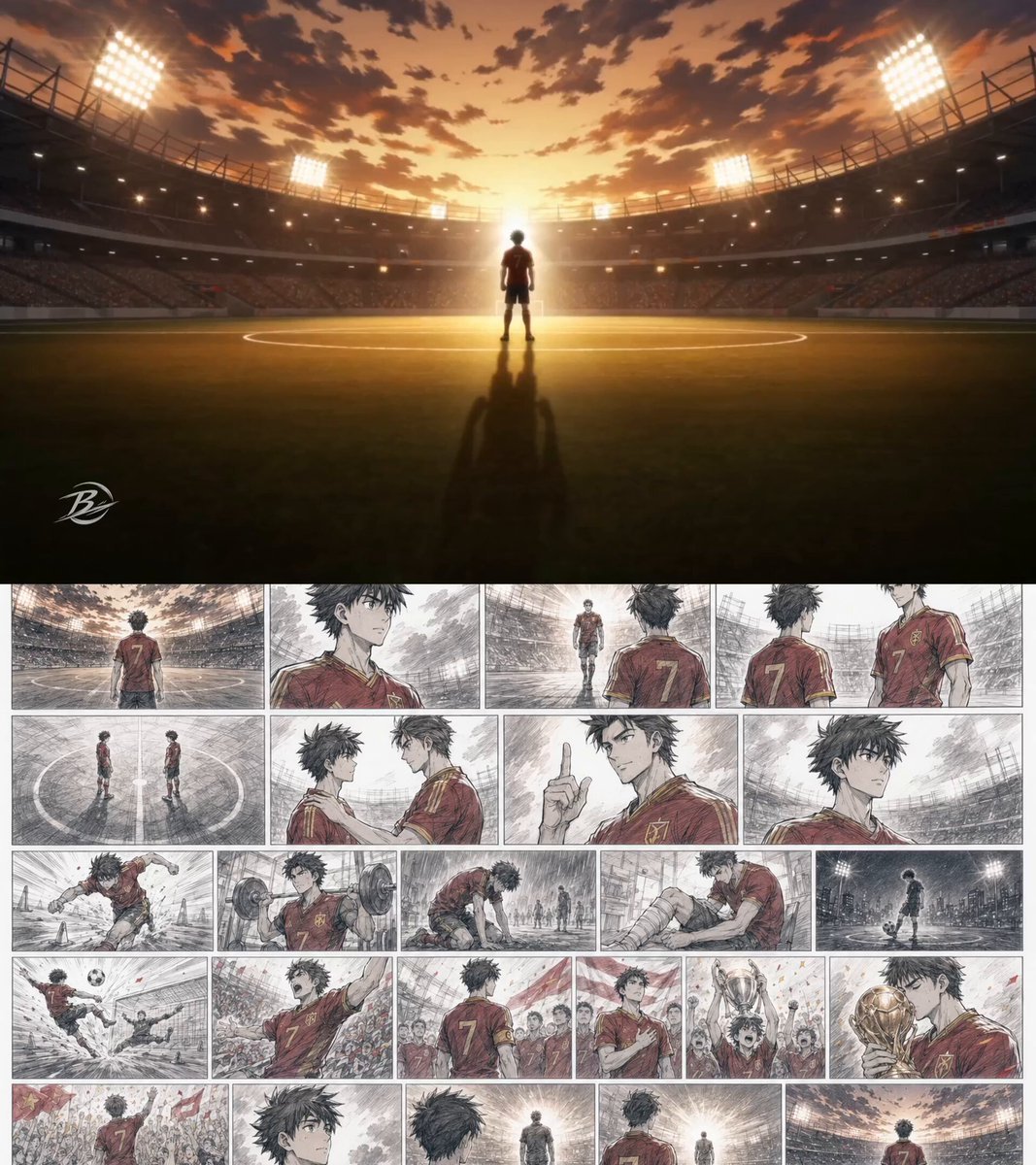
Anime Football Player Emotional Journey
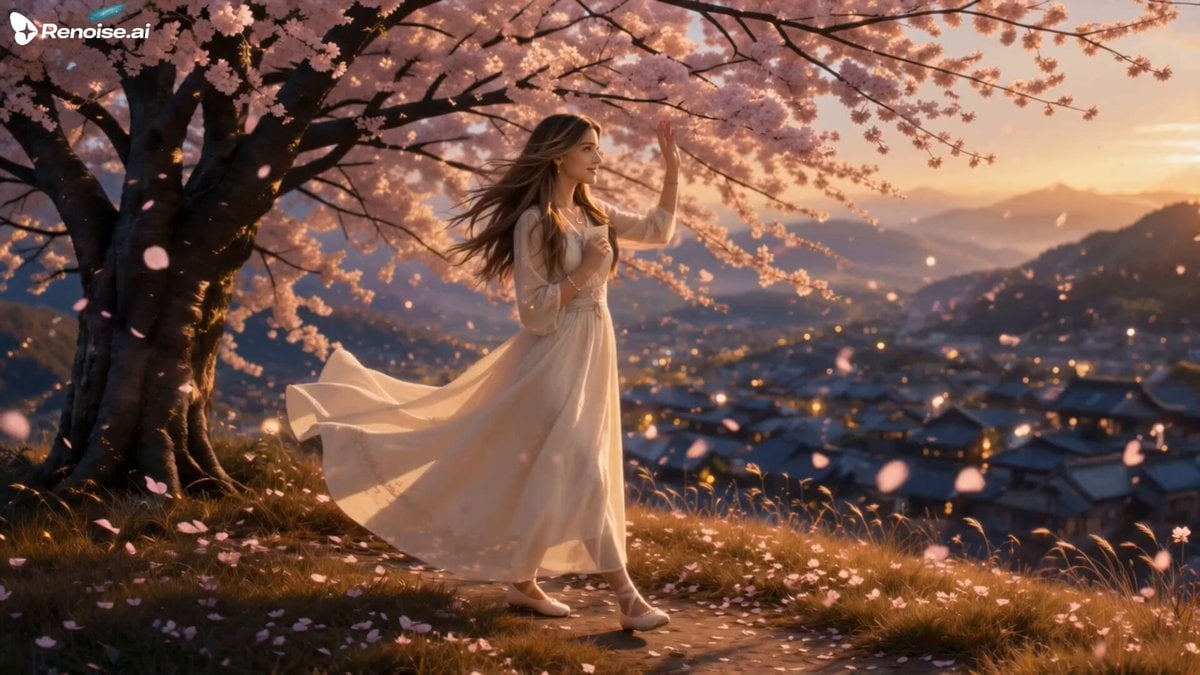
Makoto Shinkai Inspired Anime Journey
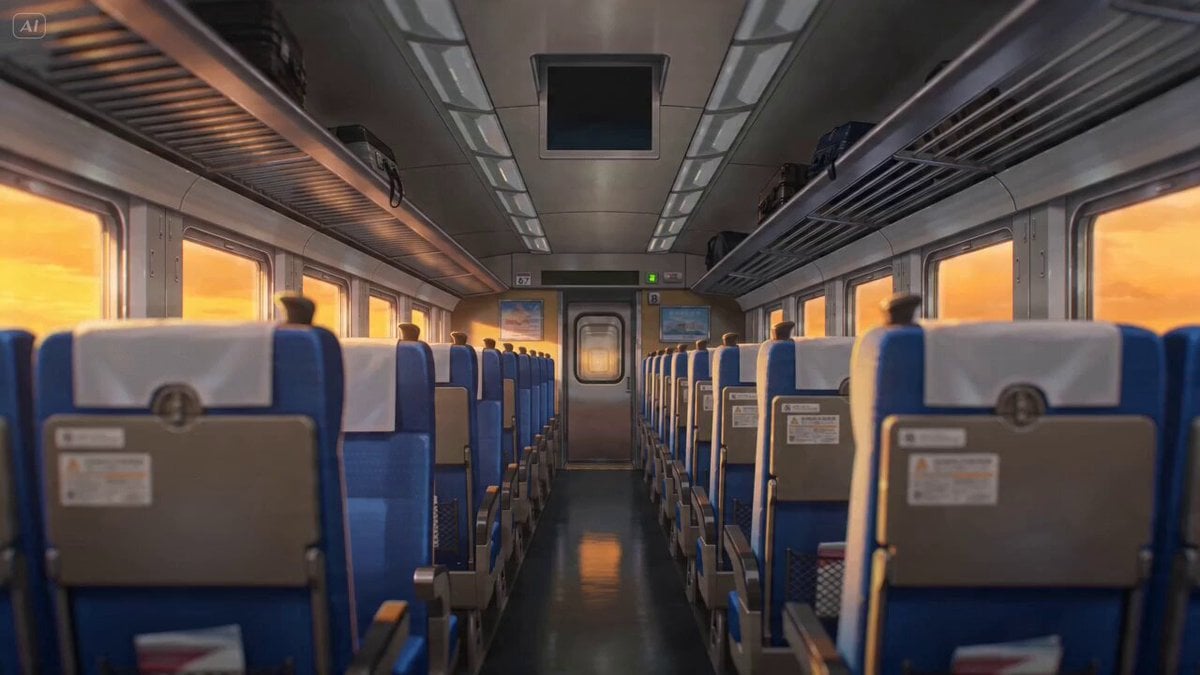
Anime Lofi Train Ride Prompt
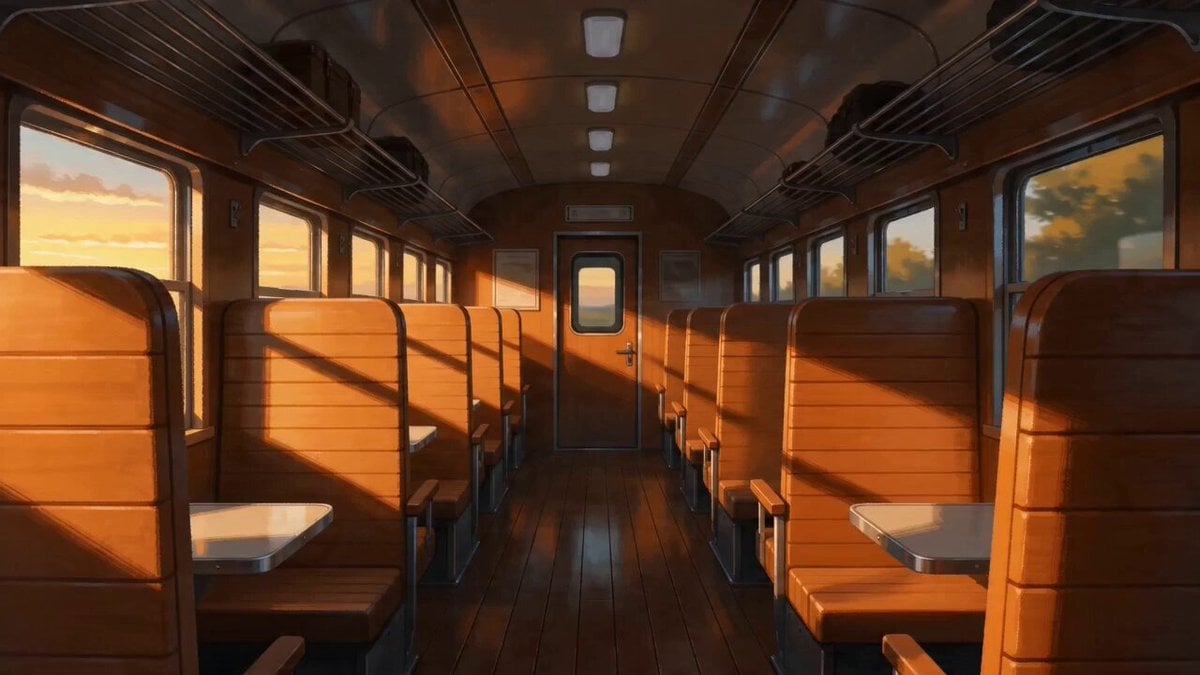
Peaceful Lofi Train Ride Anime Video Prompt
Subway Flood — Epic Tunnel Chaos
Mecha Transformation vs Kaiju — 4-Scene Epic
Make it yours
Gothic Anime Interdimensional Train Journey works as-is. These are the safest ways to change it without losing the look.
Change one field
Copy a single group, rewrite it, and generate again so you can see what that field is doing.
Keep the frame, change the subject
Hold the composition and light of Gothic Anime Interdimensional Train Journey, then swap wardrobe, props or the person for a new take.
| If the result… | Why | Fix |
|---|---|---|
| The result drifts from the preview | Too many fields changed at once. | Reuse Gothic Anime Interdimensional Train Journey as-is first, then change one group — subject, light, or setting. |
| The model over-stylizes the scene | The prose prompt leaves finish and camera underspecified. | Add one camera or lighting sentence and stay on Seedance 2.0. |
More Seedance 2.0 templates
Other prompts made for Seedance 2.0.

Comical Martial Arts Punch Scene

Martial Arts Fight Sequence

Wuxia Protection and Trust Script

Vintage Korean Arcade MiniDV Vlog

Mercedes 190 SL Luxury Ad

Rainy Night Supernatural Reverse Comedy Video Script

Amazon Civilization Discovery

Futuristic South Asian City Transformation

Cozy Luxury Cafe Commercial

Cyber Ronin Nanotech Transformation Video
More video prompts
Fresh picks from across the catalog.

3D Cartoon Ramen Eating Animation
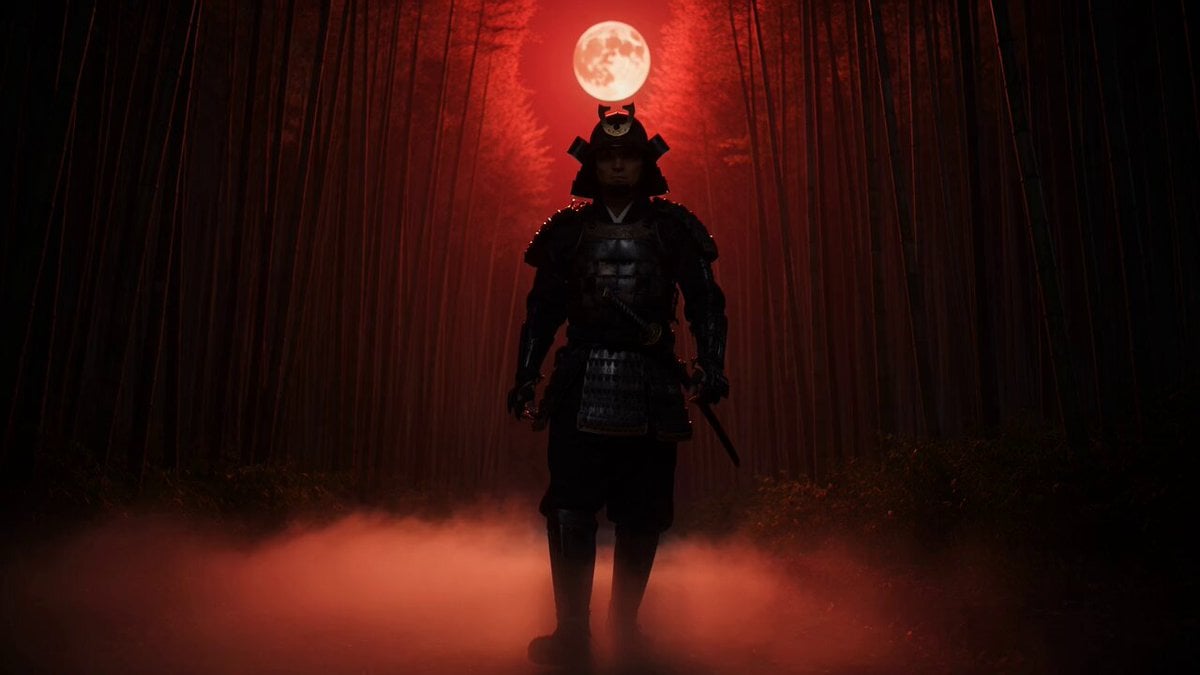
Samurai in Bamboo Forest
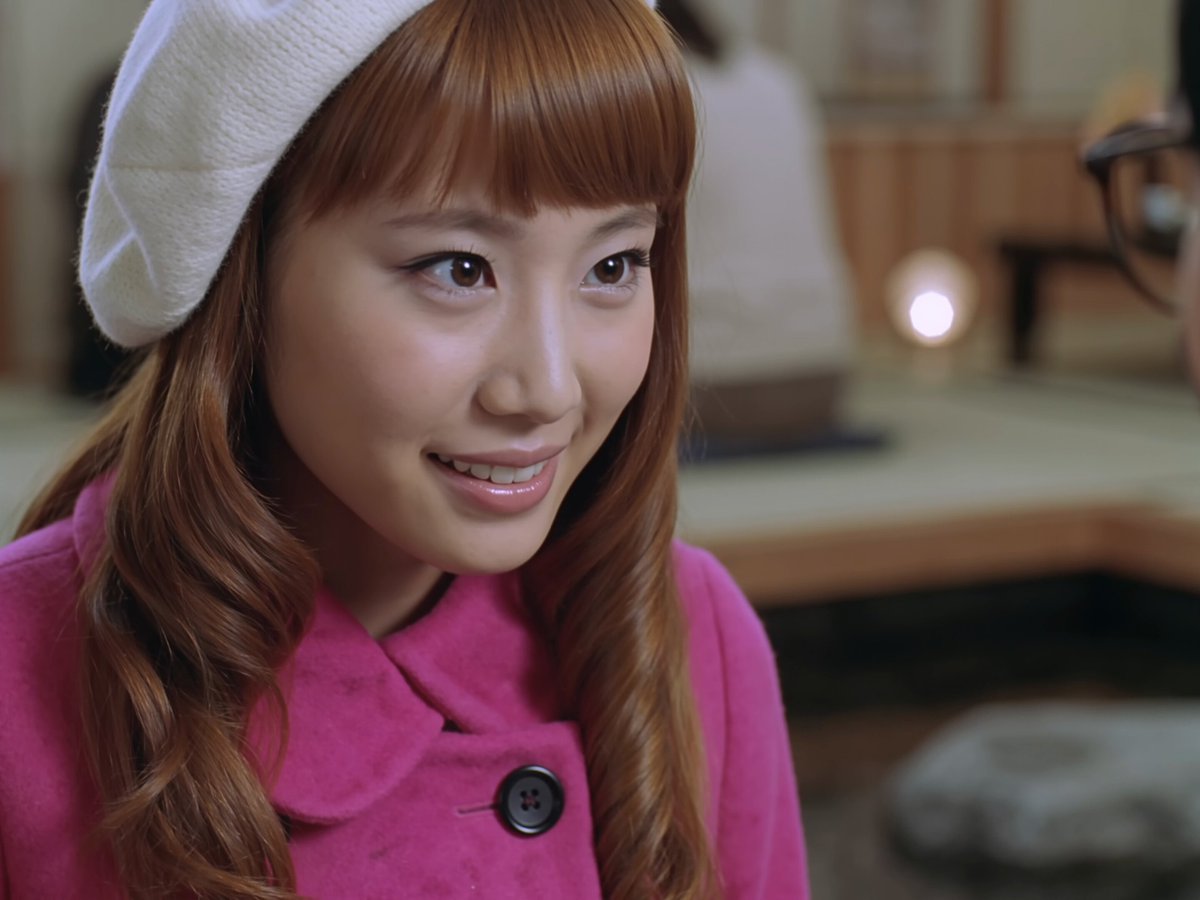
Early 2000s Asian Drama Hair Toss
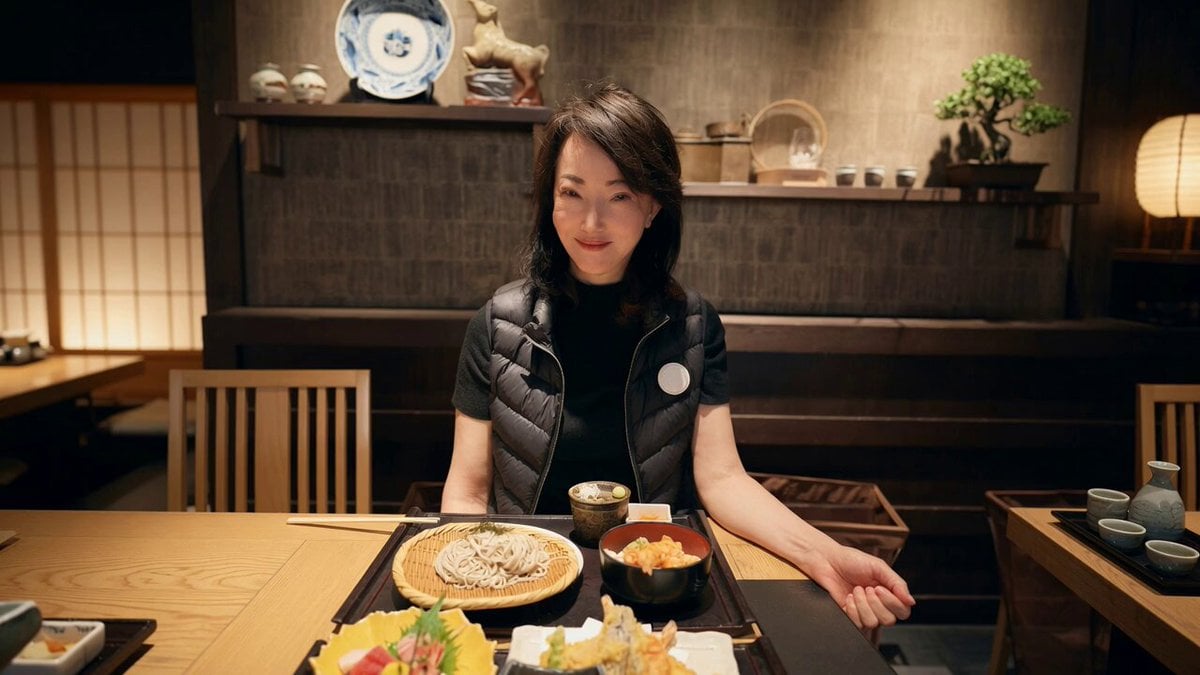
Cinematic Dolly-in to Japanese Table Spread
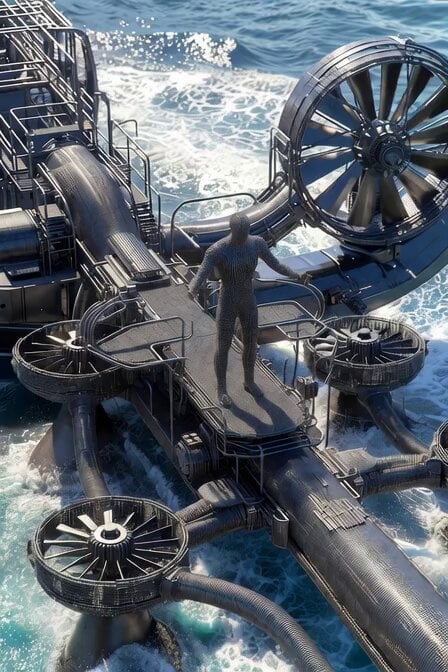
Futuristic Graphene Water Sports Resort
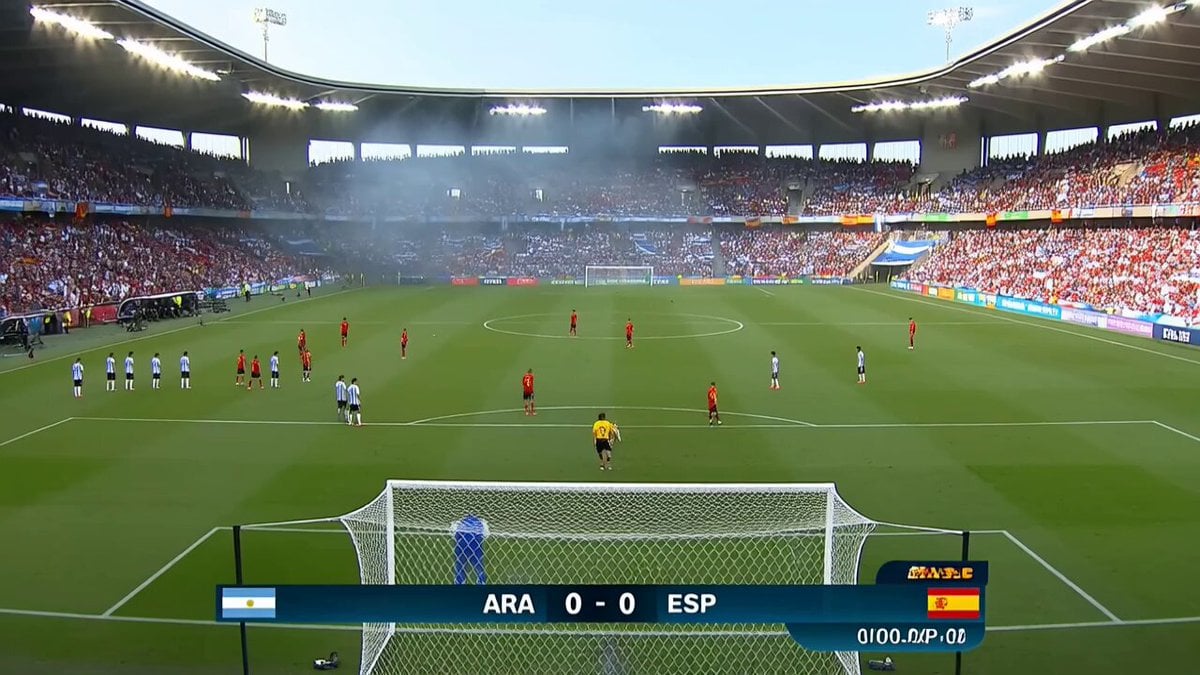
Viral Football Match Comedy Broadcast

Luxury Lifestyle Day Vlog
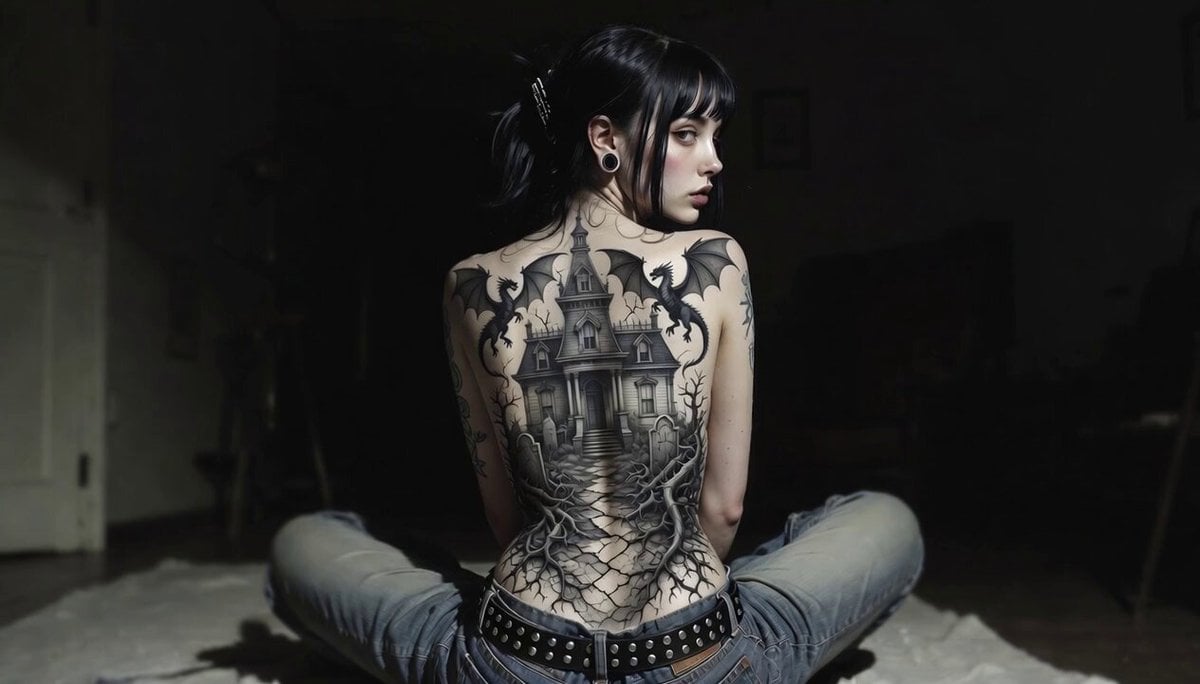
Gothic Mansion Back Tattoo

Gothic Queen Cradling Baby
Cyberpunk Tokyo 2099 Rain
Browse template categories
Gothic Anime Interdimensional Train Journey questions
How do I use the Gothic Anime Interdimensional Train Journey template?
Add your photo if the template asks for one, edit the prompt if you like — the template's model and format are already selected — and press Generate. Your version opens in PicX Studio.
Can I customize the Gothic Anime Interdimensional Train Journey template?
Yes. You can change the subject, setting, lighting, mood, format, and available model controls before creating your video.
Is the Gothic Anime Interdimensional Train Journey template free?
Opening and editing this template is free. Generating uses credits, shown on the Generate button when you are signed in.
Which AI model should I use?
Start with Seedance 2.0, which is the model associated with this template. You can compare another compatible model for a different finish.
Looking for something else? Browse all templates.

Your photo, any look
Thousands of ready templates for every top image and video model, from one credit balance.