How do I use the Gothic Queen Cradling Baby template?
Edit the prompt in the box under the preview — the template's model and format are already selected — and press Generate. Your version appears right on this page.
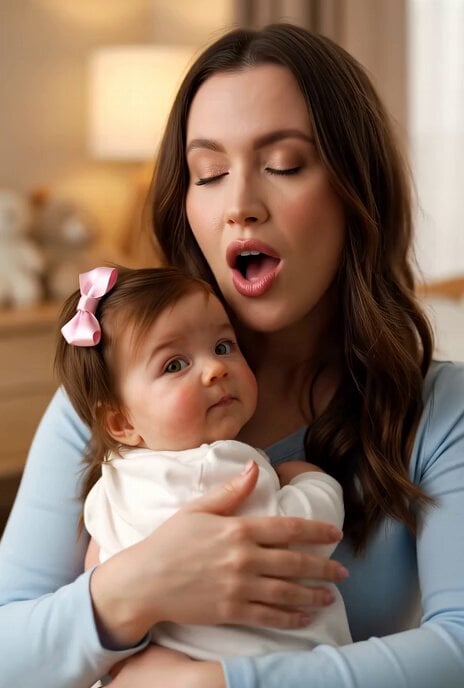
An extensive hyper-realistic prompt for a cinematic macro video of a gothic queen with white hair holding a baby in a desaturated, muted color palette.
Hyperrealistic macro portrait of a beautiful woman with pale skin, freckles and long flowing white hair. She wears an elegant long flowing black dress with delicate details, subtle drapery and lace accents. Ornate dark spiked gothic crown on her head. She gently embraces and holds the cute baby wrapped in soft, elegant white fabric swaddle with both hands and arms, cradling it tenderly against her chest, the baby is round and adorable with soft, delicate skin, fully covered and cozy in the fabric. Her pose is protective and loving. Very muted, low-saturation color palette, almost desaturated tones, subtle cool undertones, soft natural shadows, realistic skin texture with visible pores, cinematic yet restrained lighting, extremely detailed, sharp macro focus, hyperrealistic, photorealism.
Hyperrealistic macro portrait of a beautiful woman with pale skin, freckles and long flowing white hair. She wears an elegant long flowing black dress with delicate details, subtle drapery and lace accents. Ornate dark spiked gothic crown on her head. She gently embraces and holds the cute baby wrapped in soft, elegant white fabric swaddle with both hands and arms, cradling it tenderly against her chest, the baby is round and adorable with soft, delicate skin, fully covered and cozy in the fabric. Her pose is protective and loving. Very muted, low-saturation color palette, almost desaturated tones, subtle cool undertones, soft natural shadows, realistic skin texture with visible pores, cinematic yet restrained lighting, extremely detailed, sharp macro focus, hyperrealistic, photorealism.
Edit the prompt in the box under the preview — the template's model and format are already selected — and press Generate. Your version appears right on this page.
Yes. You can change the subject, setting, lighting, mood, format, and available model controls before creating your video.
Opening and editing this template is free. Generating uses credits, shown on the Generate button when you are signed in.
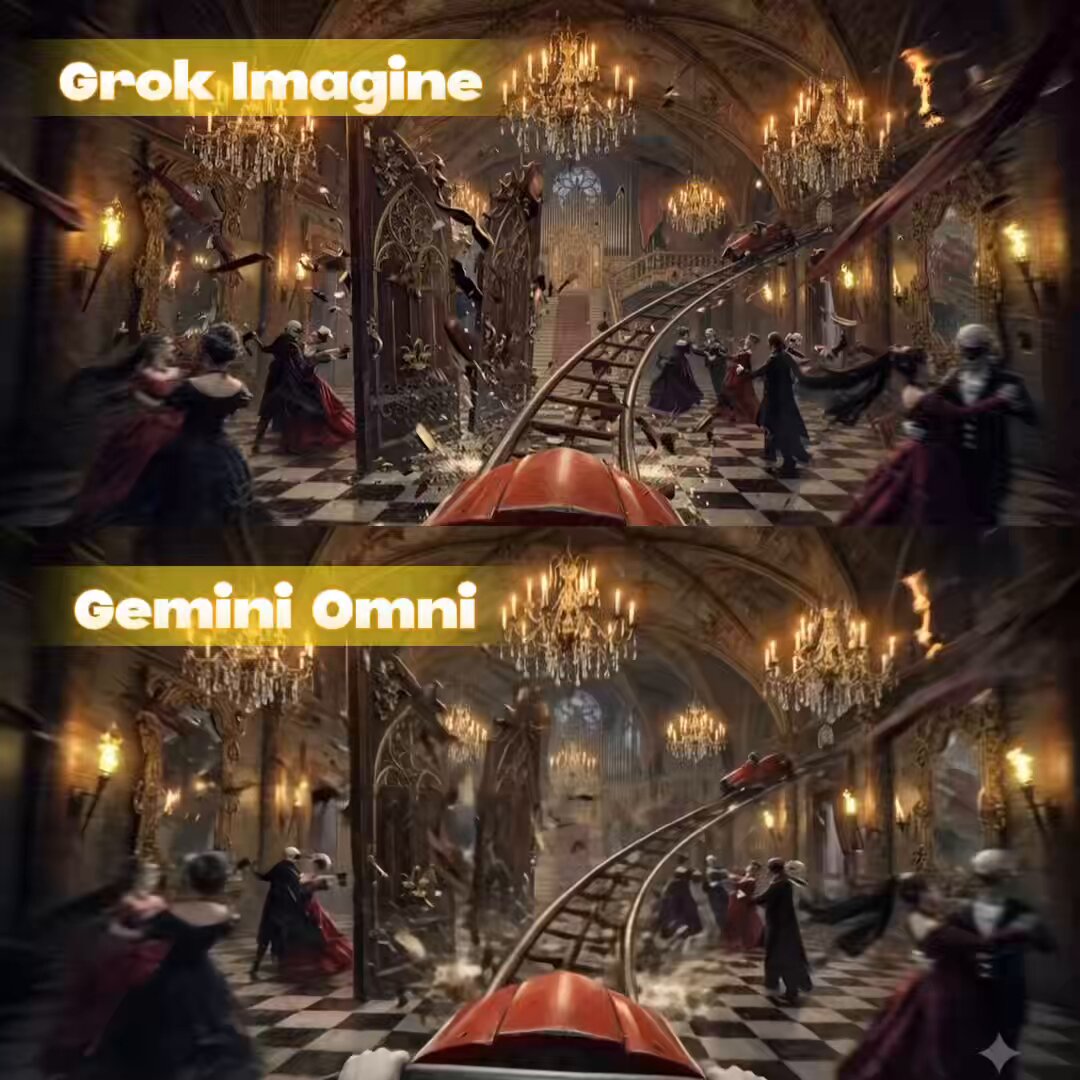
Start with Grok Imagine, which is the model associated with this template. You can compare another compatible model for a different finish.
Follow a topic to a crawlable collection of related PicX Studio templates.