
Second Seedance 2.0 Fast Commercial
A multi-shot prompt for a 15-second commercial generated with Seedance 2.0 Fast, featuring an android office worker who transforms into a relaxed woman on a beach after completing her job, ending with a product…
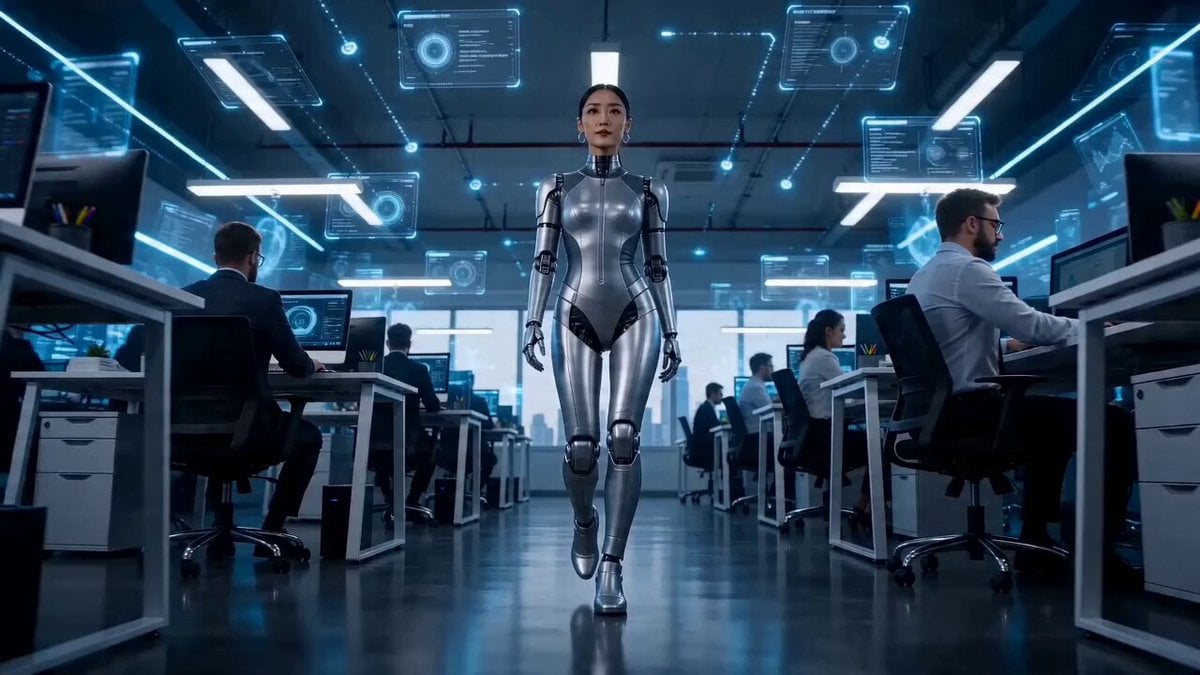
- Prompt included
- Model and format preset
- Free template
The prompt behind this video
Copy the exact prompt behind Second Seedance 2.0 Fast Commercial, or open it in the studio and make it yours.
shot1(3秒):Sci-fiな雰囲気の未来オフィスフロア。アンドロイドオフィスウーマンが、フロアを無表情で歩いている。 shot2(3秒):ホログラムUIを操作して、デスクで仕事をしているアンドロイドウーマン。 shot3(3秒):ロボットの上司にUSBメモリを渡してアンドロイドウーマンの手の上に「Job done!」のネオン文字が浮かぶ。 shot4(3秒):アンドロイドウーマンがクルリとロボット上司に背を向け走り出すと、笑顔の女性に変身する。 shot5(3秒):変身した女性は海辺のビーチチェアにサマードレスを着て座っている。最後に「Relaxation time」と書かれた缶ドリンクをカメラに差し出して宣伝する。背景ははじけ飛ぶ水しぶき。
How to use Second Seedance 2.0 Fast Commercial in 3 steps
- 1
Open
The prompt is already in the box next to the preview, with the template's model and format selected.
- 2…a portrait of your subject in softgolden-hour light, 85mm…
Personalize
Edit the subject and creative details for your destination.
- 3Generate
Generate
Press Generate — your video is created in PicX Studio, so you can compare it with the original and refine one variable at a time.
More like this
Templates with the same subject, style or setup. Open one to see its prompt.

Sneaker Product Commercial
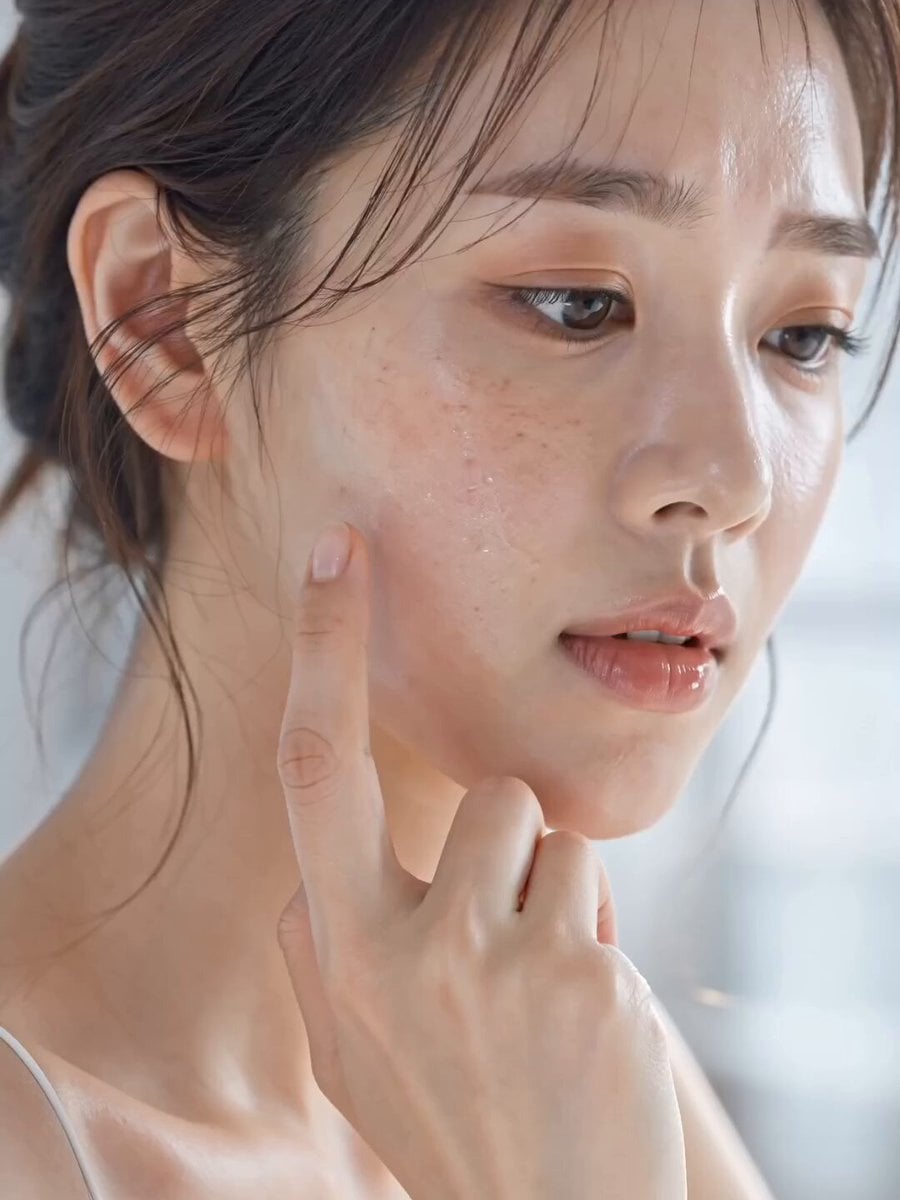
Skincare Product Commercial 3
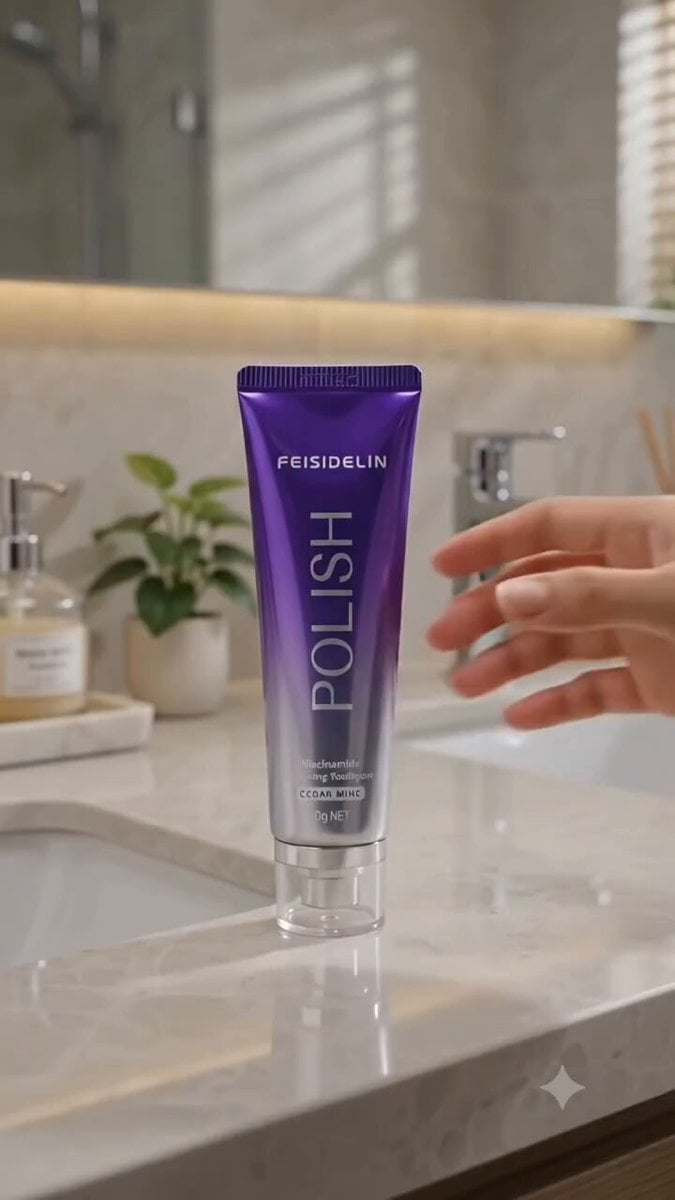
Cinematic Portrait Study 3
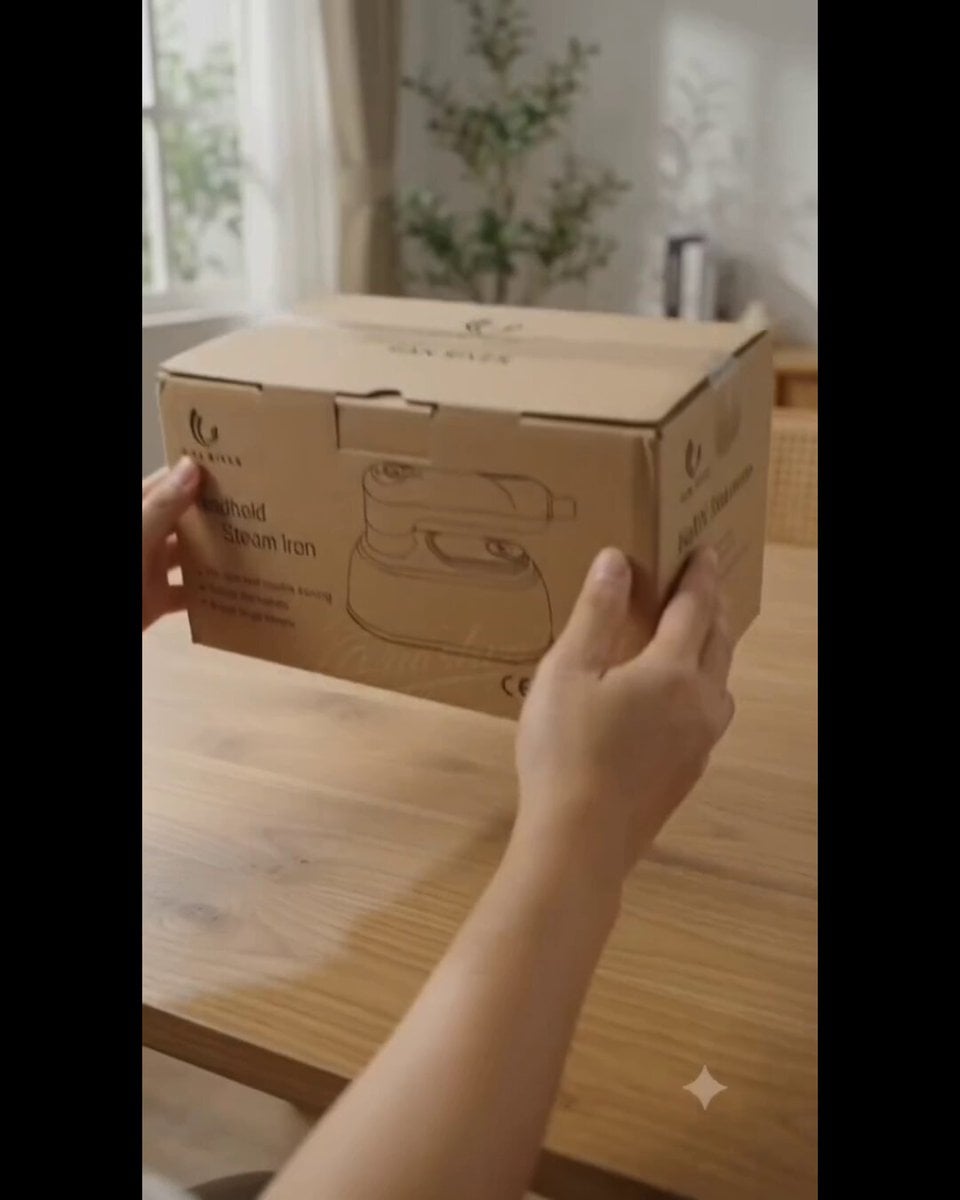
Product UGC Commercial
Luxury Handbag Commercial — Hollywood VFX Ad
Luxury House Tour — 15 Shots in 15 Seconds (Seedance)
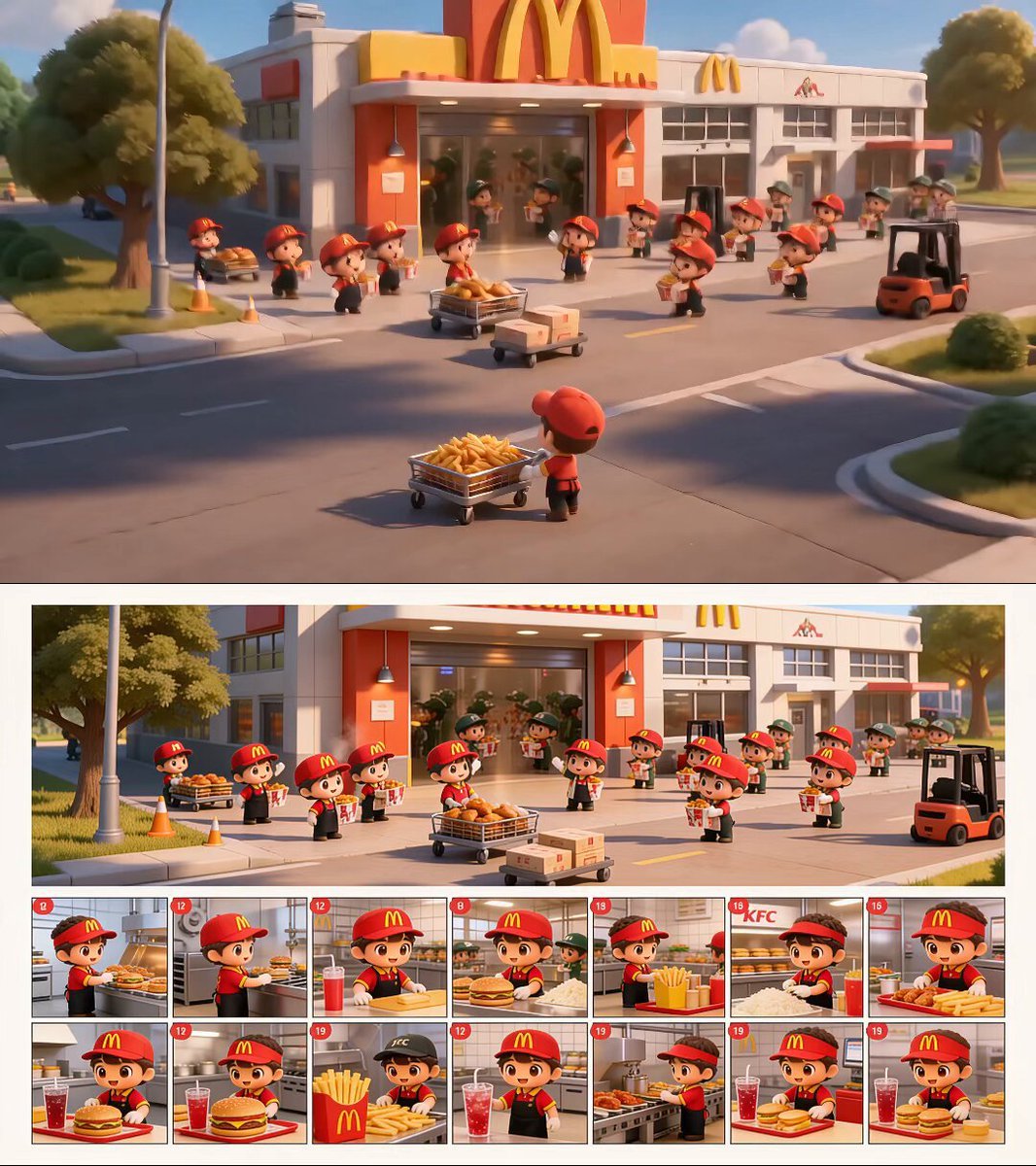
Chibi Fast Food Commercial

Wholesome Puppy and Kitten Story - Seedance 2.5

Mysterious Home Exploration Vlog - Seedance 2.5

Dark Tokusatsu Transformation - Seedance 2.5

Cinematic Xinjiang Drone Landscapes - Seedance 2.5

Late Night Kitchen Phone Recording - Seedance 2.5
Make it yours
Second Seedance 2.0 Fast Commercial works as-is. These are the safest ways to change it without losing the look.
Change one field
Copy a single group, rewrite it, and generate again so you can see what that field is doing.
Keep the frame, change the subject
Hold the composition and light of 15-Second Seedance 2.0 Fast Commercial, then swap wardrobe, props or the person for a new take.
| If the result… | Why | Fix |
|---|---|---|
| The result drifts from the preview | Too many fields changed at once. | Reuse 15-Second Seedance 2.0 Fast Commercial as-is first, then change one group — subject, light, or setting. |
| The model over-stylizes the scene | The prose prompt leaves finish and camera underspecified. | Add one camera or lighting sentence and stay on Seedance 2.0. |
More Seedance 2.0 templates
Other prompts made for Seedance 2.0.

Comical Martial Arts Punch Scene

Maglev Train Action Sequence

Martial Arts Fight Sequence

Wuxia Protection and Trust Script

Vintage Korean Arcade MiniDV Vlog

Mercedes 190 SL Luxury Ad

Rainy Night Supernatural Reverse Comedy Video Script

Amazon Civilization Discovery

Futuristic South Asian City Transformation

Cozy Luxury Cafe Commercial
More video prompts
Fresh picks from across the catalog.
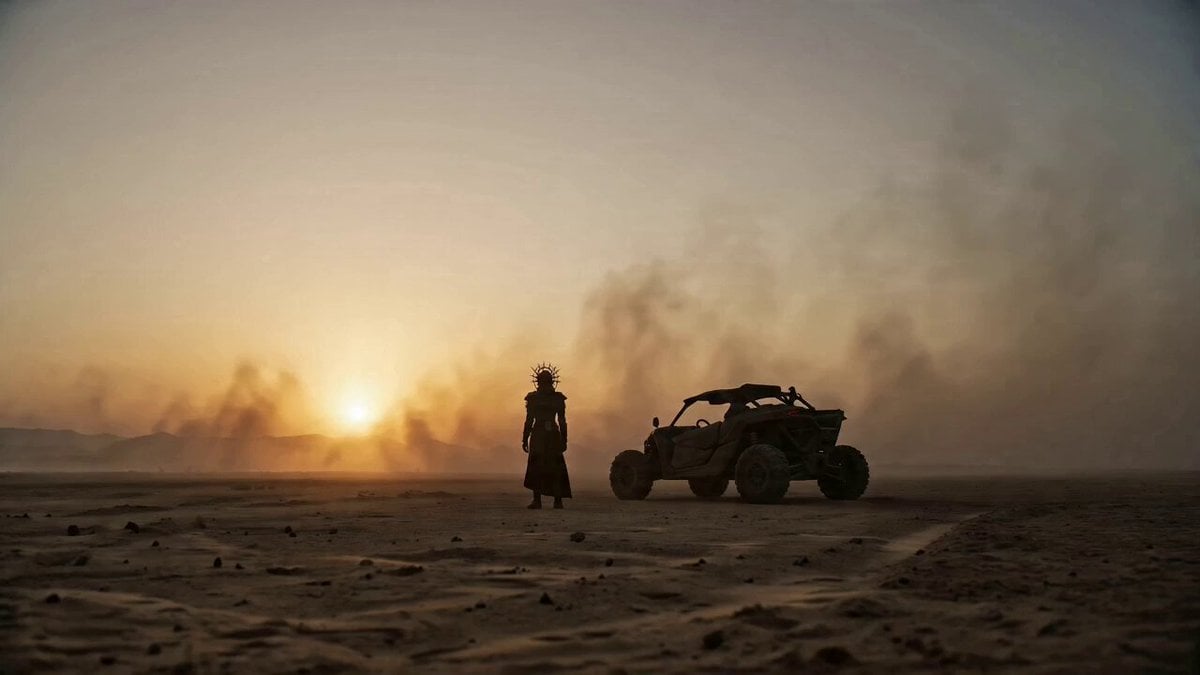
Cyberpunk Trailer from Image Reference
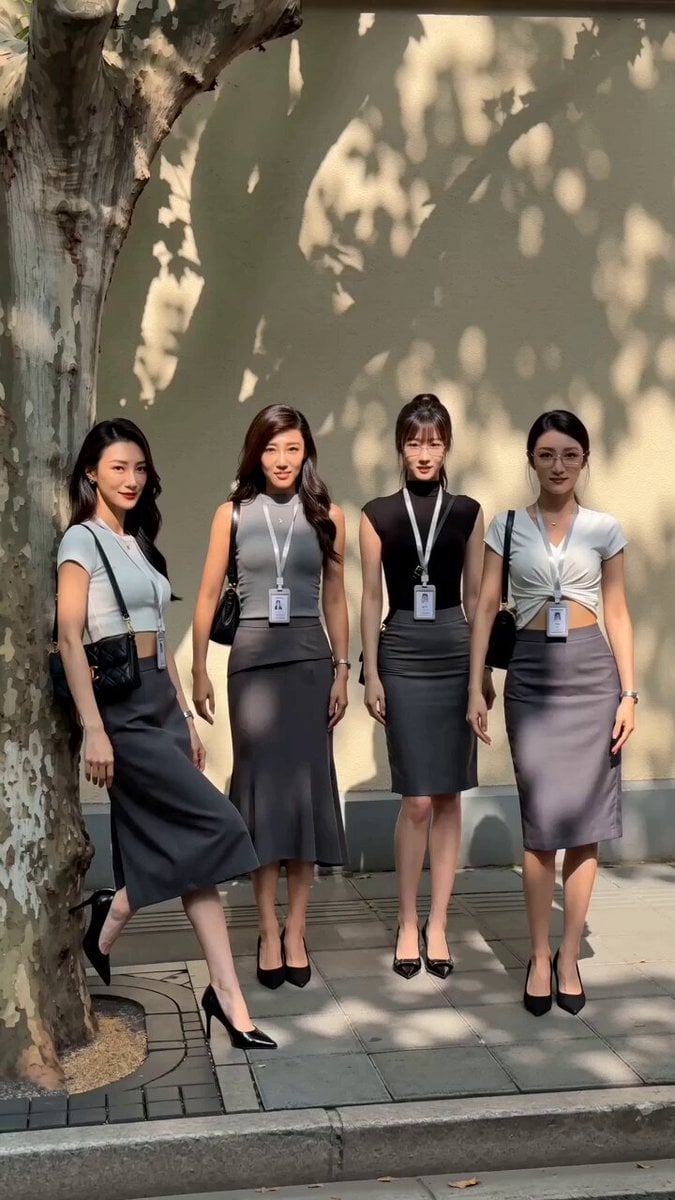
Street Dance Performance Video
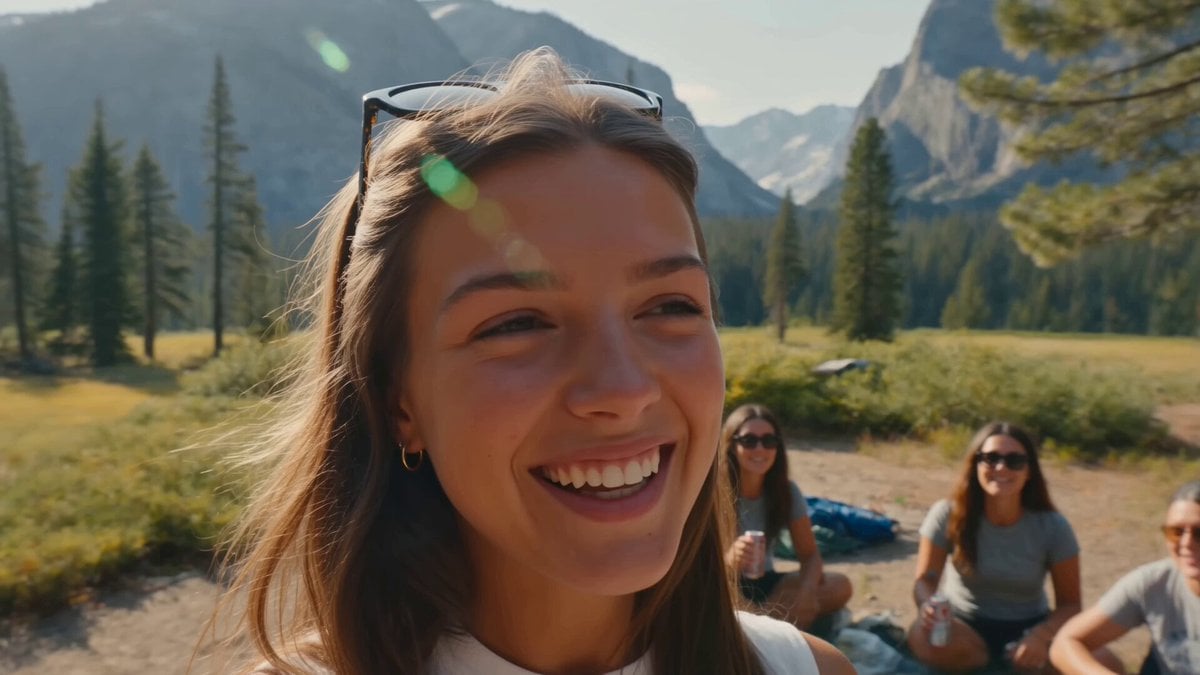
Smartphone Camping Montage
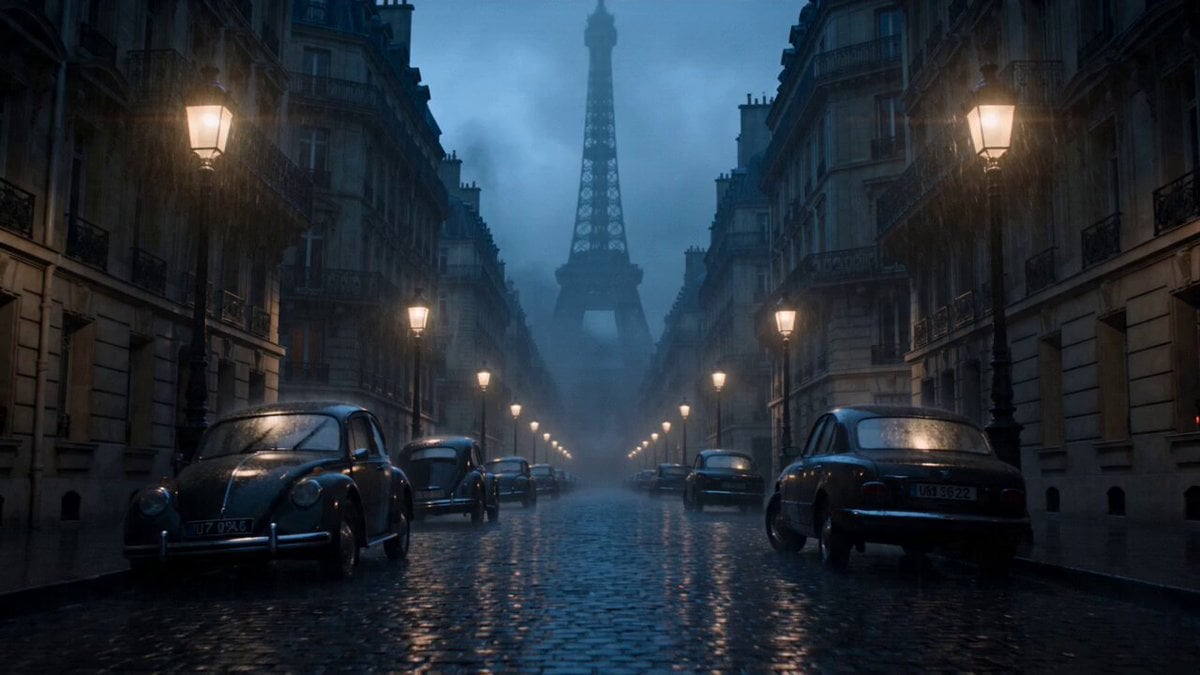
Paris Zombie Summoning Sequence
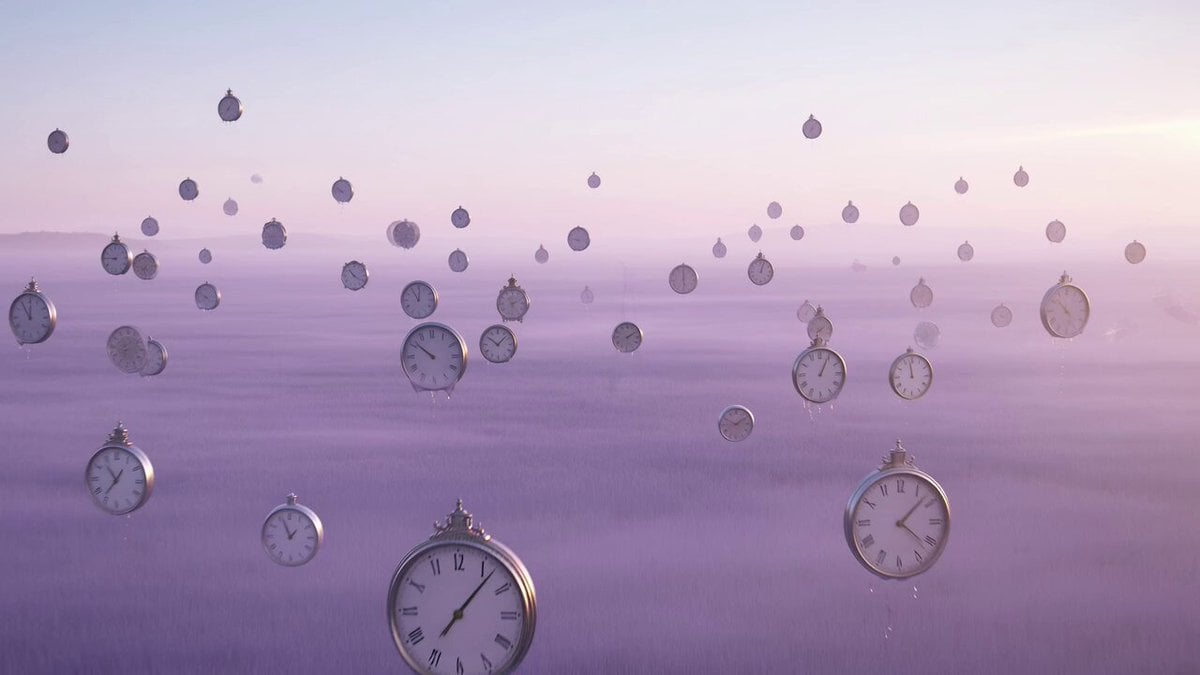
Surreal time-bending reverie video prompt
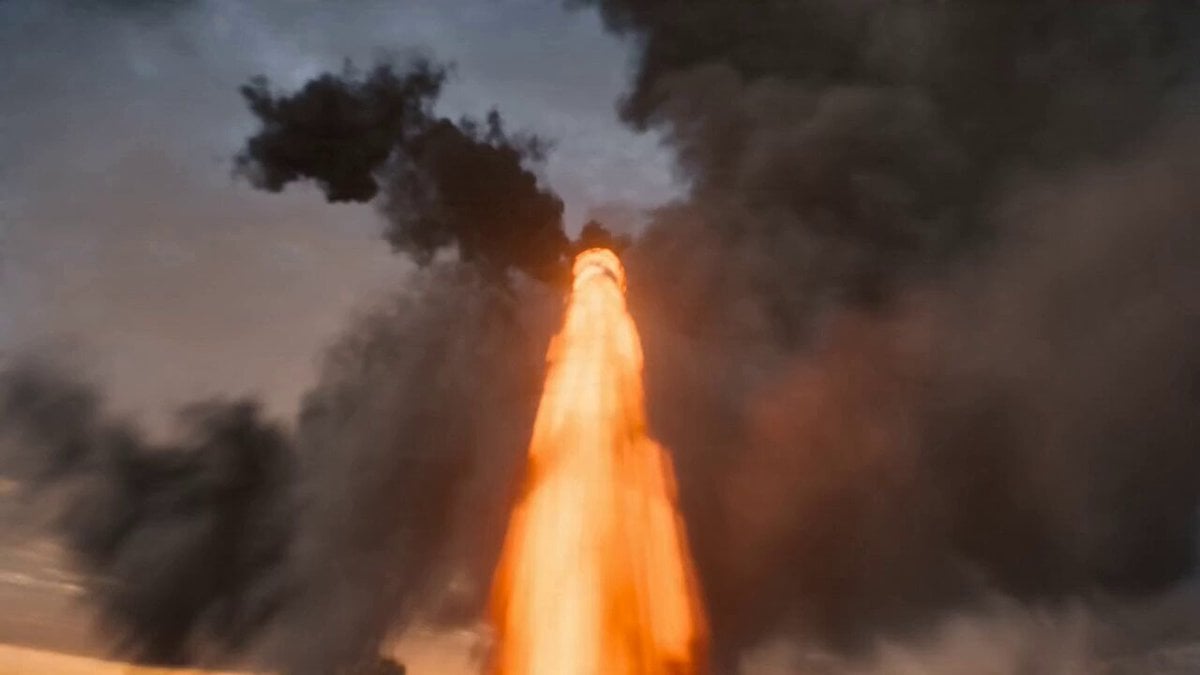
Impossible Cinematic Transition Prompt for Seedance 2.0
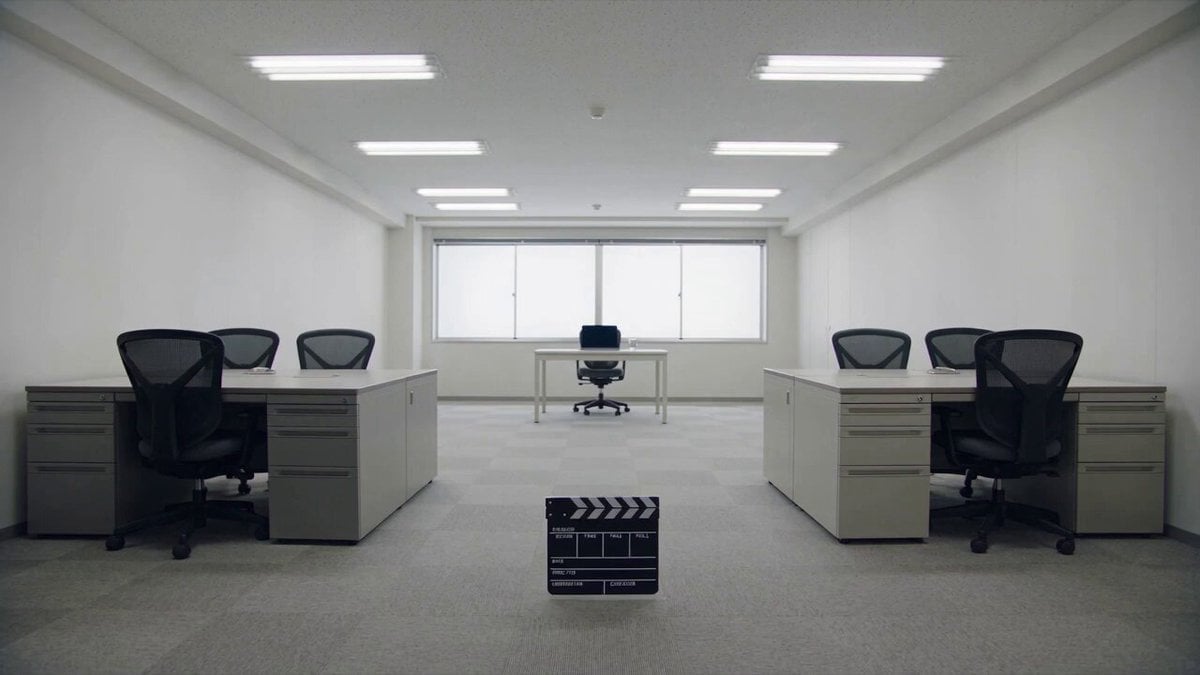
Minimalist Photography Studio Golden Hour

Whippets preparing a fine dining meal
Downhill POV Cycling Chaos Prompt

Cinematic Dolly-Out Sequence
Browse template categories
Second Seedance 2.0 Fast Commercial questions
How do I use the 15-Second Seedance 2.0 Fast Commercial template?
Add your photo if the template asks for one, edit the prompt if you like — the template's model and format are already selected — and press Generate. Your version opens in PicX Studio.
Can I customize the 15-Second Seedance 2.0 Fast Commercial template?
Yes. You can change the subject, setting, lighting, mood, format, and available model controls before creating your video.
Is the 15-Second Seedance 2.0 Fast Commercial template free?
Opening and editing this template is free. Generating uses credits, shown on the Generate button when you are signed in.
Which AI model should I use?
Start with Seedance 2.0, which is the model associated with this template. You can compare another compatible model for a different finish.
Looking for something else? Browse all templates.

Your photo, any look
Thousands of ready templates for every top image and video model, from one credit balance.