
Chibi Fast Food Commercial
A 3D chibi-style animated commercial featuring a magical French fries factory with consistent character designs and Pixar-quality lighting.
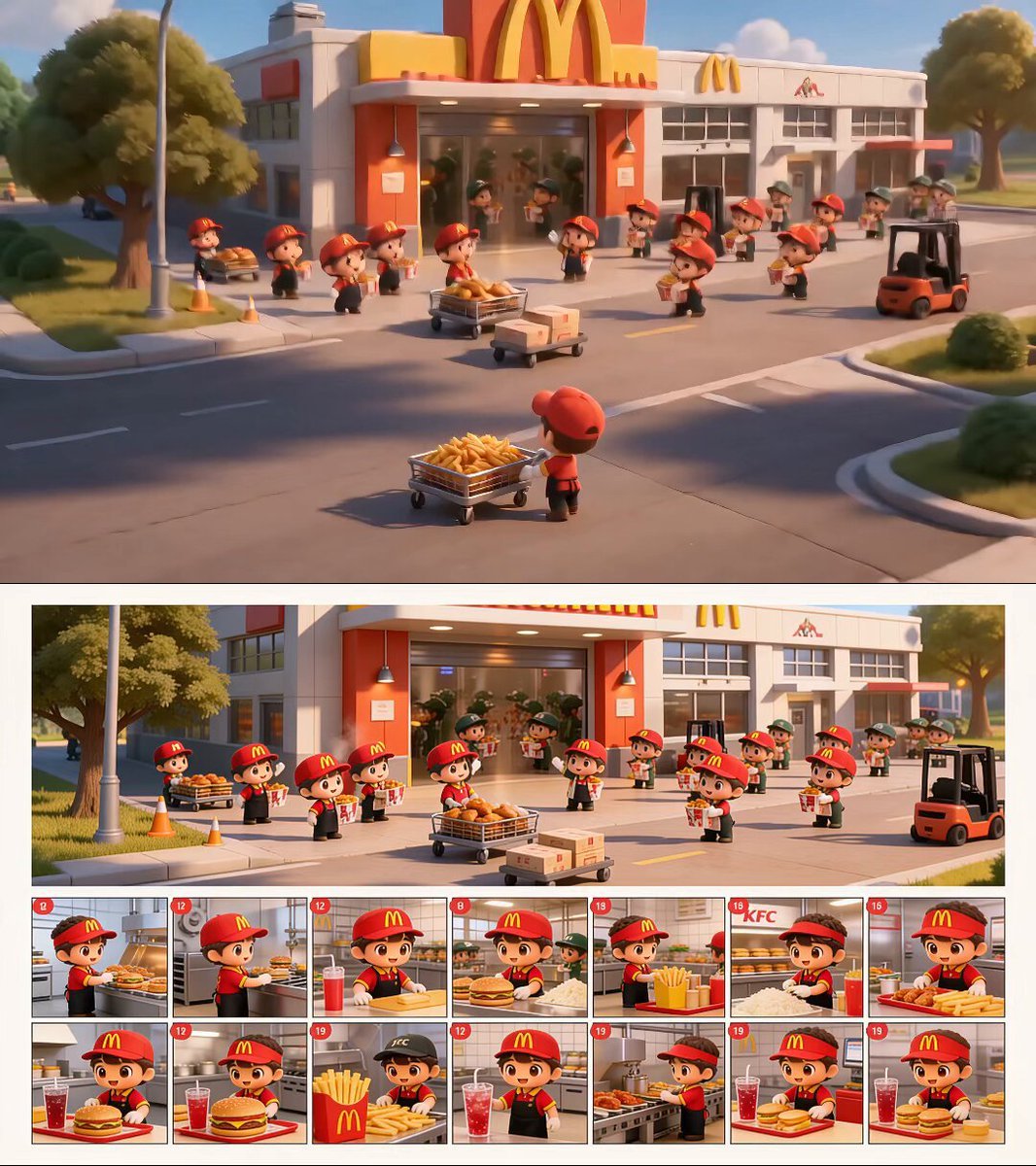
- Prompt included
- Model and format preset
- Free template
The prompt behind this video
Copy the exact prompt behind Chibi Fast Food Commercial, or open it in the studio and make it yours.
Create a 15-second cute 3D chibi animated fast-food commercial, strictly following the uploaded storyboard image sequence. Theme: a magical McDonald’s-style French fries factory operated by tiny chibi workers. Use a bright red-and-yellow fast-food color palette, warm golden sunlight, clean stainless-steel kitchen equipment, cheerful factory atmosphere, and premium Pixar-quality 3D animation. Important: keep the same chibi worker design throughout the video. Tiny cute workers with oversized sparkling eyes, rosy cheeks, red caps, black aprons, yellow details, adorable waddling movements, and expressive happy faces. Keep the environment consistent. Do not introduce KFC branding, chicken branding, or unrelated fast-food logos. Focus only on golden French fries, burgers, drinks, and fast-food packaging. Video structure: 0–3s — Factory exterior hero shot Wide cinematic shot outside a bright red-and-yellow fast-food factory. Many tiny chibi workers carry oversized cartons of golden French fries and trays of fast-food orders. A small forklift moves boxes. Warm sunlight, clean pavement, cheerful teamwork, magical commercial feeling. 3–6s — Kitchen production line Cut inside the spotless factory kitchen. Chibi workers move along stainless-steel counters and conveyor belts. Some prepare burgers, some carry drinks, some fry and salt golden French fries. Everything is perfectly organized, playful, and synchronized. 6–9s — Fries beauty shots Close-up macro shots of crispy golden French fries being lifted from the fryer, salted with sparkling salt, and placed into red fries cartons. Steam rises gently. Fries look realistic, crunchy, hot, and appetizing. Tiny workers smile proudly and give high-fives. 9–12s — Packaging and teamwork Rows of chibi workers pack fries, burgers, and drinks onto trays. They move quickly but cutely, with tiny victory dances and happy teamwork. Conveyor belts carry finished orders through the bright factory. 12–15s — Final hero moment All tiny workers gather around one perfectly filled red fries carton in the center of the factory. They proudly point at it, clap, and smile toward the camera. Camera slowly pulls back to reveal the full cheerful factory running smoothly. Style requirements: Pixar-quality 3D animation, ultra-cute chibi characters, premium fast-food commercial lighting, realistic crispy fries texture, warm golden atmosphere, smooth cinematic camera movement, clean factory environment, expressive facial animation, playful teamwork, family-friendly humor, polished feature-film quality, 16:9 widescreen. Negative prompt: No KFC text, no wrong brand logos, no mixed restaurant branding, no messy factory, no subtitles, no watermark, no on-screen text, no deformed characters, no extra fingers, no horror mood, no
How to use Chibi Fast Food Commercial in 3 steps
- 1Upload ImagePNG, JPG or paste
Add your photo
Upload the photo the template builds on. The prompt, model and format are already set.
- 2…a portrait of your subject in softgolden-hour light, 85mm…
Personalize
Edit the subject and creative details for your destination.
- 3Generate
Generate
Press Generate — your video is created in PicX Studio, so you can compare it with the original and refine one variable at a time.
More like this
Templates with the same subject, style or setup. Open one to see its prompt.
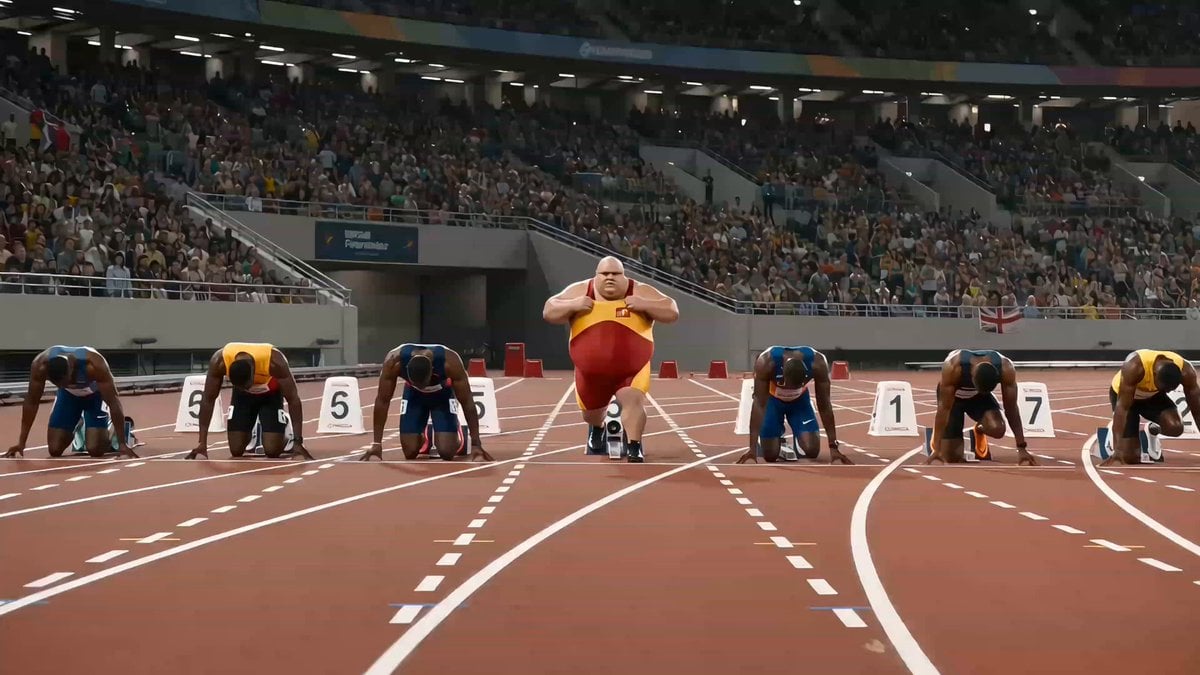
Humorous Fast Food Sprint Commercial
McDonald's Fast Food Commercial
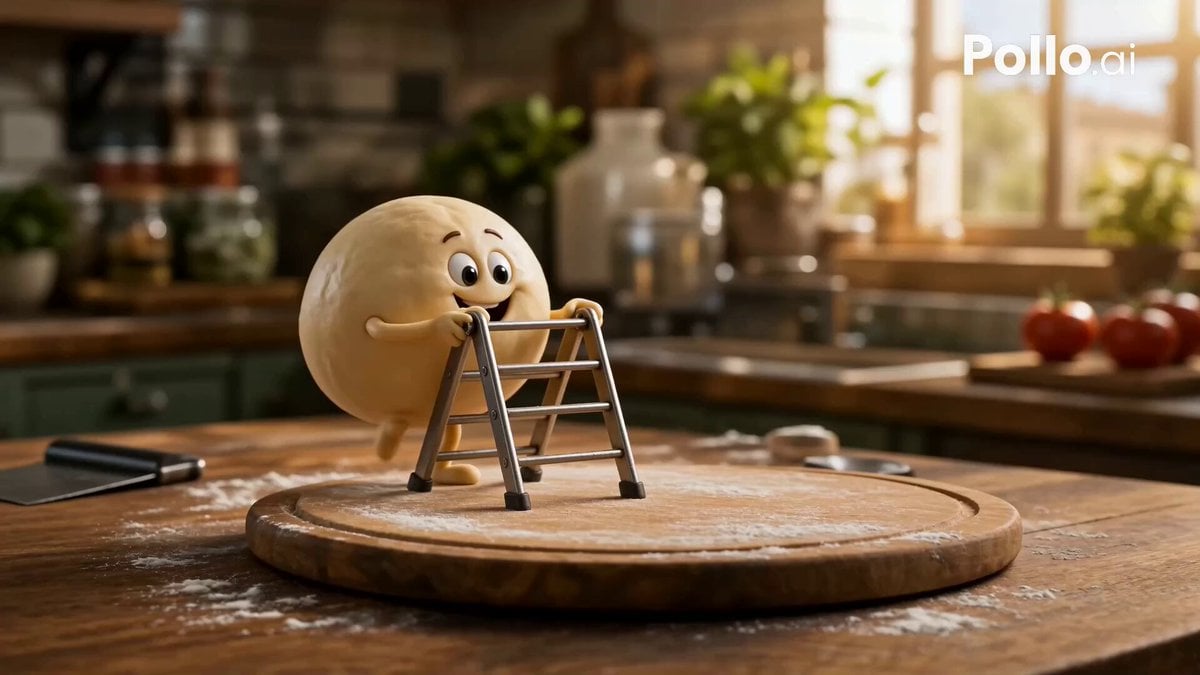
Anthropomorphic Italian Food Pizza Commercial
Fruit Cookie Commercial

Silk Road Pomegranate Folk Animation
Mechanical Flower Bloom Brand Film
Crystal Ball Match-Cut Brand Film

Sneaker Product Commercial
Skincare Product Commercial 3
Cinematic Portrait Study 3
Product UGC Commercial
Cinematic Portrait Study
Make it yours
Chibi Fast Food Commercial works as-is. These are the safest ways to change it without losing the look.
Change one field
Copy a single group, rewrite it, and generate again so you can see what that field is doing.
Keep the frame, change the subject
Hold the composition and light of Chibi Fast Food Commercial, then swap wardrobe, props or the person for a new take.
| If the result… | Why | Fix |
|---|---|---|
| The result drifts from the preview | Too many fields changed at once. | Reuse Chibi Fast Food Commercial as-is first, then change one group — subject, light, or setting. |
| The model over-stylizes the scene | The prose prompt leaves finish and camera underspecified. | Add one camera or lighting sentence and stay on Seedance 2.0. |
More Seedance 2.0 templates
Other prompts made for Seedance 2.0.

Comical Martial Arts Punch Scene

Maglev Train Action Sequence

Martial Arts Fight Sequence

Wuxia Protection and Trust Script

Vintage Korean Arcade MiniDV Vlog

Mercedes 190 SL Luxury Ad

Rainy Night Supernatural Reverse Comedy Video Script

Amazon Civilization Discovery

Futuristic South Asian City Transformation

Cozy Luxury Cafe Commercial
More video prompts
Fresh picks from across the catalog.
Action Comedy: Old Master in Hotel Lobby
Lavender Bliss Cosmetics Commercial
Wukong Apocalypse Combat

Mermaid Empress and Octopus Guardian
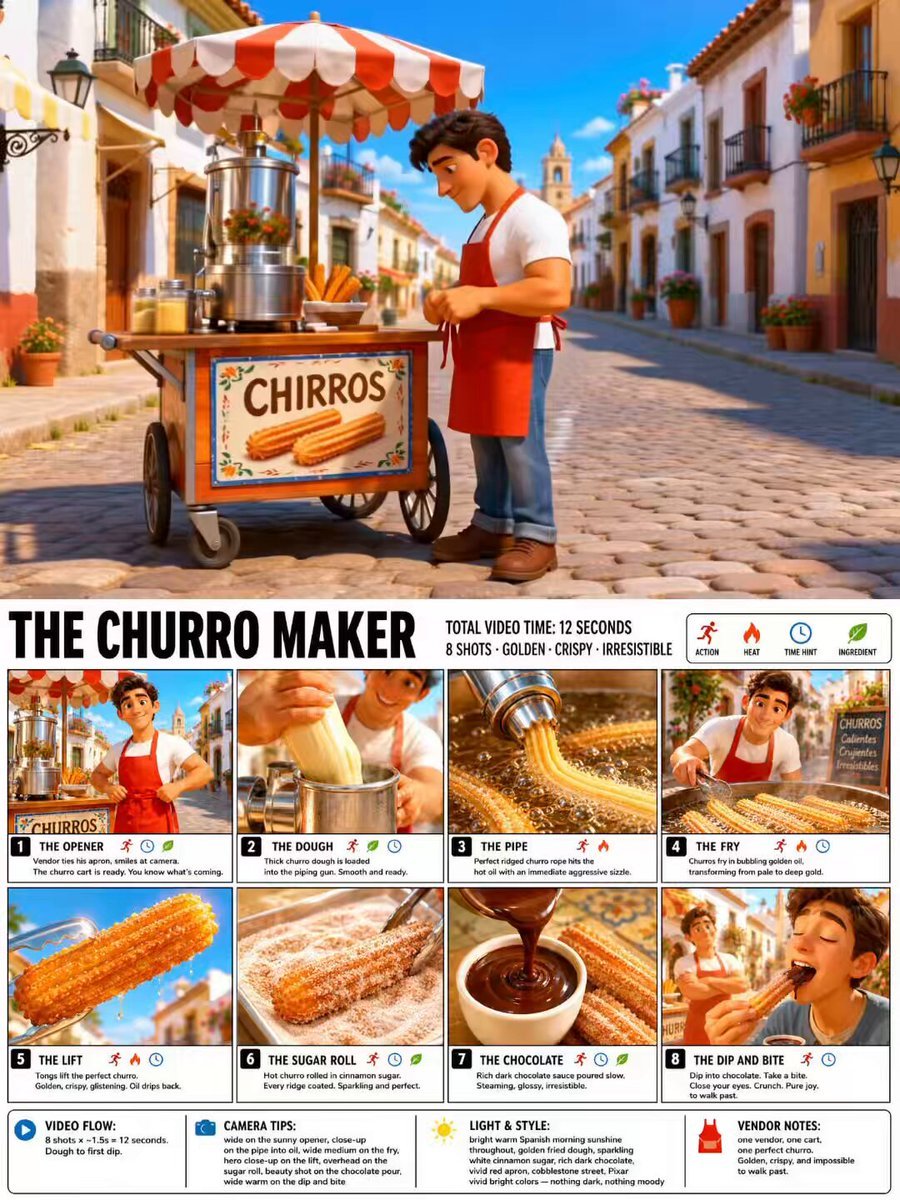
Pixar Style Churro Maker Animation
Bite Burger Reaction Montage
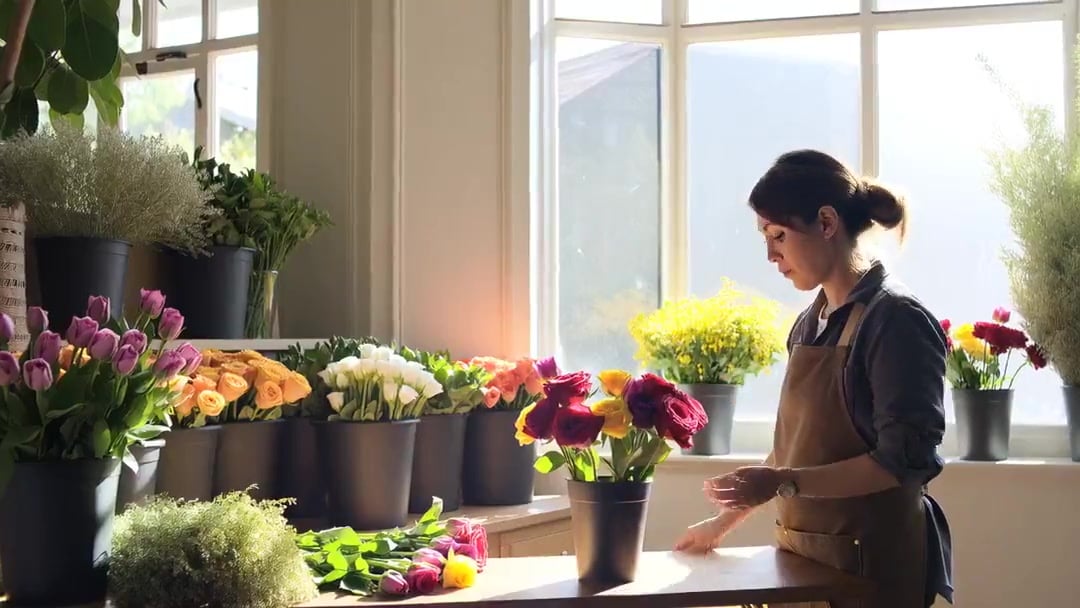
Florist Shop Bouquet — Kling 3.0 v3 Standard
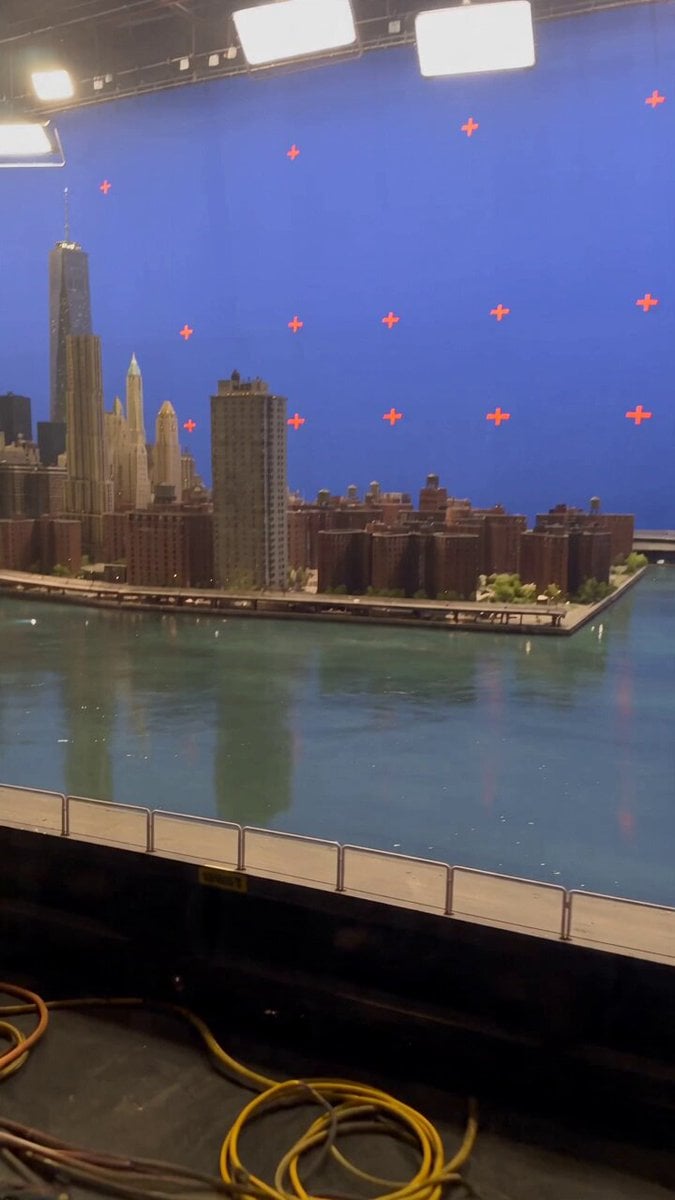
Miniature City Flood Soundstage
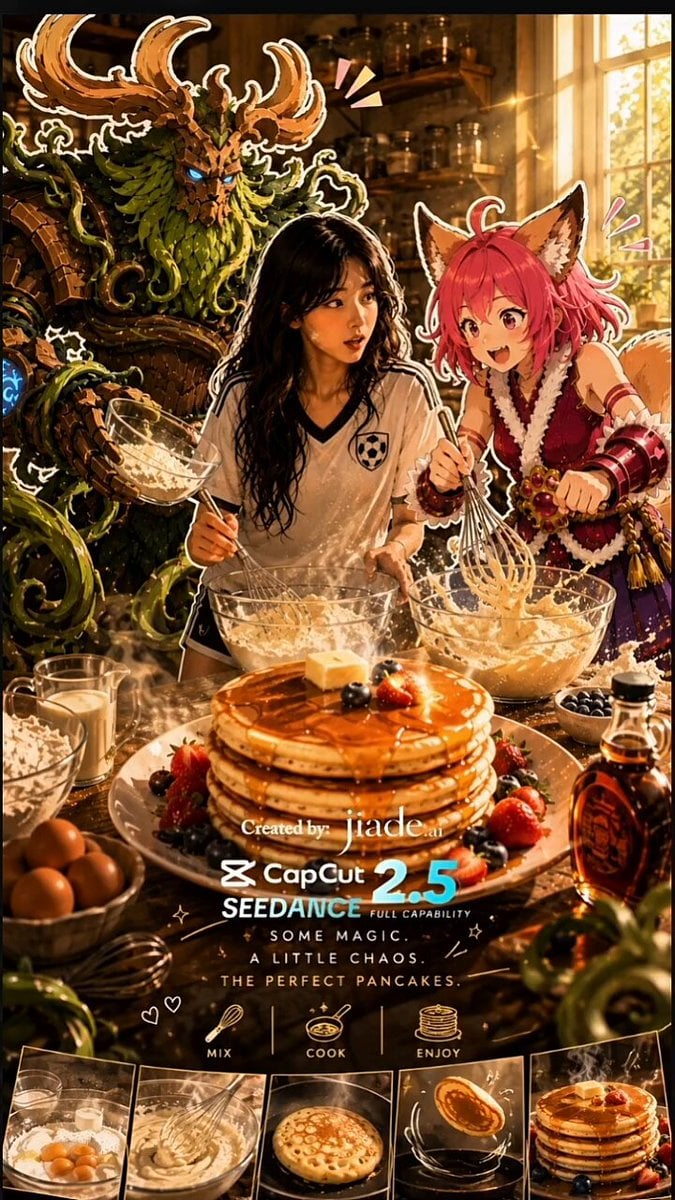
Mixed-Media Kitchen Cooking Animation

Stairway to Heaven Revival Scene Prompt
Browse template categories
Chibi Fast Food Commercial questions
How do I use the Chibi Fast Food Commercial template?
Add your photo if the template asks for one, edit the prompt if you like — the template's model and format are already selected — and press Generate. Your version opens in PicX Studio.
Can I customize the Chibi Fast Food Commercial template?
Yes. You can change the subject, setting, lighting, mood, format, and available model controls before creating your video.
Is the Chibi Fast Food Commercial template free?
Opening and editing this template is free. Generating uses credits, shown on the Generate button when you are signed in.
Which AI model should I use?
Start with Seedance 2.0, which is the model associated with this template. You can compare another compatible model for a different finish.
Looking for something else? Browse all templates.

Your photo, any look
Thousands of ready templates for every top image and video model, from one credit balance.