
Paris Zombie Summoning Sequence
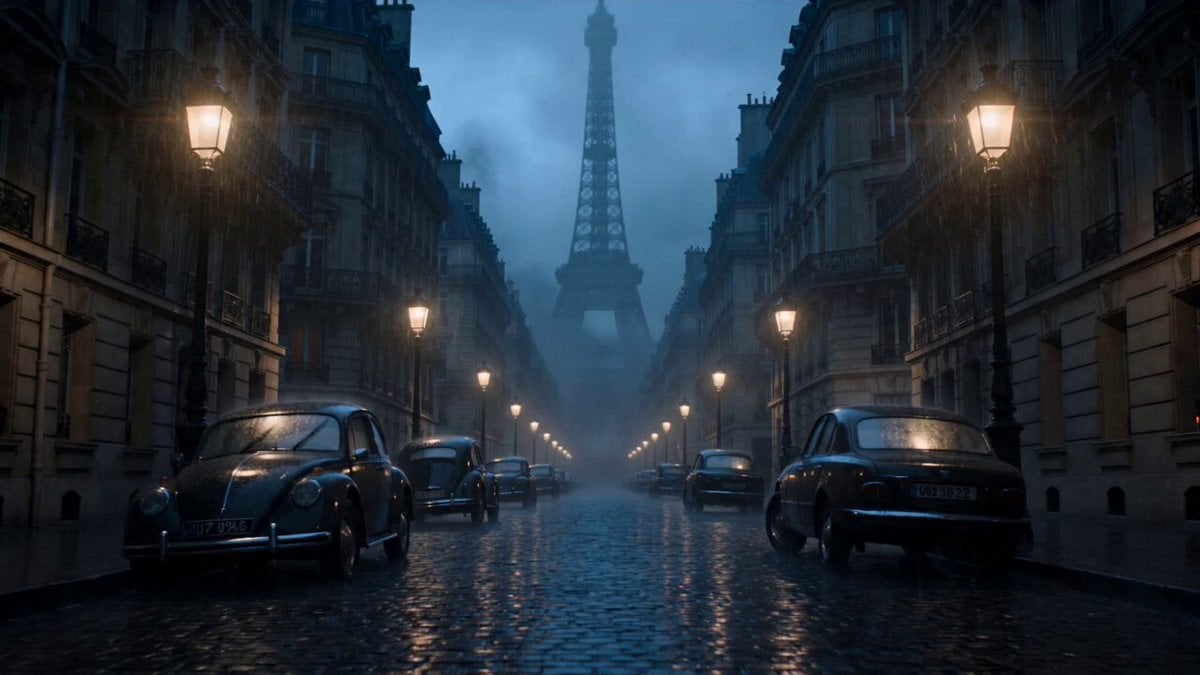
A dark fantasy video prompt for a sorceress summoning an undead army in the middle of a rain-soaked Paris avenue at dusk.
- Prompt included
- Model and format preset
- Free template
The prompt behind this video
Copy the exact prompt behind Paris Zombie Summoning Sequence, or open it in the studio and make it yours.
A mysterious dark fantasy sorceress in an elegant black battle dress, pale face calm and terrifying, long silver hair moving in unnatural wind, glowing violet eyes, hands covered with ancient necromantic runes Stands in the middle of a rain-soaked Paris avenue and slowly raises both arms, cracking the asphalt as hundreds of undead soldiers claw their way out of the ground, rising between cars, cafés and metro entrances, forming a terrifying zombie army around her Paris at dusk near Haussmann buildings, wet cobblestones, flickering streetlights, abandoned cars, smoke drifting around the Eiffel Tower silhouette in the distance Starts with slow cinematic push-in through empty Paris streets, subtle handheld tension, sudden ground-level tracking as fingers burst through cracked asphalt, orbit shot around the sorceress while zombies rise in layers behind her, dramatic crane rise revealing the undead army filling the entire avenue, cold blue moonlight mixed with warm Paris street lamps, volumetric fog, realistic rain, mud, dust and supernatural purple energy, ending with the sorceress standing perfectly still at the center of thousands of zombies as they kneel before her, camera pulling back above Paris to reveal the city falling under her command.
How to use Paris Zombie Summoning Sequence in 3 steps
- 1
Open
The prompt is already in the box next to the preview, with the template's model and format selected.
- 2…a portrait of your subject in softgolden-hour light, 85mm…
Personalize
Edit the subject and creative details for your destination.
- 3Generate
Generate
Press Generate — your video is created in PicX Studio, so you can compare it with the original and refine one variable at a time.
More like this
Templates with the same subject, style or setup. Open one to see its prompt.
Cinematic Dreamcore Zombie Sequence
Cinematic Paris Travel Sequence
Ninja Summoning Technique Action Sequence
Second Summoning Sequence: Fairy with Wand Summons Deer

19th Century Paris Anime Market
Korean Horror Zombie Convenience Store Attack
Indian Village Zombie Chase Intercut
2D Fantasy Anime Wizard Dragon Summoning

Maglev Train Action Sequence

Martial Arts Fight Sequence
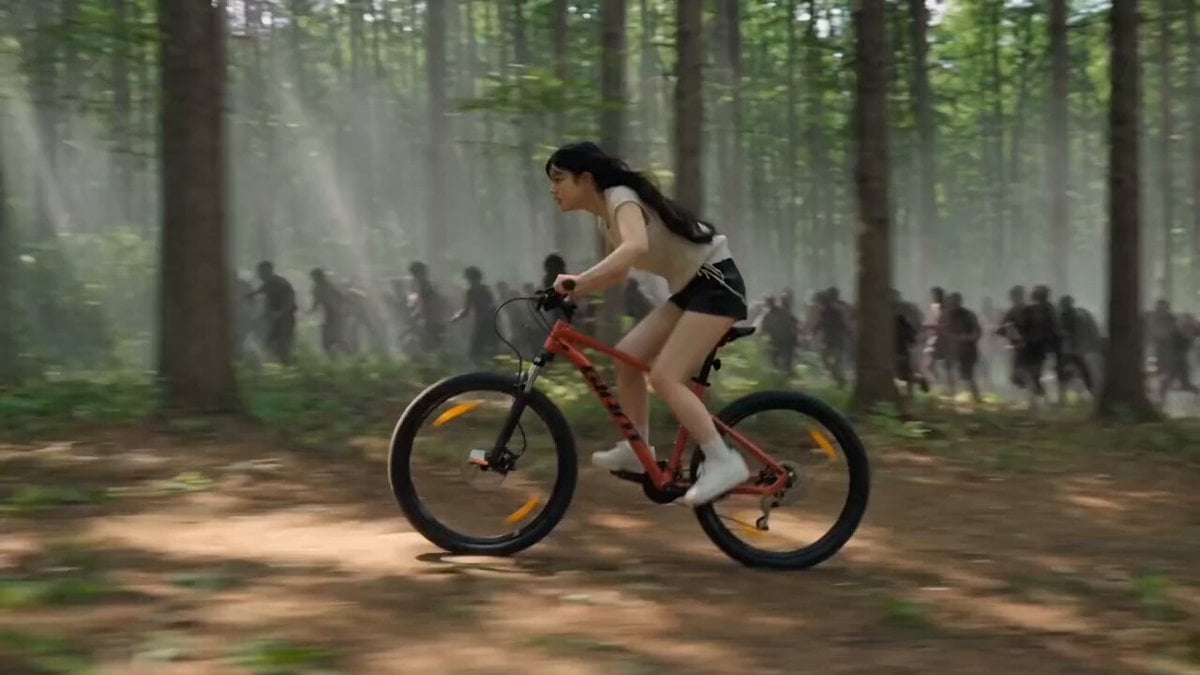
Woman Bicycle Zombie Chase Action Scene
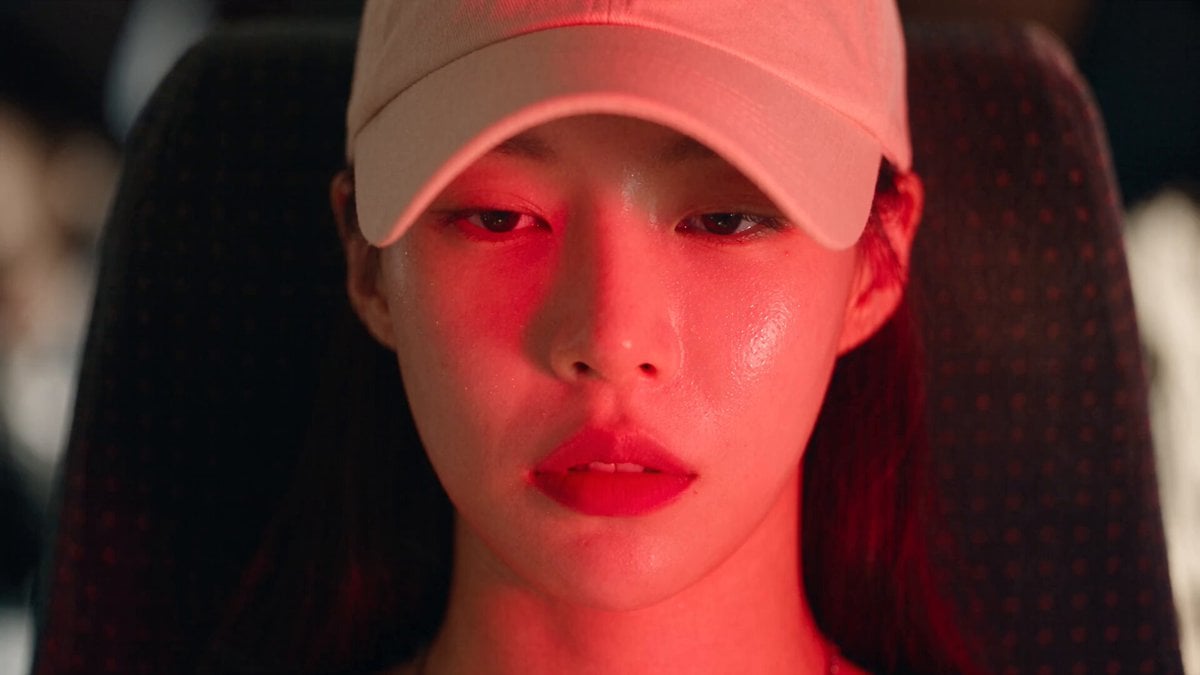
Dead End Express Zombie Outbreak
Make it yours
Paris Zombie Summoning Sequence works as-is. These are the safest ways to change it without losing the look.
Change one field
Copy a single group, rewrite it, and generate again so you can see what that field is doing.
Keep the frame, change the subject
Hold the composition and light of Paris Zombie Summoning Sequence, then swap wardrobe, props or the person for a new take.
| If the result… | Why | Fix |
|---|---|---|
| The result drifts from the preview | Too many fields changed at once. | Reuse Paris Zombie Summoning Sequence as-is first, then change one group — subject, light, or setting. |
| The model over-stylizes the scene | The prose prompt leaves finish and camera underspecified. | Add one camera or lighting sentence and stay on Seedance 2.0. |
More Seedance 2.0 templates
Other prompts made for Seedance 2.0.

Comical Martial Arts Punch Scene

Wuxia Protection and Trust Script

Vintage Korean Arcade MiniDV Vlog

Mercedes 190 SL Luxury Ad

Rainy Night Supernatural Reverse Comedy Video Script

Amazon Civilization Discovery

Futuristic South Asian City Transformation

Cozy Luxury Cafe Commercial

Cyber Ronin Nanotech Transformation Video

Desert Courier and Sandstorm Leviathan Chase
More video prompts
Fresh picks from across the catalog.

Dragon International Airport
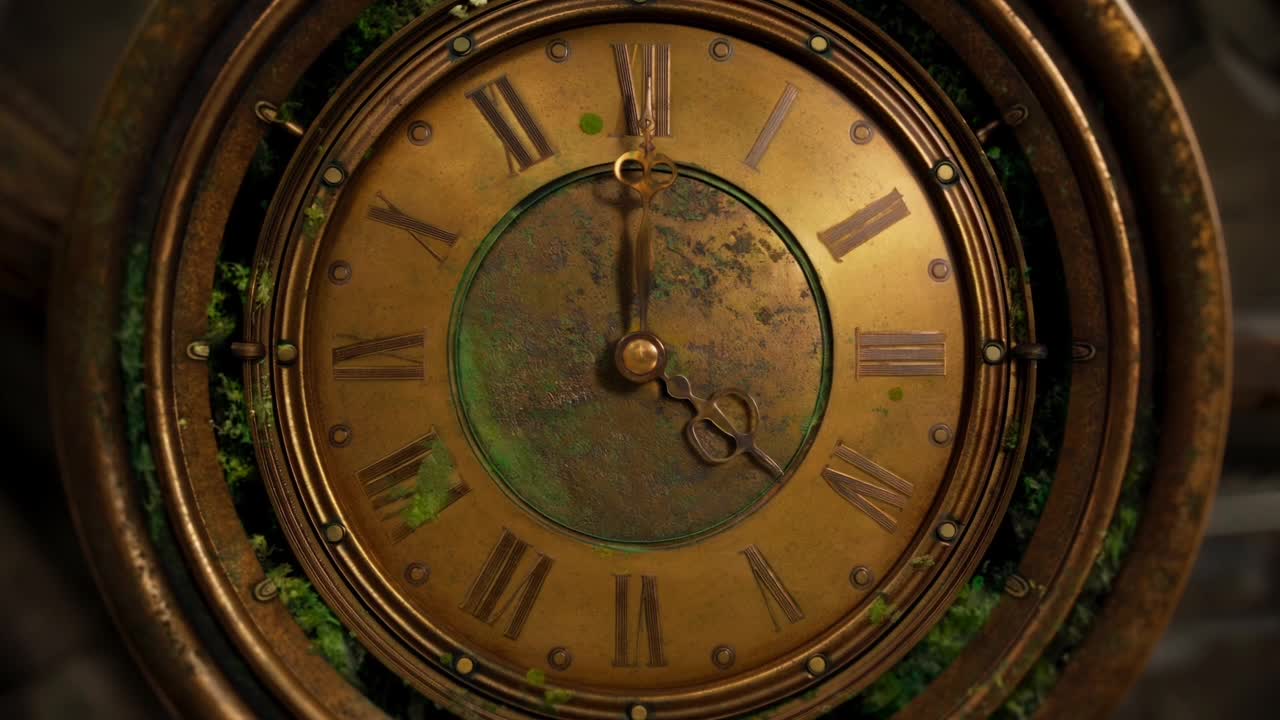
Steampunk Clockwork Odyssey
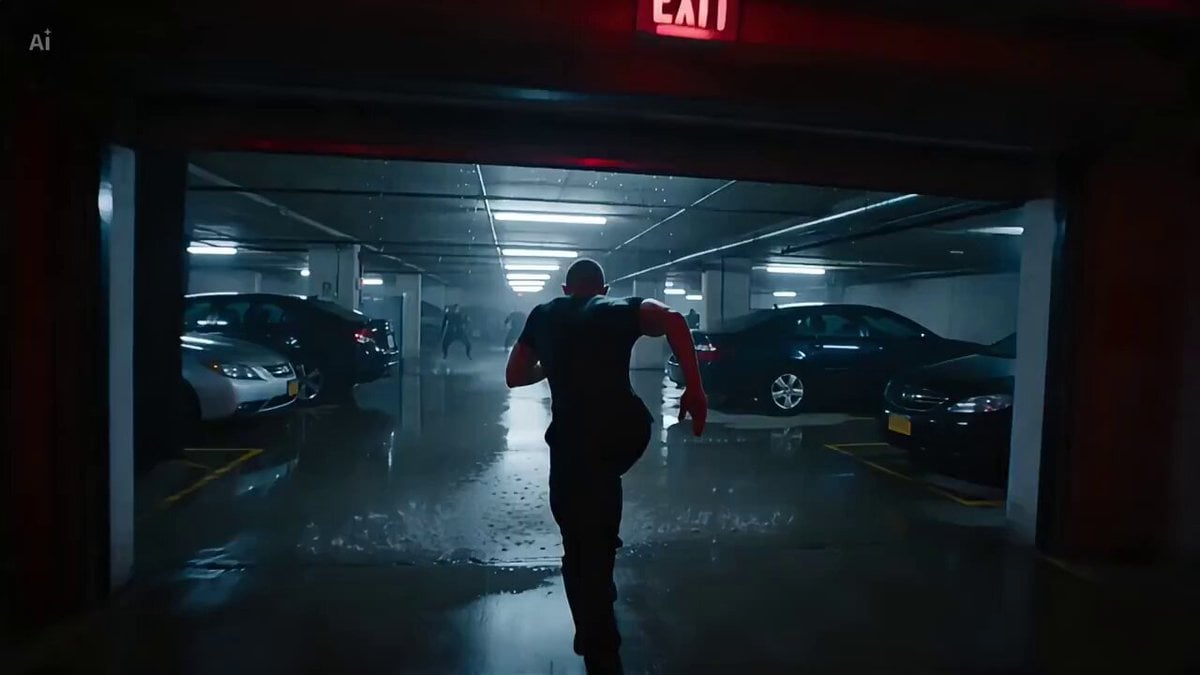
FPV Drone Fight Action Sequence

Animated Burger and Pizza Street Fight
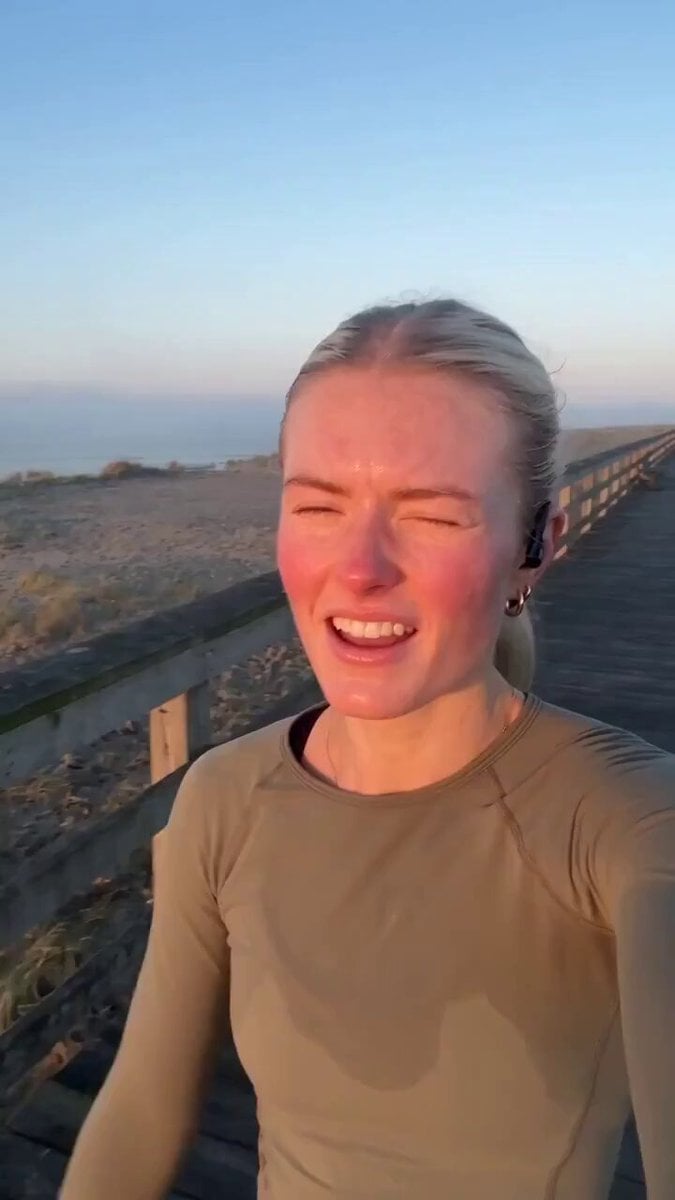
Handheld Scandinavian Influencer Running Vlog
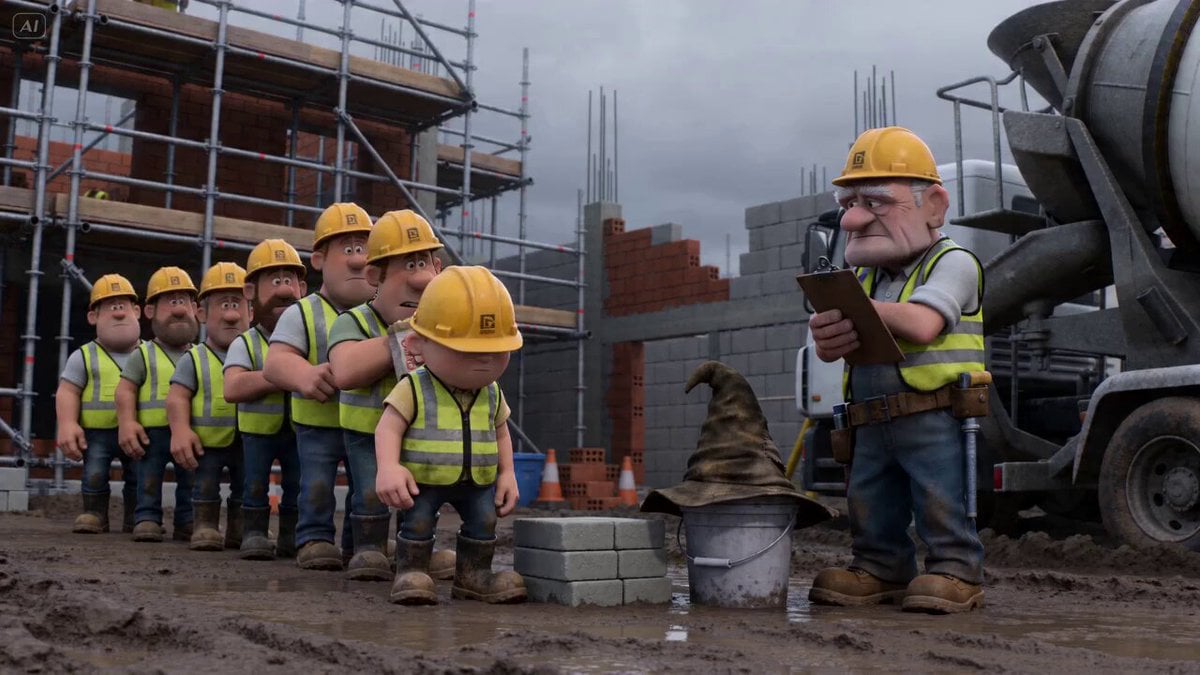
Pixar-Style Builder Queue Prompt (0-5s)

Calm Organic Movement of Otters
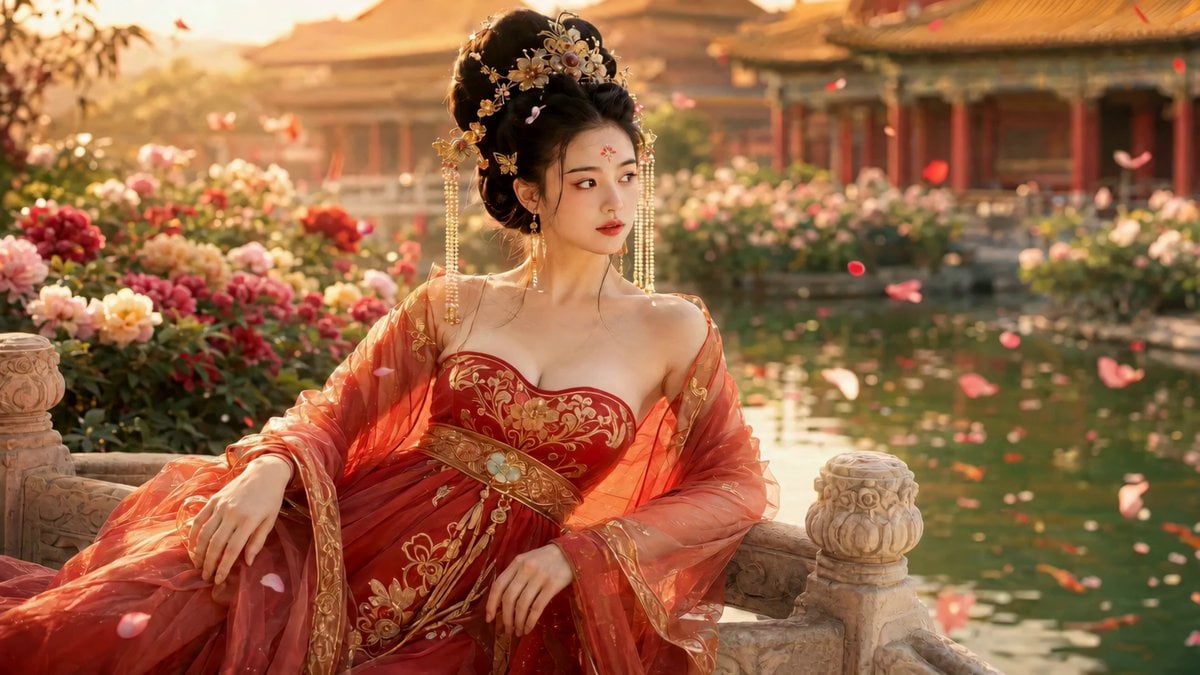
Cinematic Ancient Palace Beauty Close-up
Super Bowl FPV Helmet Cam Realism
Summer Park Kindness Story
Browse template categories
Paris Zombie Summoning Sequence questions
How do I use the Paris Zombie Summoning Sequence template?
Add your photo if the template asks for one, edit the prompt if you like — the template's model and format are already selected — and press Generate. Your version opens in PicX Studio.
Can I customize the Paris Zombie Summoning Sequence template?
Yes. You can change the subject, setting, lighting, mood, format, and available model controls before creating your video.
Is the Paris Zombie Summoning Sequence template free?
Opening and editing this template is free. Generating uses credits, shown on the Generate button when you are signed in.
Which AI model should I use?
Start with Seedance 2.0, which is the model associated with this template. You can compare another compatible model for a different finish.
Looking for something else? Browse all templates.

Your photo, any look
Thousands of ready templates for every top image and video model, from one credit balance.