
Dragon International Airport
An epic fantasy cinematic showing a sky terminal built from crystal where dragons land and take off at sunset.

- Prompt included
- Model and format preset
- Free template
The prompt behind this video
Copy the exact prompt behind Dragon International Airport, or open it in the studio and make it yours.
The world's first dragon airport floats high above the clouds, a breathtaking sky terminal built from glowing crystal towers, golden bridges, and colossal landing platforms suspended in the heavens. The video opens with a cinematic aerial shot of majestic dragons arriving from distant kingdoms. A massive emerald dragon glides through the clouds while an ice dragon descends from snowy mountains and a fiery crimson dragon emerges from a glowing volcanic horizon. The camera races through the bustling airport as dragons of every size land gracefully on enormous floating runways. Dragon riders guide their creatures toward elegant sky gates while magical cargo is loaded onto giant transport dragons. Clouds drift between the terminals as sunlight reflects from shimmering crystal structures. The action intensifies as several dragons launch from the airport in synchronized takeoffs. The camera follows them soaring between floating towers and glowing sky bridges, wings creating powerful gusts through the clouds. For the grand finale, a gigantic golden dragon departs from the main terminal and flies into a spectacular orange-and-purple sunset above an endless sea of clouds. The camera pulls back to reveal the entire dragon airport glowing magnificently in the sky, ultra-realistic, cinematic masterpiece, breathtaking scale, highly detailed dragons, fantasy realism, epic ending.
How to use Dragon International Airport in 3 steps
- 1
Open
The prompt is already in the box next to the preview, with the template's model and format selected.
- 2…a portrait of your subject in softgolden-hour light, 85mm…
Personalize
Edit the subject and creative details for your destination.
- 3Generate
Generate
Press Generate — your video is created in PicX Studio, so you can compare it with the original and refine one variable at a time.
More like this
Templates with the same subject, style or setup. Open one to see its prompt.

Dragon Rider Cinematic Flight — Seedance 2.5

Smartphone Travel Vlog Tokyo Trip Identity Preserved
Dragon Rescue — Volcanic Kingdom Collapse (Seedance)
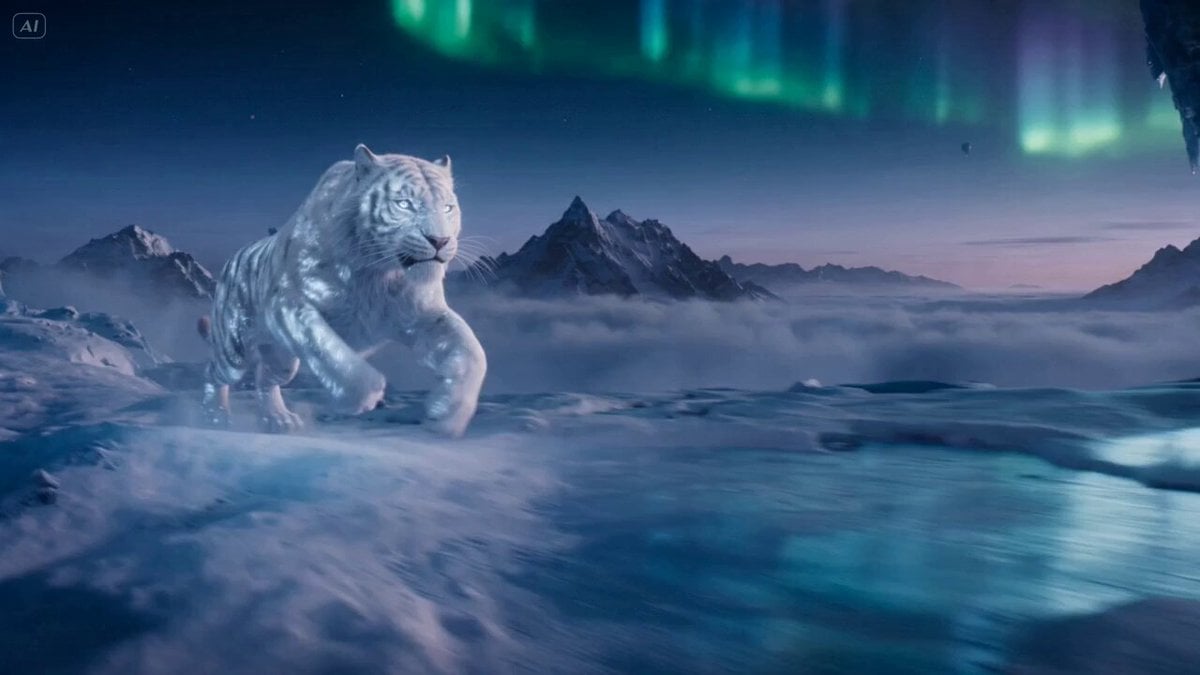
Ice Tiger vs Dragon - Seedance 2.0
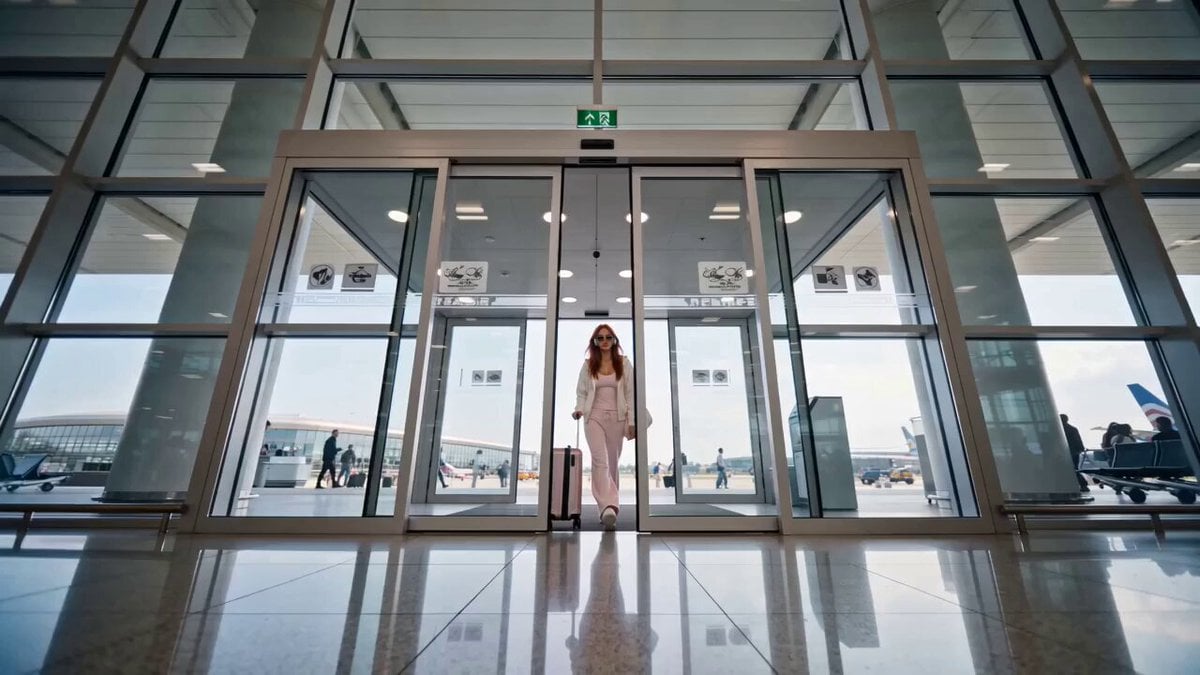
Luxury Fashion Airport Trailer

Luxury Airport Travel Vlog
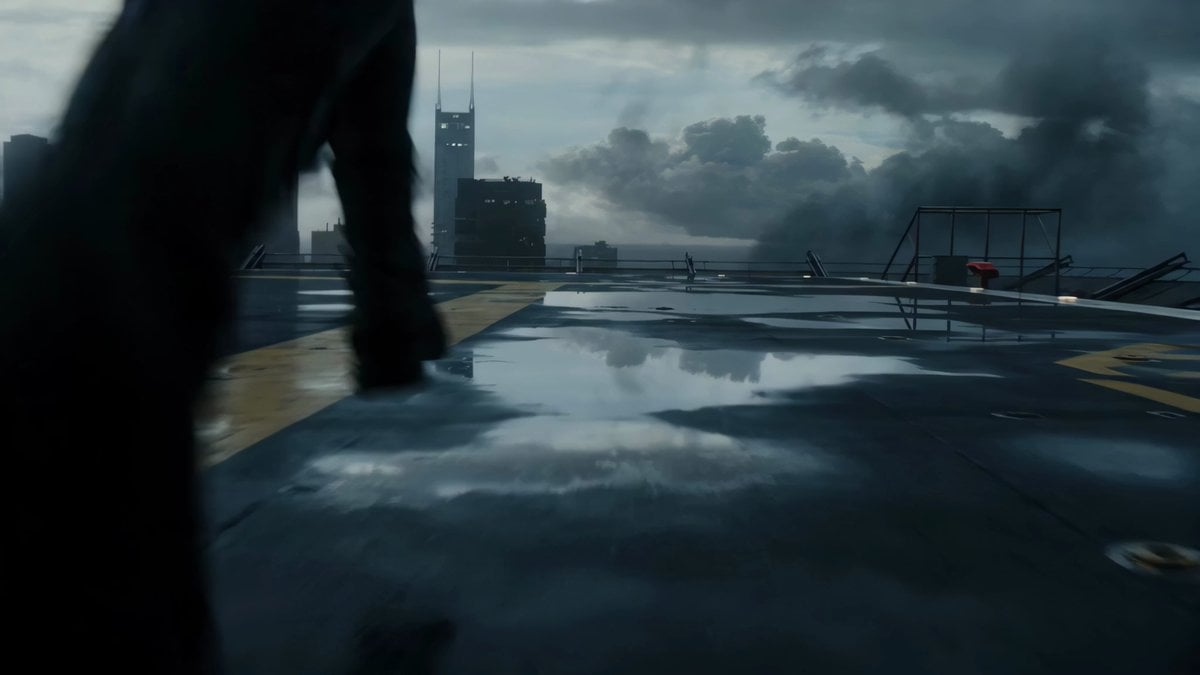
Rooftop Airport Action Scene
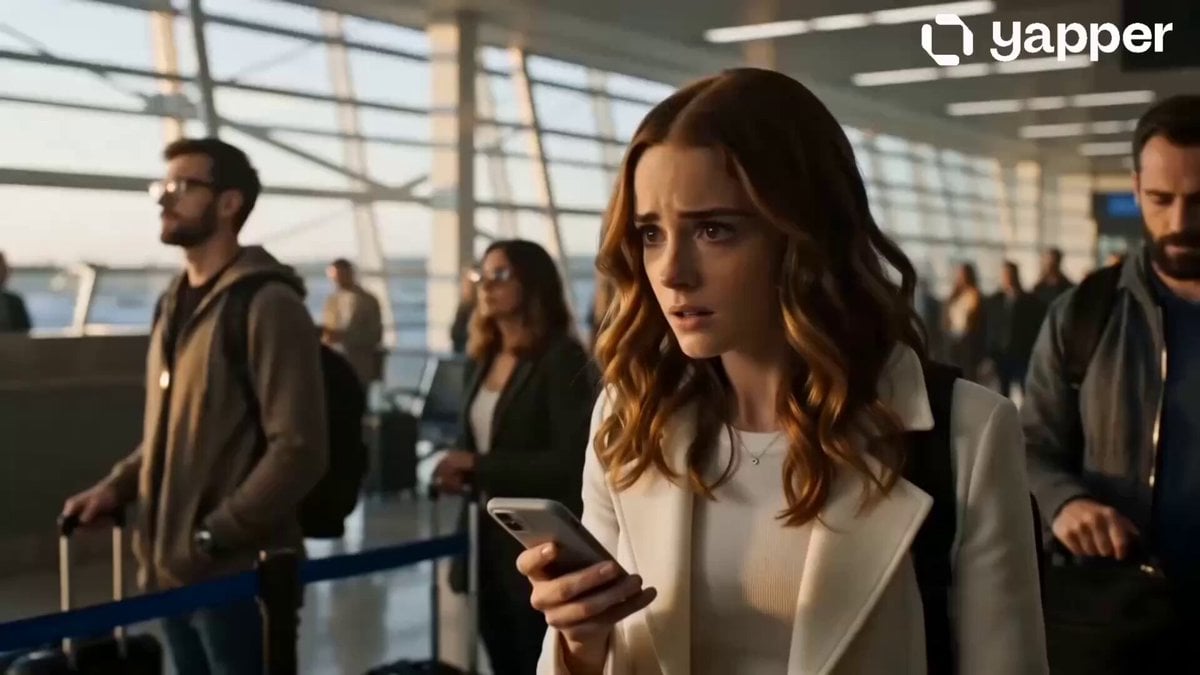
Emotional Airport Lovers Reunion
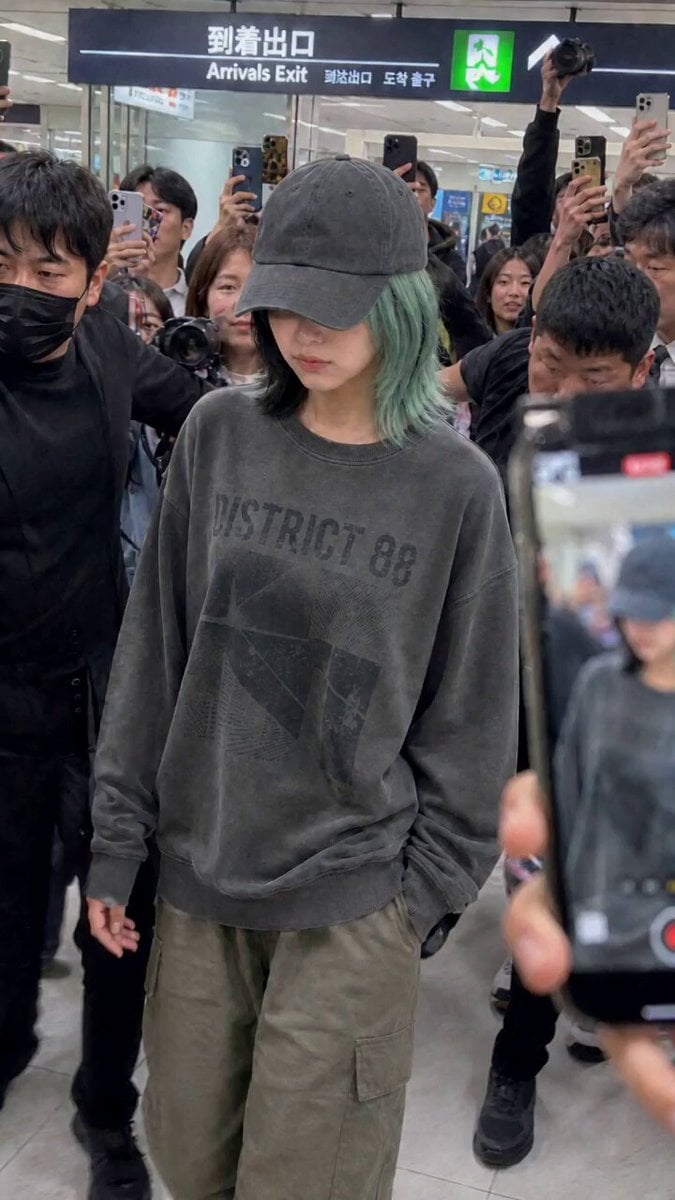
Idol Airport Arrival Cinematic Video
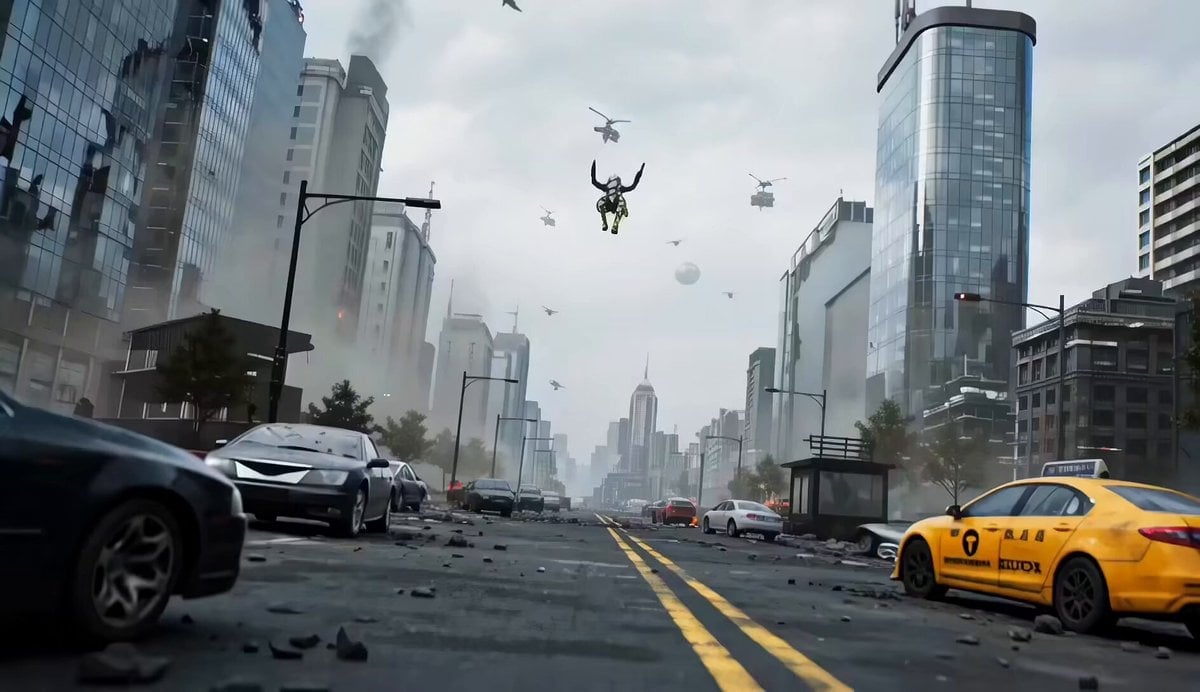
Mecha vs Titan Dragon Cinematic Combat
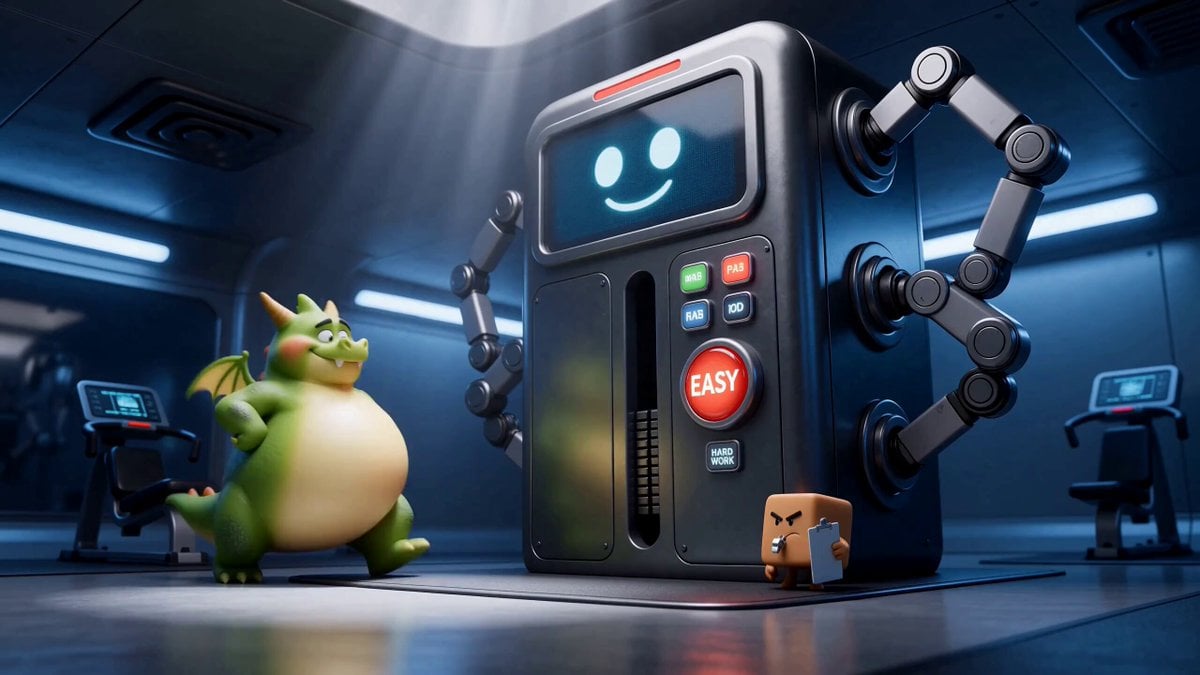
Green Dragon Training Short
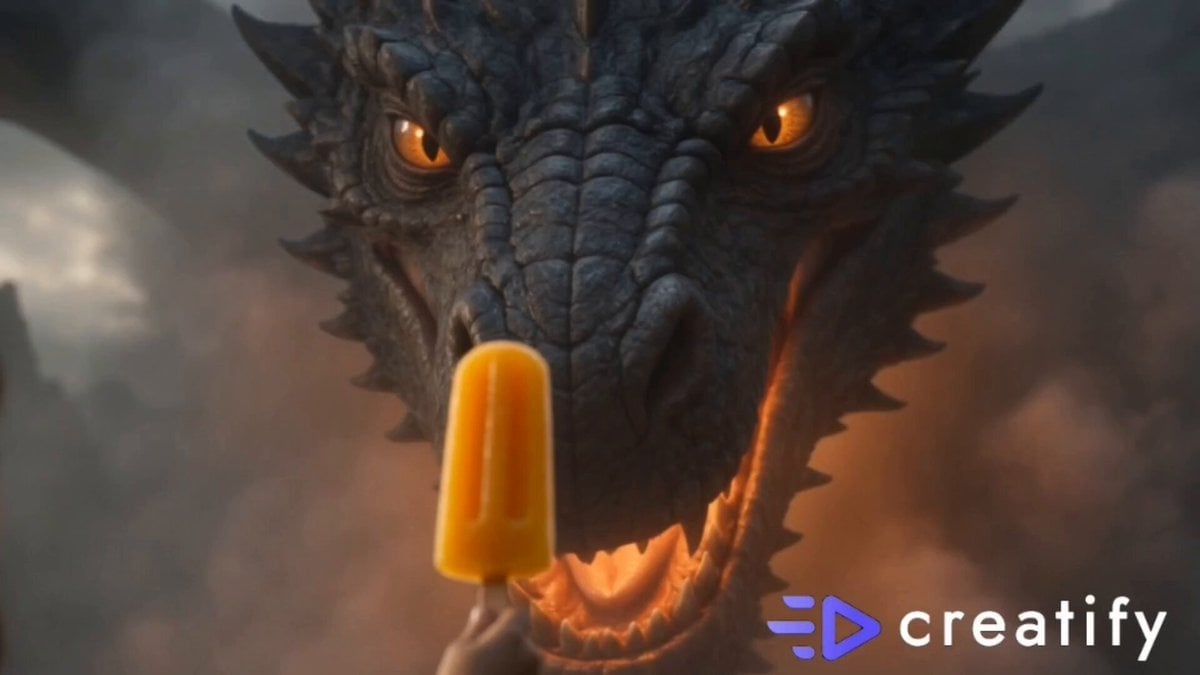
Dragon and Ice Cream Fantasy
Make it yours
Dragon International Airport works as-is. These are the safest ways to change it without losing the look.
Change one field
Copy a single group, rewrite it, and generate again so you can see what that field is doing.
Keep the frame, change the subject
Hold the composition and light of Dragon International Airport, then swap wardrobe, props or the person for a new take.
| If the result… | Why | Fix |
|---|---|---|
| The result drifts from the preview | Too many fields changed at once. | Reuse Dragon International Airport as-is first, then change one group — subject, light, or setting. |
| The model over-stylizes the scene | The prose prompt leaves finish and camera underspecified. | Add one camera or lighting sentence and stay on Seedance 2.0. |
More Seedance 2.0 templates
Other prompts made for Seedance 2.0.

Comical Martial Arts Punch Scene

Maglev Train Action Sequence

Martial Arts Fight Sequence

Wuxia Protection and Trust Script

Vintage Korean Arcade MiniDV Vlog

Mercedes 190 SL Luxury Ad

Rainy Night Supernatural Reverse Comedy Video Script

Amazon Civilization Discovery

Futuristic South Asian City Transformation

Cozy Luxury Cafe Commercial
More video prompts
Fresh picks from across the catalog.
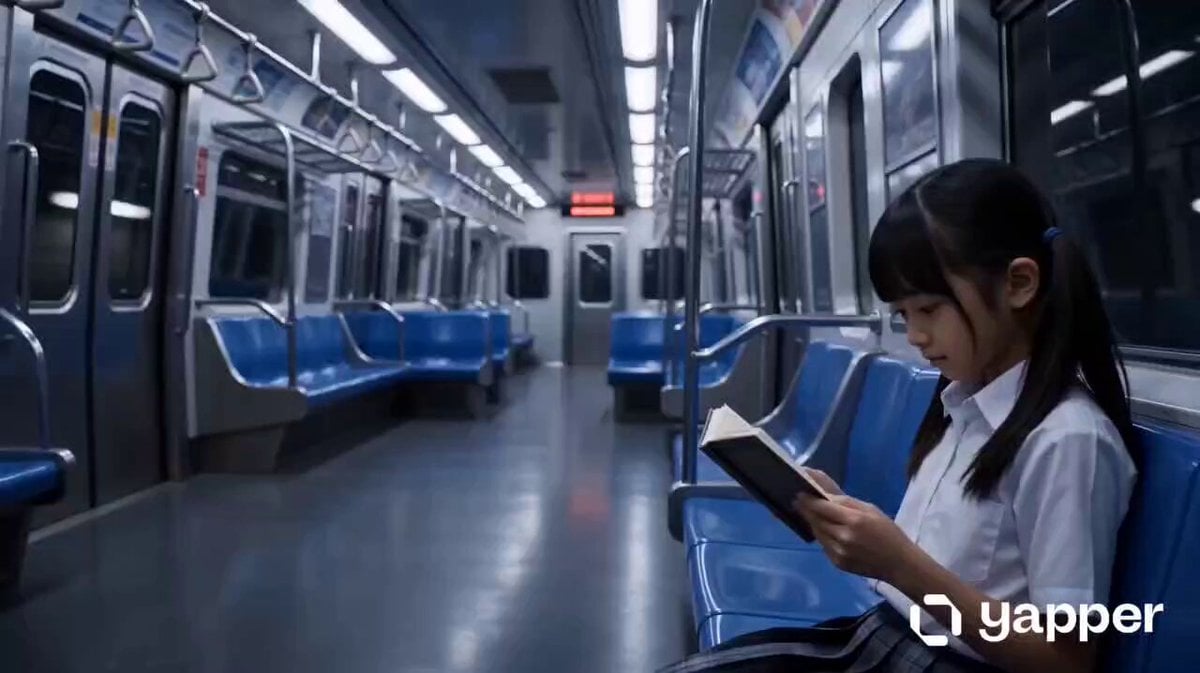
Cyber Transformation Subway Fight
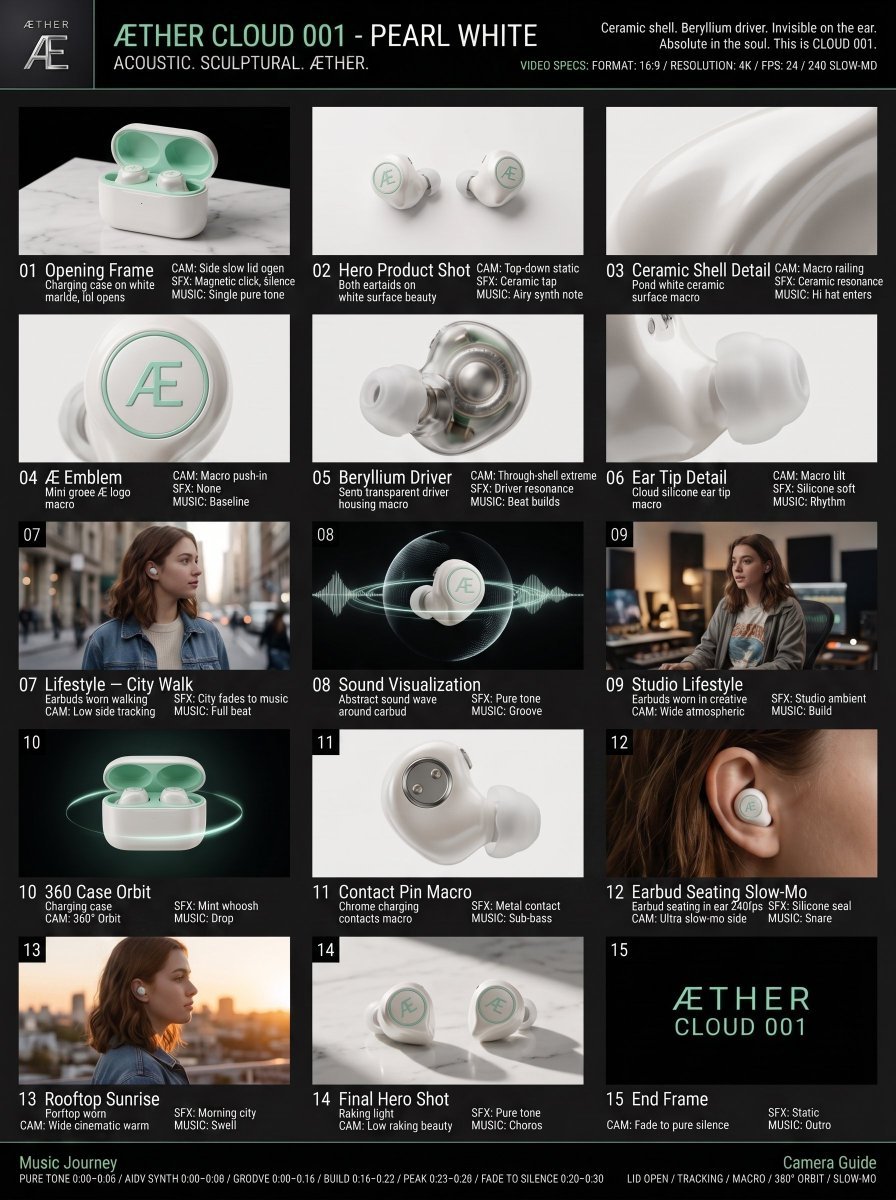
Luxury Audio Product Commercial
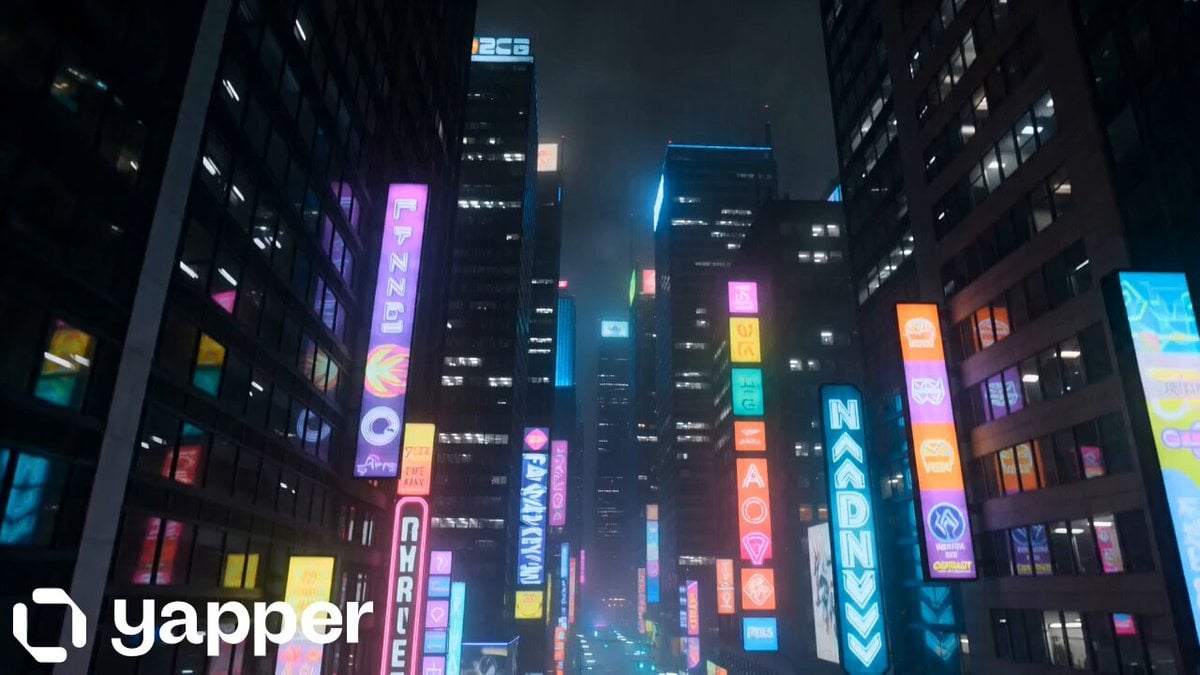
Rainy Neon City Cinematic Walk
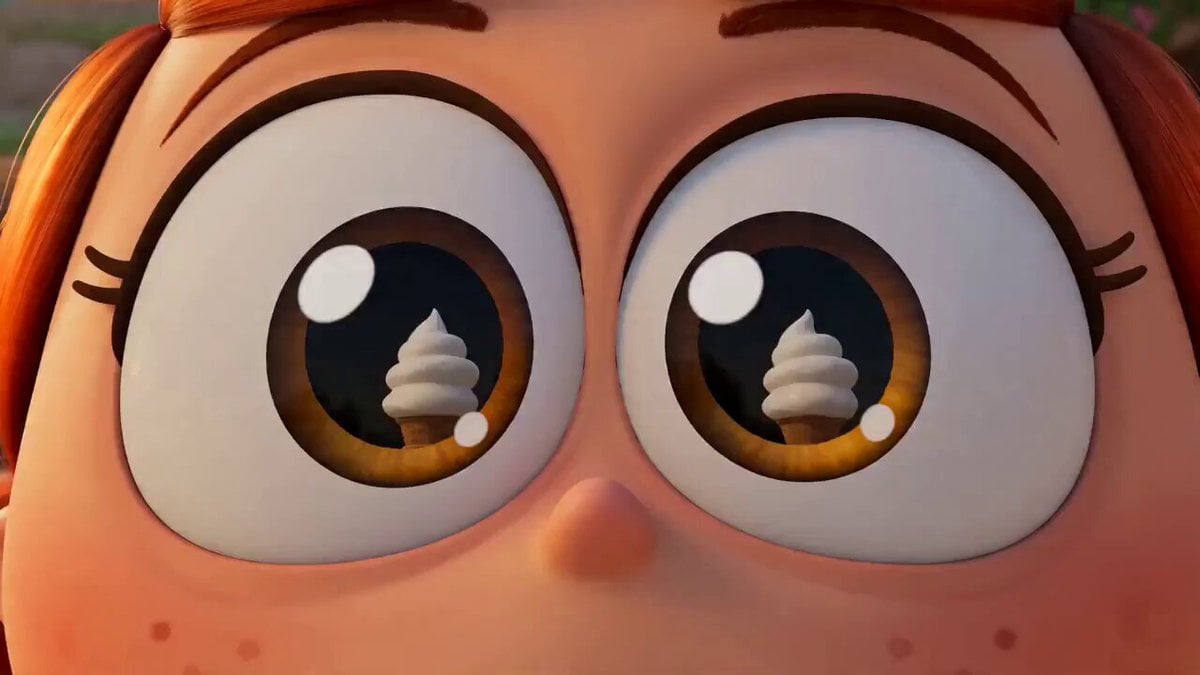
Viral Pixar-Style Turkish Ice Cream Trick Video Prompt
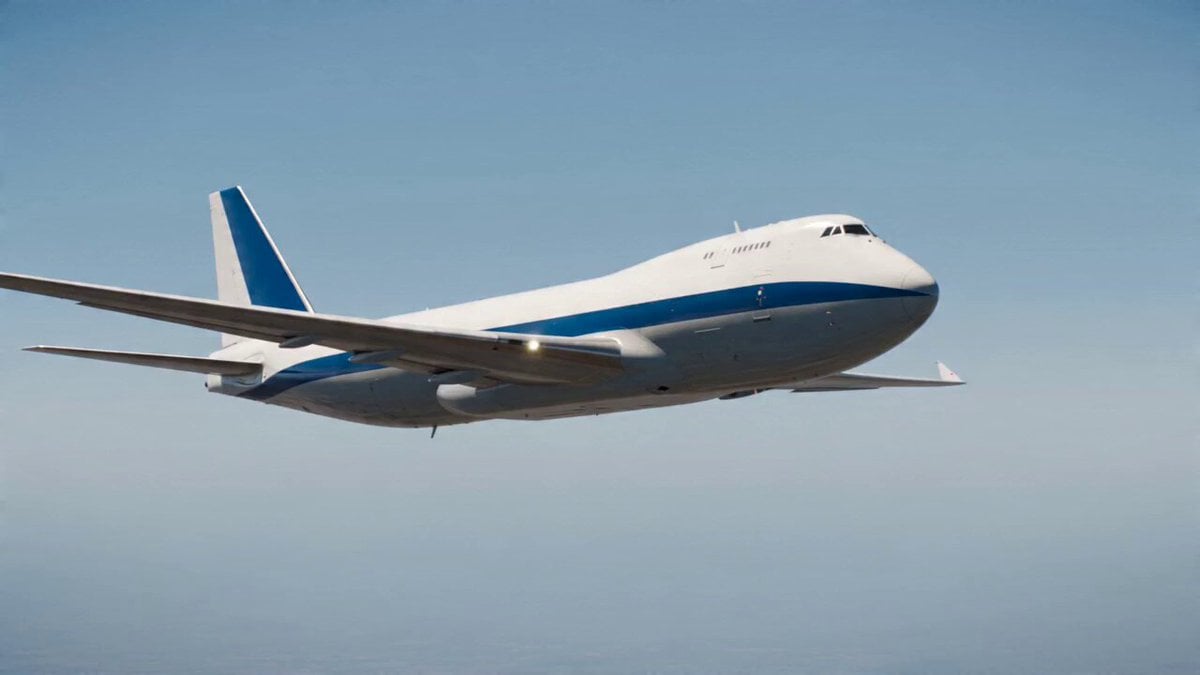
Airplane to Rocket Mechanical Transformation
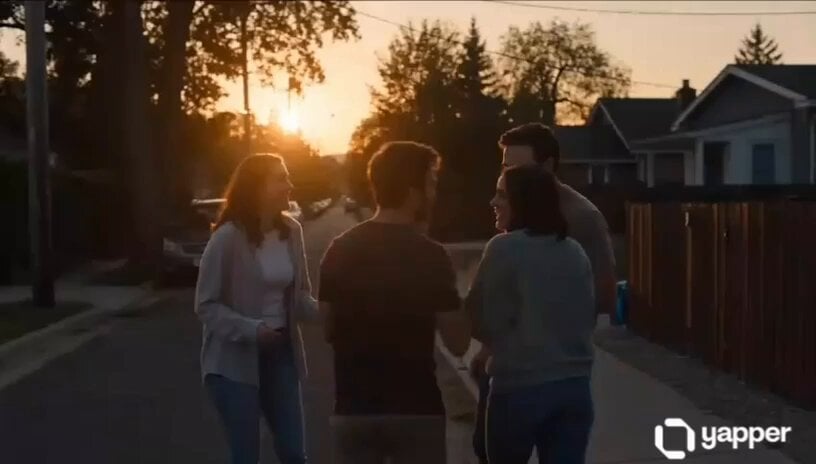
Emotional Neighborhood Short Film
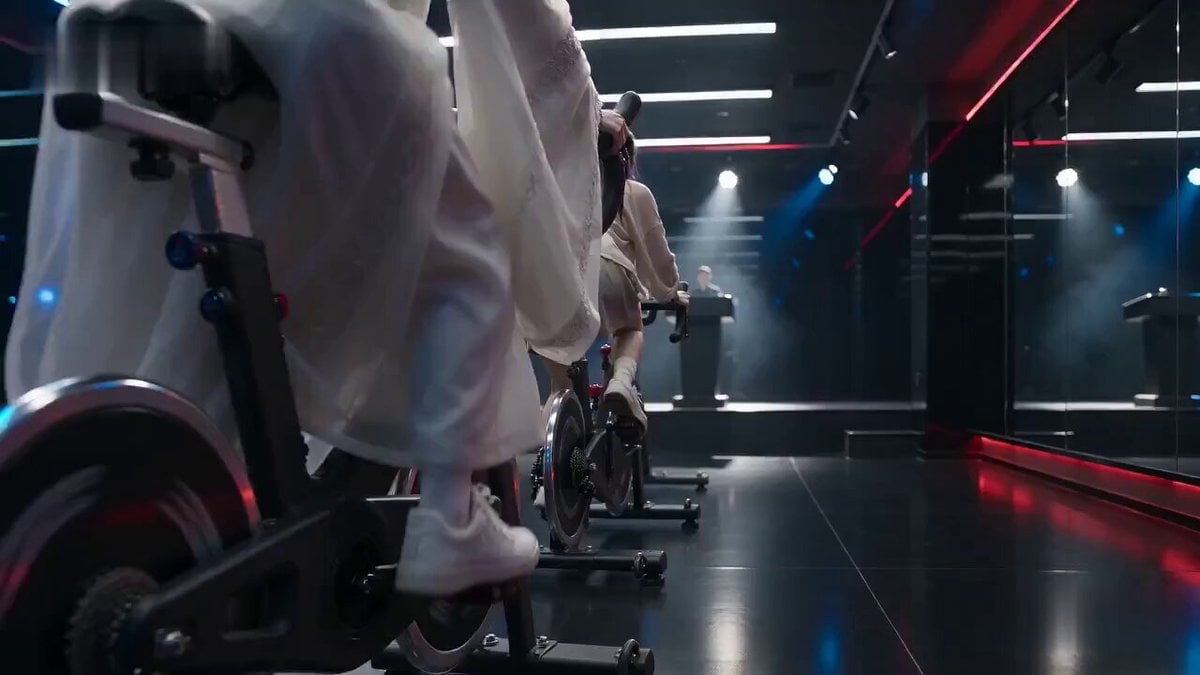
Cinematic Exercise Bike Cavalry Charge Misdirection
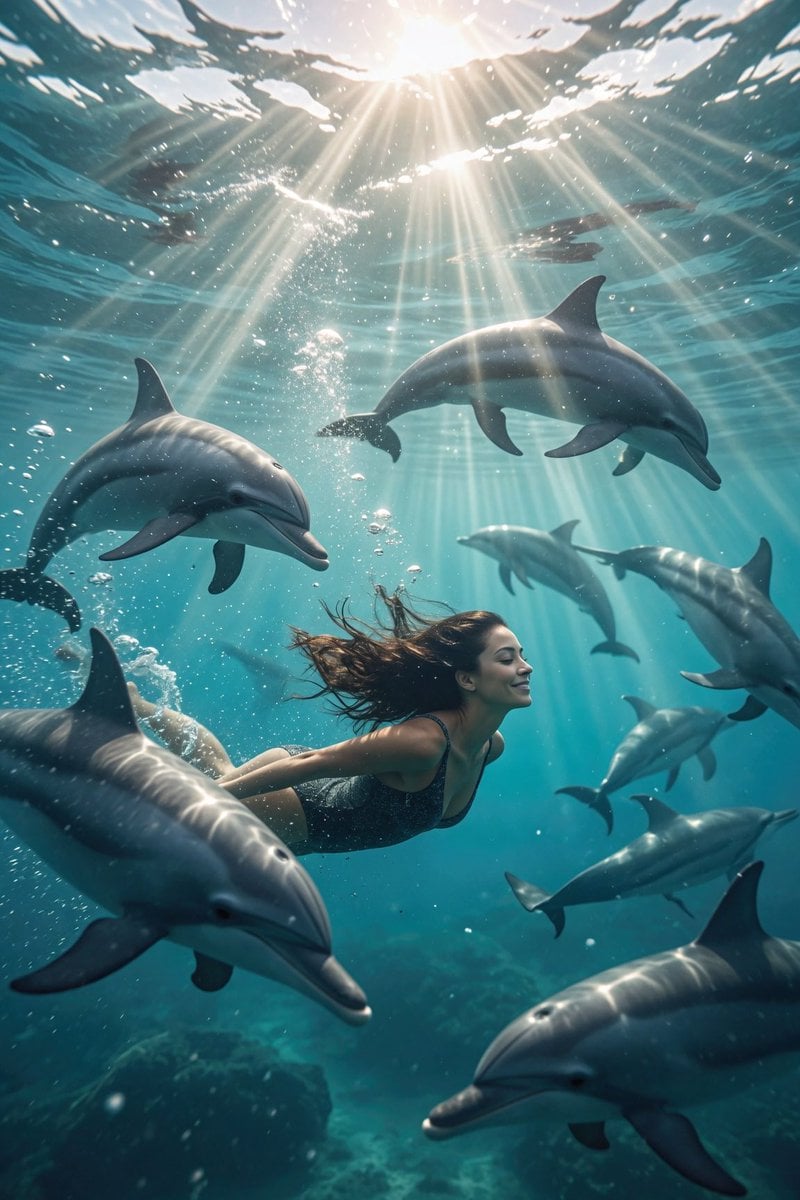
Dolphin Marine Documentary Footage
Cyberpunk Samurai Duel
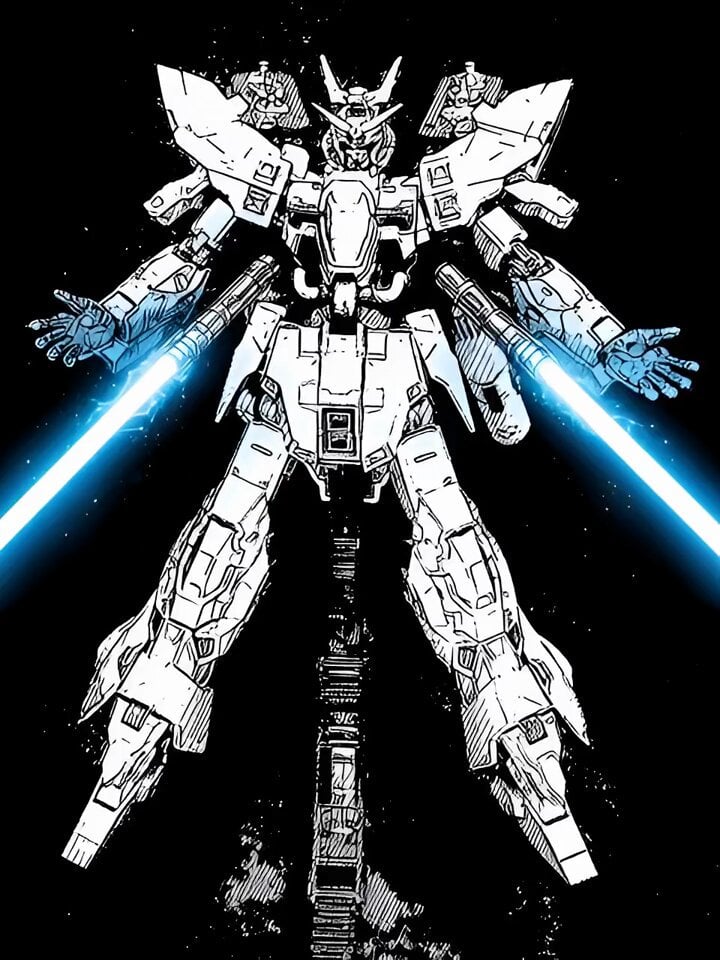
Lightsaber Fight in Cinematic Darkness Video Prompt
Browse template categories
Dragon International Airport questions
How do I use the Dragon International Airport template?
Add your photo if the template asks for one, edit the prompt if you like — the template's model and format are already selected — and press Generate. Your version opens in PicX Studio.
Can I customize the Dragon International Airport template?
Yes. You can change the subject, setting, lighting, mood, format, and available model controls before creating your video.
Is the Dragon International Airport template free?
Opening and editing this template is free. Generating uses credits, shown on the Generate button when you are signed in.
Which AI model should I use?
Start with Seedance 2.0, which is the model associated with this template. You can compare another compatible model for a different finish.
Looking for something else? Browse all templates.

Your photo, any look
Thousands of ready templates for every top image and video model, from one credit balance.