How do I use the Mecha vs Titan Dragon Cinematic Combat template?
Edit the prompt in the box under the preview — the template's model and format are already selected — and press Generate. Your version appears right on this page.
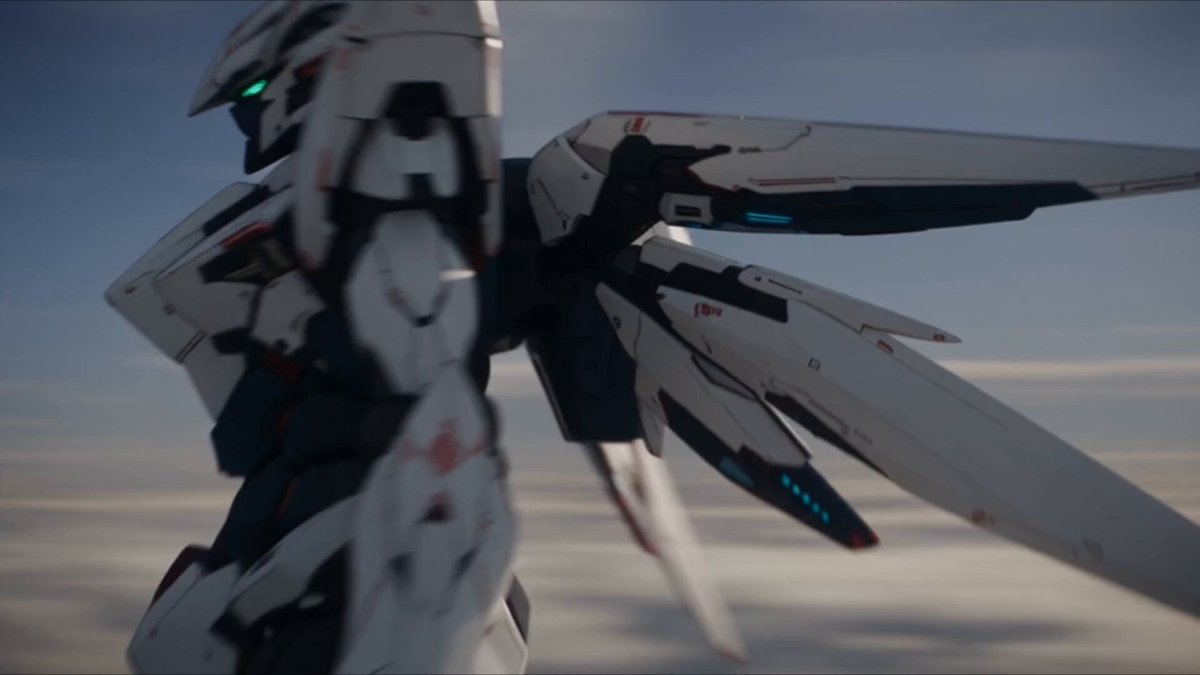
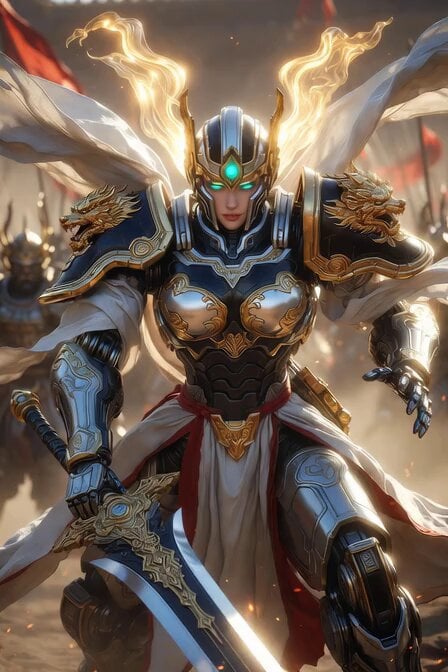
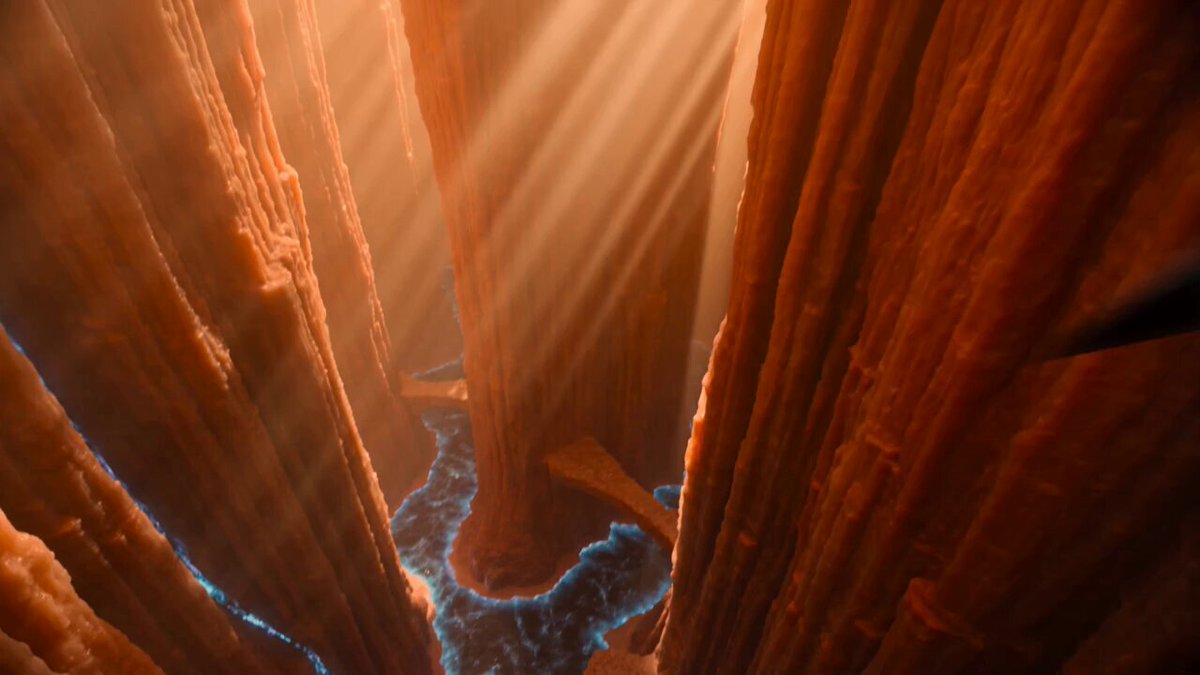
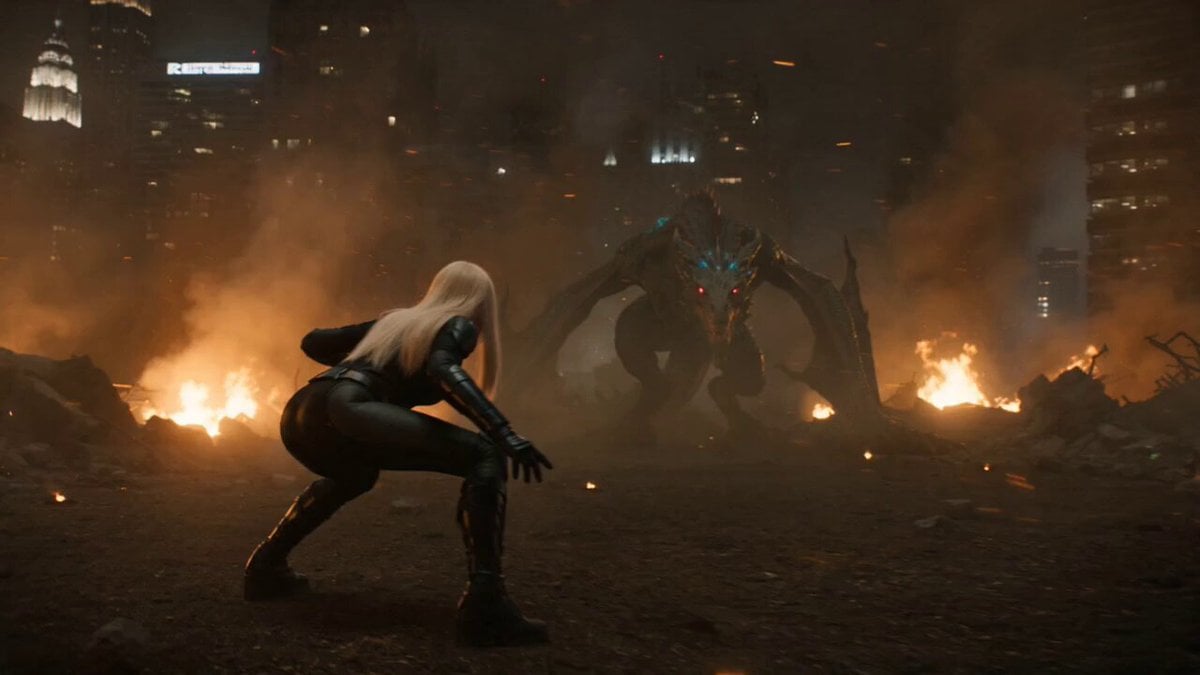
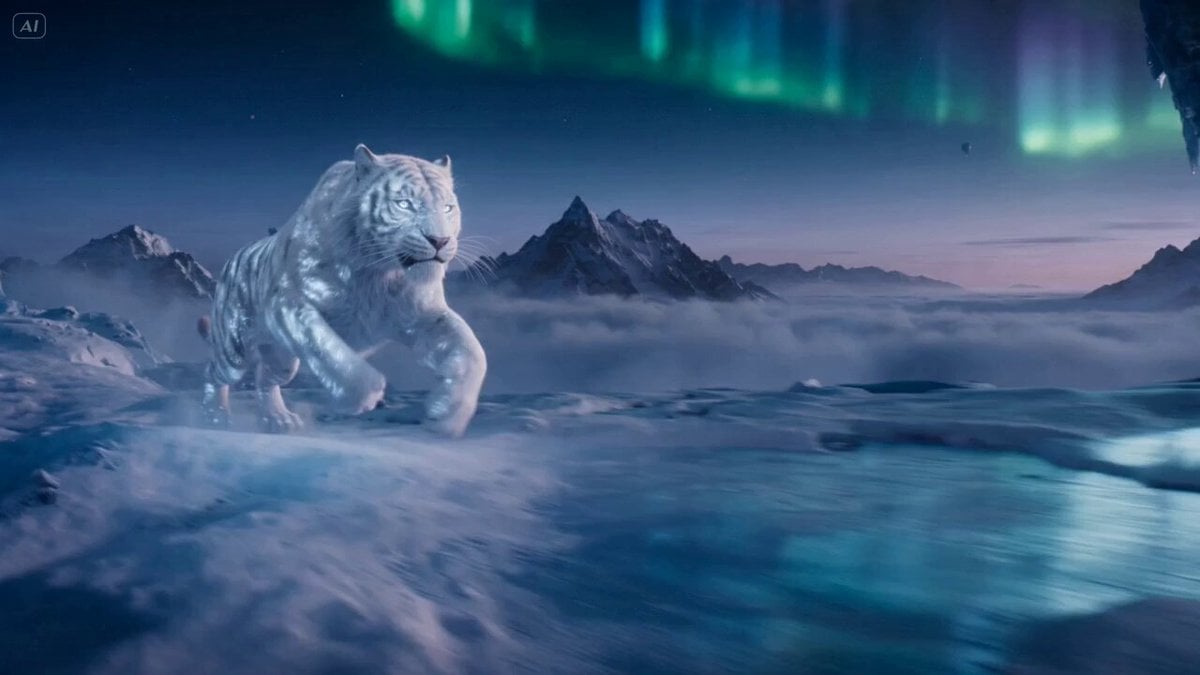
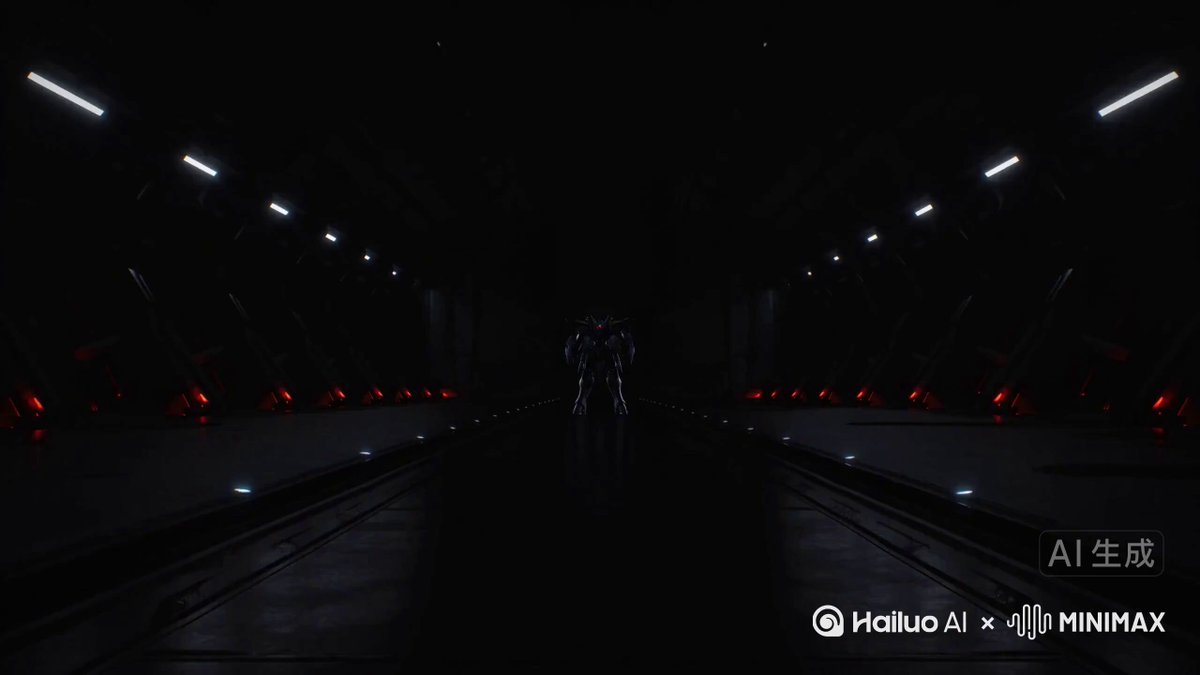
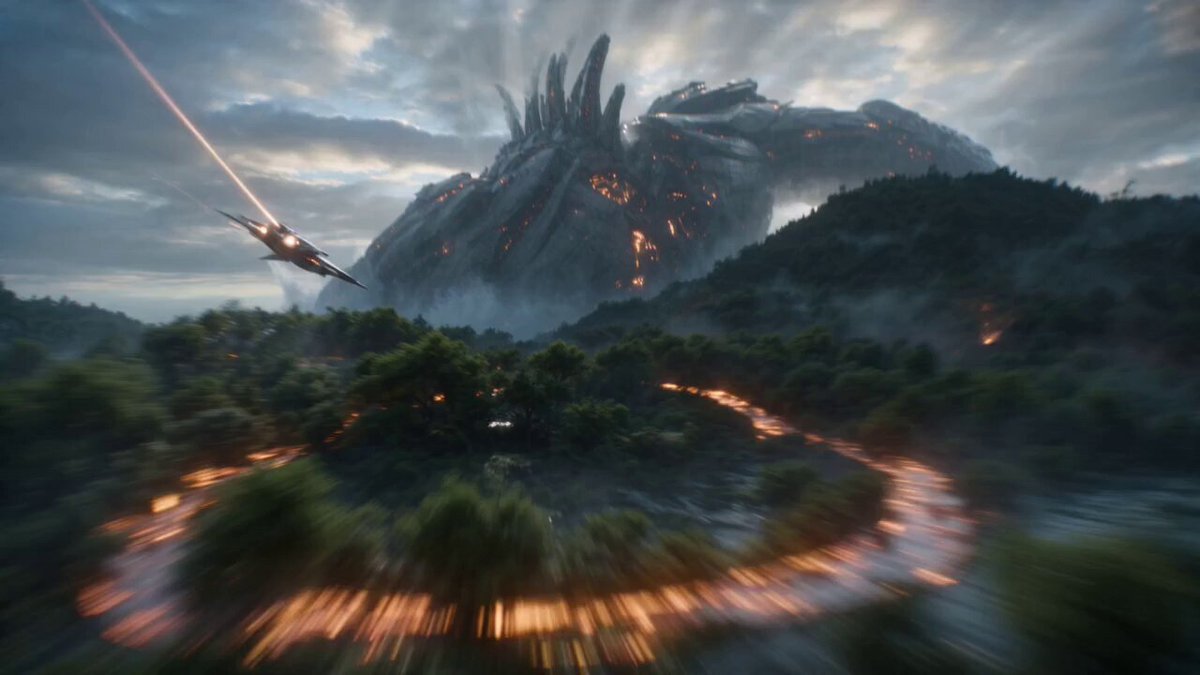
A complex cinematic storyboard and prompt for a high-fidelity battle between a mecha and a titan dragon in a destroyed megacity.
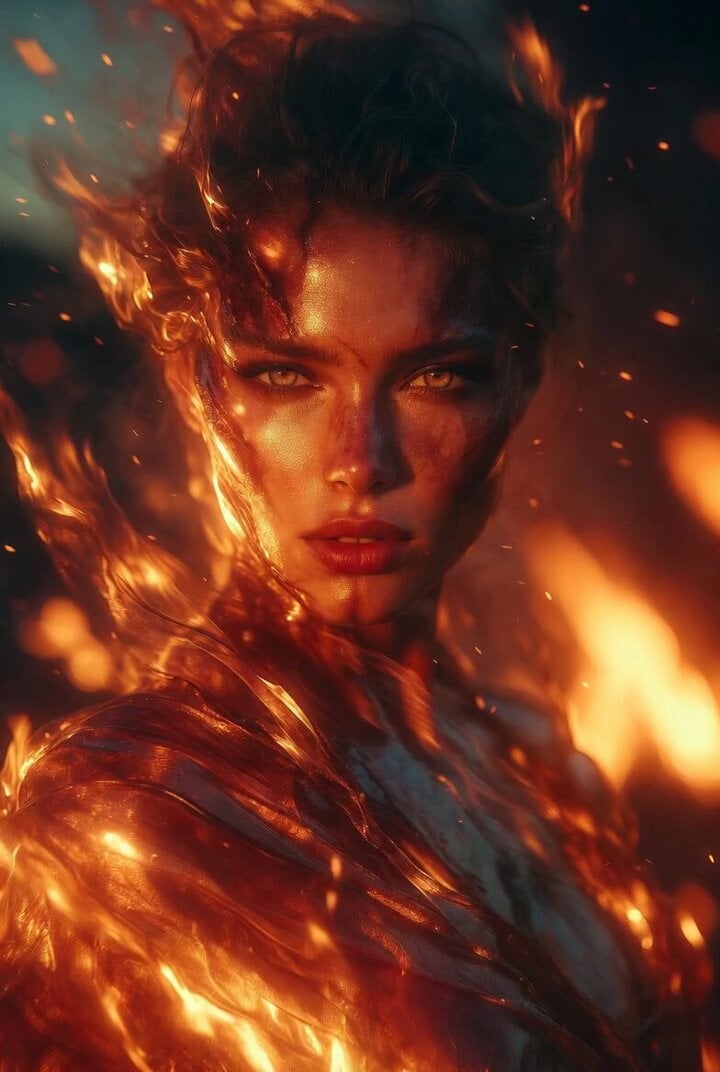
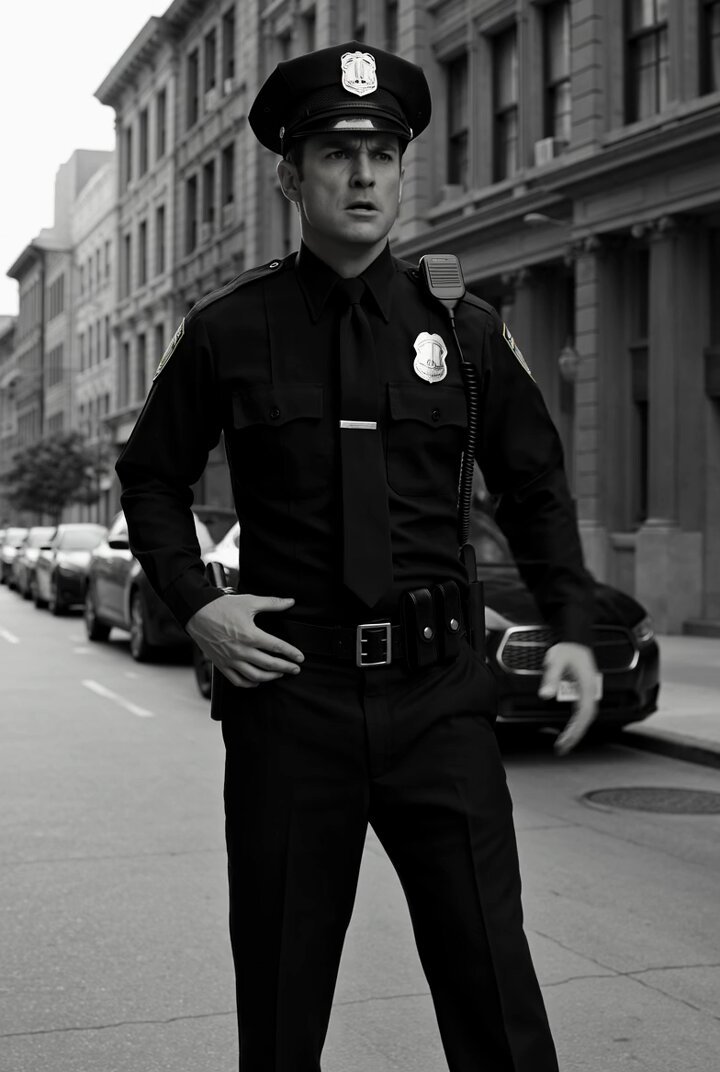
{ "title": "15s Human Mecha vs Titan Dragon", "duration": "15s", "style": "Ultra photorealistic live-action, Hollywood blockbuster, IMAX, ARRI Alexa 65, Atlas Orion Anamorphic, HDR, premium Hollywood VFX, aggressive cinematic camera.", "references": { "image1": "Keep the character identical.", "image2": "Follow the storyboard framing and camera composition." }, "prompt": "A 2.2m human-sized powered armor mecha crashes into an abandoned megacity, creating a massive impact crater. As the camera rises behind the hero, a colossal Titan Dragon towers above the skyline, crushing skyscrapers. The mecha raises its rail cannon as magnetic coils unfold, blue-white plasma rapidly compresses, lightning fills the sky, and nearby vehicles and steel structures levitate from intense electromagnetic force. The Titan Dragon charges a molten sun inside its jaws. After a brief silence, both unleash their ultimate attacks. A devastating blue-white rail cannon collides with a world-ending molten fire beam, creating a gigantic plasma sphere, nuclear-scale shockwaves, lightning storms, sonic booms, collapsing skyscrapers, debris tornadoes, and violent camera shake. The rail cannon pierces through the dragon, ending in a colossal blue-white explosion. The final aerial shot reveals the lone mecha standing motionless at the center of the destroyed city beneath crackling lightning and towering smoke clouds.", "sound_design": "Massive cinematic impacts, metallic landing, mechanical transformation, magnetic coil charge, electrical crackles, thunder, dragon roar, molten fire blast, colossal rail cannon, beam collision, plasma explosion, collapsing skyscrapers, trailer braams, epic choir, orchestral percussion, emotional brass finale.", "negative_prompt": "giant mecha, Gundam scale, redesign character, anime, cartoon, CGI, toy, weak VFX, static camera, stiff animation, low quality, text, subtitles, logo, watermark" }
Edit the prompt in the box under the preview — the template's model and format are already selected — and press Generate. Your version appears right on this page.
Yes. You can change the subject, setting, lighting, mood, format, and available model controls before creating your video.
Opening and editing this template is free. Generating uses credits, shown on the Generate button when you are signed in.
Start with Seedance 2.0, which is the model associated with this template. You can compare another compatible model for a different finish.
Follow a topic to a crawlable collection of related PicX Studio templates.