
Epic Mecha Battle Cinematic Video
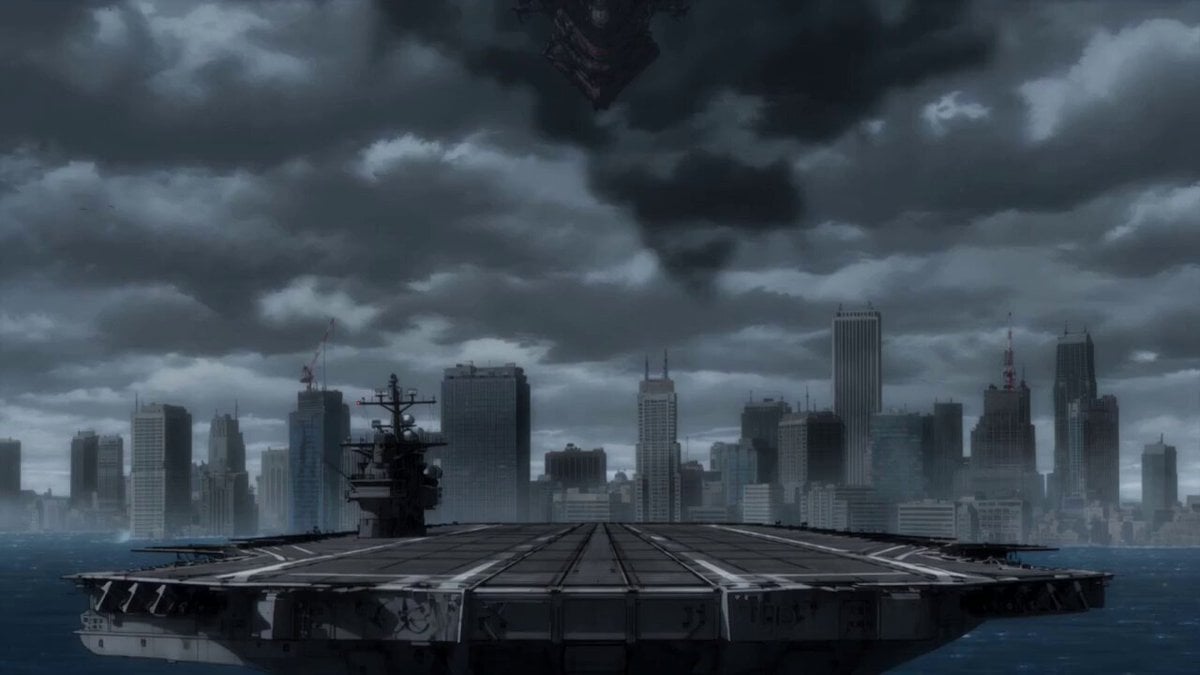
A high-intensity video prompt for Seedance 2.0 featuring a cinematic mecha battle with city-scale destruction and hyper-speed aerial combat.
- Prompt included
- Model and format preset
- Free template
The prompt behind this video
Copy the exact prompt behind Epic Mecha Battle Cinematic Video, or open it in the studio and make it yours.
0–4s: A massive enemy war machine descends through storm clouds above a flooded coastal city. A compact blue-white combat mecha launches from a damaged carrier deck, boosters igniting as ocean spray explodes outward. Fast low-angle tracking. 4–8s: The two machines collide above the skyline. The smaller mecha dodges missile trails, folds through narrow gaps between towers and slices incoming drones with an energy blade. Rapid camera switches, hard acceleration and heavy mechanical inertia. 8–12s: The enemy machine charges a city-destroying beam. The pilot forces the smaller mecha straight through the beam’s unstable edge, armor panels burning away, then drives the energy blade into the exposed reactor core. 12–15s: The enemy machine shuts down and falls into the ocean beyond the city. The damaged hero mecha lands on one knee atop a skyscraper as the storm clears. End on the pilot’s cockpit lights fading into sunrise. Premium cinematic mecha anime, extreme sakuga, hyper-speed aerial combat, precise mechanical animation, large-scale destruction, realistic weight, strong impact frames, decisive heroic ending.
How to use Epic Mecha Battle Cinematic Video in 3 steps
- 1
Open
The prompt is already in the box next to the preview, with the template's model and format selected.
- 2…a portrait of your subject in softgolden-hour light, 85mm…
Personalize
Edit the subject and creative details for your destination.
- 3Generate
Generate
Press Generate — your video is created in PicX Studio, so you can compare it with the original and refine one variable at a time.
More like this
Templates with the same subject, style or setup. Open one to see its prompt.
Mecha Transformation vs Kaiju — 4-Scene Epic
Swordsman vs Shadow Monster — Bamboo Forest Battle
Tiger vs Gorilla — Jungle Canyon Clash
Sea Serpent vs Crab Titan — Ocean Battle
Oceanic Civilization Epic Sci-Fi Film
Elven vs Orc Epic Battle
Giant Mecha Naval Battle
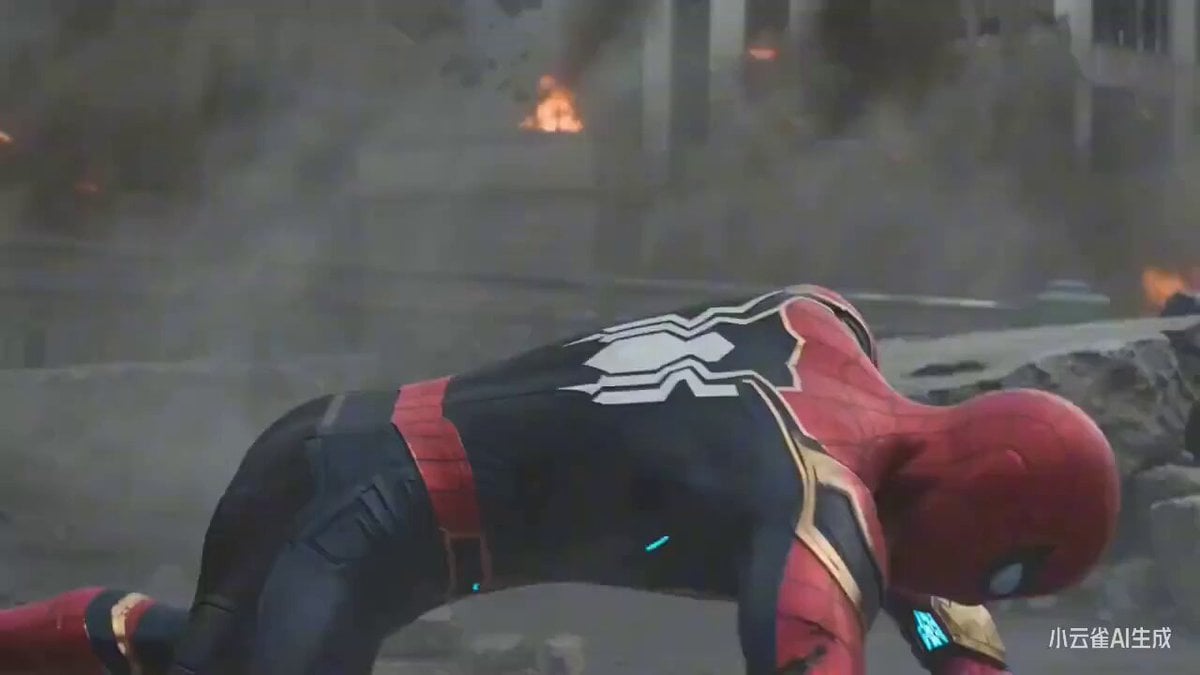
Cinematic epic battle between Spider-Man and Sun Wukong
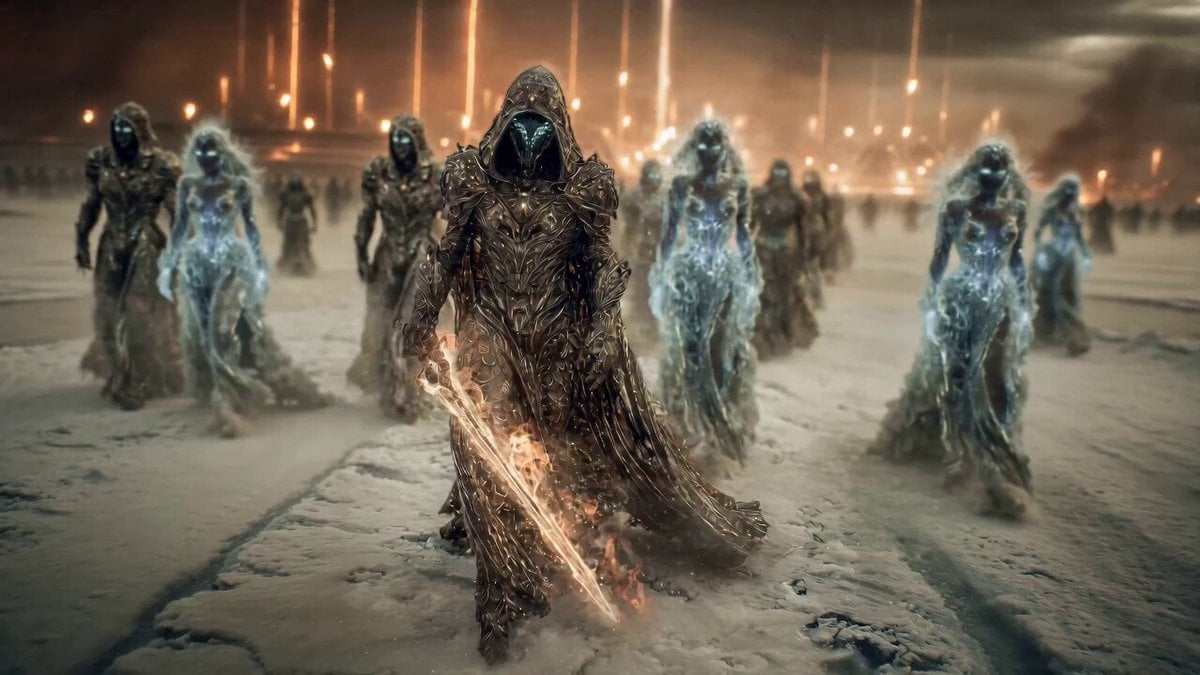
Epic Fantasy Battle Scene Prompt for Seedance 2.0
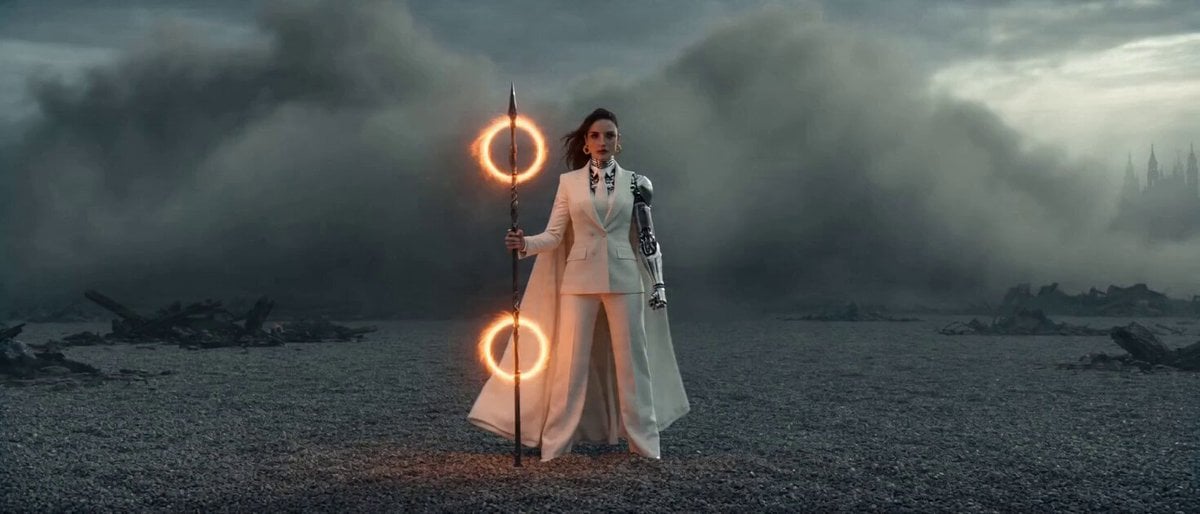
Epic Sci-Fi Action Sequence: Bionic Heroine vs. Giant Mecha
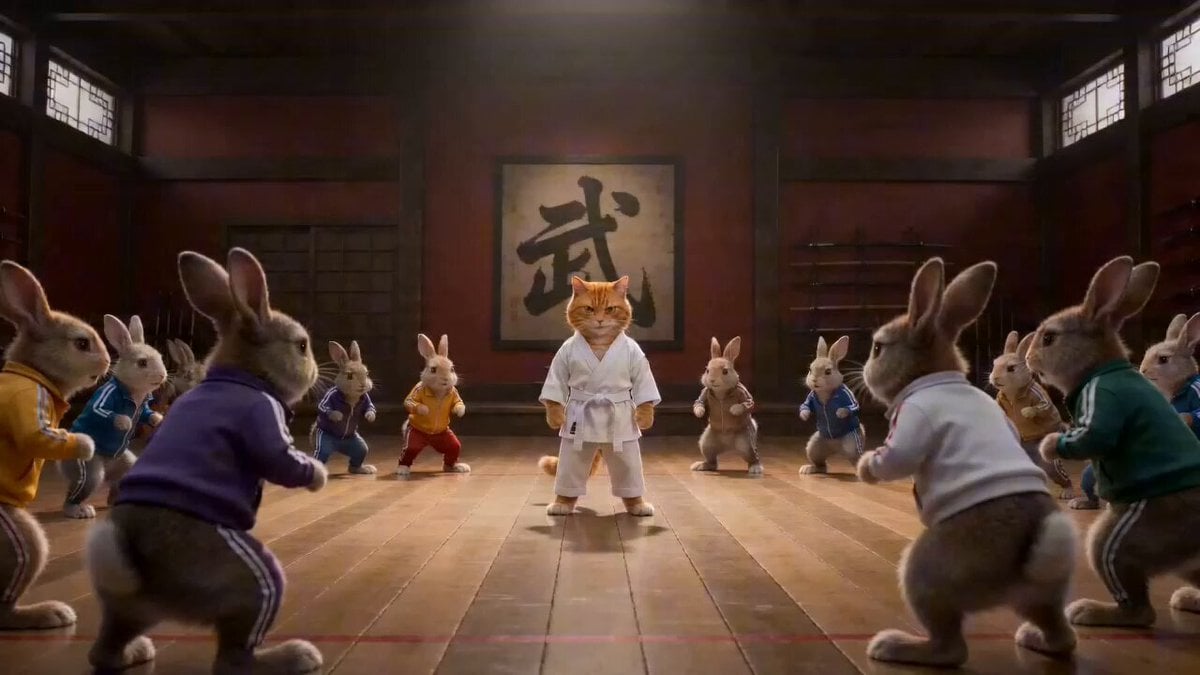
Epic Martial Arts Battle Between Cat Master and Rabbits
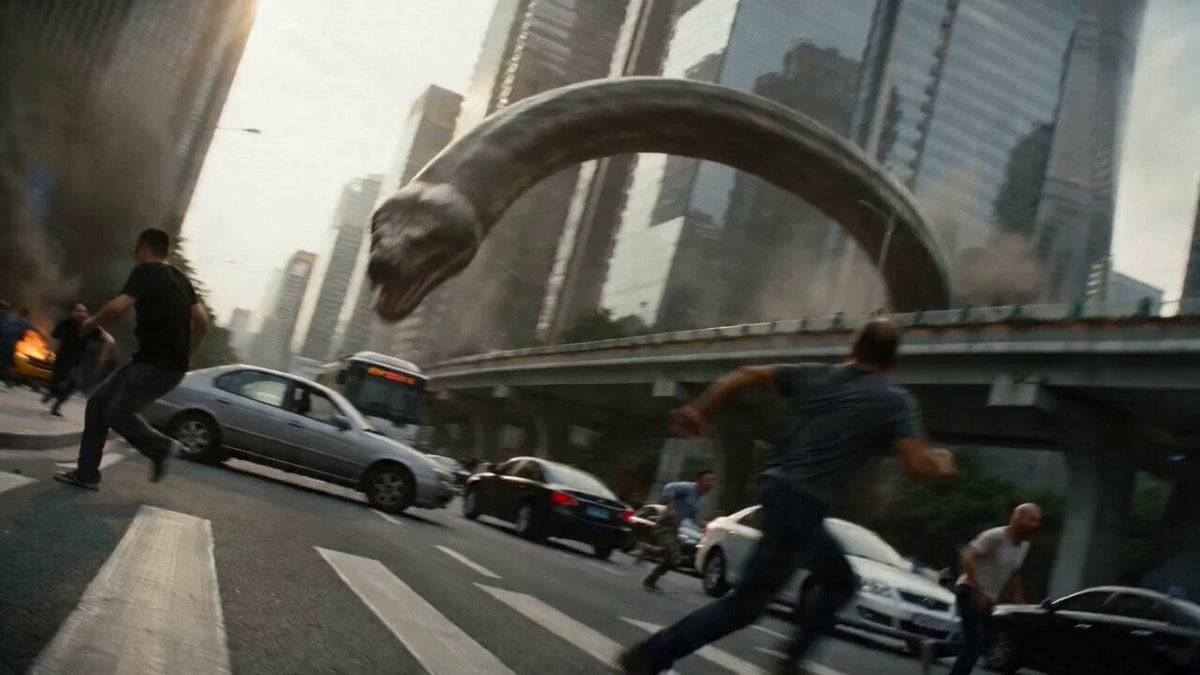
Epic Battle Between Giant Python and Chinese Dragon
Make it yours
Epic Mecha Battle Cinematic Video works as-is. These are the safest ways to change it without losing the look.
Change one field
Copy a single group, rewrite it, and generate again so you can see what that field is doing.
Keep the frame, change the subject
Hold the composition and light of Epic Mecha Battle Cinematic Video, then swap wardrobe, props or the person for a new take.
| If the result… | Why | Fix |
|---|---|---|
| The result drifts from the preview | Too many fields changed at once. | Reuse Epic Mecha Battle Cinematic Video as-is first, then change one group — subject, light, or setting. |
| The model over-stylizes the scene | The prose prompt leaves finish and camera underspecified. | Add one camera or lighting sentence and stay on Seedance 2.0. |
More Seedance 2.0 templates
Other prompts made for Seedance 2.0.

Comical Martial Arts Punch Scene

Maglev Train Action Sequence

Martial Arts Fight Sequence

Wuxia Protection and Trust Script

Vintage Korean Arcade MiniDV Vlog

Mercedes 190 SL Luxury Ad

Rainy Night Supernatural Reverse Comedy Video Script

Amazon Civilization Discovery

Futuristic South Asian City Transformation

Cozy Luxury Cafe Commercial
More video prompts
Fresh picks from across the catalog.

Cinematic Ronin Aerial Battle Scene
Viral Creator Raining Money Vlog
Medieval Knight Combat

Futuristic Home Transition Video
Seedance 2.5 - @AIwithkhan - 728160
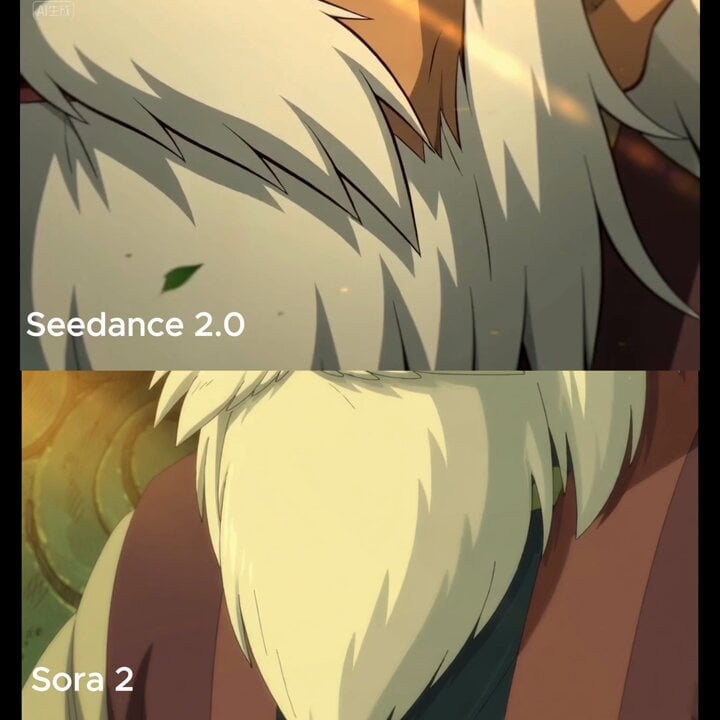
Close-up of beard and hair flowing in the wind

Soft Pink Peonies Dreamscape
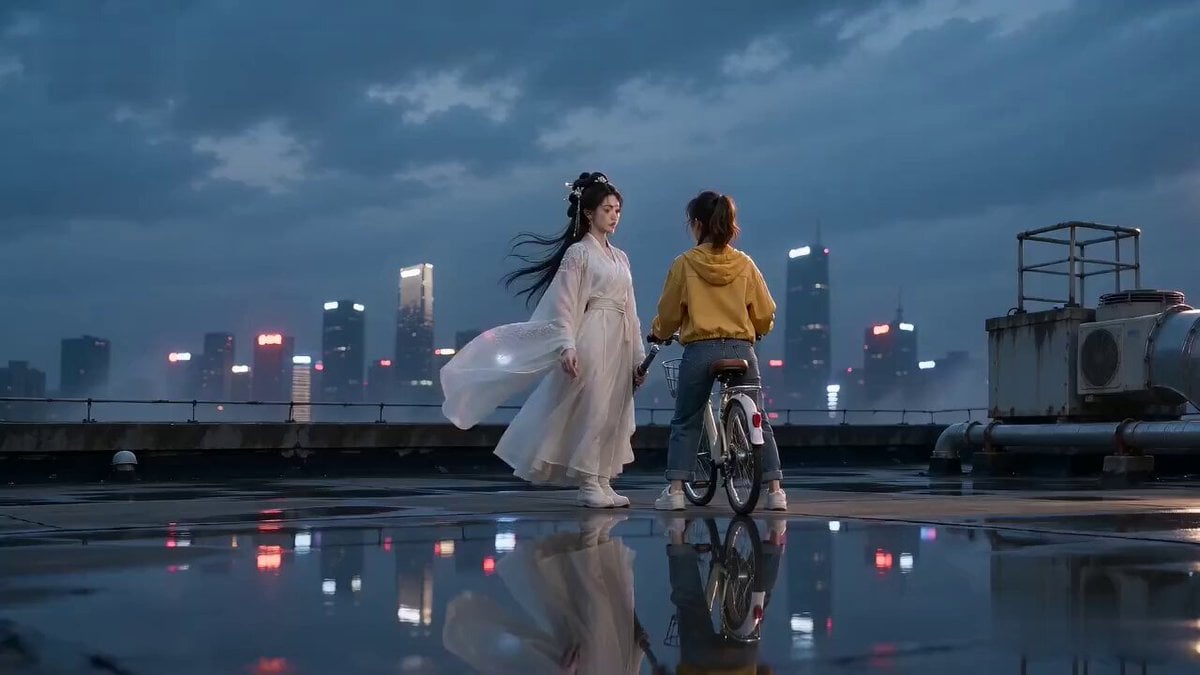
Sword Array Lighting Fashion Shoot

Chain-Reaction Comedy Short Script
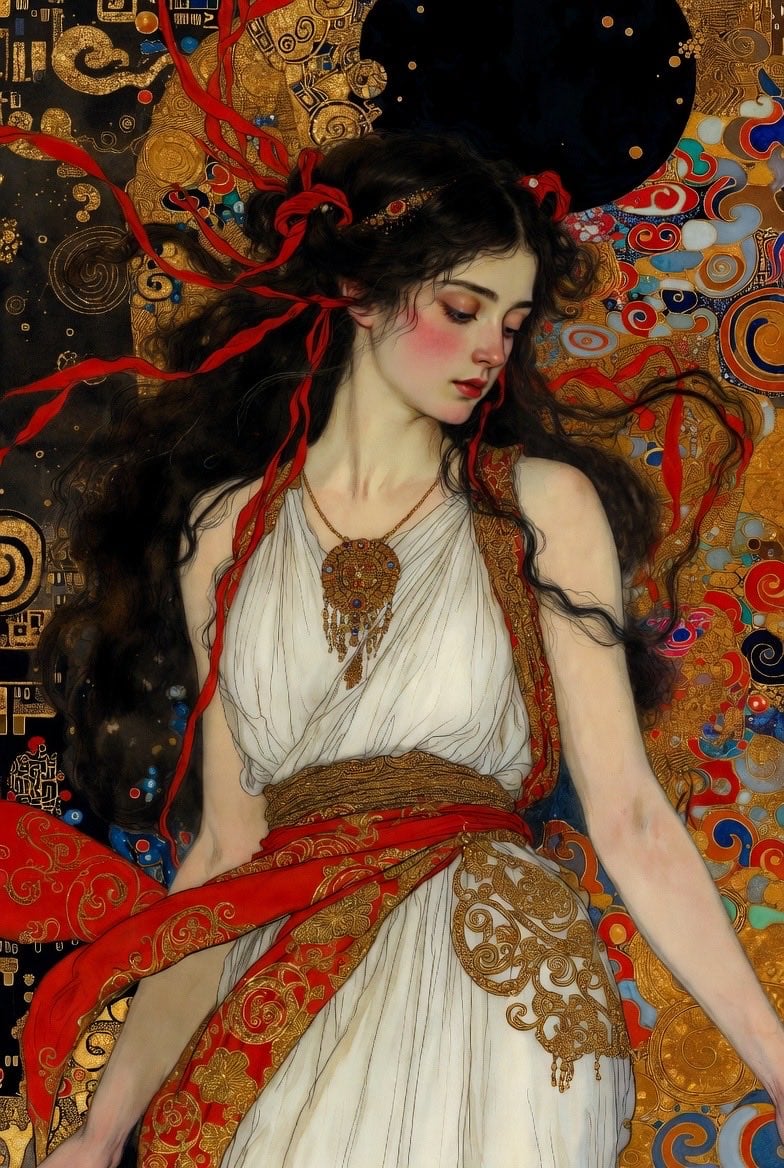
Klimt-Style Art Nouveau Video Prompt
Browse template categories
Epic Mecha Battle Cinematic Video questions
How do I use the Epic Mecha Battle Cinematic Video template?
Add your photo if the template asks for one, edit the prompt if you like — the template's model and format are already selected — and press Generate. Your version opens in PicX Studio.
Can I customize the Epic Mecha Battle Cinematic Video template?
Yes. You can change the subject, setting, lighting, mood, format, and available model controls before creating your video.
Is the Epic Mecha Battle Cinematic Video template free?
Opening and editing this template is free. Generating uses credits, shown on the Generate button when you are signed in.
Which AI model should I use?
Start with Seedance 2.0, which is the model associated with this template. You can compare another compatible model for a different finish.
Looking for something else? Browse all templates.

Your photo, any look
Thousands of ready templates for every top image and video model, from one credit balance.