
Cinematic Ronin Aerial Battle Scene
A comprehensive cinematic video prompt for Seedance 2.0 depicting an epic fight between a ronin and a lightning-filled sky beast across floating islands, including specific camera directions and technical specs.

- Prompt included
- Model and format preset
- Premium template
The prompt behind this video
Copy the exact prompt behind Cinematic Ronin Aerial Battle Scene, or open it in the studio and make it yours.
generar un video de 8 s, 480p y 16:9 con la siguiente indicación: un campo de batalla surrealista en el aire, islas rocosas flotantes se desplazan en una tormenta eléctrica y las nubes se arremolinan debajo como un océano. Un ronin enmascarado se lanza a toda velocidad por las plataformas flotantes; lo sigue una bestia alada colosal, cuyo pecho es un vórtice de nubes de tormenta y relámpagos. La cámara corre entre las islas y le cuesta seguir el ritmo mientras las rocas se inclinan, giran y se derrumban bajo sus pies. Cada aleteo envía ondas de choque por el aire, sacude el marco y lanza escombros y lluvia directamente al rostro de quien lo ve. Una toma rápida con cámara en mano captura al ronin dando saltos increíbles sobre el abismo mientras que con su espada traza un arco en la oscuridad. La toma final muestra la cámara bajando en picado detrás del ronin mientras salta desde la última roca que se derrumba; cabalga sobre un rayo directo al vórtice del pecho del monstruo para asestarle un golpe final desesperado, detona la tormenta desde dentro y despeja el cielo con un destello cegador. It reads "Coming Soon" as if it was a teaser for an epic movie.
How to use Cinematic Ronin Aerial Battle Scene in 3 steps
- 1
Open
The prompt is already in the box next to the preview, with the template's model and format selected.
- 2…a portrait of your subject in softgolden-hour light, 85mm…
Personalize
Edit the subject and creative details for your destination.
- 3Generate
Generate
Press Generate — your video is created in PicX Studio, so you can compare it with the original and refine one variable at a time.
More like this
Templates with the same subject, style or setup. Open one to see its prompt.
Mecha Transformation vs Kaiju — 4-Scene Epic
City Timelapse Growth — Seedance 2.0
Griffin Knight Mountain Kingdom — Seedance 2.0
FPV Ancient Kuru Kingdom — Hastinapura Golden Hour (Seedance)
Whale in the Sky — City Shadows (Kling AI)
Swordsman vs Shadow Monster — Bamboo Forest Battle
Yellow Seaplane Coastal Dive — Aerial Drone Shot
Tiger vs Gorilla — Jungle Canyon Clash
Civilization Timelapse — Centuries in One Shot
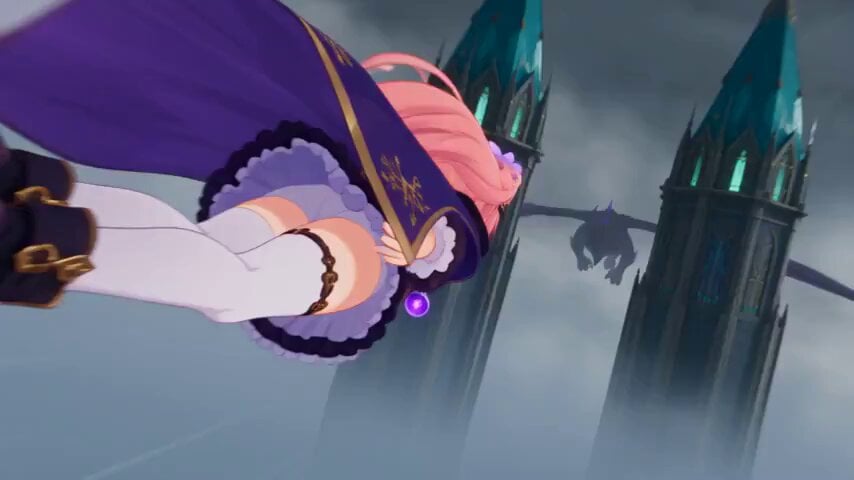
Magical Girl Aerial Battle Anime Scene
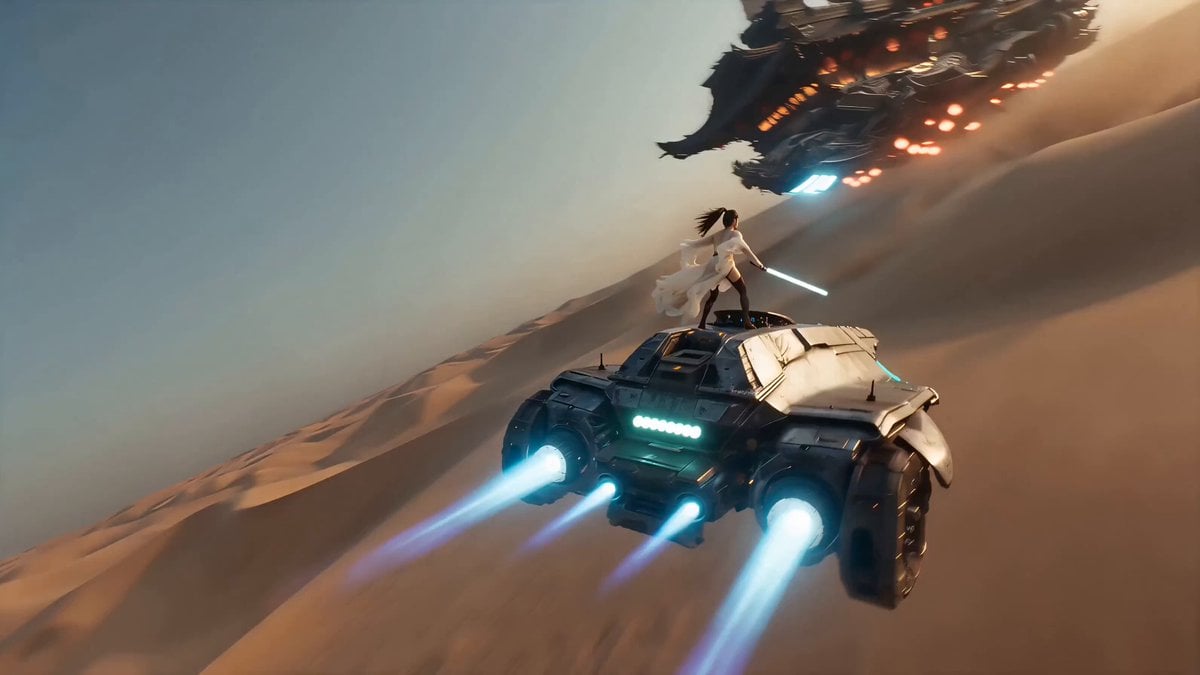
Handheld iPhone Style Sci-Fi Aerial Battle
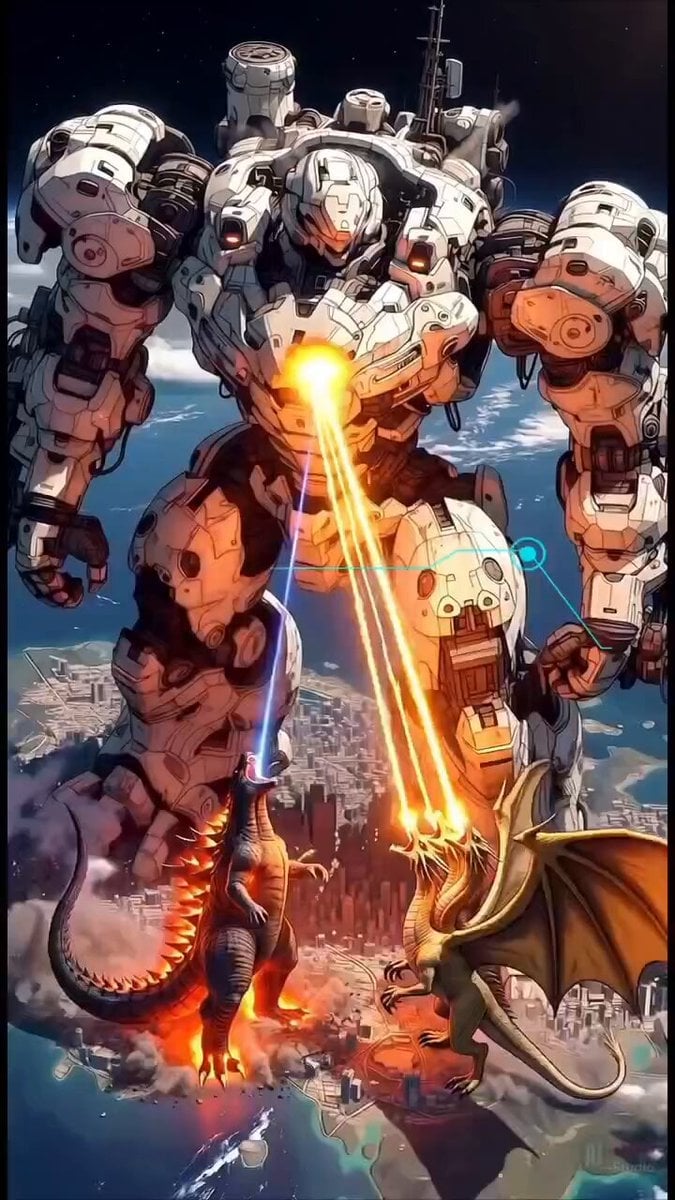
Epic Mecha vs Kaiju Aerial Battle
Make it yours
Cinematic Ronin Aerial Battle Scene works as-is. These are the safest ways to change it without losing the look.
Change one field
Copy a single group, rewrite it, and generate again so you can see what that field is doing.
Keep the frame, change the subject
Hold the composition and light of Cinematic Ronin Aerial Battle Scene, then swap wardrobe, props or the person for a new take.
| If the result… | Why | Fix |
|---|---|---|
| The result drifts from the preview | Too many fields changed at once. | Reuse Cinematic Ronin Aerial Battle Scene as-is first, then change one group — subject, light, or setting. |
| The model over-stylizes the scene | The prose prompt leaves finish and camera underspecified. | Add one camera or lighting sentence and stay on Seedance 2.0. |
More Seedance 2.0 templates
Other prompts made for Seedance 2.0.

Comical Martial Arts Punch Scene

Maglev Train Action Sequence

Martial Arts Fight Sequence

Wuxia Protection and Trust Script

Vintage Korean Arcade MiniDV Vlog

Mercedes 190 SL Luxury Ad

Rainy Night Supernatural Reverse Comedy Video Script

Amazon Civilization Discovery

Futuristic South Asian City Transformation

Cozy Luxury Cafe Commercial
More video prompts
Fresh picks from across the catalog.
The Universe as a Galaxy of Angel Wings
Bioluminescent Dawn Fantasy Prompt
Gritty Wrestling Arena Sequence
Burj Khalifa Sunset to Night Tour
Cinematic Tokyo Travel Vlog Montage
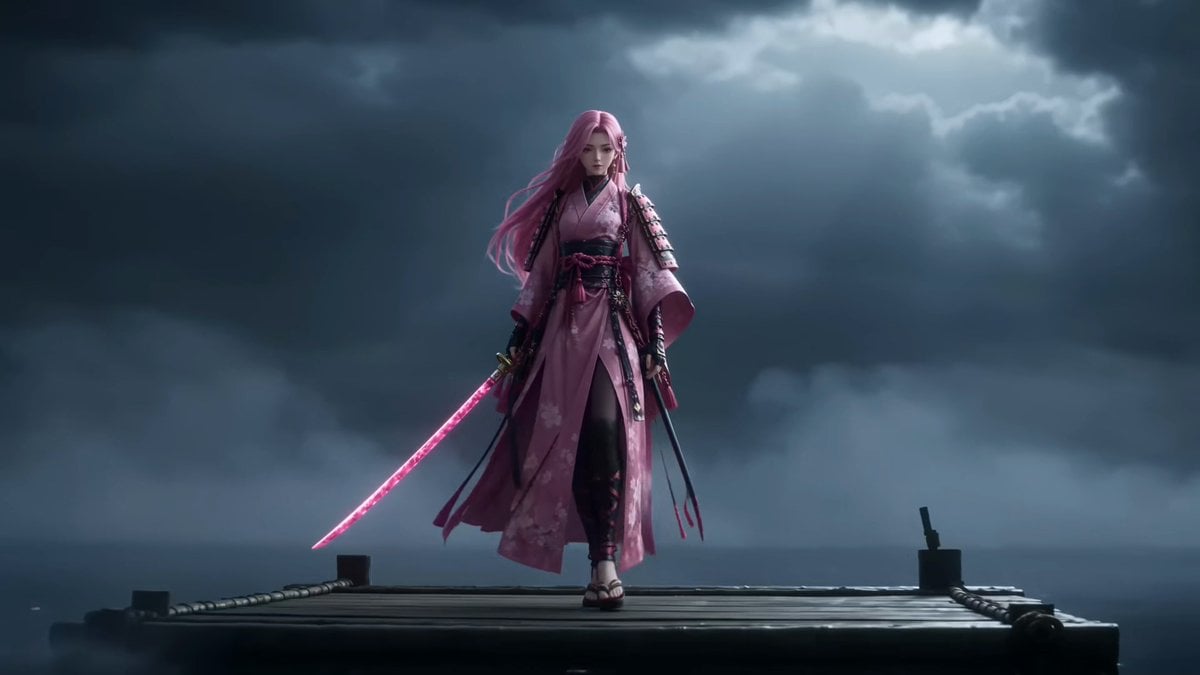
Samurai Duel on Dark Lake
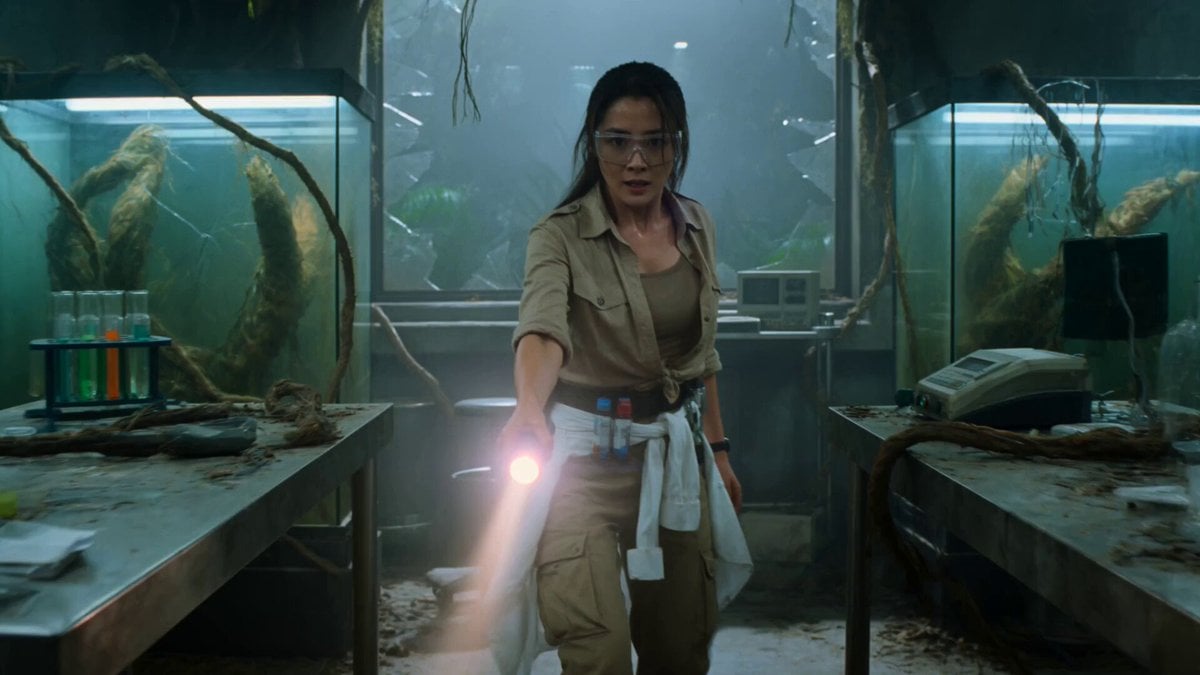
Jungle Lab Mantis Thriller
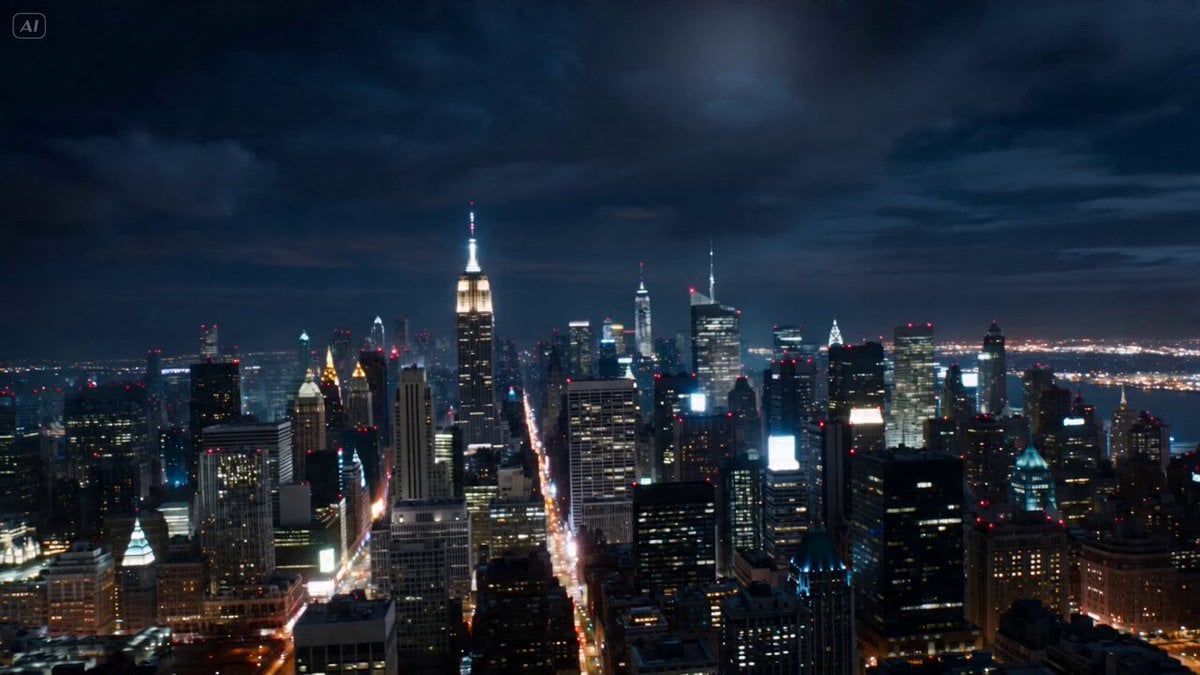
Cinematic Reality Collapse One-Take
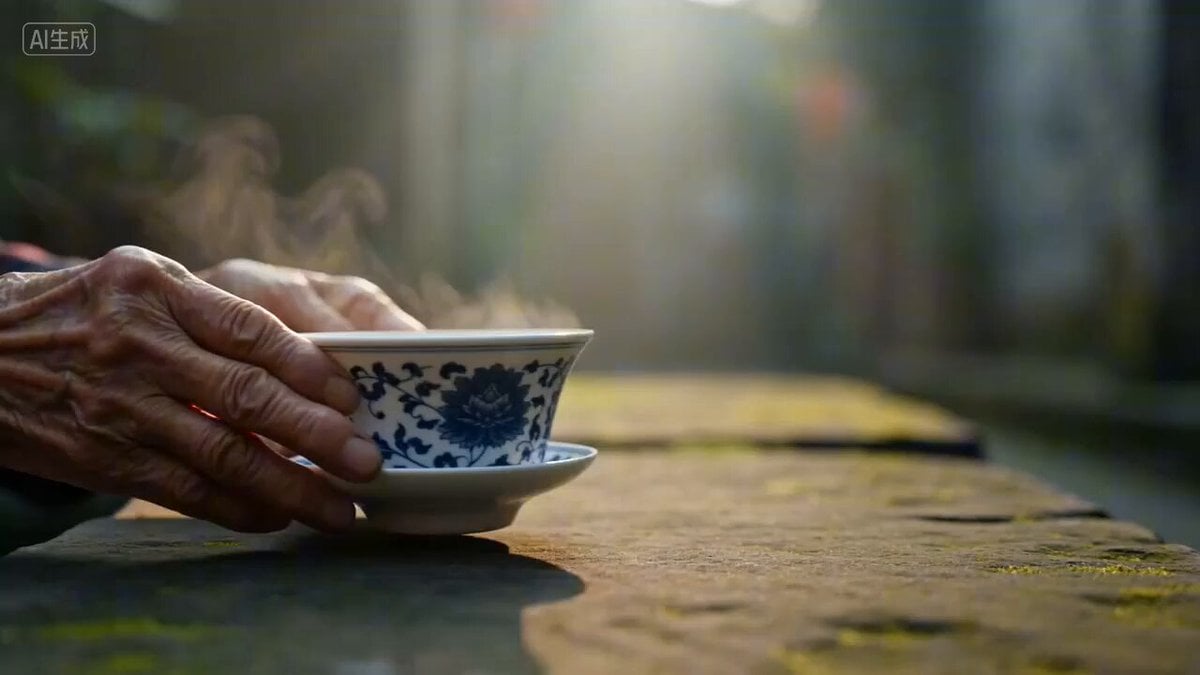
Universal Cinematic Video Script/Prompt Framework

Stardust Shoujo Anime Prompt
Browse template categories
Cinematic Ronin Aerial Battle Scene questions
How do I use the Cinematic Ronin Aerial Battle Scene template?
Add your photo if the template asks for one, edit the prompt if you like — the template's model and format are already selected — and press Generate. Your version opens in PicX Studio.
Can I customize the Cinematic Ronin Aerial Battle Scene template?
Yes. You can change the subject, setting, lighting, mood, format, and available model controls before creating your video.
Is the Cinematic Ronin Aerial Battle Scene template free?
Opening and editing this template is free. Generating uses credits, shown on the Generate button when you are signed in.
Which AI model should I use?
Start with Seedance 2.0, which is the model associated with this template. You can compare another compatible model for a different finish.
Looking for something else? Browse all templates.

Your photo, any look
Thousands of ready templates for every top image and video model, from one credit balance.