
Cinematic Tokyo Travel Vlog Montage
A comprehensive prompt for a 10-second cinematic travel vlog featuring a young woman in Tokyo, designed to emulate authentic smartphone footage with realistic camera movements and scene transitions.
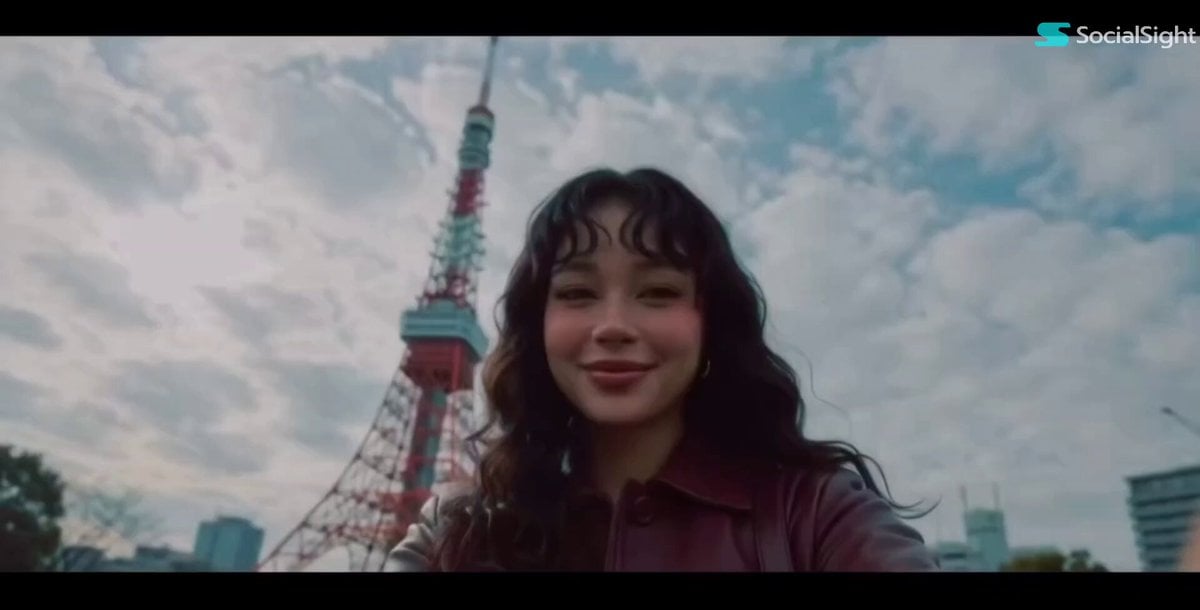
- Prompt included
- Model and format preset
- Premium template
The prompt behind this video
Copy the exact prompt behind Cinematic Tokyo Travel Vlog Montage, or open it in the studio and make it yours.
Create a 10-second cinematic travel vlog montage. Use the uploaded woman’s face consistently throughout every shot. She is a stunning young female travel creator with long dark wavy hair with curly bangs,wearing fashionable oversized Japanese streetwear (burgundy long leather jacket,shoulder bag), natural makeup, cheerful personality. The entire video should feel like real smartphone footage, with handheld camera movement, imperfect framing, accidental lens flare, slight motion blur, rolling shutter, high ISO noise at night, autofocus hunting, overexposed highlights, slight barrel distortion from a phone wide-angle lens, tiny lens smudges, and natural camera shake. No polished commercial look. Story Flow (10s) 0.0–0.8s Low-angle selfie in front of Tokyo Tower. She smiles naturally while adjusting the phone. Slightly tilted horizon. Bright overexposed cloudy sky. Tiny fingerprint on lens. 0.8–1.6s Walking through Shibuya Crossing at night. Looks back at camera while walking. Neon reflections on wet road. Strong motion blur. Quick whip-pan transition. 1.6–2.4s Inside a Japanese convenience store. Holding an onigiri close to camera. Playful eyebrow raise cutely . Harsh fluorescent lighting. Background shelves softly blurred. 2.4–3.2s Sitting alone in Yoyogi Park. Quiet candid moment. Looking away from camera. Soft sunlight filtering through trees. Slight focus miss. 3.2–4.0s Eating freshly made takoyaki. Instant reaction after first bite. Warm lantern lighting. Face slightly blurred from movement. Laughing naturally. 4.0–4.8s Standing in front of a glowing vending machine. Blue and pink lighting on face. Pressing drink button casually. Visible night grain. 4.8–5.6s Reflection in Tokyo tram window. Layered city lights reflected on glass. She looks outside thoughtfully. Train moving creates light streaks. 5.6–6.4s Walking beneath a Torii gate. Low-angle tracking shot from behind. Turns her head briefly. Motion blur. Bright halo from sky. 6.4–7.2s Immersive digital art exhibition. Blue, purple and gold lights moving across face. Looking upward in amazement. Natural low-light noise. 7.2–8.0s Wide-angle low-angle shot beside the giant silver bullet sculpture. She appears small beneath the sculpture. Phone lens distortion. Sky slightly blown out. 8.0–8.8s Walking through a lantern-lit alley. Camera follows behind. She turns around with a smile. Warm lantern glow. Natural night grain. 8.8–10.0s Rooftop selfie overlooking Tokyo skyline. Wind blows hair across camera lens. Slightly tilted horizon. Overexposed city lights. She laughs naturally while extending one arm toward the skyline. Editing Style * Fast whip-pan transitions * Speed ramps * Match cuts * Natural jump cuts * Handheld camera movement * Slight rolling shutter * Smartphone HDR exposure * Real travel vlog energy * No slow motion * No cinematic movie grading * Authentic TikTok creator aesthetic * Warm
How to use Cinematic Tokyo Travel Vlog Montage in 3 steps
- 1Upload ImagePNG, JPG or paste
Add your photo
Upload the photo the template builds on. The prompt, model and format are already set.
- 2…a portrait of your subject in softgolden-hour light, 85mm…
Personalize
Edit the subject and creative details for your destination.
- 3Generate
Generate
Press Generate — your video is created in PicX Studio, so you can compare it with the original and refine one variable at a time.
More like this
Templates with the same subject, style or setup. Open one to see its prompt.

Handheld Tokyo Travel Vlog - Seedance 2.5

Luxury Airport Travel Vlog

Kenting Lifestyle Travel Vlog

Smartphone Travel Vlog Tokyo Trip Identity Preserved
Realistic Tokyo Travel Vlog Aesthetic
Hot-Air Balloon Travel Vlog
Vintage 16mm Jerusalem Travel Vlog

Japanese Summer Festival Travel Vlog

Mediterranean Coffee Run Vlog - Seedance 2.5

Mysterious Home Exploration Vlog - Seedance 2.5

Realistic Morning Routine Lifestyle Vlog - Seedance 2.5

Nostalgic MiniDV Convenience Store Vlog - Seedance 2.5
Make it yours
Cinematic Tokyo Travel Vlog Montage works as-is. These are the safest ways to change it without losing the look.
Change one field
Copy a single group, rewrite it, and generate again so you can see what that field is doing.
Keep the frame, change the subject
Hold the composition and light of Cinematic Tokyo Travel Vlog Montage, then swap wardrobe, props or the person for a new take.
| If the result… | Why | Fix |
|---|---|---|
| The result drifts from the preview | Too many fields changed at once. | Reuse Cinematic Tokyo Travel Vlog Montage as-is first, then change one group — subject, light, or setting. |
| The model over-stylizes the scene | The prose prompt leaves finish and camera underspecified. | Add one camera or lighting sentence and stay on Seedance 2.0. |
More Seedance 2.0 templates
Other prompts made for Seedance 2.0.

Comical Martial Arts Punch Scene

Maglev Train Action Sequence

Martial Arts Fight Sequence

Wuxia Protection and Trust Script

Vintage Korean Arcade MiniDV Vlog

Mercedes 190 SL Luxury Ad

Rainy Night Supernatural Reverse Comedy Video Script

Amazon Civilization Discovery

Futuristic South Asian City Transformation

Cozy Luxury Cafe Commercial
More video prompts
Fresh picks from across the catalog.
Candle Mandala Mirror Video
Korean Idol Morning Badminton Vlog
Cowboy Showdown Storyboard Conversion
Japanese Seaside Town MiniDV Documentary
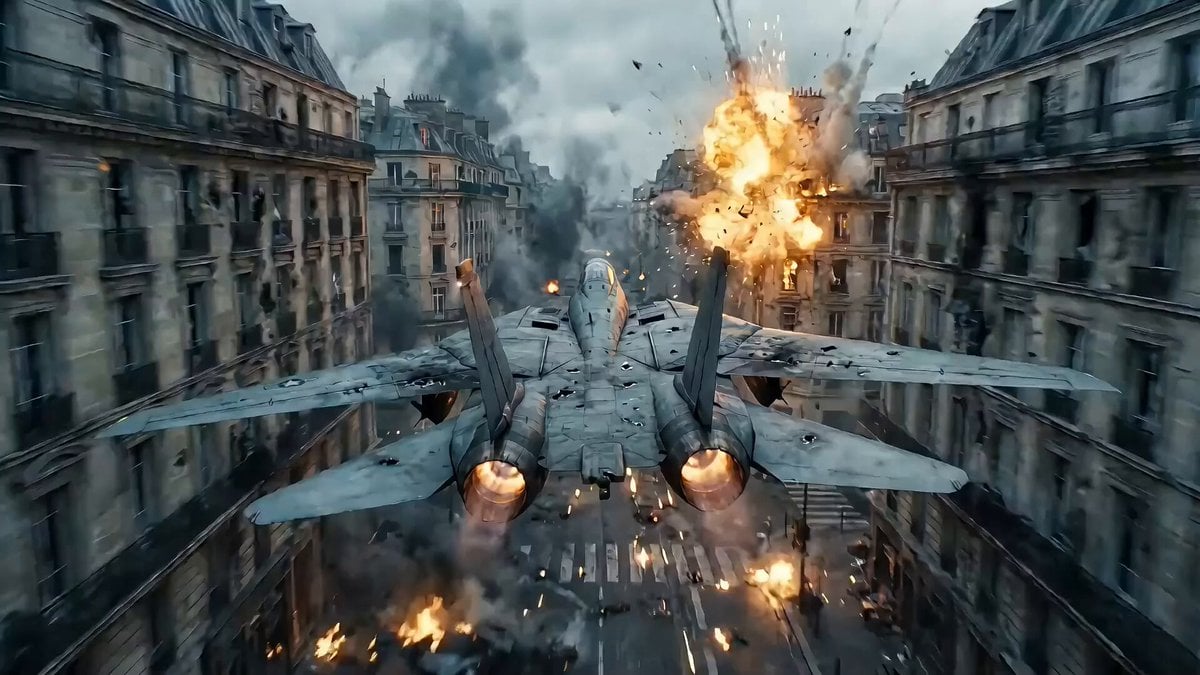
Hollywood Blockbuster Transformer Scene Prompt (Paris to Shanghai)
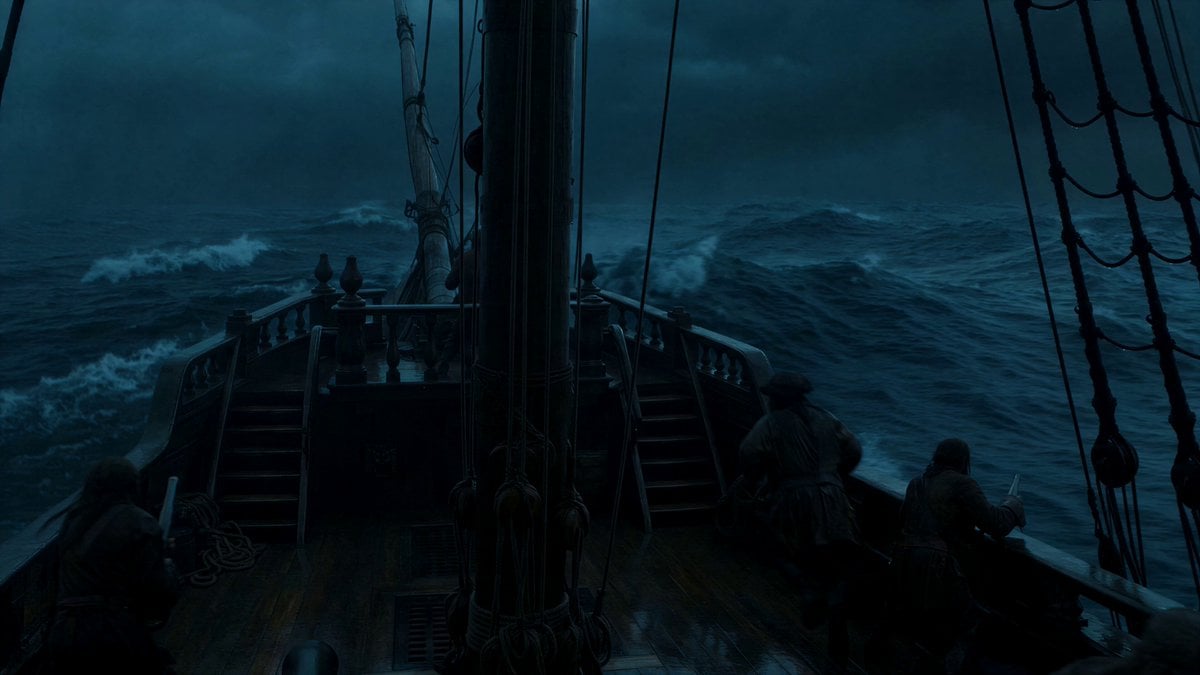
Stormy Pirate Ship Cinematic
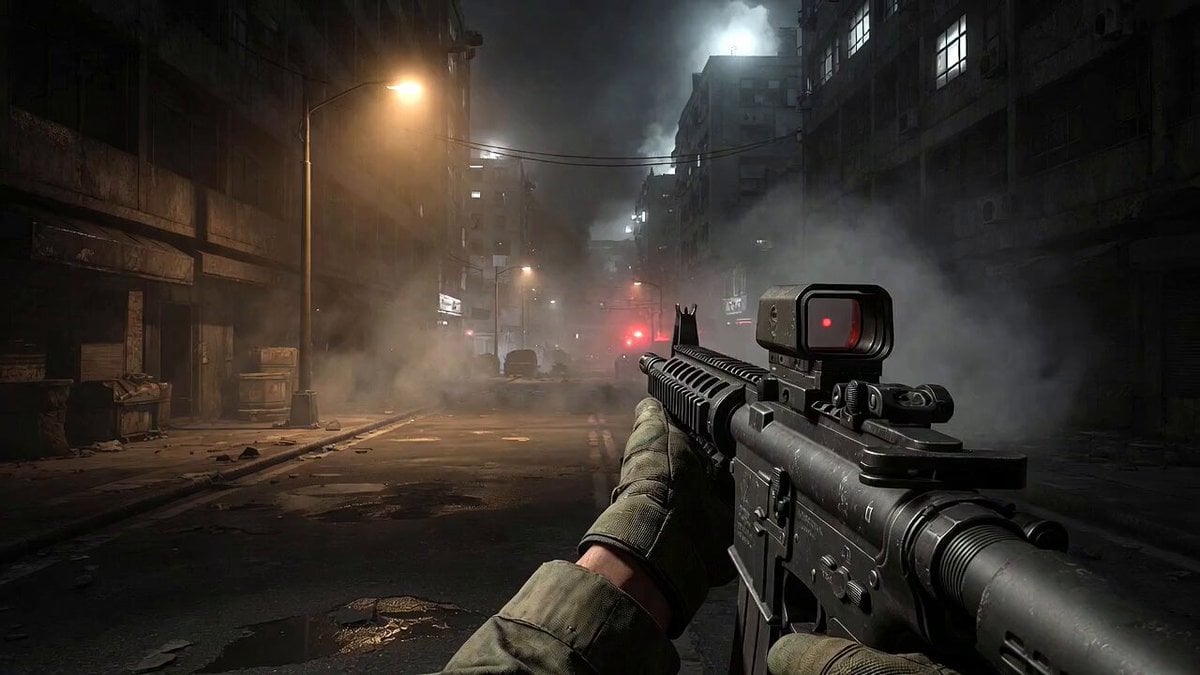
Call of Duty FPS Gameplay
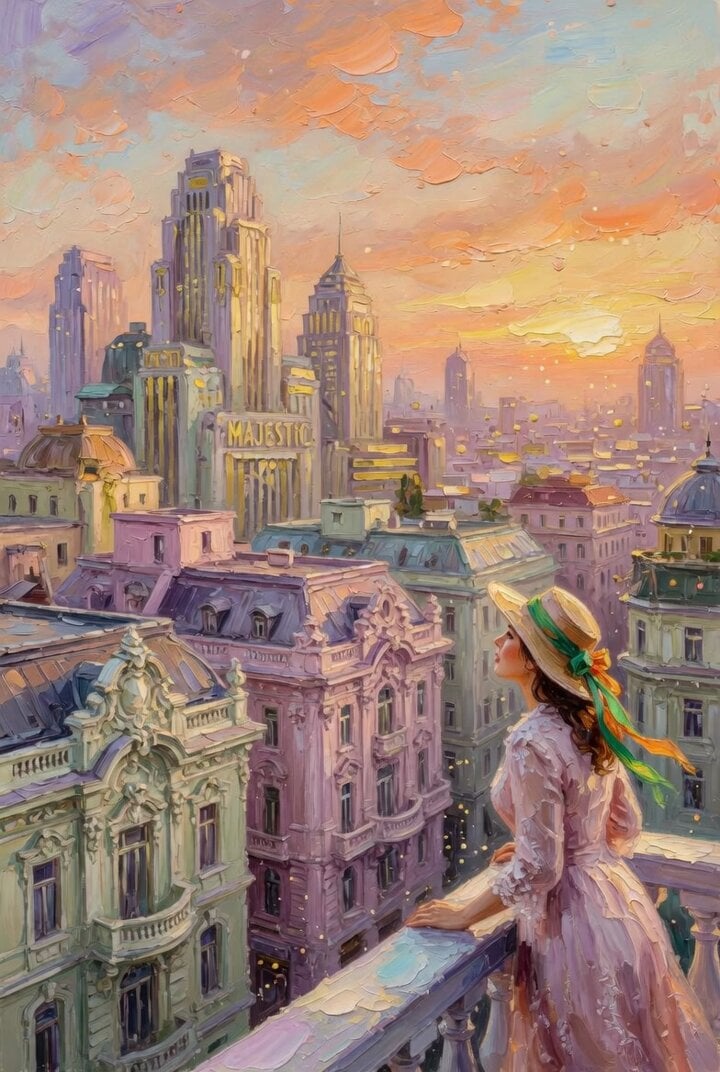
Impasto Oil Painting of a Layered City at Sunrise
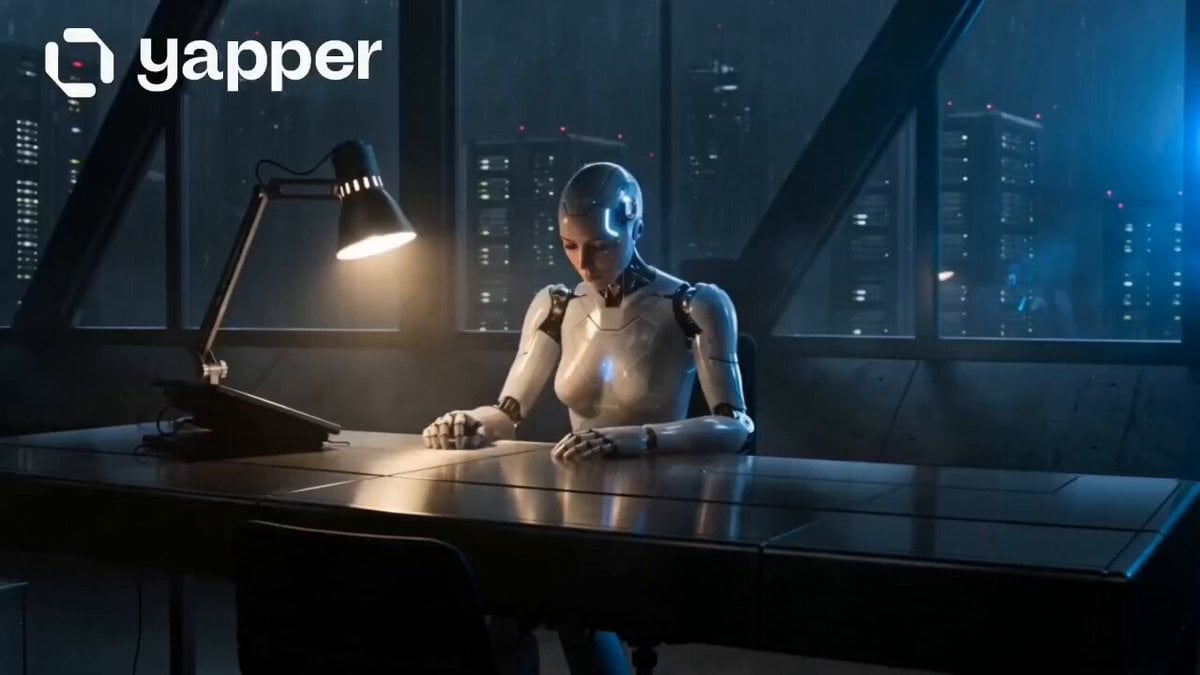
Humanoid Android Awakening Sequence
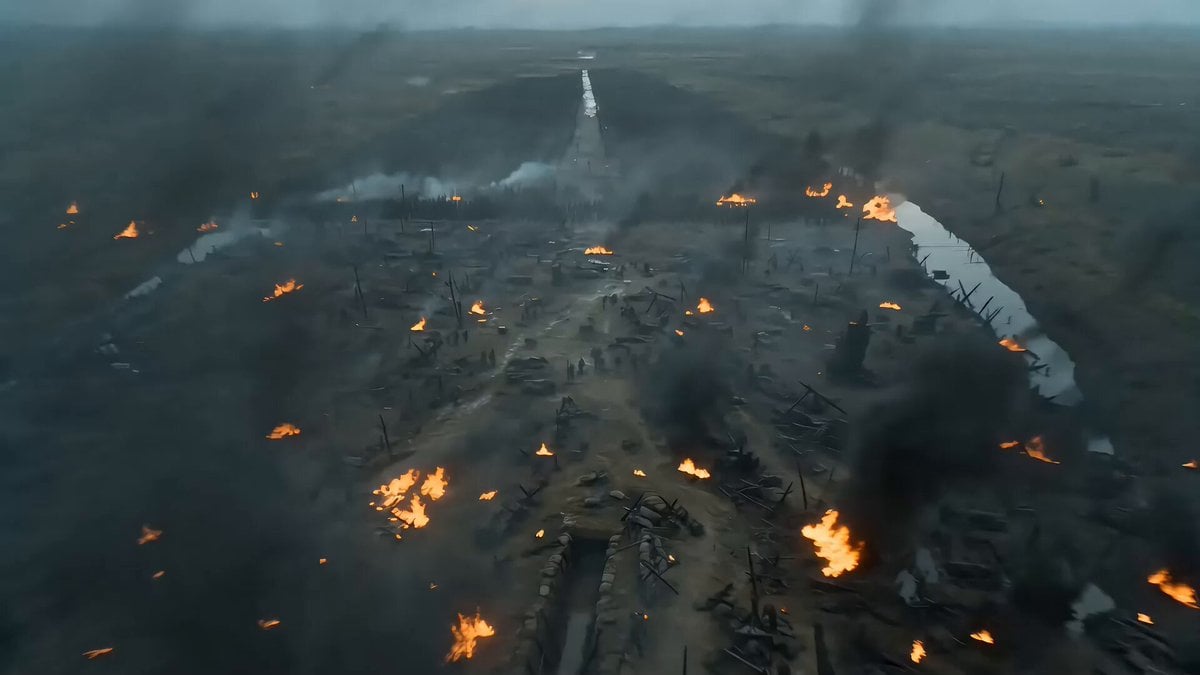
Seedance 2.0 Video Prompt: Cyberpunk Heroine in War and Desert
Browse template categories
Cinematic Tokyo Travel Vlog Montage questions
How do I use the Cinematic Tokyo Travel Vlog Montage template?
Add your photo if the template asks for one, edit the prompt if you like — the template's model and format are already selected — and press Generate. Your version opens in PicX Studio.
Can I customize the Cinematic Tokyo Travel Vlog Montage template?
Yes. You can change the subject, setting, lighting, mood, format, and available model controls before creating your video.
Is the Cinematic Tokyo Travel Vlog Montage template free?
Opening and editing this template is free. Generating uses credits, shown on the Generate button when you are signed in.
Which AI model should I use?
Start with Seedance 2.0, which is the model associated with this template. You can compare another compatible model for a different finish.
Looking for something else? Browse all templates.

Your photo, any look
Thousands of ready templates for every top image and video model, from one credit balance.