
Epic Mecha vs Kaiju Aerial Battle
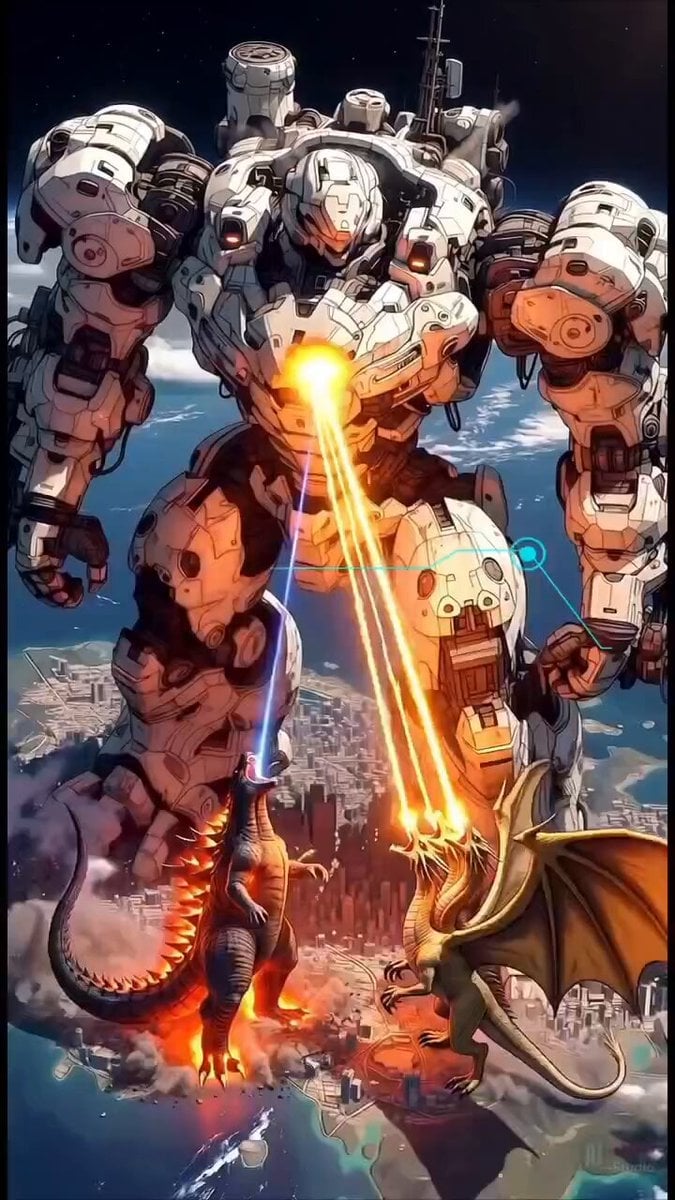
A highly cinematic and detailed video generation prompt describing a massive battle between a mecha, a kaiju, and a dragon over a burning city.
- Prompt included
- Model and format preset
- Premium template
The prompt behind this video
Copy the exact prompt behind Epic Mecha vs Kaiju Aerial Battle, or open it in the studio and make it yours.
A massive epic cinematic battle in the sky above a burning futuristic city on Earth, viewed from low angle with dramatic perspective. A colossal white-and-pink high-tech mecha robot named "Xeno Leviathan Terraformer" dominates the scene, towering hundreds of meters tall, heavily armored with glowing purple and cyan accents, chest core blazing with intense light. It is firing a powerful bright blue energy beam from its chest and dual orange-yellow plasma beams from its arms downward. In front of the mecha, a fierce dark Godzilla-like kaiju with glowing red-orange dorsal spines and fiery lava effects on its body roars upward, and to the right a majestic golden dragon with large membranous wings, glowing eyes and fiery breath, also roaring aggressively. Both creatures are engulfed in smoke, fire, and explosions as they fight the giant mecha. Dramatic volumetric lighting, god rays piercing through thick smoke and clouds, lens flares, flying debris, burning city below with destroyed skyscrapers, visible Earth curvature and stars in the dark space background. Cinematic color grading, intense contrast, highly detailed, ultra-realistic textures, dynamic action pose, epic scale, masterpiece, best quality, 8k, photorealistic yet stylized anime/mecha aesthetic --stylize 750 --v 6
How to use Epic Mecha vs Kaiju Aerial Battle in 3 steps
- 1
Open
The prompt is already in the box next to the preview, with the template's model and format selected.
- 2…a portrait of your subject in softgolden-hour light, 85mm…
Personalize
Edit the subject and creative details for your destination.
- 3Generate
Generate
Press Generate — your video is created in PicX Studio, so you can compare it with the original and refine one variable at a time.
More like this
Templates with the same subject, style or setup. Open one to see its prompt.
Mecha Transformation vs Kaiju — 4-Scene Epic
Mecha Kaiju Interaction Video
Oceanic Civilization Epic Sci-Fi Film
Giant Mecha Naval Battle

Mecha Runway Tap Dance Video Prompt

WWII Aerial Dogfight
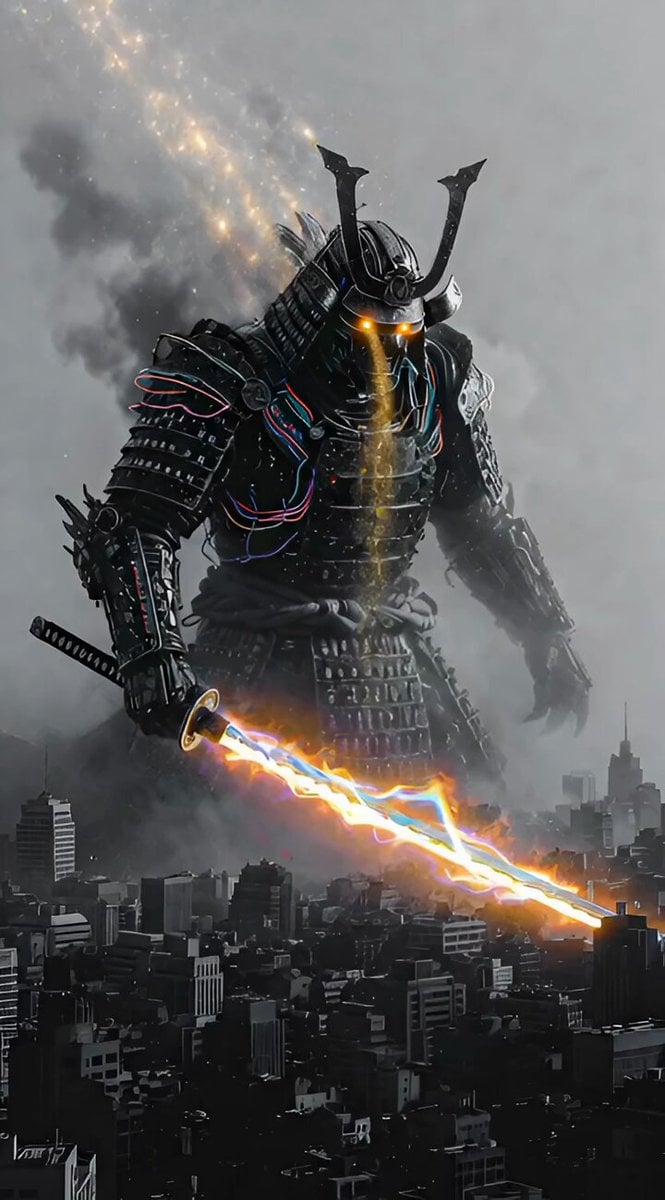
Cosmic Kaiju-Samurai Hybrid
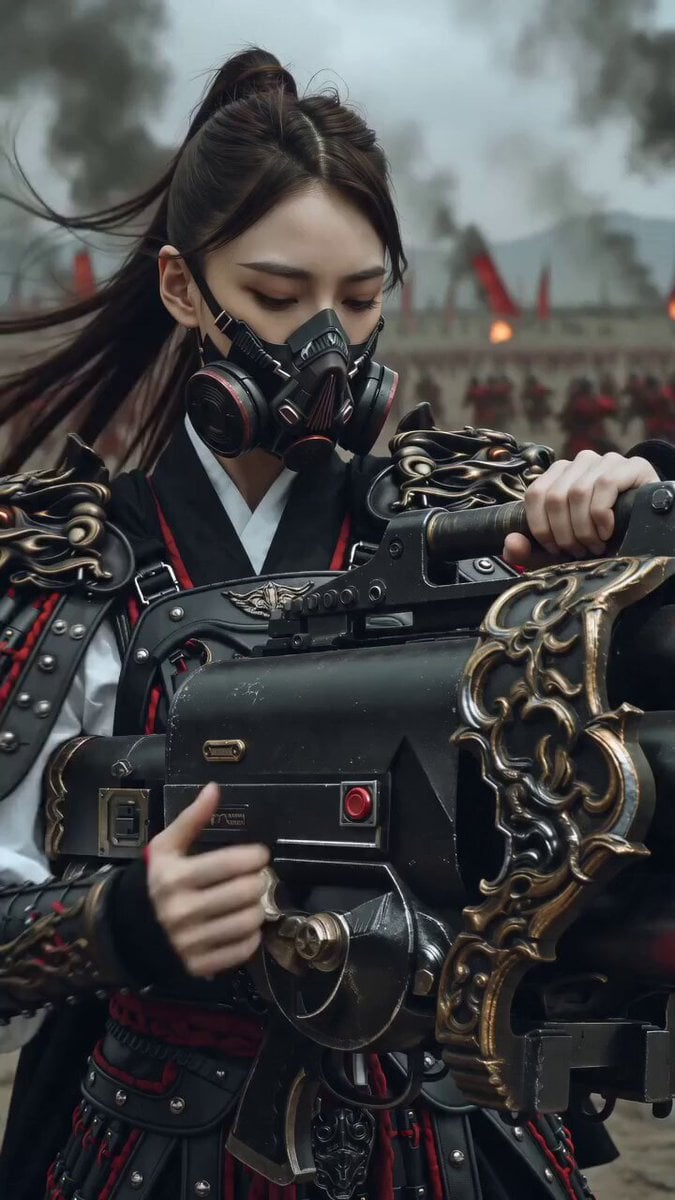
East Asian Female Warrior Mecha Transformation
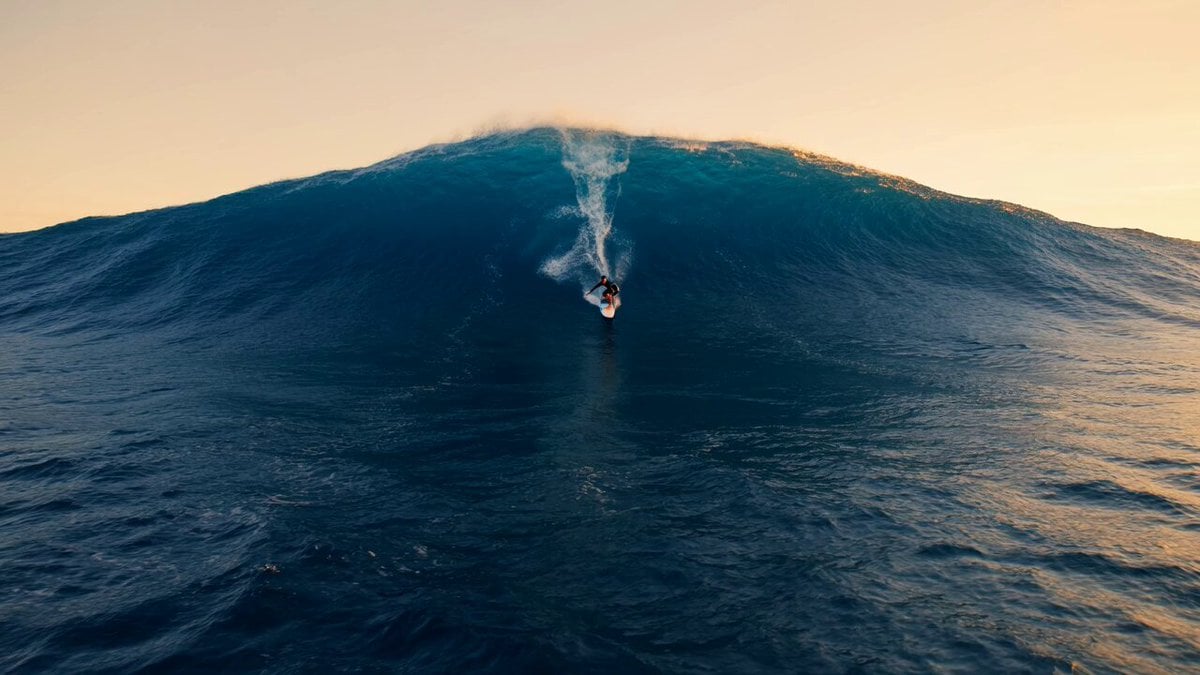
Professional Surfer Aerial Drone Shot
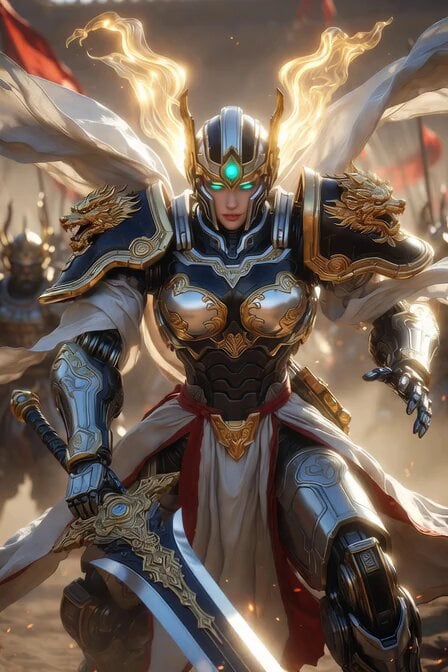
Imperial Dragon Mecha Warrior
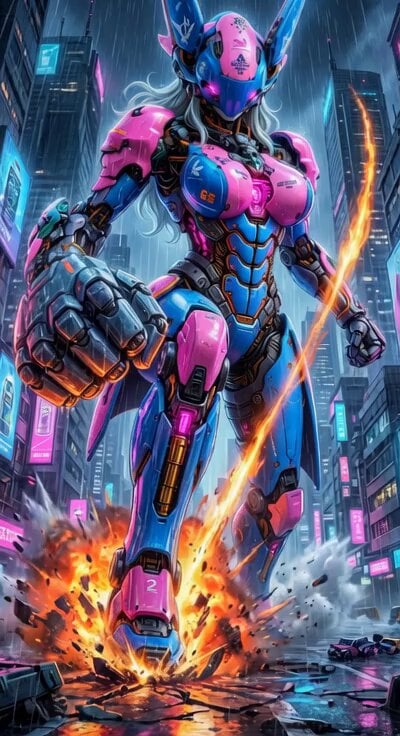
Cyberpunk Mecha Action Scene
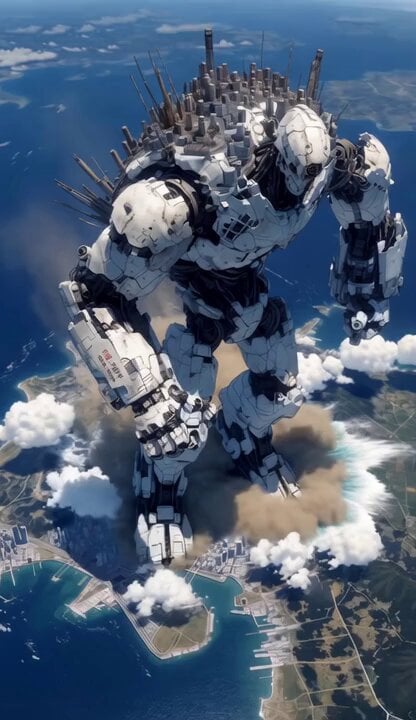
Mecha City Transformers Cinematic Video
Make it yours
Epic Mecha vs Kaiju Aerial Battle works as-is. These are the safest ways to change it without losing the look.
Change one field
Copy a single group, rewrite it, and generate again so you can see what that field is doing.
Keep the frame, change the subject
Hold the composition and light of Epic Mecha vs Kaiju Aerial Battle, then swap wardrobe, props or the person for a new take.
| If the result… | Why | Fix |
|---|---|---|
| The result drifts from the preview | Too many fields changed at once. | Reuse Epic Mecha vs Kaiju Aerial Battle as-is first, then change one group — subject, light, or setting. |
| The model over-stylizes the scene | The prose prompt leaves finish and camera underspecified. | Add one camera or lighting sentence and stay on Grok Imagine. |
More Grok Imagine templates
Other prompts made for Grok Imagine.

Glowing Water Forest Night Prompt

Soft Pink Roses Dreamer Prompt

Ninja Wizard Levitation Jump

Coffee Cup Interaction Motion

Voice Controlled Water Animation

Pterodactyl Transformation Journey

Candle Mandala Mirror Video

Psychedelic Purple Disc World Video

Quantum Inventor in Sonoran Desert

Emotional Angry Couple Drama
More video prompts
Fresh picks from across the catalog.

Surreal Cat DJ Party
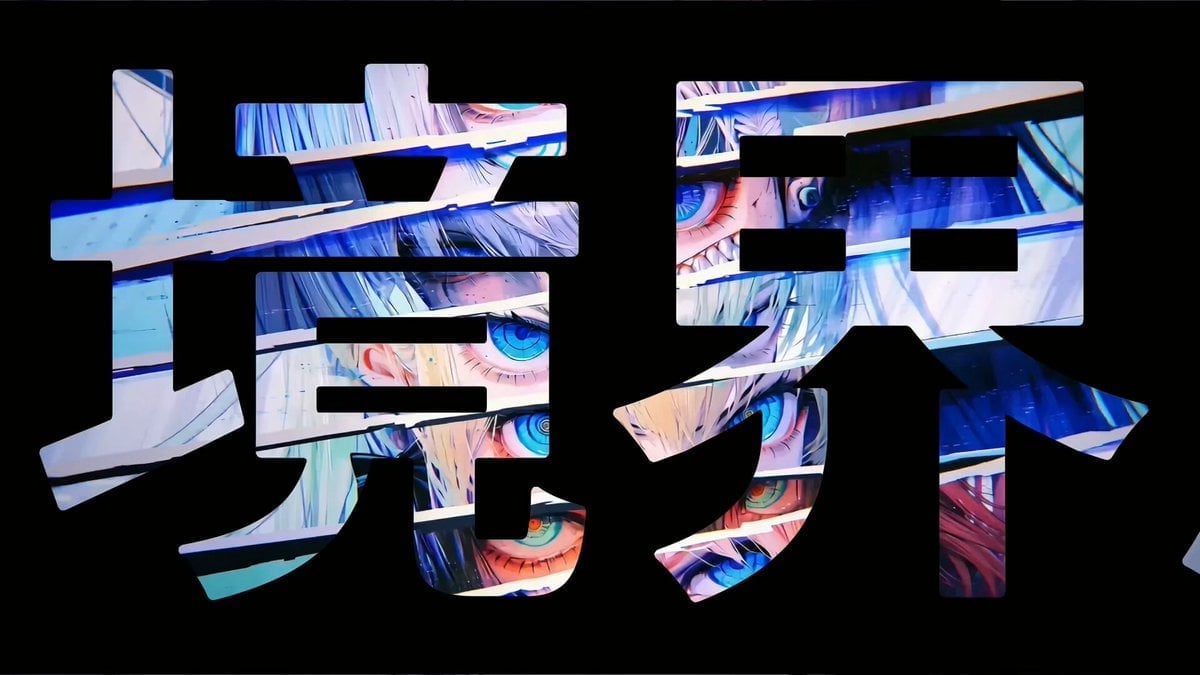
Abstract Psychedelic Anime Animation

Chibi Style Cuddling Sloth Knitting a Sweater
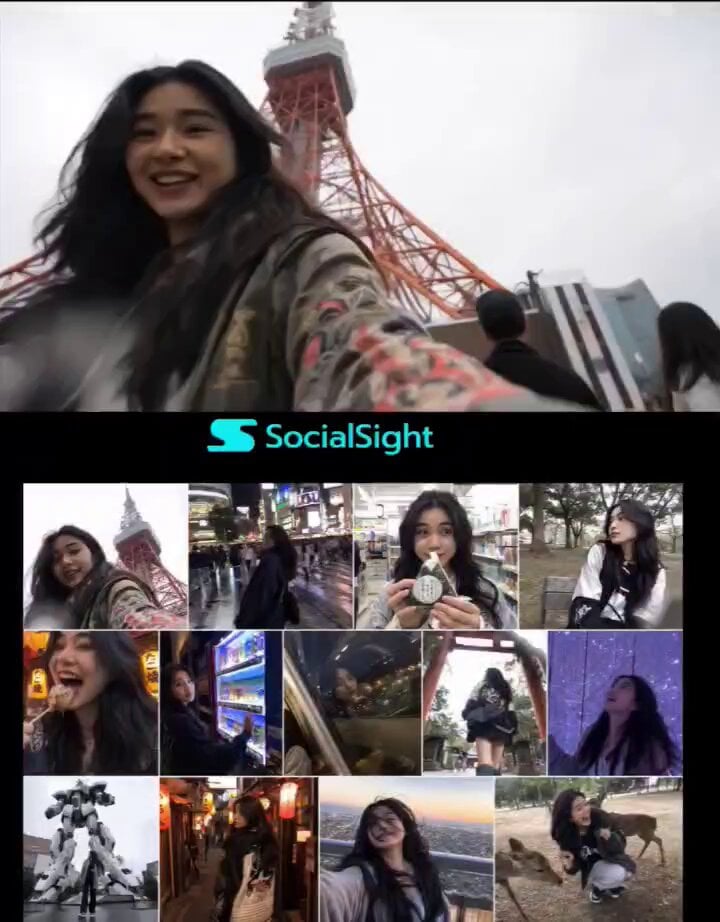
Tokyo Travel Vlogger Collage
Animated Pirate Action Sequence
Surreal Apartment Forest Transformation
Cinematic Futuristic Anime Sword Fight
Seedance 2.0 15s Continuous Shot Prompt (Attempt 1)
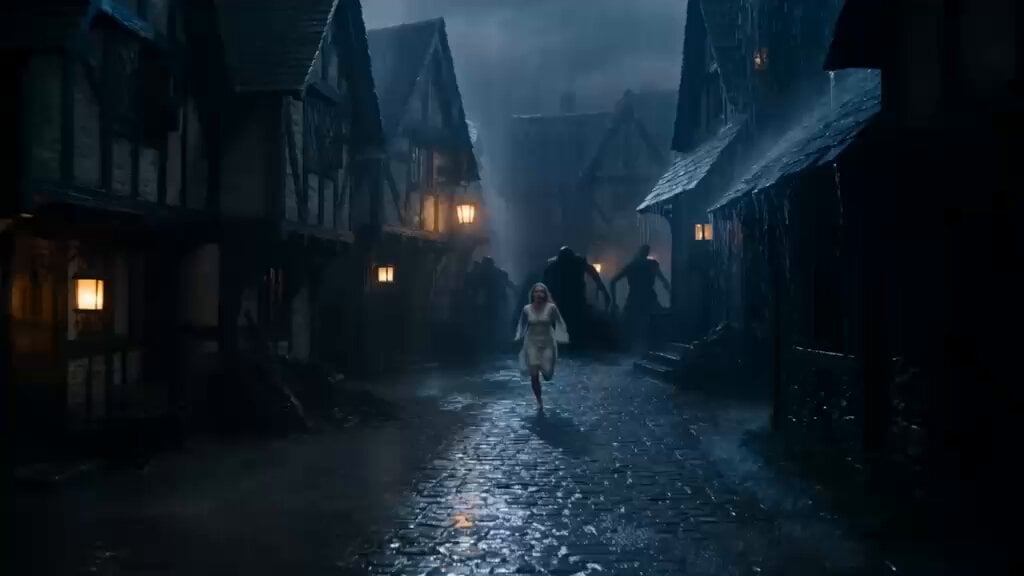
Ancient Guardian Dragon Rescue
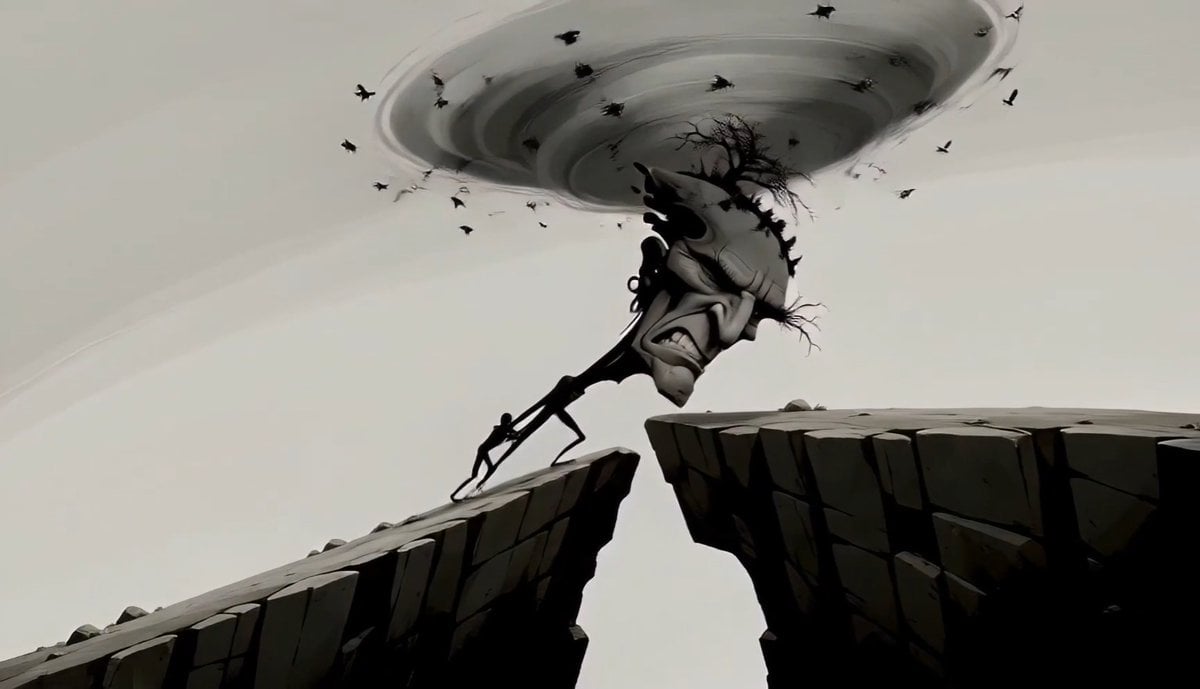
Surreal Tree Head Character Animation
Browse template categories
Epic Mecha vs Kaiju Aerial Battle questions
How do I use the Epic Mecha vs Kaiju Aerial Battle template?
Add your photo if the template asks for one, edit the prompt if you like — the template's model and format are already selected — and press Generate. Your version opens in PicX Studio.
Can I customize the Epic Mecha vs Kaiju Aerial Battle template?
Yes. You can change the subject, setting, lighting, mood, format, and available model controls before creating your video.
Is the Epic Mecha vs Kaiju Aerial Battle template free?
Opening and editing this template is free. Generating uses credits, shown on the Generate button when you are signed in.
Which AI model should I use?
Start with Grok Imagine, which is the model associated with this template. You can compare another compatible model for a different finish.
Looking for something else? Browse all templates.

Your photo, any look
Thousands of ready templates for every top image and video model, from one credit balance.