
Mecha City Transformers Cinematic Video
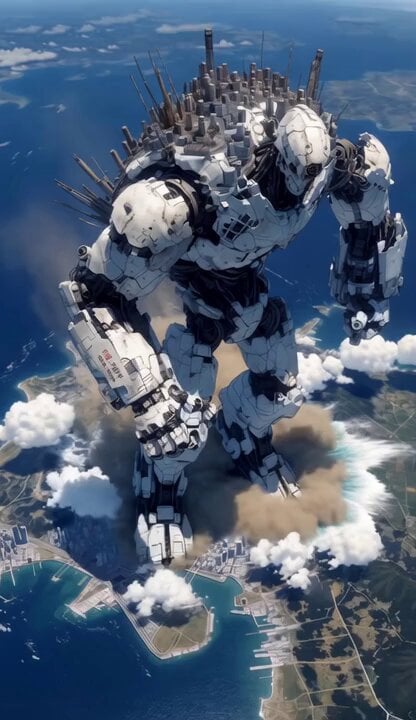
A massive, detailed sci-fi prompt for a 6-second video of a mecha integrated with a cyberpunk city above Earth.
- Prompt included
- Model and format preset
- Free template
The prompt behind this video
Copy the exact prompt behind Mecha City Transformers Cinematic Video, or open it in the studio and make it yours.
A hyper-realistic, cinematic 6-second sci-fi video in next-level Transformers style mixed with dark cyberpunk aesthetics. A colossal 200-meter tall white-and-black humanoid mecha, its back and shoulders fused with a massive sprawling cyberpunk megacity covered in glowing neon spires, antennas, and skyscrapers, stands dominantly above Earth’s atmosphere. The giant robot has a menacing skull-like head with glowing red optics. Start with a dramatic high-angle aerial shot slowly pushing in as the Titan slowly turns its upper body and head toward camera with powerful mechanical motion. Its red eyes ignite brightly. Camera then orbits smoothly around its massive torso, revealing intricate battle-worn armor plating, exposed wiring, and city lights pulsing like neural networks. At 3 seconds, it takes one heavy step forward — the impact creates massive shockwaves, sending huge plumes of smoke, water vapor, and debris exploding upward from the ocean and coastline below. The ground trembles violently. Final shot: dramatic low-angle hero pull-back as the mecha raises its right fist powerfully, energy crackling along its arm. Epic scale revealed against the planet’s curvature, teal-orange cyberpunk color grading, volumetric god rays, atmospheric haze, flying particles, and subtle film grain. 8K, ultra-detailed, photorealistic, IMAX quality, dynamic camera movement, intense sound design with deep mechanical groans and roaring wind. Style: Hyper-realistic, cinematic, next-gen Transformers, cyberpunk, Blade Runner 2049 meets Pacific Rim, dramatic lighting, motion blur on fast movements. Camera: Cinematic, smooth orbiting + dramatic push-in and pull-back, subtle handheld shake on impact. Duration: Exactly 6 seconds, 24fps, high motion quality.
How to use Mecha City Transformers Cinematic Video in 3 steps
- 1
Open
The prompt is already in the box next to the preview, with the template's model and format selected.
- 2…a portrait of your subject in softgolden-hour light, 85mm…
Personalize
Edit the subject and creative details for your destination.
- 3Generate
Generate
Press Generate — your video is created in PicX Studio, so you can compare it with the original and refine one variable at a time.
More like this
Templates with the same subject, style or setup. Open one to see its prompt.

Mecha Runway Tap Dance Video Prompt
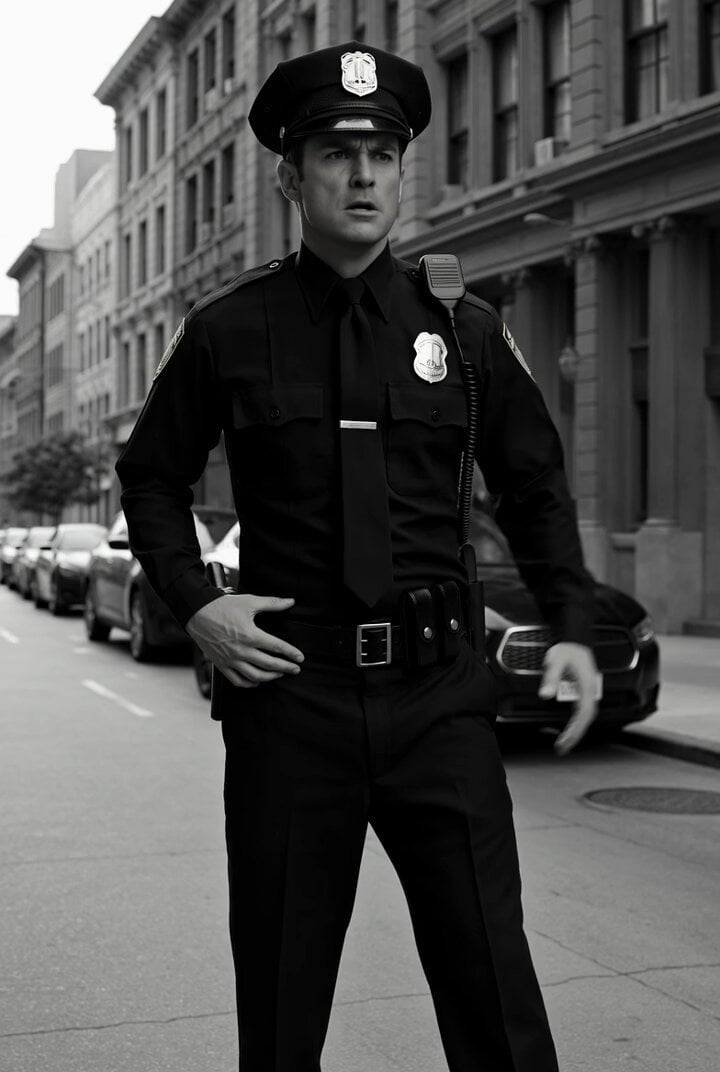
Transformers Barricade Police Chase Video Prompt
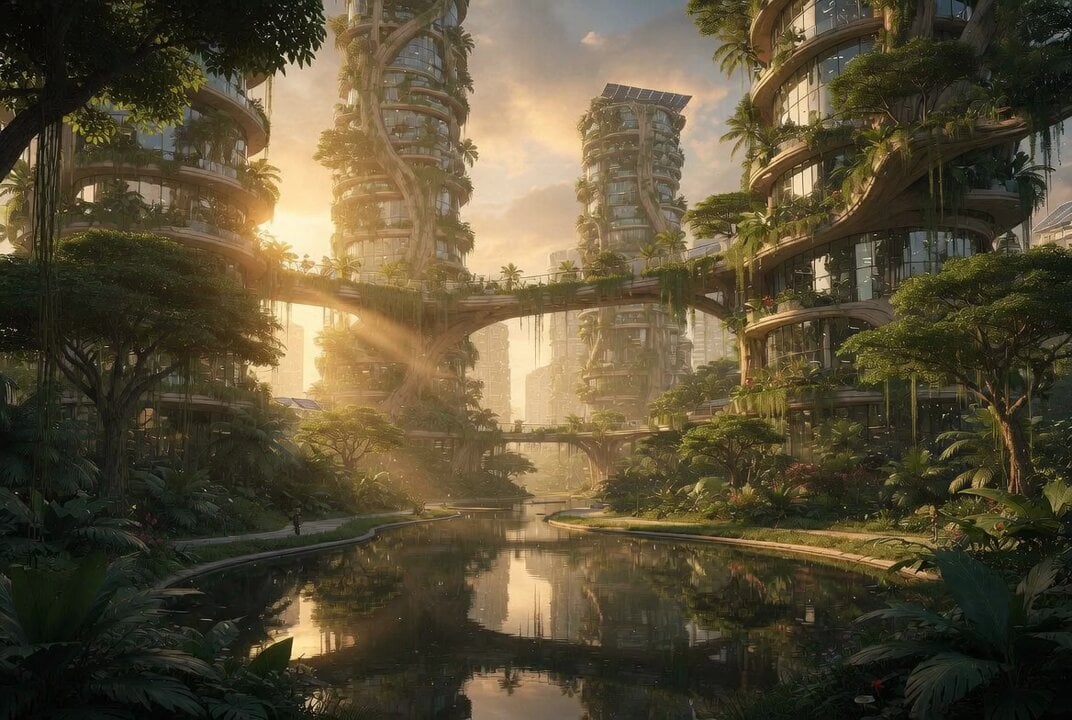
Cinematic Solarpunk Biophilic Megacity at Golden Hour
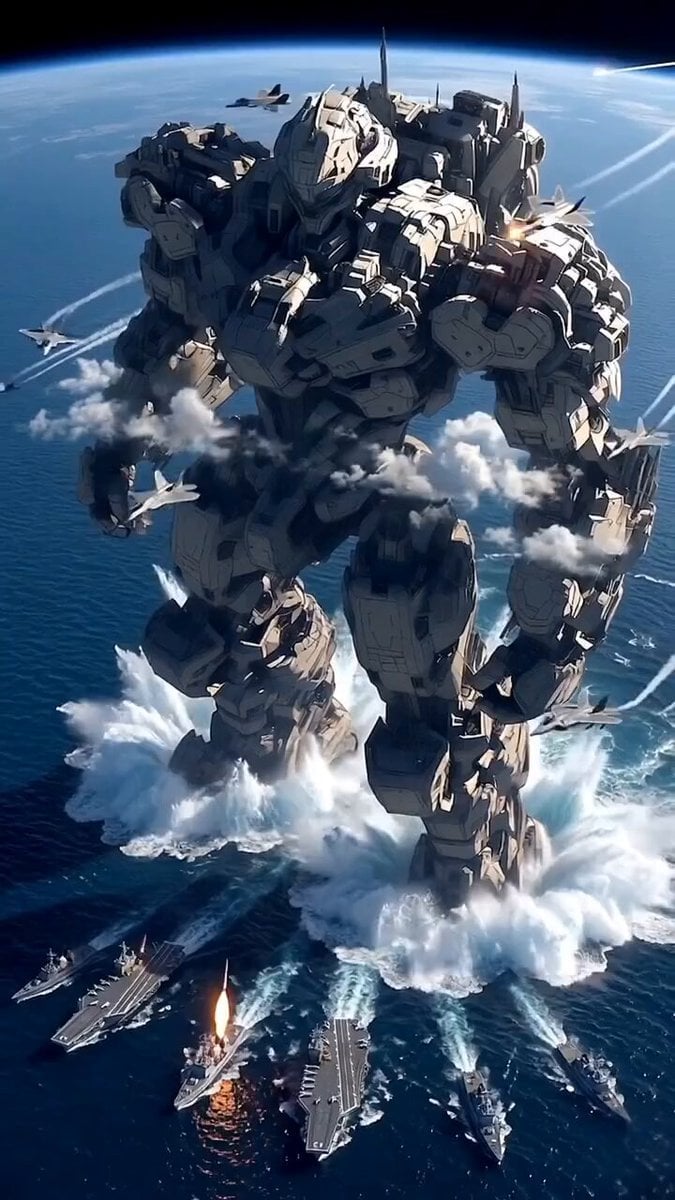
Giant Mecha Naval Battle
East Asian Female Warrior Mecha Transformation
Imperial Dragon Mecha Warrior
Cyberpunk Mecha Action Scene
Giant Mecha Orbital Landing
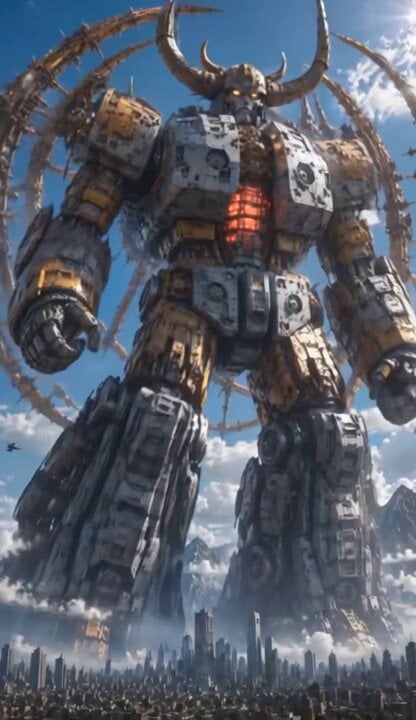
Colossal Biomechanical Cyberpunk Mecha Video
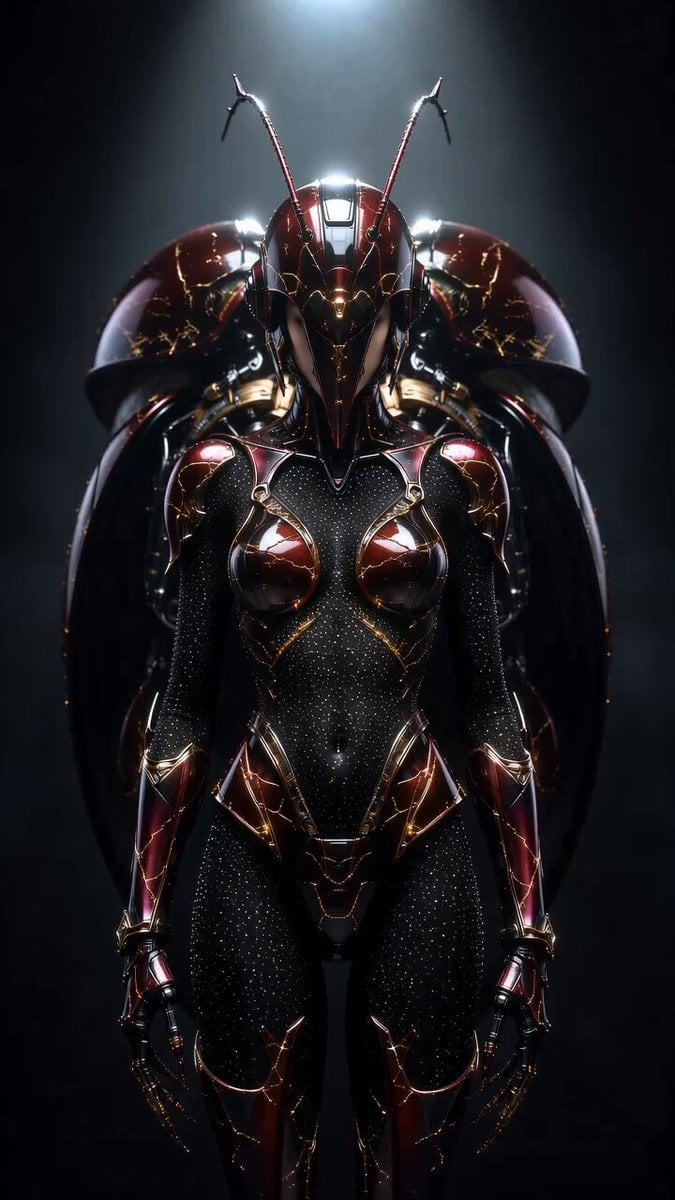
Transformers Biomechanical Beetle Transformation

Kaleidoscopic Cosmic Dolphin Video

Horror Daffy Duck Video Transition
Make it yours
Mecha City Transformers Cinematic Video works as-is. These are the safest ways to change it without losing the look.
Change one field
Copy a single group, rewrite it, and generate again so you can see what that field is doing.
Keep the frame, change the subject
Hold the composition and light of Mecha City Transformers Cinematic Video, then swap wardrobe, props or the person for a new take.
| If the result… | Why | Fix |
|---|---|---|
| The result drifts from the preview | Too many fields changed at once. | Reuse Mecha City Transformers Cinematic Video as-is first, then change one group — subject, light, or setting. |
| The model over-stylizes the scene | The prose prompt leaves finish and camera underspecified. | Add one camera or lighting sentence and stay on Grok Imagine. |
More Grok Imagine templates
Other prompts made for Grok Imagine.

Emotional Angry Couple Drama

Detailed multi-part video prompt

Interior View Video Generation Prompt

GTA 6 never came out in 1 million years

Bitcoin liferaft video prompt

Woman floating down, opening eyes and looking deeply into the viewer's eyes

Utopian World of Harmony and Peace
Runner with BE 2060 i inscription passing through sequential doors video prompt
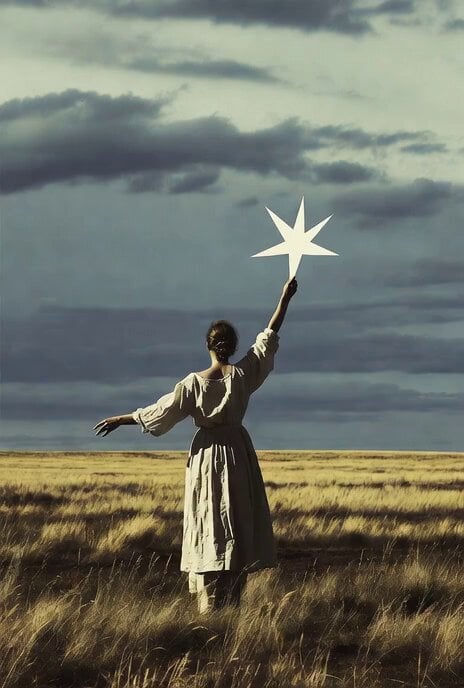
Wind Blows Paper, Camera Follows

Watercolor Painting of Gypsy Woman and White Horse
More video prompts
Fresh picks from across the catalog.
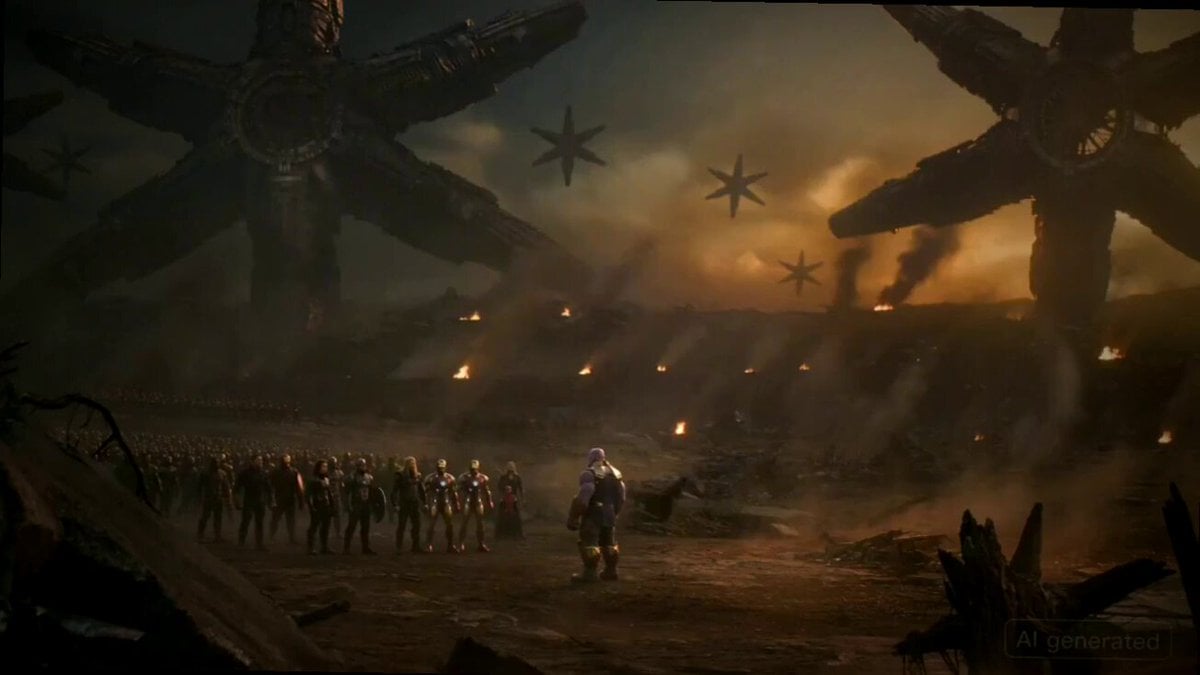
Thanos Apologizes to Spider-Man Prompt
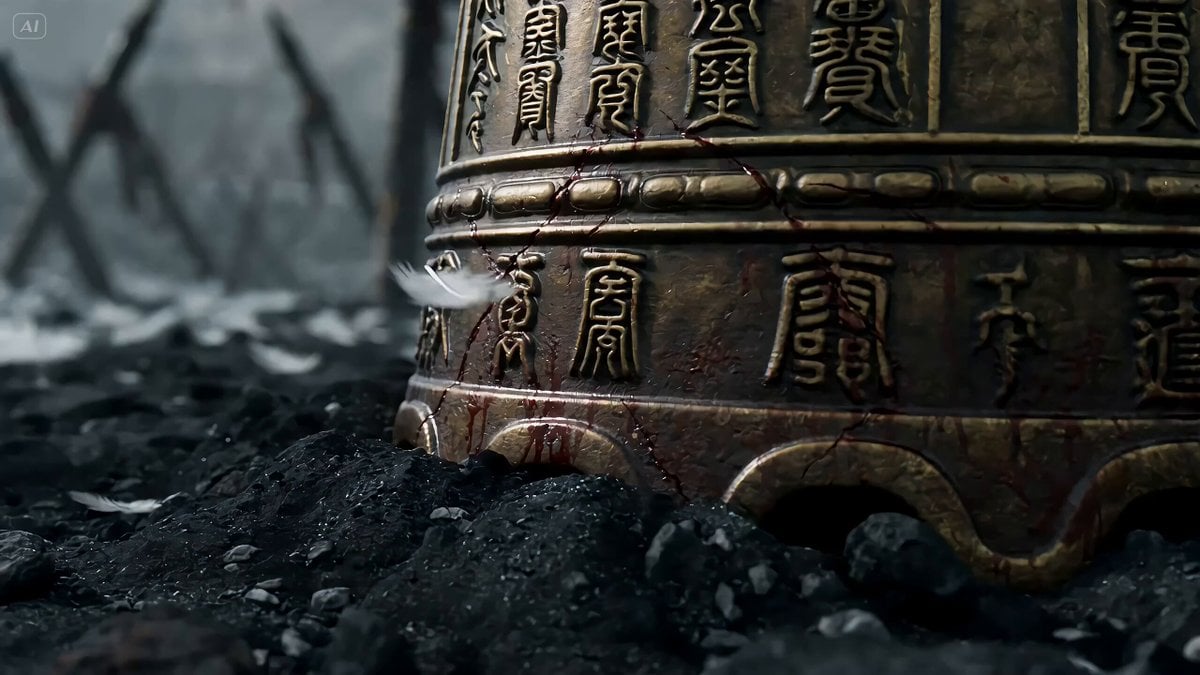
Seedance 2.0 Video Prompt: Eastern Dark Mythology Sky Burial

Epic Fantasy VFX Battle Sequence
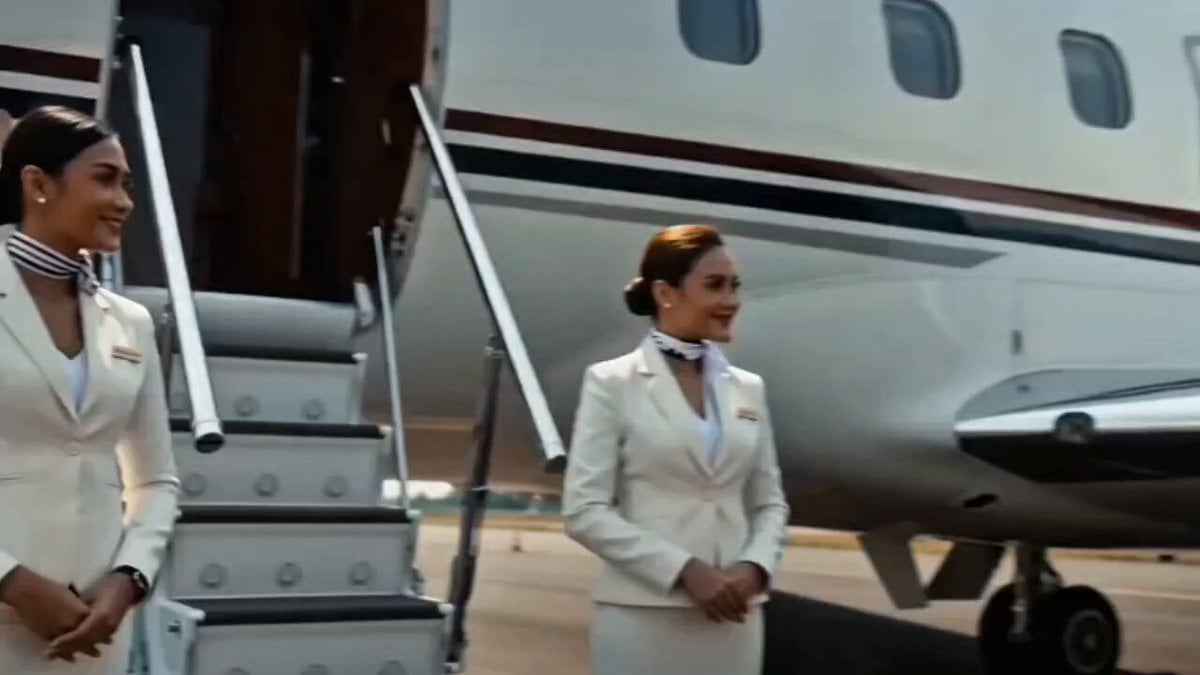
Luxury Motorcycle to Suitcase Morph
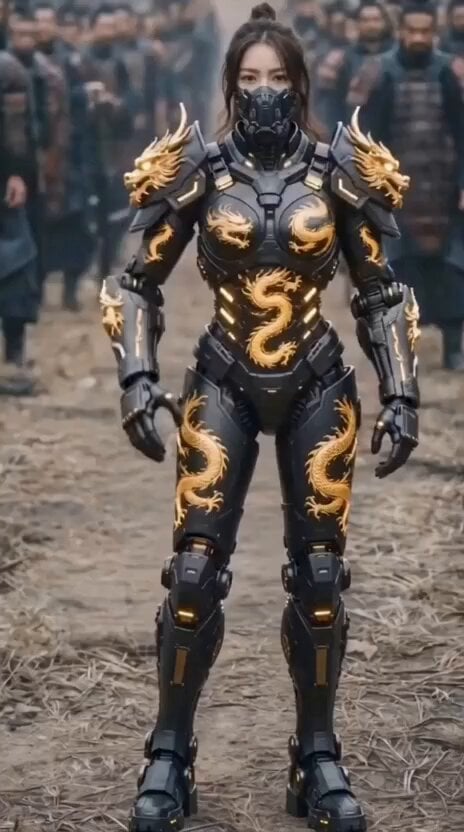
Golden Dragon Tactical Mech

Cinematic Portrait of Female Fantasy Warrior in Arctic Tundra Video Prompt
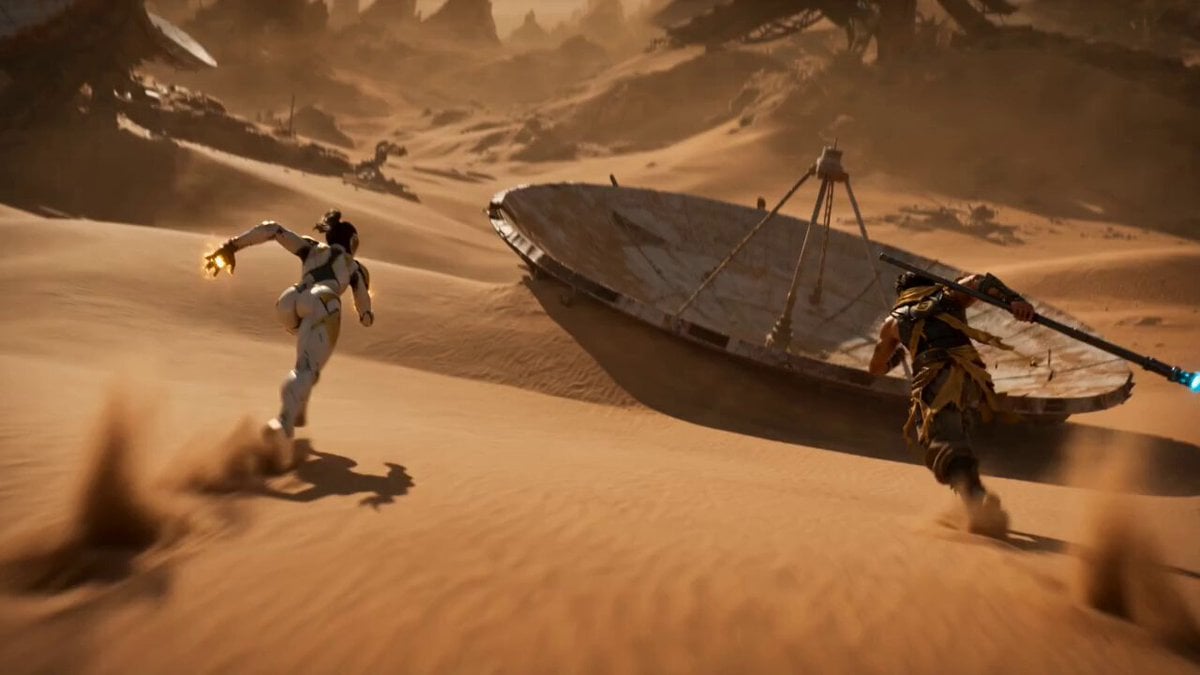
Cyber Desert Martial Arts Duel Anime
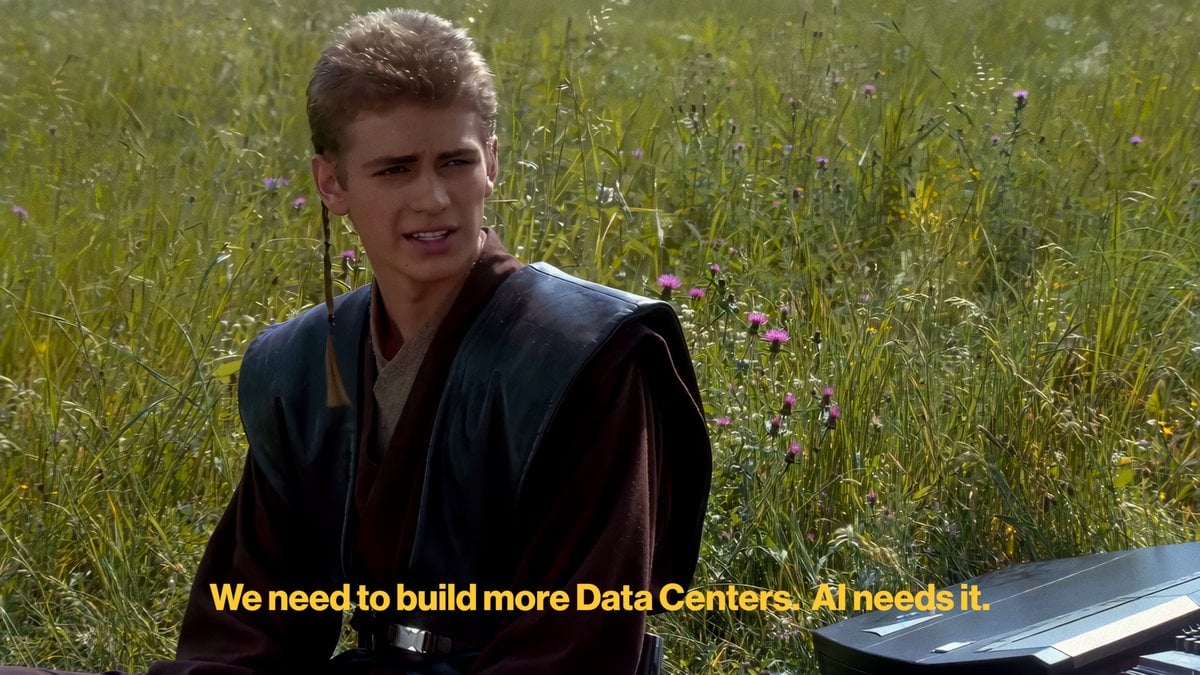
AI Discourse Meme Summary Prompt (Chinese & English)
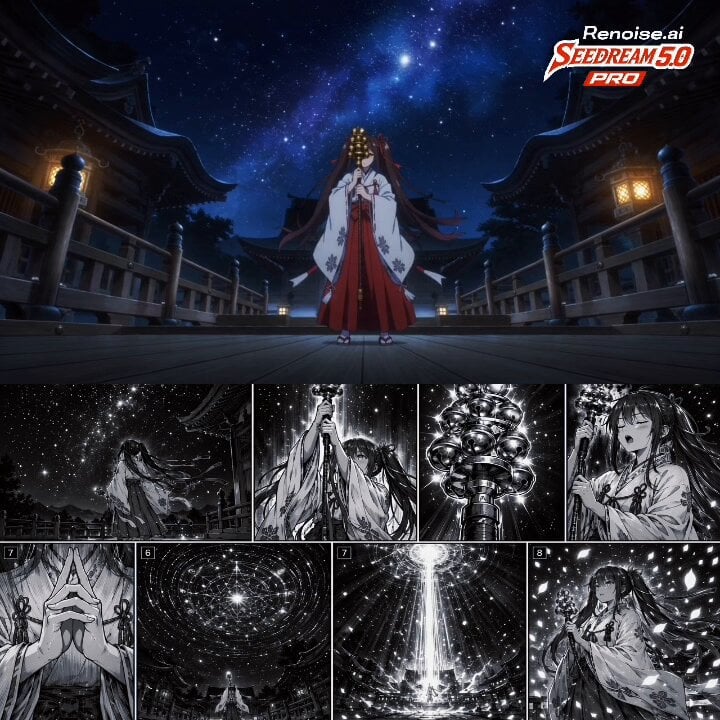
Japanese Anime Cinematic Animation

Chibi Phoebe Anime Description
Browse template categories
Mecha City Transformers Cinematic Video questions
How do I use the Mecha City Transformers Cinematic Video template?
Add your photo if the template asks for one, edit the prompt if you like — the template's model and format are already selected — and press Generate. Your version opens in PicX Studio.
Can I customize the Mecha City Transformers Cinematic Video template?
Yes. You can change the subject, setting, lighting, mood, format, and available model controls before creating your video.
Is the Mecha City Transformers Cinematic Video template free?
Opening and editing this template is free. Generating uses credits, shown on the Generate button when you are signed in.
Which AI model should I use?
Start with Grok Imagine, which is the model associated with this template. You can compare another compatible model for a different finish.
Looking for something else? Browse all templates.

Your photo, any look
Thousands of ready templates for every top image and video model, from one credit balance.