
Giant Mecha Orbital Landing
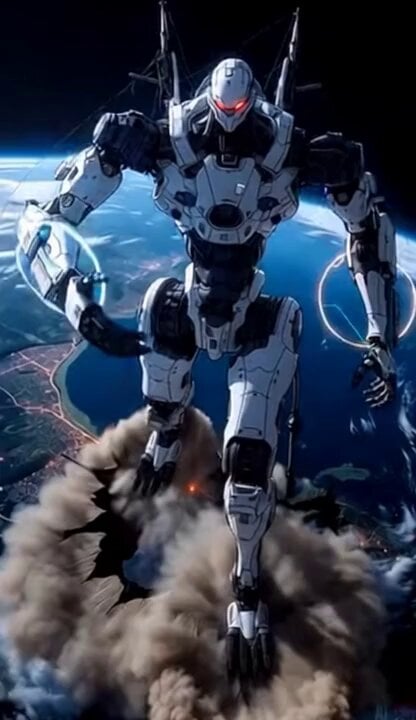
An incredibly detailed sci-fi cyberpunk prompt for a massive mecha robot landing on Earth, featuring dramatic shockwaves, neon cityscapes, and cinematic camera work.
- Prompt included
- Model and format preset
- Premium template
The prompt behind this video
Copy the exact prompt behind Giant Mecha Orbital Landing, or open it in the studio and make it yours.
Cinematic photorealistic 6-second video, ultra-detailed 8K, next-level Transformers sci-fi cyberpunk style. A colossal 200-meter tall humanoid mecha robot, sleek white-silver and matte-black armored plating with glowing cyan circuit lines and red menacing optic eyes, descends dramatically from orbit toward Earth. The massive robot lands with earth-shattering impact on the edge of a sprawling cyberpunk megacity at night — its enormous feet slamming into the atmosphere, creating a massive shockwave of dust, fire, and glowing debris that ripples across the planet's surface. Holographic energy rings and neon-blue plasma arcs swirl intensely around its powerful arms and fists. Dynamic low-angle cinematic camera slowly orbits the giant robot from below while tilting upward, capturing its god-like scale against the glowing blue Earth horizon and starry space backdrop. Flying cars and neon-lit skyscrapers visible far below. Volumetric god rays, atmospheric haze, lens flares, motion blur on fast-moving particles, hyper-realistic metallic reflections and intricate mechanical details. Cyberpunk color grading with deep blacks, vibrant neon cyan, magenta and red accents, dramatic rim lighting. Insanely detailed, photorealistic, IMAX quality, shot on Arri Alexa 65 + anamorphic lenses, directed by Denis Villeneuve and Michael Bay, 24fps, cinematic masterpiece --ar 16:9 --stylize 250 --v 6
How to use Giant Mecha Orbital Landing in 3 steps
- 1
Open
The prompt is already in the box next to the preview, with the template's model and format selected.
- 2…a portrait of your subject in softgolden-hour light, 85mm…
Personalize
Edit the subject and creative details for your destination.
- 3Generate
Generate
Press Generate — your video is created in PicX Studio, so you can compare it with the original and refine one variable at a time.
More like this
Templates with the same subject, style or setup. Open one to see its prompt.
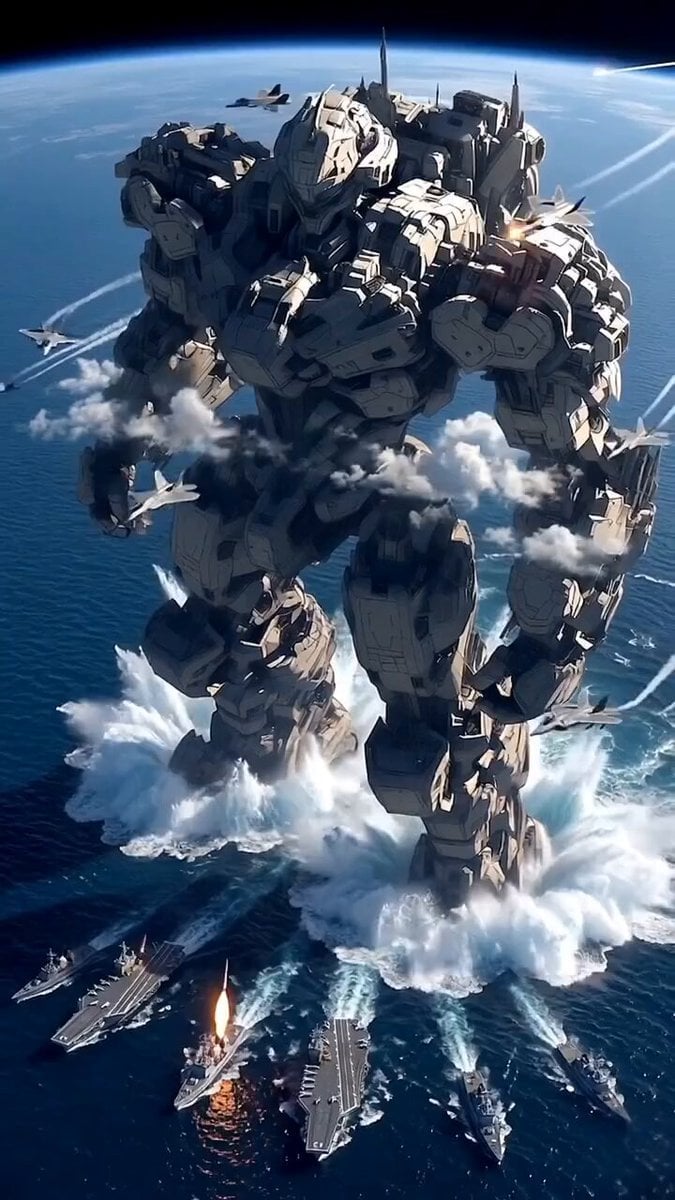
Giant Mecha Naval Battle

Spaceship Landing on Alien Planet
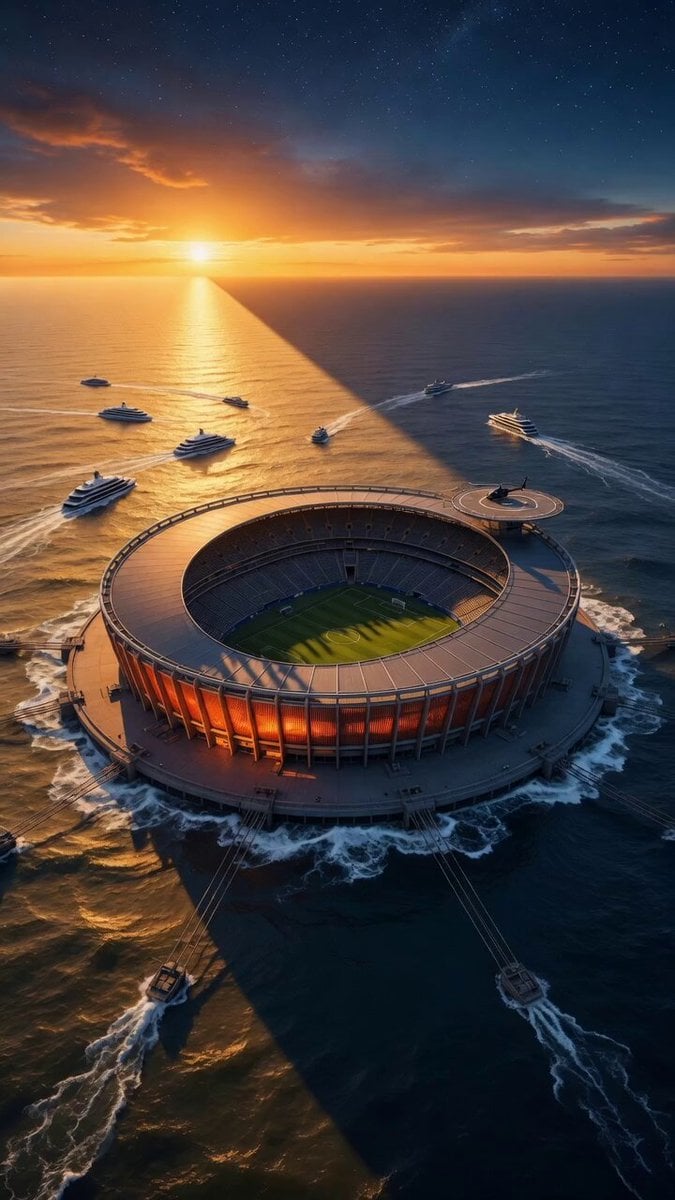
Orbital Drone Stadium Shot
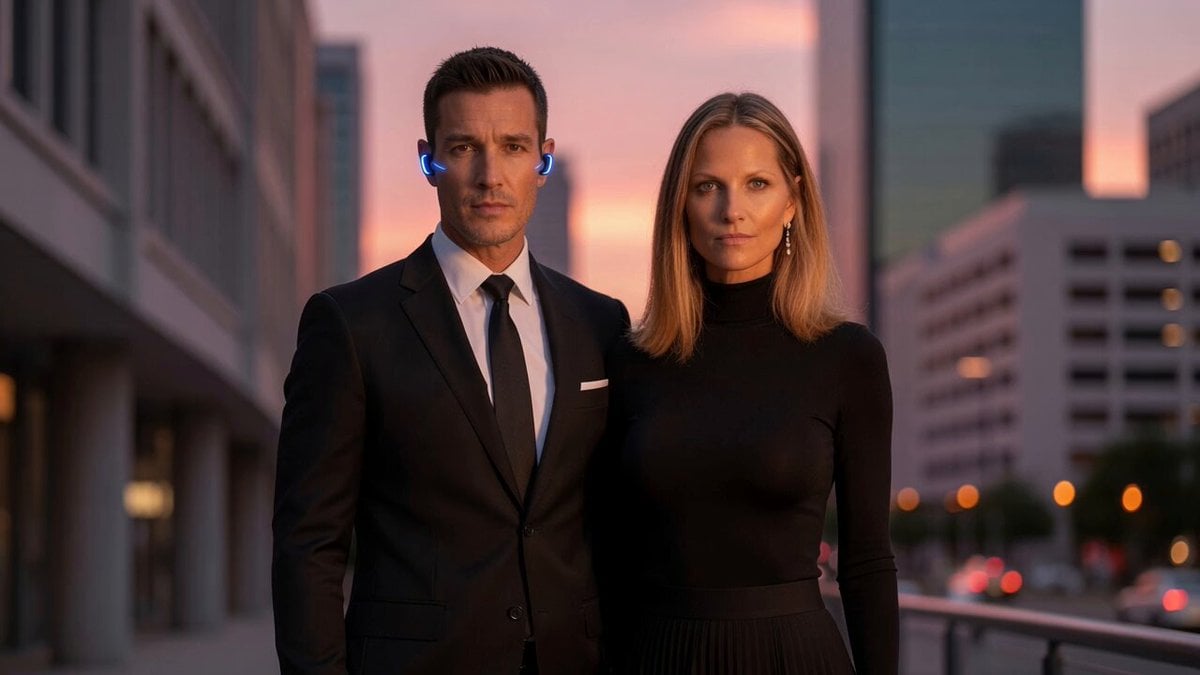
Orbital Camera Dusk Couple Scene
SpaceX Starship Orbital Drop Pods

Mecha Runway Tap Dance Video Prompt
Giant and Glowing Butterfly Story
Grok Imagine prompt for cinematic VFX scene (Scene 2 - Landing)
Spaceship Landing and Alien Departure
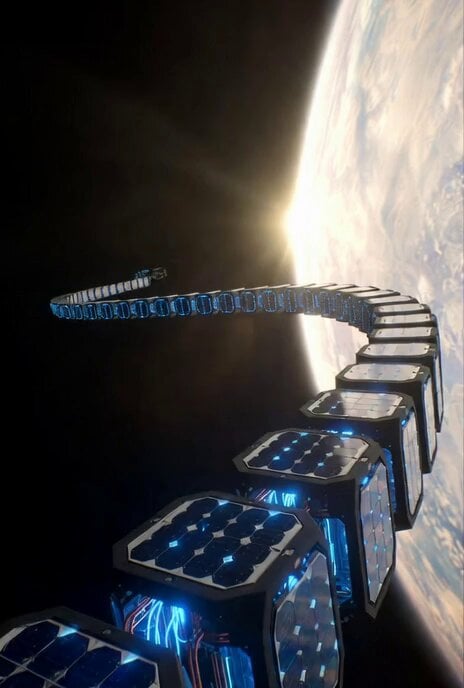
Sci-Fi Documentary Video Prompt for Orbital Solar Energy System
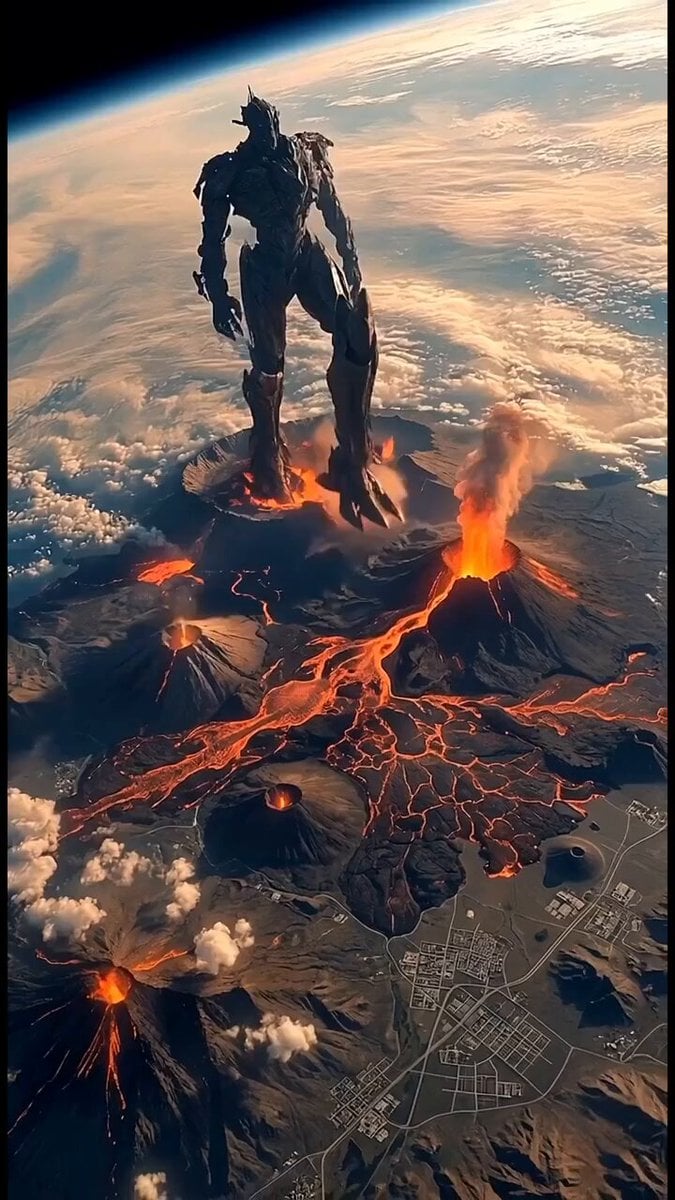
Cybernetic Giant Terraformer
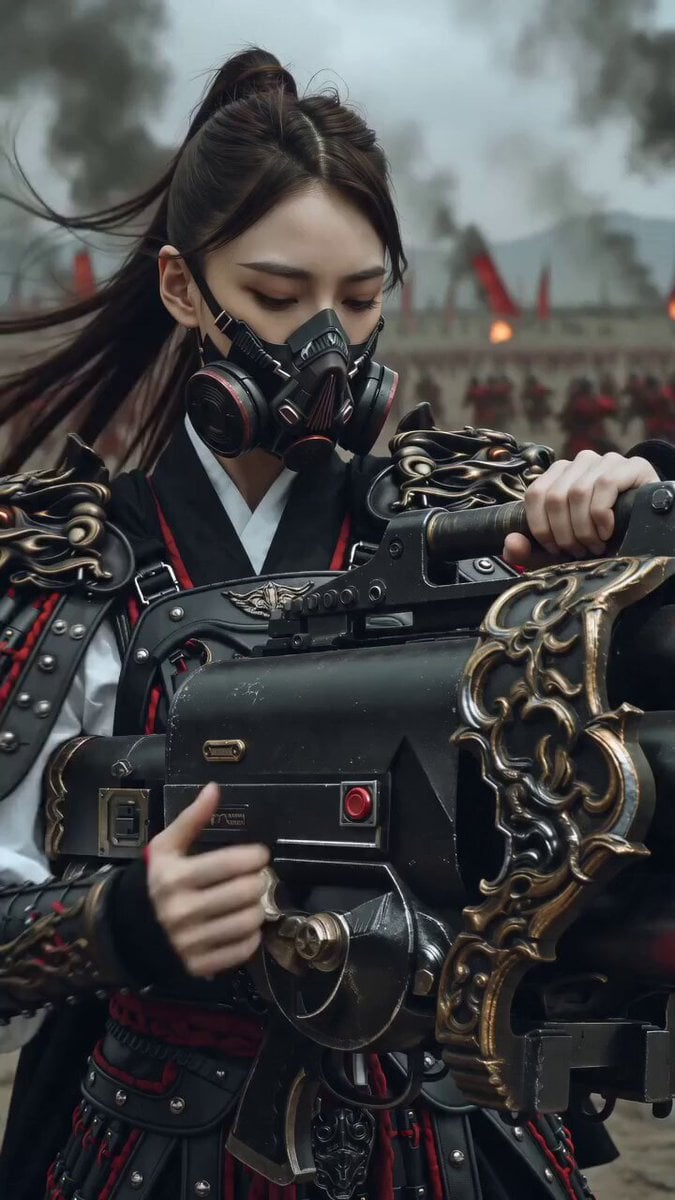
East Asian Female Warrior Mecha Transformation
Make it yours
Giant Mecha Orbital Landing works as-is. These are the safest ways to change it without losing the look.
Change one field
Copy a single group, rewrite it, and generate again so you can see what that field is doing.
Keep the frame, change the subject
Hold the composition and light of Giant Mecha Orbital Landing, then swap wardrobe, props or the person for a new take.
| If the result… | Why | Fix |
|---|---|---|
| The result drifts from the preview | Too many fields changed at once. | Reuse Giant Mecha Orbital Landing as-is first, then change one group — subject, light, or setting. |
| The model over-stylizes the scene | The prose prompt leaves finish and camera underspecified. | Add one camera or lighting sentence and stay on Grok Imagine. |
More Grok Imagine templates
Other prompts made for Grok Imagine.

America 250th Anniversary Celebration

Glowing Water Forest Night Prompt

Soft Pink Roses Dreamer Prompt

Ninja Wizard Levitation Jump

Coffee Cup Interaction Motion

Voice Controlled Water Animation

Pterodactyl Transformation Journey

Candle Mandala Mirror Video

Psychedelic Purple Disc World Video
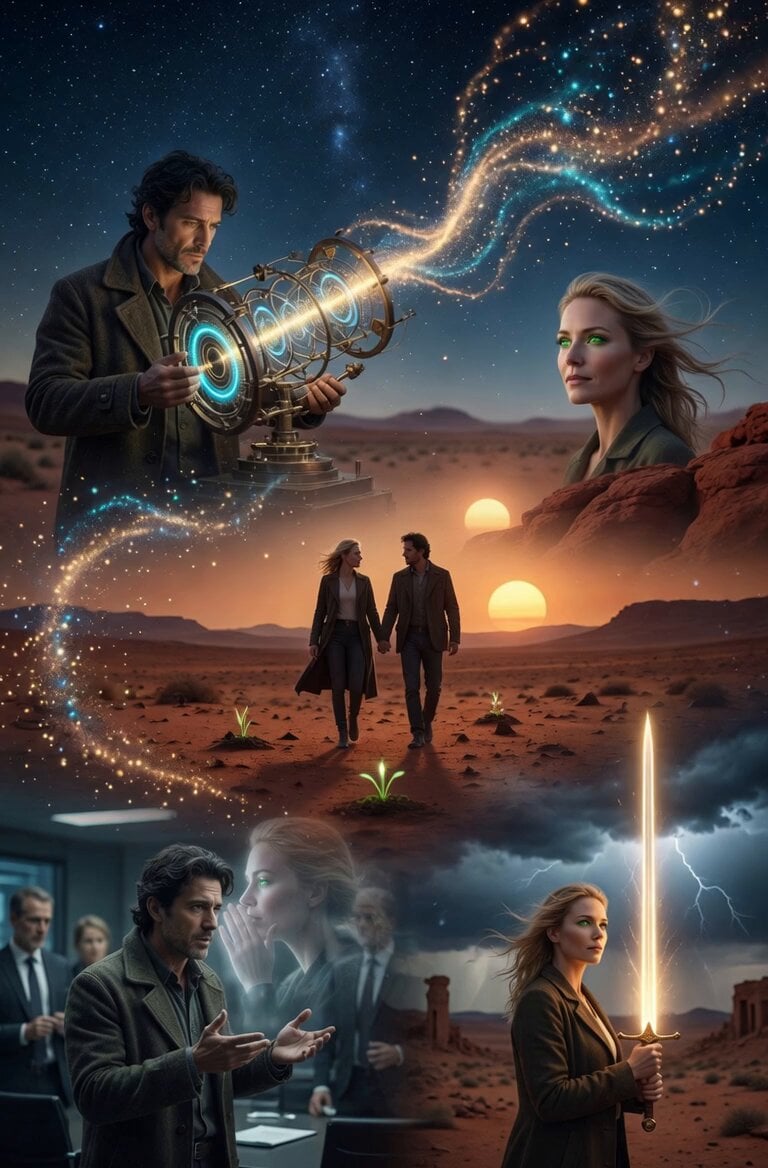
Quantum Inventor in Sonoran Desert
More video prompts
Fresh picks from across the catalog.

Steampunk Action Hero Combat
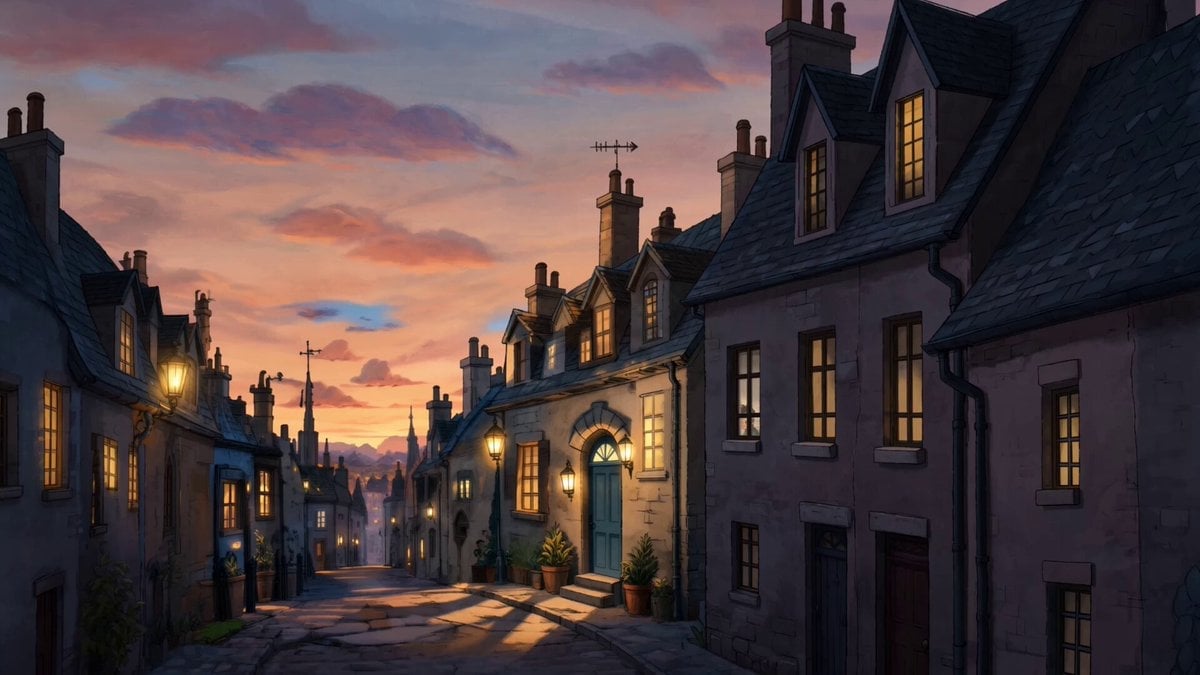
Animation Control via Storyboard Reference
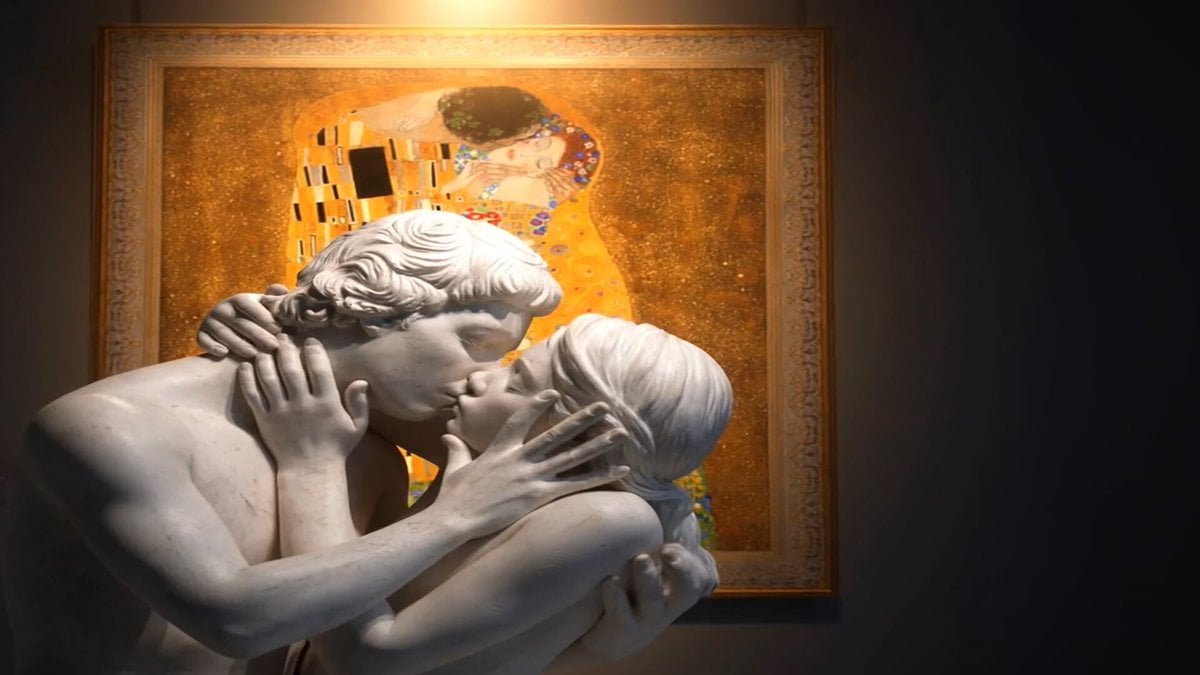
Marble Lovers Golden Kiss
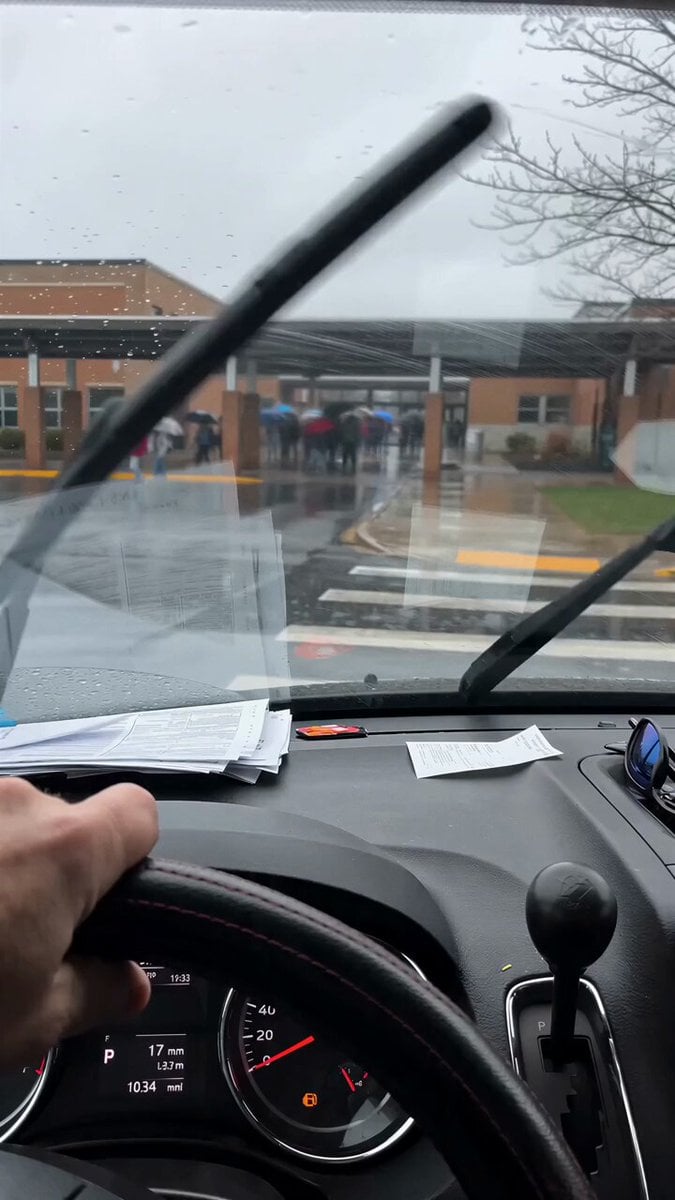
Smartphone POV Rainy School Pickup
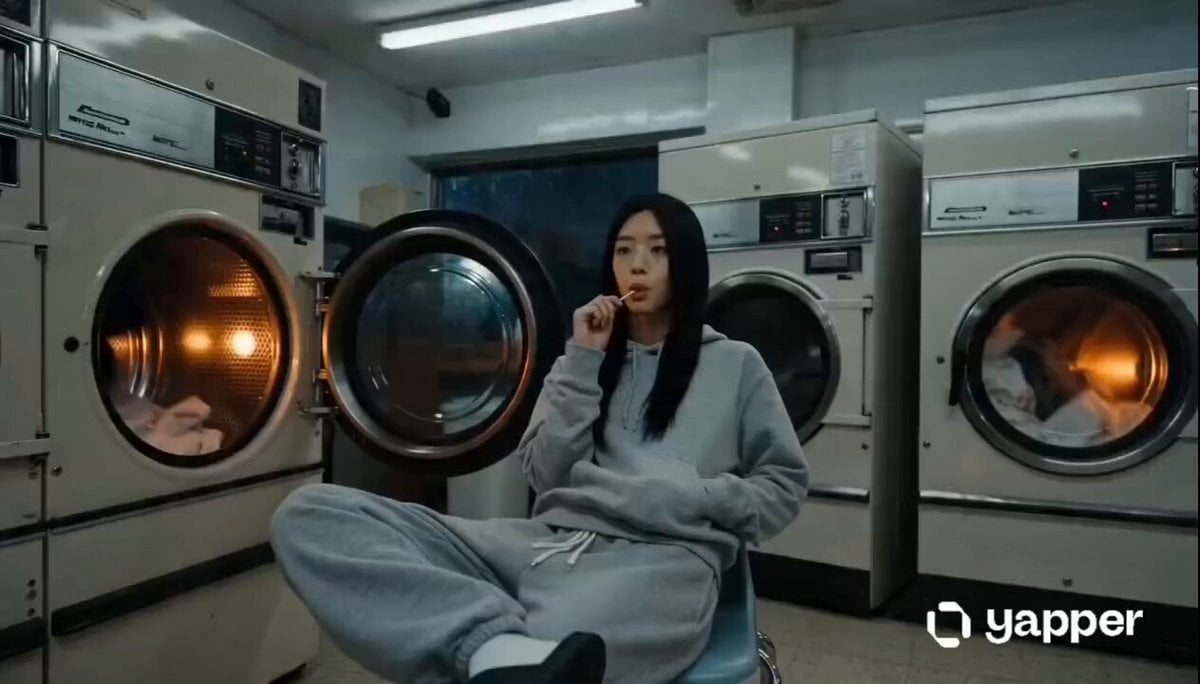
Laundromat Sci-Fi Armor Transformation
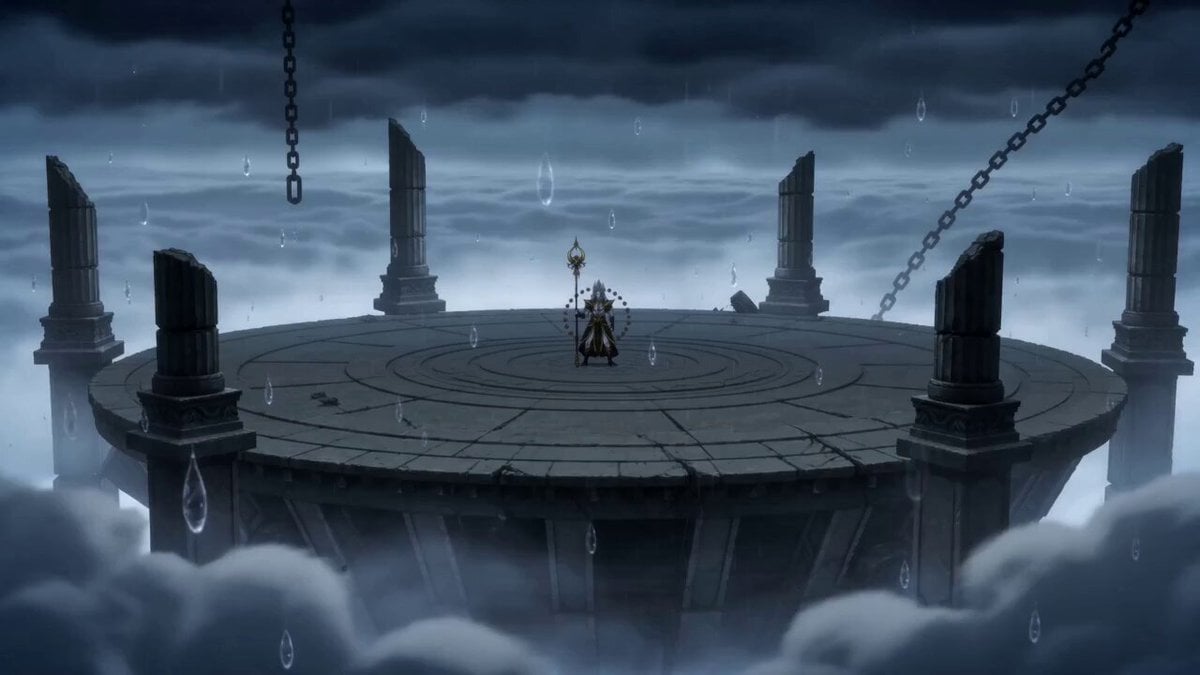
Anime Storm Emperor Awakening Ritual
Luxury Beauty Salon Brand Commercial

Wasteland Battle Cinematic Video Sequence
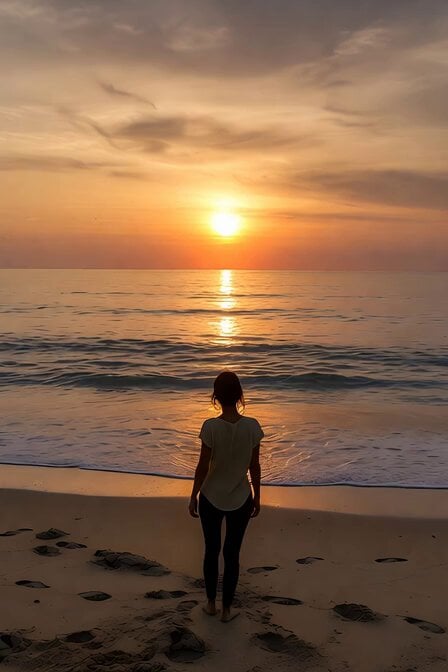
Serene Sunset Beach Scene
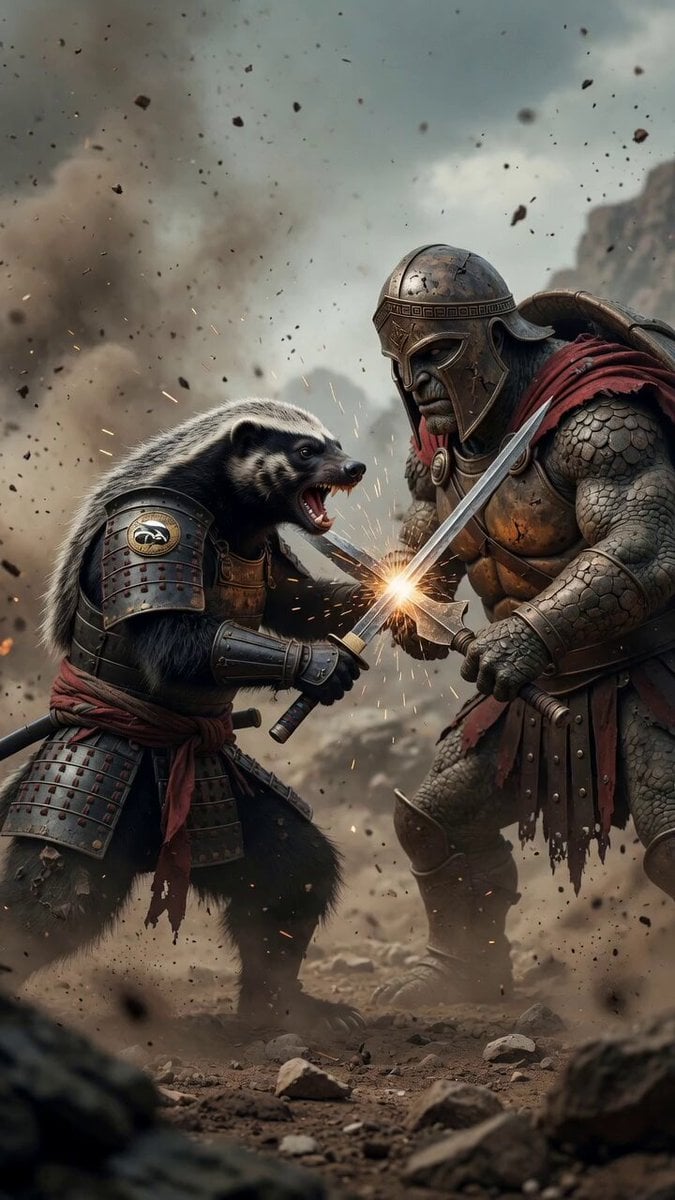
Samurai Honey Badger vs Spartan Turtle
Browse template categories
Giant Mecha Orbital Landing questions
How do I use the Giant Mecha Orbital Landing template?
Add your photo if the template asks for one, edit the prompt if you like — the template's model and format are already selected — and press Generate. Your version opens in PicX Studio.
Can I customize the Giant Mecha Orbital Landing template?
Yes. You can change the subject, setting, lighting, mood, format, and available model controls before creating your video.
Is the Giant Mecha Orbital Landing template free?
Opening and editing this template is free. Generating uses credits, shown on the Generate button when you are signed in.
Which AI model should I use?
Start with Grok Imagine, which is the model associated with this template. You can compare another compatible model for a different finish.
Looking for something else? Browse all templates.

Your photo, any look
Thousands of ready templates for every top image and video model, from one credit balance.